#01
GenImagePro
AI images
- Best for
- AI-first prompt templates
- Why choose it
- No CC subscription required
- Price
- From $2.99/mo
- Free tier
- Yes · trial
Looking for an Adobe Firefly alternative that isn't locked behind a Creative Cloud subscription, doesn't ration generations through opaque credits, and gives you more prompt control? Here are the 7 best free and paid alternatives compared in 2026.
Firefly is fine if you already pay for Creative Cloud and live inside Photoshop and Illustrator. It's the wrong tool when AI image generation is the actual job — not a side feature of a $20+/mo design suite. If you're hitting credit limits, paying for Adobe apps you don't use, or wishing the prompt control was deeper, these 7 alternatives are worth comparing on price, AI quality, and how much creative control you actually get.
Compare
Free tier, entry price, AI image strength, and who each tool fits. Click a row for the full write-up.
| Tool | Best for | FREE TIER | Price | AI images | Pick if… |
|---|---|---|---|---|---|
#01GenImagePro | Prompt templates + product visuals | Yes · trial | From $2.99/mo | You want AI image generation as the main job, not bundled into a design suite. | |
Midjourney | Stylized art & creative direction | No | From $10/mo | You want the most distinctive aesthetic and don't mind a Discord-style workflow. | |
Leonardo AI | Fine-grained control & game assets | Yes · daily tokens | From $12/mo | You want ControlNet, model picking, and tight composition control. | |
ChatGPT Image (DALL-E) | Casual gen inside a chat | Limited · ChatGPT free | ChatGPT Plus $20/mo | You already pay for ChatGPT Plus and want quick images inside conversations. | |
Ideogram | Text-in-image & poster design | Yes · daily limits | From $8/mo | You need legible typography rendered inside generated images. | |
Canva (with AI) | Templates + light AI | Yes | Canva Pro from $15/mo | You want AI as a small feature inside a template editor. | |
Microsoft Designer | Free AI inside Microsoft 365 | Yes · MS account | Free · M365 ~$69.99/yr | Your work already runs through Word, PowerPoint, or Teams. |




Read the full write-up of any tool that caught your eye in the table above. Each card covers strengths, trade-offs, real pricing, and the specific job it wins at.
Best for
Pricing
Free trial available. Paid plans from $2.99, $9.99, and $24.99.
An AI image platform with ready-to-use prompt templates for product visuals, posters, thumbnails, ad creatives, and campaign assets — no Creative Cloud subscription required.
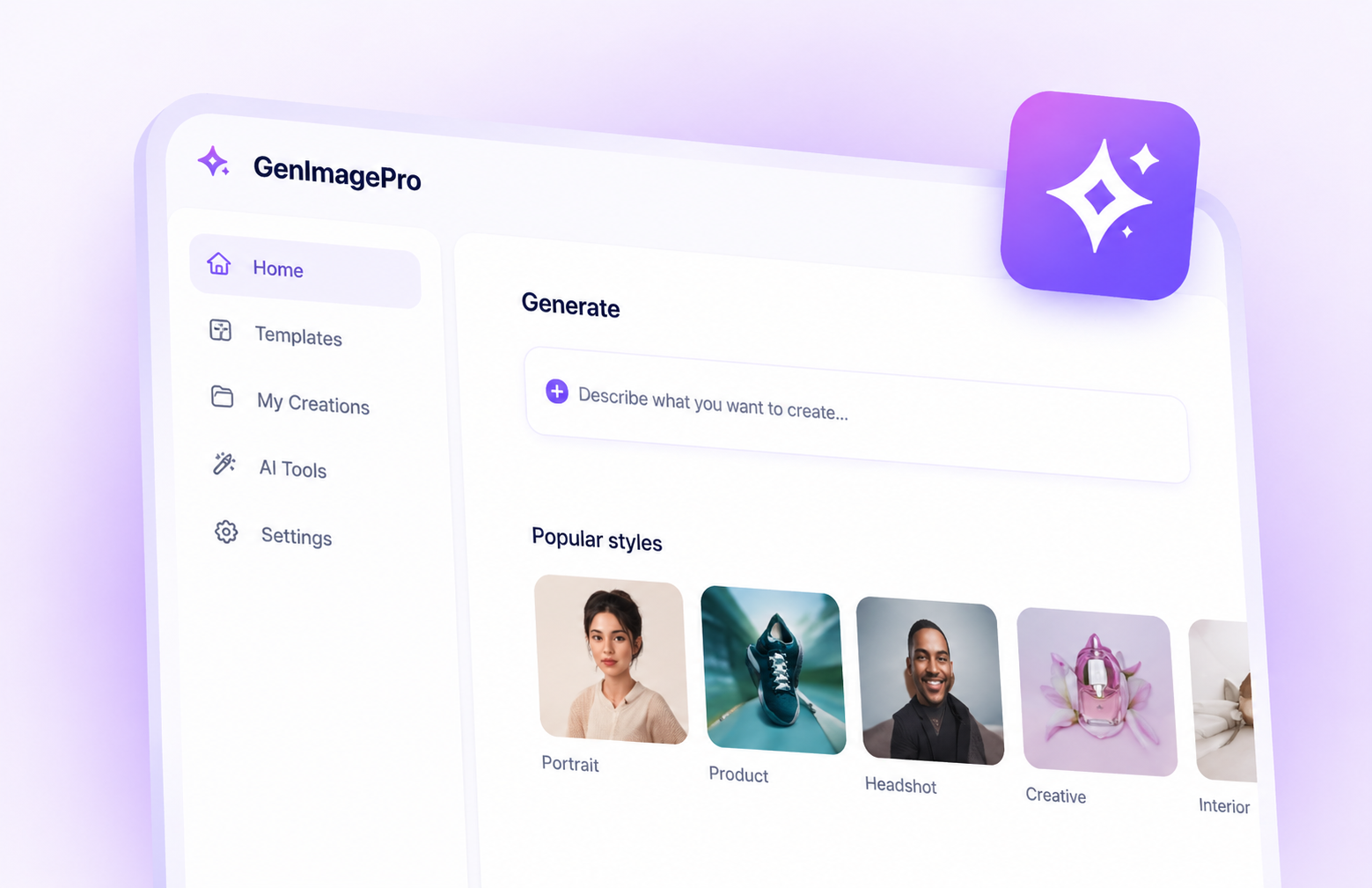
GenImagePro gives you what Firefly does — high-quality AI image generation — without the Creative Cloud subscription, the credit-counting anxiety, or the assumption that you also need Photoshop and Illustrator. Pick a prompt template (product shot, poster, ad creative, thumbnail, social post), customize it, and generate. No Discord, no node graphs, no app you don't want to learn.
Pros
Cons
Best pick when AI image generation is the actual job — not a $20+/mo add-on to a design suite you don't need.
Best for
Pricing
No free tier. Paid plans start at $10/mo (Basic) and scale to $60/mo (Mega), with annual discounts.
The AI image tool with the most distinctive aesthetic — favored by artists, creative directors, and concept designers.
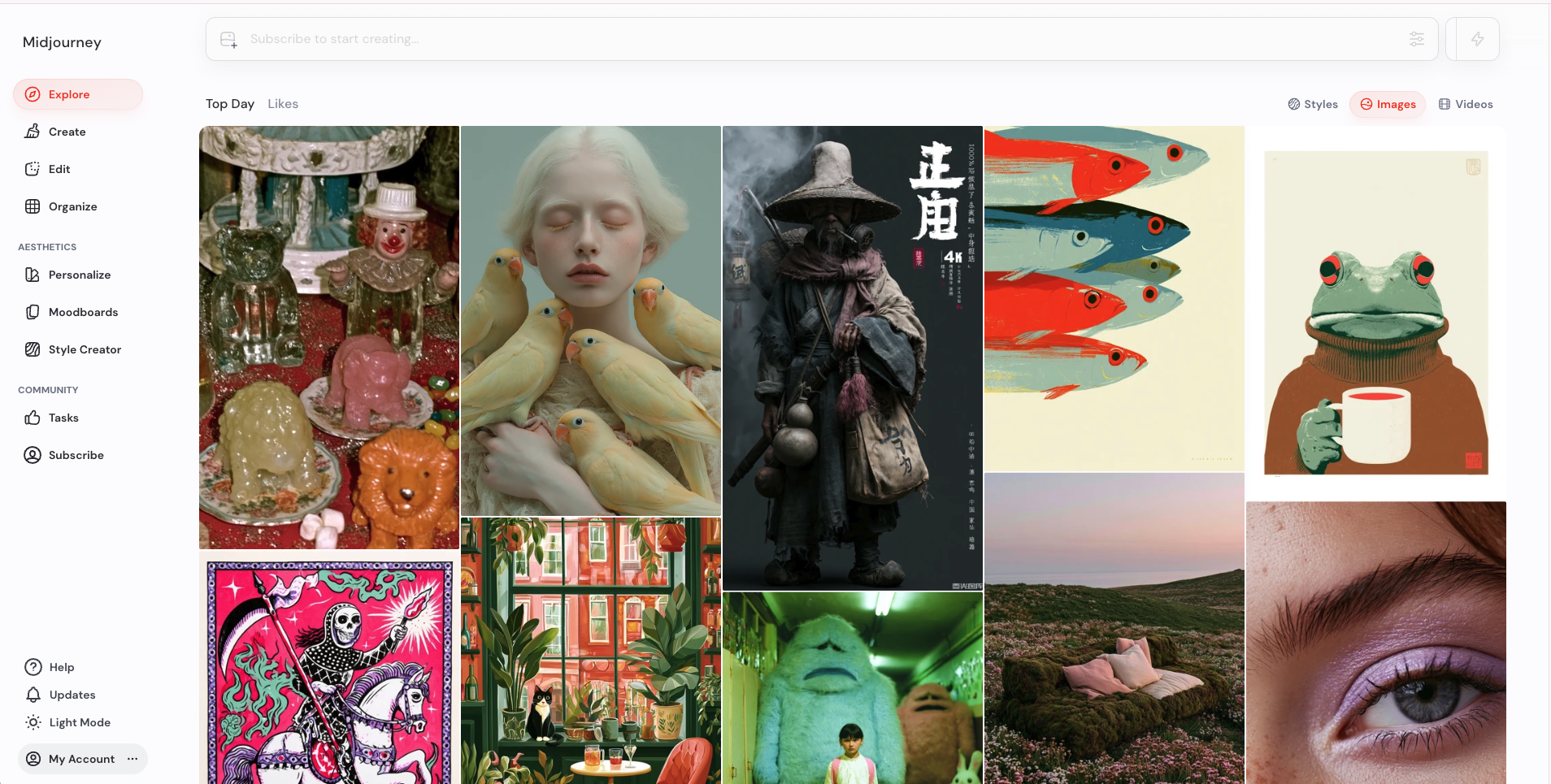
Midjourney remains the benchmark for raw aesthetic quality — its outputs feel art-directed in a way Firefly's rarely do. The trade-off is workflow: it lives in Discord (with a web UI catching up), uses a parameter-based prompt syntax, and costs roughly the same as a Firefly-via-CC subscription without any of the Adobe integration. Worth it if the aesthetic matters more than fitting into your stack.
Pros
Cons
Best pick when aesthetic quality matters more than workflow speed or commercial-shot focus.
Best for
Pricing
Free tier with daily tokens. Paid plans from $12/mo (Apprentice) to $60/mo (Maestro).
An AI image platform built for power users — model picking, ControlNet, fine-grained composition control, and a generous free tier.
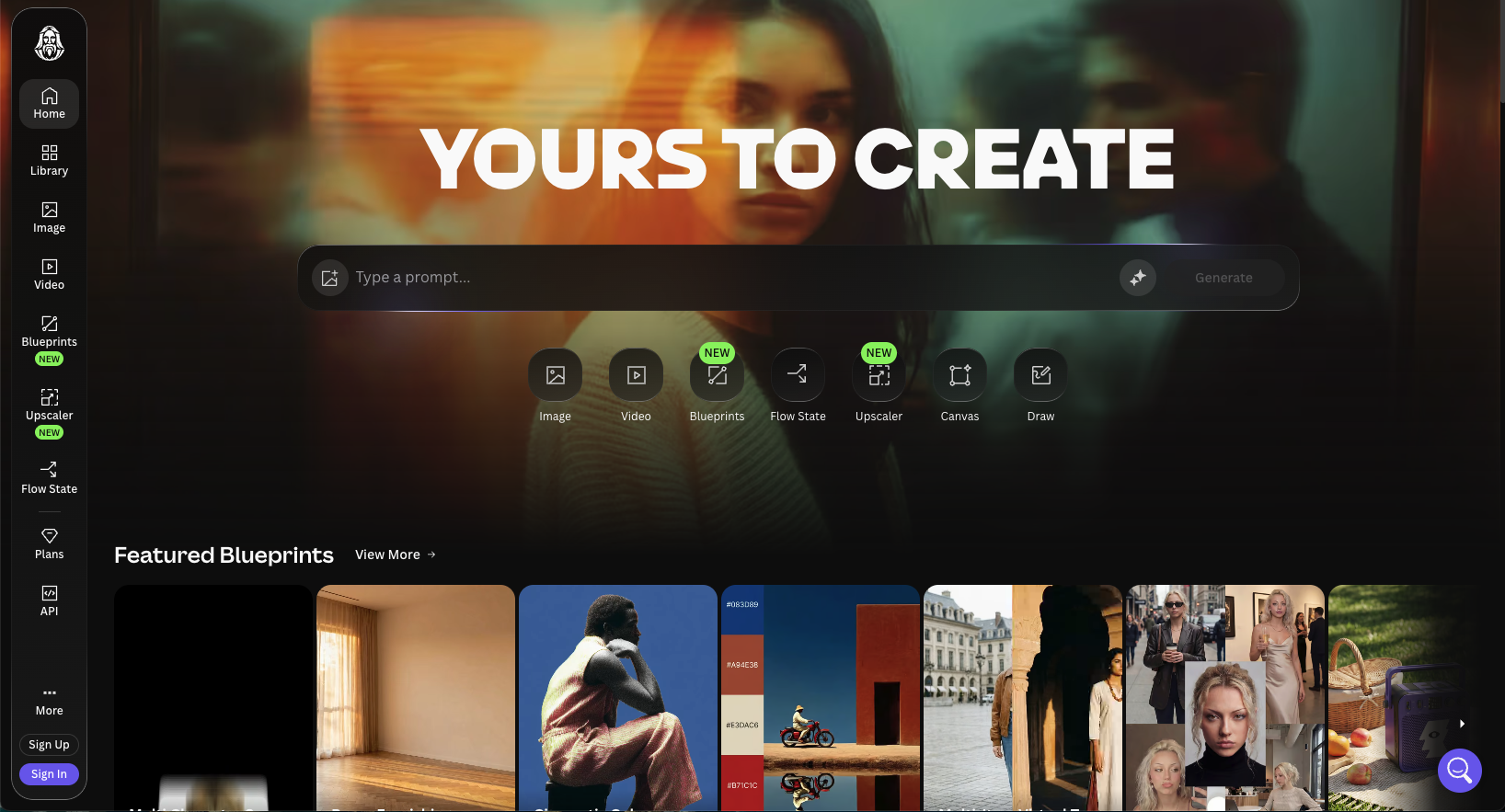
Leonardo gives you the dials Firefly hides: pick the underlying model, use ControlNet for pose and composition, apply LoRAs, regenerate specific regions. It's the closest thing to running Stable Diffusion locally without setting up your own pipeline. Less polished than Firefly's UI, but the control ceiling is much higher — which matters if you've outgrown Firefly's preset-driven approach.
Pros
Cons
Best pick when you want more control than Firefly offers and don't mind a steeper learning curve.
Best for
Pricing
Limited free tier through ChatGPT free. Full access via ChatGPT Plus at $20/mo or Pro at $200/mo. Image API pricing separate.
AI image generation built into ChatGPT — conversational prompts, iteration through chat, and broad model integration.
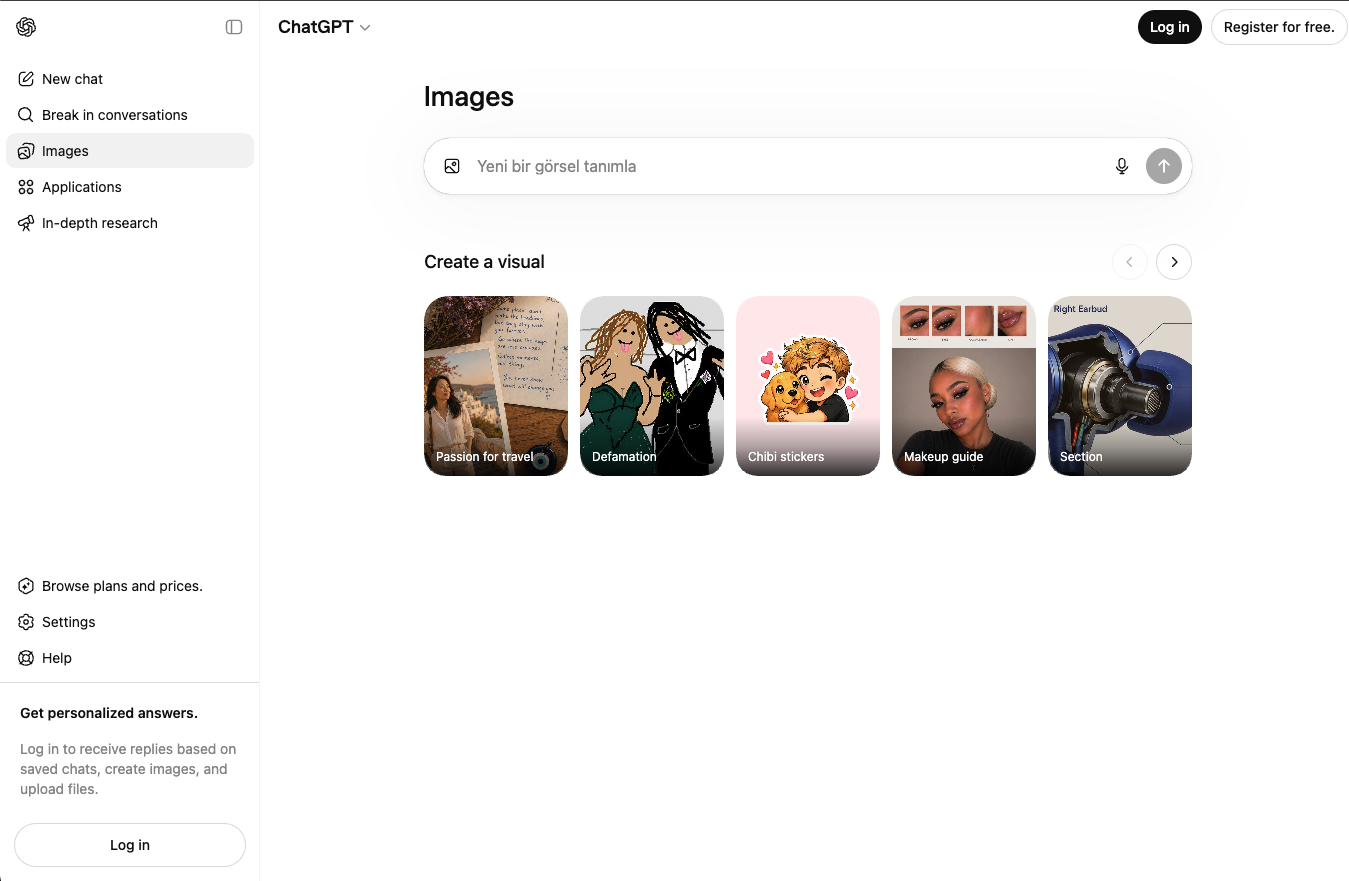
ChatGPT's image generation is the easiest AI image tool to use — describe what you want in plain English, get an image, ask for changes in plain English. The trade-off is depth: there's no model picker, no advanced parameter control, and the quality ceiling is lower than Firefly, Midjourney, or Leonardo. Best as a 'good enough' tool inside an existing ChatGPT habit.
Pros
Cons
Best pick when you already pay for ChatGPT Plus and want occasional images without learning another tool.
Best for
Pricing
Free tier with daily limits. Paid plans from $8/mo (Basic) to $48/mo (Pro), with annual discounts.
An AI image tool that actually renders text correctly — built for posters, logos, ads, and any image with words inside it.
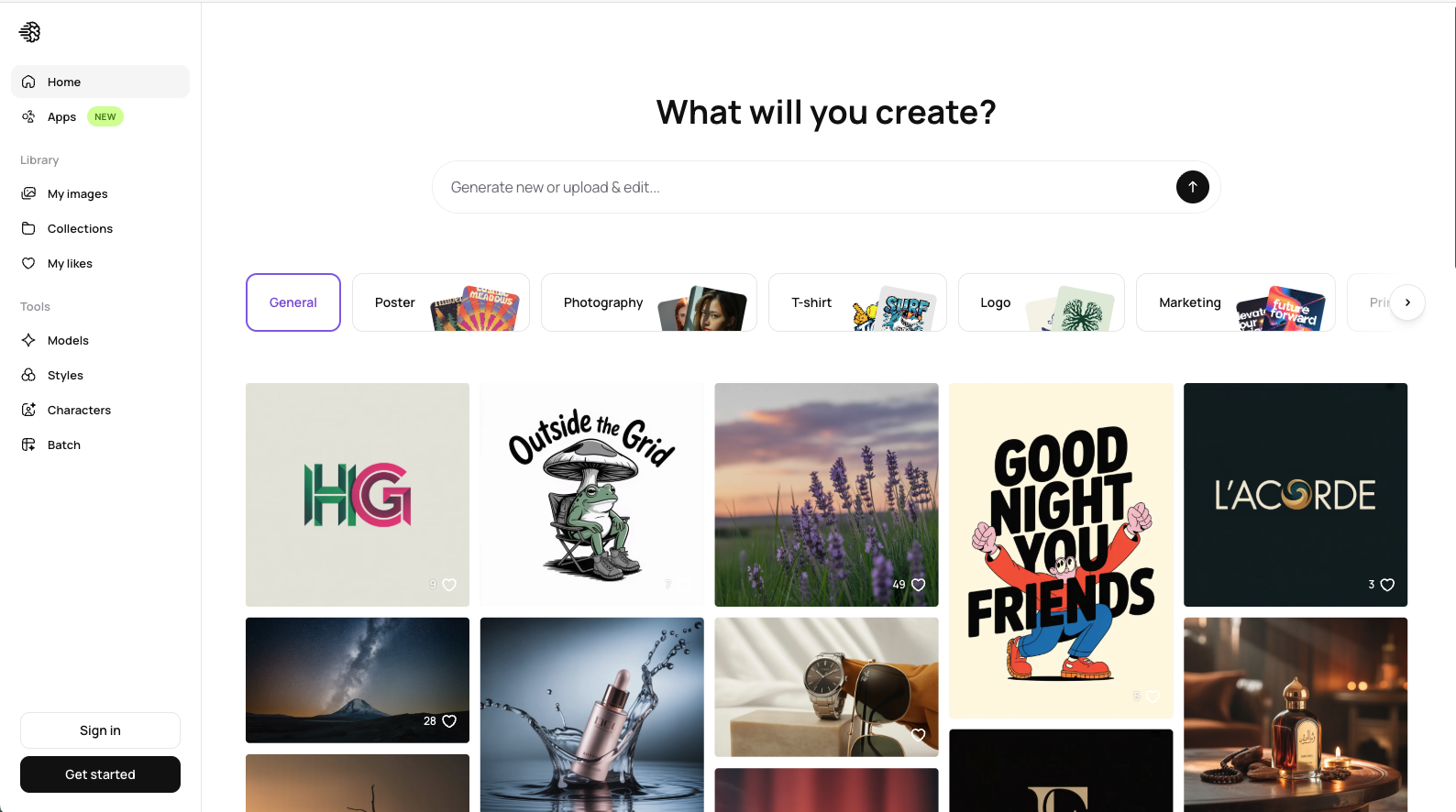
Ideogram solved the one thing every other AI image tool gets wrong: legible text inside images. Posters, ads, logos, and event graphics where the words *matter* come out clean instead of garbled. Firefly handles text reasonably but Ideogram is purpose-built for it, with a friendly UI and a usable free tier. Narrower than Firefly overall, but a clear win in its niche.
Pros
Cons
Best pick when the image needs legible text — posters, ads, logos, event graphics.
Best for
Pricing
Free plan available. Canva Pro from $15/mo with full AI features and brand kit access.
The default template-based design tool, with AI features added on top for quick generation inside an editor most people already know.
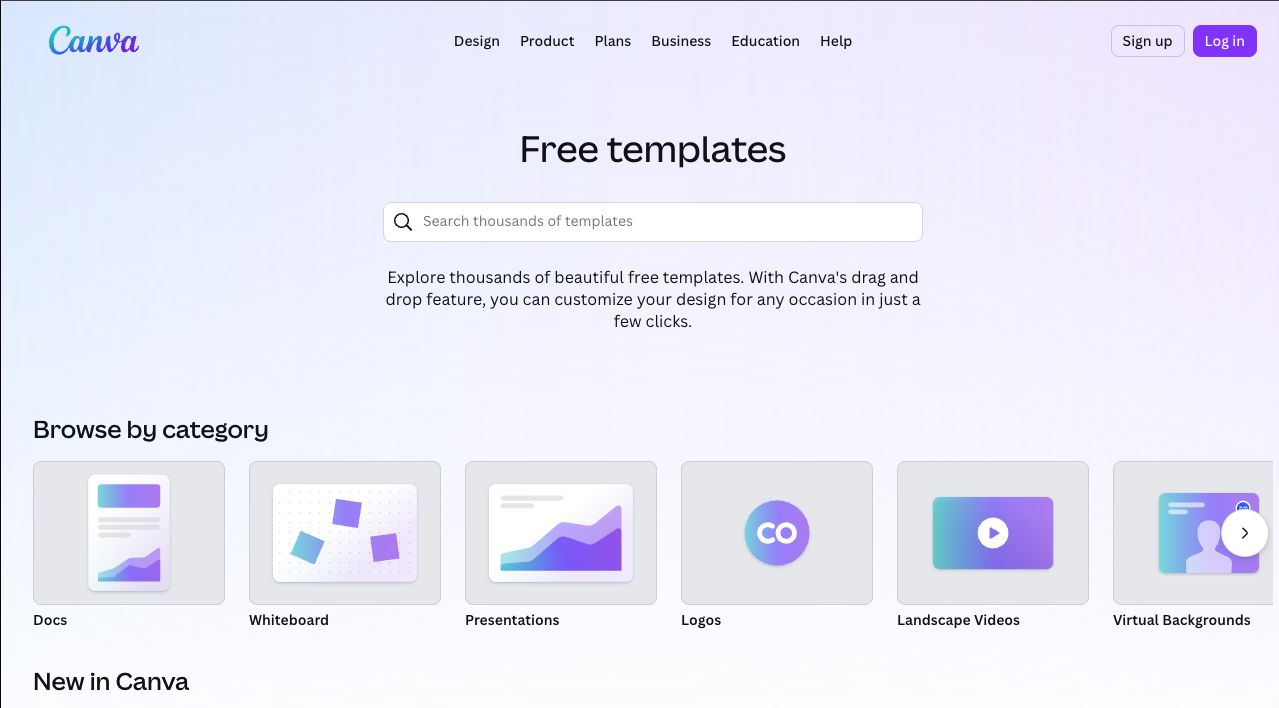
Canva keeps adding AI features — Magic Studio, text-to-image, magic edit — but they're features inside a template editor, not the main event. For users who'd rather start from a layout than a prompt, this is the path of least resistance. Firefly users frustrated by Adobe's complexity sometimes land here looking for simpler tools, but the AI ceiling is lower than purpose-built generators.
Pros
Cons
Best pick when you want template-based design with light AI, not AI-first generation.
Best for
Pricing
Free with a Microsoft account (with limits). Heavier use bundled into Microsoft 365 Personal at ~$69.99/year (~$5.83/mo).
Microsoft's AI-powered design app — free with a Microsoft account, integrated into Word, PowerPoint, and Teams.
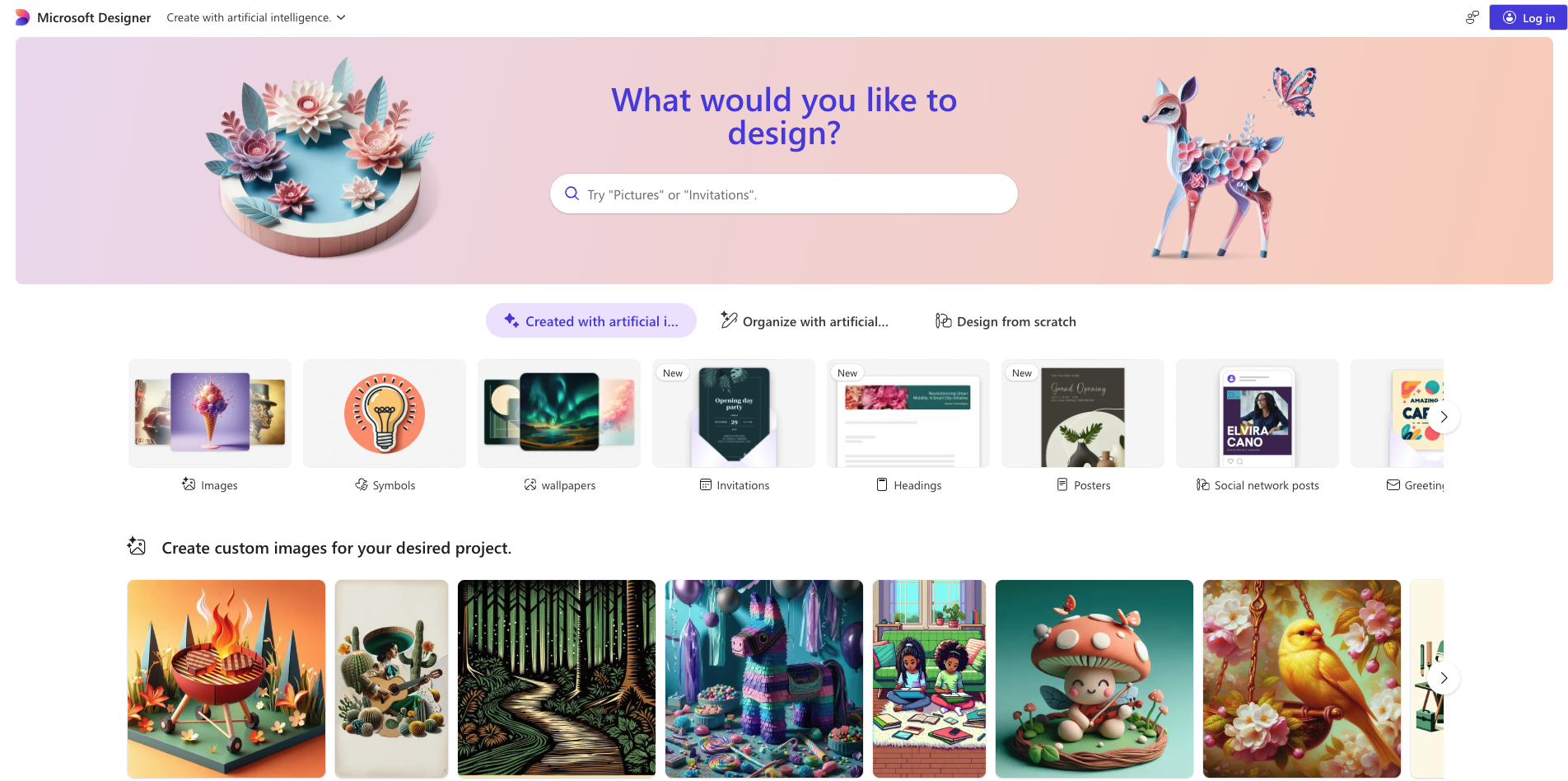
Microsoft Designer is the most underrated free AI image tool — backed by DALL-E quality, free with any Microsoft account, and integrated into apps your team probably already uses. The trade-offs are real: prompt limits, less control than dedicated tools, and a UI that prioritizes simplicity over depth. But for casual use, it's hard to beat on price.
Pros
Cons
Best pick when Microsoft 365 is already your hub and you want free AI graphics without another subscription.
Join thousands of creators and businesses already using GenImagePro.
FAQ
Pricing, Creative Cloud lock-in, credit limits, and picking the right AI image tool for your actual workflow.
Same format, different tools — open another alternatives guide.
Canva Alternatives
Beautiful designs made easy. See top AI design tools.
Explore guideChatGPT Image Alternatives
Dedicated workflows beyond chat-based image limits.
Explore guideLeonardo AI Alternatives
Generate stunning art with more options.
Explore guide
Nano Banana Alternatives
Fun, fast, and surprisingly powerful.
Explore guideMidjourney Alternatives
Explore other ways to imagine.
Explore guideAll AI Image Comparisons
Browse all guides in one place.
Explore guide