


01
Choose the look you need
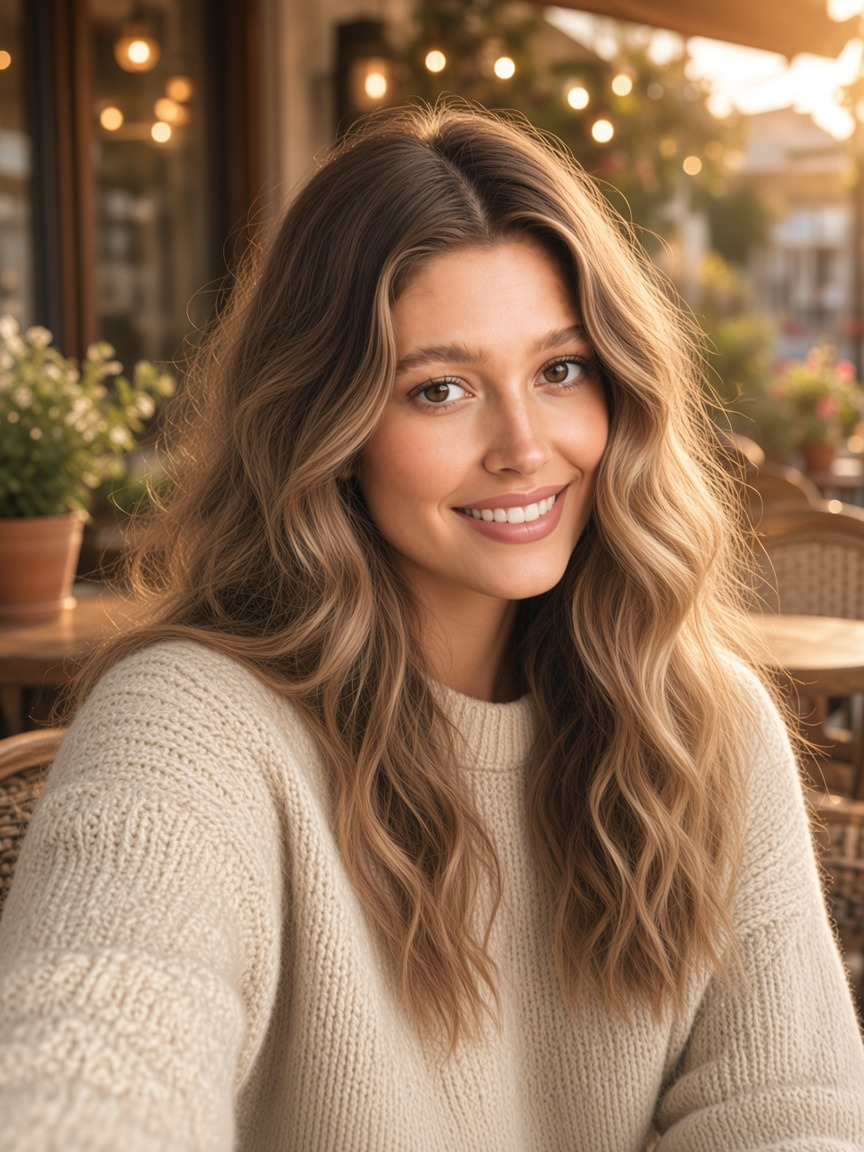
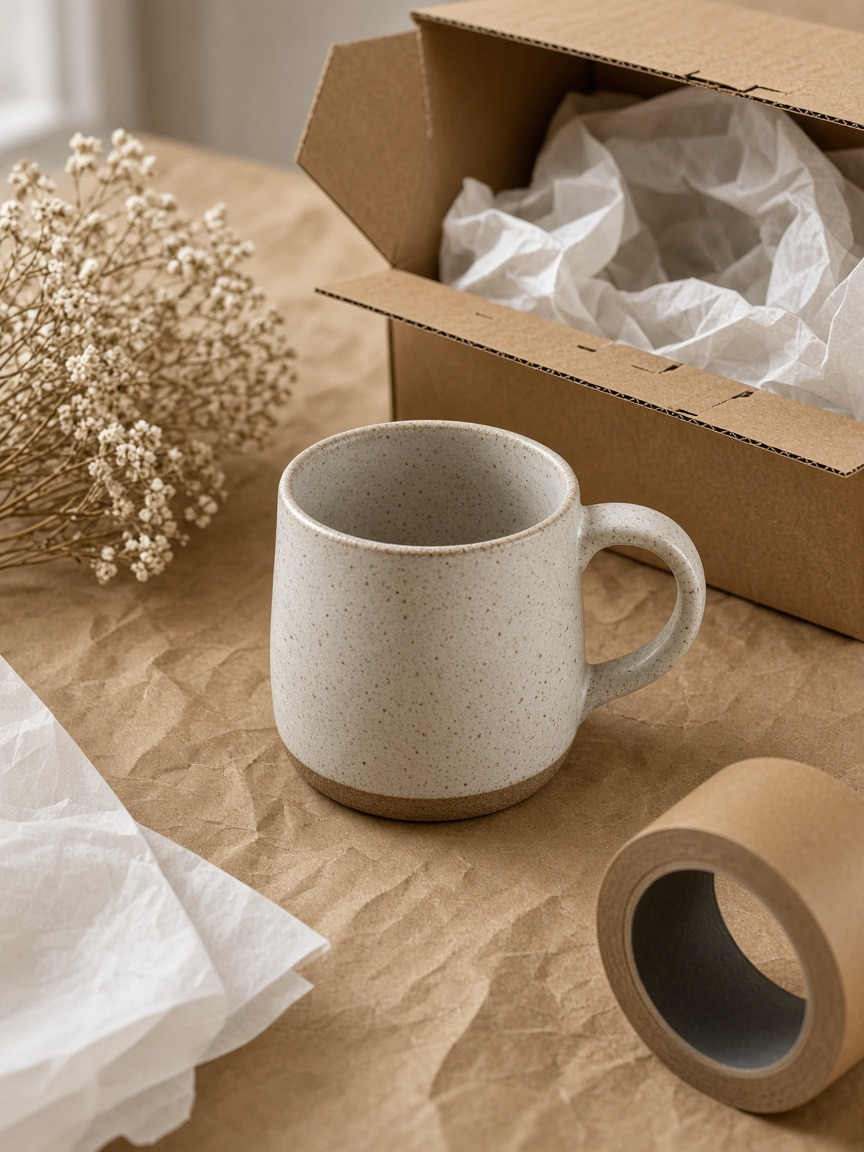
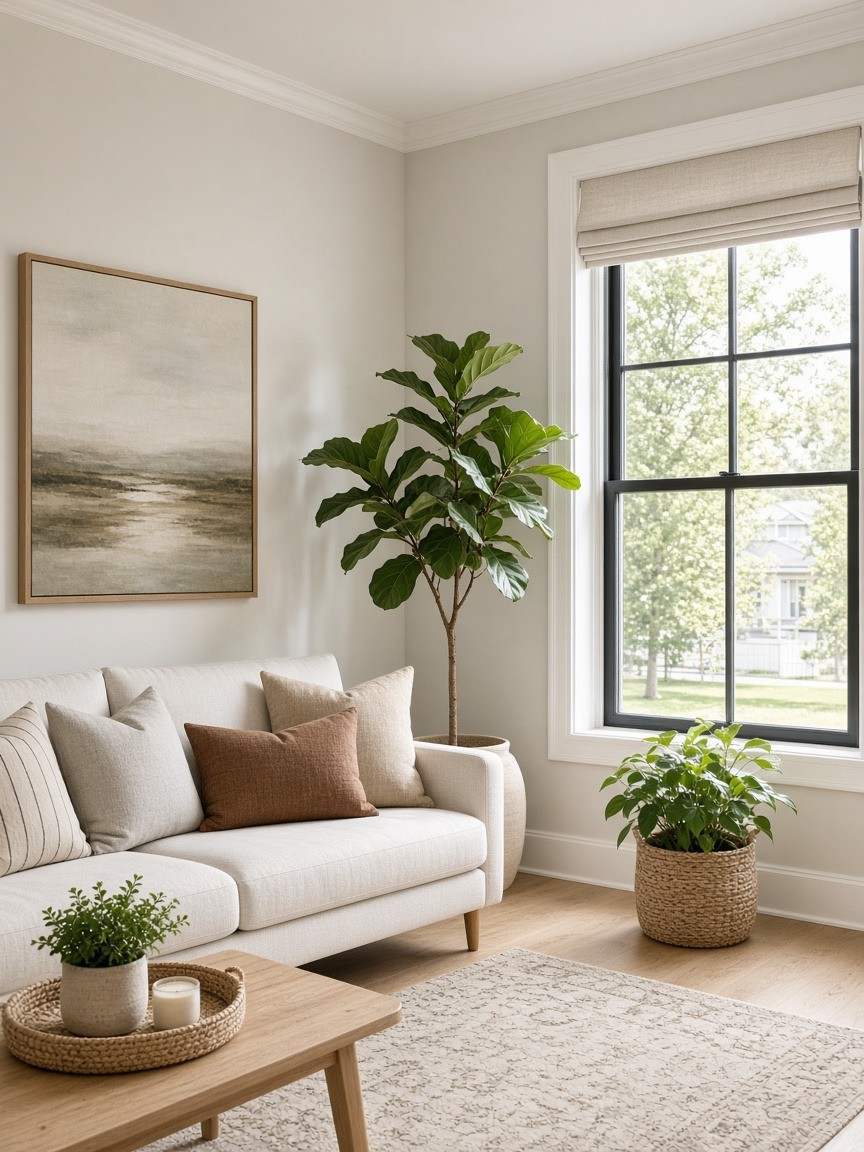
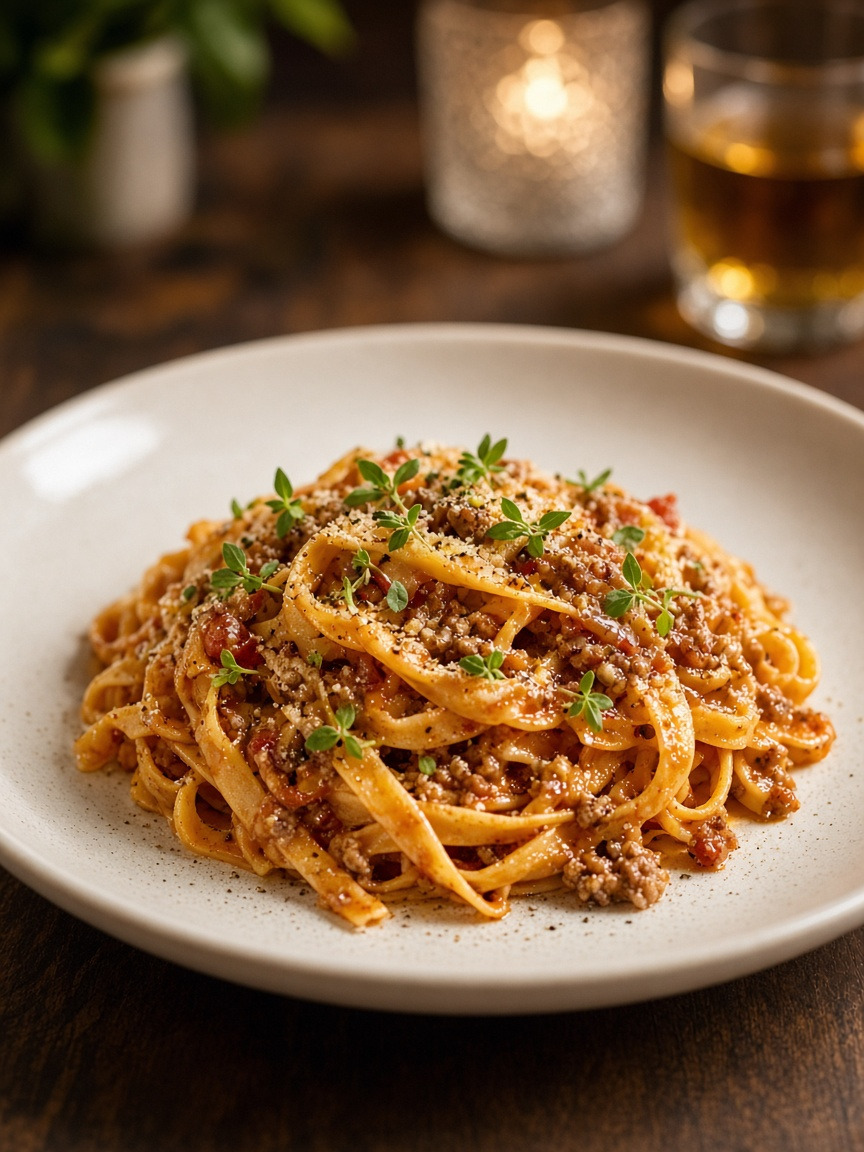
Pick a direction—headshot, product listing, room staging, food, creative effects, and more.
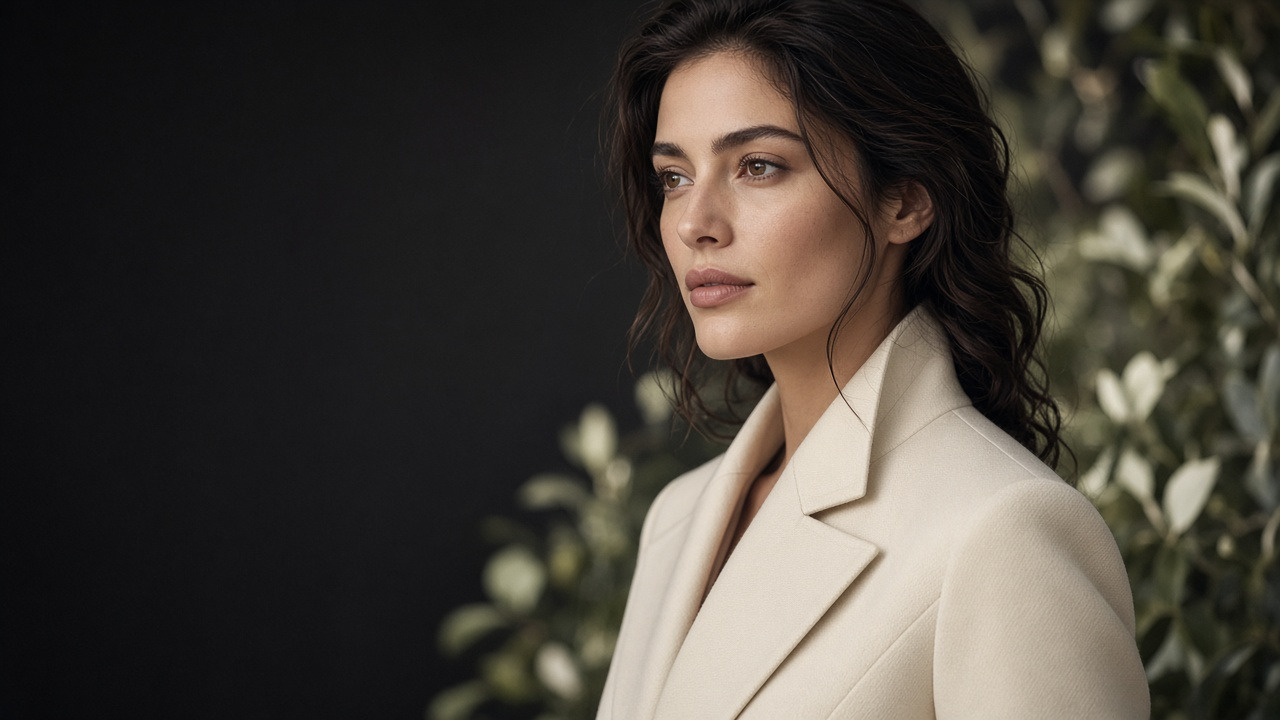
AI Photo Generator
GenImagePro turns the photos you already have into polished headshots, product shots, rooms, food, pets, and more—fast, realistic, ready to use.
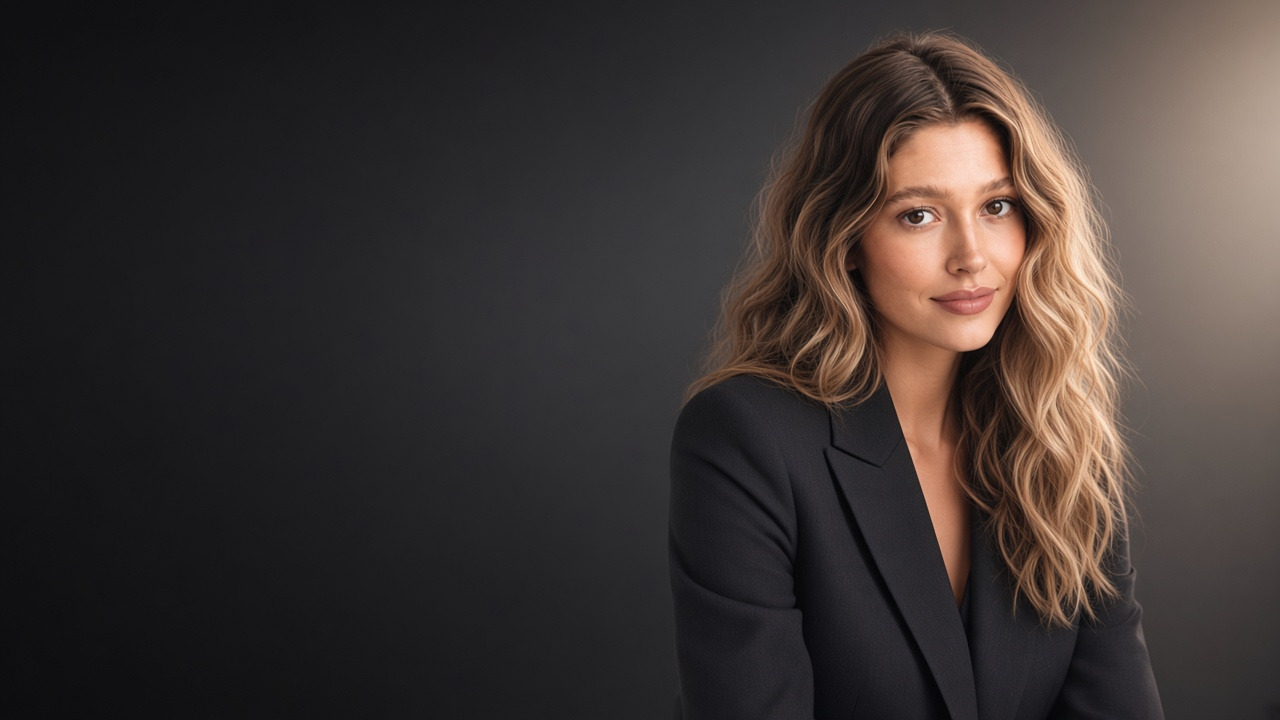
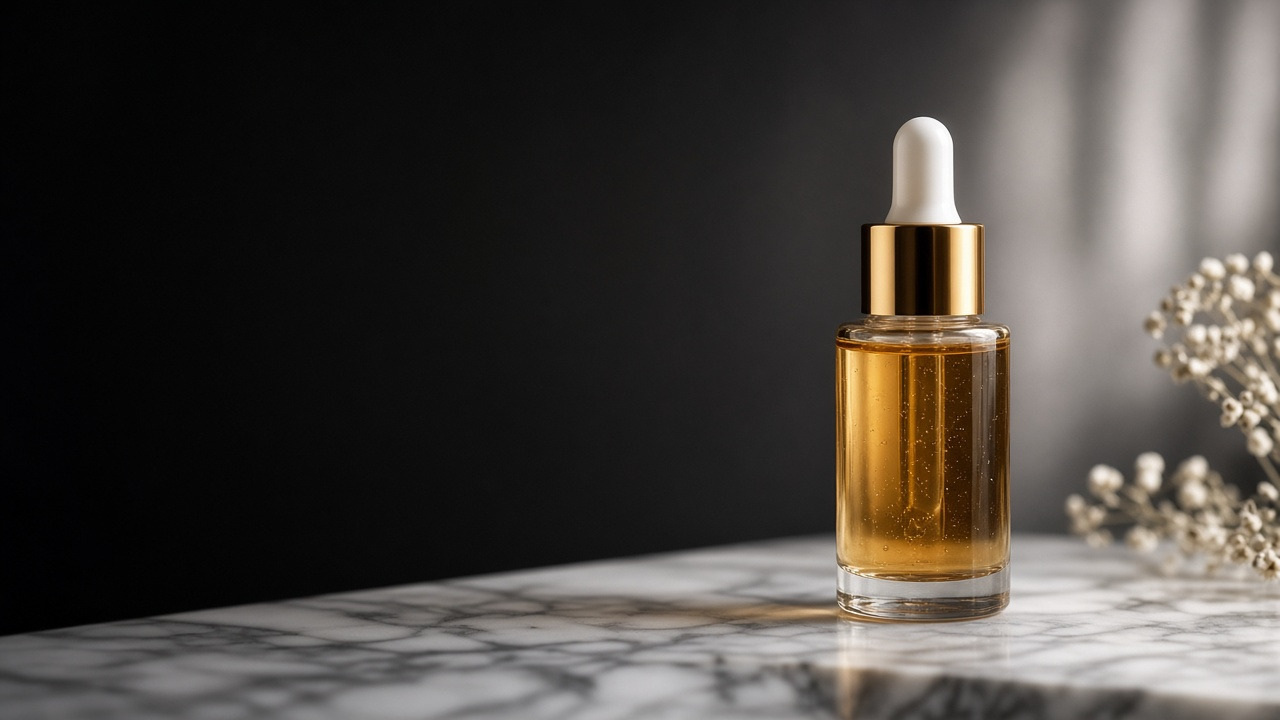
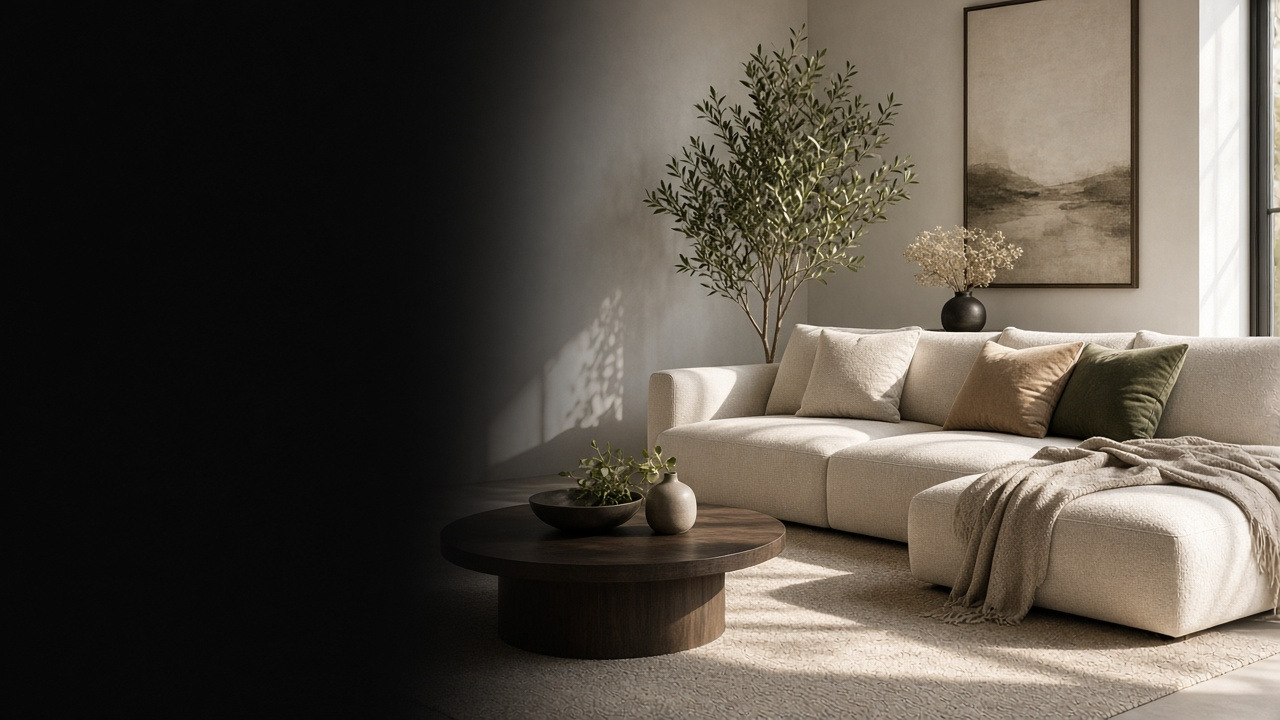
Headshots, products, rooms, and more.
Compare directions in seconds.
Listings, social, and print-friendly.
Upload a photo you already have—then generate looks for creators, sellers, professionals, real estate, food, or pets.
Choose a look → upload → generate. Built for turning photos you already have into results you can use.
01
Pick a direction—headshot, product listing, room staging, food, creative effects, and more.
02
Selfies, desk product snaps, empty rooms, pet pics, and food plates all work as starting points.
03
Create a few directions from the same upload, then download the one you want to use.
Use cases
An AI photo generator for real outcomes: profile, listing, menu, social, or keepsake—from the photo you already have.

Professional
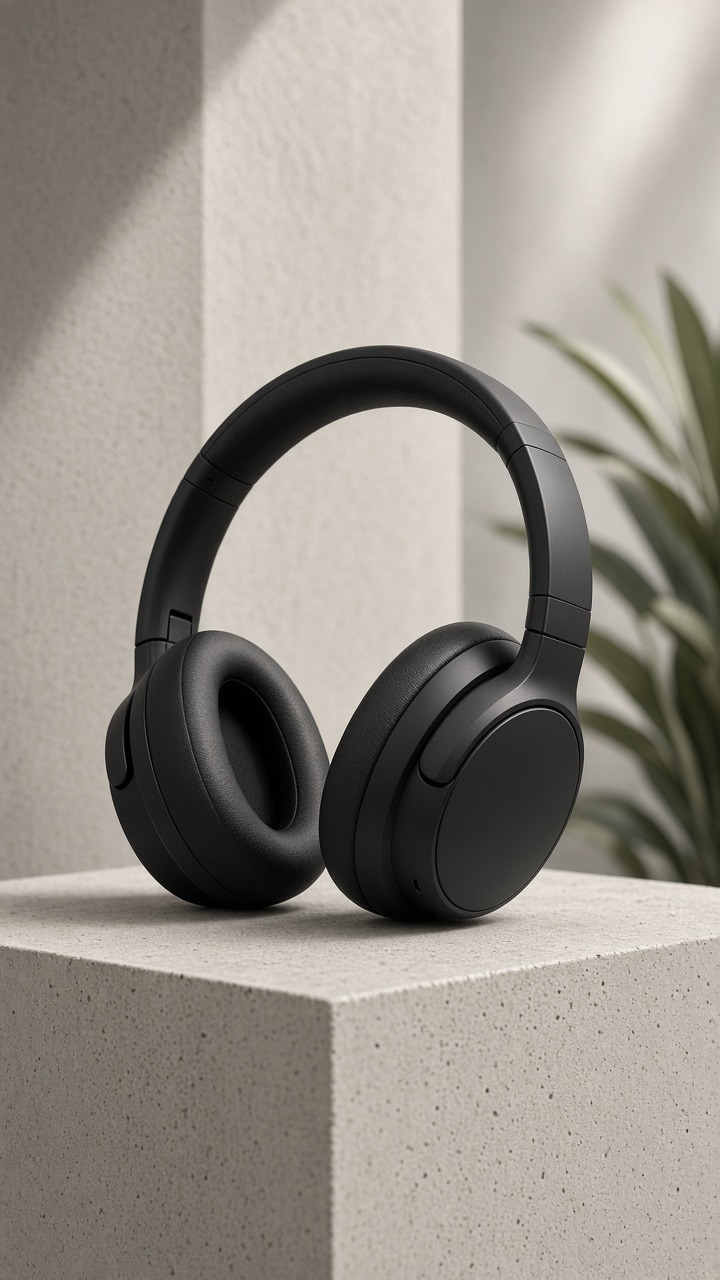
Commerce
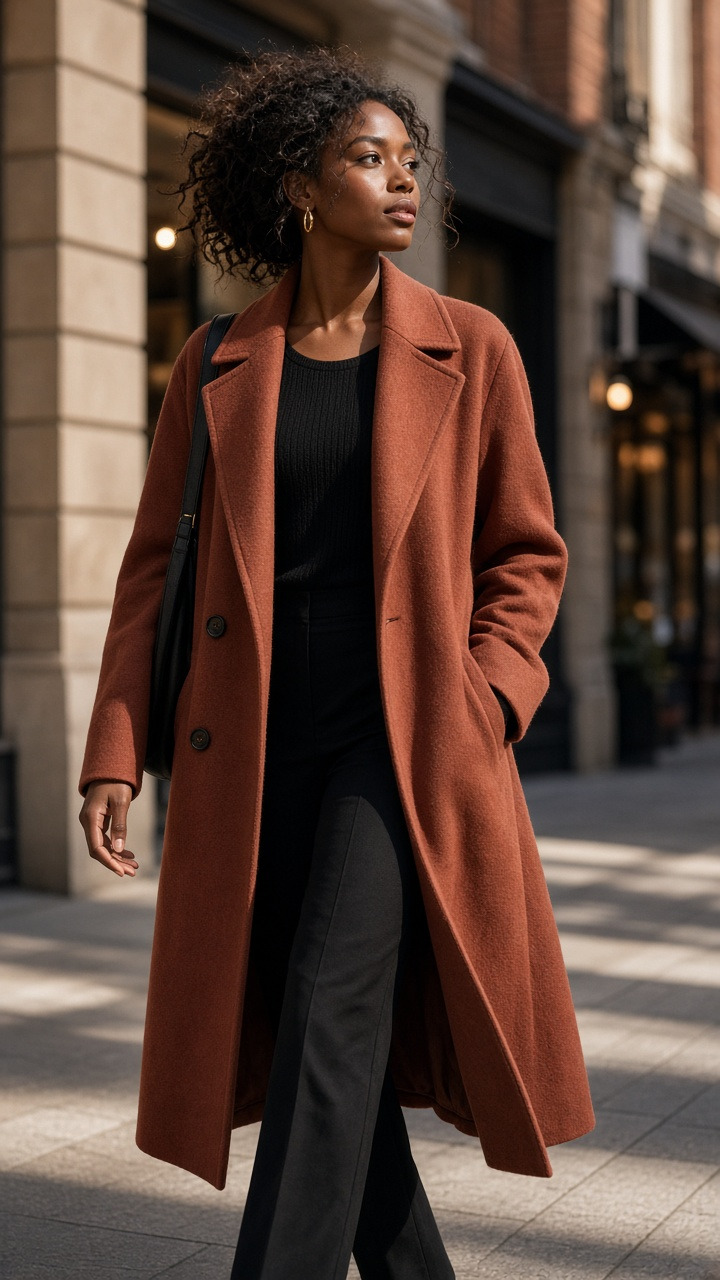
Fashion
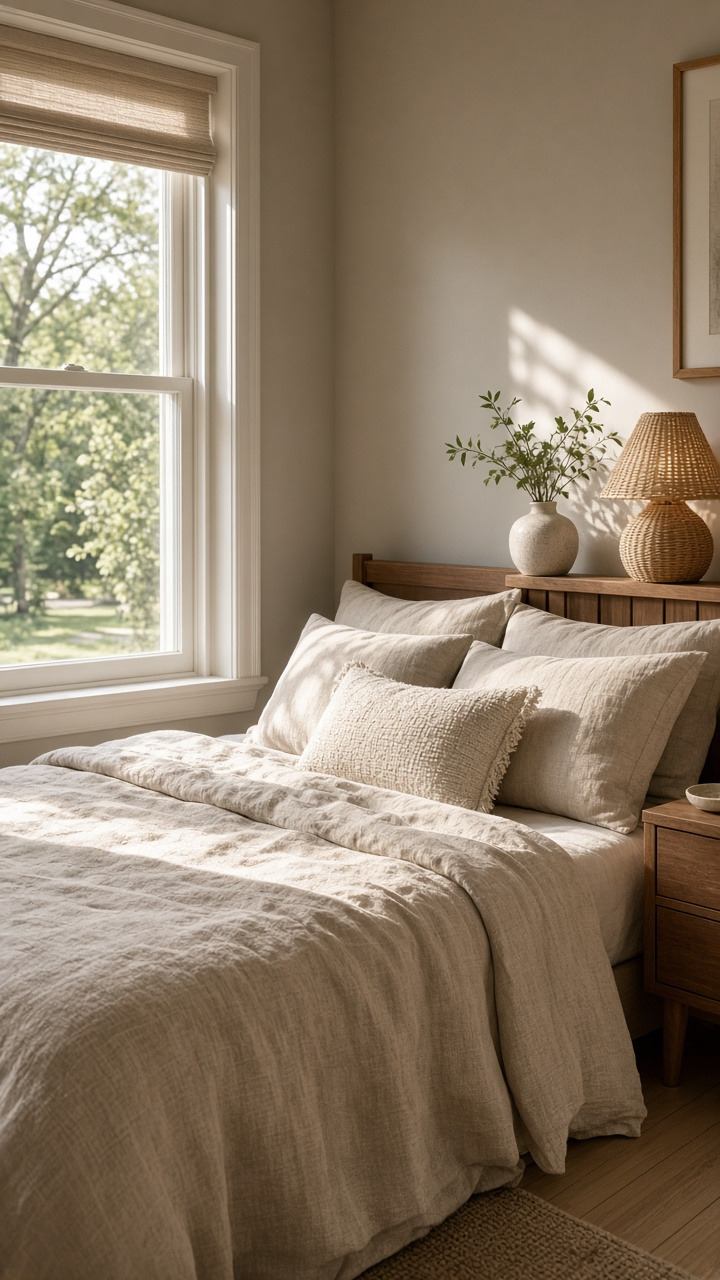
Interiors
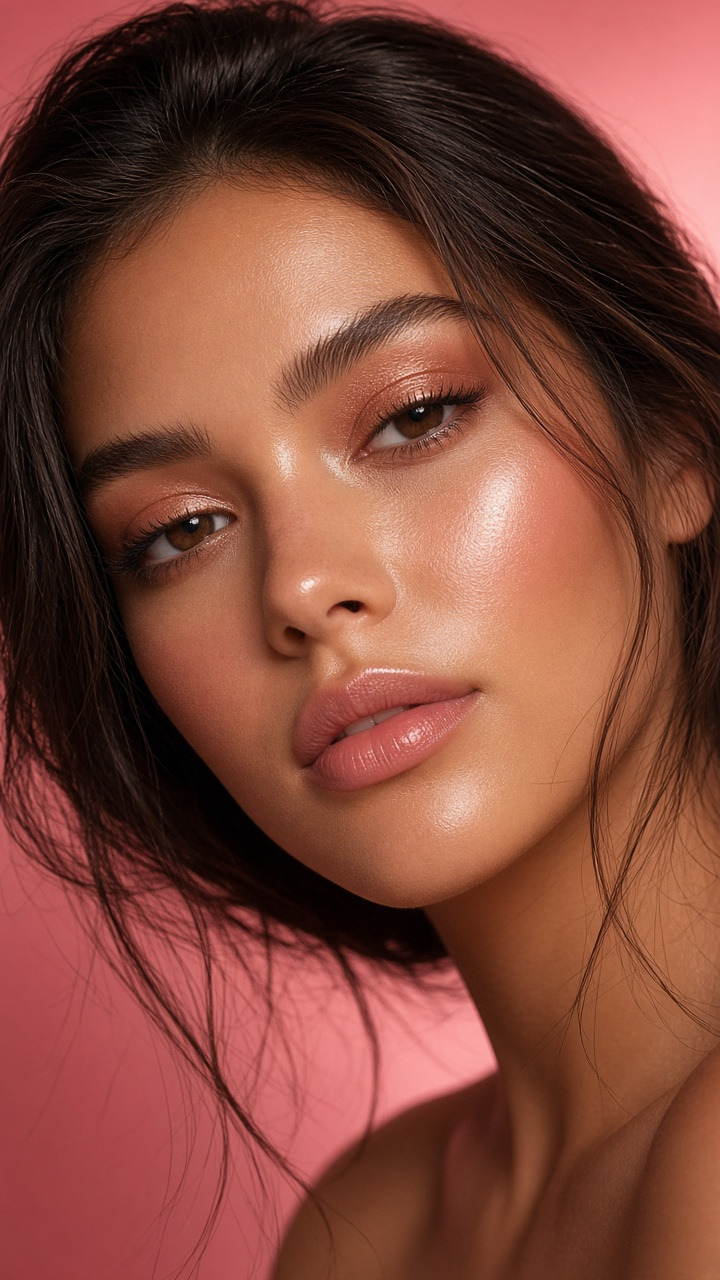
Beauty
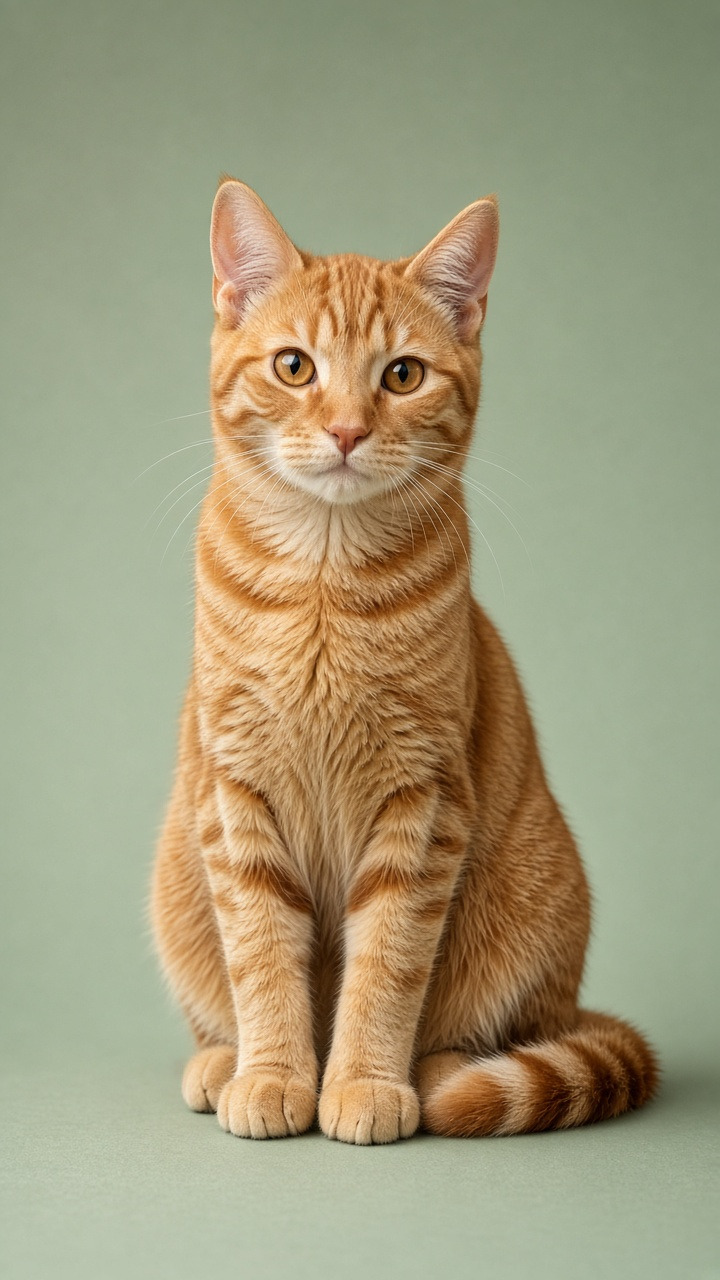
Creative
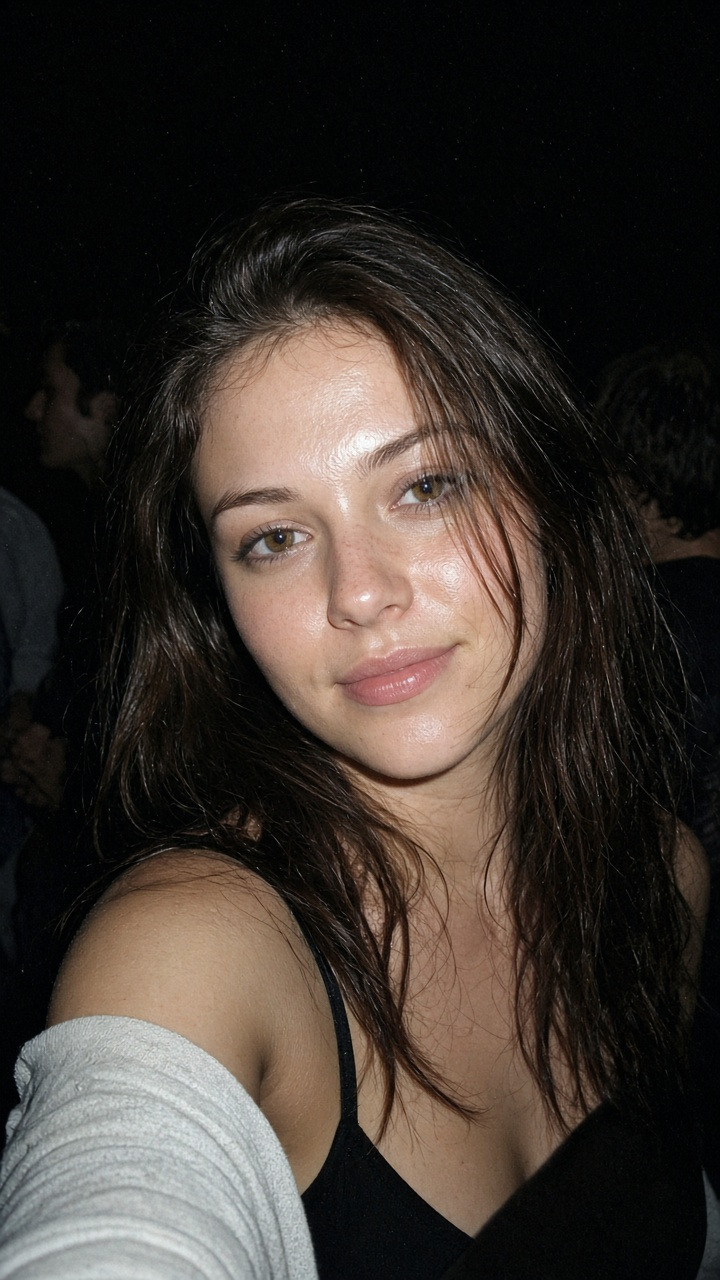
Personal
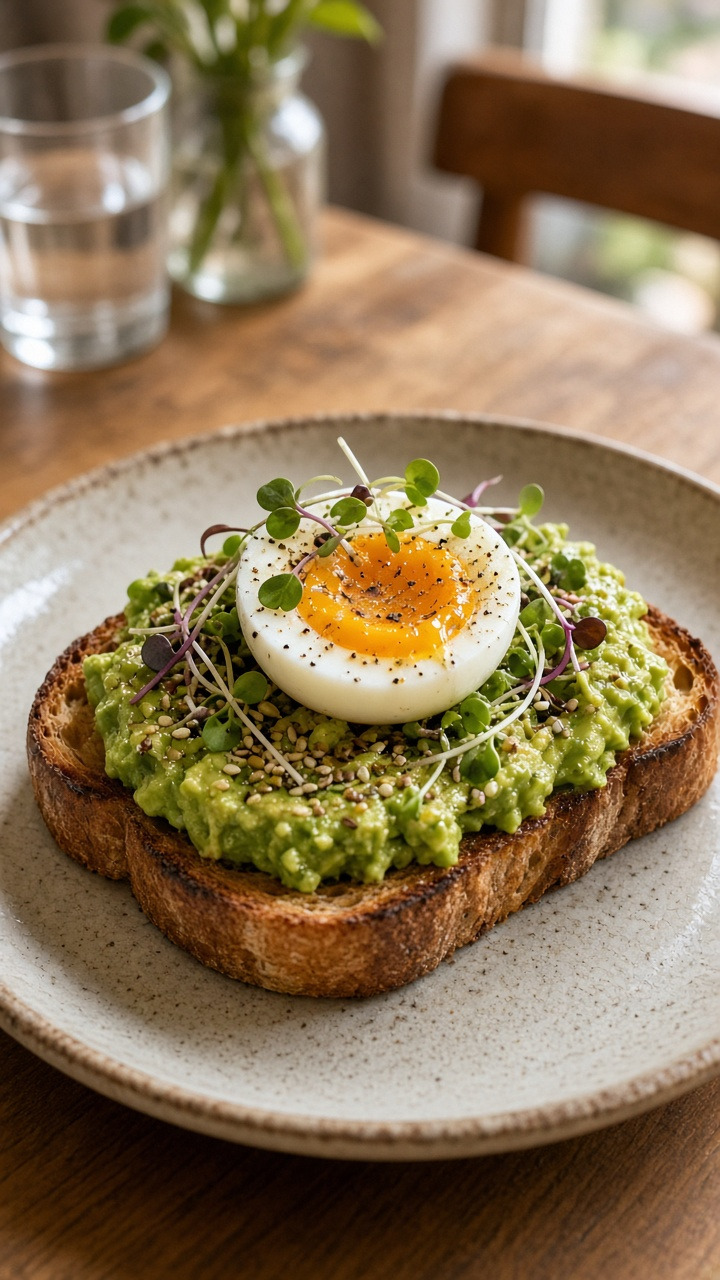
Food
Prompt-first tools ask you to invent the image in words. GenImagePro’s AI photo generator starts from the photo you already have—and produces polished results you can actually use.
Generate from your photo01
Headshot, product listing, room staging, creative effects—each direction is a destination, not a vague style prompt.
02
We keep the workflow anchored on a photo you already took: selfie, desk snap, empty room, plate, or pet pic.
03
Generate a few directions from one file, then download the version that fits the channel.
Switch the subject—portrait, product, room, or pet—then compare ready-made looks from the same upload. No prompt writing.
Turn a casual selfie into profile-ready and campaign looks.
Generate from your photo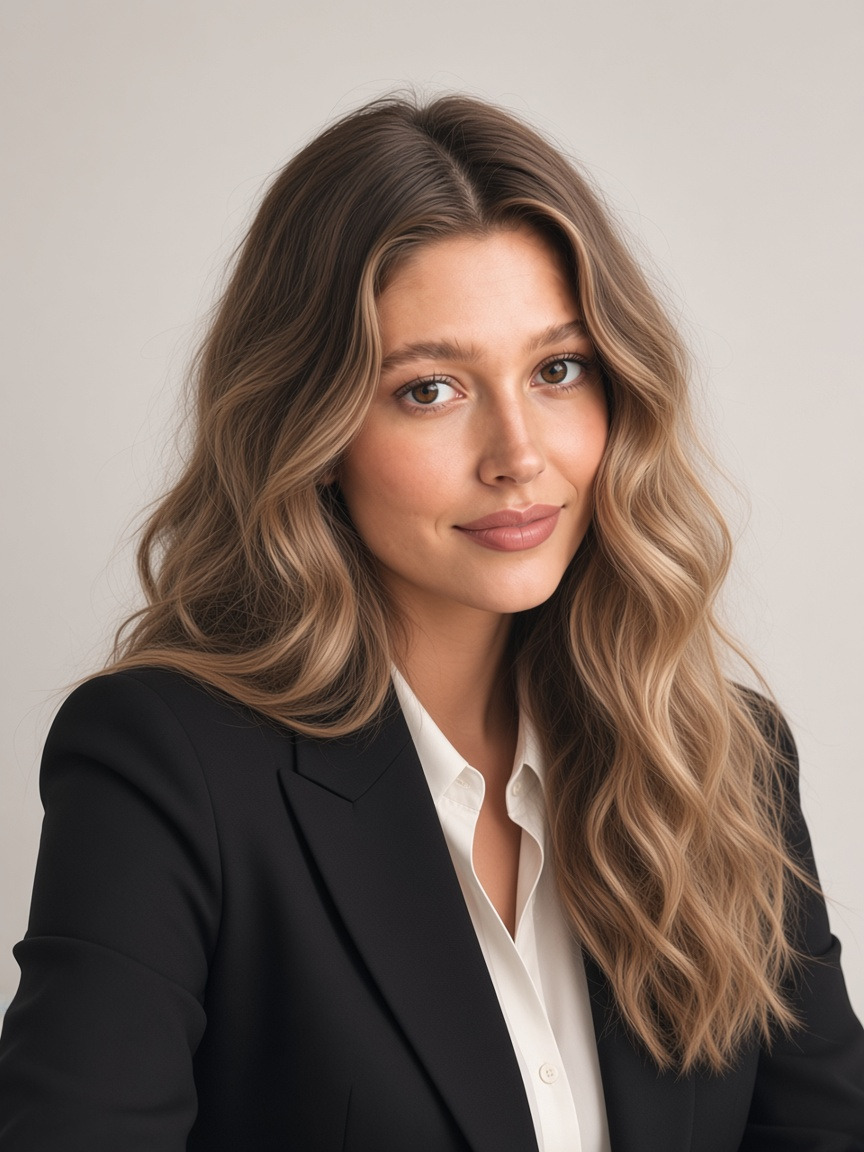
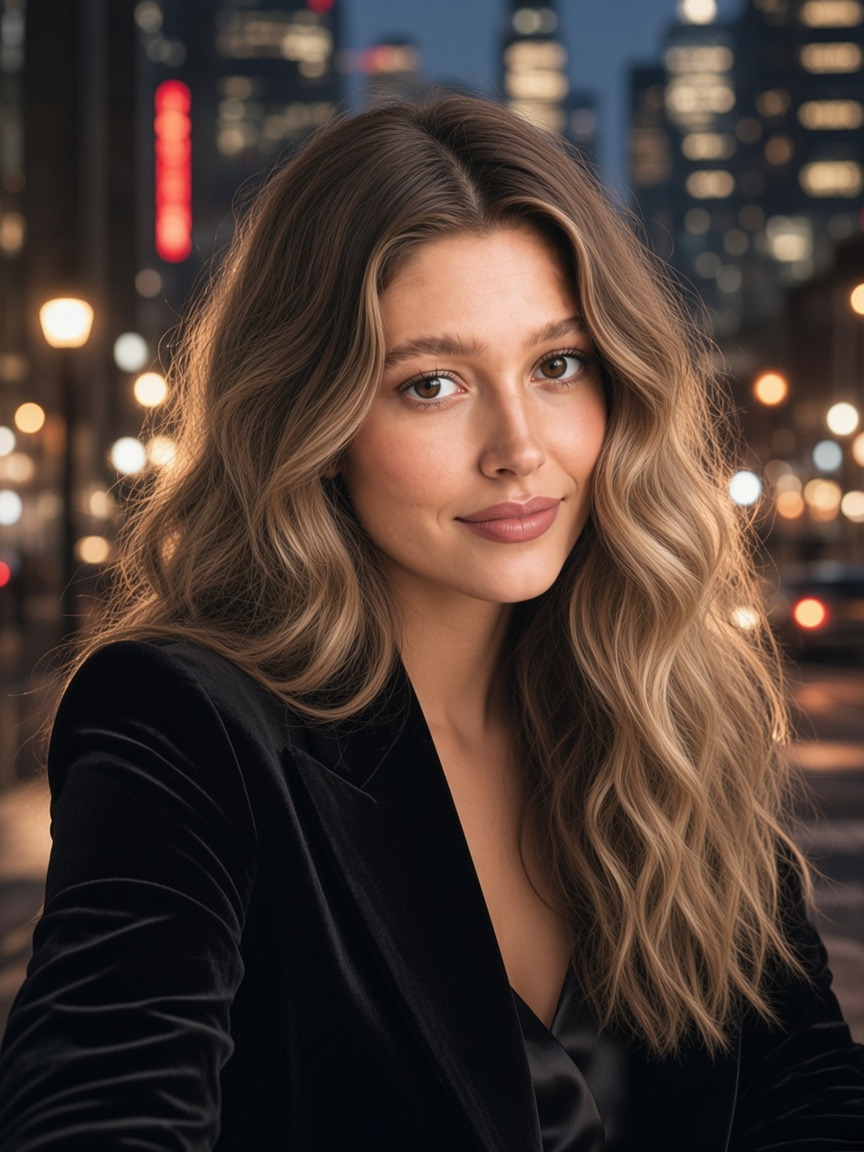
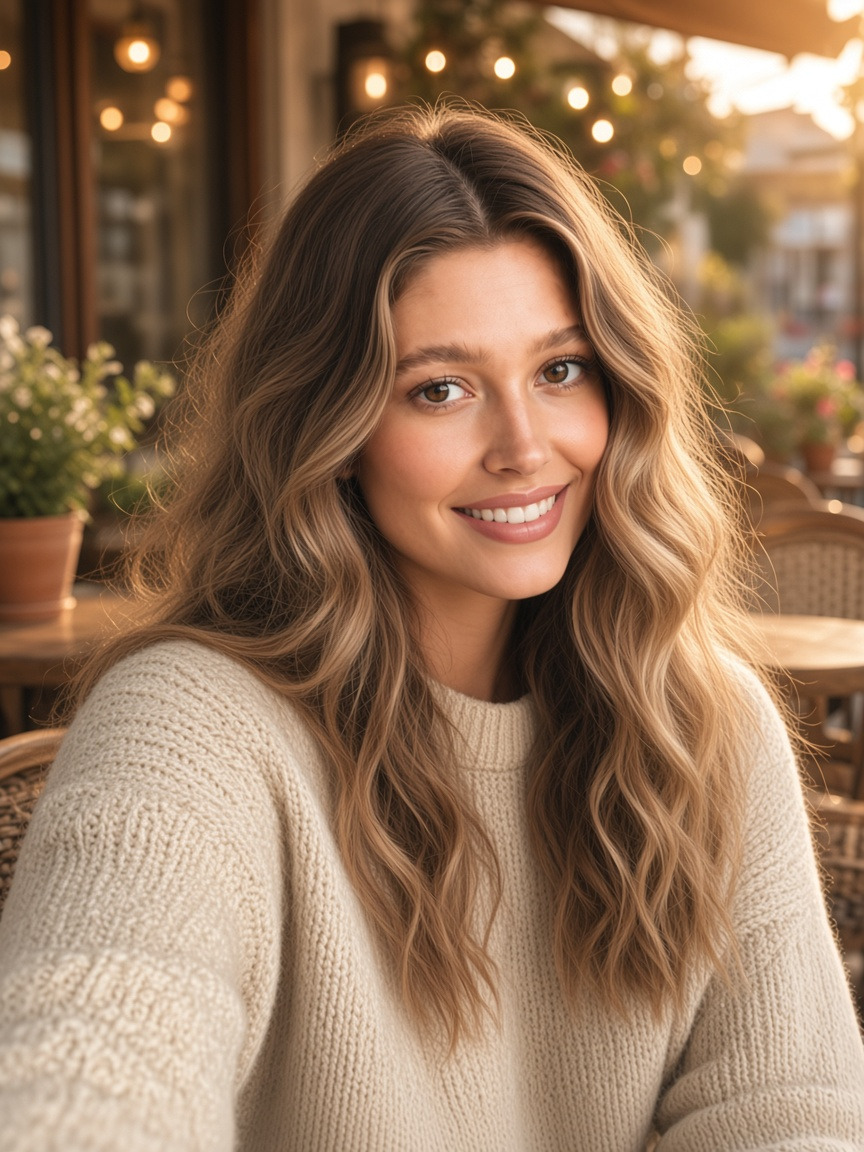
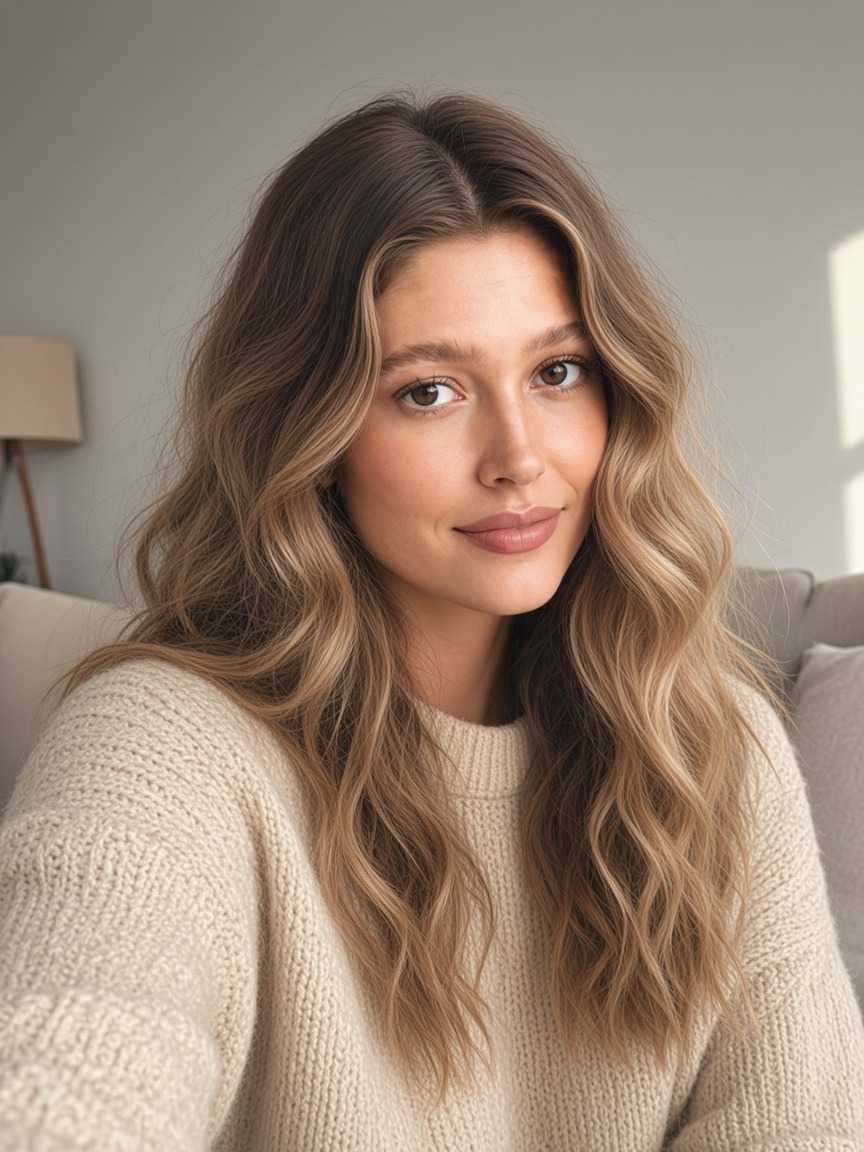
Your photo
Ready for work
GenImagePro’s AI photo generator is for people who already have a photo. Upload it, pick a look, and generate new results—without Midjourney-style prompting or manual retouch loops.
Starts from your upload
 Our pick✓
Purpose-built photo looks (headshot, product, room…)
Our pick✓No prompt required
Our pick✓New scene / look from same photo
Our pick✓Compare directions before download
Our pick✓Crop, exposure, and retouch only
Our pick✕Blank prompt as the main path
Our pick✕Transformation only counts if you can post, list, or hand off the result—without another editing app.
Download the look for LinkedIn, a PDP, a listing gallery, a menu, or a story—without another tool hop.
Each look maps to a real job—headshot, listing, staging—so you’re choosing an outcome, not dialing model menus.
Commercial use depends on your GenImagePro plan and terms. Review details before paid ads or client handoff.
Generate a few directions from one upload, then keep the frame that matches the brief.
Edit, backgrounds, enhance, photoshoot, video, translation, and style — same GenImagePro, different jobs.
Restyle and refine a photo with guided AI edits.
Cut out subjects cleanly for listings and creatives.
Swap scenes behind a product or person without masking.
Sharpen lighting and detail on plate shots before you publish.
Run a product photoshoot from phone snaps—studio and lifestyle sets.
Photoshoots, create-from-scratch, video, and prompt edits.
Translate text that lives inside photos, screenshots, and labels.
Train a reusable look from references, then generate in that style.
RELATED GUIDES
Guides focused on transforming real photos—workflows, realism, and when AI beats a reshoot.
FAQ
Practical answers about GenImagePro’s AI photo generator—and how it differs from the AI image generator.
GenImagePro’s AI photo generator turns a photo you upload into new, polished looks—portraits, product scenes, room staging, food plates, creative effects, pet art, and more.
No. This page is the AI photo generator: upload-first and built for photos you already have. For photoshoots, create-from-scratch, video, and prompt edits, use the AI Image Generator.
No. Choose a look, upload your photo, and generate. Prompt writing is optional elsewhere in GenImagePro—not required here.
Everyday photos: selfies, product snaps, room shots, food plates, pet pictures, and similar clear subjects. Better framing and lighting usually mean stronger results.
Yes. Reuse the same upload across looks to compare destinations—LinkedIn vs social, studio vs lifestyle, Japandi vs Scandi staging, and so on.
Editors mostly adjust the existing frame. This AI photo generator creates new versions of your photo for a chosen purpose or style.
Yes for common uses like profiles, listings, menus, and social—subject to GenImagePro terms and rights in the photo you upload. Check plan details for ads and client delivery.
Yes. Start without a credit card and try the AI photo generator from your account.
Upload once and create polished AI photos—headshots, listings, rooms, food, and more—ready to download.


