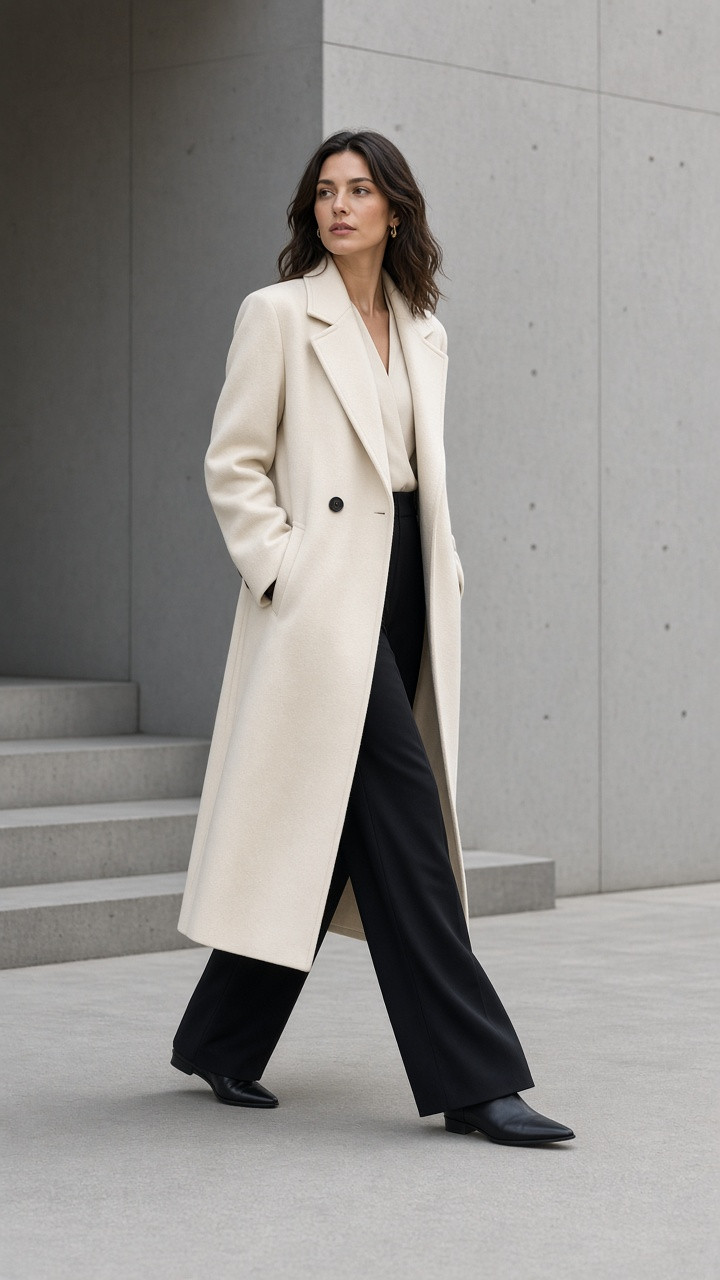
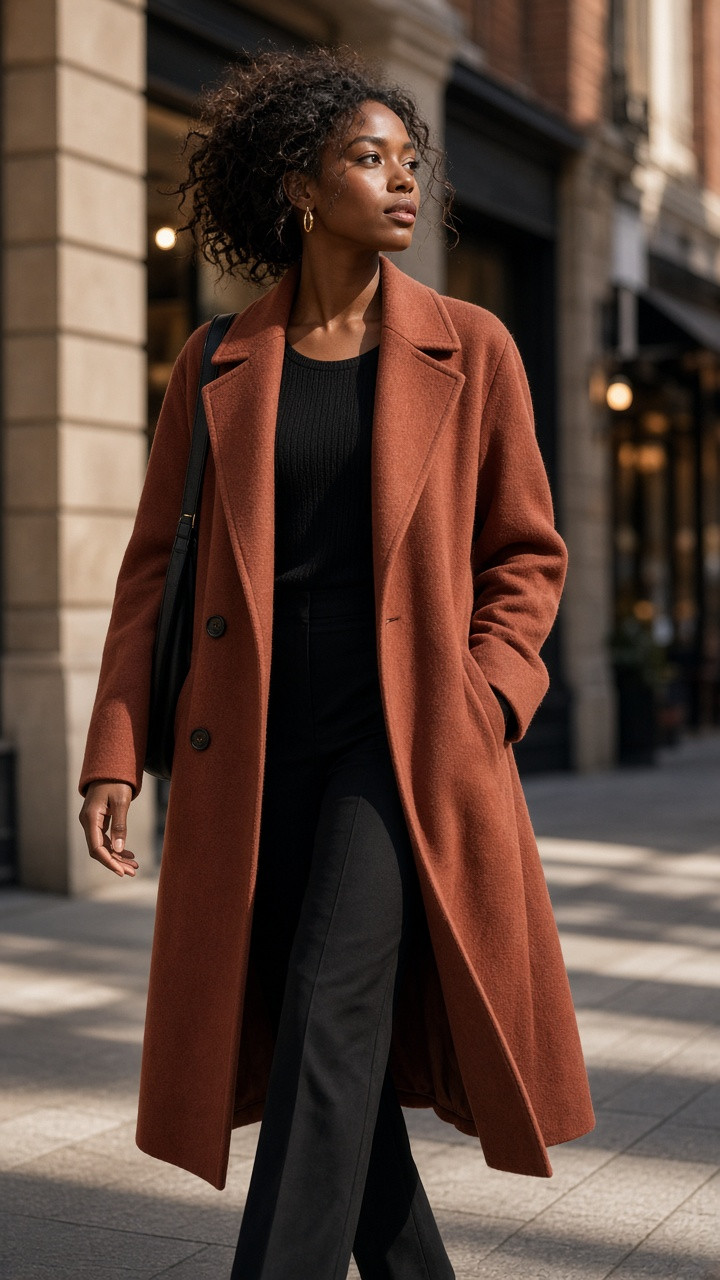
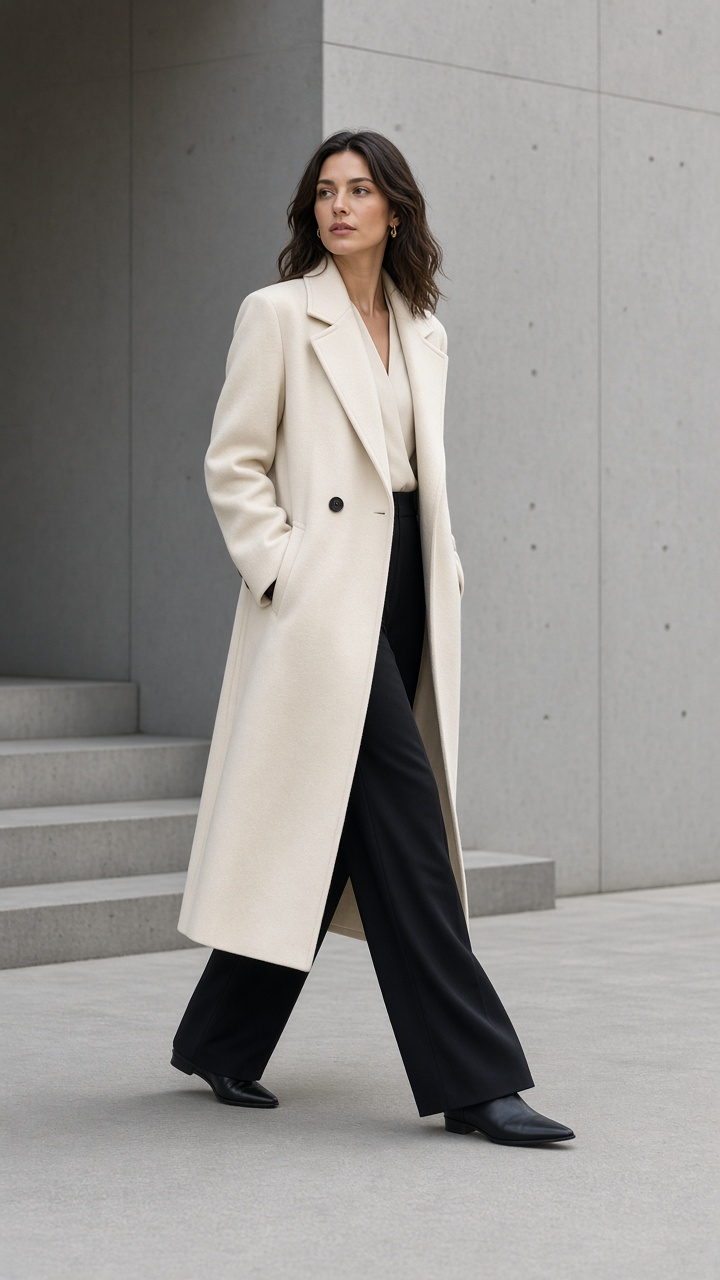
Online clothing stores
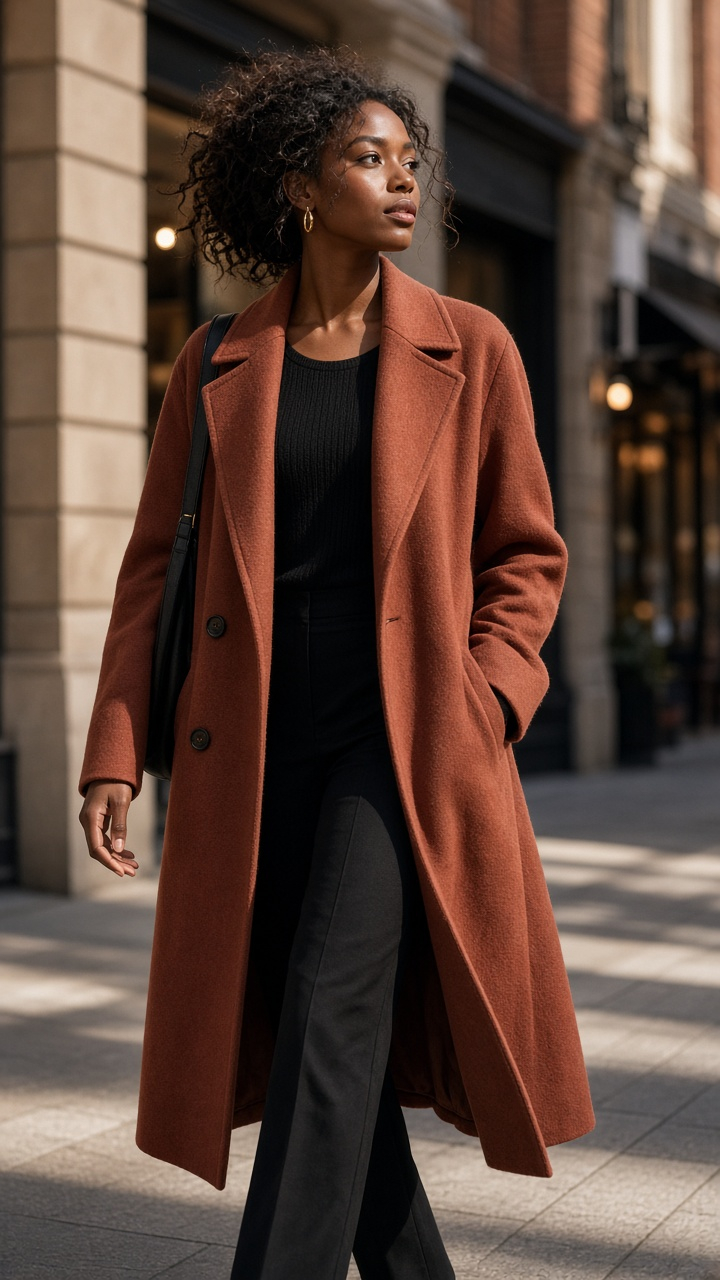
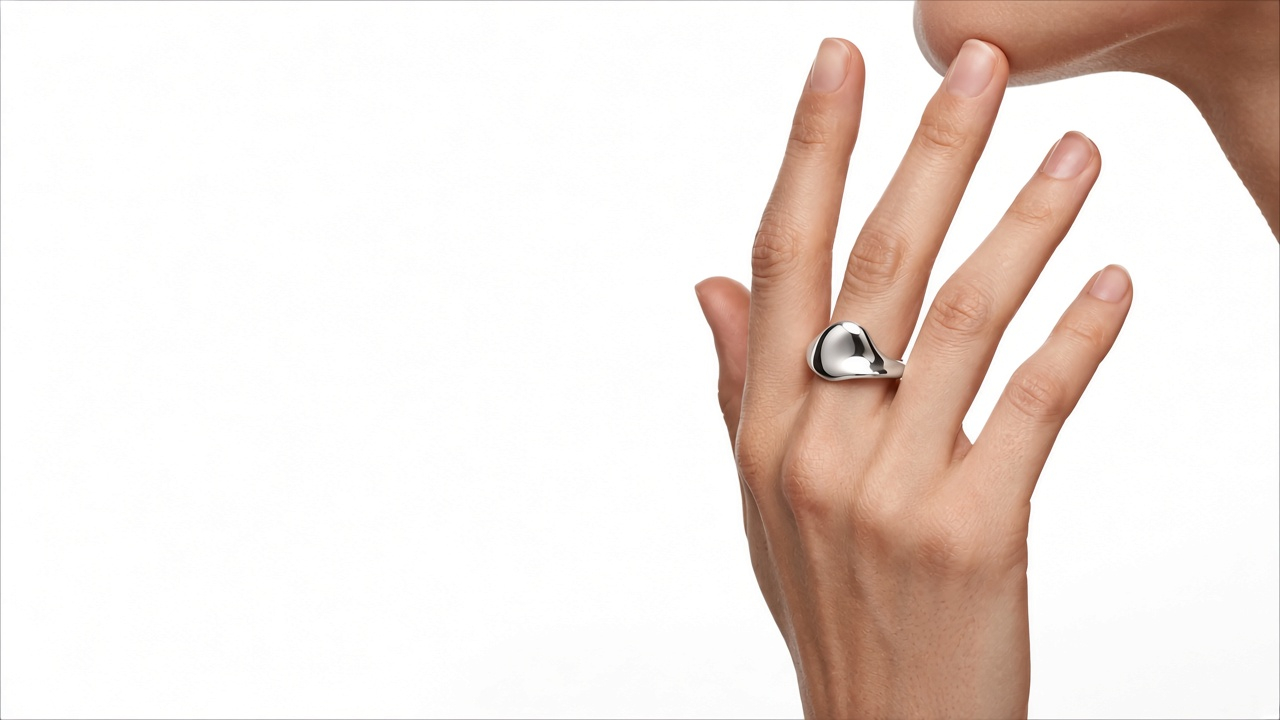
Ghost mannequin AI
Upload a photo of your garment and GenImagePro turns it into a ghost mannequin photo — the clothing keeps its worn shape, with no mannequin or model in the shot.
Free to start · No credit card required
Three ways to show clothing without a model.
Shape, color, and print come from your photo.
Plans from $9.99/month.
Definition
Ghost mannequin photography shows clothing as if it is being worn, with no mannequin or model visible. It is also called the invisible mannequin or hollow man effect, and it is a standard look for clothing product photos.
Done by hand, it means dressing a mannequin, shooting the garment, shooting the inside of the collar separately, and combining the photos in Photoshop. With GenImagePro, you upload one clothing photo, choose Ghost mannequin, and download the result.
1 photo
No separate inside shot
3 displays
Ghost mannequin, hanger, flat lay
$300+
Price of a physical ghost mannequin you skip
2 credits
Per image
Clothing photos without a model
Choose “No model” and pick how the garment is displayed. The clothing comes from your photo — only the display and background are new.
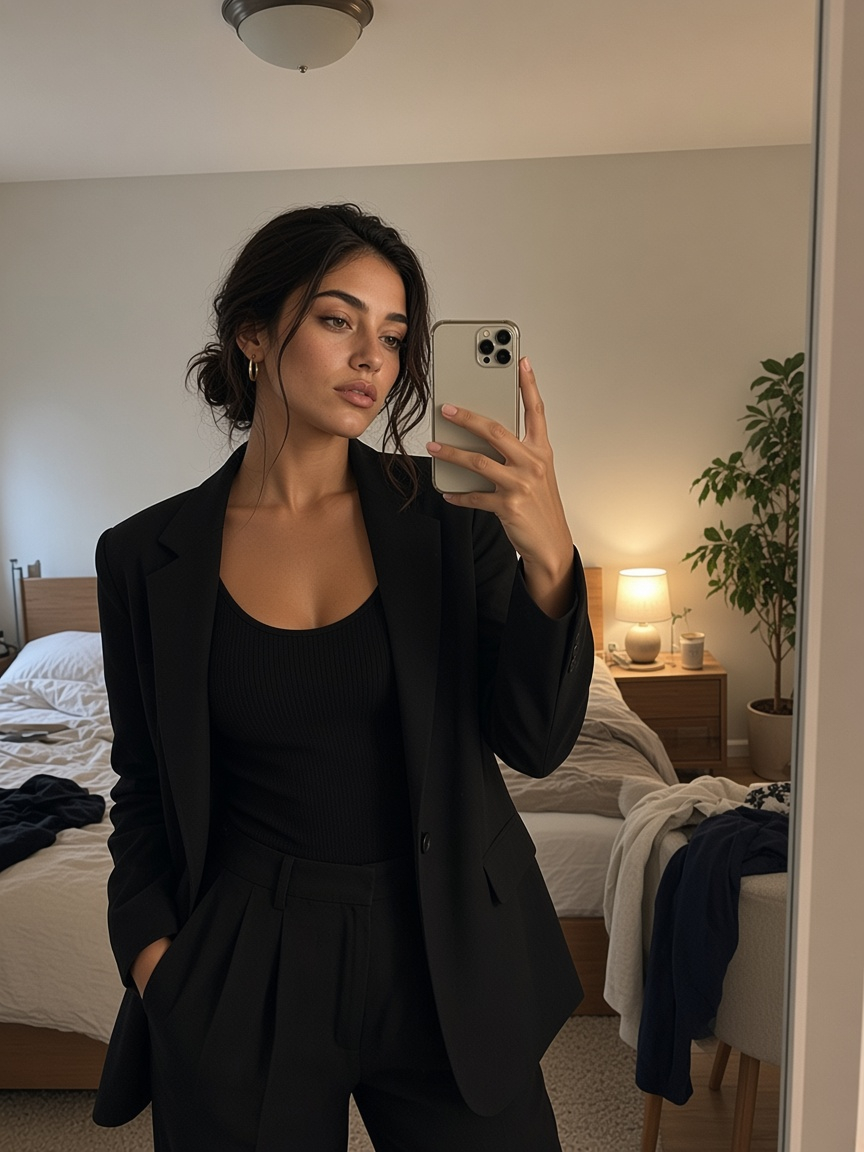
Your clothing photo
Ghost mannequin
The garment keeps its 3D worn shape with no mannequin visible.
Add up to three photos of the same garment.
Match the garment, keep it neutral, or set a custom color.
Choose the aspect ratio for your store or marketplace.
No mannequin removal in Photoshop, no second inside-out shot.
On a mannequin, on a hanger, or laid flat — JPG, PNG, or WebP up to 20 MB. Add back and detail photos if you have them.
Then pick the scene and background color.
Single shot (1), Social posts (3), Lookbook (4), or Campaign (5) — 2 credits per image.
Which one to use
All three show clothing without a model. Each suits a different job.
The garment keeps its 3D worn shape, so shoppers see fit and drape.
Best for
The garment hangs naturally, like on a store rail.
Best for
The garment is laid flat and photographed from above.
Best for
Options
Pick the background and how many photos you need.
Who it's for
Show the shape and fit of clothing on a clean background — without a model.
Online clothing stores
Clothing brands
Resellers
Wholesale
Photo tips
A clean source photo gives a clean ghost mannequin result.
Photograph the garment from the front, at chest height.
Leave space around the collar, sleeves, and hem.
A white or light wall or surface works best.
Button, zip, and tie the garment before the photo.
Creases in the photo show up in the result.
Upload the back and a close-up of labels or texture.
On-model photos, video, and editing in the same app.
Ghost mannequin, hanger, and flat lay photos.
Put the same garment on an AI model or your own model.
Turn a clothing photo into a 9:16 or 16:9 video.
Remove the background from a clothing photo.
Put a new background behind a clothing photo.
Edit color, crop, and details.
Shoes, bags, and accessories in studio scenes.
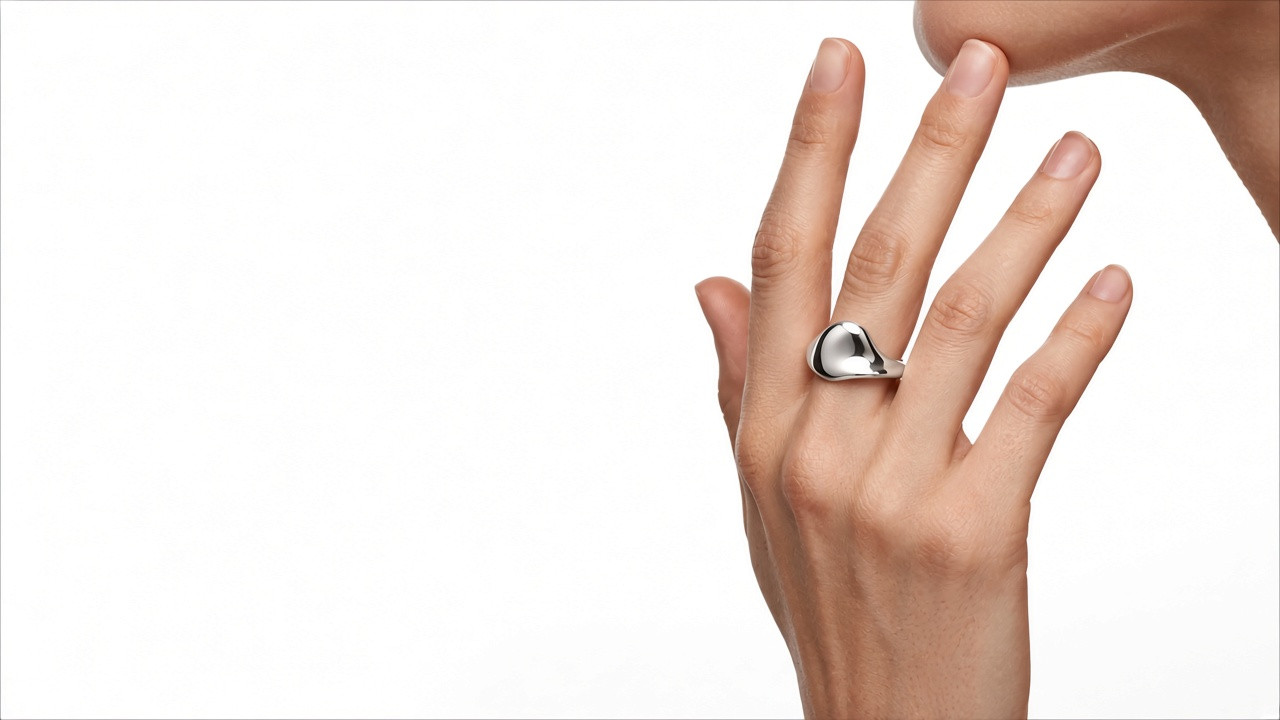
Jewelry on skin and in studio scenes.
Every plan has every tool: product and fashion photoshoots, edits and video. Plans differ only in how much you create.
A few products a week
$9.99/ month
$2.50/week
No commitment. Cancel anytime.
What you can create
Every tool included
Full catalogs and weekly ads
$19.99/ month
$5.00/week
No commitment. Cancel anytime.
What you can create
~2× BasicEvery tool included
Agencies and daily content
$29.99/ month
$7.50/week
No commitment. Cancel anytime.
What you can create
~3× BasicEvery tool included
Allowances are approximate and depend on what you create.
FAQ
A ghost mannequin photo shows clothing as if it is being worn, but with no mannequin or model visible. It is also called an invisible mannequin or hollow man photo.
An editing effect that removes the mannequin from a clothing photo so the garment looks like it is worn by an invisible body, keeping its 3D shape.
Traditionally: dress a mannequin, photograph the front, photograph the inside of the collar, then combine and retouch in Photoshop. With AI: upload one clothing photo, choose Ghost mannequin, and download.
Yes. Upload a photo of the garment, choose No model and Ghost mannequin, and GenImagePro creates the ghost mannequin photo — no Photoshop masking or second inside shot.
No. You can upload the garment on a mannequin, on a hanger, or laid flat.
No. Physical ghost mannequins with removable parts usually cost $300 or more. GenImagePro creates the effect from a photo of the garment on a regular mannequin, a hanger, or laid flat.
Yes. GenImagePro works in your browser — no Photoshop or software to install. Upload a clothing photo and choose Ghost mannequin.
A ghost mannequin photo shows the garment in its 3D worn shape. A flat lay shows it laid flat from above. GenImagePro can make both from the same photo.
Besides ghost mannequin, you can show the garment on a hanger or as a styled flat lay.
Upload a clothing photo and choose Ghost mannequin.