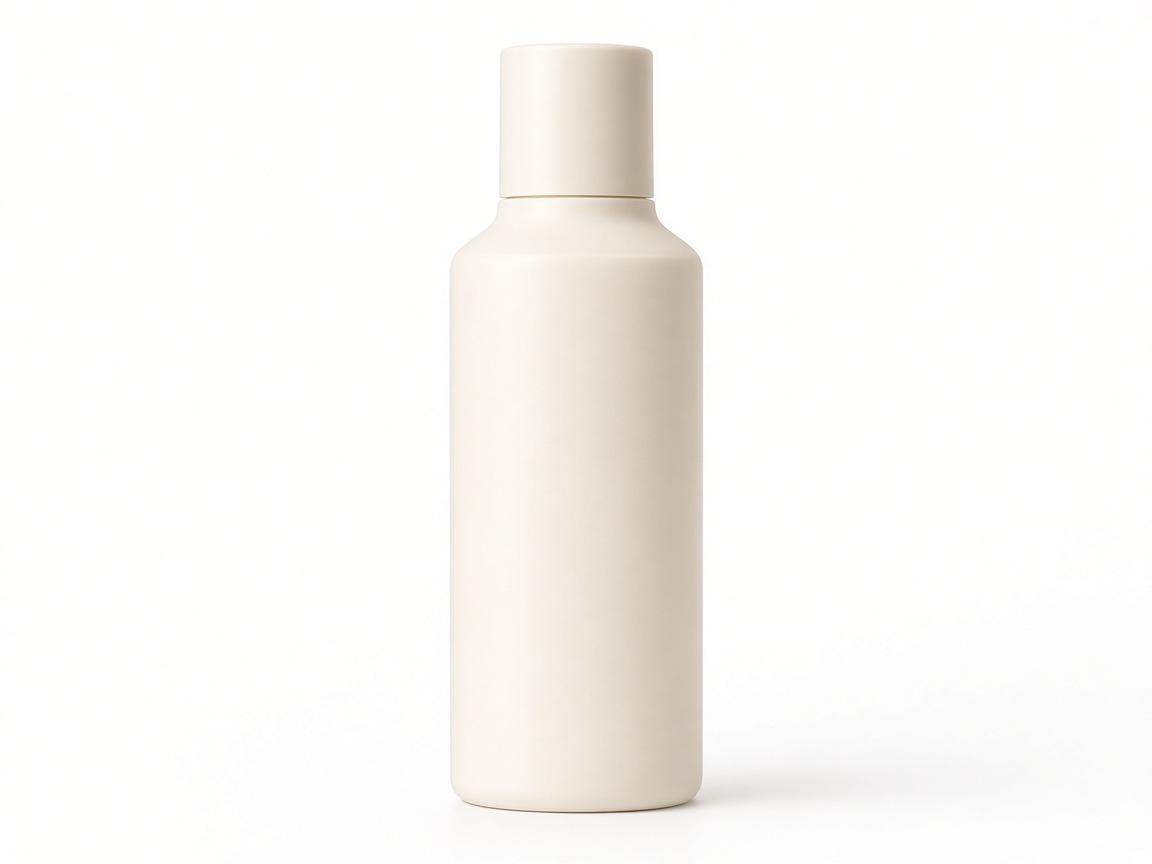
Studio
Clean white or neutral studio backgrounds for listings, catalogs, and marketplace MAIN images.
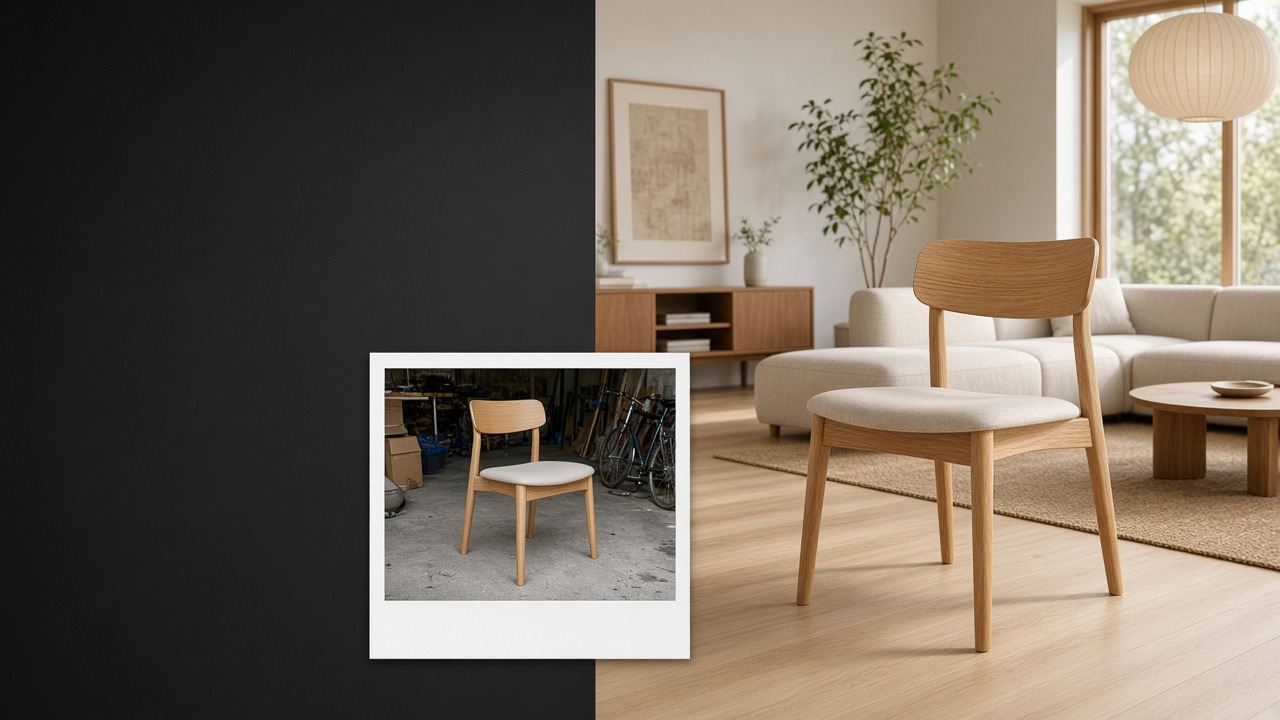
AI Background Replacer
Change photo backgrounds with AI templates. Replace busy scenes with studio, lifestyle, or branded looks for products and portraits—no prompts or manual masking. Free to try.
Studio · lifestyle · branded · free to try
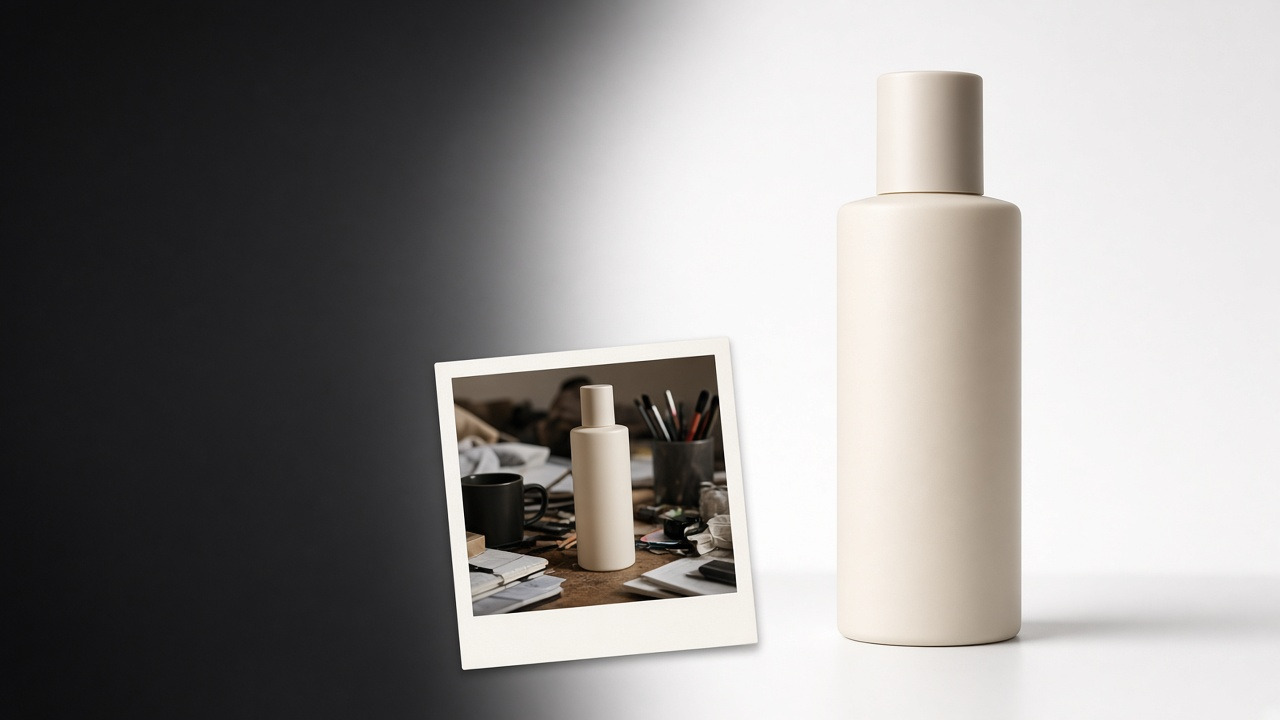
Edges stay sharp while the scene changes.
Studio, lifestyle, or branded templates.
Pick a direction and generate.
BUILT FOR REAL PHOTOS
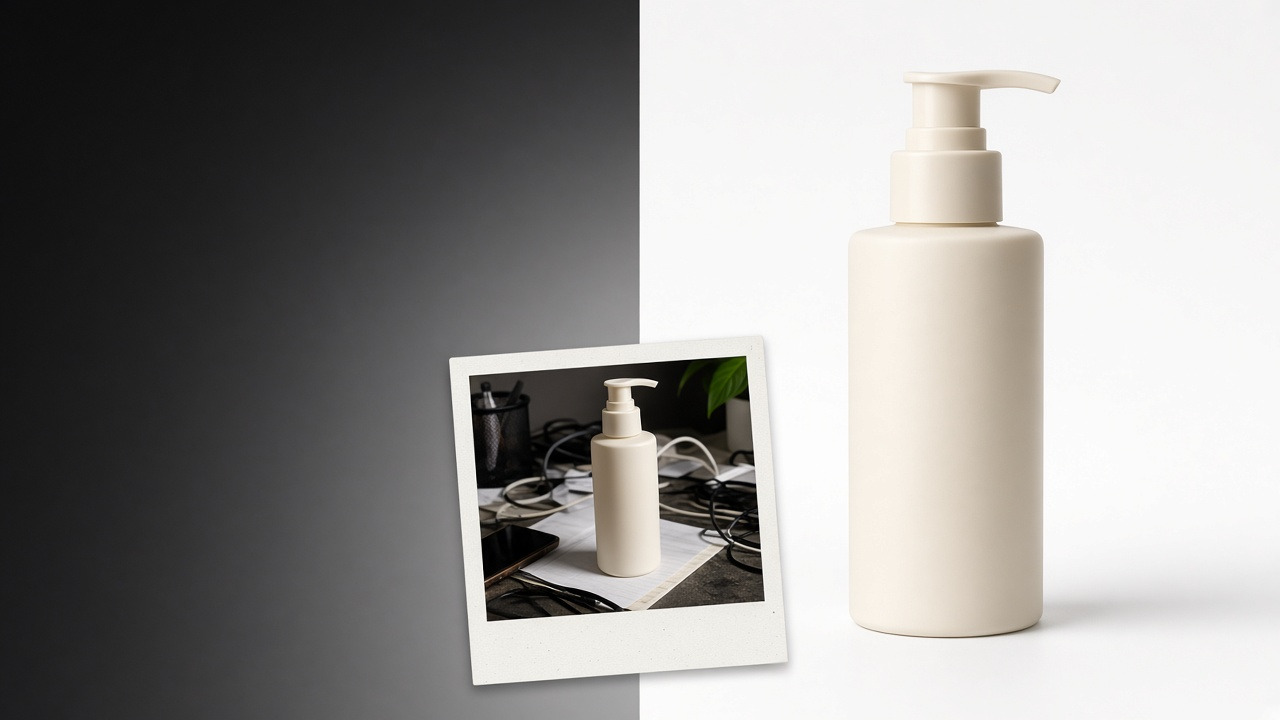
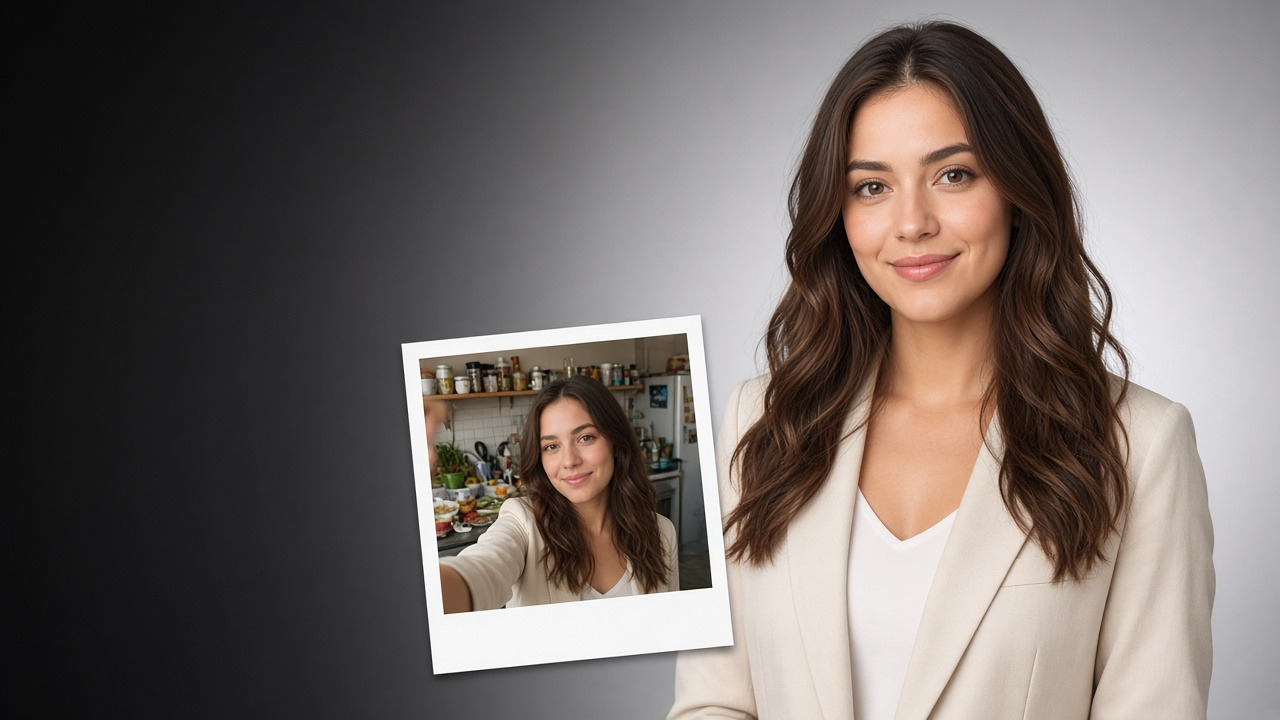
Products, furniture, food, cars, and portraits—swap the scene while keeping the subject you already photographed.
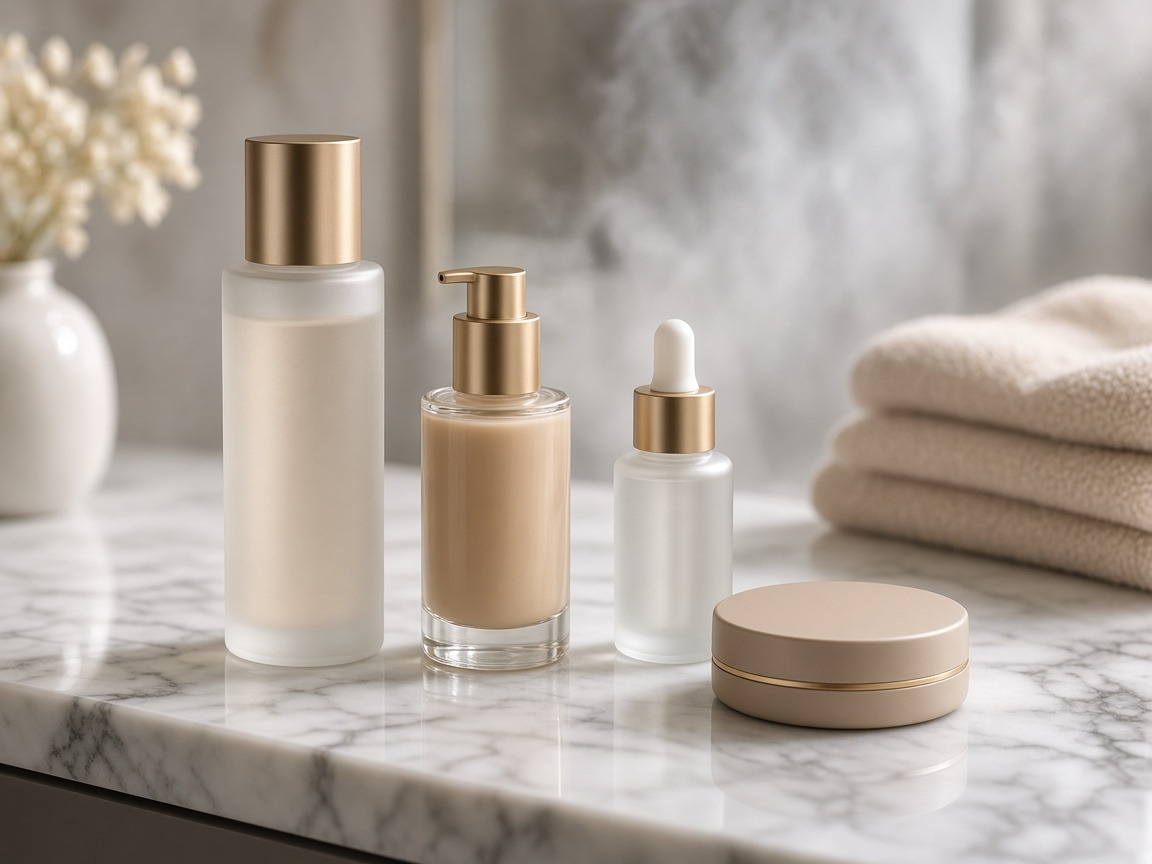
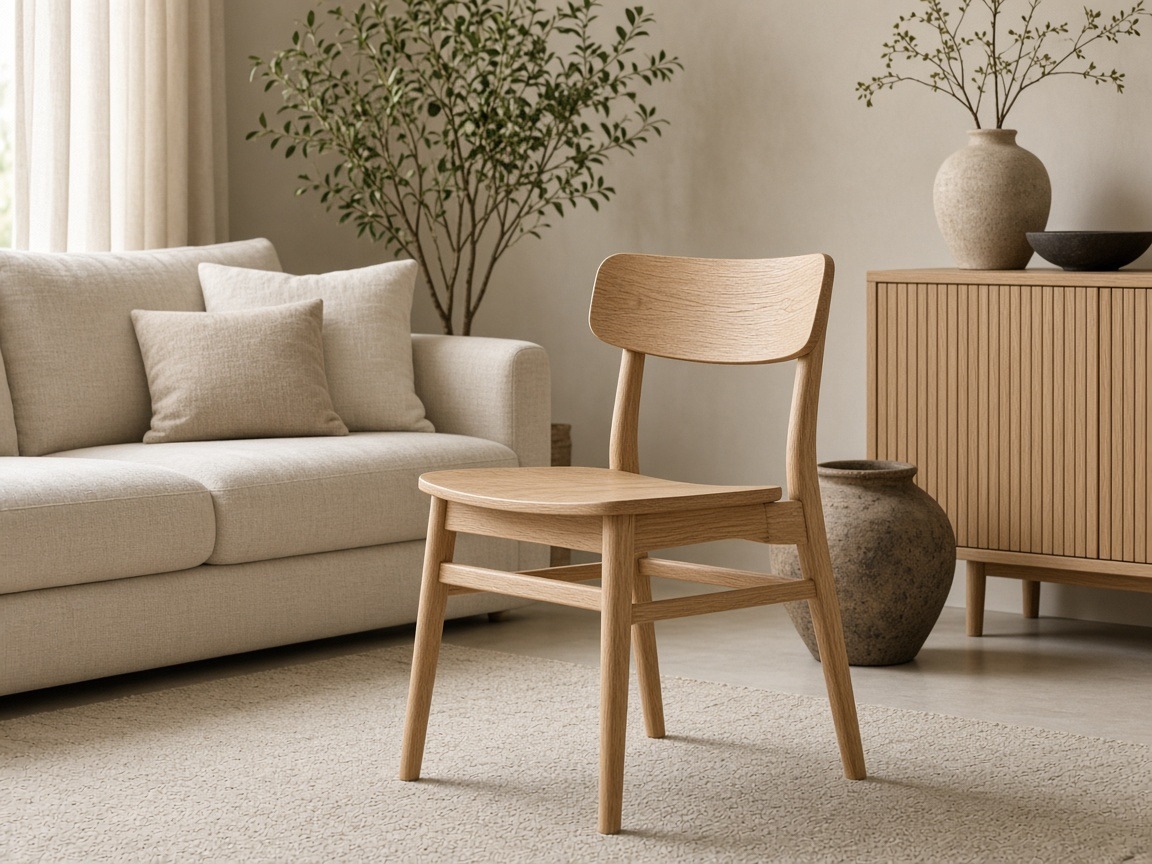



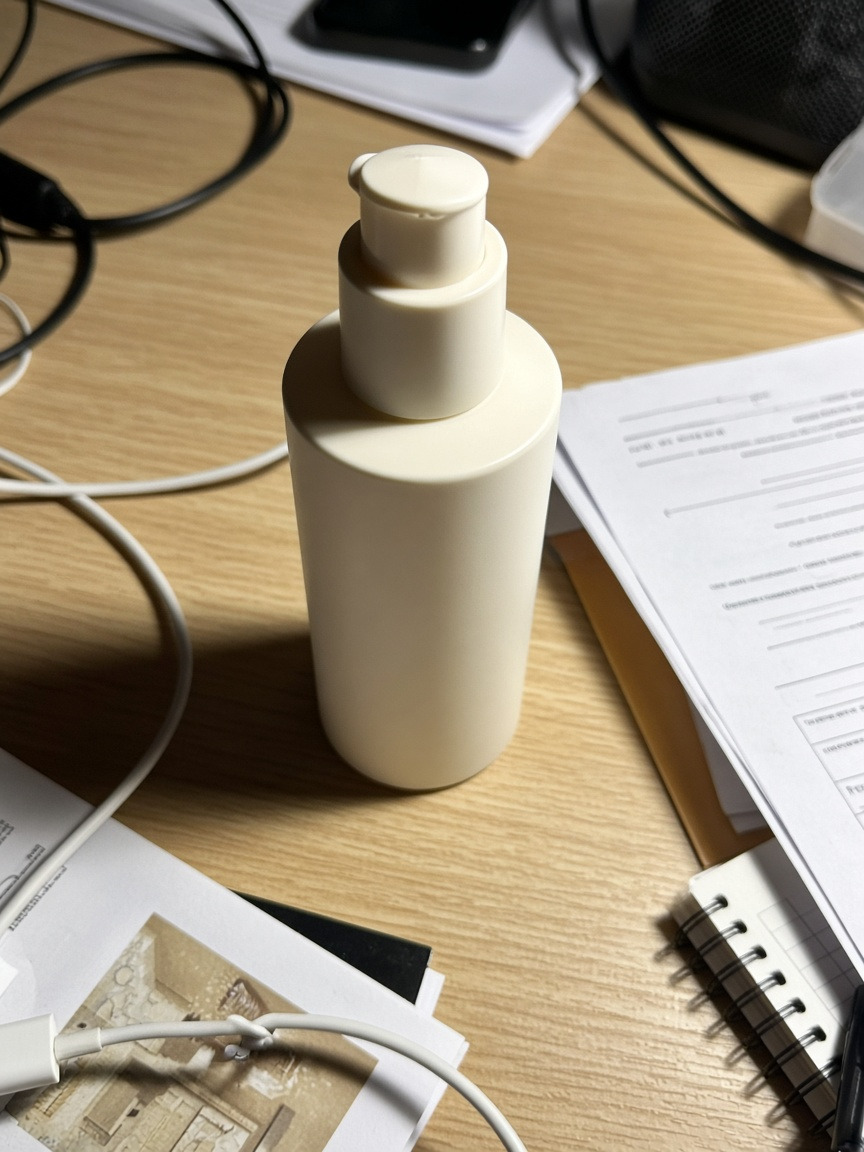
Original
Turn plain pack shots into polished studio or vanity scenes for DTC and marketplace galleries.
BACKGROUND STYLES
Change photo backgrounds with ready-made templates—studio whites, lifestyle sets, and branded campaign looks without prompts or manual masking.
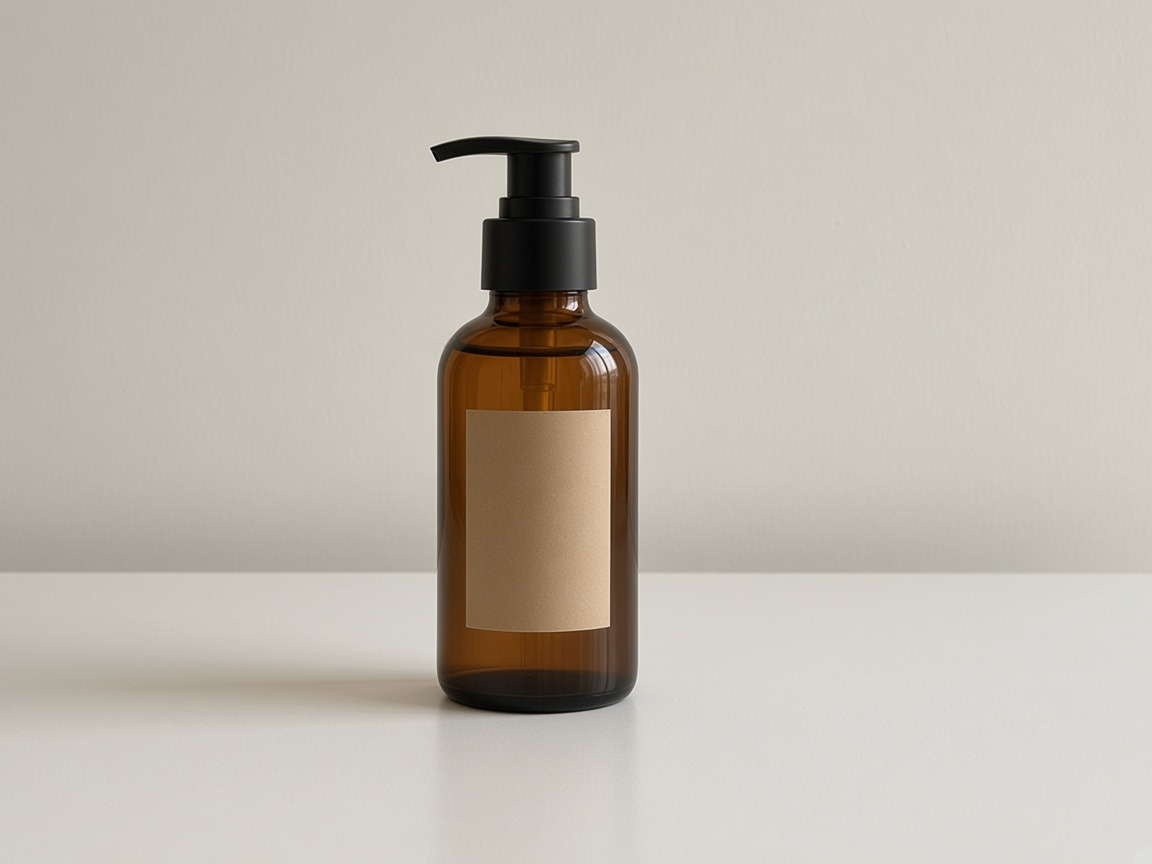
Clean white or neutral studio backgrounds for listings, catalogs, and marketplace MAIN images.

Warm rooms, tables, and contextual scenes that make products and portraits feel lived-in.
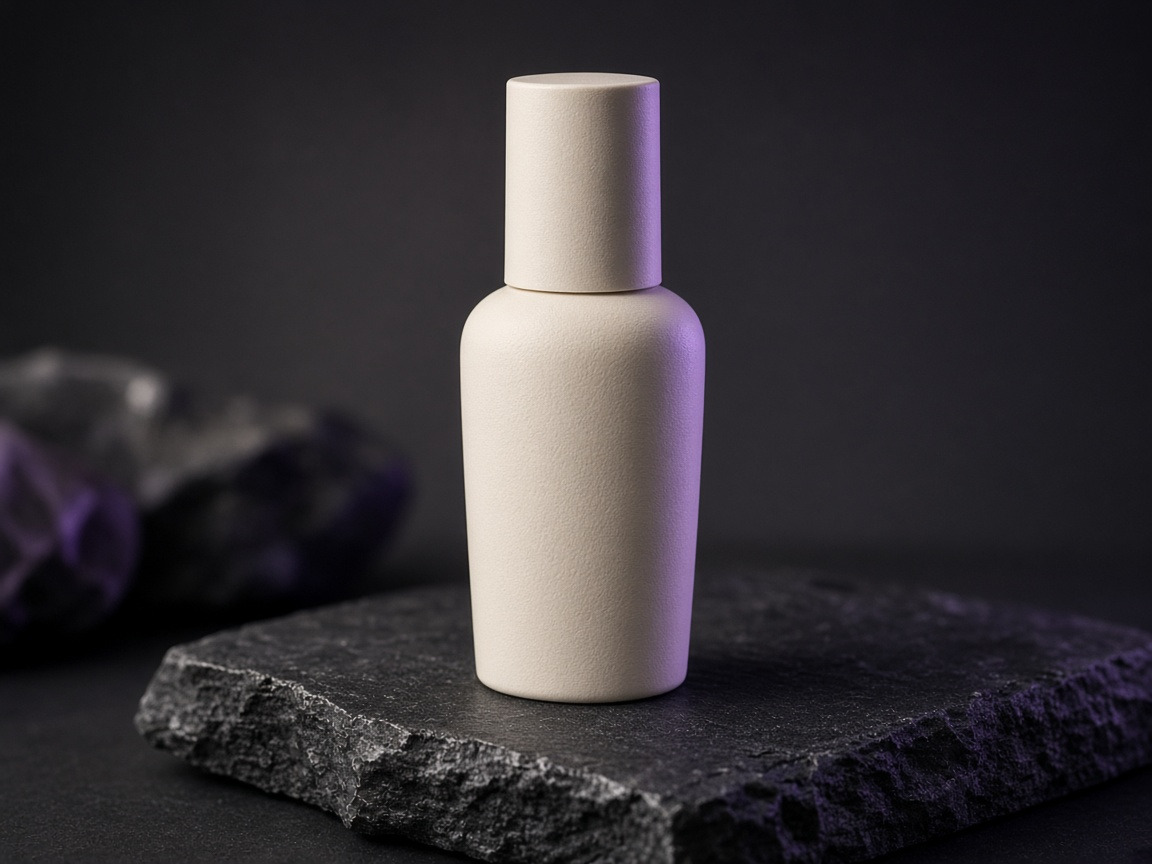
Campaign-ready color fields and editorial sets that match seasonal or brand direction.
HOW IT WORKS
Upload the photo, pick a background template, and compare results—no masking layers or prompt engineering.
CHOOSE THE RIGHT WORKFLOW
Cut out the background, swap it for a new scene, or open the full editor when the job needs more than a background change.
You need a transparent cutout
Get a transparent PNG when you only need the subject cut out—not a new scene behind it.
Open background removerThe subject is right, the scene is not
Keep the subject and put it into studio, lifestyle, or branded templates in one step.
Replace a backgroundYou need more than a background swap
Restyle, refine, remove objects, expand, enhance, or relight when the background is only part of the job.
Open AI image editor New scene
 Source
KEEP THE SUBJECT
Background replacement should protect edges, identity, and product truth while the new scene matches light and perspective.
The person or product remains the anchor—background swaps should not reshape what you are selling.
Contact shadows, highlights, and color temperature should follow the new scene naturally.
Check hair, fur, glass, and fine details before publishing—especially on marketplace listings.
RELATED TOOLS
Cut out backgrounds, edit further, generate new concepts, or run focused photo workflows from the same GenImagePro account.
Clean transparent cutouts for products and people.
Restyle, refine, and reimagine when the job goes beyond a scene swap.
Browse ready photo outcomes by job—from headshots to rooms and food.
Start from a photo or prompt when the whole concept can change.
Run a product photoshoot from phone snaps—studio and lifestyle sets.
Improve plate lighting, clarity, and finish before you publish.
Train a reusable look from references, then generate in that style.
Professional headshots from everyday portraits and selfies.
RELATED GUIDES
Guides on background changes, product scene ideas, removers, and when a fuller edit is the better tool.
FAQ
Practical answers about changing photo backgrounds with AI—templates, edges, marketplace rules, and when to use other tools.
An AI background replacer (also called a background changer) swaps the original background in your photo for a new scene—such as a white studio, lifestyle setting, or branded environment—while keeping your subject in place. GenImagePro uses ready-made templates so you do not need manual masking or prompt writing.
Upload your photo, choose a background template, and generate. Review the options, then download the version that fits your listing, profile, or campaign.
No. Choose a background template, upload your photo, and generate. GenImagePro is template-driven, so you skip prompt engineering and layer-based editing.
Background removal cuts out the subject and returns a transparent PNG—see the Background Remover. Background replacement puts your subject into a new scene—studio, lifestyle, seasonal, or marketplace-ready—in one step.
Use this background replacer when the subject is right and only the scene should change. Use the AI Image Editor when you also need restyle, refine, object removal, expand, enhance, restore, or relight.
Product photos, portraits, headshots, food plates, furniture, cars, and other clear subjects. Clean edges and a visible subject generally produce stronger background changes.
The workflow is designed to keep the subject sharp while matching light and contact shadows. Fine hair, fur, glass, and reflective metals can still need a quick review before publishing.
Yes. Choose a clean studio or white-background template for MAIN/listing images, then use lifestyle templates for gallery and ads. Always check the marketplace’s current image rules before publishing.
Reuse the same template across many uploads for a consistent catalog look. Exact batch limits depend on your GenImagePro plan.
Commercial use depends on your GenImagePro plan, the rights in your source photo, and the intended use. Review plan terms before ads or client delivery.
Yes. You can start without a credit card and try the AI background replacer from your account.
Upload your image, pick a template, and download a new scene—studio, lifestyle, or branded—without manual masking.
Updated

