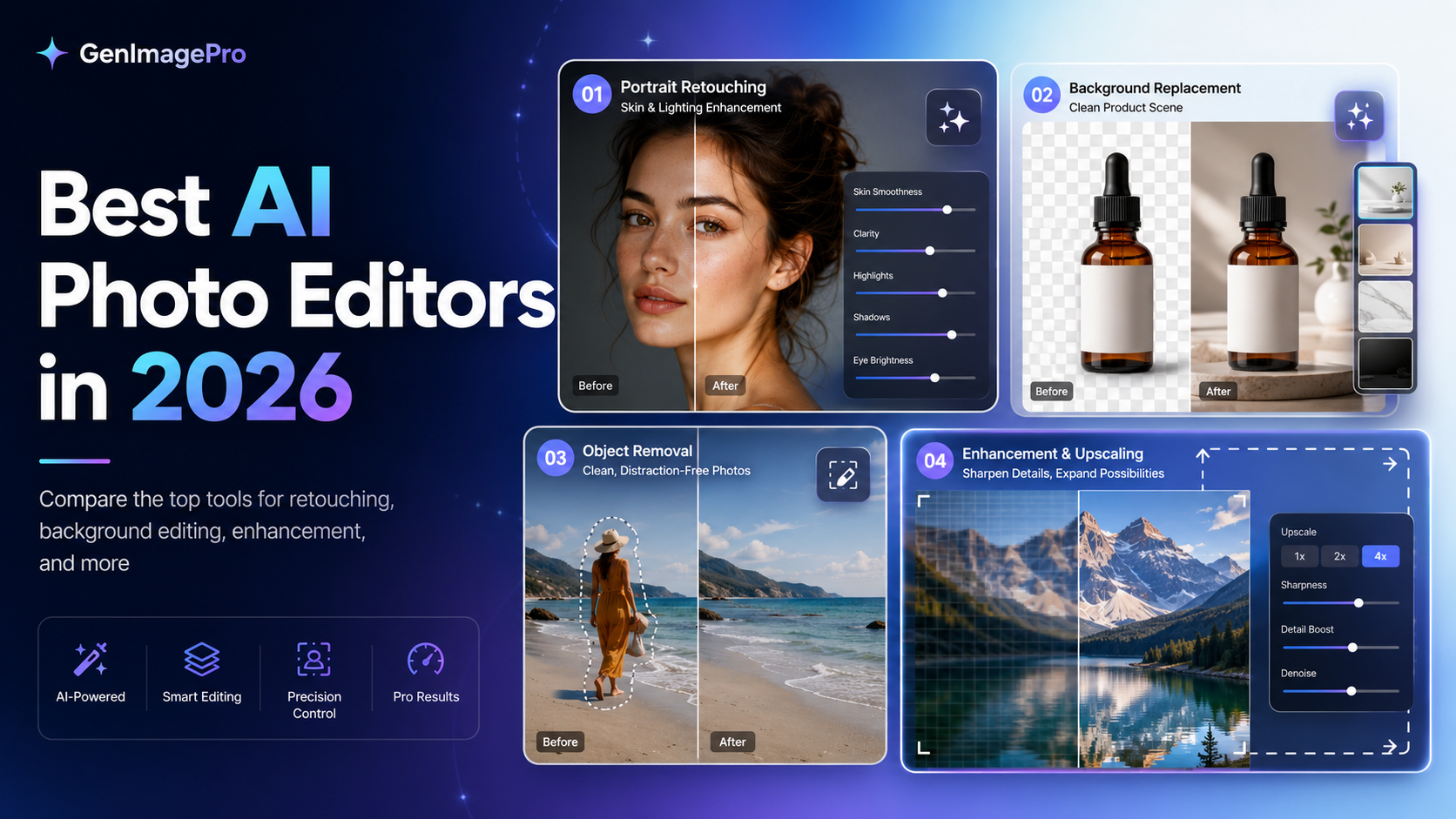
AI photo editors can now handle many tasks that once required careful selections, layer masks, retouching experience, and specialized desktop software. Depending on the tool, you can remove people from photos, replace backgrounds, improve image quality, extend a photo, relight a scene, retouch a portrait, or transform an ordinary upload into a new commercial visual.
The tools are not interchangeable, however. Some focus on professional control, some are made for quick browser-based edits, and others are designed for ecommerce sellers, photographers, social media creators, or people who prefer ready-made templates over complicated prompts.
This guide compares the best AI photo editors in 2026 and explains which option makes the most sense for different workflows. Features, pricing, and usage limits can change, so test your shortlist with the same source image before committing to a paid plan.
Quick Verdict
Adobe Photoshop is the strongest choice for professional editors who need precise selections, layers, generative editing, and detailed manual correction. GenImagePro is best for people who want fast, template-based image transformations without learning a complex editing interface. Canva is the most convenient choice when edited photos will become social posts, ads, banners, or other designs.
Photoroom is particularly strong for ecommerce and product-image workflows. Pixelcut is useful for fast seller and creator edits. Picsart offers a wide range of creative effects and mobile-friendly tools. Luminar Neo is designed for photographers who want AI assistance alongside RAW editing. Fotor provides a broad collection of accessible online tools, while Pixlr is a practical browser-based option for quick editing and generative features.
How We Chose the Best AI Photo Editors
A useful AI photo editor should solve real editing problems rather than only generate impressive demo images. We considered the range of available edits, ease of use, output quality, subject preservation, speed, creative control, platform availability, and suitability for common commercial and personal workflows.
We also considered how much manual work is required after the AI edit. The best result is not always the most dramatic transformation. For product photos, portraits, real estate images, and branded content, preserving important details can matter more than producing a highly stylized image.
What to Look for in an AI Photo Editor
Start with the type of work you actually need to complete. A professional photographer may prioritize RAW processing, local adjustments, color control, and non-destructive editing. An ecommerce seller may care more about background removal, realistic shadows, product accuracy, and fast image variations. A creator may value templates, effects, mobile access, and easy social-media resizing.
Test difficult details before choosing a tool. Look closely at faces, hands, hair, text, logos, labels, jewelry, transparent objects, fabric texture, and reflections. AI can produce a visually attractive edit while quietly changing details that should have remained accurate.
Best AI Photo Editors
1. GenImagePro
Best for Template-Based AI Photo Editing
GenImagePro is designed for users who want to transform existing images without building every edit from scratch. Its AI image editor and template-first workflow let you upload a photo, choose a visual direction, and create new variations for product photography, portraits, beauty, food, cars, real estate, backgrounds, and other commercial image categories.
The main advantage is accessibility. Instead of learning layers, masks, or detailed prompt engineering, users begin with a purpose-built template. This makes GenImagePro especially useful for small businesses, ecommerce sellers, creators, marketers, and non-designers who need polished results quickly.

When to Choose GenImagePro
Choose GenImagePro when you want guided creative directions and fast image variations without a steep learning curve. It is particularly relevant when one source image needs to become several different marketing, listing, social, or branded visuals. Start with the AI Image Editor when you want to restyle, refine, remove objects, or replace a background on a photo you already have.
2. Adobe Photoshop
Best for Professional Editing and Precise Control
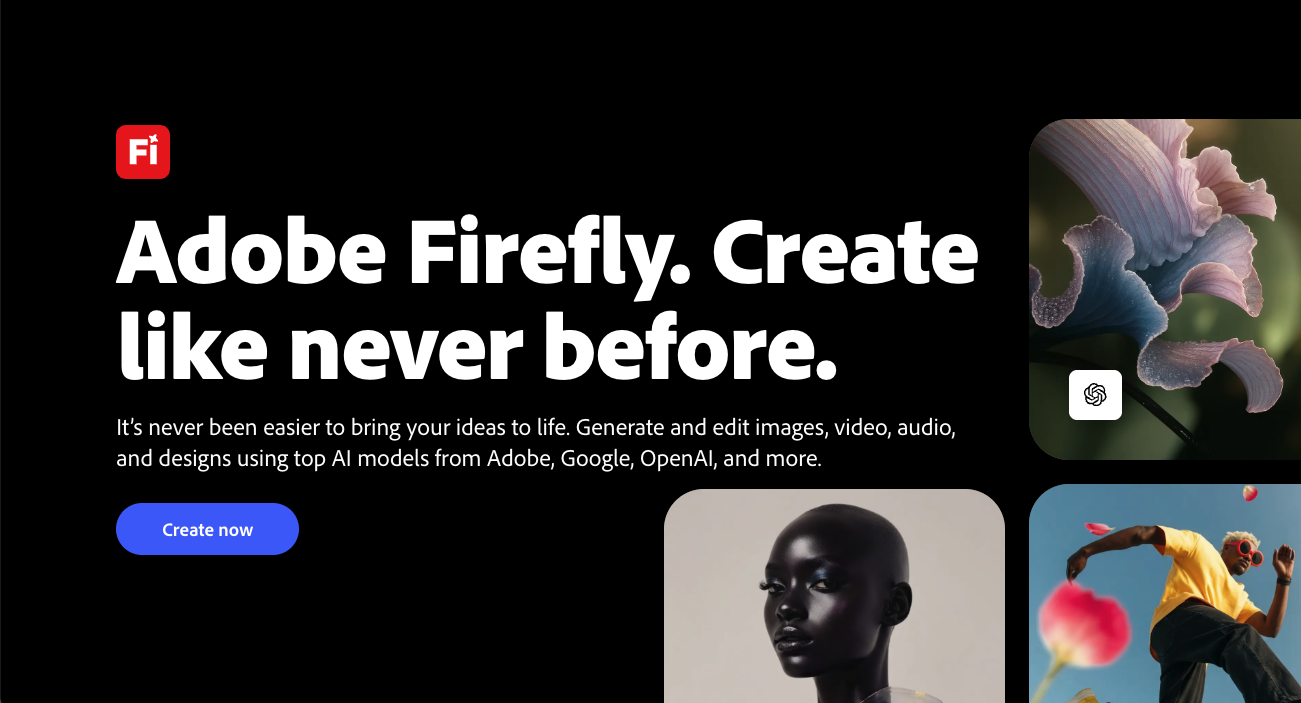
Adobe Photoshop remains the most complete option for editors who need both AI assistance and detailed manual control. Its generative tools can add, remove, replace, expand, and blend image content, while the traditional Photoshop workspace provides selections, masks, adjustment layers, retouching tools, compositing, typography, and color management.
Photoshop is strongest when an AI result needs correction. Designers can refine edges, repair distorted details, combine several outputs, control individual layers, and prepare professional files for print, advertising, photography, and high-end production.
When to Choose Adobe Photoshop
Choose Photoshop when precision and flexibility matter more than simplicity. It is the strongest option for professional designers, retouchers, photographers, and creative teams, but it can be excessive for someone who only needs quick everyday transformations.
3. Canva
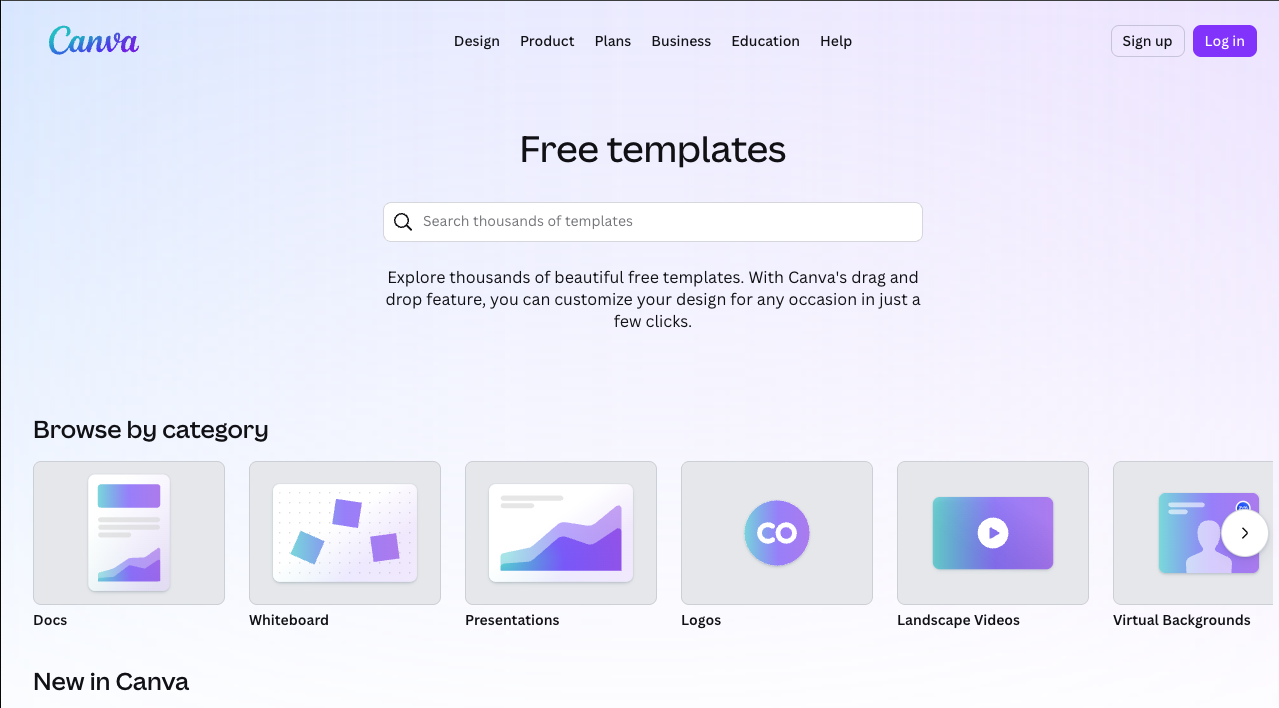
Canva combines AI photo editing with a large design workspace. Users can make prompt-based changes, remove distractions, replace backgrounds, enhance images, and then place the edited photo directly into a social post, advertisement, presentation, banner, thumbnail, flyer, or ecommerce graphic.
Its main strength is workflow continuity. You do not need to export an edited image and move it into a separate design application. Canva is especially useful for marketers, social media managers, small businesses, and teams already using its templates and brand tools.
When to Choose Canva
Choose Canva when photo editing is one part of a broader content-design process. Choose a more specialized editor when you need advanced retouching, detailed RAW adjustments, or highly controlled image compositing.
4. Photoroom
Best for Ecommerce and Product Images
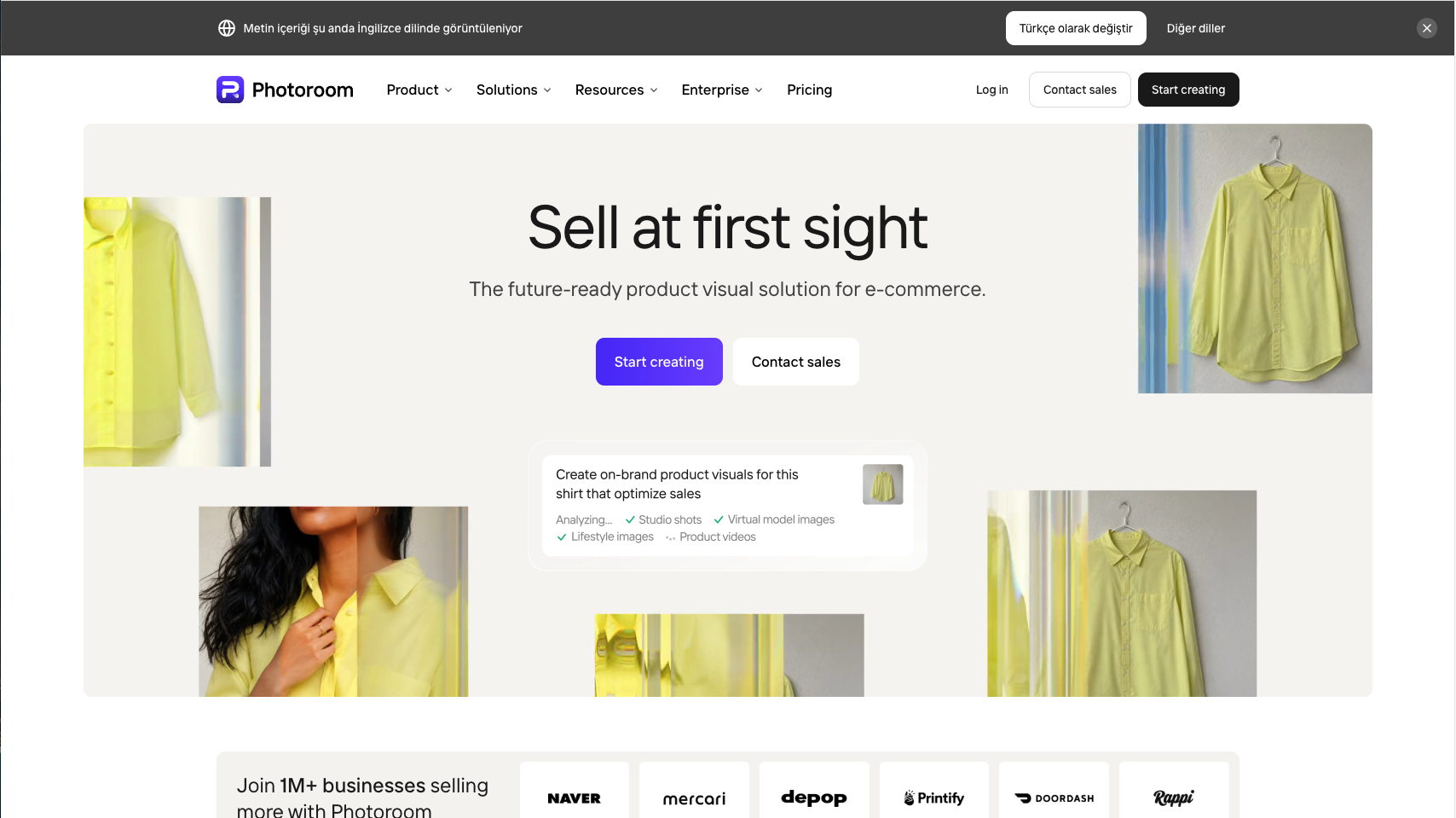
Photoroom is focused heavily on product photography and ecommerce image production. It offers tools for background removal, background replacement, object cleanup, realistic shadows, image expansion, enhancement, recoloring, batch editing, and text-guided changes.
This focus makes it useful for online sellers and teams that already have product photos but need to turn them into clean marketplace images, lifestyle scenes, promotional assets, or consistent catalog visuals.
When to Choose Photoroom
Choose Photoroom when ecommerce image cleanup and product presentation are your main priorities. Choose GenImagePro when you want a broader template-driven workflow across products, people, food, real estate, beauty, and other image categories.
5. Pixelcut
Best for Fast Seller and Creator Edits
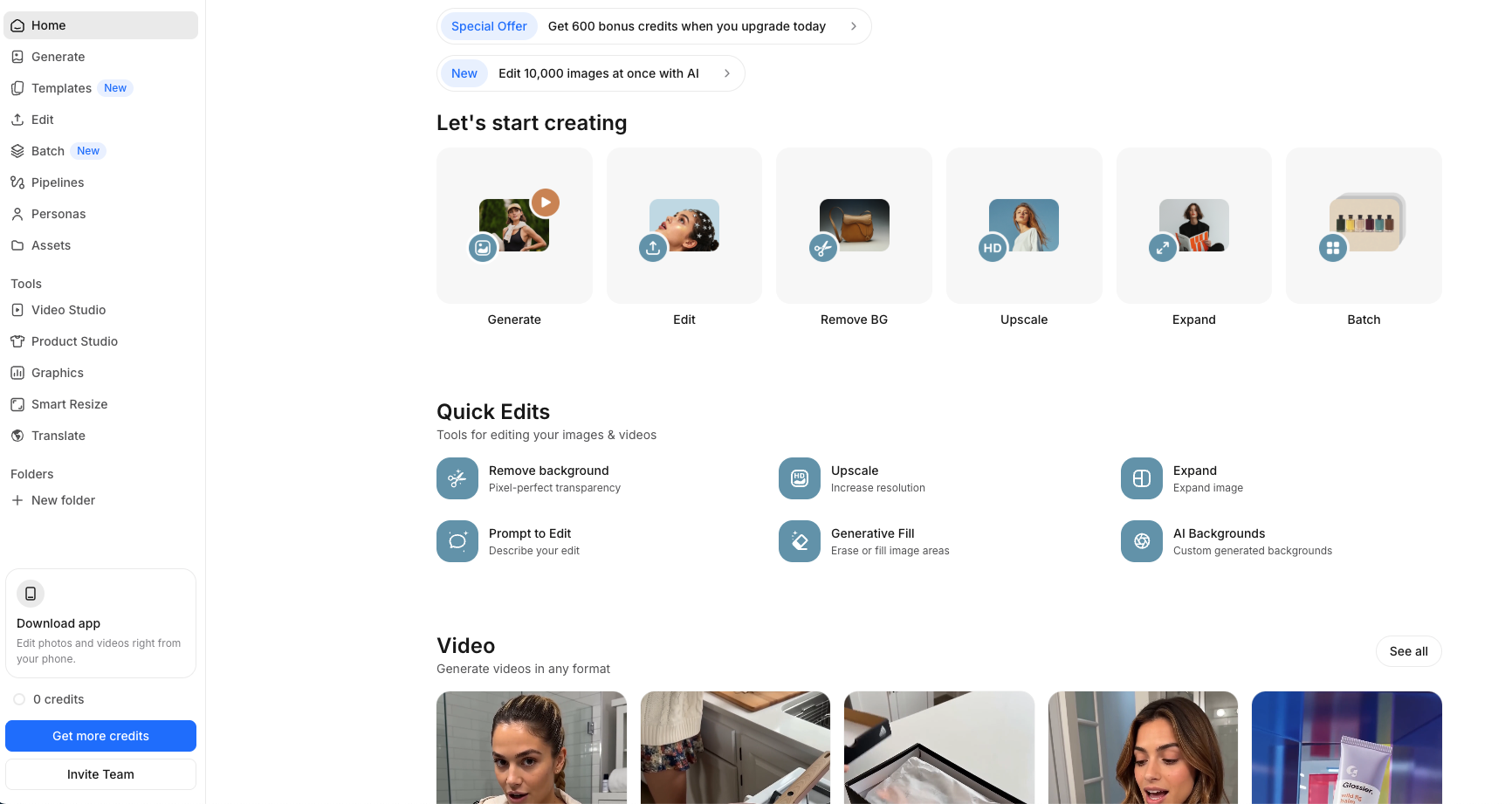
Pixelcut is an AI-powered image editor built around fast, understandable tasks. It supports prompt-based editing and common workflows such as removing backgrounds, erasing distractions, enhancing photos, creating product images, and producing variations for social or ecommerce use.
The interface is more approachable than a traditional professional editor, making Pixelcut useful for solo sellers, creators, and small teams that need quick results without managing a complicated layer structure.
When to Choose Pixelcut
Choose Pixelcut when speed and simplicity are more important than advanced manual correction. It is a practical option for frequent everyday edits and lightweight commercial content.
6. Picsart
Best for Creative Effects and Mobile Editing
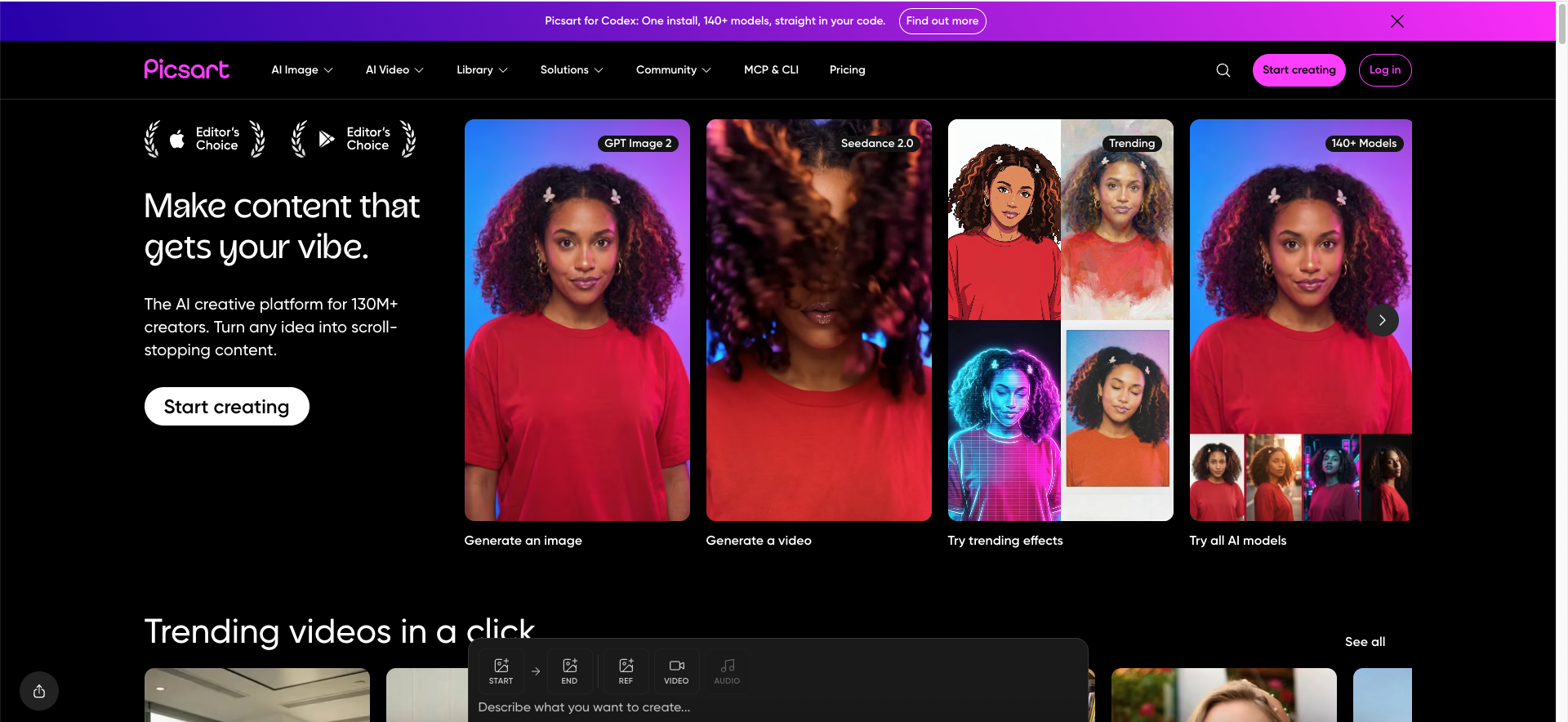
Picsart combines AI photo editing, enhancement, background tools, object removal, restoration, portrait-related features, effects, and creative transformations. Its broad creative toolkit is well suited to users who want to experiment with visual styles rather than only make technical corrections.
The platform is especially relevant to creators producing profile images, social posts, trend-driven edits, collages, promotional visuals, and mobile-first content. The number of tools can feel busy, but it provides considerable variety in one ecosystem.
When to Choose Picsart
Choose Picsart when you want effects, transformations, and social-ready creative options. Choose a photography-focused editor when accurate color, RAW processing, and subtle professional adjustments are more important.
7. Luminar Neo
Best for Photographers and RAW Images
Luminar Neo is a photography-focused editor that uses AI to simplify adjustments such as image enhancement, portrait retouching, sky replacement, scene relighting, object removal, denoising, sharpening, and upscaling. It also supports RAW files, layers, masking, and conventional photographic controls.
This balance makes Luminar Neo useful for photographers who want more control than a simple online editor but prefer a less technical workflow than traditional professional software. Its AI tools are primarily designed to accelerate photographic post-processing rather than only generate novelty effects.
When to Choose Luminar Neo
Choose Luminar Neo when you regularly edit camera photos, landscapes, portraits, travel images, or RAW files and want AI to speed up traditional photographic adjustments.
8. Fotor
Best for a Broad Collection of Online AI Tools
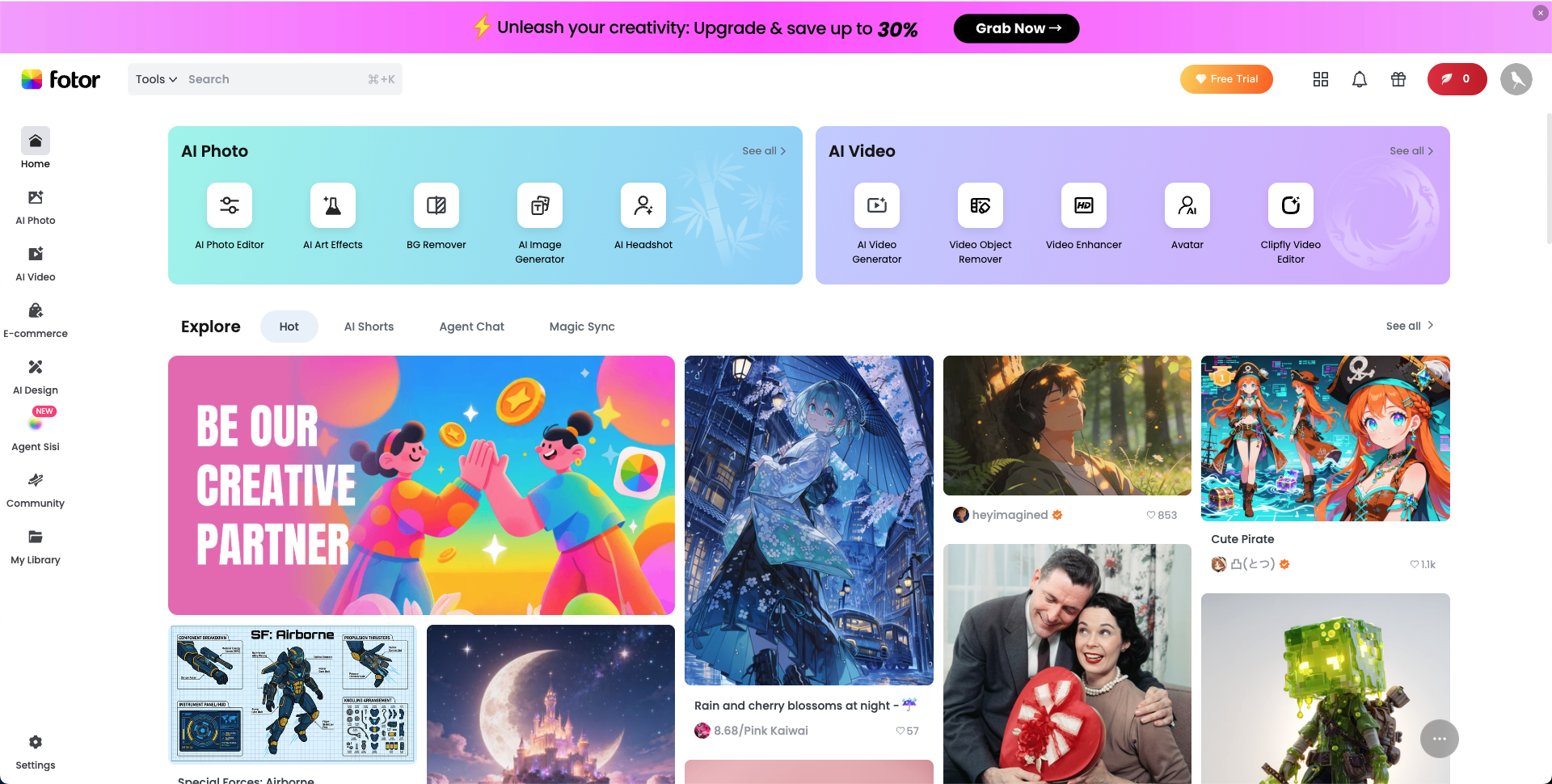
Fotor offers a large collection of browser-based AI photo tools, including enhancement, sharpening, restoration, upscaling, background removal, object removal, retouching, image extension, and prompt-based editing. Its broad tool selection makes it useful for users who want to complete different small editing tasks in one place.
Fotor is generally easier to approach than professional desktop software. However, users should compare free limits, export restrictions, credit usage, and premium access before choosing it for frequent production work.
When to Choose Fotor
Choose Fotor when you want access to many straightforward online tools and do not need a complex professional workspace.
9. Pixlr
Best for Browser-Based Editing Flexibility
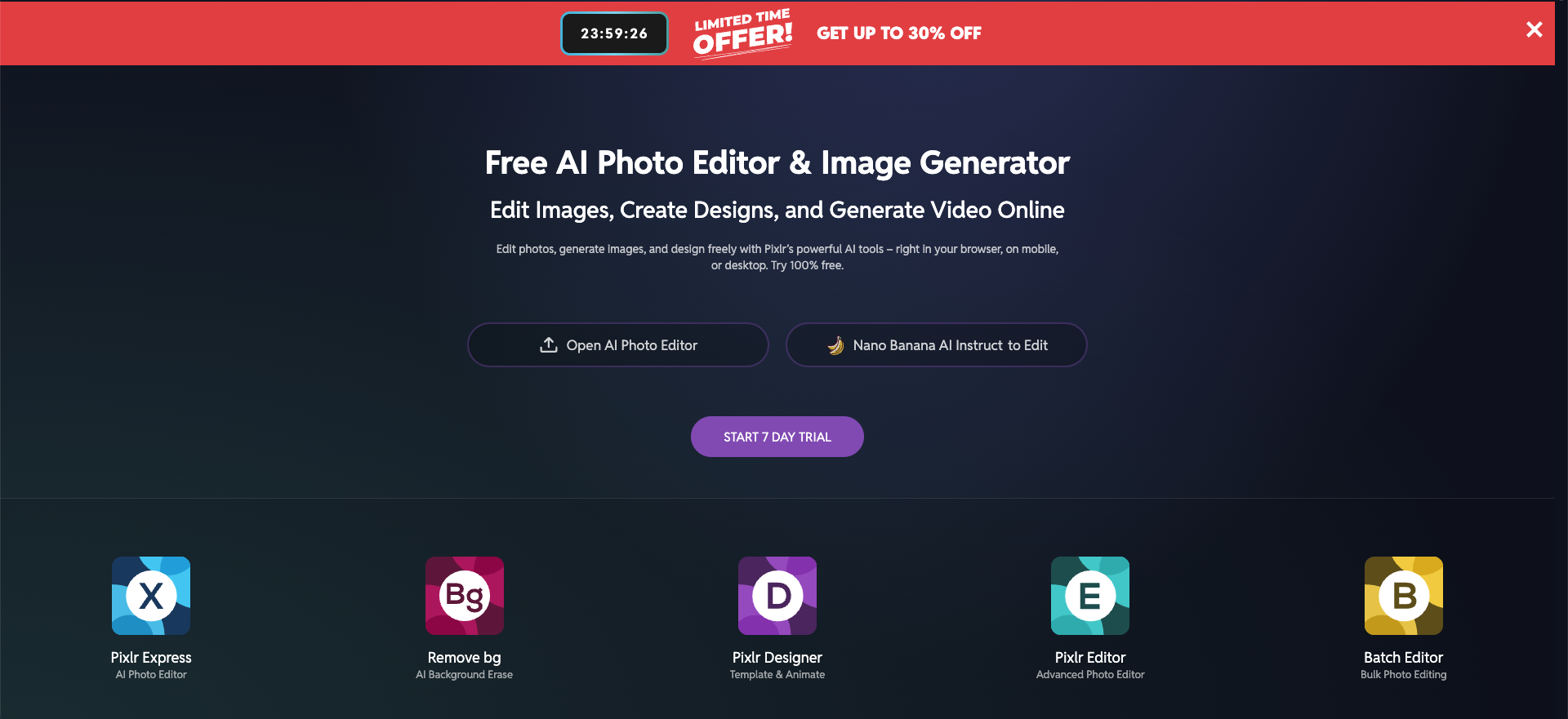
Pixlr combines a familiar online photo editor with AI tools such as generative fill, generative expand, background removal, object removal, upscaling, sharpening, denoising, image generation, and instruction-based editing.
It is useful for people who want more editing flexibility than a one-purpose utility but do not want to install large desktop software. Because Pixlr includes both conventional and generative tools, users can make quick manual adjustments after an AI operation.
When to Choose Pixlr
Choose Pixlr when you want a browser editor with both manual controls and a wide selection of AI tools. Test the specific feature you need before paying, since availability and credit requirements can differ across tools.
Best AI Photo Editor by Use Case
For Beginners
GenImagePro, Canva, Pixelcut, Fotor, and Picsart are the most approachable choices for beginners. GenImagePro is particularly useful when templates can define the desired result, while Canva is convenient for users who also need a finished design.
For Professional Designers
Adobe Photoshop is the strongest overall option for advanced production. It provides the most control when AI output needs manual correction, compositing, masking, typography, print preparation, or detailed retouching.
For Ecommerce Sellers
GenImagePro, Photoroom, and Pixelcut are the most relevant options for ecommerce sellers. GenImagePro supports broad template-based commercial transformations, Photoroom focuses on operational product-image workflows, and Pixelcut offers fast seller-friendly edits.
For Photographers
Luminar Neo and Adobe Photoshop are the strongest choices for photographers. Luminar Neo makes many photographic adjustments accessible through AI, while Photoshop offers deeper control and a larger professional editing ecosystem.
Canva and Picsart are particularly useful for social content because edited images can be combined with layouts, effects, text, templates, and platform-specific formats. GenImagePro is useful when creators first need multiple visual variations from one uploaded image.
Common AI Photo Editing Mistakes
The first mistake is judging an edit only at thumbnail size. Zoom in and inspect faces, hands, text, logos, product labels, edges, reflections, jewelry, and repeating patterns. Small AI errors can make an otherwise attractive image unusable for professional or commercial purposes.
The second mistake is asking for too many changes in one instruction. When possible, make one major edit at a time. Replace the background, review the result, then remove distractions or adjust lighting. Smaller steps make it easier to identify where an unwanted change occurred.
The third mistake is using the same editor for every task. A fast template tool, a product photography editor, and a professional layer-based application solve different problems. The most efficient workflow may use one tool for generation and another for final correction.
Final Recommendation
Choose GenImagePro if you want a straightforward template-first workflow for turning existing images into polished commercial and creative variations. It is particularly useful for users who prefer choosing a visual direction over learning advanced editing tools or writing complicated prompts.
Choose Adobe Photoshop for the greatest professional control. Choose Canva when your edited image will become part of a complete design. Choose Photoroom for ecommerce and product-image operations, Pixelcut for quick creator and seller edits, Picsart for effects and social creativity, Luminar Neo for photography and RAW workflows, Fotor for a broad online toolkit, and Pixlr for flexible browser-based editing.
Before subscribing, upload the same three test images to your preferred tools: a portrait, a product photo, and a complex scene. Compare detail preservation, editing speed, export quality, ease of correction, and the total cost of producing the images you actually need.
FAQ
What is the best AI photo editor?
Adobe Photoshop is the strongest choice for professional control. GenImagePro is a strong option for fast template-based image transformations. Canva is useful for design workflows, Photoroom for ecommerce images, and Luminar Neo for photography. The best choice depends on the type of images you edit.
What is the easiest AI photo editor for beginners?
GenImagePro, Canva, Pixelcut, Picsart, and Fotor are approachable options. GenImagePro is especially simple when a ready-made template matches the result you want to create.
Can AI edit an existing photo?
Yes. Modern AI photo editors can remove or replace objects, change backgrounds, extend the canvas, enhance resolution, retouch portraits, adjust lighting, and transform an existing image using templates or text instructions.
Can AI photo editors replace Photoshop?
AI photo editors can replace Photoshop for many quick edits, especially background changes, object removal, enhancement, and creative variations. Photoshop remains more suitable when you need precise selections, layers, compositing, detailed retouching, or professional file preparation.
Are AI photo editors safe for product images?
They can be useful for product images, but every result should be reviewed carefully. Check the product's shape, color, logo, label, material, proportions, and small details before publishing the image.
Do I need to write prompts to use an AI photo editor?
Not always. Some editors use natural-language instructions, while GenImagePro uses a template-first workflow that lets users begin from a predefined visual direction instead of writing a detailed prompt.