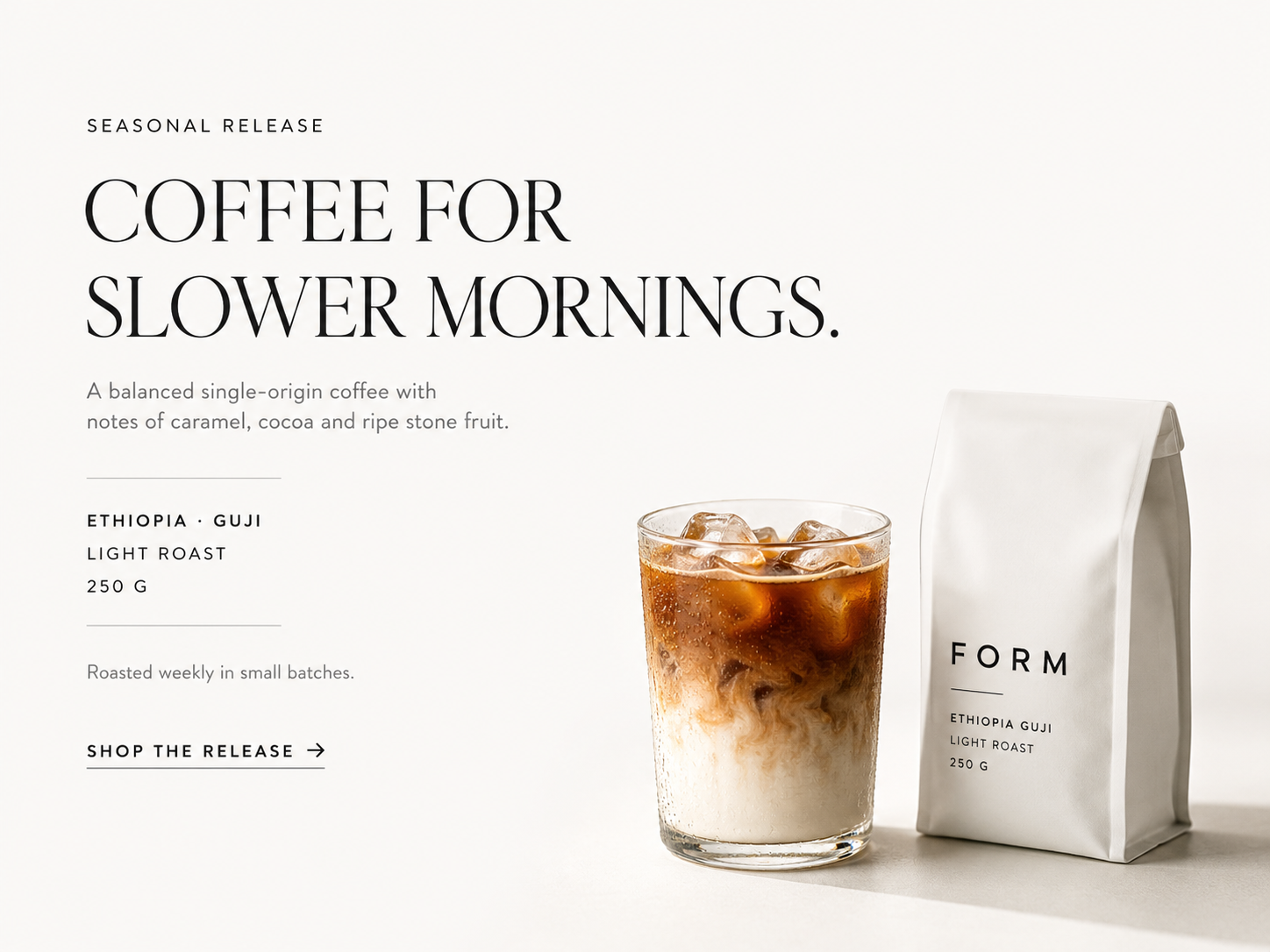


Your source
Your actual image
Product, garment, portrait, or room — the subject you already have remains the visual reference.
IdentityDetailsComposition
Upload an image, detect its text with OCR, and translate it into your chosen language — product labels, screenshots, menus, signs, and documents.
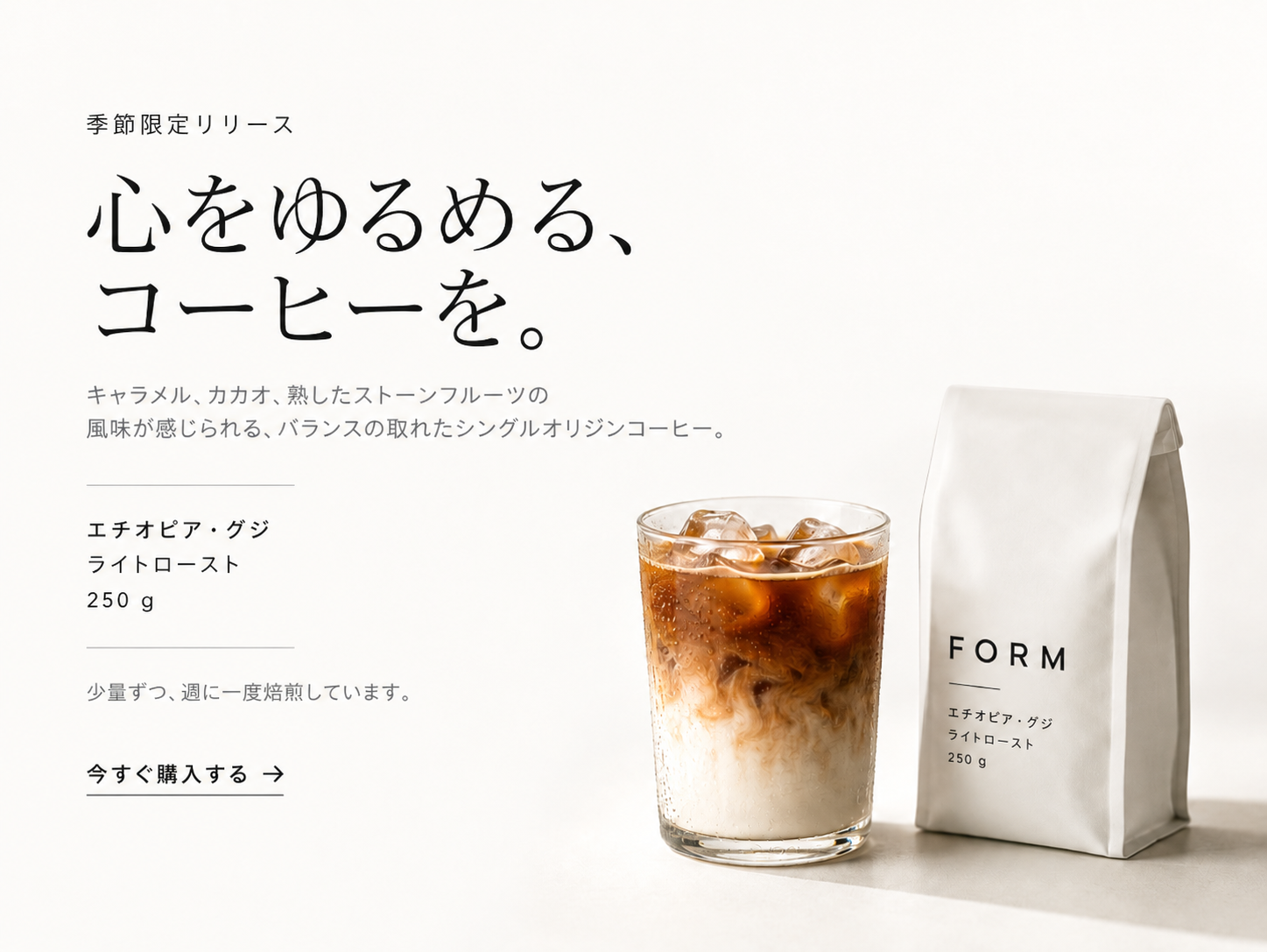
Drag to compare · English → Japanese
Translate most images in seconds.
Translate multiple images in one go.
Translate to and from major languages.
Processed for translation — not for training.
Upload images with text, detect the language with OCR, then translate into any of 40 targets — usually in under 30 seconds.
Drop one photo or a batch — labels, menus, screenshots, signs, or documents (JPG, PNG, WebP).
OCR finds the text in the image. Source is auto-detected — you choose the target from 40 languages.
Get a translated image ready for listings, travel, support, and localization workflows.
Source language is auto-detected from the image. Pick any target below — English, Spanish, Japanese, Arabic, Chinese, and 35 more.
40 target languages · source auto-detected
Source text is auto-detected. You only choose the language you want to translate into.
Translation is just the start — polish product shots, swap backgrounds, edit photos, and create portraits or video from the same upload.
Polished shots for ecommerce, ads, and social.
Turn stills into product, fashion, and walking videos.
On-model photoshoots, ghost mannequin, and catalog looks.
Studio, lifestyle, and branded scenes in one click.
Edit, restyle, and transform with AI tools.
Profile photos and business headshots from any upload.
Makeup looks and natural portrait retouching.
Redesign rooms and stage empty listings.
Use the image translator whenever text is locked inside a photo and you need it in another language fast.
 01
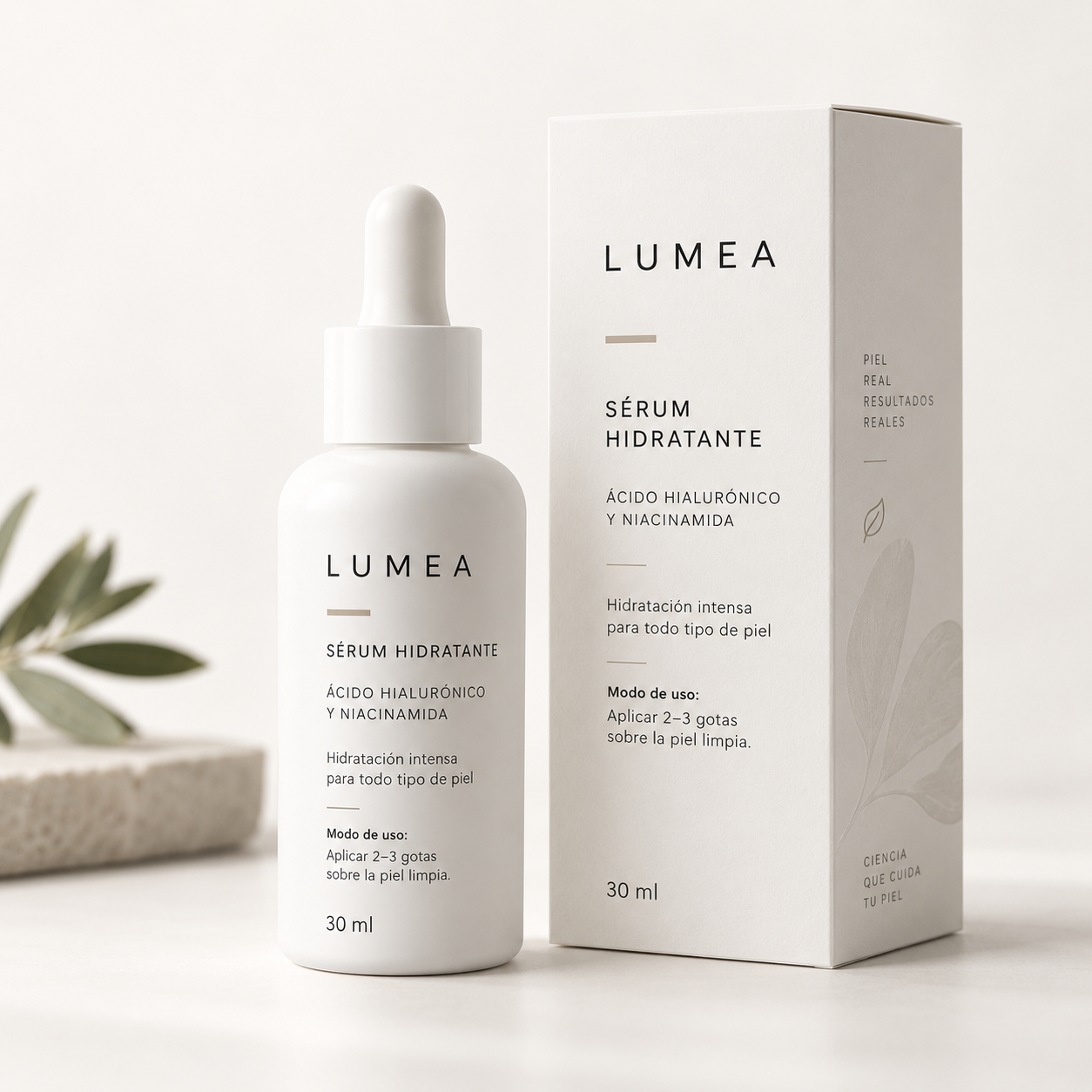
01Localize packaging and ingredient panels for marketplaces and international listings.
 02
02Translate app screens, dashboards, and support tickets without retyping every string.
 03
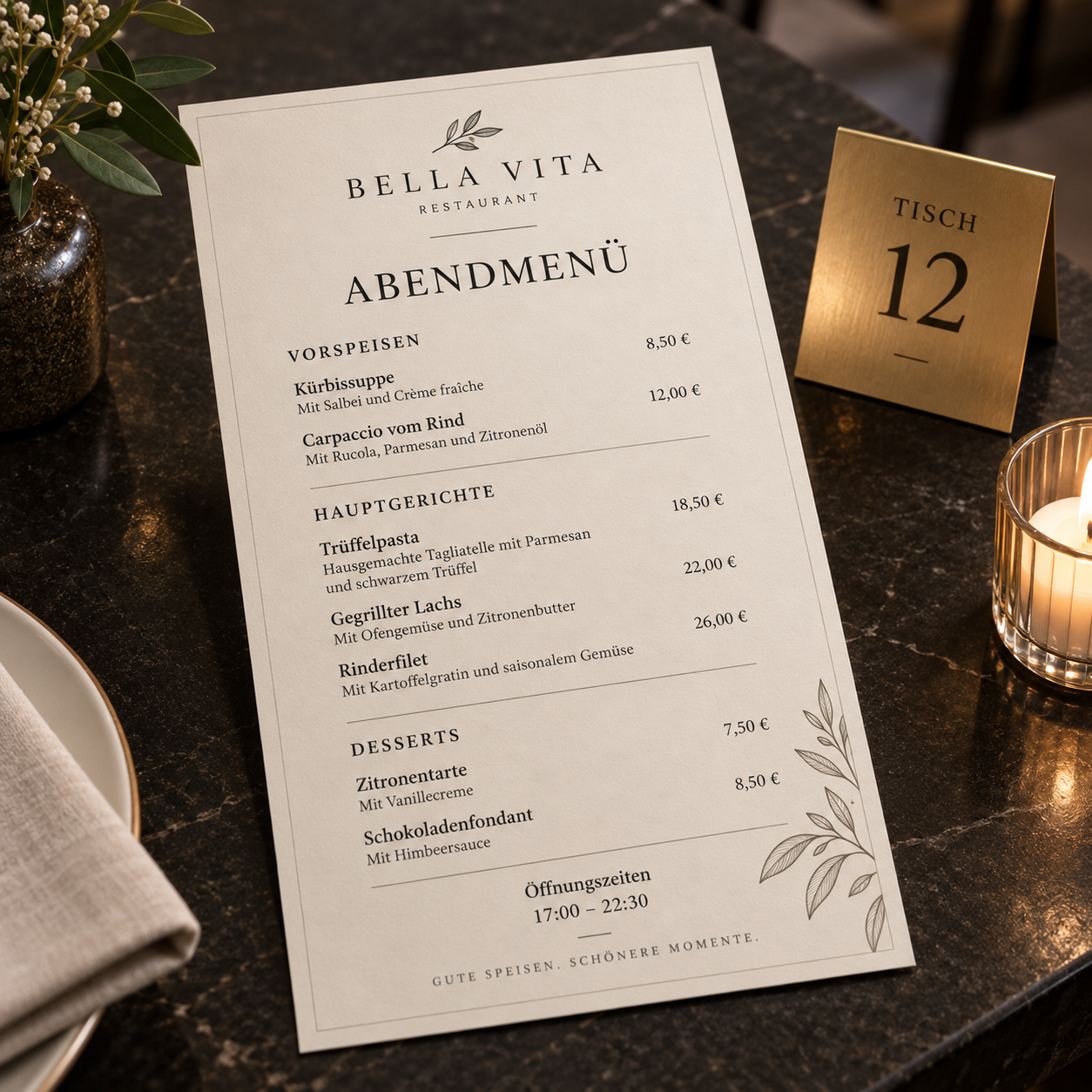
03Understand restaurant menus, street signs, and travel photos on the spot.
 04
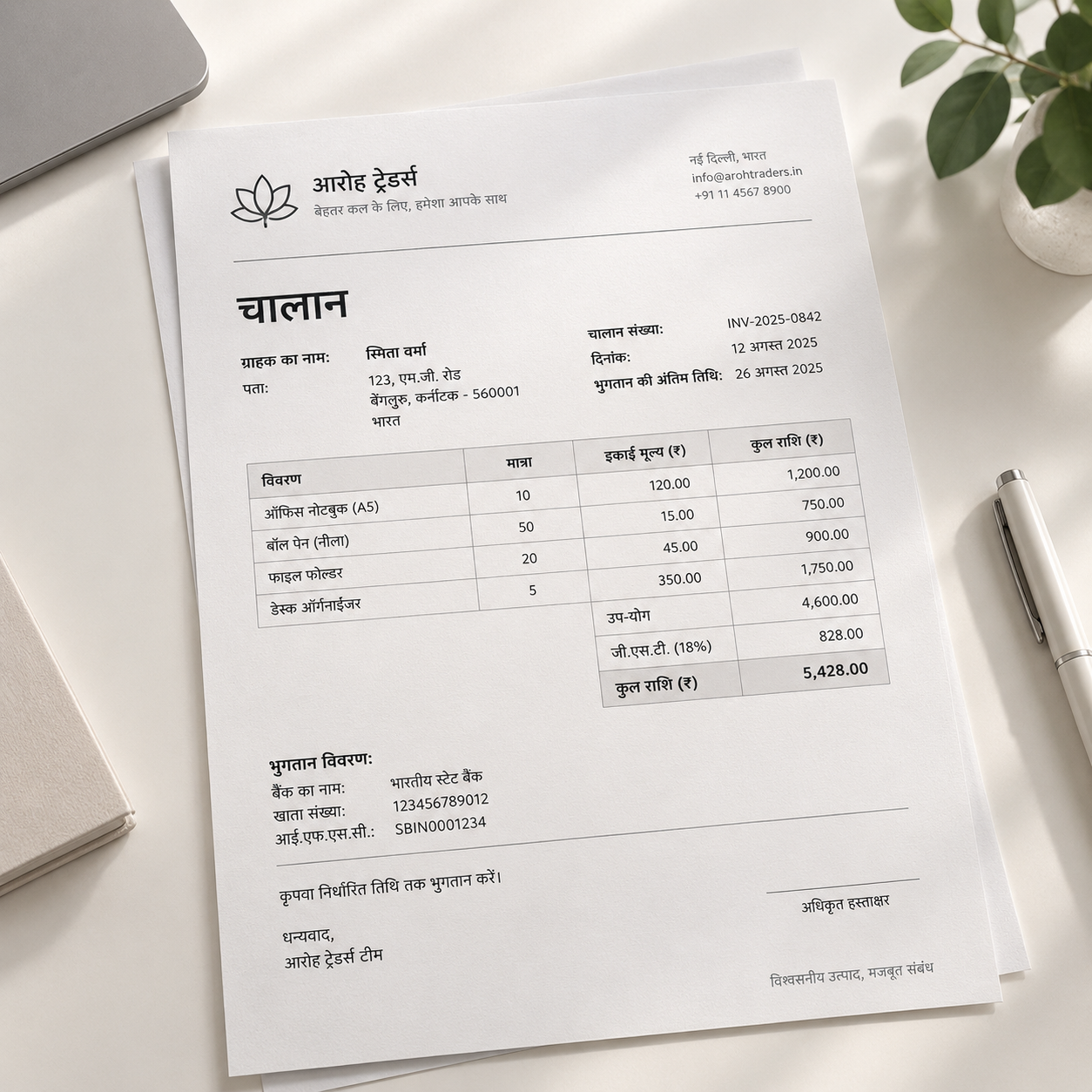
04Translate text from scanned invoices, forms, and printed pages into English or another language.
Best results come from clear, high-contrast text. Handwriting and heavy stylized lettering may need a second pass.
An image translator combines OCR and translation so you can understand and reuse text that lives inside photos — without retyping every word.
Your source
Product, garment, portrait, or room — the subject you already have remains the visual reference.
Detect text in the image, then translate it into your chosen language without a separate OCR tool.
Menus, packaging, screenshots, signs, invoices, and UI captures — not only clean scans.
Upload multiple images and translate them together — useful for catalogs, menus, packaging sets, and support screenshots.
Translate, then continue into product photos, background edits, or other AI image workflows.
GENERIC OCR

GENIMAGEPRO
Every plan has every tool: product and fashion photoshoots, edits and video. Plans differ only in how much you create.
A few products a week
$9.99/ month
$2.50/week
No commitment. Cancel anytime.
What you can create
Every tool included
Full catalogs and weekly ads
$19.99/ month
$5.00/week
No commitment. Cancel anytime.
What you can create
~2× BasicEvery tool included
Agencies and daily content
$29.99/ month
$7.50/week
No commitment. Cancel anytime.
What you can create
~3× BasicEvery tool included
Allowances are approximate and depend on what you create.
Answers about translating text in images, OCR, languages, and privacy.
An image translator reads text inside a photo or screenshot with OCR, then translates that text into another language. GenImagePro’s image translator is built for product labels, menus, signs, UI screenshots, and documents — not just plain typed text.
Upload your image, choose the target language, and run the translator. The tool detects text in the image and returns a translated result you can download and reuse — usually in under 30 seconds.
Yes. GenImagePro supports batch translation so you can upload several images and translate them together — useful for product catalogs, menus, packaging sets, and screenshot packs.
“Translate image to text” often means OCR extraction only. This page is an image translator: it detects text and translates it. If you only need raw extraction without translation, that is a separate OCR workflow.
Open GenImagePro’s image translator, upload a photo, and translate into 40+ languages.