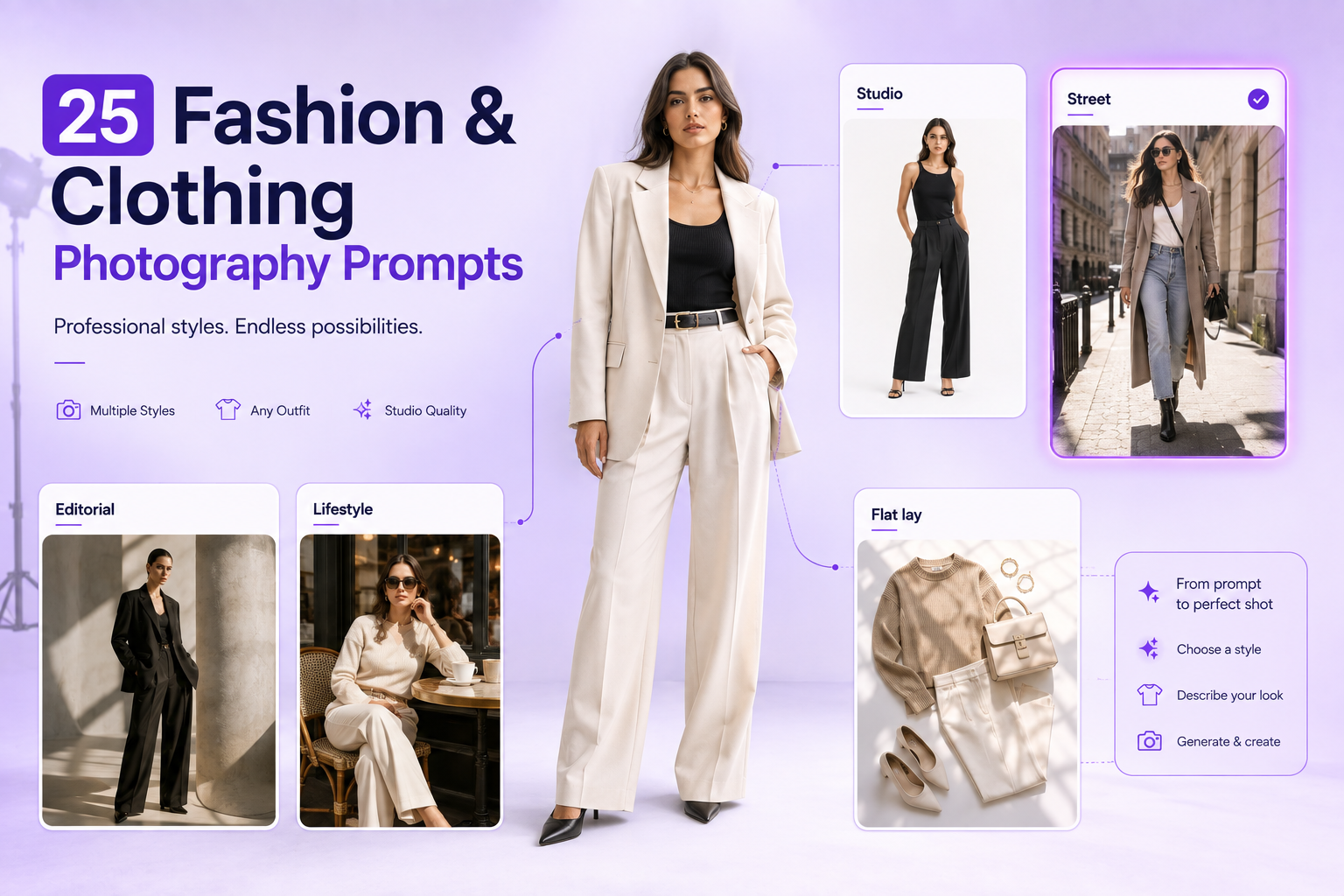
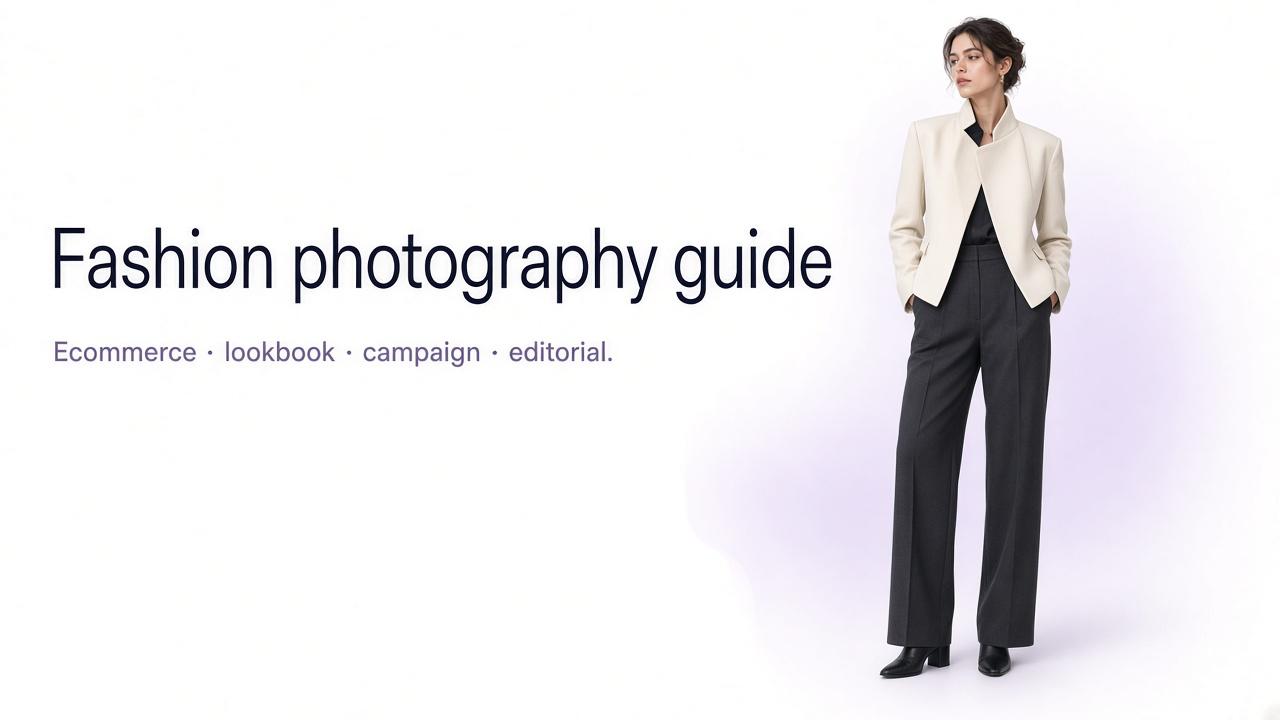
25 Fashion & Clothing Photography Prompts for AI Photos (2026)
Effective clothing photography prompts define the garment, scene, pose, lighting, camera angle, framing, and details that must stay accurate.
A strong clothing photography prompt does more than describe a garment. It tells the AI how the clothing should be presented, where the photoshoot takes place, how the model is posed, how the scene is lit, and how the final image should be framed.
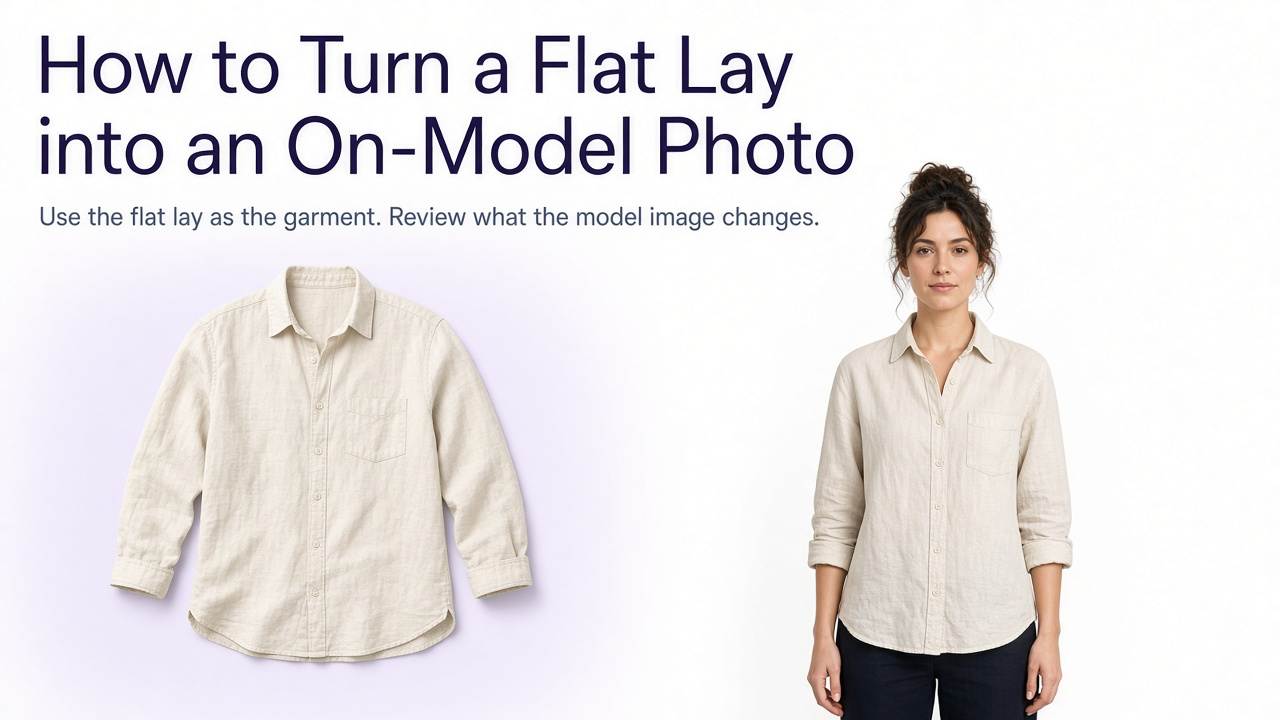
In GenImagePro, upload a clothing or model reference and use these prompts to create studio, ecommerce, editorial, and lifestyle fashion images while protecting garment accuracy.
The difference between a generic AI fashion image and a professional-looking product photo often comes down to those details.
Below are 25 copy-ready clothing photography prompts covering ecommerce, studio, editorial, streetwear, lifestyle, luxury, flat lay, model photography, and detail shots.
You can use them as starting points and replace the clothing description, model, background, pose, or camera direction to match your brand. For catalog foundations, see our clothing photography for ecommerce guide. For hollow-man product shots, see ghost mannequin photography.
Lifestyle product photo generators can turn clear garment references into studio, ecommerce, editorial, lifestyle, street, flat-lay, and campaign fashion images. Choose a template, adjust background and framing, and keep garment color, construction, logos, and proportions accurate across outputs.
What Makes a Good Clothing Photography Prompt?
The best AI clothing photography prompts describe the visual decisions a photographer would normally make during a real photoshoot.
Instead of writing only 'woman wearing a black blazer,' define the scene, model presentation, pose, lighting, framing, camera perspective, and overall photography style.
Include the garment or outfit, model or product presentation, scene or background, pose or garment position, lighting, camera angle, shot type, framing, photography style, and important garment details to preserve.
Studio Clothing Photography Prompts
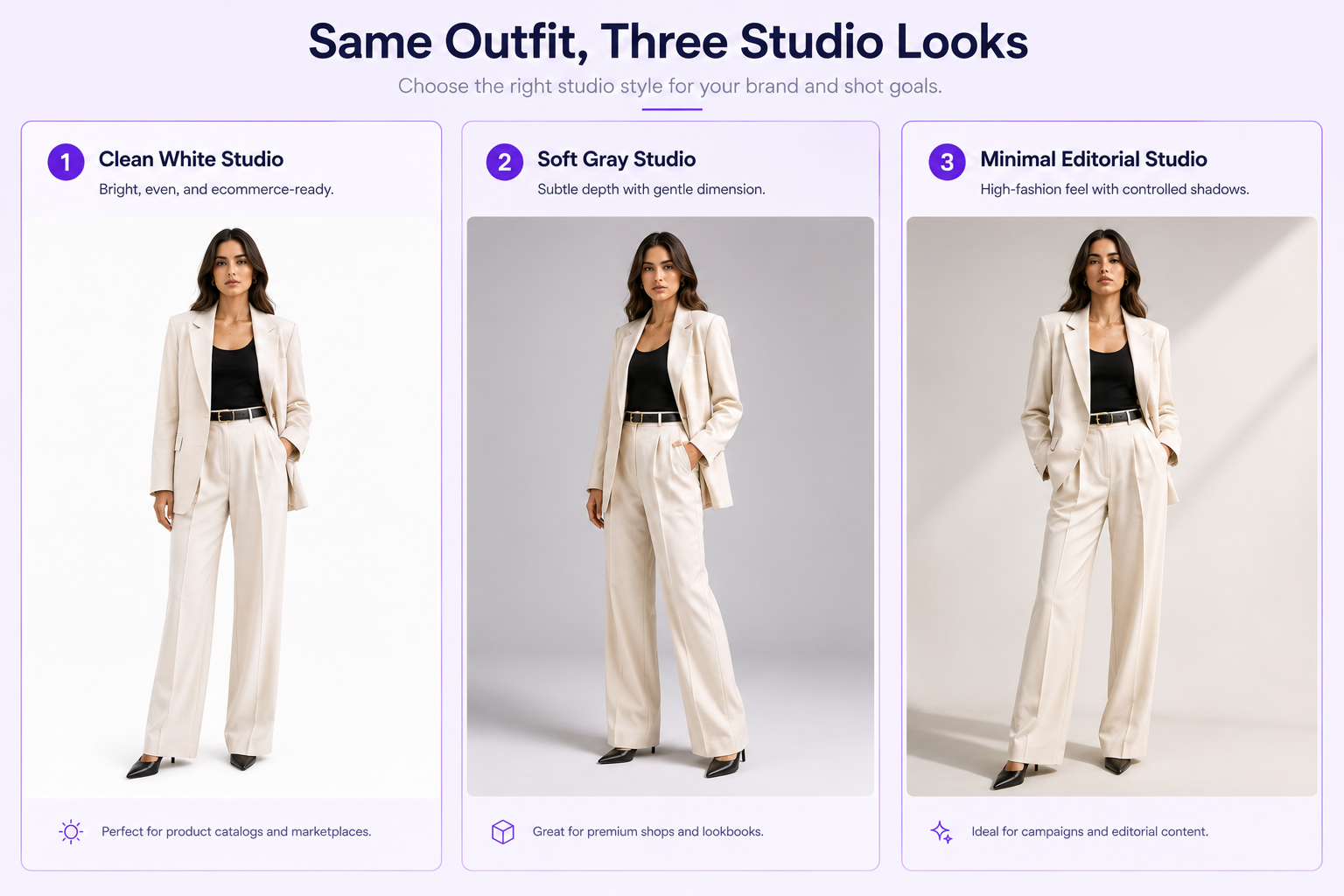
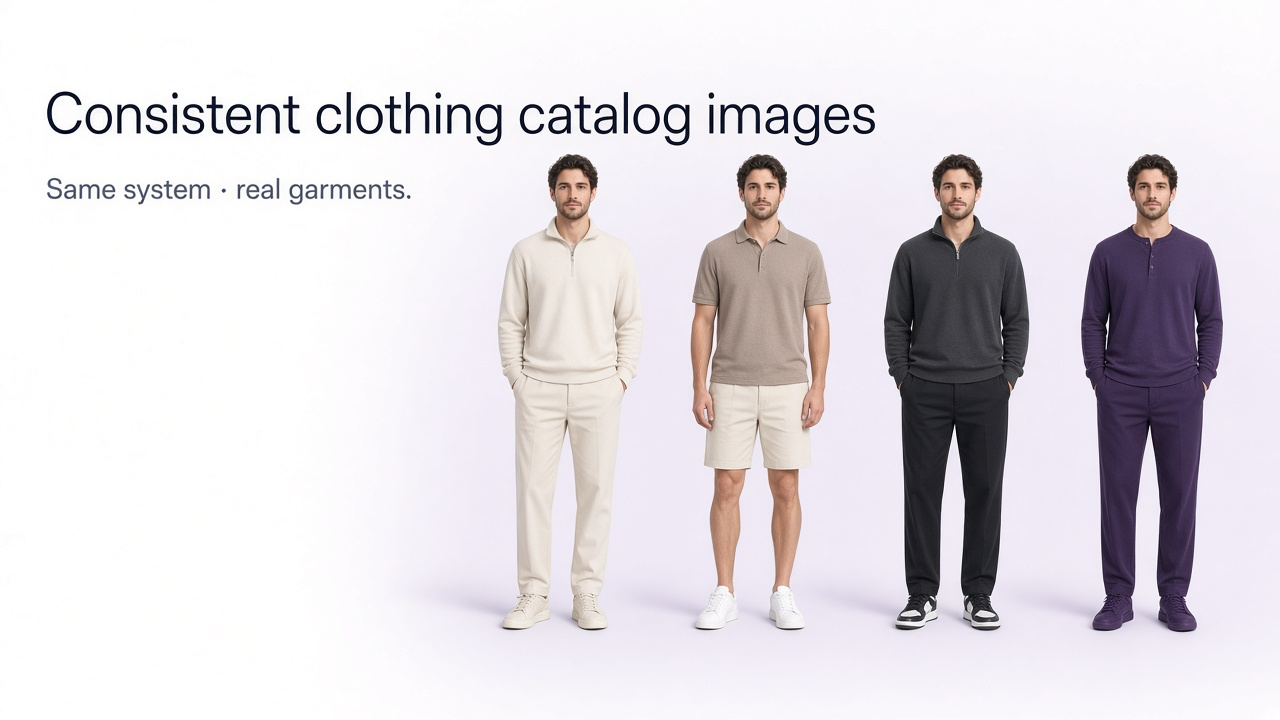
Studio photography is one of the most versatile options for fashion ecommerce because it keeps the clothing clearly visible and makes it easier to maintain a consistent catalog.
Studio prompts keep garments clearly visible and help catalogs stay consistent.
1. Clean White Studio Fashion Photo
2. Soft Gray Premium Studio
3. Minimal High-Fashion Studio
Ecommerce Clothing Photography Prompts
For ecommerce product images, prioritize garment accuracy, consistent framing, clean backgrounds, and clear visibility over dramatic styling.
4. Ecommerce Front View
5. Ecommerce Three-Quarter View
6. Ecommerce Back View
Fashion Model Photography Prompts
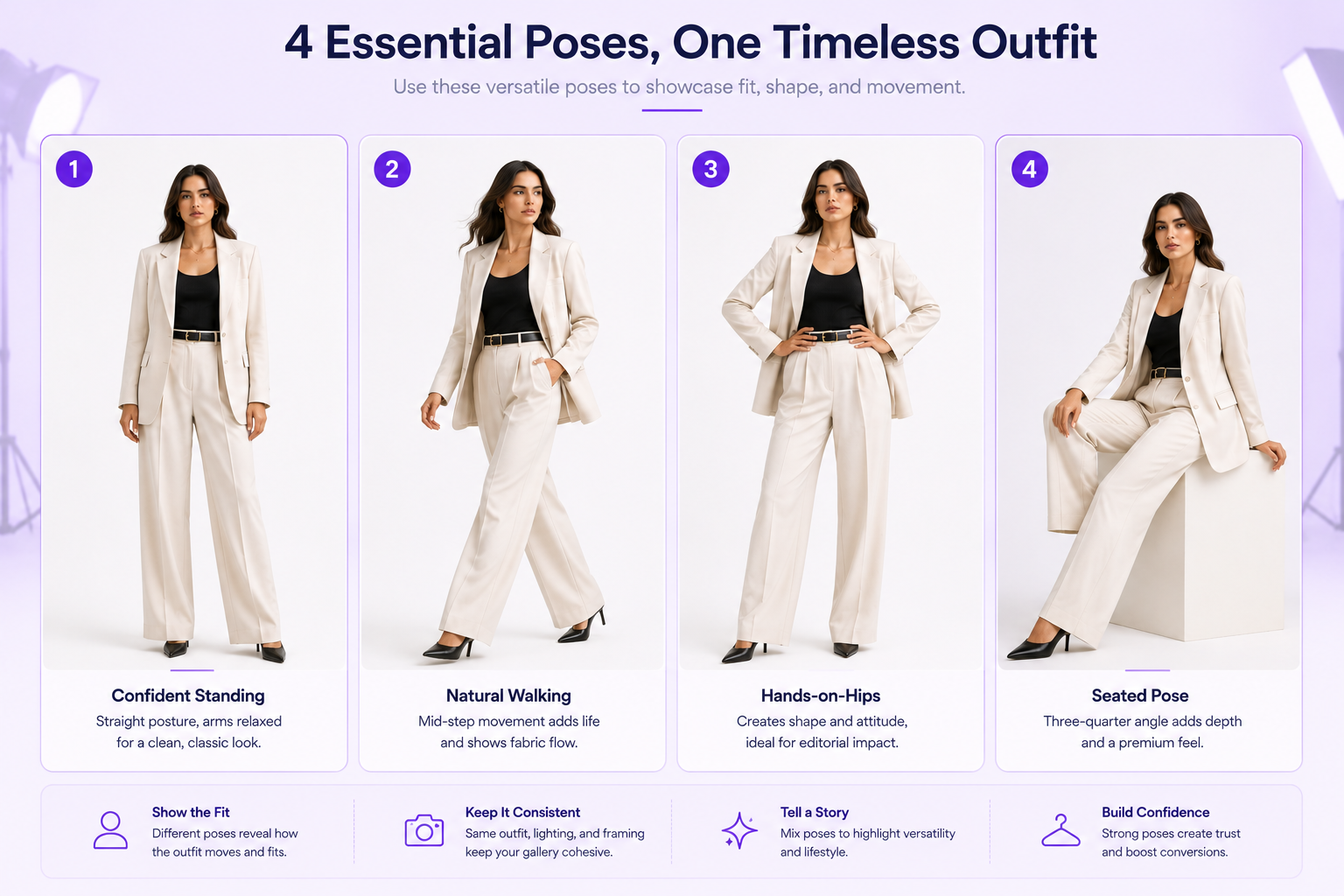
Fashion model prompts should describe both the clothing and the body language. Pose direction can dramatically change how the same outfit is perceived.
Pose direction changes how the same outfit is perceived.
7. Confident Standing Fashion Model
8. Walking Fashion Model
9. Hands-on-Hips Fashion Pose
10. Seated Fashion Portrait
Editorial Fashion Photography Prompts
Editorial images can use stronger lighting, more expressive poses, and more distinctive environments while still keeping the garment recognizable.
11. Modern Editorial Set
12. Dark Luxury Editorial
13. Minimal Architectural Editorial
Street Fashion Photography Prompts
Street fashion prompts work well for casualwear, denim, outerwear, sneakers, and contemporary fashion brands that want more natural environments.
14. City Street Fashion
15. Urban Streetwear Campaign
16. Golden Hour Street Fashion
Lifestyle Clothing Photography Prompts
Lifestyle photography places the garment in a believable real-world context and can help shoppers imagine how the clothing fits into everyday life.
17. Modern Cafe Lifestyle
18. Contemporary Home Lifestyle
19. Weekend City Lifestyle
Luxury Fashion Photography Prompts
20. Luxury Minimal Fashion Campaign
21. Reflective Luxury Studio
Flat Lay Clothing Photography Prompts
Not every clothing photograph needs a model. Flat lay photography is useful for outfit combinations, accessories, social media content, and clean product presentations.
22. Clean Ecommerce Flat Lay
23. Styled Fashion Flat Lay
Detail and Texture Photography Prompts
24. Fabric Detail Close-Up
25. Collar, Button, and Construction Detail
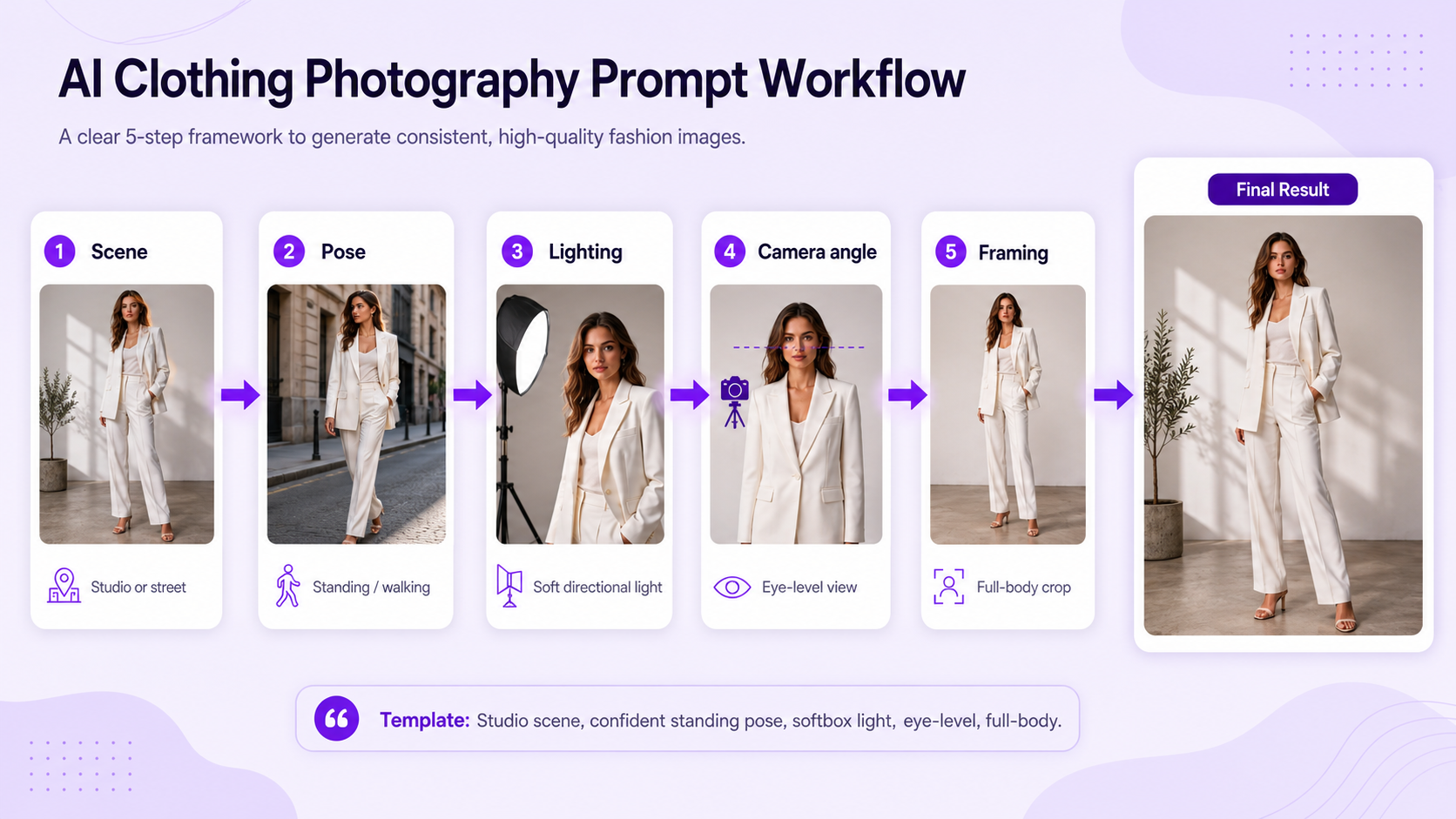
AI Clothing Photography Prompt Template
You do not need to write every fashion prompt from scratch. A reusable structure makes it easier to create consistent variations.
Treat the prompt like a creative brief: scene, pose, camera, framing, lighting, then garment fidelity.
Example Prompt Using the Template
How to Write Better AI Clothing Photography Prompts
A prompt should give the AI enough direction to create a deliberate photograph without becoming filled with contradictory instructions.
Describe the Scene
Specify where the photograph takes place rather than relying on the AI to choose an environment.
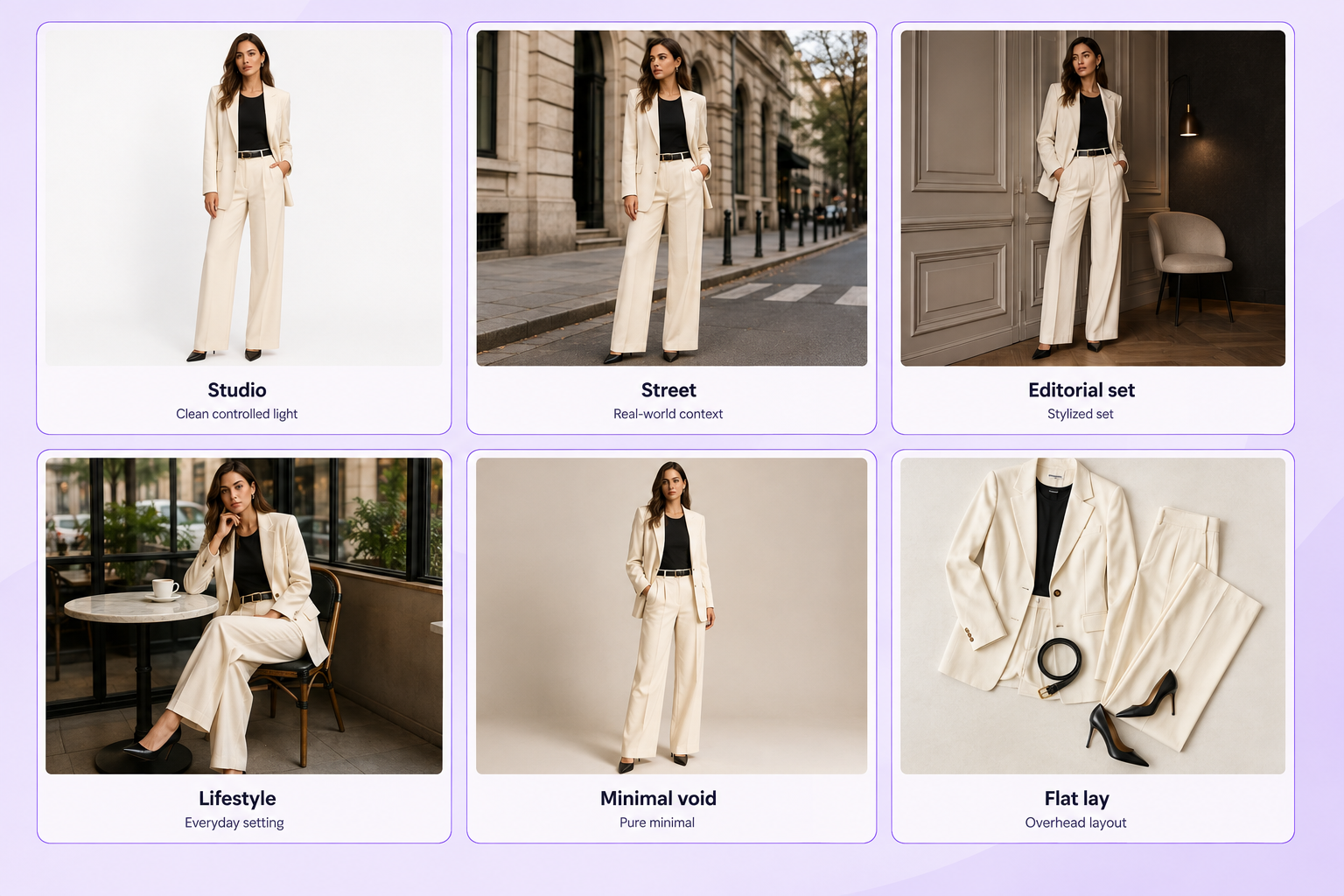
Examples include a white studio, city street, editorial set, contemporary home, luxury interior, minimal void, or outdoor location.
Match the scene to the job: catalog clarity, campaign mood, or everyday context.
Specify the Pose
For on-model photography, pose direction can include standing, walking, seated, three-quarter turn, hands on hips, leaning, or another natural fashion pose.
Choose the Shot Type
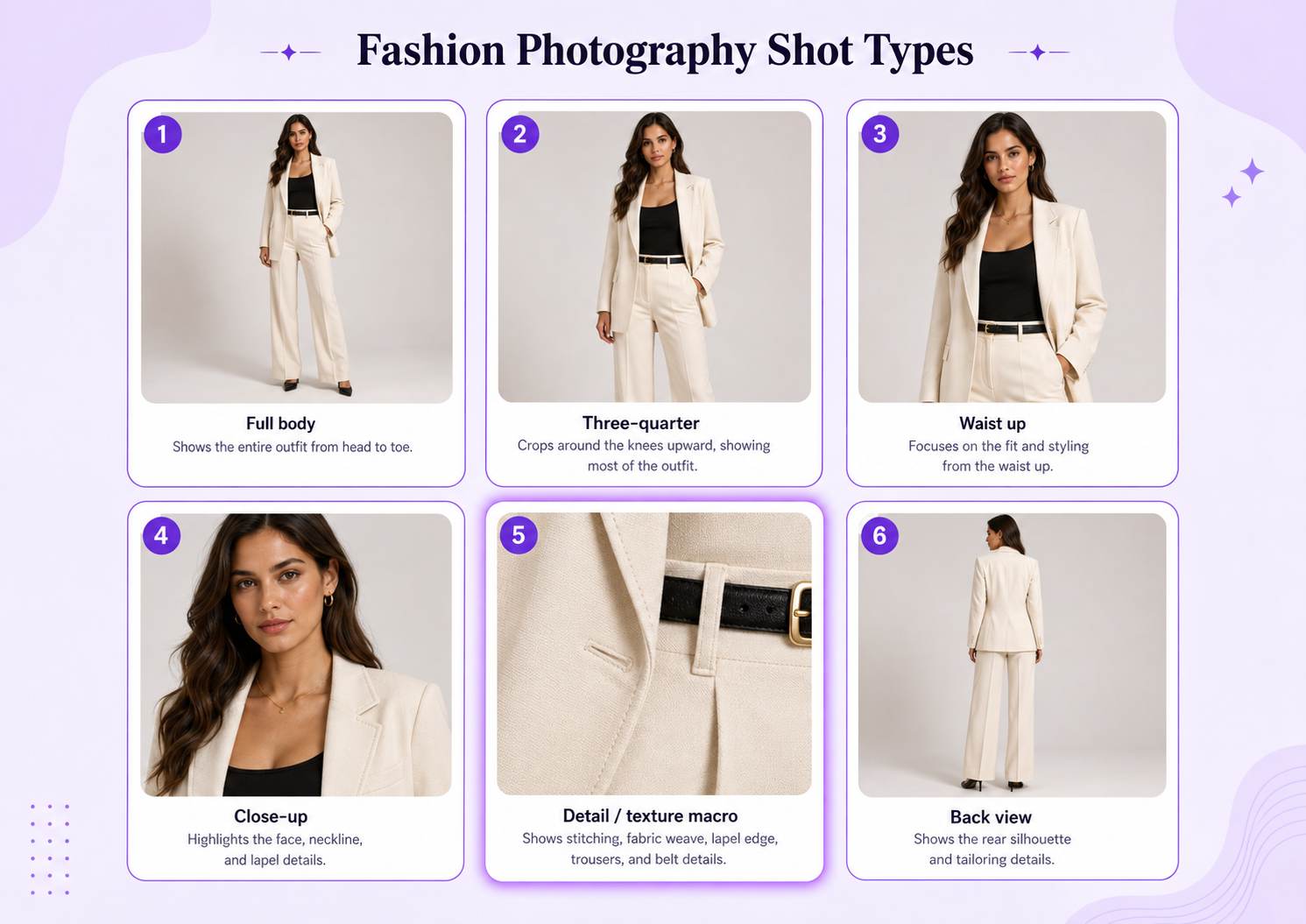
Tell the AI how much of the subject should appear in the frame: full body, three-quarter, waist up, close-up, detail or texture, or back view.
Shot type and framing decide whether shoppers see the full outfit or a construction detail.
Describe the Lighting
Lighting strongly influences whether the image feels like ecommerce photography, a fashion campaign, or an editorial shoot.
Useful directions include soft diffused studio lighting, large softbox lighting, natural window light, soft overcast daylight, golden-hour sunlight, directional editorial lighting, and high-contrast fashion lighting.
Protect Garment Accuracy
When using AI for real products, garment fidelity matters more than visual novelty.
Prompts should reinforce accurate garment construction, colors, patterns, logos, stitching, proportions, and material texture whenever those details need to remain unchanged. For more structured product prompt patterns, see our AI prompts for product photography guide.
Common AI Fashion Photography Prompt Mistakes
Vague prompts such as “make this look professional” without scene, pose, or lighting direction.
Stacking too many conflicting photography styles in one prompt.
Failing to specify full-body framing when the complete outfit matters.
Ignoring garment color, construction, logos, and material accuracy.
Using dramatic lighting that hides clothing details.
Over-styling the scene until the garment is no longer the focal point.
Describing a pose without specifying the camera angle or crop.
Adding unnecessary props that compete with the product.
Fashion Photography Prompt Ideas by Scene
Studio scenes work best for ecommerce and catalogs: clean background, soft lighting, accurate clothing.
Street scenes suit streetwear and casual fashion: urban setting, natural movement, daylight.
Editorial sets support campaigns and high fashion: creative set, expressive pose, directional light.
Lifestyle scenes help everyday clothing and social content: real environment, natural pose, candid feeling.
Minimal void scenes fit modern premium brands: minimal surroundings, garment-focused composition.
Flat lays support product pages and outfit combinations: overhead view, precise arrangement, clean lighting.
Final Thoughts
The strongest clothing photography prompts work like a compact creative brief. They define not only what appears in the image but how the photograph should be produced.
Start with the garment, then define the scene, pose, camera position, framing, and lighting. Finally, add the visual style you want while preserving the product details that matter.
Once you have a reliable prompt structure, you can reuse it across studio, ecommerce, editorial, streetwear, lifestyle, and campaign photography while changing only the variables needed for each image.
In GenImagePro, start from a garment reference, pick a fashion photography direction, keep background and framing consistent across SKUs, generate multiple outputs, and publish only results that match the real clothing.
FAQ
What should I include in an AI clothing photography prompt?
Include the garment or outfit, scene, model presentation, pose, camera angle, framing, lighting, and photography style. For real products, also specify that garment colors, construction, patterns, and important details should remain accurate.
What is a good prompt for fashion photography?
A good fashion photography prompt describes the subject, styling, environment, pose, lighting, camera perspective, framing, and intended visual aesthetic.
How do I prompt AI for ecommerce clothing photos?
Specify a clean background, soft commercial lighting, clear model pose, accurate garment colors, realistic fabric texture, minimal distractions, and consistent product-focused framing.
Can AI generate fashion model photography from clothing photos?
Yes. AI image systems can create on-model fashion imagery from suitable clothing references when the garment is clearly visible and the prompt provides sufficient scene, model, pose, lighting, and framing direction. GenImagePro can generate studio, ecommerce, lifestyle, and campaign variations from clear garment uploads.
How long should a fashion photography prompt be?
There is no fixed length. One or two detailed sentences are often enough to define the important photography decisions without introducing conflicting instructions.