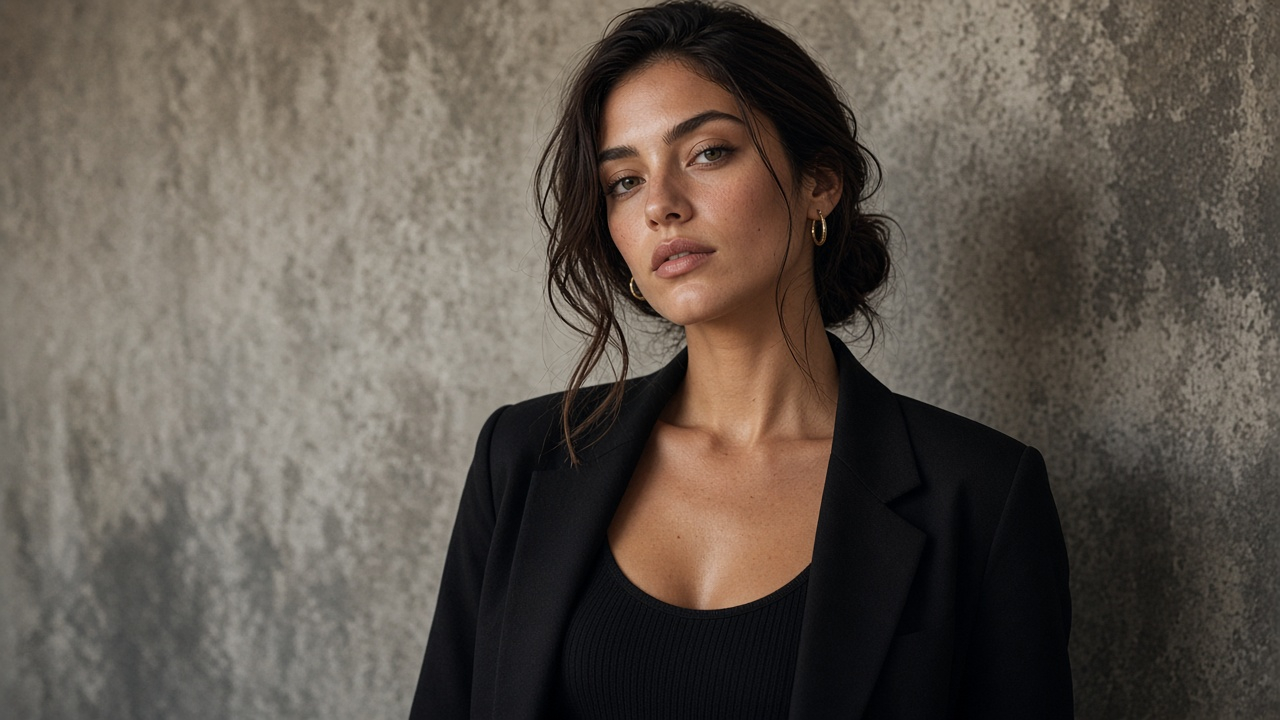
Clothing brands
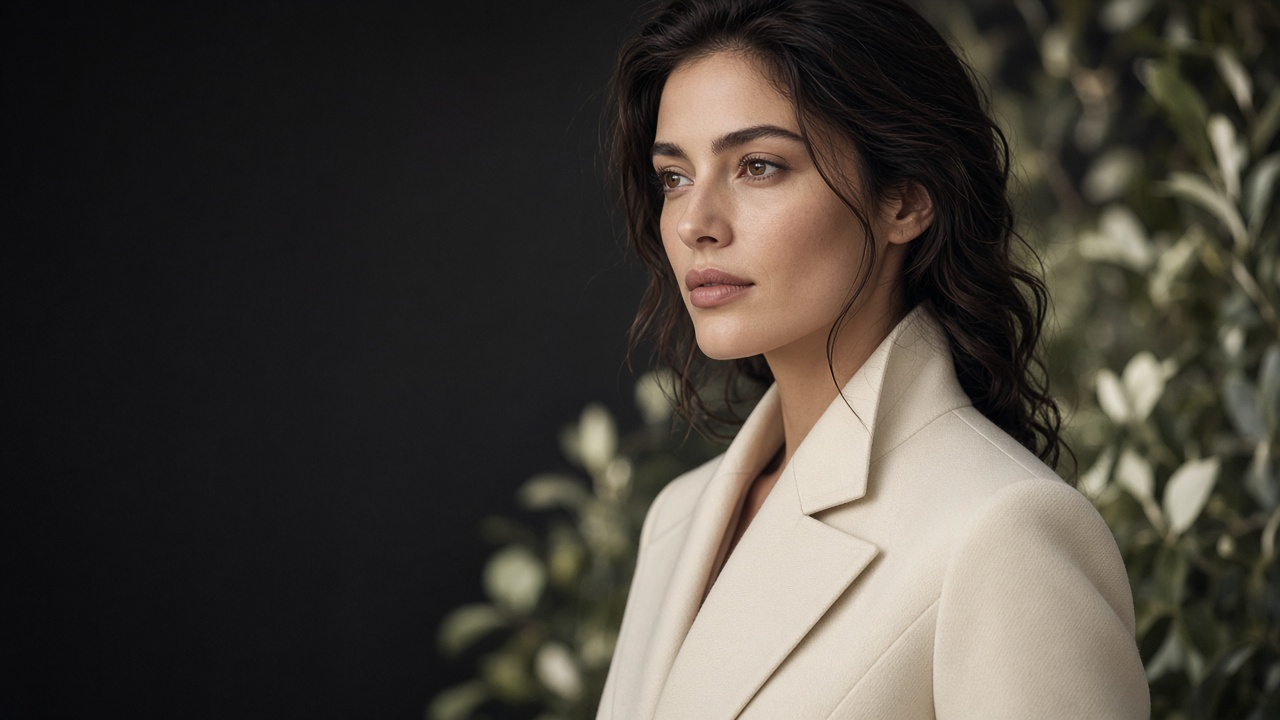
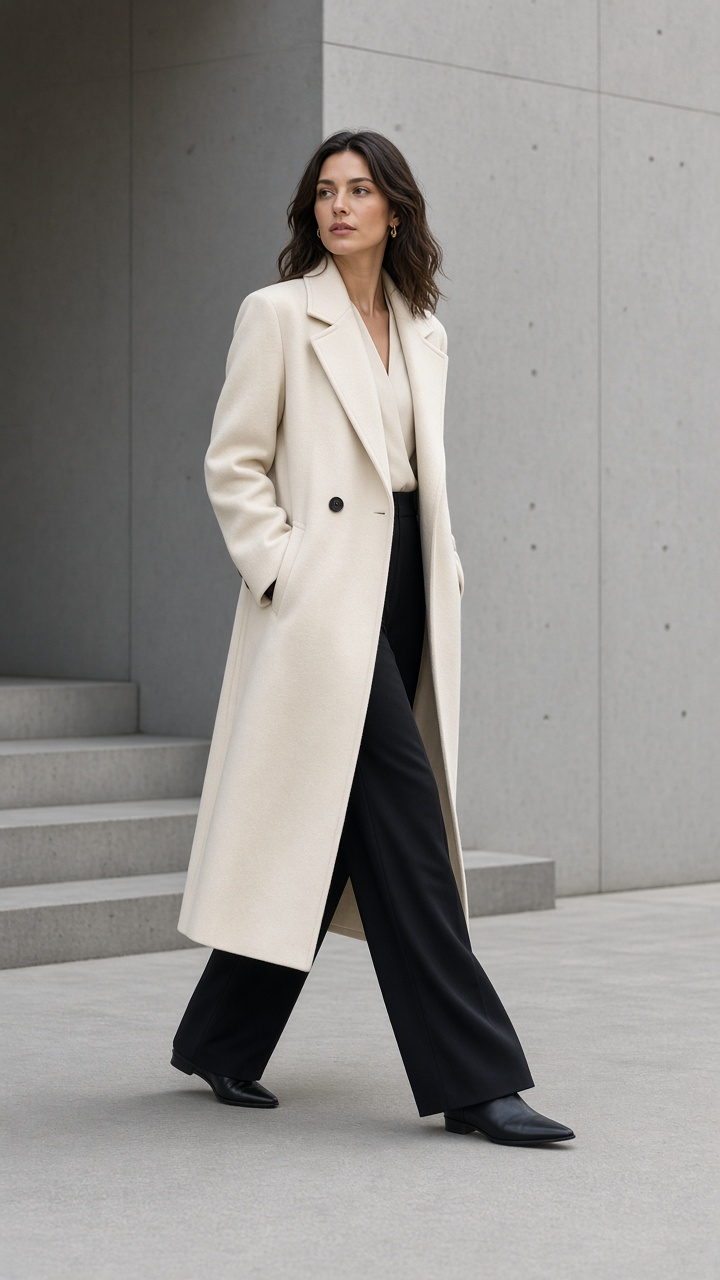
AI fashion photoshoot
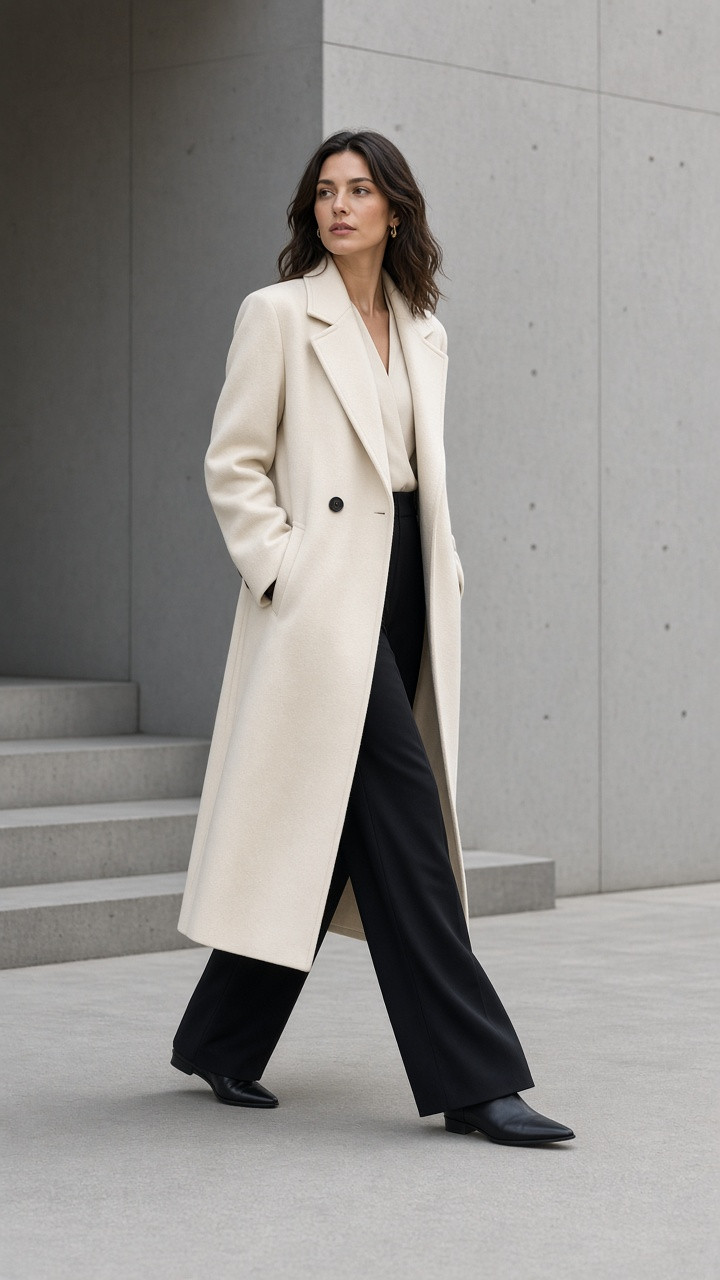
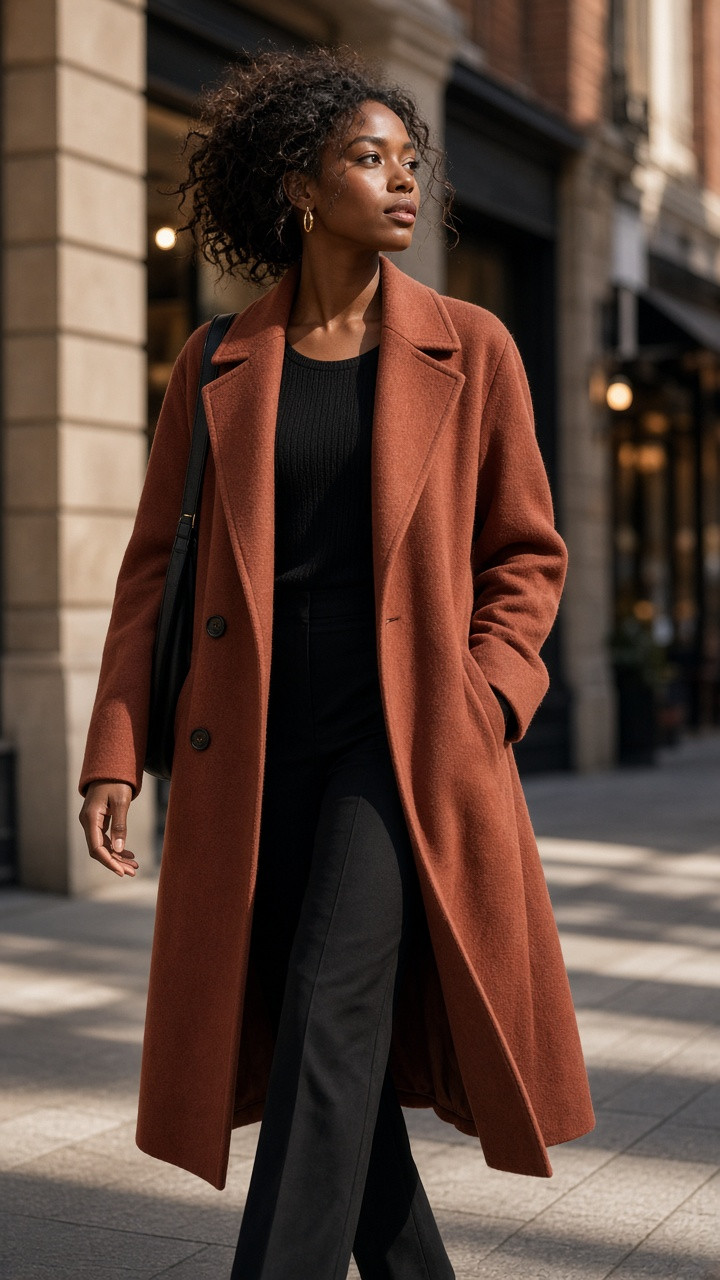
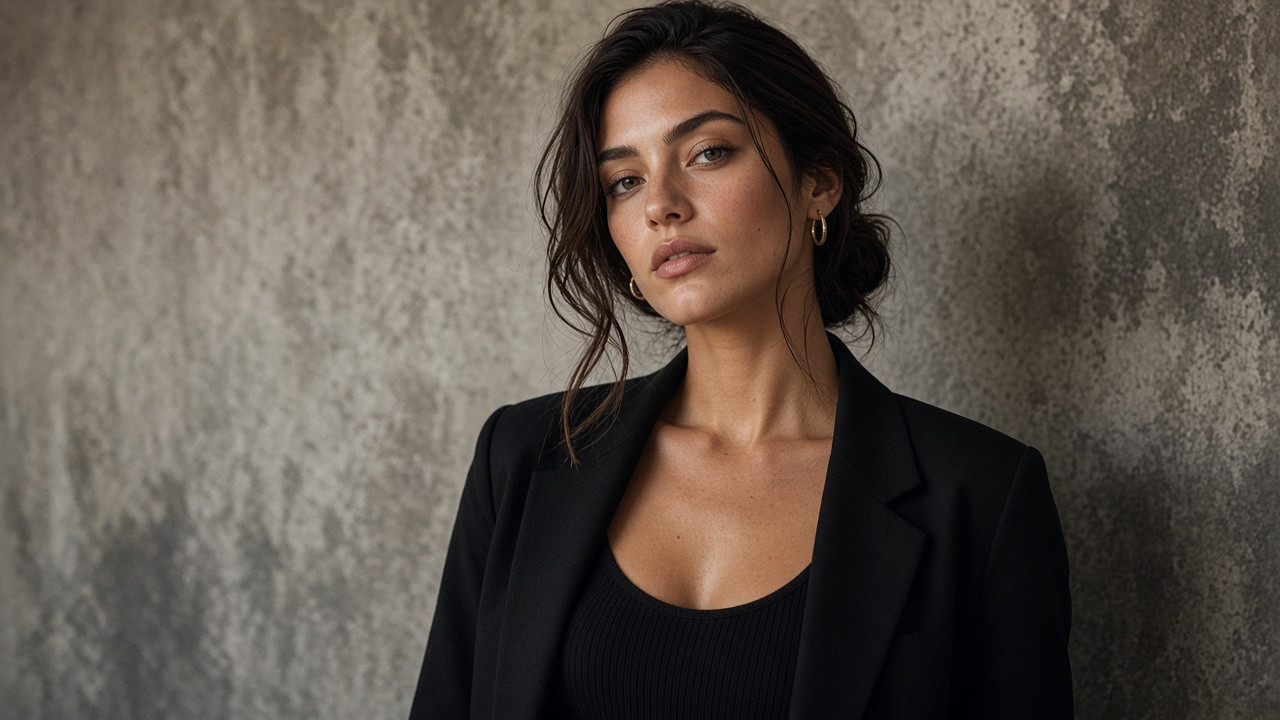
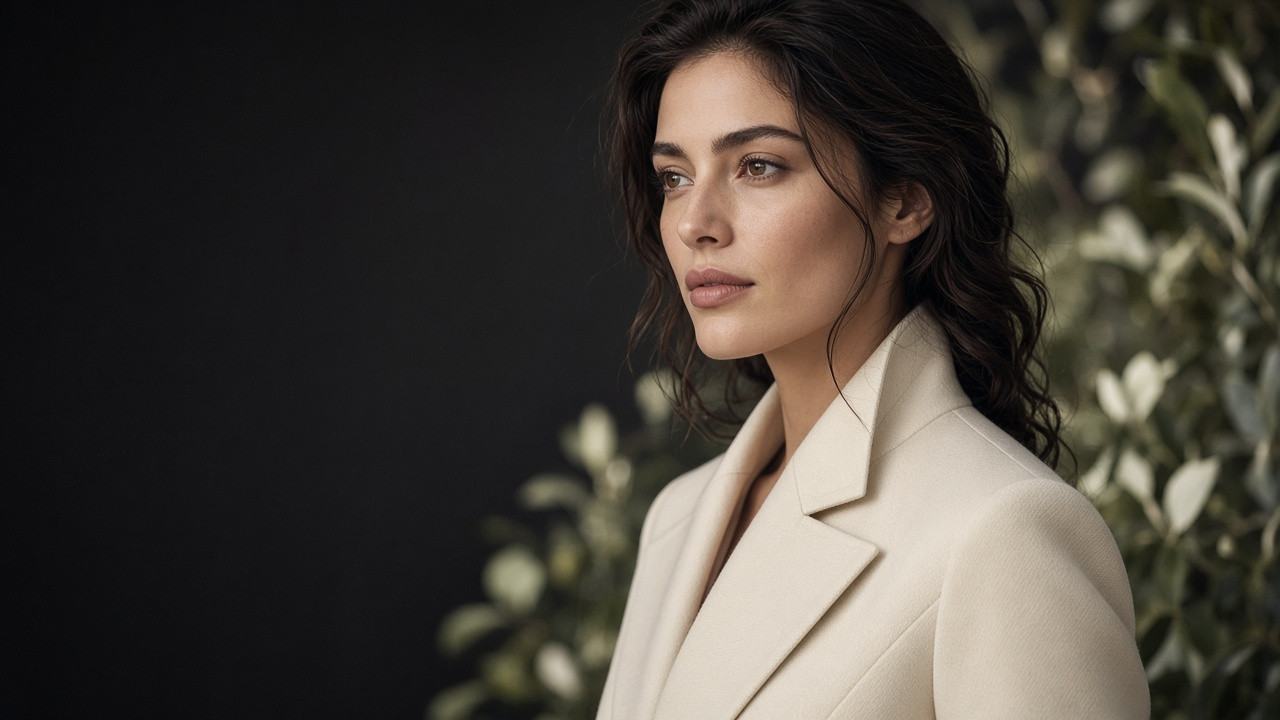
Upload a flat lay, hanger, or mannequin photo. GenImagePro puts the garment on an AI clothing model — or your own model — for a full AI fashion photoshoot in the scene, pose, and shot you choose.
Free to start · No credit card required
Pick a preset model or upload a model photo.
Cut, color, and print come from your photo.
Plans from $9.99/month.
Definition
An AI fashion model generator puts real clothing on an AI-generated model. You upload a photo of the garment — a flat lay, a hanger shot, or a mannequin photo — and get photos of a model wearing it, without hiring a model, a photographer, or a studio.
In GenImagePro, the garment from your photo is the reference: its cut, color, and print are kept, while you choose the model, scene, pose, and shot type. You can also use your own model photo, or turn the result into a fashion video.
1 photo
Flat lay, hanger, or mannequin
5
Shot types, from full body to back view
Up to 5
Images per set
2 credits
Per image
Clothing photo to model
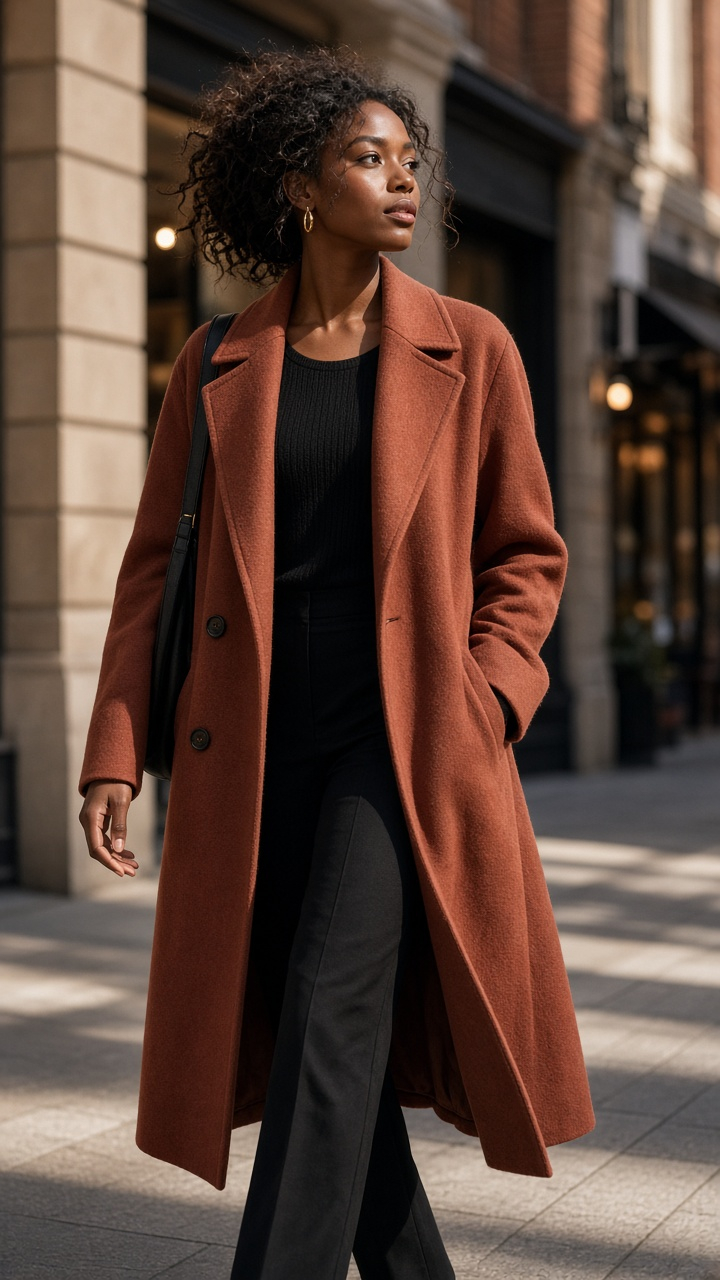
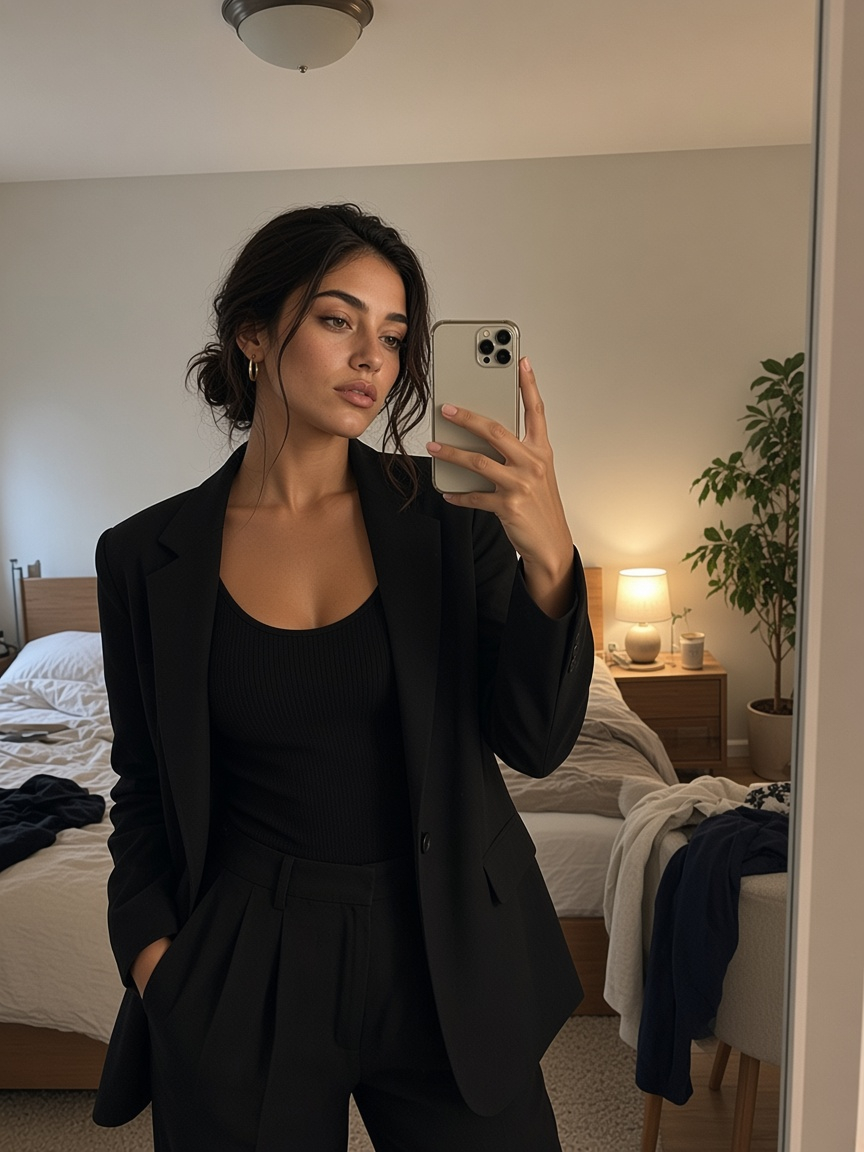
Start from the clothing photo you already have. The garment from your photo is placed on the model — only the model, scene, and pose are new.
Your clothing photo
Flat lay
A garment laid flat becomes a worn, on-model photo.
Add up to three photos of the same garment.
Match the garment, keep it neutral, or set a custom color.
Choose the aspect ratio for your store or social post.
Three steps from a clothing photo to on-model images.
Flat lay, hanger, or mannequin — JPG, PNG, or WebP up to 20 MB. Add back and detail photos if you have them.
Pick an AI model, upload your own, or start from a ready template. Then set scene, pose, and shot type.
Single shot (1), Social posts (3), Lookbook (4), or Campaign (5) — 2 credits per image.
Options
Choose each one, or start from a ready model template.
Who it's for
Show how clothing looks when worn — without hiring a model or a photographer.
Clothing brands
Online boutiques
Print on demand
Resellers
AI fashion video
Walking, runway, and campaign clips in 9:16 or 16:9.
Swimwear campaign
Beach campaign clip from one swimwear photo.
Lookbook video
Coat and dress movement for a lookbook.
Model walking video
A clean walk that shows cut and silhouette.
Dress walk
Drape and movement of a long dress.
Studio video
Soft studio motion for product pages.
Runway video
Runway walk from one on-model photo.
Photo tips
A better clothing photo gives a better on-model result.
Keep the full piece in frame — collar, hem, and sleeves.
A white or light surface makes the garment easy to read.
Daylight or soft light, without harsh shadows or color casts.
Steam or press the garment so creases are not copied.
Upload the back and a close-up of prints, labels, or texture.
Photograph each piece on its own for the most accurate result.
Ghost mannequin, video, and editing in the same app.
Clothing photo to on-model photo.
Ghost mannequin, hanger, and flat lay photos without a model.
Turn an on-model photo into a 9:16 or 16:9 video.
Remove the background from a clothing photo.
Put a new background behind a clothing photo.
Edit color, crop, and details after the shoot.
Shoes, bags, and accessories in studio scenes.
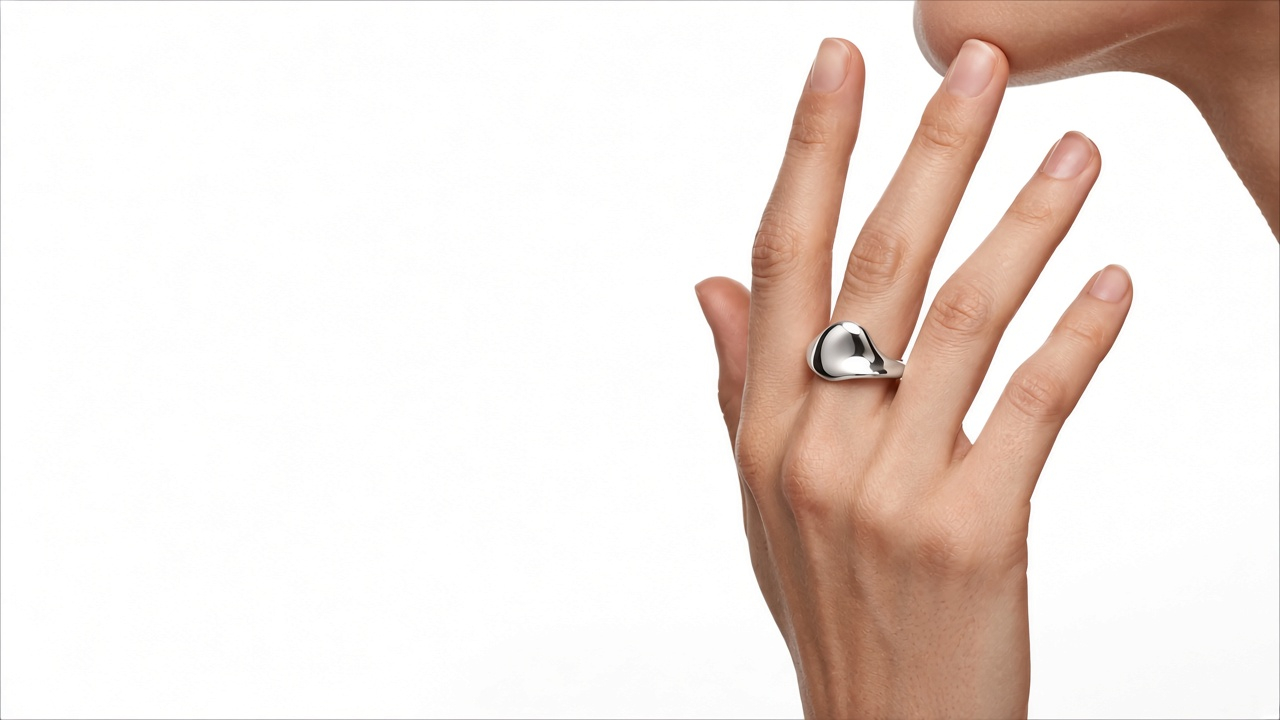
Jewelry on skin and in studio scenes.
Every plan has every tool: product and fashion photoshoots, edits and video. Plans differ only in how much you create.
A few products a week
$9.99/ month
$2.50/week
No commitment. Cancel anytime.
What you can create
Every tool included
Full catalogs and weekly ads
$19.99/ month
$5.00/week
No commitment. Cancel anytime.
What you can create
~2× BasicEvery tool included
Agencies and daily content
$29.99/ month
$7.50/week
No commitment. Cancel anytime.
What you can create
~3× BasicEvery tool included
Allowances are approximate and depend on what you create.
FAQ
An AI fashion photoshoot puts real clothing on an AI-generated model. You upload a photo of the garment, choose the model, scene, and pose, and get on-model photos without a model, photographer, or studio.
Yes. Upload a flat lay, hanger, or mannequin photo of the garment and GenImagePro places it on an AI model or on your own model photo.
Upload the flat lay photo, pick an AI model, choose a scene and pose, and create. The garment from the flat lay is used as the reference for the on-model photo.
A tool that puts your real clothing on an AI-generated model. Upload a garment photo and get on-model photos without a model, photographer, or studio.
Yes. Pick a preset such as Studio female, Studio male, or Editorial talent, or upload your own model photo.
Yes. Choose “Upload model” and add a photo of your model, or use “From image” to take the model from another photo.
Guides
Upload a clothing photo and put it on a model.


