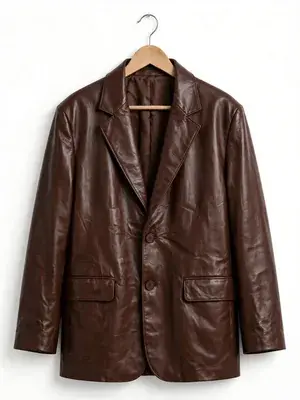
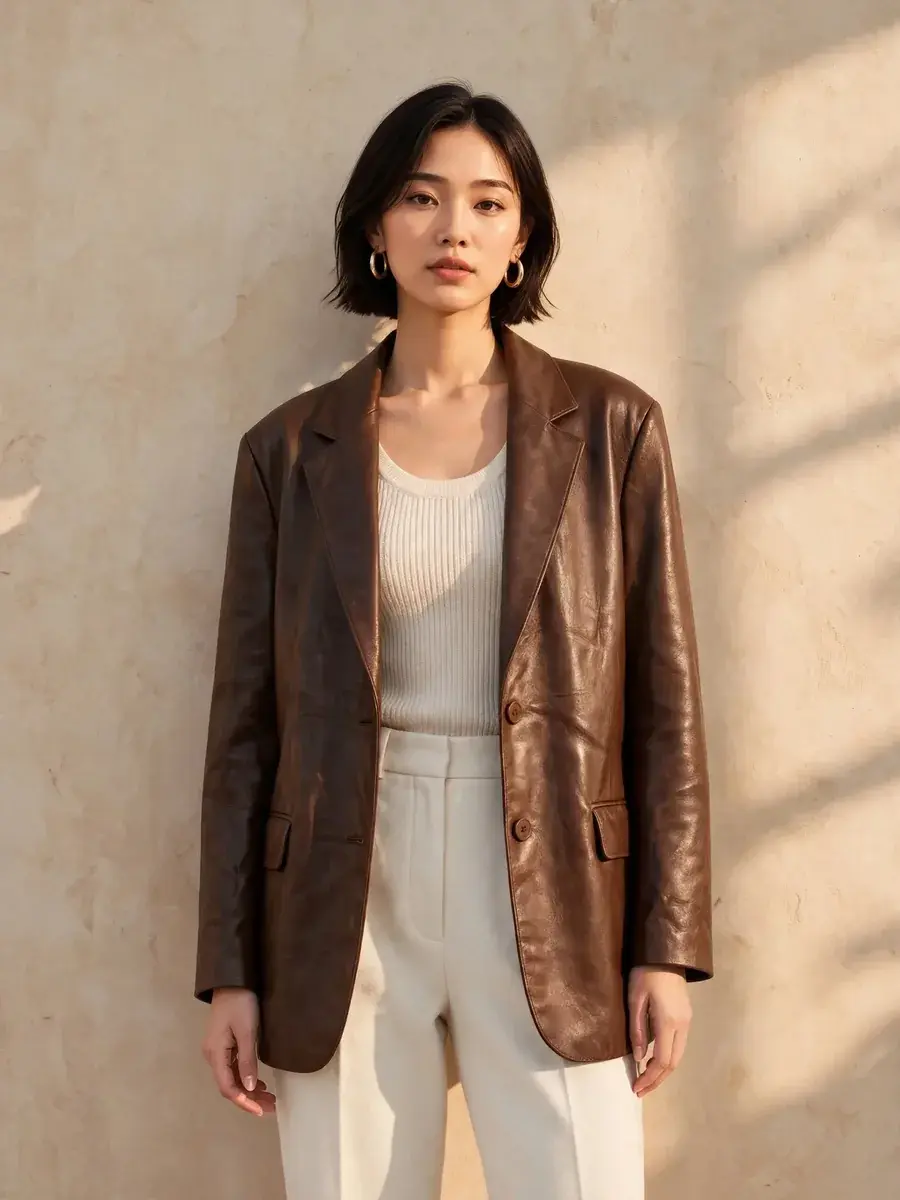
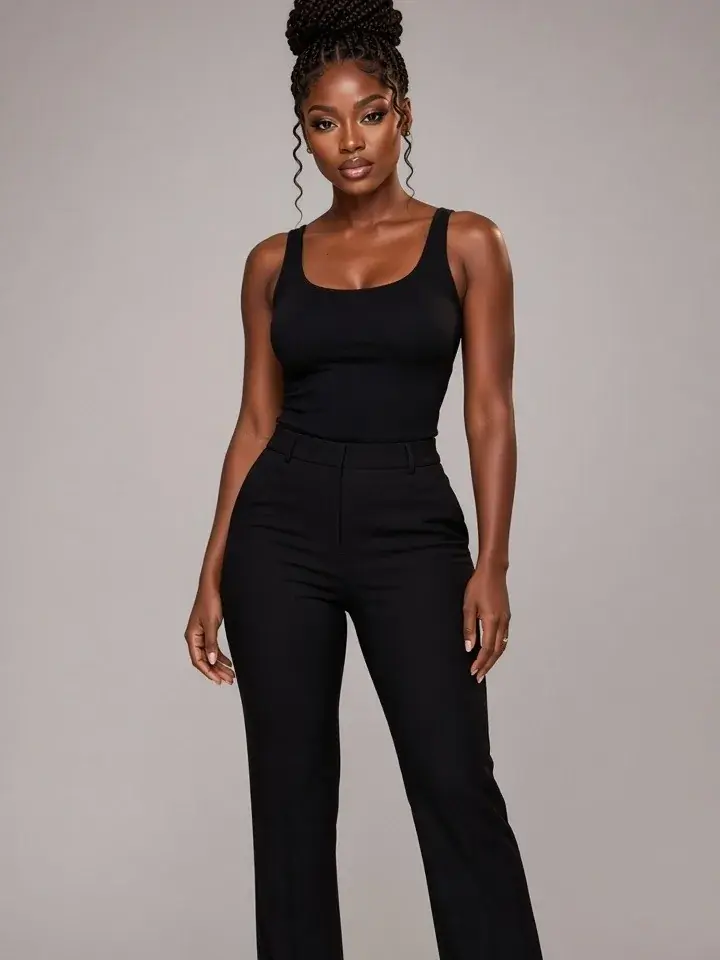
 Before
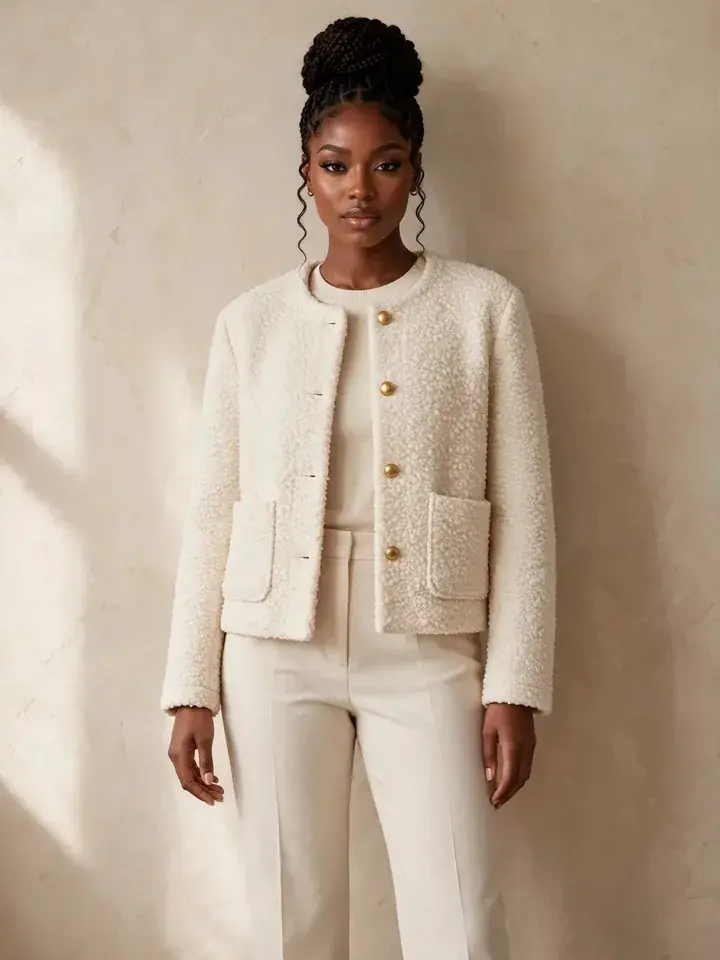 After
Virtual try-on: see clothes on you before you buy
Upload your photo and the jacket, dress, or coat you like, and see yourself wearing it.
Change clothes in any photo with AI. Upload a photo of a person and the outfit, and see them wearing it, with the face kept.
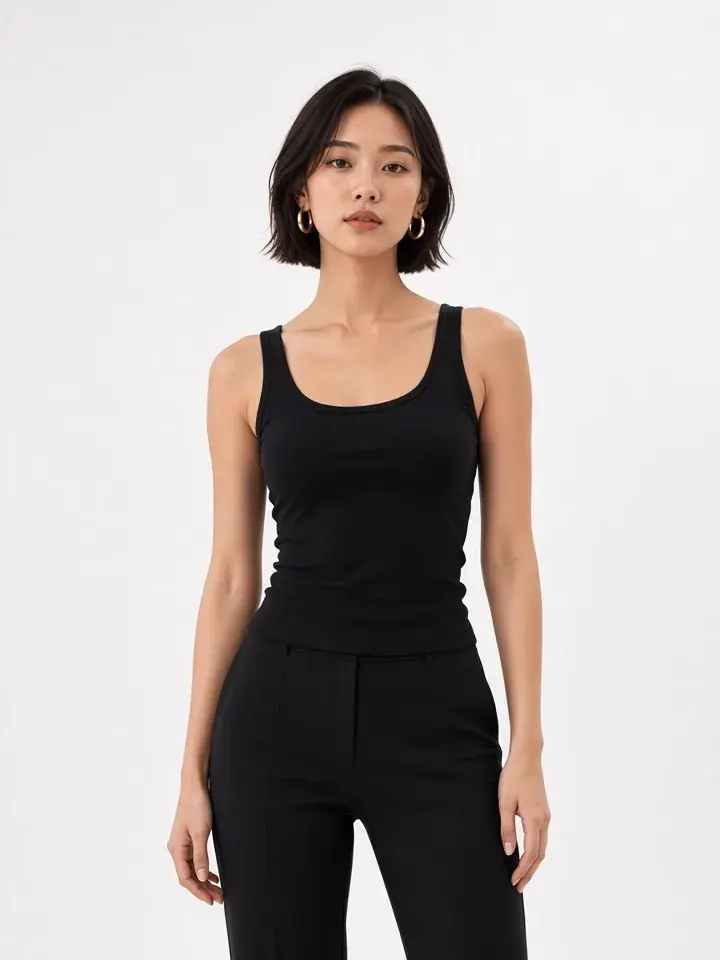
Three steps, no prompt.
BeforeAfterUpload your photo and the jacket, dress, or coat you like, and see yourself wearing it.
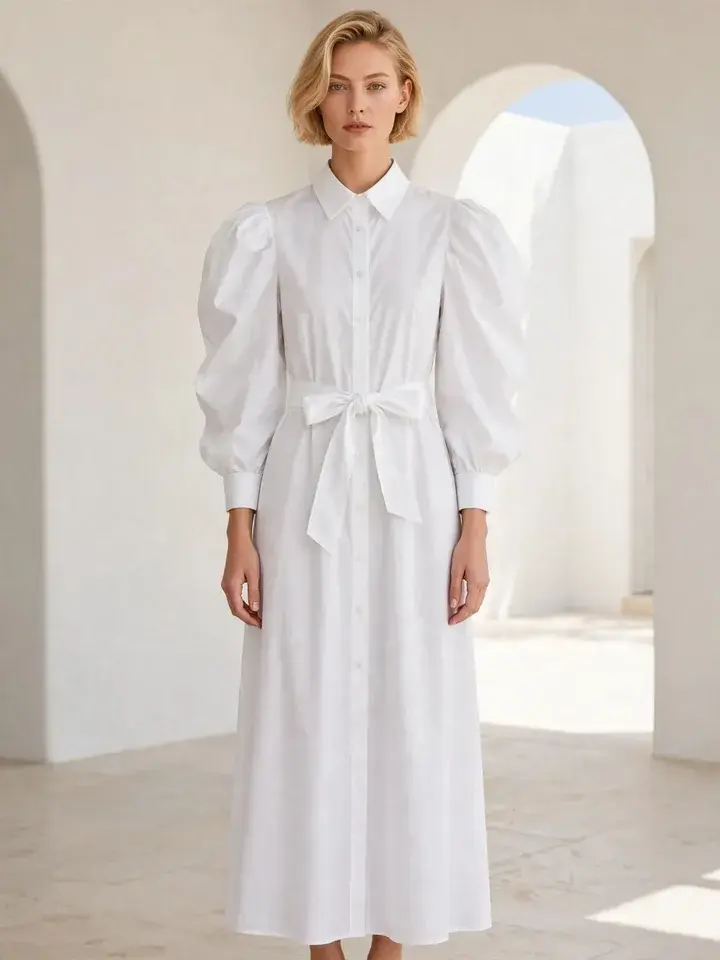
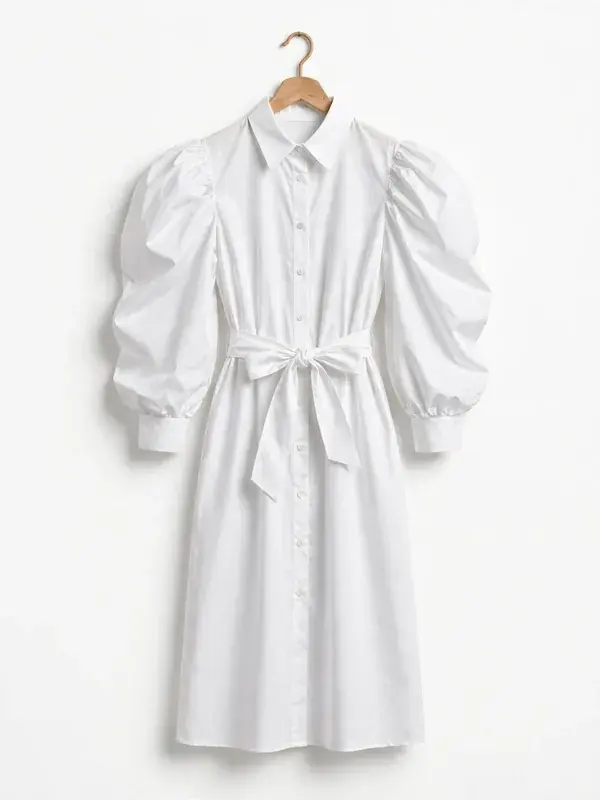
Change the dress in any photo: satin, knit, evening, or everyday.
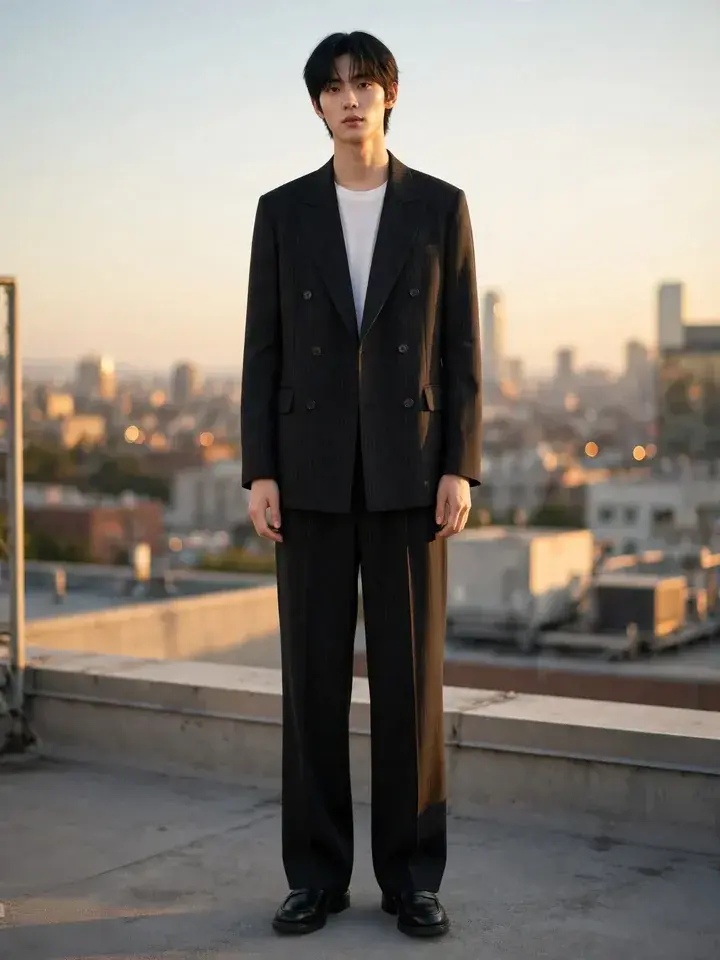
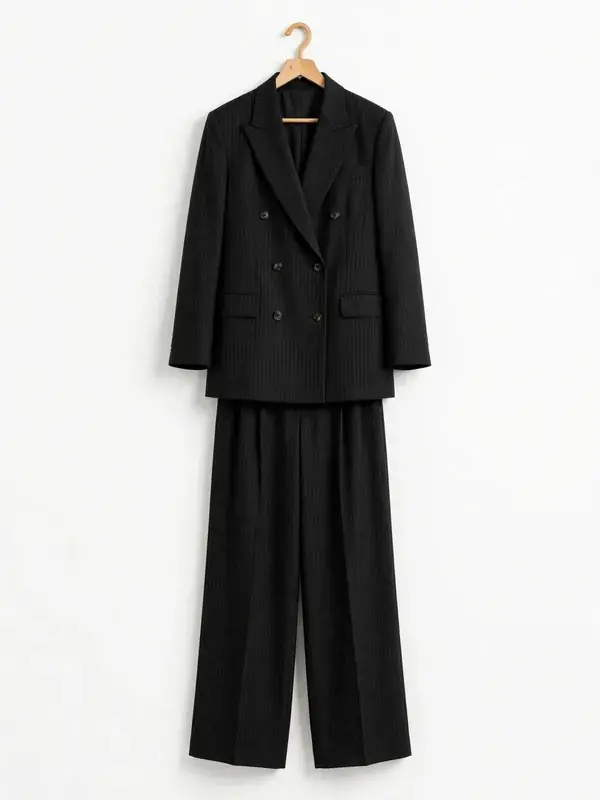
A new outfit for every post, with the same face.

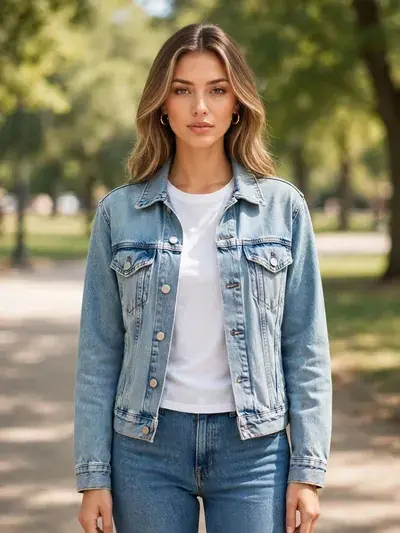

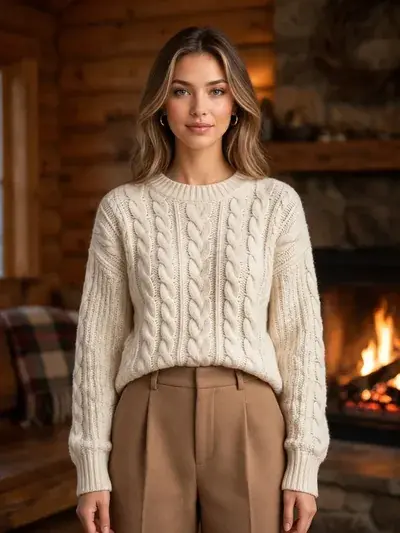
One photo, an outfit for work, the weekend, an evening out, or the holidays.
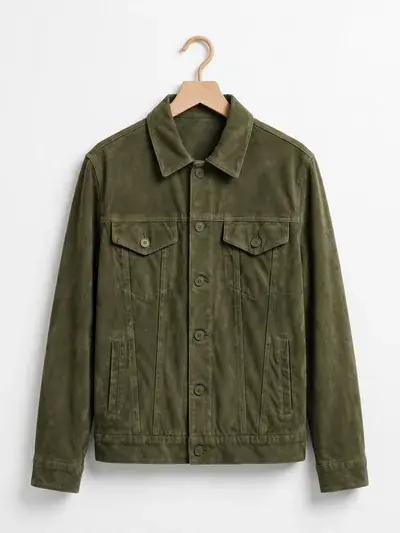
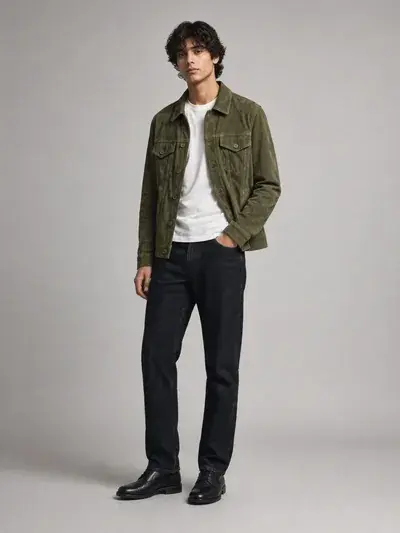
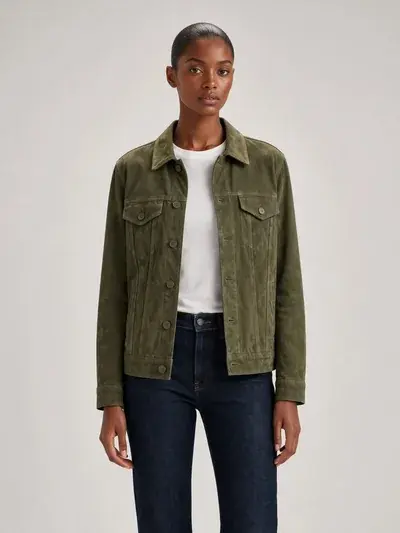
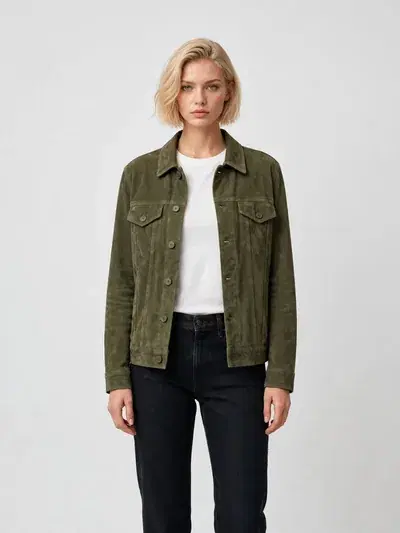
For clothing brands and sellers: one garment on any model, ready for your store.
Animate the photo into a video in about a minute, with the same face and the same clothes.
On-model photos, video, backgrounds, and edits, from the same photo.
Your garment on an AI model or your own model.
Invisible mannequin photos from one clothing photo.
Product and fashion photoshoots from one photo.
Clean transparent cutouts of any photo.
Studio, lifestyle, and branded scenes in one click.
Turn stills into product, fashion, and walking videos.
Edit, restyle, and transform with AI tools.
Polished shots for ecommerce, ads, and social.
Every plan has every tool: product and fashion photoshoots, edits and video. Plans differ only in how much you create.
Allowances are approximate and depend on what you create.
Still have a question? A real person answers.
An AI clothes changer changes the clothes on a photo of a person. You upload a photo of the person and a photo of the outfit, and get the same person wearing it. It's also called an AI outfit changer, an AI dress changer, or a clothes swap.
The usual way is to cut the new clothes out of another photo and blend them onto the person in Photoshop. With GenImagePro, you upload a photo of the person and a photo of the clothes, pick the scene, pose, and framing, and download the photo. No prompt needed.
Yes, any clear photo of one person facing the camera works, from any phone. The clothes photo can be flat, on a hanger, or worn by someone else.
GenImagePro. The person's face is kept, and the clothes are kept exactly as they are in your photo, down to the print, logos, and buttons. You also choose the scene and pose, and turn the photo into a video, all from the same upload.
Yes. You can try GenImagePro for free, with every feature included. It works in the browser on phone and desktop, so there's nothing to install. Paid plans start from $4.99 a week.
Plans start from $4.99 a week, with every feature included.
They work the same way: a photo of a person plus a photo of the clothes. Virtual try-on usually means seeing clothes on yourself before you buy; a clothes changer is for any photo, like posts, profile pictures, or product photos. GenImagePro does both.
One clear photo of the person and one photo of the clothes, from any phone, as JPEG, PNG, or WebP up to 10 MB each.
Yes. The person comes from your photo, so the face, hair, and body stay theirs. Only the clothes change.
Yes. The cut, length, color, print placement, logos, labels, seams, buttons, and zips are kept. Nothing is redesigned or recolored.
Dresses, T-shirts, tank tops, blouses, shirts, knitwear, hoodies, jackets, coats, sets, trousers, jeans, skirts, shorts, swimwear, and activewear, in fabrics from denim and knit to silk, linen, leather, and lace.
Yes. Pick a scene like a white or color studio, a café, the street, or the beach, a pose from the front, back, or side, and full body, waist up, or a close-up of the detail.
Yes. Upload a photo of the garment and dress it on any of hundreds of AI models and poses, or on your own model's photo. Keep the same model across a whole collection.
Guides


