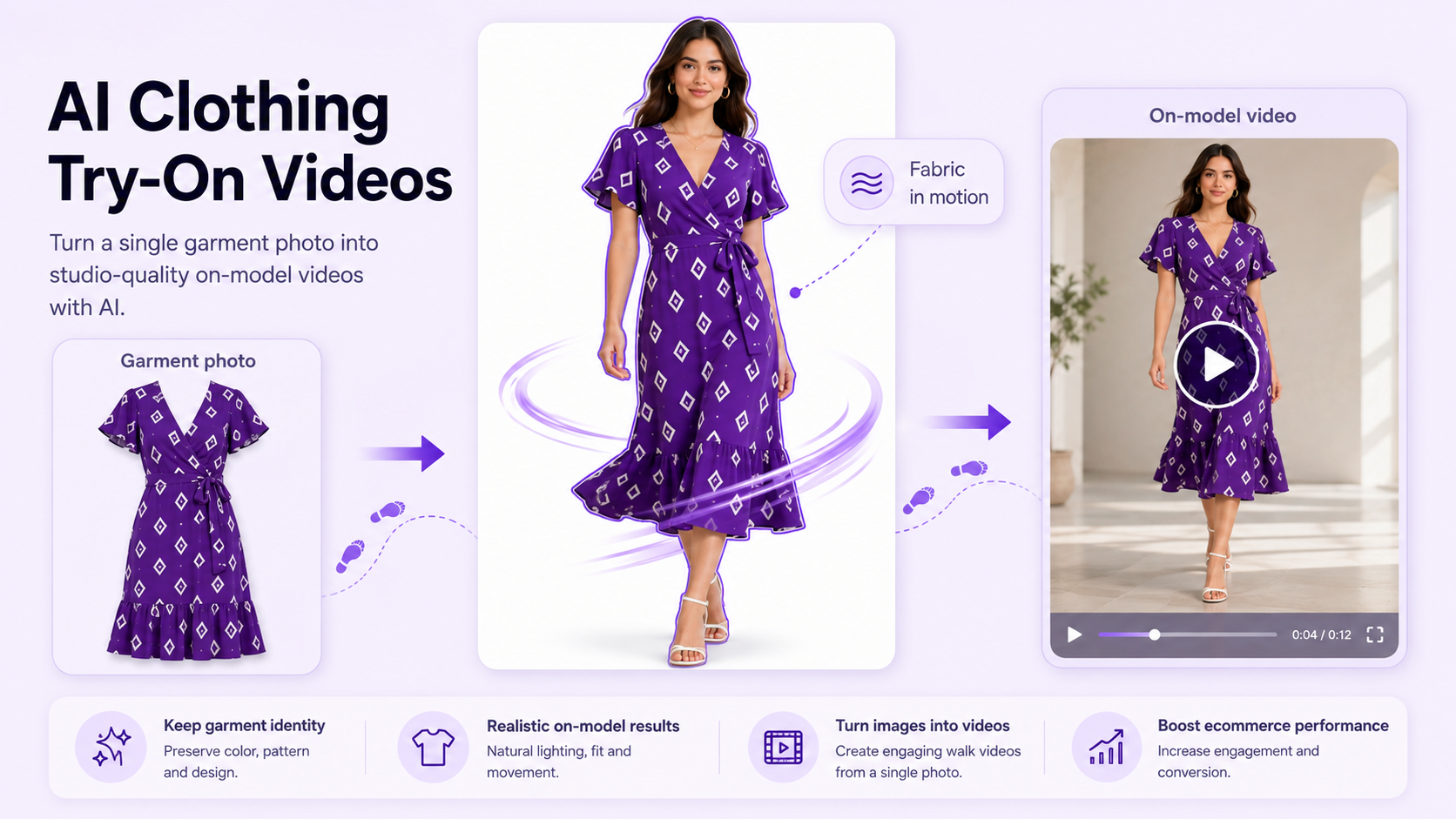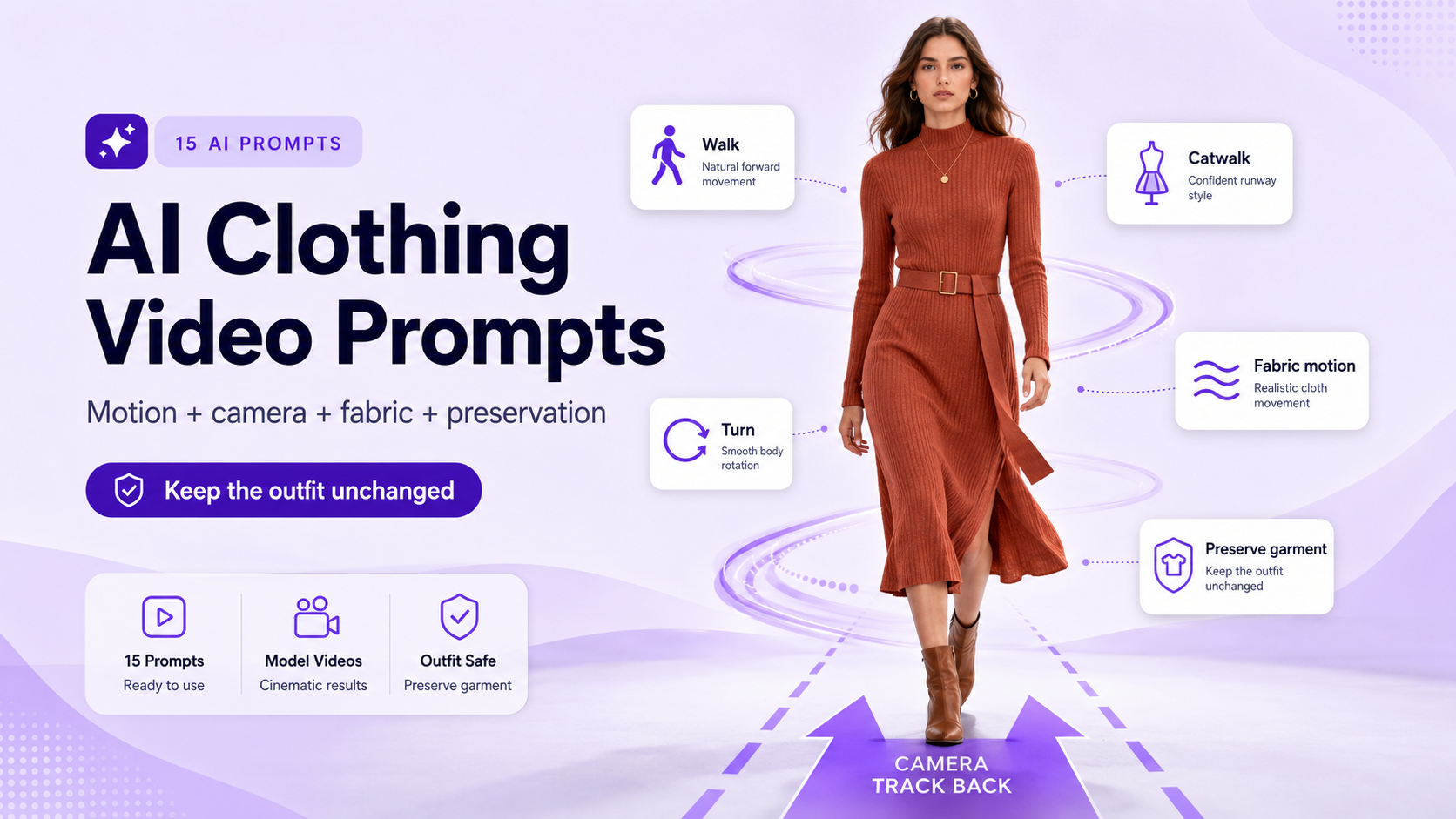
A clothing photo can show color and cut. But fashion is experienced in movement: how a hem swings, how fabric folds, how the outfit looks when someone turns. A virtual try-on video builds that moving visual story without requiring a filmed model for every concept.
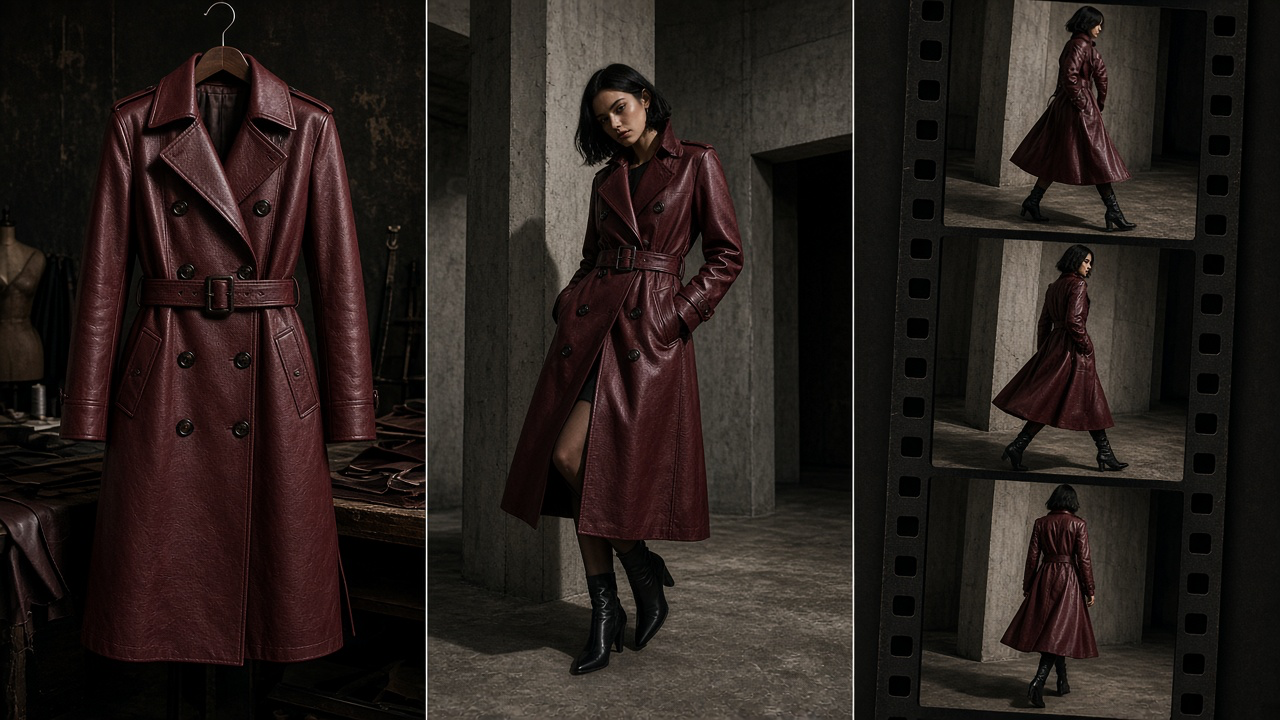
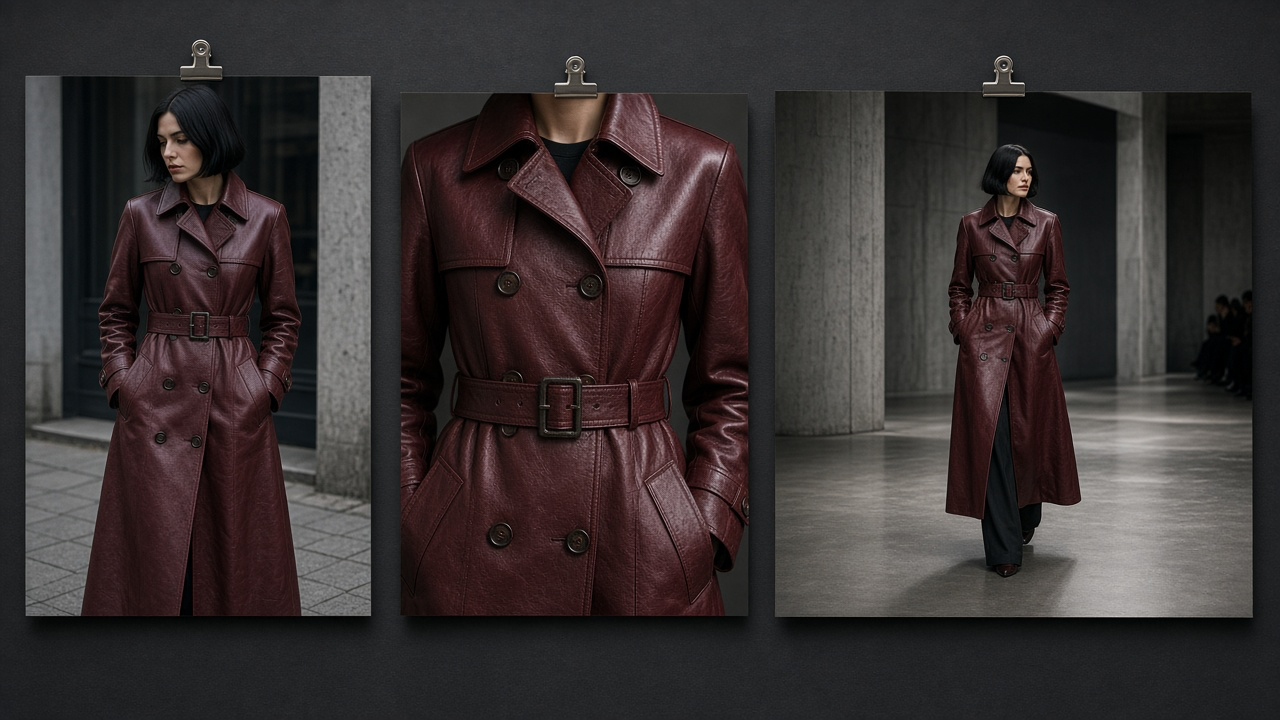
The workflow is not “upload a dress, get a perfect runway video.” The dependable approach is to separate two creative tasks: place the exact garment on a model, then animate the approved result. Both stages need quality control. This guide uses one statement burgundy trench coat to show how a real clothing reference can become an editorial runway, a candid street-style clip, and a short social ad.
What is an AI virtual try-on video?
An AI virtual try-on video depicts a garment worn by a person in motion, using clothing images and a person or model reference. Some services accept a garment photo and model photo directly; others ask you to generate a virtual try-on still first and then animate it. A related but different workflow animates an existing on-model fashion photograph without changing the outfit.
| Starting material | Workflow | Best output |
|---|---|---|
| Flat-lay, hanger or ghost-mannequin photo | Garment-to-model try-on still → image-to-video | New on-model campaign scenes |
| Product photo already on a person | Animate existing image | Motion for an existing lookbook |
| Garment photo + authorized customer/model photo | Identity-aware try-on → motion | Personalized concept preview with permission |
AI visualization cannot reliably establish real-world sizing, comfort or fabric behavior by itself.
Step 1: Start with a garment photo that can survive motion
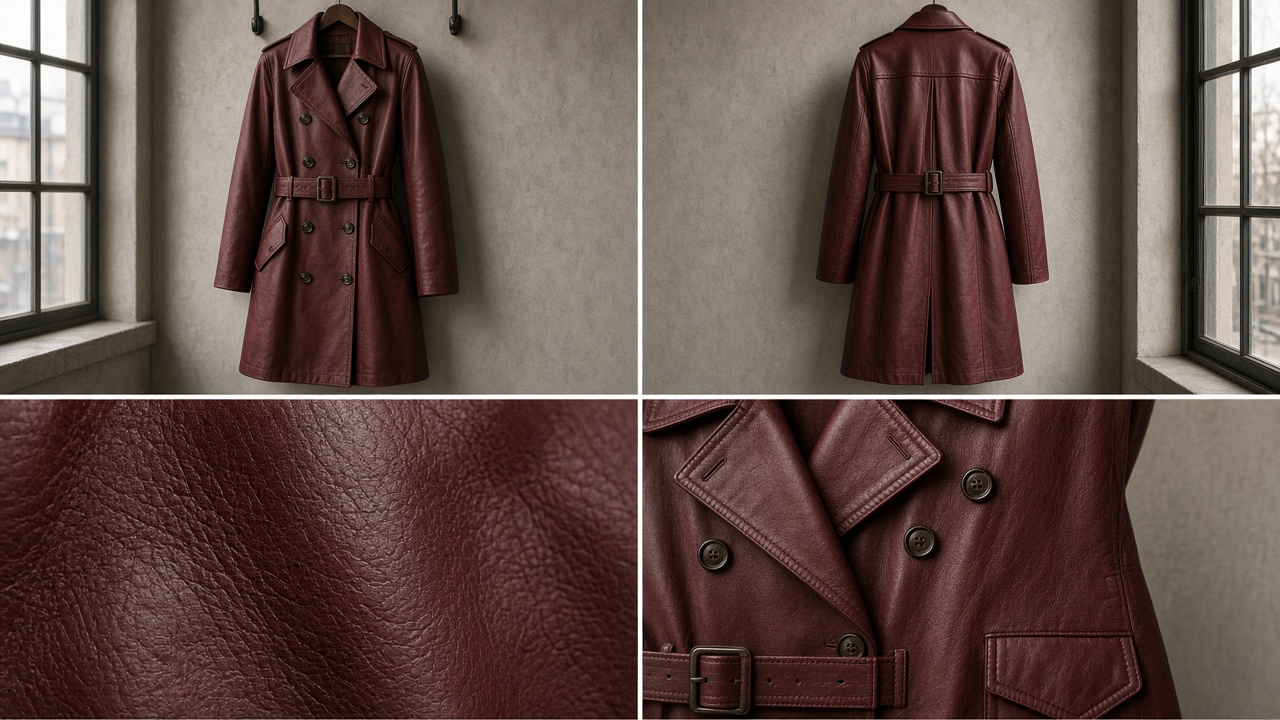
Use a sharp, evenly lit image that shows the complete silhouette. Collect front and back views, and close-ups of distinctive hardware, print, embroidery, seams, texture and lining if available. Color accuracy and product identity matter more than an elaborate original background.
Step 2: Choose the model, pose and creative direction
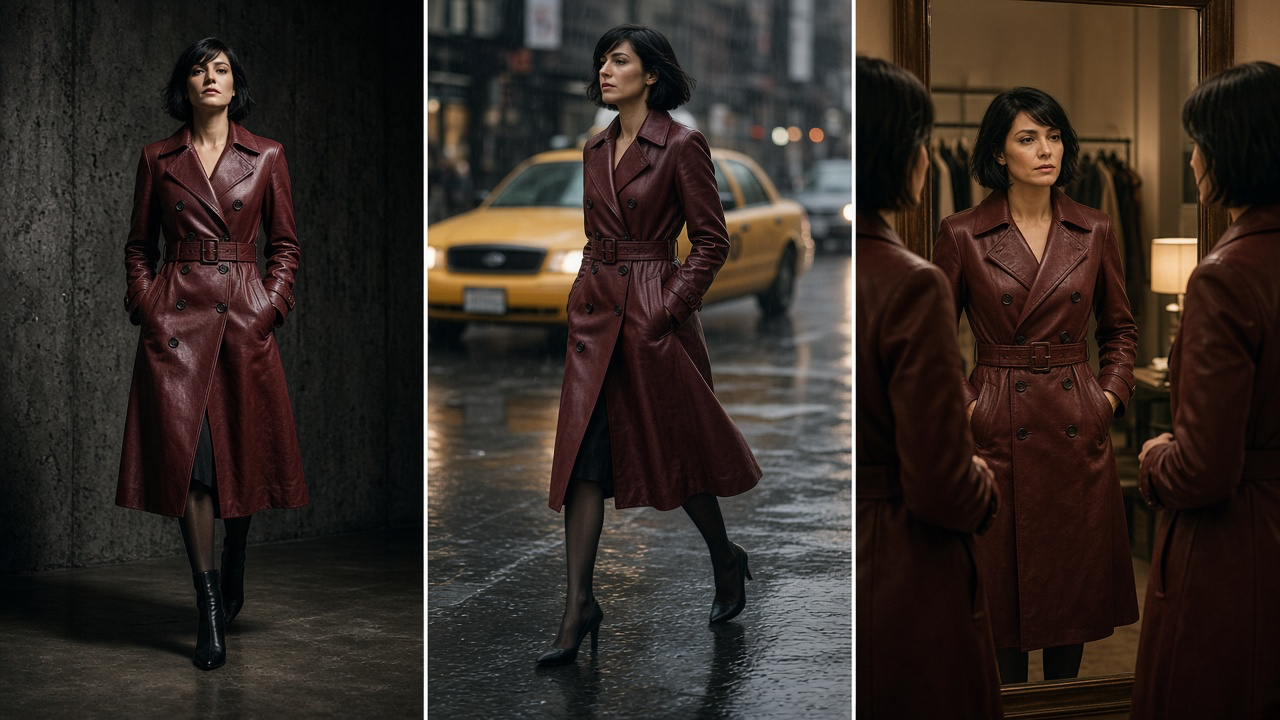
Use a model image you own or are authorized to use. Favor visible shoulders, arms, torso and hemline, with limited obstructions. For repeatable results, define the model identity, base pose, camera view and environment before applying the garment. Make the concept intentional: a runway walk communicates silhouette, street style communicates wearability, and an atelier detail shot communicates craft.
Step 3: Generate and approve the on-model still
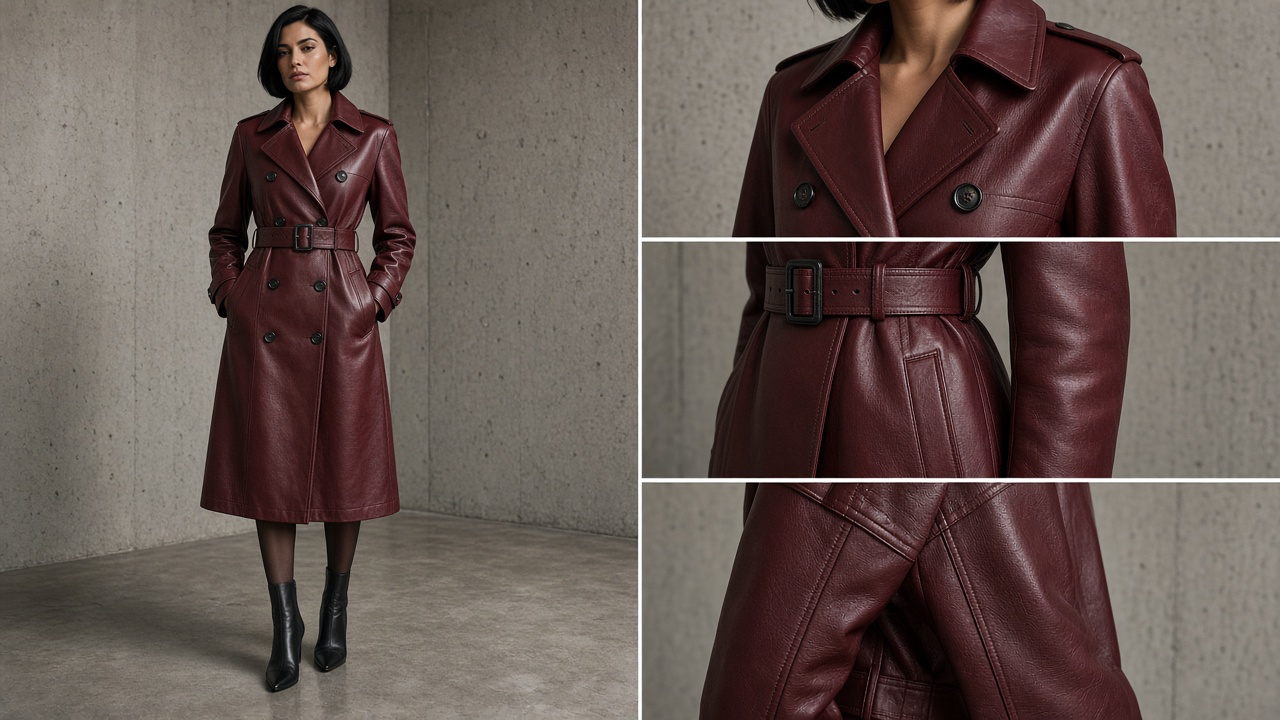
Upload the garment reference and model image to a virtual try-on workflow. Describe the subject, styling and setting clearly while treating the clothing reference as authoritative. Examine the resulting still at full resolution: neckline, sleeves, cuff position, lapels, buttons, hem, belt, pockets, pattern alignment and color. If any essential detail changes, correct or regenerate the still before producing video.
Step 4: Animate one movement at a time
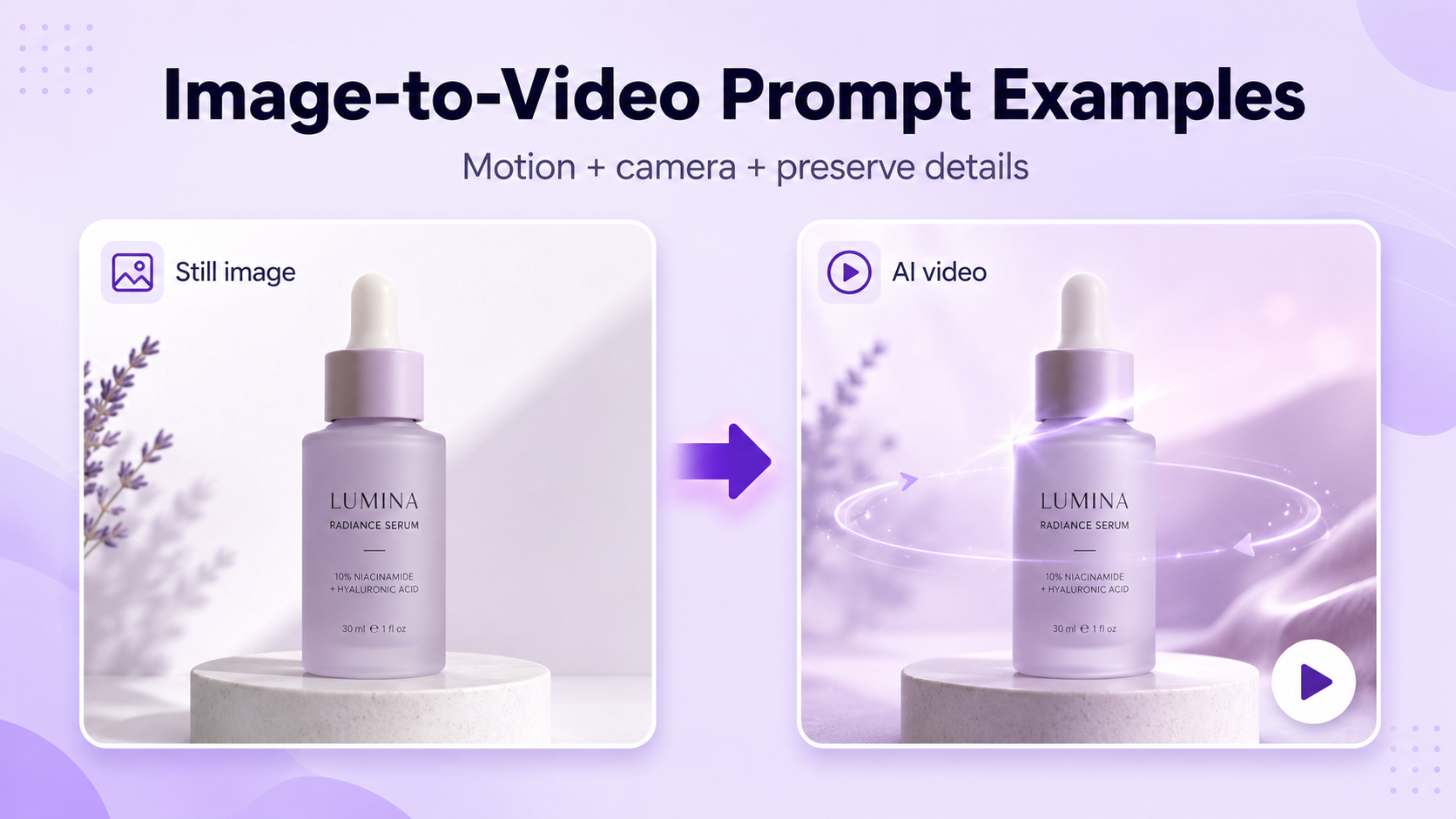
Once the on-model image is accurate, use image-to-video with the approved still as the starting frame. Prompt for the smallest motion needed to demonstrate the idea: three walking steps, one slow turn, a sleeve adjustment, or a camera push-in toward fabric detail. Long sequences, large spins and rapid limb movement can amplify garment distortion. Generate short takes first and edit the best ones together.
The garment-photo-to-video workflow
Prepare references
Collect front, back and detail photographs; document exact garment attributes.
Select a model
Use an authorized image with visible body proportions and unobstructed outfit area.
Create the try-on still
Apply the clothing reference to the model; choose one cohesive environment.
Approve product fidelity
Inspect the full outfit and small details against the real garment.
Animate short motion
Choose one clear action and one camera move per clip; start with restrained motion.
Quality-check frames
Look for changing hardware, distorted hands, sliding patterns and inconsistent colors.
Export and label appropriately
Create platform-specific formats, add real product information, and clarify when visuals are AI-generated simulations.
Four fashion video concepts worth generating
A useful virtual try-on library should not consist of the same straight-ahead walk in four different locations. Build distinct clips to answer different shopper questions and different creative objectives.
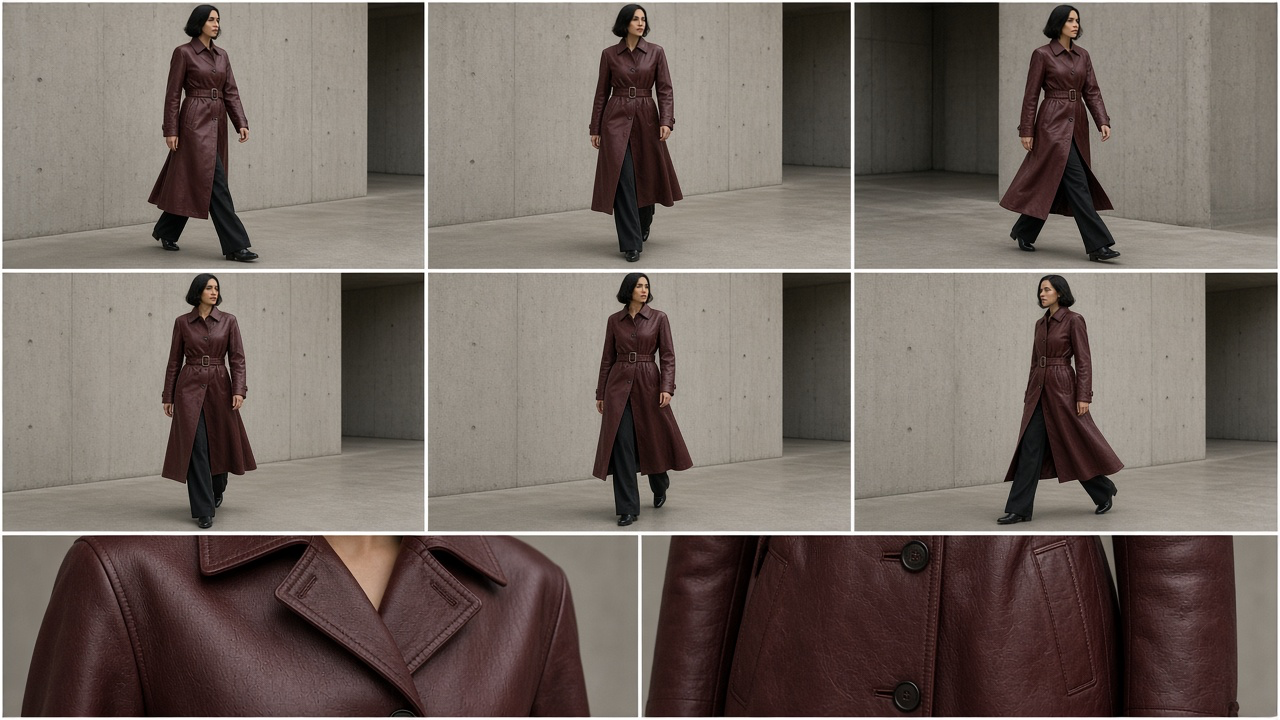
1. The architectural runway walk
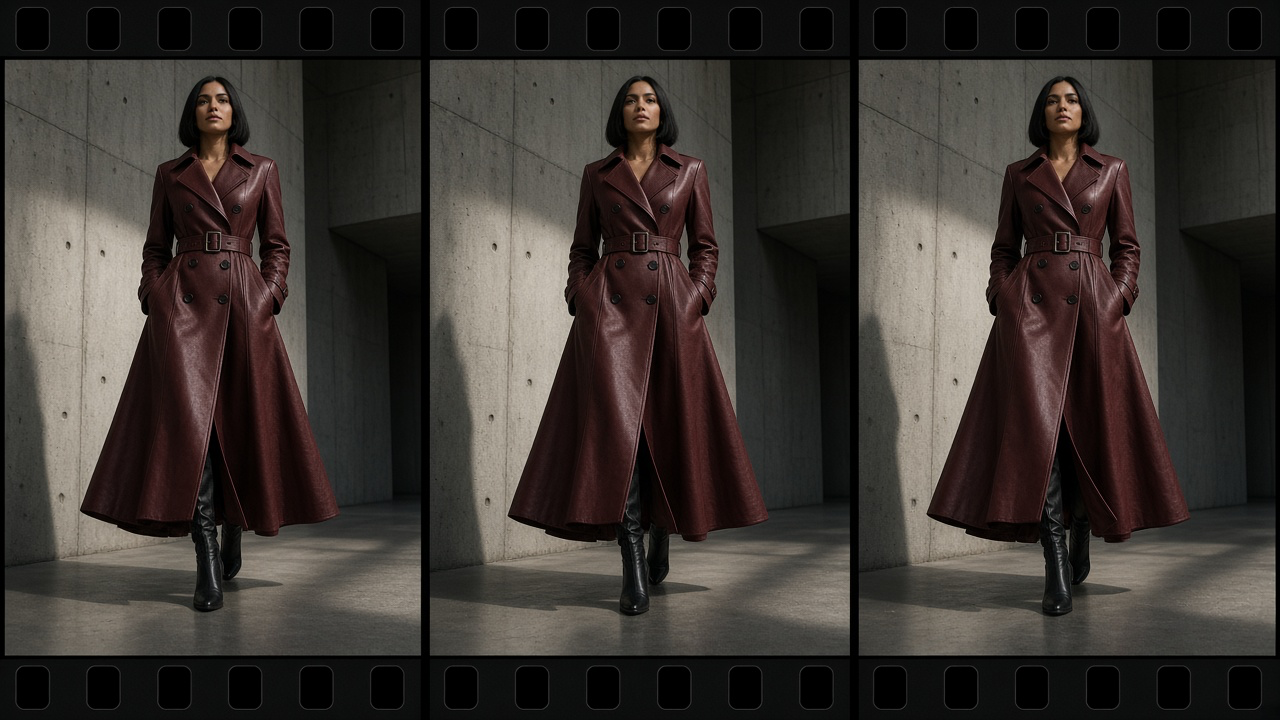
Purpose: reveal the outline and movement of a statement piece with a confident, controlled walk. Keep the coat centered and visible from shoulder to hem.
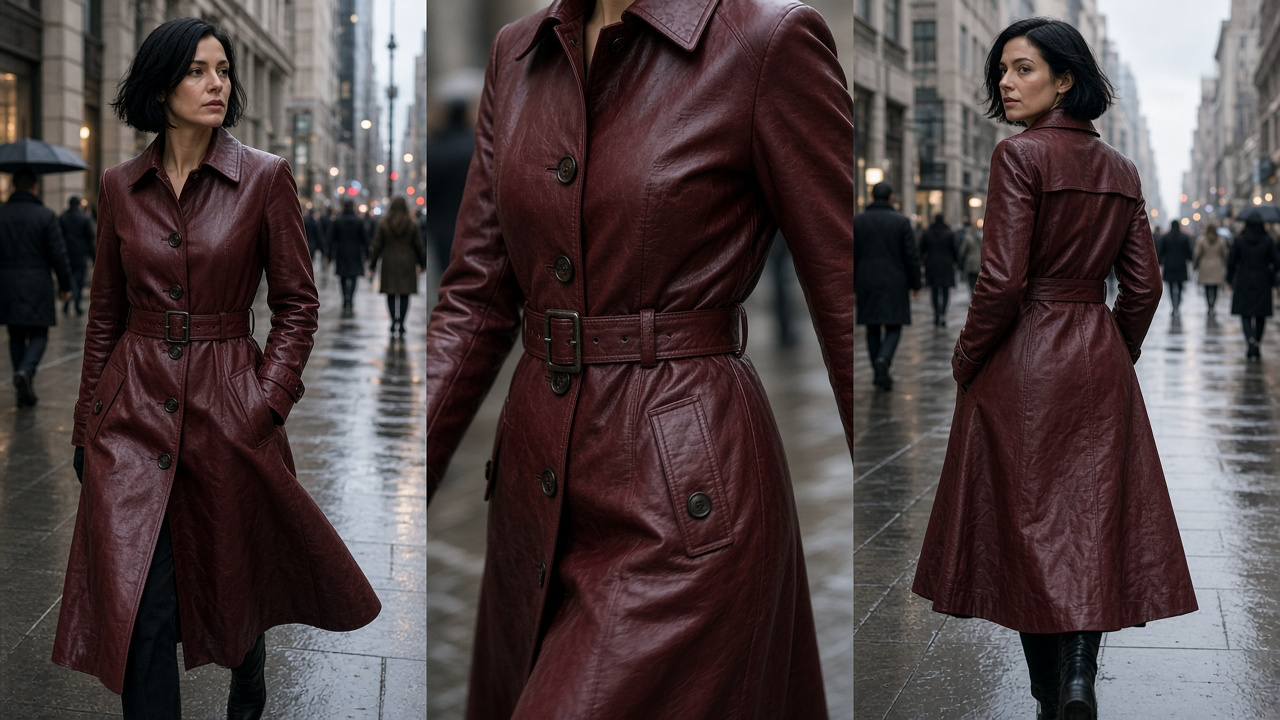
2. The documentary street-style moment
Purpose: show the outfit as part of a lived-in urban wardrobe rather than a staged product pose. A quick look over the shoulder can feel more credible than elaborate choreography.
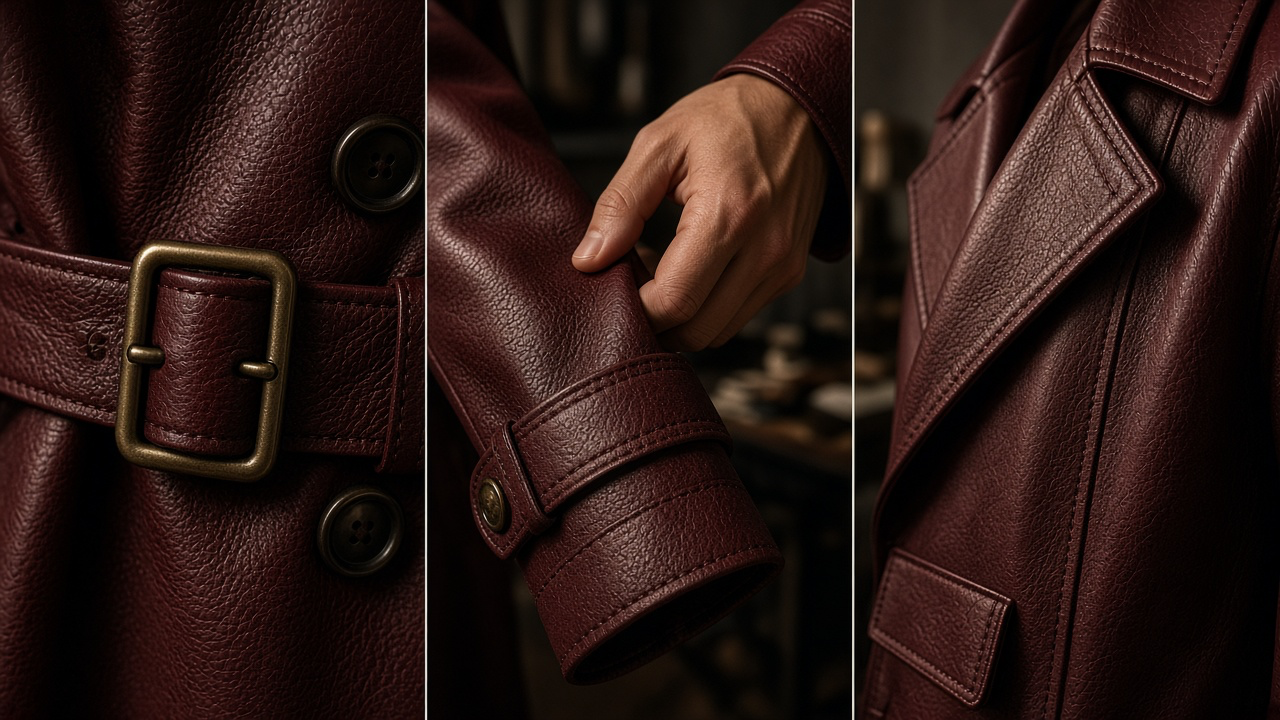
3. The atelier fabric-detail film
Purpose: emphasize fabric grain, stitching and construction. This is a strong complement to a full-body try-on, but should not make unverified material claims.
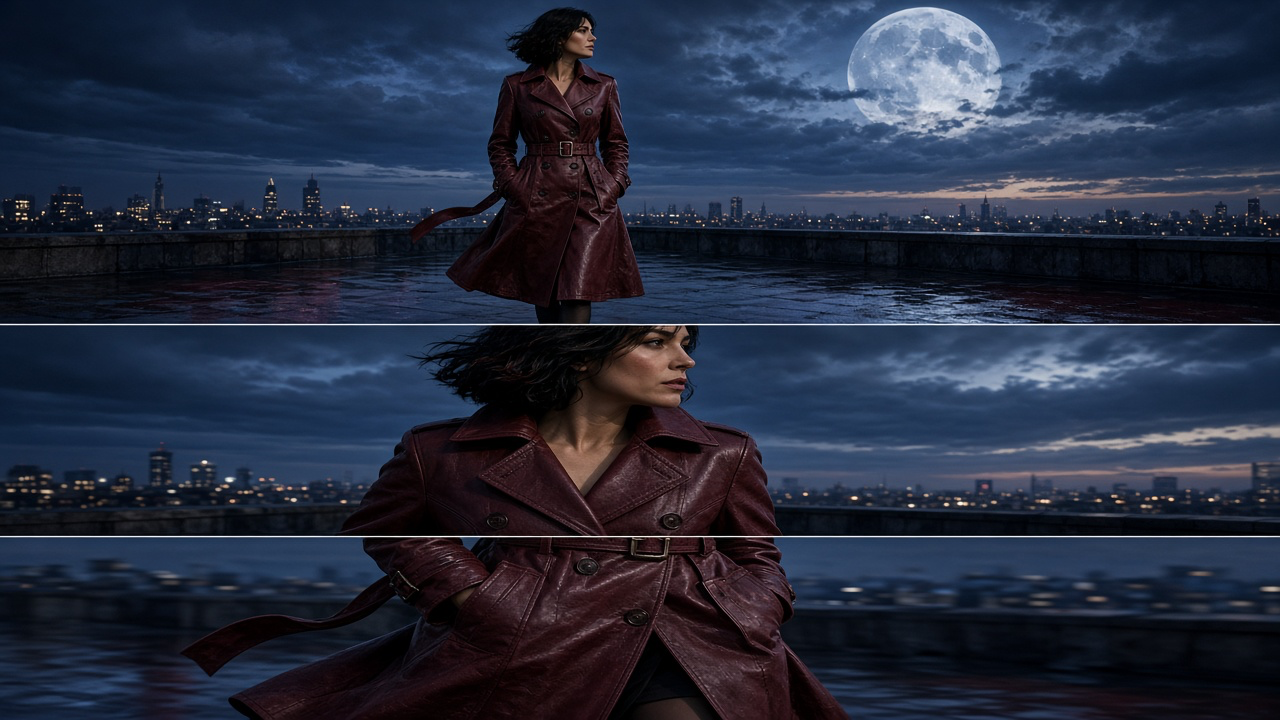
4. The high-concept fashion campaign
Purpose: create attention and brand identity. Dreamlike scenes can work for a fashion campaign as long as the depicted garment is not presented as proof of a performance property it does not have.
Step 5: Spot common virtual try-on video failures
| Failure | What to inspect | What to change |
|---|---|---|
| Changing buttons, logos or print | Compare first, middle and last frames | Regenerate from a better still; simplify motion |
| Rubbery sleeves or melting hems | Inspect turns and arm movement | Shorten duration and reduce limb movement |
| Wrong fit or garment length | Compare still against actual product specs | Fix try-on stage before animating |
| Unnatural fabric motion | Check drape and weight cues | Use smaller movements and realistic camera pacing |
| Identity drift | Compare face and body shape over frames | Use stronger identity reference and shorter shots |
| Color shifts | Check appearance across lighting conditions | Use accurate source, neutral grade and inspect export |
High visual realism is not proof that a simulated garment moves exactly like the physical item.
Step 6: Cut one source into platform-specific formats
A product-page clip needs enough outfit visibility to support inspection; a short-form social clip needs a quick opening action and a distinct idea. Rather than stretching one master crop to every surface, compose with safe margins and render the target aspect ratio when possible.
| Destination | Suggested framing | Creative objective |
|---|---|---|
| TikTok / Reels / Shorts | Vertical 9:16 | Immediate motion hook; outfit remains visible |
| Instagram feed / paid social | Portrait 4:5 | Strong model silhouette and garment details |
| Product page | Square 1:1 or site-native ratio | Controlled walk/turn plus close-up detail |
| Lookbook / landing page | Landscape 16:9 | Editorial environment and cinematic narrative |
These are creative starting points; confirm each channel’s current technical upload requirements.
Using GenImagePro in a practical fashion workflow
Start with the real garment photography already in your catalog. Use GenImagePro to explore on-model compositions, styling directions, editorial campaign visuals and available video workflows where supported. The most valuable production habit is keeping the garment reference consistent across creative iterations, then auditing each result before it reaches customers. Related: AI fashion video prompts.
For high-volume fashion catalogs, build a reusable shot list: approved on-model hero, side or three-quarter view, movement-focused shot, close-up construction detail, and one expressive campaign concept. Store original product photos beside outputs so reviewers can check actual details. Do not publish an AI-generated look as verified evidence of fit, sizing or performance.
A repeatable production checklist for fashion teams
Gather source material
Front, back and close-ups of the actual garment; authorized model reference.
Define the creative intent
Choose runway, street style, tutorial or cinematic campaign—not a random location.
Build and approve a still
Compare every product-defining element to the original.
Generate a short clip
Use one motion objective and limited camera movement.
Audit and select
Check frame continuity, fabric behavior and realism.
Export and disclose
Prepare placement-specific ratios and accurately characterize AI-generated visualizations.
Frequently asked questions
AI virtual try-on video FAQs
Can I make a virtual try-on video from a flat-lay clothing photo?
Yes, in a two-stage workflow: use a garment-to-model generation step to create an approved on-model image, then animate it. Some specialized tools combine these stages.
Do I need a photo of a real person?
Not always. You can work with an appropriately licensed or generated model reference, but identity-preserving try-on of a particular person requires a suitable reference and authorization.
Will AI preserve my clothing print, logo and stitching perfectly?
Not reliably in every frame. Review the generated still and every clip for discrepancies in small details, text, hardware, seams and silhouette.
What movements work best for fashion try-on videos?
Short walks, modest turns, controlled poses and small sleeve or hem adjustments are often easier to keep consistent than fast spins or complex gestures.
Are virtual try-on videos accurate for sizing?
Treat them as concept visualizations, not measurements or guarantees of fit. Shoppers still need reliable size charts, fit information and real product specifications.
Can I use these videos in paid ads or on product pages?
Potentially, subject to commercial-use rights, model consent, applicable advertising rules and the platforms’ current policies. Do not imply simulated visuals prove fit or performance.
What aspect ratio should I use?
9:16 for short vertical video, 4:5 for portrait social placements, 1:1 for some product contexts, and 16:9 for cinematic or website features, depending on your channel.
Can I create several campaigns from one garment?
Yes. Keep the garment identity fixed and vary art direction, audience, storytelling, camera and motion while quality-checking each result.
The takeaway: make the clothing move, not the truth
The best AI virtual try-on video is not the wildest transformation. It is the one that makes a real garment easier to imagine, with enough detail and consistency to earn attention without distorting what is being sold. Start with an accurate still. Choose an intentional movement. Make creative worlds as ambitious as you want—but keep the garment honest.
Further reading and workflow references
Workflow references: Morphic: clothing product video from photos; ClothMotion: clothing photos to AI fashion video; Claid: AI fashion video; The New Black: virtual try-on video. Features and terms change—verify before publishing tool-specific claims.