#01
GenImagePro
AI images
- Best for
- AI image tool + templates
- Why choose it
- Built for image gen, not chat
- Price
- From $2.99/mo
- Free tier
- Yes · trial
Tired of ChatGPT's image rate limits, blank-prompt workflow, and no way to control aspect ratio, style, or model? Here are the 7 best AI image alternatives for 2026 — dedicated tools, real control, transparent pricing.
ChatGPT's image generation is fine for casual one-offs inside a conversation. It's the wrong tool when AI images are the actual job — when you need consistent style, specific aspect ratios, iteration on details, project organization, or more than a handful of generations before hitting a rate limit. If you're paying $20/mo for ChatGPT Plus mostly to make images, you're paying suite pricing for a side feature. These 7 alternatives are built for image generation as the main job, not as a chat add-on.
Compare
Free tier, entry price, AI image strength, and who each tool fits. Click a row for the full write-up.
| Tool | Best for | FREE TIER | Price | AI images | Pick if… |
|---|---|---|---|---|---|
#01GenImagePro | Prompt templates + real control | Yes · trial | From $2.99/mo | You want a dedicated AI image tool with templates, not a chat with image gen bolted on. | |
Midjourney | Stylized art & creative direction | No | From $10/mo | You want the most distinctive aesthetic among AI image tools. | |
Adobe Firefly | Creative Cloud users | Yes · limited credits | CC from $22.99/mo | You already pay for Creative Cloud and want AI inside Photoshop and Illustrator. | |
Leonardo AI | Fine-grained control & game assets | Yes · daily tokens | From $12/mo | You want ControlNet, model picking, and tight composition control. | |
Ideogram | Text-in-image & posters | Yes · daily limits | From $8/mo | You need legible typography rendered inside generated images. | |
Microsoft Designer | Free AI inside Microsoft 365 | Yes · MS account | Free · M365 ~$69.99/yr | Your work already runs through Word, PowerPoint, or Teams. | |
Bing Image Creator | Free DALL-E generations | Yes · Microsoft account | Free | You want free DALL-E images and don't need a real workflow around them. |



Read the full write-up of any tool that caught your eye in the table above. Each card covers strengths, trade-offs, real pricing, and the specific job it wins at.
Best for
Pricing
Free trial available. Paid plans from $2.99, $9.99, and $24.99.
A dedicated AI image platform with ready-to-use prompt templates for product visuals, posters, thumbnails, ad creatives, and campaign assets — built for image generation as the main job.
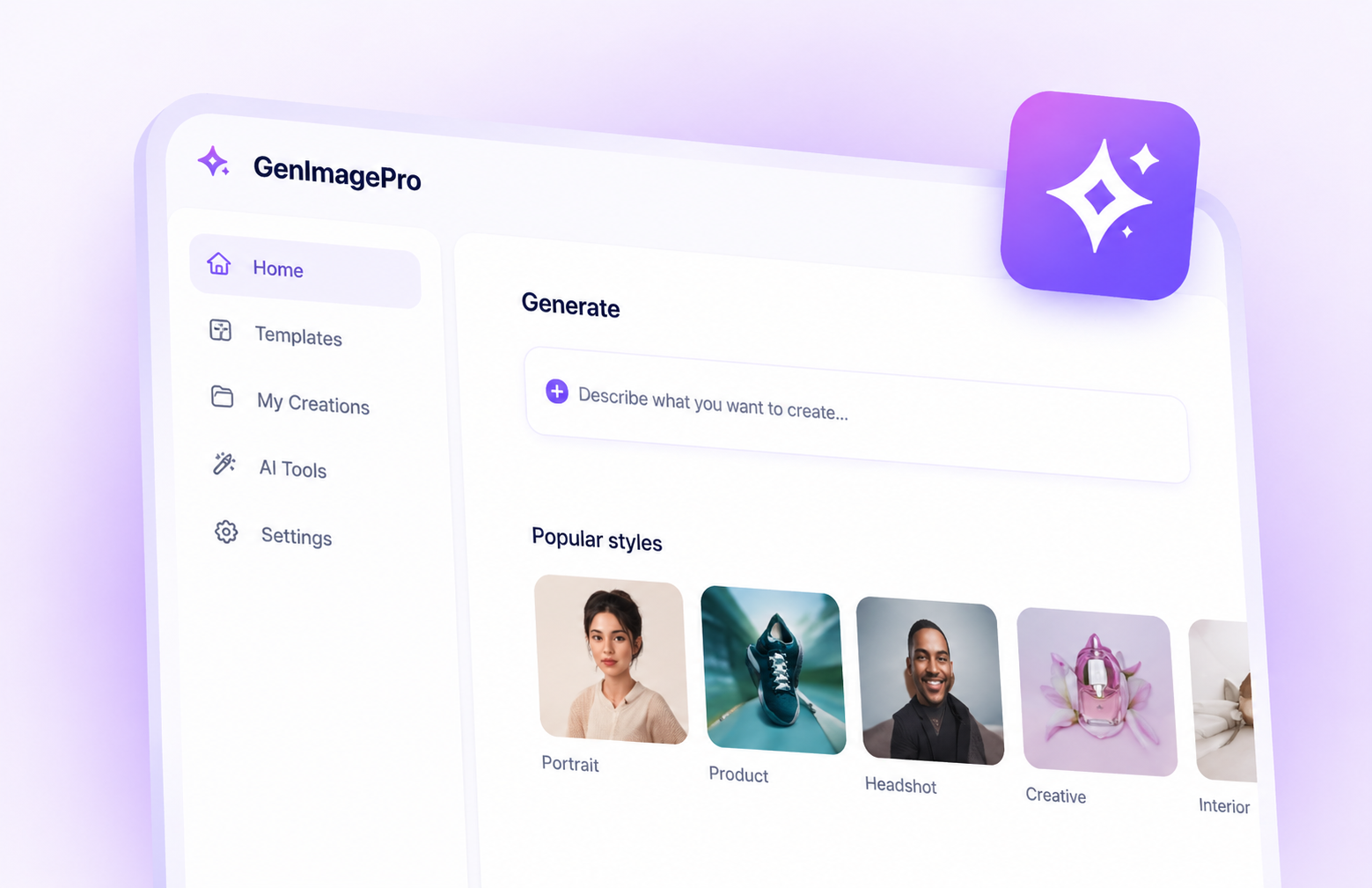
GenImagePro is what ChatGPT Image would be if it were built as a real tool instead of a chat feature. Pick a prompt template (product shot, poster, ad creative, thumbnail, social post), customize it, generate. You get aspect ratio control, style consistency, generation history, and pricing that scales with how much you actually generate — not a flat $20/mo for a chatbot that happens to do images.
Pros
Cons
Best pick when AI image generation is the actual job — not a chat feature you're rationing through rate limits.
Best for
Pricing
No free tier. Paid plans start at $10/mo (Basic) and scale to $60/mo (Mega), with annual discounts.
The AI image tool with the most distinctive aesthetic — favored by artists, creative directors, and concept designers.
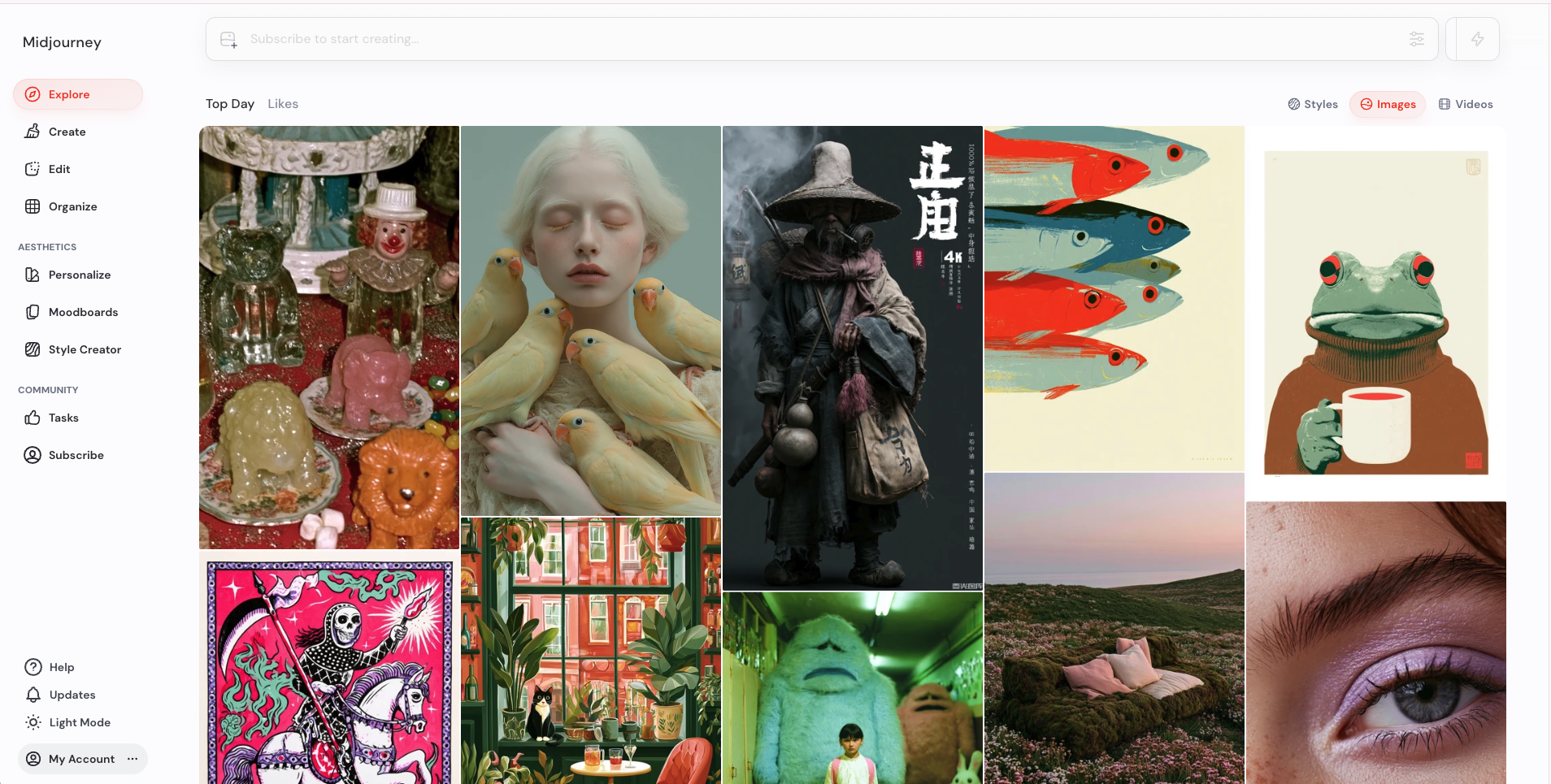
Midjourney's outputs feel art-directed in a way ChatGPT's rarely do — a distinctive aesthetic the model is genuinely good at. The trade-off is workflow: the web UI is improving but Discord is still the default, the prompt syntax has its own learning curve, and there's no free tier to test before paying. Worth it if aesthetic quality is what you care about most.
Pros
Cons
Best pick when aesthetic quality matters more than workflow speed or ease of use.
Best for
Pricing
Limited free tier with monthly credits. Full access via Creative Cloud, which starts at $22.99/mo for individual plans.
Adobe's AI image generator — strong inside Photoshop, Illustrator, and Express, but locked behind a Creative Cloud subscription.
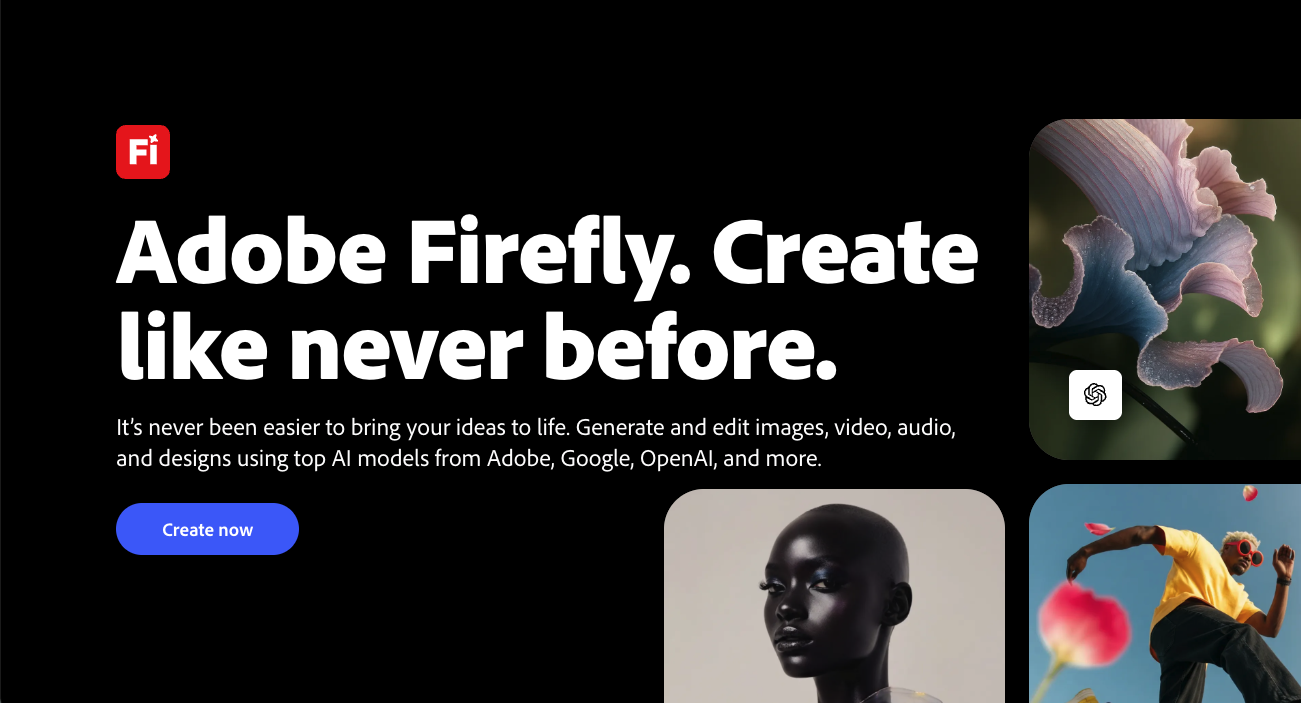
Firefly is the right answer if you're already inside Adobe's ecosystem. It's trained on Adobe Stock content (so commercial use is cleaner), integrates directly into Photoshop and Illustrator for inpainting and generative fill, and the quality is competitive. The catch is pricing: standalone access is limited, and real usage means a Creative Cloud subscription you may not otherwise need.
Pros
Cons
Best pick when you already pay for Creative Cloud and want AI inside Photoshop or Illustrator.
Best for
Pricing
Free tier with daily tokens. Paid plans from $12/mo (Apprentice) to $60/mo (Maestro).
An AI image platform built for power users — model picking, ControlNet, fine-grained composition control, and a generous free tier.
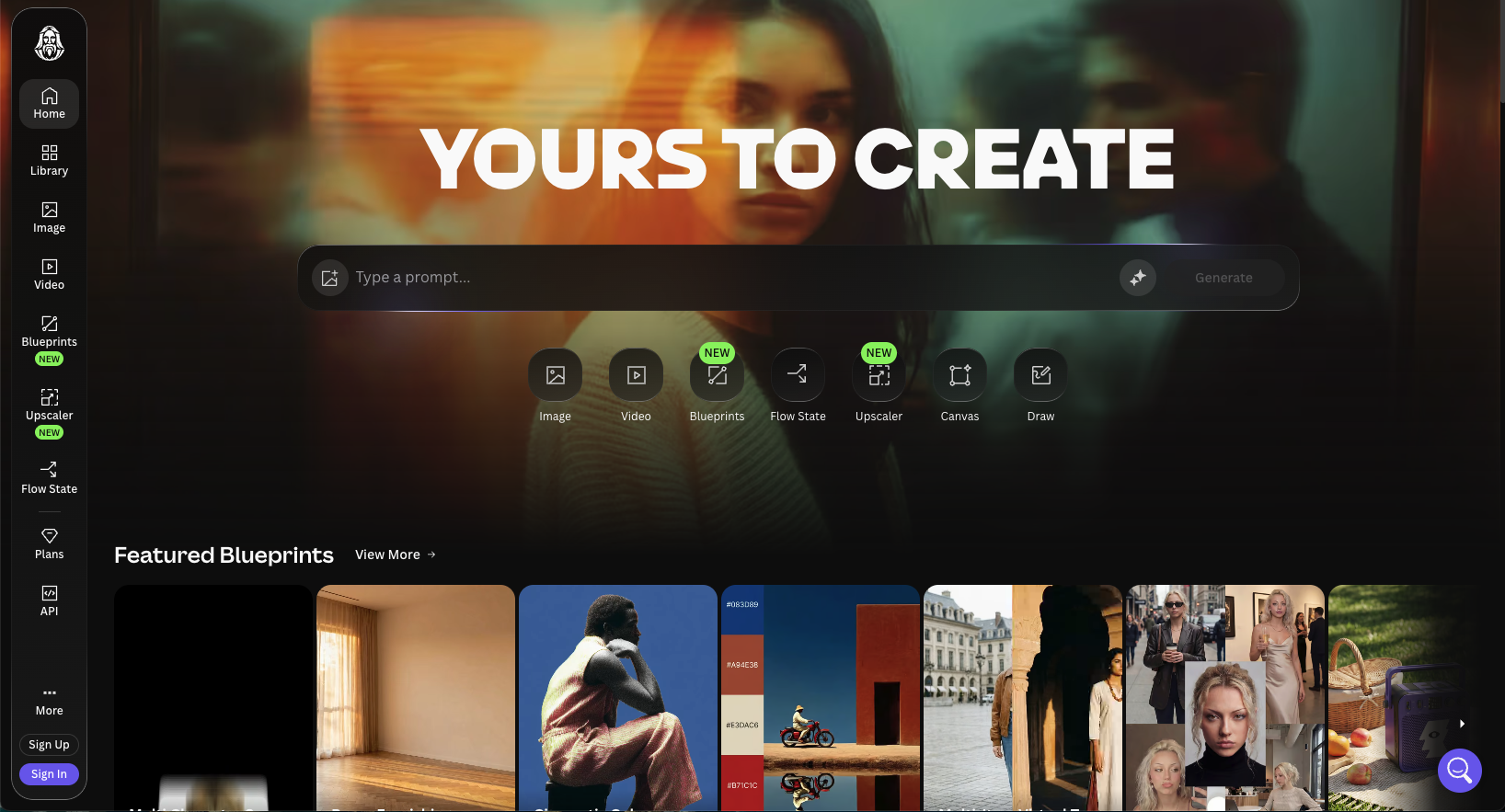
Leonardo gives you the dials ChatGPT hides: pick the underlying model, use ControlNet for pose and composition, apply LoRAs, regenerate specific regions. It's closer to running Stable Diffusion locally without setting up the pipeline. Less polished UI than ChatGPT but the control ceiling is much higher — which matters once you've outgrown 'describe it in a sentence' generation.
Pros
Cons
Best pick when you want serious composition control and don't mind a steeper learning curve.
Best for
Pricing
Free tier with daily limits. Paid plans from $8/mo (Basic) to $48/mo (Pro), with annual discounts.
An AI image tool that actually renders text correctly — built for posters, logos, ads, and any image with words inside it.
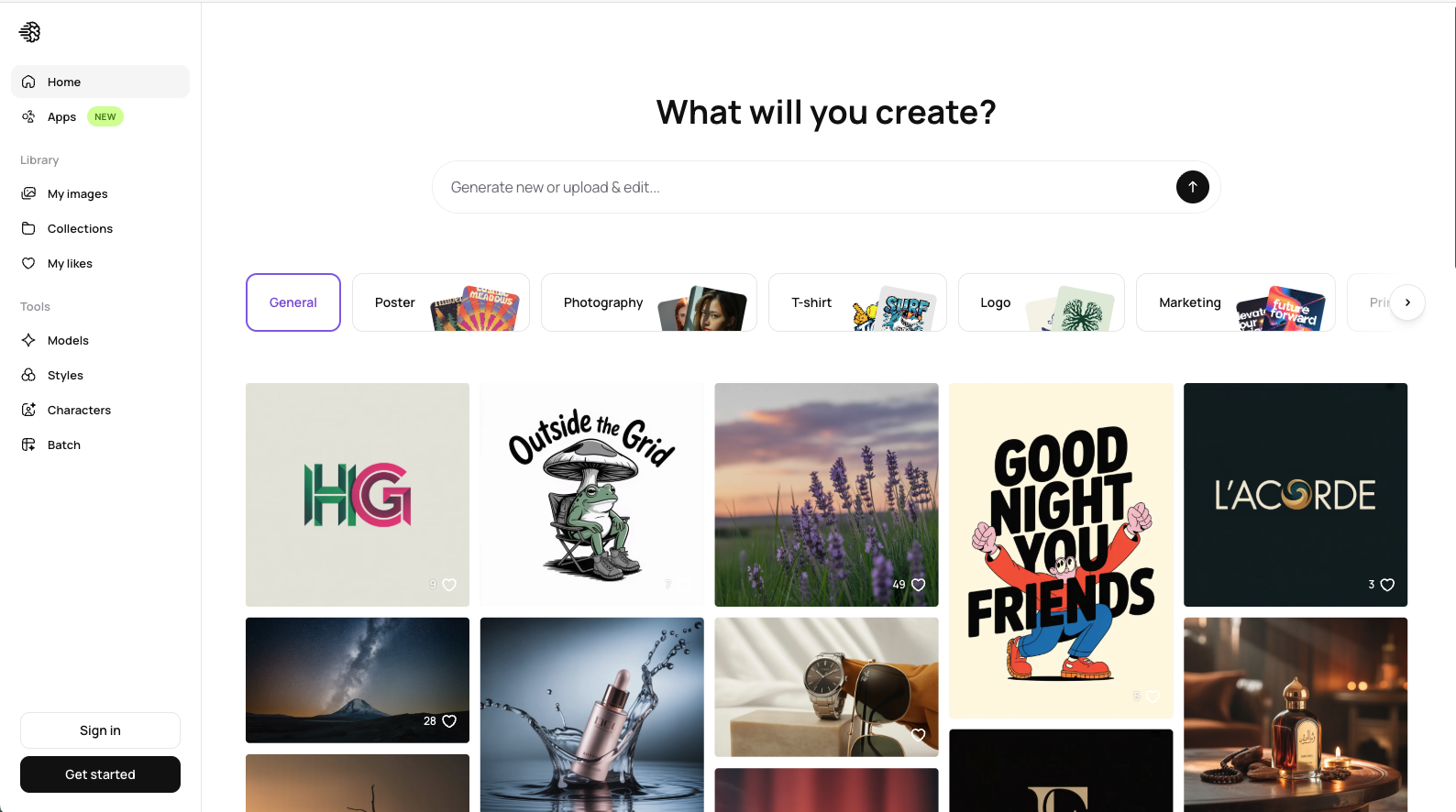
Ideogram solves the one thing ChatGPT and most AI image tools get wrong: legible text inside images. Posters, ads, logos, and event graphics where the words *matter* come out clean instead of garbled. Narrower in scope than ChatGPT — it's not a chat, just an image tool — but a clear win in its niche.
Pros
Cons
Best pick when the image needs legible text — posters, ads, logos, event graphics.
Best for
Pricing
Free with a Microsoft account (with limits). Heavier use bundled into Microsoft 365 Personal at ~$69.99/year (~$5.83/mo).
Microsoft's AI-powered design app — free with a Microsoft account, integrated into Word, PowerPoint, and Teams.
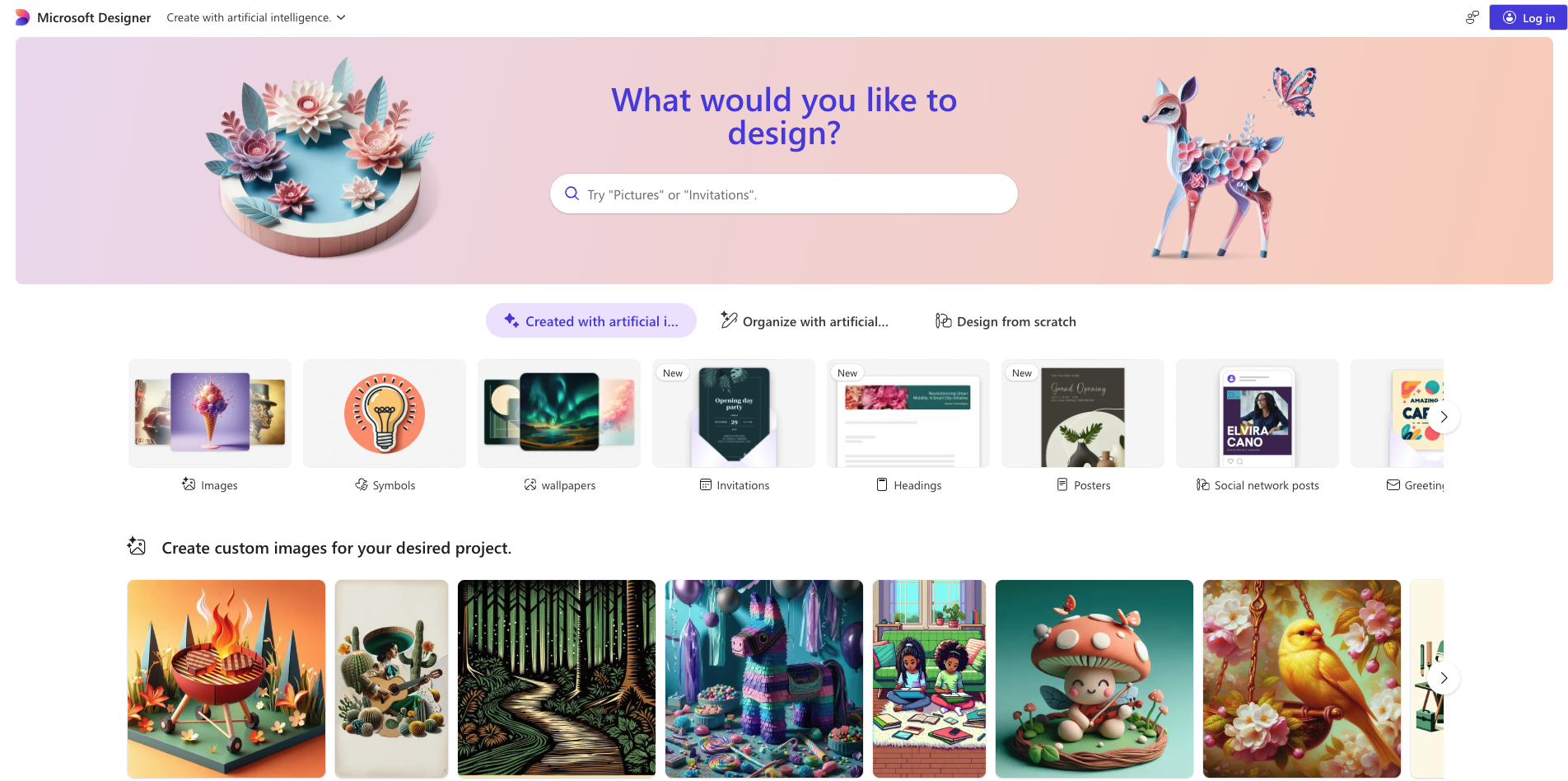
Microsoft Designer uses the same DALL-E backend as ChatGPT but wraps it in an actual design app — templates, layouts, banner sizes — and gives it away free with any Microsoft account. The trade-offs: prompt limits hit fast, less control than dedicated tools, and the UI prioritizes simplicity over depth. But for casual use, it's hard to beat on price.
Pros
Cons
Best pick when Microsoft 365 is already your hub and you want free DALL-E-quality images without paying for ChatGPT Plus.
Best for
Pricing
Free with a Microsoft account. 'Boosts' for faster generation refill daily; without them, generation slows but stays free.
Free DALL-E image generation through Microsoft's Bing — no subscription, no chat wrapper, just a prompt box.
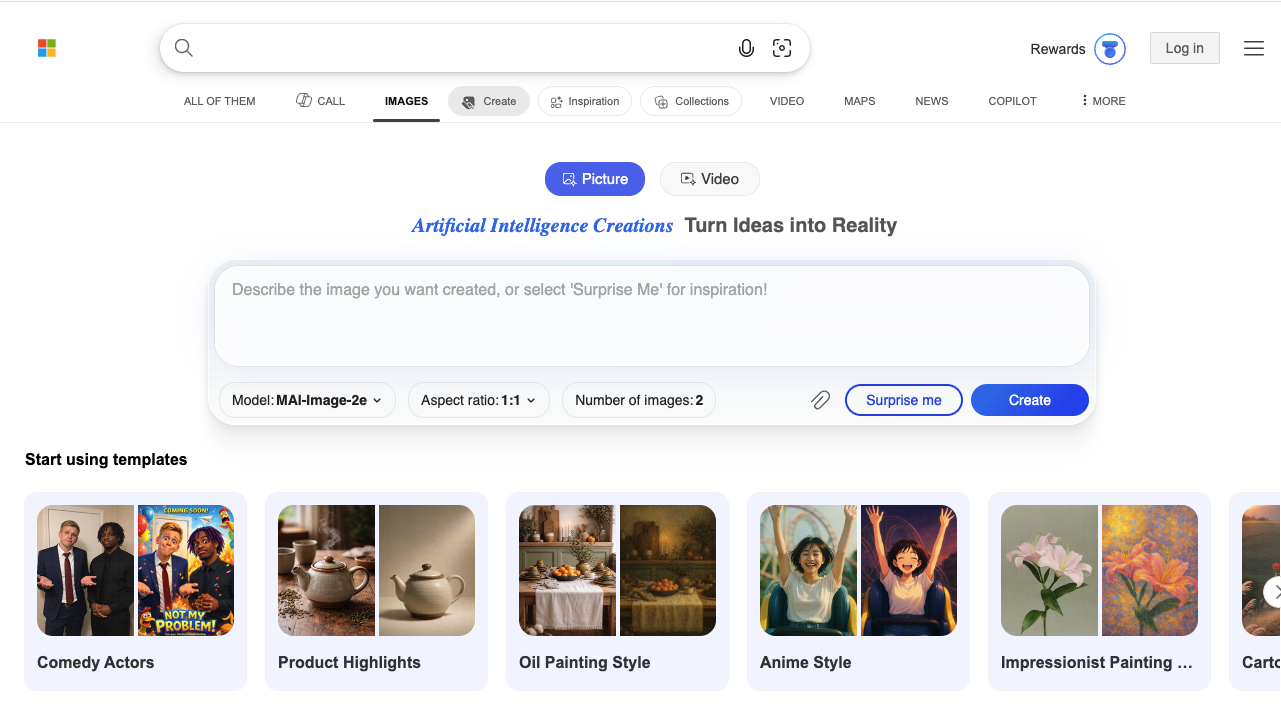
Bing Image Creator is the simplest way to access DALL-E without paying $20/mo for ChatGPT Plus. It's a prompt box, a generate button, and an image — no chat history, no project organization, no advanced controls. For casual users who just want occasional AI images, this is the most direct path. Just don't expect a workflow around it.
Pros
Cons
Best pick when you want free DALL-E access and don't need a workflow built around it.
Join thousands of creators and businesses already using GenImagePro.
FAQ
Pricing, rate limits, commercial use, and picking the right AI image tool when ChatGPT isn't enough.
Same format, different tools — open another alternatives guide.
Canva Alternatives
Beautiful designs made easy. See top AI design tools.
Explore guideAdobe Firefly Alternatives
Creative possibilities, beyond Adobe.
Explore guideLeonardo AI Alternatives
Generate stunning art with more options.
Explore guide
Nano Banana Alternatives
Fun, fast, and surprisingly powerful.
Explore guideMidjourney Alternatives
Explore other ways to imagine.
Explore guideAll AI Image Comparisons
Browse all guides in one place.
Explore guide