Alternatives

7 Best Midjourney Alternatives in 2026 for Commercial Workflows Without Discord

Midjourney has a distinctive aesthetic — but the Discord workflow feels dated, every image you generate is public by default, there's no free tier, and pricing starts at $10/mo before you've seen the output. Here are the 7 best alternatives for 2026, ranked by free tiers, commercial workflow, and standalone pricing.

Try GenImagePro Free — No Credit Card

When Midjourney is wrong for you

Midjourney is the right tool when aesthetic quality matters most and you have time to learn parameter syntax, manage a Discord workspace, and pay $10–60/mo for the workflow. It's the wrong tool when the unit of work is shipping commercial visuals at volume: no prompt templates, no project organization, every image public by default unless you upgrade to Pro for Stealth Mode, no aspect ratio control beyond parameters, no free tier to test before paying. If you're paying for art-direction polish on work that needs to be private, fast, or template-driven, these 7 alternatives are worth comparing on pricing, workflow, and commercial focus.

Midjourney — logo.

Compare

Midjourney alternatives at a glance

Free tier, entry price, AI image strength, and who each tool fits. Click a row for the full write-up.

GenImagePro
#01

GenImagePro

AI images
Best for
Commercial workflow
Why choose it
Templates, private by default
Price
From $2.99/mo
Free tier
Yes · trial
Nano Banana

Nano Banana (Gemini Image)

AI images
Best for
Top model quality
Why choose it
Gemini 3-backed
Price
Google AI Plus from $7.99/mo
Free tier
Yes · limited
Adobe Firefly

Adobe Firefly

AI images
Best for
Adobe ecosystem
Why choose it
Inside Photoshop & Illustrator
Price
CC from $22.99/mo
Free tier
Yes · limited
ChatGPT Image

ChatGPT Image (DALL-E)

AI images
Best for
Inside ChatGPT
Why choose it
Conversational prompts
Price
ChatGPT Plus $20/mo
Free tier
Limited
Leonardo AI

Leonardo AI

AI images
Best for
Power-user control
Why choose it
Model + ControlNet picker
Price
From $12/mo
Free tier
Yes · daily tokens
Ideogram

Ideogram

AI images
Best for
Text-in-image quality
Why choose it
Reads cleanly
Price
From $8/mo
Free tier
Yes · daily limits
Flux

Flux (via Freepik / Replicate)

AI images
Best for
Flux photorealism
Why choose it
Open model, hosted
Price
~$9/mo or pay-per-use
Free tier
Yes · varies

The 7 best Midjourney alternatives, compared

Read the full write-up of any tool that caught your eye in the table above. Each card covers strengths, trade-offs, real pricing, and the specific job it wins at.

  1. Best for

    • Commercial visual work at volume
    • Prompt templates for fast variations
    • Product photography & ecommerce visuals
    • Posters, thumbnails & ad creatives
    • Private outputs by default

    Pricing

    Free trial available. Paid plans from $2.99, $9.99, and $24.99.

    #01

    GenImagePro

    An AI image platform with ready-to-use prompt templates for product visuals, posters, thumbnails, ad creatives, and campaign assets — built for commercial workflow at volume, not Discord-driven art direction.
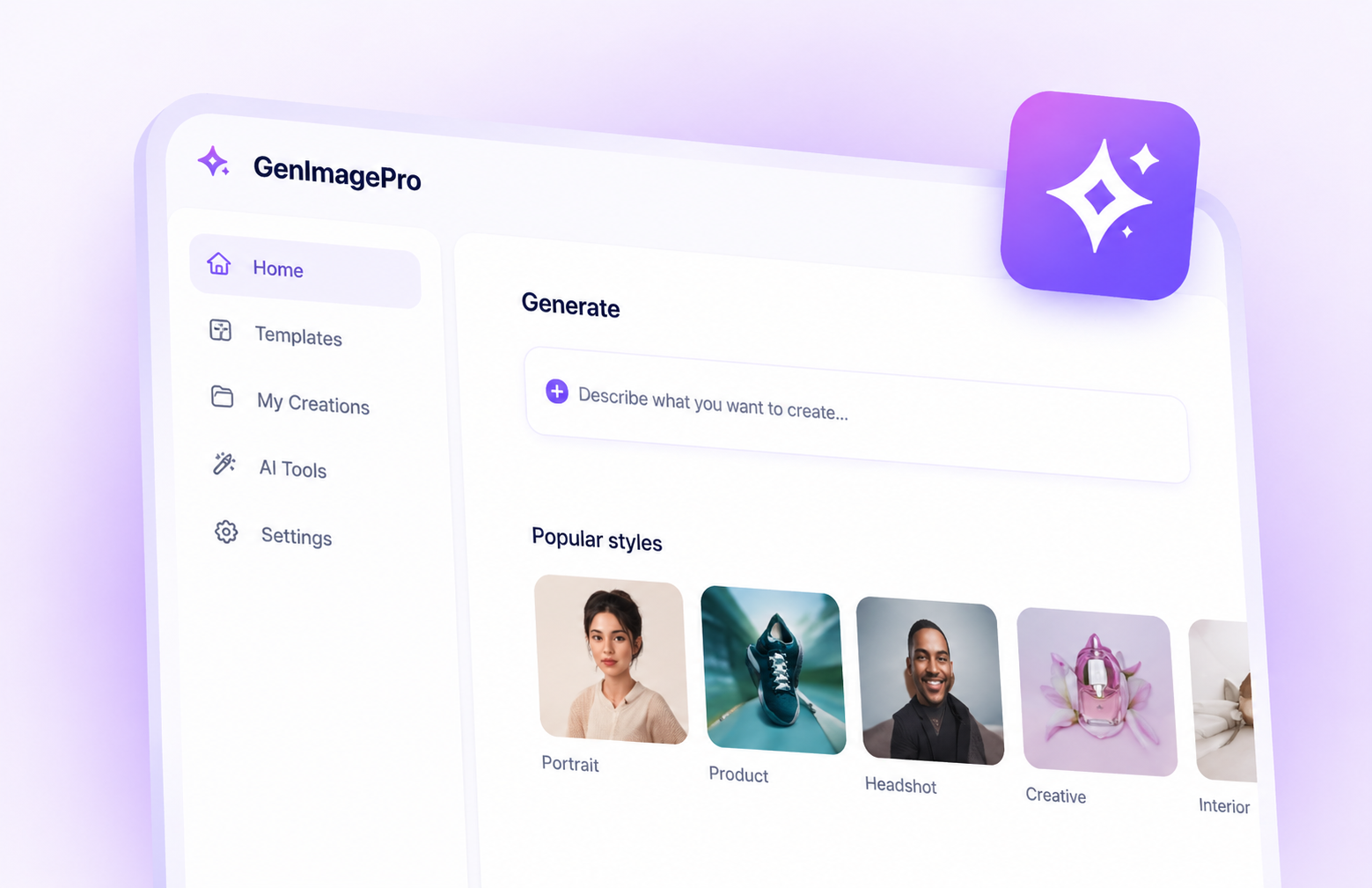
    GenImagePro — AI image generation with prompt templates for commercial workflows.

    GenImagePro is the opposite design choice from Midjourney: prompt templates instead of blank prompts, a dedicated web UI instead of Discord, private outputs by default instead of public Explore pages, and pricing that starts at $2.99 instead of $10. You give up Midjourney's signature aesthetic — that's a real trade-off — and get a workflow built for commercial visuals: product shots, posters, ad creatives, thumbnails, social posts.

    Pros

    • Free trial — test before paying anything.
    • Prompt templates skip the parameter-syntax learning curve.
    • Private outputs by default, no public Explore page.
    • $2.99/mo entry vs $10/mo Midjourney minimum.

    Cons

    • Less distinctive aesthetic than Midjourney's signature style.
    • Smaller community and fewer prompt-sharing features than Midjourney's Discord.
    • Not the right tool for art-direction work where Midjourney's look is the point.

    Best pick when commercial visual throughput matters more than art-direction polish.

  2. Best for

    • Best-in-class image quality
    • Text rendering inside images
    • Conversational iteration
    • Photorealistic outputs
    • Google ecosystem users

    Pricing

    Limited access on Gemini's free tier. Full Nano Banana 2 and Nano Banana Pro quality via Google AI Plus from $7.99/mo or Google AI Pro at $19.99/mo.

    #02

    Nano Banana (Gemini Image)

    Google's Gemini-backed image model — currently the consensus top pick for raw quality, with strong text rendering and conversational editing.
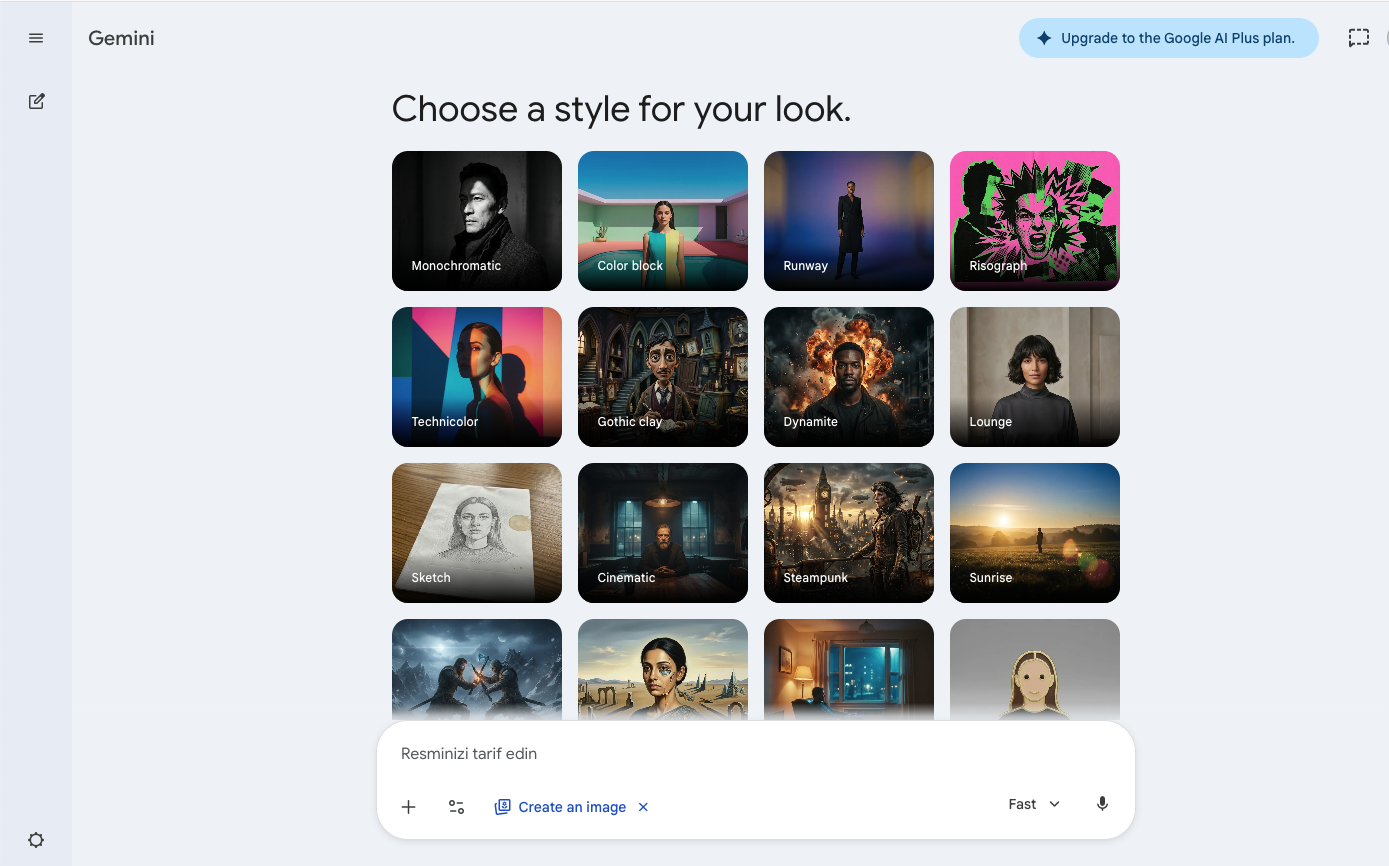
    Nano Banana — Google's Gemini-backed AI image model with top-tier quality.

    Nano Banana — Google's family of Gemini Image models — became the consensus top pick in 2026 reviews on raw output quality, prompt adherence, and text rendering. It handles complex scenes, reverse-engineers images from new angles, and produces photorealistic results that Midjourney often can't match. The trade-off vs Midjourney is aesthetic: Gemini is general-purpose where Midjourney has a distinctive look. If quality and versatility matter more than a signature style, Nano Banana is the obvious upgrade.

    Pros

    • Currently considered the top model on raw quality and prompt adherence.
    • Strong text rendering inside images.
    • Conversational editing — describe changes in plain English.

    Cons

    • Less distinctive aesthetic than Midjourney's signature style.
    • Lives inside a chatbot, not a dedicated image tool.
    • Personal Intelligence pulls from Google account data unless you opt out.

    Best pick when raw model quality matters most and you don't need Midjourney's signature aesthetic.

  3. Best for

    • Creative Cloud subscribers
    • AI inside Photoshop and Illustrator
    • Commercial-safe stock-trained outputs
    • Adobe-native workflows

    Pricing

    Limited free tier with monthly credits. Full access via Creative Cloud, which starts at $22.99/mo for individual plans.

    #03

    Adobe Firefly

    Adobe's AI image generator — strong inside Photoshop, Illustrator, and Express, with commercial-safe training data.
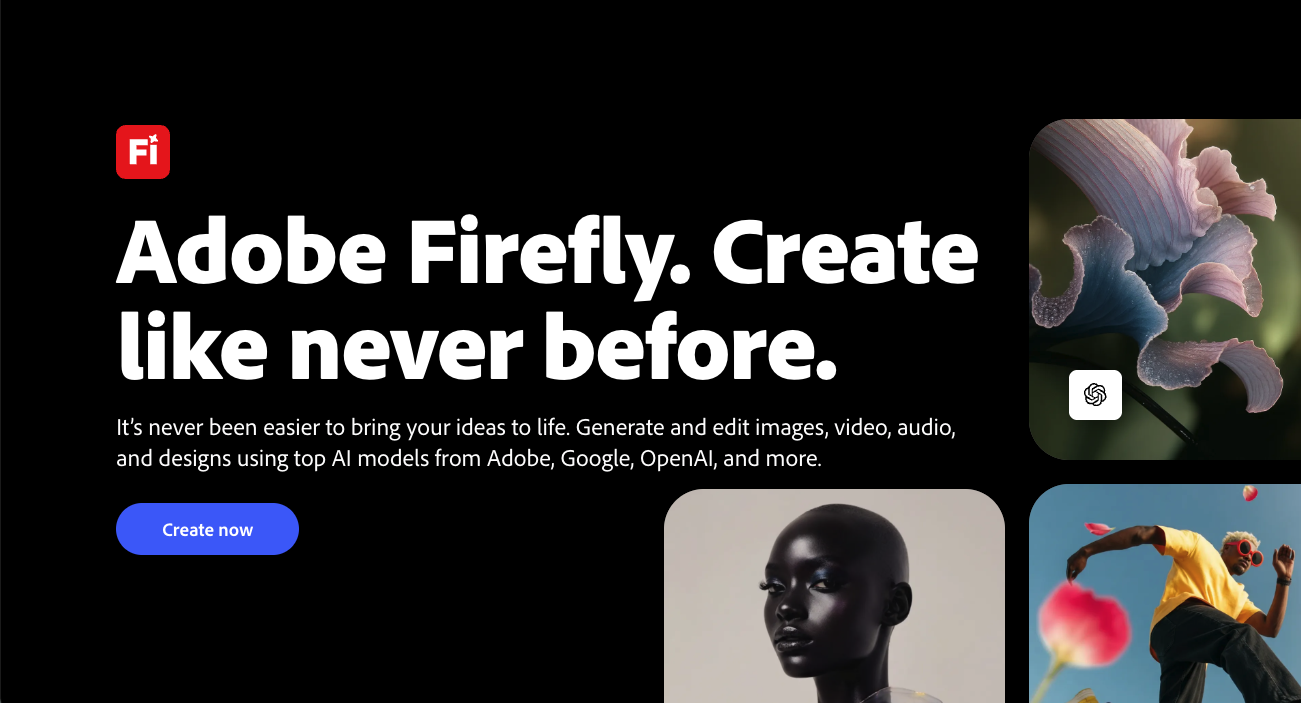
    Adobe Firefly — AI image generation inside the Adobe Creative Cloud ecosystem.

    Firefly's main advantage over Midjourney is workflow integration — Photoshop's generative fill, Illustrator's vector workflows, Express for quick assets — plus commercial-safe training on Adobe Stock content that enterprise legal teams care about. The trade-off is pricing: you pay for the full Creative Cloud subscription, not just AI. For Midjourney users whose work has to land inside Adobe apps anyway, Firefly removes the export-and-import friction.

    Pros

    • Tight integration with Photoshop, Illustrator, and Express.
    • Commercial-safe training on Adobe Stock content with enterprise indemnification.
    • Strong generative fill and inpainting workflows inside Adobe apps.

    Cons

    • Effective pricing through Creative Cloud is higher than Midjourney's Standard plan.
    • Generative credits run out quickly on heavy use.
    • Less distinctive aesthetic than Midjourney.

    Best pick when your work has to land in Photoshop or Illustrator and you already pay for Creative Cloud.

  4. Best for

    • Casual image generation inside chat
    • ChatGPT Plus subscribers
    • Conversational prompt iteration
    • Mixed text + image workflows

    Pricing

    Limited free tier through ChatGPT free. Full access via ChatGPT Plus at $20/mo or Pro at $200/mo.

    #04

    ChatGPT Image (DALL-E)

    AI image generation built into ChatGPT — conversational prompts, iteration through chat, broad model integration.
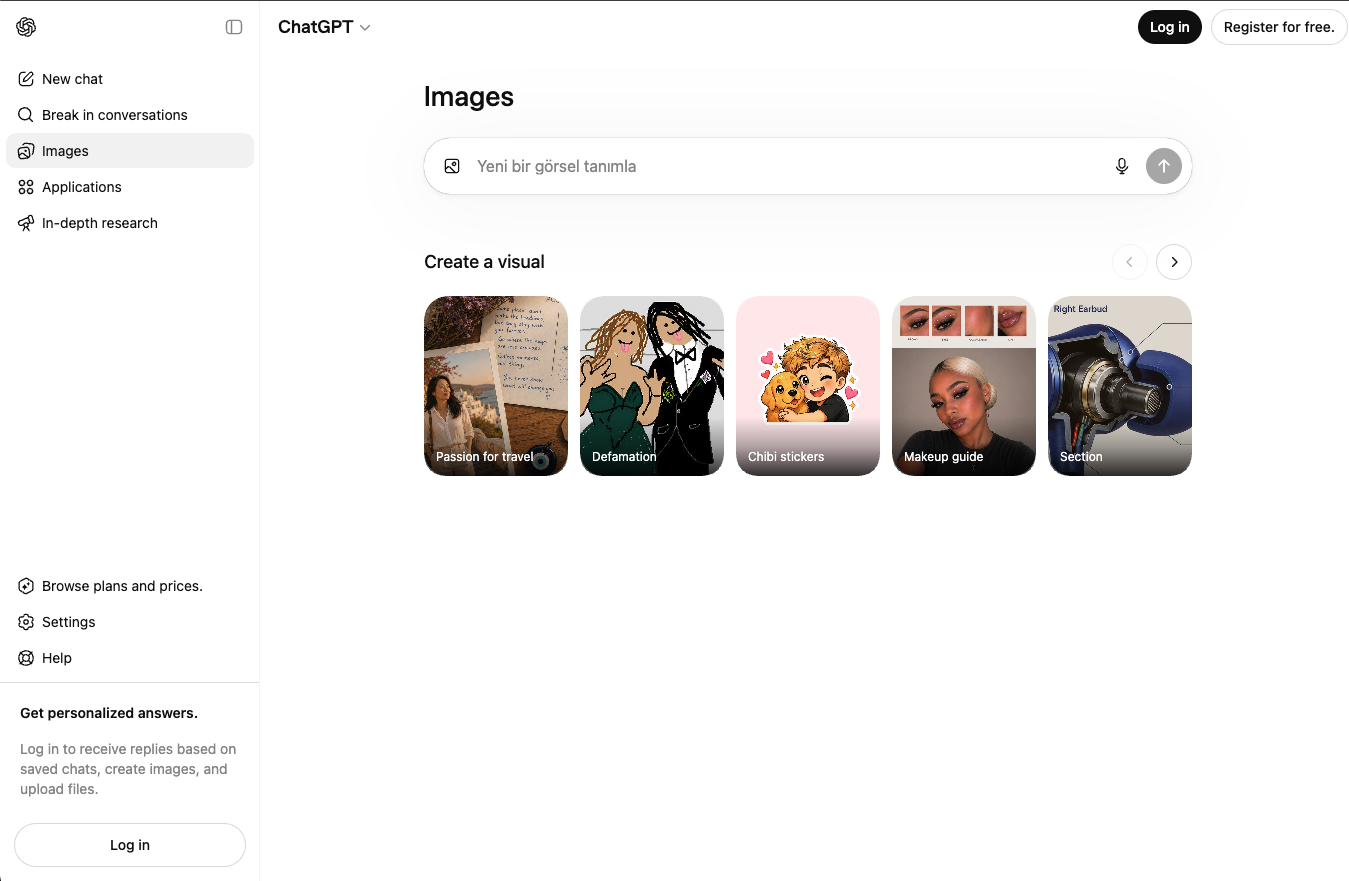
    ChatGPT Image — AI image generation inside ChatGPT with conversational prompts.

    ChatGPT Image is the easiest AI image tool to use — describe what you want in plain English, get an image, ask for changes in plain English. The trade-off vs Midjourney is significant: no parameter control, no aspect ratio precision, no stylistic distinctiveness, rate limits even on paid tiers. For Midjourney users who picked the tool for art direction, ChatGPT will feel like a downgrade. For casual users, it's frictionless.

    Pros

    • Easiest prompt iteration through natural conversation.
    • No separate tool to learn or pay for if you already have ChatGPT Plus.
    • Integrates with text generation for mixed content workflows.

    Cons

    • Almost no control compared to Midjourney's parameters.
    • Lower visual quality ceiling than dedicated AI image tools.
    • Rate limits even on paid tiers frustrate heavy users.

    Best pick when you already pay for ChatGPT Plus and want occasional images without learning another tool.

  5. Best for

    • Game asset and concept art workflows
    • Power users who want ControlNet & model choice
    • Daily generation on the free tier
    • Composition-heavy iteration

    Pricing

    Free tier with daily tokens. Paid plans from $12/mo (Apprentice) to $60/mo (Maestro).

    #05

    Leonardo AI

    An AI image platform built for power users — model picking, ControlNet, fine-grained composition control, and a generous free tier.
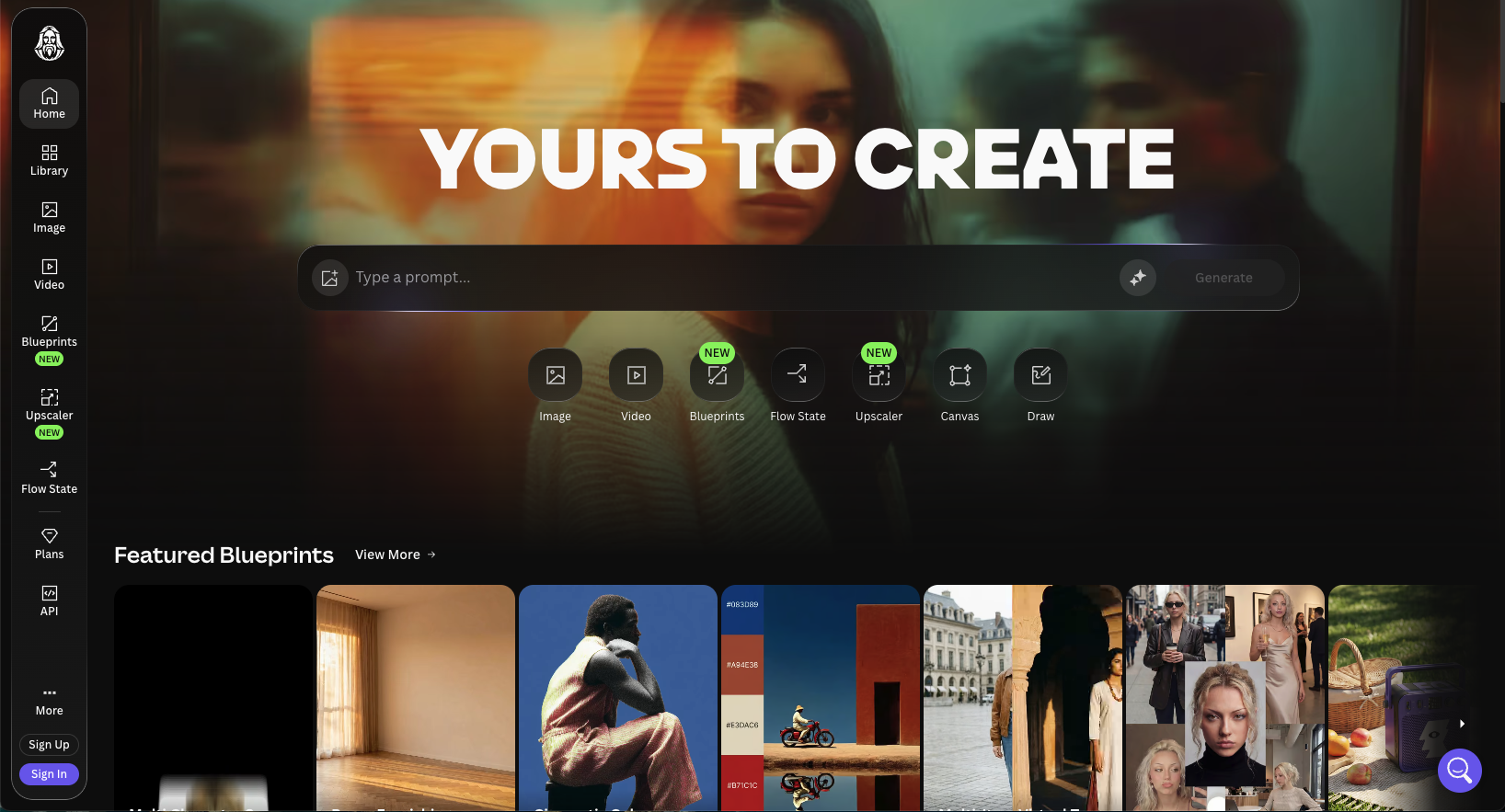
    Leonardo AI — AI image generation with ControlNet, model picking, and fine-grained control.

    Leonardo gives you the dials Midjourney hides: pick the underlying model, use ControlNet for pose and composition, apply LoRAs, regenerate specific regions. The free tier alone — with daily refilling tokens — gives you more than Midjourney's no-free-tier policy. For Midjourney users who want similar quality with more control and a working free tier to test on, Leonardo is the obvious move.

    Pros

    • Free tier with daily refilling tokens — Midjourney has none.
    • ControlNet and model picker give real composition control.
    • Strong for game art, character work, and stylized illustration.

    Cons

    • Steeper learning curve than Midjourney's parameter syntax.
    • Less distinctive aesthetic than Midjourney's signature style.
    • Output quality varies more by model choice.

    Best pick when you want serious control and a real free tier to test on.

  6. Best for

    • Posters and event graphics
    • Logos and wordmarks
    • Ad creatives with headlines
    • Quotes and typography-led visuals

    Pricing

    Free tier with daily limits. Paid plans from $8/mo (Basic) to $48/mo (Pro), with annual discounts.

    #06

    Ideogram

    An AI image tool that actually renders text correctly — built for posters, logos, ads, and any image with words inside it.
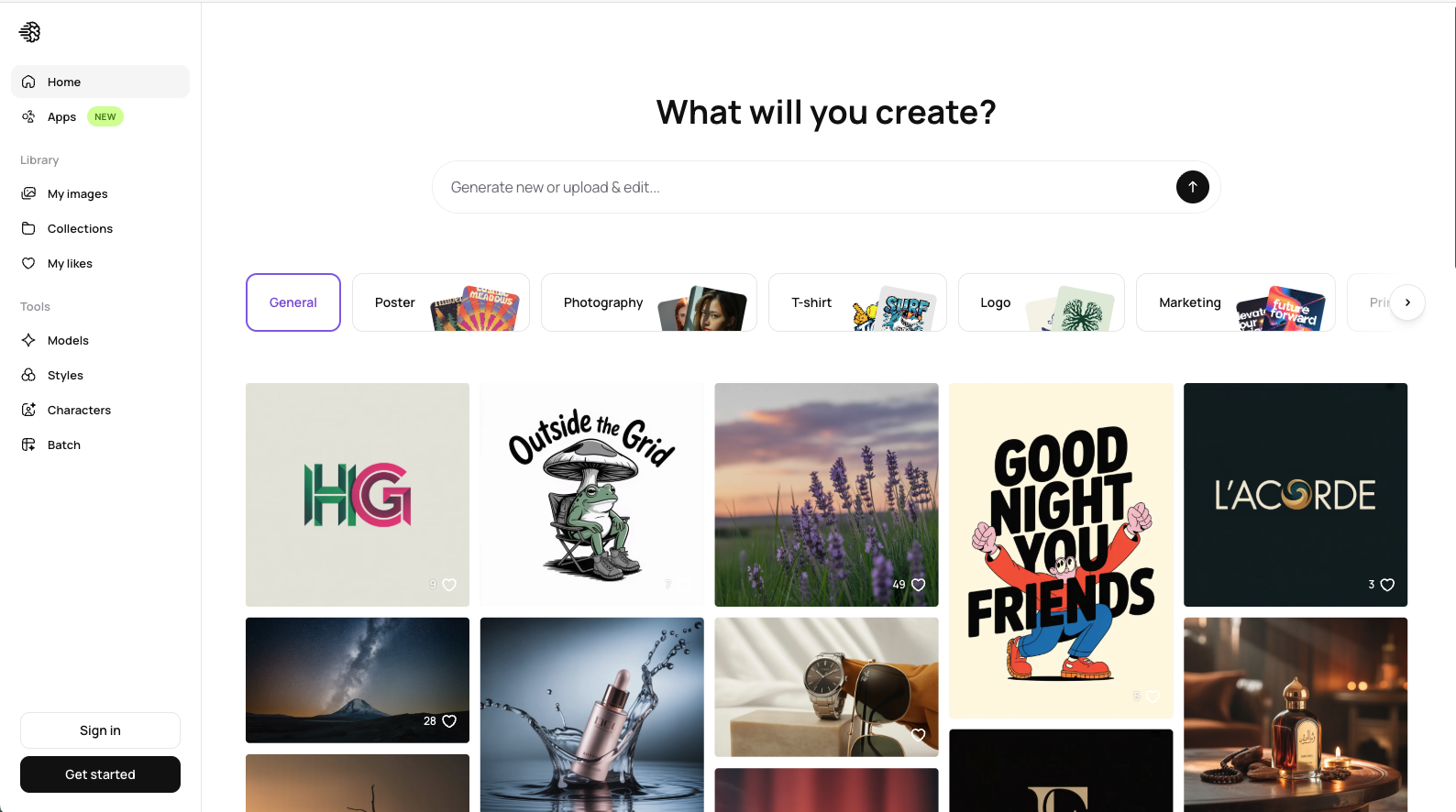
    Ideogram — AI image generation with high-quality text rendering for posters and ads.

    Ideogram solves the one thing Midjourney handles badly: legible text inside images. Posters, ads, logos, and event graphics where the words *matter* come out clean instead of garbled. Narrower in scope than Midjourney — no art-direction polish, no distinctive aesthetic — but a clear win when text is the deliverable. Plus, it has a free tier, which Midjourney doesn't.

    Pros

    • Best-in-class text rendering inside generated images.
    • Free tier — Midjourney has none.
    • Clean web UI with strong prompt-sharing features.

    Cons

    • Less versatile for non-text-led images than Midjourney.
    • Output style is less distinctive than Midjourney's.
    • Smaller community than Midjourney's Discord.

    Best pick when the image needs legible text — posters, ads, logos, event graphics.

  7. Best for

    • Photorealistic outputs
    • Open-source model users
    • Pay-per-generation workflows
    • Power users without local GPUs

    Pricing

    Pay-per-generation on Replicate and fal.ai. Subscription via Freepik from ~$9/mo with bundled Flux generations.

    #07

    Flux (via Freepik / Replicate)

    Black Forest Labs' open-source Flux model, hosted via Freepik, Replicate, or fal.ai — strong photorealism without local setup.
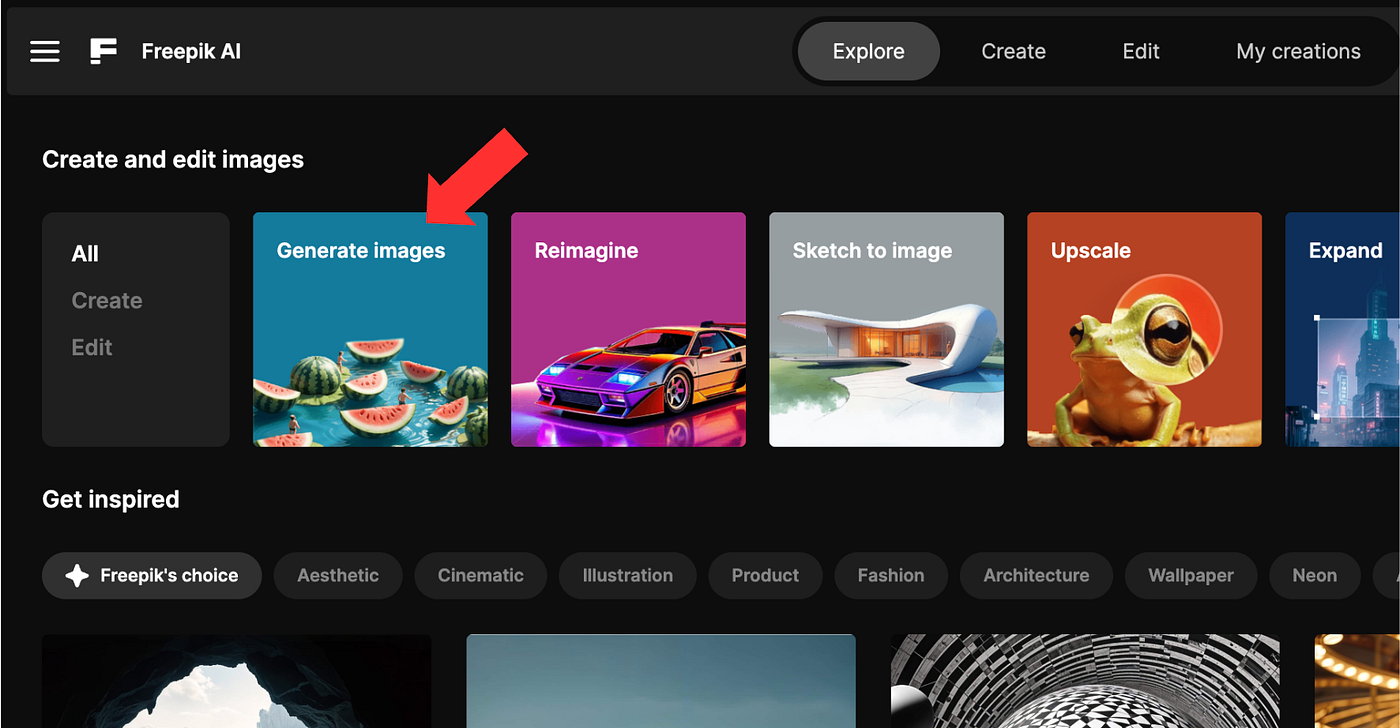
    Flux — open-source photorealistic AI image model hosted via Freepik and Replicate.

    Flux is the photorealism benchmark in open-source AI image generation — closer to real-photo quality than Midjourney's stylized outputs. With the recent launch of Flux 2, it's back as one of the top contenders. Access via Replicate (pay per generation), fal.ai, or bundled into Freepik. For Midjourney users who specifically want photorealism over art direction, Flux is the direct upgrade.

    Pros

    • State-of-the-art photorealism — closer to real-photo quality than Midjourney.
    • Pay-per-generation pricing scales with actual use.
    • Open-source model means more transparency than Midjourney.

    Cons

    • Less polished UI than Midjourney's web app.
    • No unified workflow across Flux variants — each platform handles it differently.
    • Pay-per-generation pricing can spike unpredictably on heavy use.

    Best pick when photorealism matters more than art direction.

Ready to generate without Discord, public outputs, or commitment?

Join thousands of creators and businesses already using GenImagePro.

No credit card required
Free to get started

FAQ

Midjourney Alternatives FAQ

Pricing, Discord workflow, public outputs, commercial use, and picking the right AI image tool when Midjourney's design choices stop fitting your work.

Is Midjourney free?
No. Midjourney has no free tier — the cheapest plan is Basic at $10/mo, scaling up to Mega at $120/mo. This is the biggest barrier for users shopping AI image tools: you commit money before seeing the output quality on your own prompts. Most alternatives offer either a free tier with daily tokens (Leonardo, Ideogram) or a free trial (GenImagePro at $2.99/mo with a trial). If 'try before you pay' matters, almost any other AI image tool is a better starting point.
What is the best Midjourney alternative in 2026?
Depends on what you used Midjourney for. For commercial visual work — product shots, ad creatives, posters, thumbnails — GenImagePro is our pick: prompt templates, private outputs, $2.99 entry. For top-tier model quality, Nano Banana (Google Gemini Image) currently leads the critical consensus. For Adobe ecosystem fit, Firefly. For power-user control, Leonardo. For text-in-image, Ideogram. For photorealism, Flux. Pick GenImagePro when commercial throughput beats art-direction polish.
Why are people switching from Midjourney?
Five reasons we hear most: (1) no free tier — paying before seeing quality is a real friction, (2) Discord workflow feels dated even with web UI improvements, (3) every image is public by default on the Explore page unless you pay $60/mo for Pro with Stealth Mode, (4) no commercial workflow tools — no project organization, no prompt templates, no team features, (5) other models have caught up or surpassed Midjourney on raw quality, especially Nano Banana and Flux 2. GenImagePro addresses the first four directly; for raw quality, Nano Banana is the better head-to-head.
Are Midjourney images public by default?
Yes, on Basic ($10/mo) and Standard ($30/mo) plans, every image you generate appears publicly on Midjourney's Explore page and your profile. Stealth Mode — which makes generations private — requires the Pro plan at $60/mo or higher. This is a real concern for commercial work, client deliverables, brand confidentiality, and competitive product development. GenImagePro, Adobe Firefly, Leonardo, and most alternatives keep generations private by default at all paid tiers.
Can I use Midjourney alternatives commercially?
Usually yes, but check each platform's license terms. GenImagePro is built for commercial marketing and ecommerce use, with private outputs by default. Adobe Firefly offers the strongest commercial-safety guarantees via Adobe Stock training and enterprise indemnification. Leonardo and Ideogram permit commercial use on paid plans. Midjourney's paid plans include commercial rights but the public Explore page exposure complicates client work — most commercial users either pay for Stealth Mode or switch to an alternative.
Is GenImagePro better than Midjourney?
For commercial visual work — product shots, ad creatives, posters, thumbnails — yes. GenImagePro gives you prompt templates, private outputs, project workflow, and pricing that starts at $2.99/mo with a free trial. For art-direction work where Midjourney's signature aesthetic is the actual deliverable, Midjourney is still the better tool. Different goals, different products. The honest test: does your work need to look 'art-directed' or does it need to ship?
Which Midjourney alternative is best for product photography?
GenImagePro. Its prompt templates are tuned for product shots, ecommerce visuals, and campaign stills — exactly the use case where Midjourney's aesthetic-first design works against you. Nano Banana is a strong runner-up for raw model quality. Adobe Firefly wins if outputs need to land in Photoshop. Flux via Freepik produces excellent photorealistic product images. For 'I need 30 angles of this SKU by Friday' work, GenImagePro is built for that throughput.
Which Midjourney alternative has the best free tier?
Leonardo AI and Ideogram both offer daily refilling tokens on their free tiers — genuinely usable for real work. Nano Banana is free with any Google account at limited quality. GenImagePro offers a trial that lets you test the prompt-template workflow before paying. Any of these is a better starting point than Midjourney, which requires payment up front.
Do Midjourney alternatives use Discord?
Almost none. Discord-based workflow is a Midjourney design choice from its earliest days, and most alternatives launched with web UIs from the start. GenImagePro, Nano Banana, Adobe Firefly, Leonardo, Ideogram, ChatGPT Image, and Flux all run in browsers without Discord. If the Discord workflow is the reason you're looking for an alternative, any of these solves that on day one.
Should I cancel Midjourney completely?
Depends on your work. If you primarily generated commercial visuals (products, ads, posters, thumbnails) — replace Midjourney with GenImagePro or Nano Banana and save the $10–60/mo. If art direction and Midjourney's signature aesthetic is central to your work (illustration, concept art, editorial), keep it and add a complementary tool for the use cases Midjourney handles poorly — like text-heavy posters (Ideogram) or product shots at volume (GenImagePro). Splitting the stack often beats consolidating because you stop paying for capabilities you don't use.