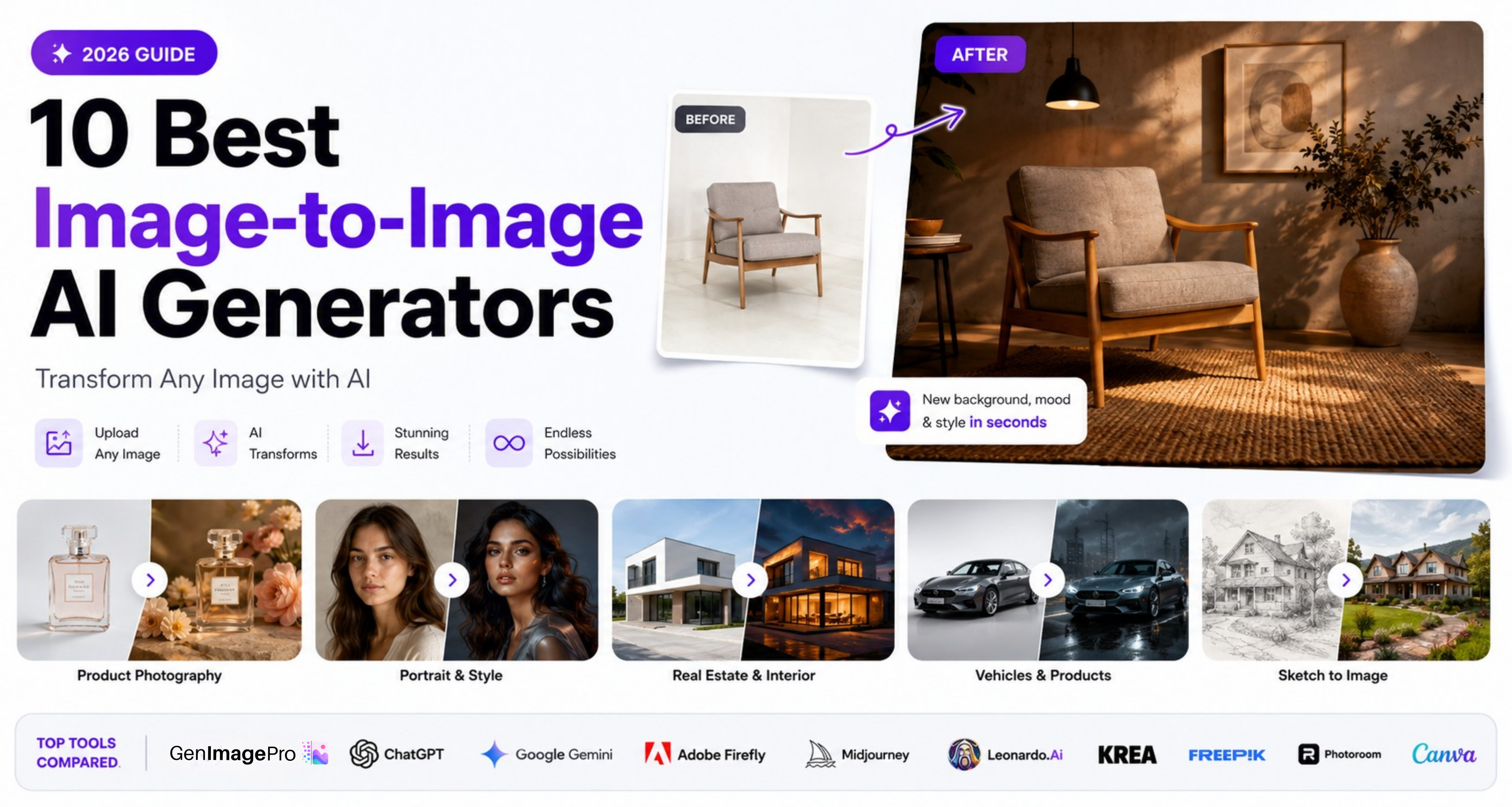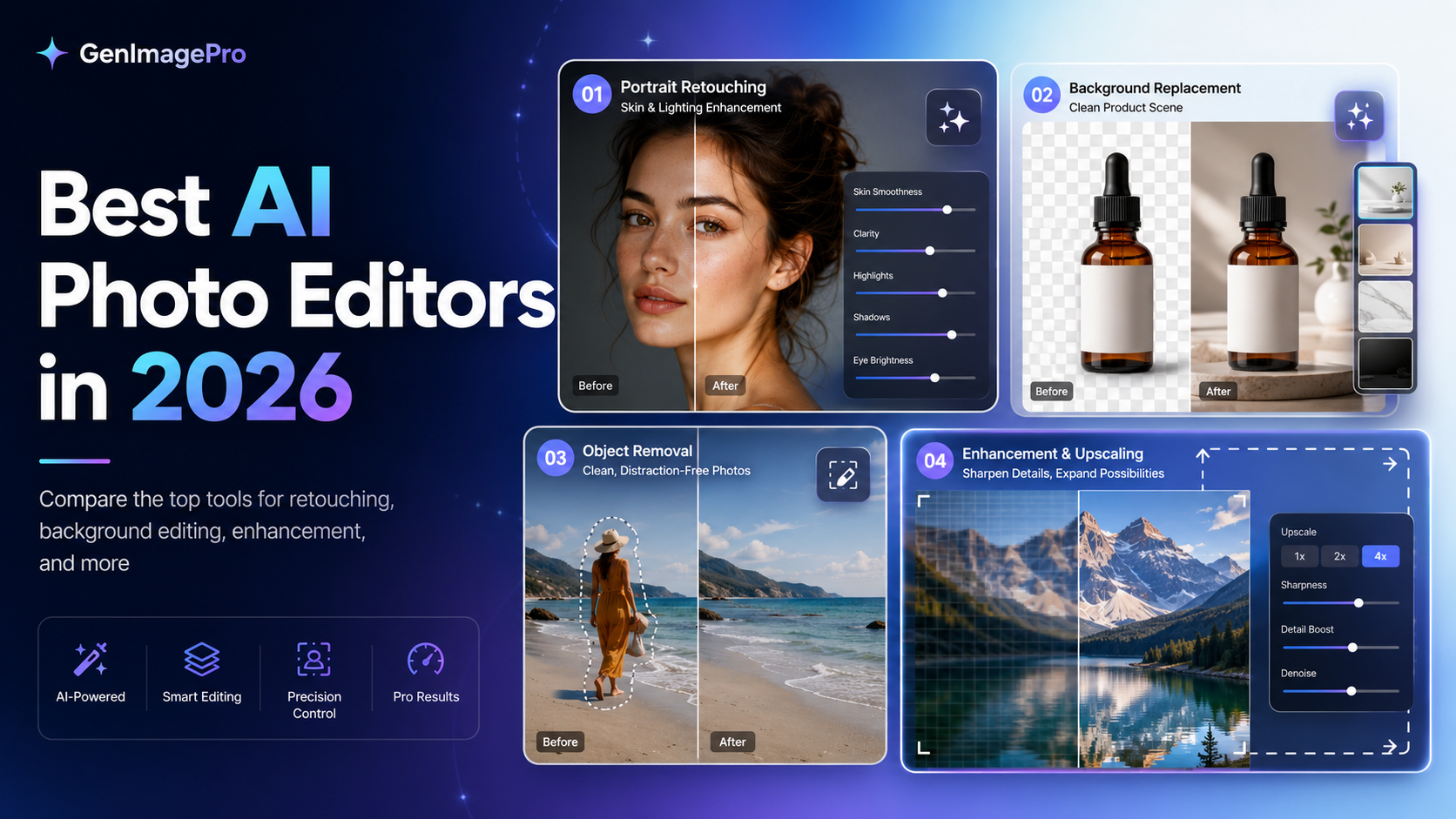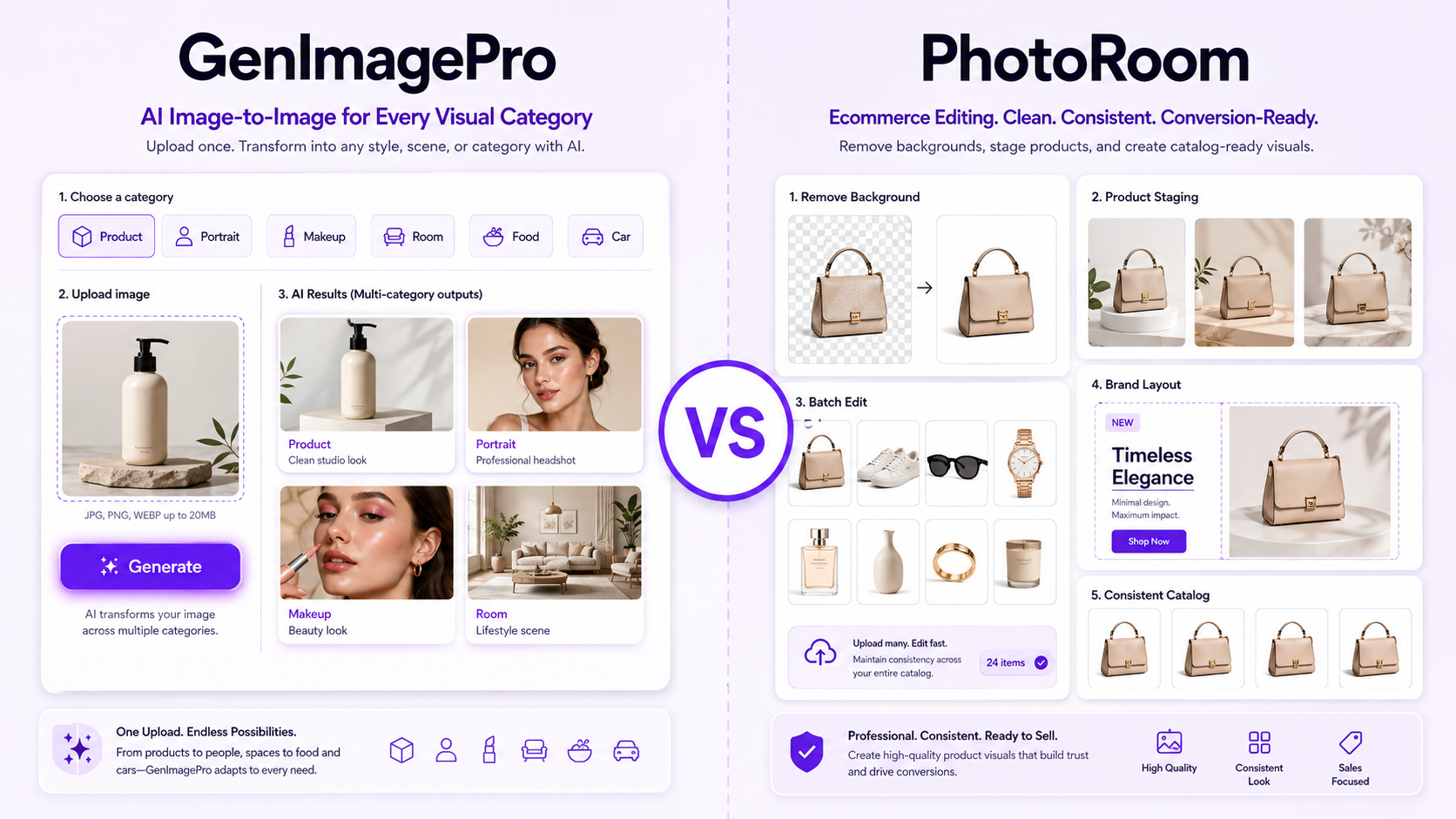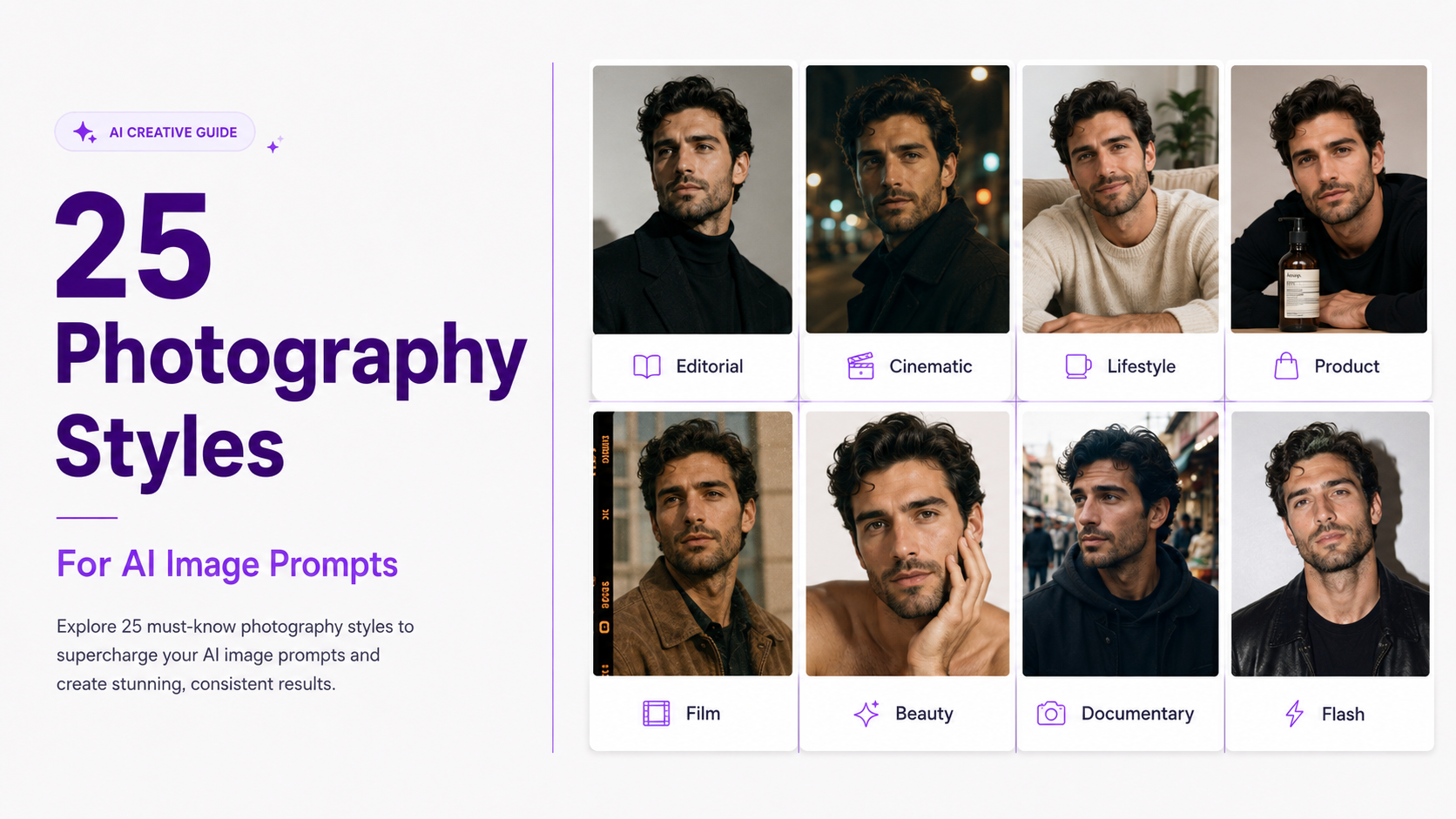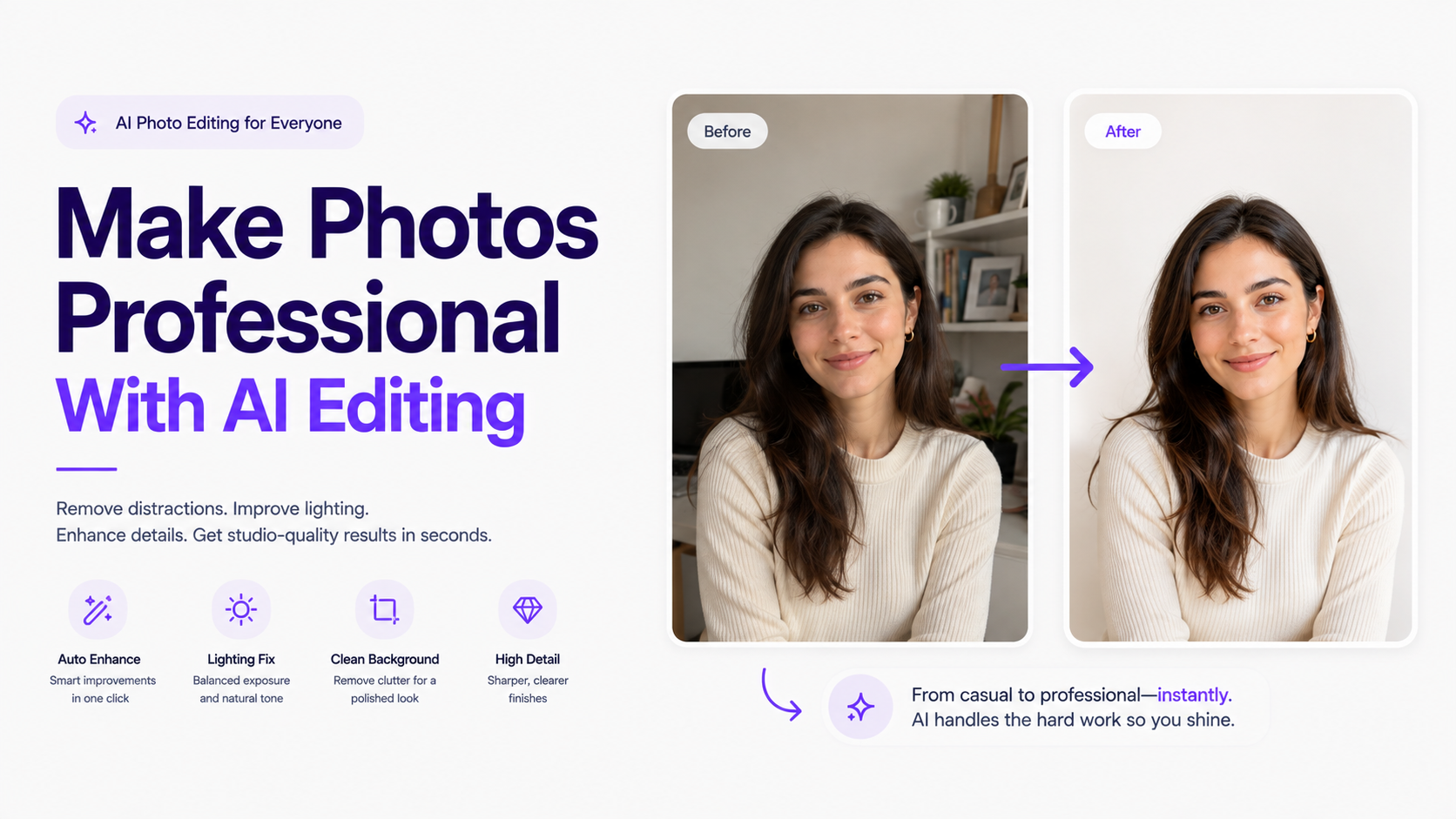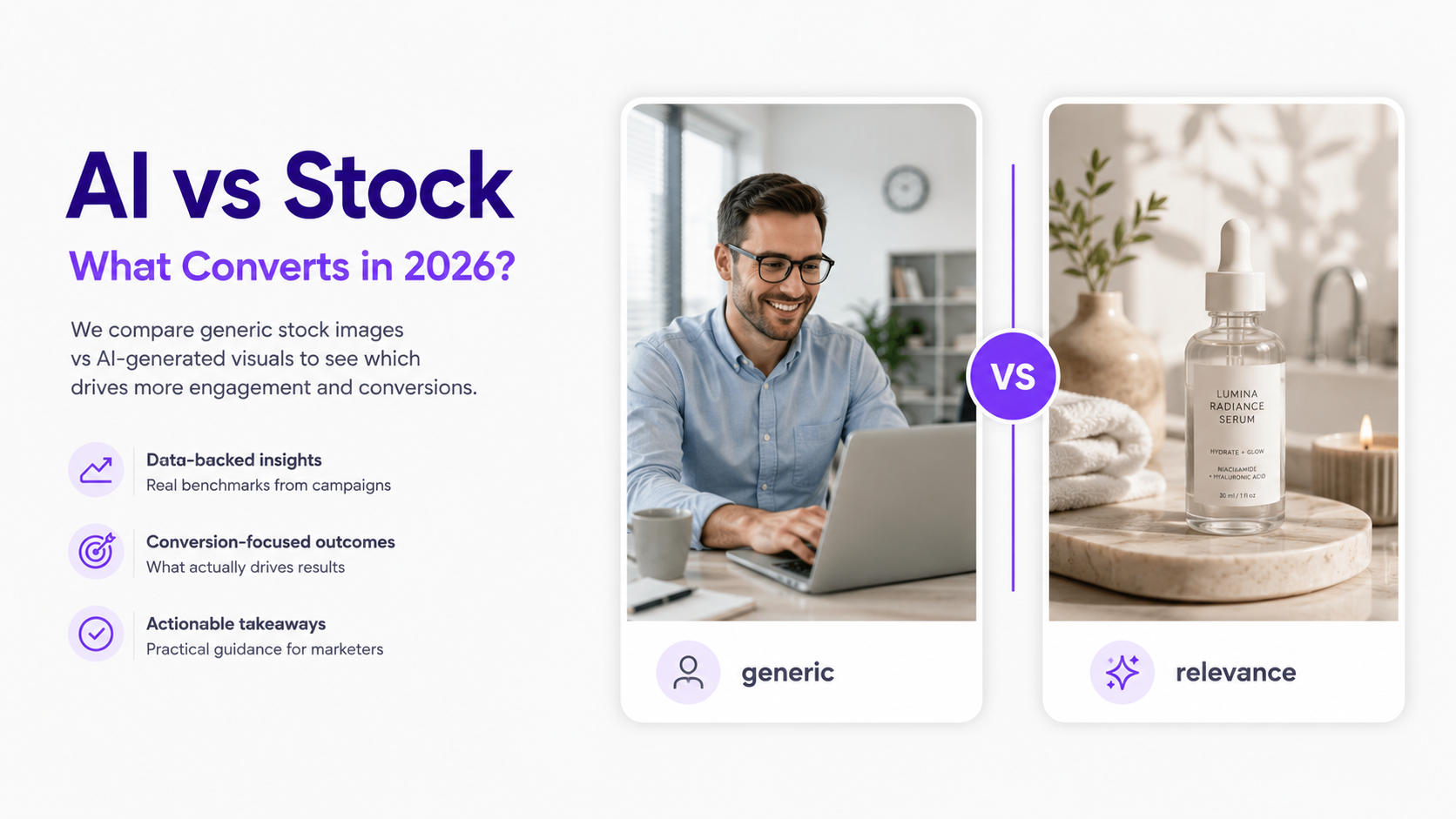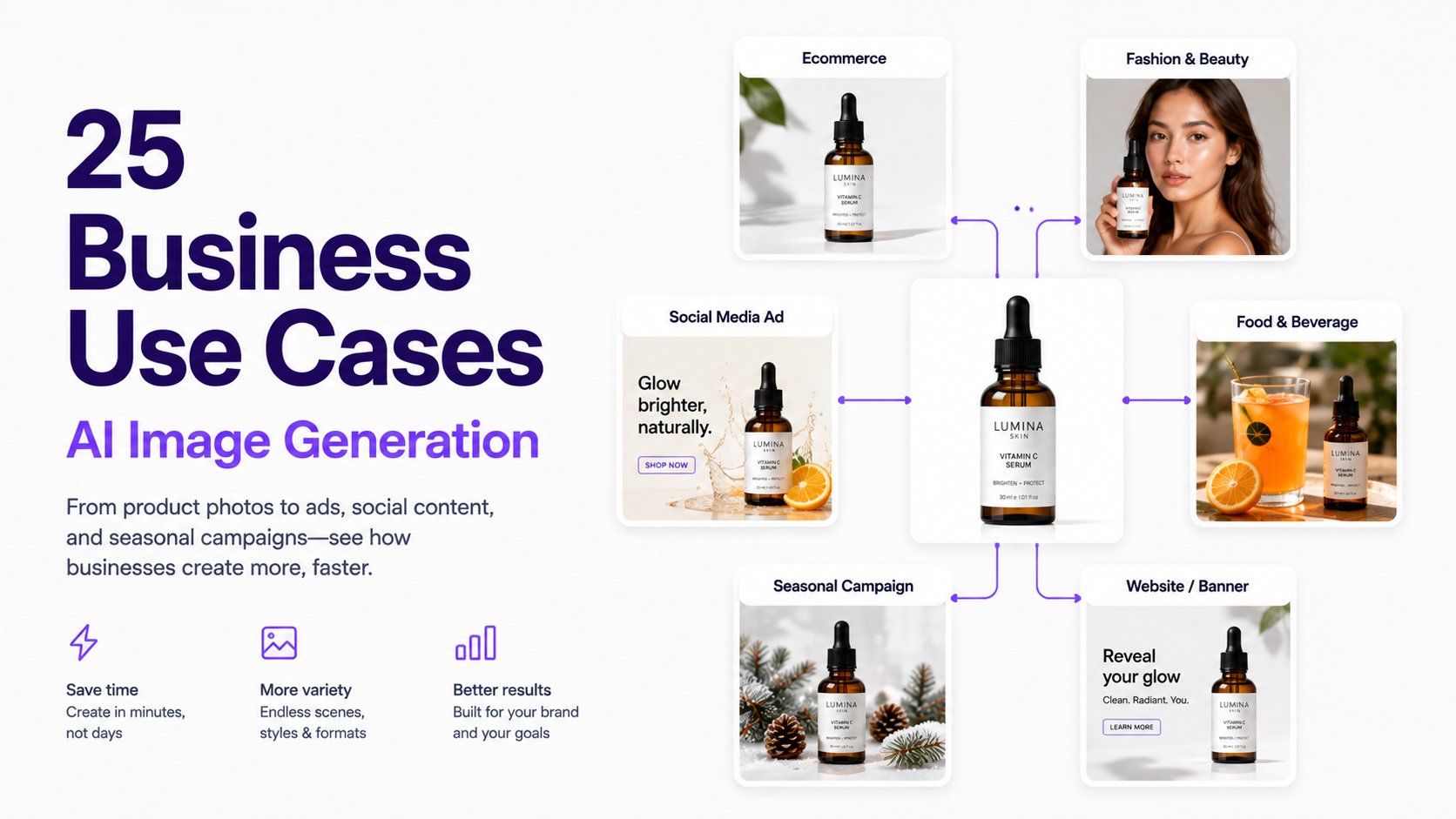
AI image generation has moved beyond experimental artwork. Businesses now use it for product scenes, ads, social content, campaigns, localization, blog illustrations, sales materials, and other assets that once needed separate photoshoots or design projects.
The biggest opportunity is not replacing designers or photographers. It is producing more useful visuals from assets you already have—one product photo can become a packshot, lifestyle scene, seasonal ad, social post, hero, email image, and audience-specific variants.
This guide covers 25 practical use cases for ecommerce brands, marketers, agencies, restaurants, fashion companies, SaaS teams, and local businesses.
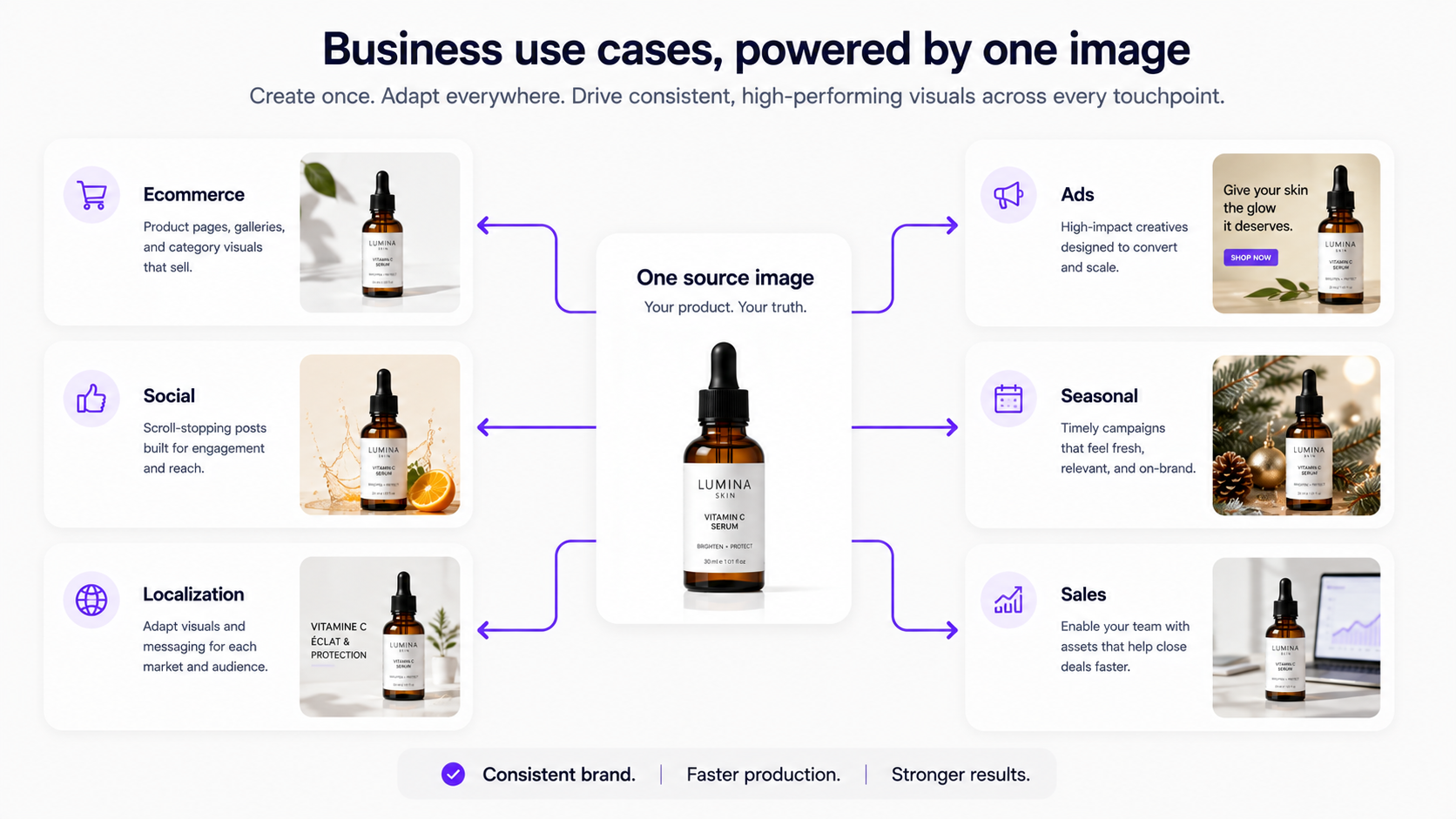
Why Businesses Are Using AI Image Generation in 2026
Campaigns now need assets for desktop, mobile, Instagram, TikTok, paid social, display, email, marketplaces, and localized markets—faster than traditional production can comfortably support.
Google reported in 2026 that marketers using AI in creative processes were producing about six times more creative assets. Shopify similarly highlights lifestyle imagery, background replacement, ad variants, and campaign assets among practical ecommerce AI uses.
Not every asset should be AI-generated. Real photography remains essential when customers need accurate evidence of a product, person, place, or result. AI is most valuable when expanding, customizing, or adapting existing visuals.
1. Create Ecommerce Product Photos
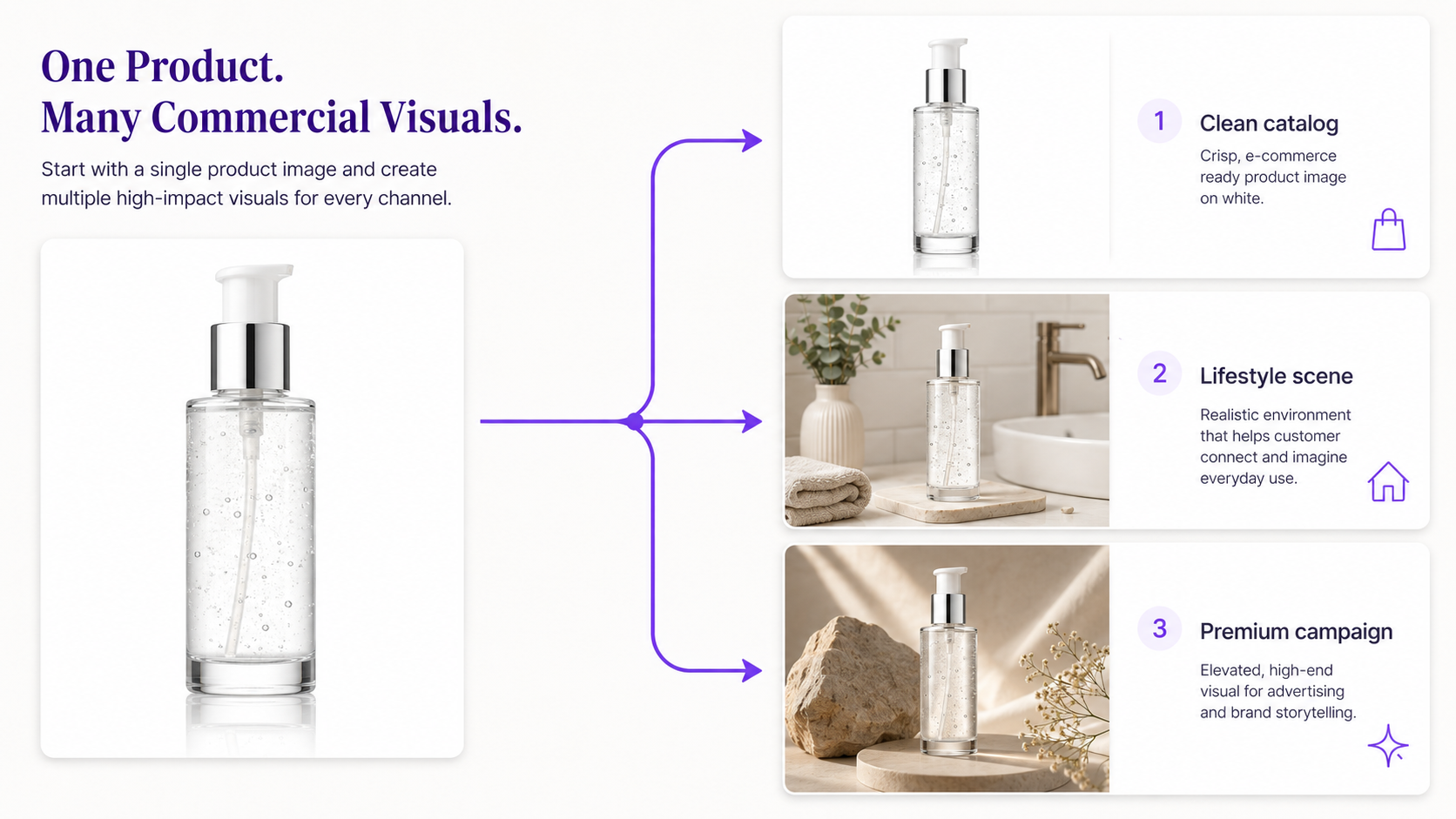
Upload a basic product shot and generate a cleaner catalog presentation—neutral studio, balanced lighting, realistic contact shadows, polished composition. Especially useful for small ecommerce teams launching new SKUs without a studio shoot every time.
Best for
skincare, cosmetics, jewelry, packaged food, home goods, electronics, accessories, and supplements.
2. Generate Product Lifestyle Scenes
Packshots show the product; lifestyle imagery shows how it fits into life—a coffee machine in a kitchen, serum by a bathroom window, candle in a living room, bag in an airport. Reference-based generation preserves the real product while changing the environment.
3. Create Product Advertising Campaigns
Take the same product and explore art-directed campaign visuals: dramatic lighting, ingredients, pedestals, reflective surfaces, seasonal props, editorial compositions. Explore several directions before committing production budget.
4. Produce More Paid Ad Creative Variations
Paid ads need constant testing and creatives fatigue. AI can produce different backgrounds, people, placements, moods, seasons, and use cases from one campaign. The win is testing more credible directions without a shoot for every variant.
Keep Instagram, Stories, TikTok, LinkedIn, and Pinterest stocked without republishing the same studio shot. Generate different environments, seasons, palettes, and use cases while staying on-brand.
A landscape campaign rarely works as a Story or square post. Generative expansion can adapt for 1:1, 4:5, 9:16, and 16:9 by extending the environment instead of aggressively cropping the subject.
7. Create Landing Page Hero Images
Build the hero around the layout: subject on one side, clear space for headline and CTA, related mobile and desktop crops—especially useful when the page must communicate a use case, not decoration.
8. Generate Email Campaign Images
Create fresh heroes for launches, promos, seasonal offers, and abandoned-cart emails, with negative space sized for headlines, pricing, and buttons.
9. Produce Seasonal Campaigns
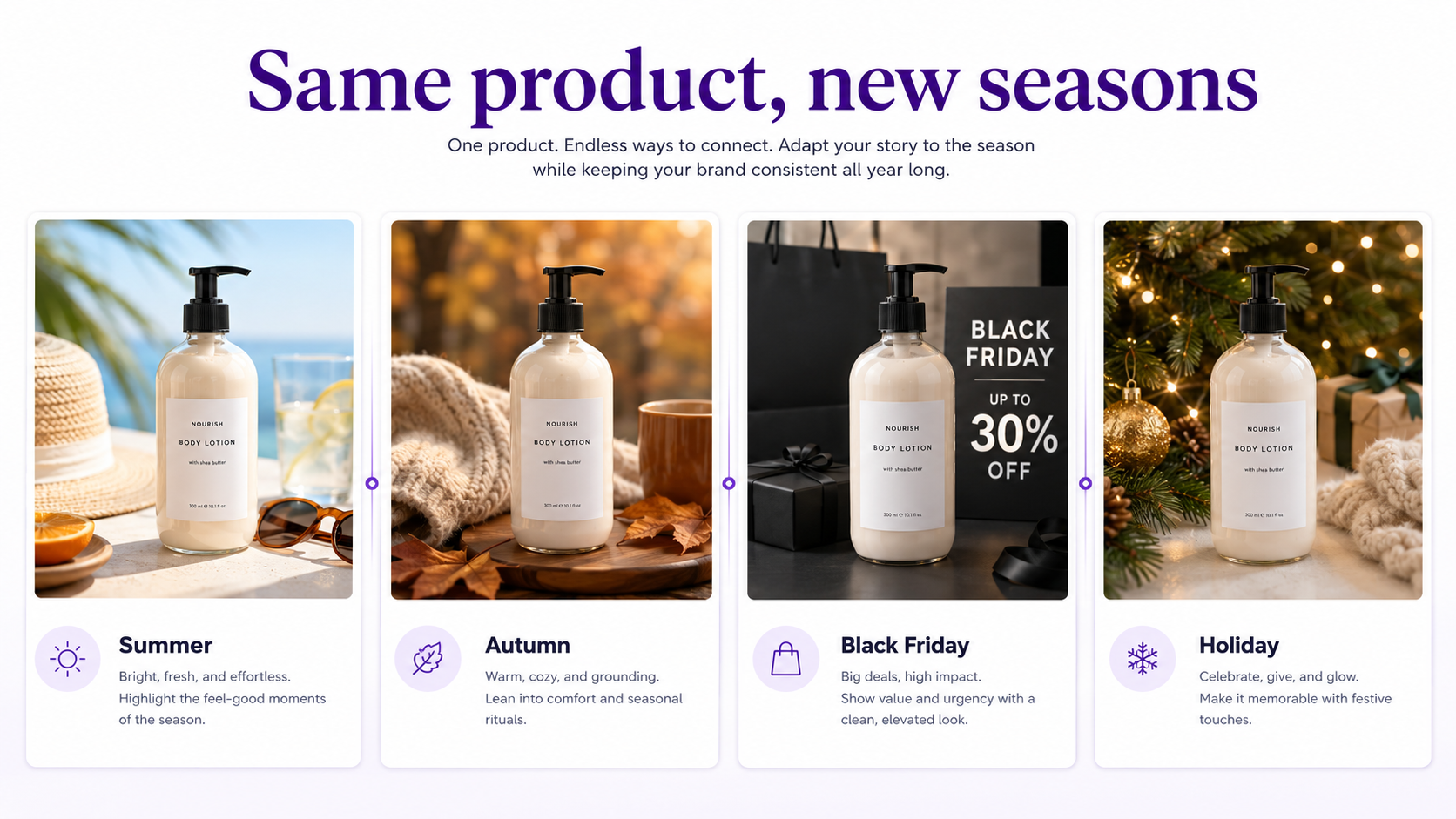
Keep the product constant while environments change for Valentine's, summer, Black Friday, holidays, and regional events—without a full reshoot each season.
10. Localize Visual Campaigns for Different Markets
Localization is more than translation. Adapt environments, people, seasons, architecture, and usage contexts for regional campaigns—and review outputs for cultural accuracy.
11. Create Fashion Photoshoots From Existing Clothing Images
Explore studio editorial, street style, luxury, lifestyle, and social directions from one garment image. Keep color, pattern, silhouette, seams, logos, texture, and proportions faithful.
12. Create Model Variations for Fashion Campaigns
Preview poses, demographics, and treatments before full production. Do not present synthetic people as genuine customers, employees, or endorsers when that could mislead.
13. Create Restaurant and Food Photography
Improve backgrounds, lighting, plating, and campaign context around real food photos. Preserve the dish where accuracy matters; use AI to improve presentation.
14. Create Real Estate and Interior Concepts
Stage empty rooms, place furniture in different styles, and explore modern, Scandinavian, traditional, or luxury looks. Distinguish conceptual visualization from photos documenting actual property condition.
15. Generate Blog and SEO Images
Replace decorative stock with diagrams, before-and-afters, workflows, comparisons, and topic-specific heroes that support the article.
16. Create Educational Infographics
Speed up graphics for blogs, social, help centers, onboarding, and presentations—and carefully proofread any generated text.
17. Create Sales Presentation Visuals
Build industry-specific scenarios, product use cases, and presentation backgrounds around the sales narrative instead of generic corporate stock.
18. Visualize Concepts Before a Photoshoot
Use AI as visual prototypes: compare locations, lighting, compositions, palettes, props, styling, and set ideas before spending on production.
19. Create Storyboards and Ad Concepts
Frame opening product shots, customer moments, detail shots, environments, and branded closes so teams align before shooting or generating video.
20. Turn Product Images Into Video Starting Frames
Polish the still first, then animate with push-ins, orbits, fabric motion, steam, water, or subtle environment movement for social and performance video.
21. Create Marketplace Listing Images
Standardize backgrounds, lighting, placement, shadows, and composition across messy catalogs. Check each marketplace's rules before publishing generated or heavily edited primary images.
22. Create Personalized Campaign Variations
Show the same product to different segments in different contexts—business travelers vs adventure travelers—without a separate shoot per hypothesis.
23. Refresh Old Marketing Assets
Extend the life of existing photography with new backgrounds, expansions, seasonal treatments, dimensions, and updated art direction.
24. Create Visual Assets for Small Businesses Without a Creative Team
Help restaurants, shops, consultants, local services, and startups produce promotions and launch assets. Human review still matters for branding, claims, and product accuracy.
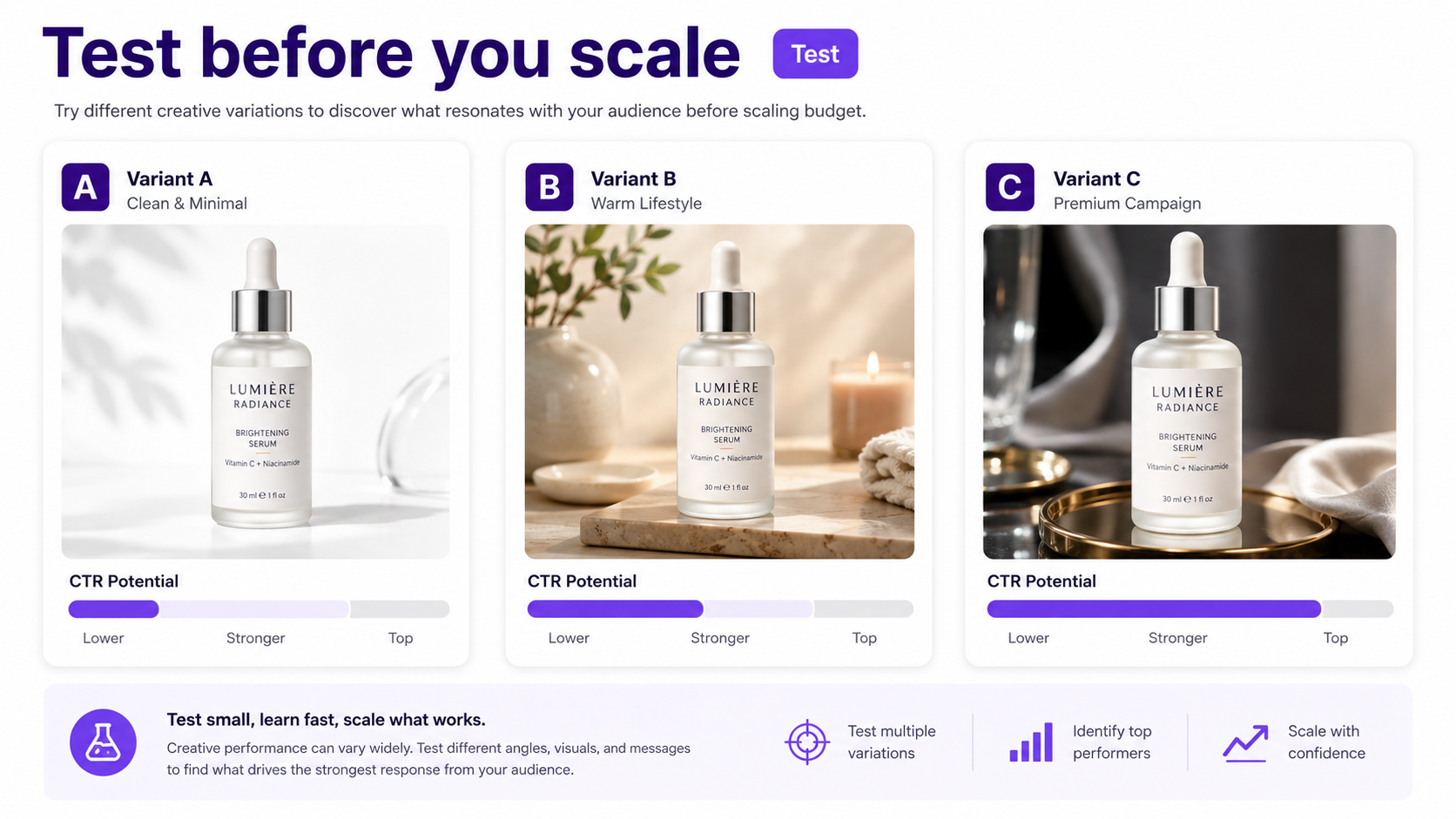
25. A/B Test Visual Ideas Before Investing More Budget
Generate studio vs lifestyle, product-only vs in-use, neutral vs high-energy concepts—and let performance decide what deserves more media or a high-production shoot. AI improves creative decision-making, not only production speed.
Where GenImagePro Fits
GenImagePro focuses on reference-based image generation: start with an image you already have and transform it into new commercial visuals—product photography, fashion photoshoots, portraits, makeup, food, background replacement, and other image-to-image workflows.
The source stays the anchor. A product photo becomes a campaign; a fashion image becomes another photoshoot direction; a portrait gets a new background or presentation without recreating everything from scratch.
How to Decide Which Use Cases Are Worth Automating
Prioritize repetitive production, high variation needs, and expensive reshoots. Keep reality-based proof real—product condition, locations, customer results, properties, events, and people—and use AI around evidence rather than replacing it.
AI Image Generation vs. AI Image Editing
Text-to-image starts from a description—good for concepts, illustrations, moodboards, and scenes with no exact subject to preserve. Image-to-image starts from a reference and is usually safer when a real product, person, garment, food item, or interior must stay recognizable.
How to Review AI-Generated Images
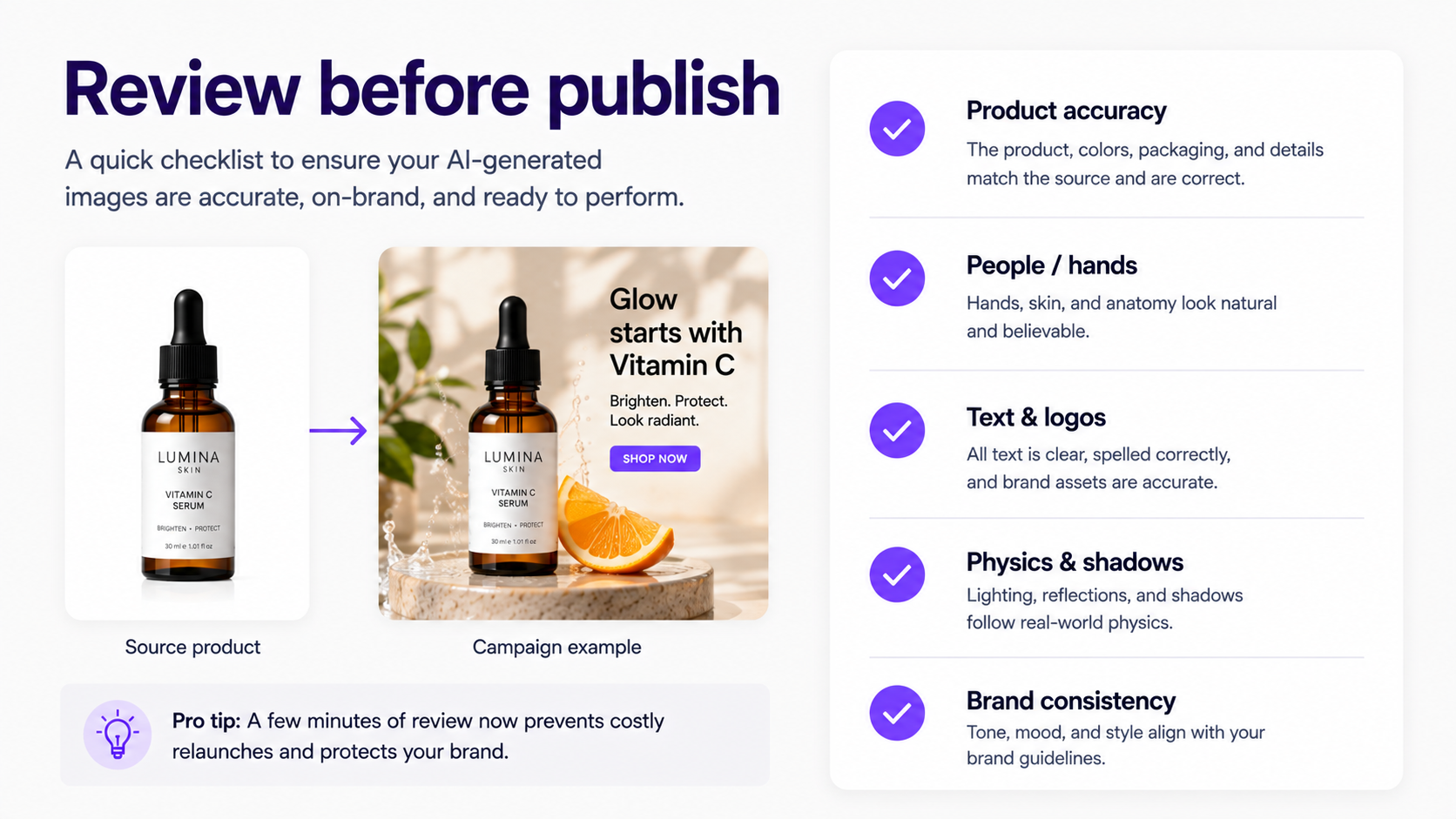
Check product accuracy (packaging, logos, labels, materials, proportions), people (faces, hands, clothing), text, physics (shadows, reflections, perspective), and brand consistency before publishing.
What Businesses Should Not Use AI Images For
Do not fabricate evidence or mislead: invented testimonials, imaginary hotel rooms as real listings, materially altered products sold as accurate, fake before-and-afters, or nonexistent facilities and employees. Check disclosure rules—Google expanded AI labeling options across advertising products in July 2026 for emerging transparency requirements.
The Best Strategy Is Usually Hybrid
Original photography establishes accuracy and authenticity. AI creates environments, formats, campaigns, concepts, and tests around those assets. Concentrate expensive human effort on judgment, originality, quality control, and strategy.
How to Start
Pick one repetitive workflow. Start with sharp source assets. Define what must stay accurate. Generate several variations. Review before publishing. Measure outcomes such as time-to-launch, cost, creative volume, CTR, conversion, or engagement.
The Bigger Opportunity: More Creative Experiments
AI shifts teams from creative scarcity to abundance: five campaign concepts instead of one, more environments for small ecommerce, seasonal restaurant promos, industry-specific SaaS graphics, and multiple agency directions before client selection. Generate more possibilities—then invest only in the useful ones.
FAQ
How can businesses use AI image generation?
For product photography, advertising, social, email, website heroes, fashion, food, localization, presentations, blog illustrations, storyboards, seasonal campaigns, and creative testing.
What is the best business use case for AI image generation?
Repeatable production that needs many variations—ecommerce scenes, ad testing, social content, localization, and format adaptation.
Can ecommerce businesses use AI-generated images?
Yes—for backgrounds, lifestyle, campaigns, seasonal imagery, fashion, marketplaces, social, and ads. Keep product details accurate when the image represents an item for sale.
Can AI replace product photography?
It can replace some supplementary shoots. Photograph the real product accurately, then use AI for new environments and campaign variations around that reference.
Can AI images be used in advertising?
Yes, subject to platform policies and laws. Review assets carefully and follow any AI disclosure requirements.
Can AI create product lifestyle images?
Yes. Keep the product as a reference and generate kitchens, bathrooms, offices, studios, and other environments around it.
Can AI images help with A/B testing?
Yes. Produce many concepts quickly and test environments, layouts, use cases, placements, and campaign directions.
What is the difference between AI image generation and AI photo editing?
Text-to-image starts from a description. Image-to-image starts from an existing photo and is better when a real product, person, or object must stay recognizable.
Should businesses use AI-generated people in marketing?
In appropriate creative contexts, yes—but do not present invented people as real customers, employees, or endorsers when that could mislead.
Are AI-generated business images safe to publish automatically?
No. Review product accuracy, faces, hands, text, logos, perspective, reflections, shadows, brand fit, and implied claims first.
Can GenImagePro help businesses create images from existing photos?
Yes. GenImagePro is built for image-to-image workflows: upload a product, fashion, portrait, food, or other source and generate commercial variations while preserving important details.