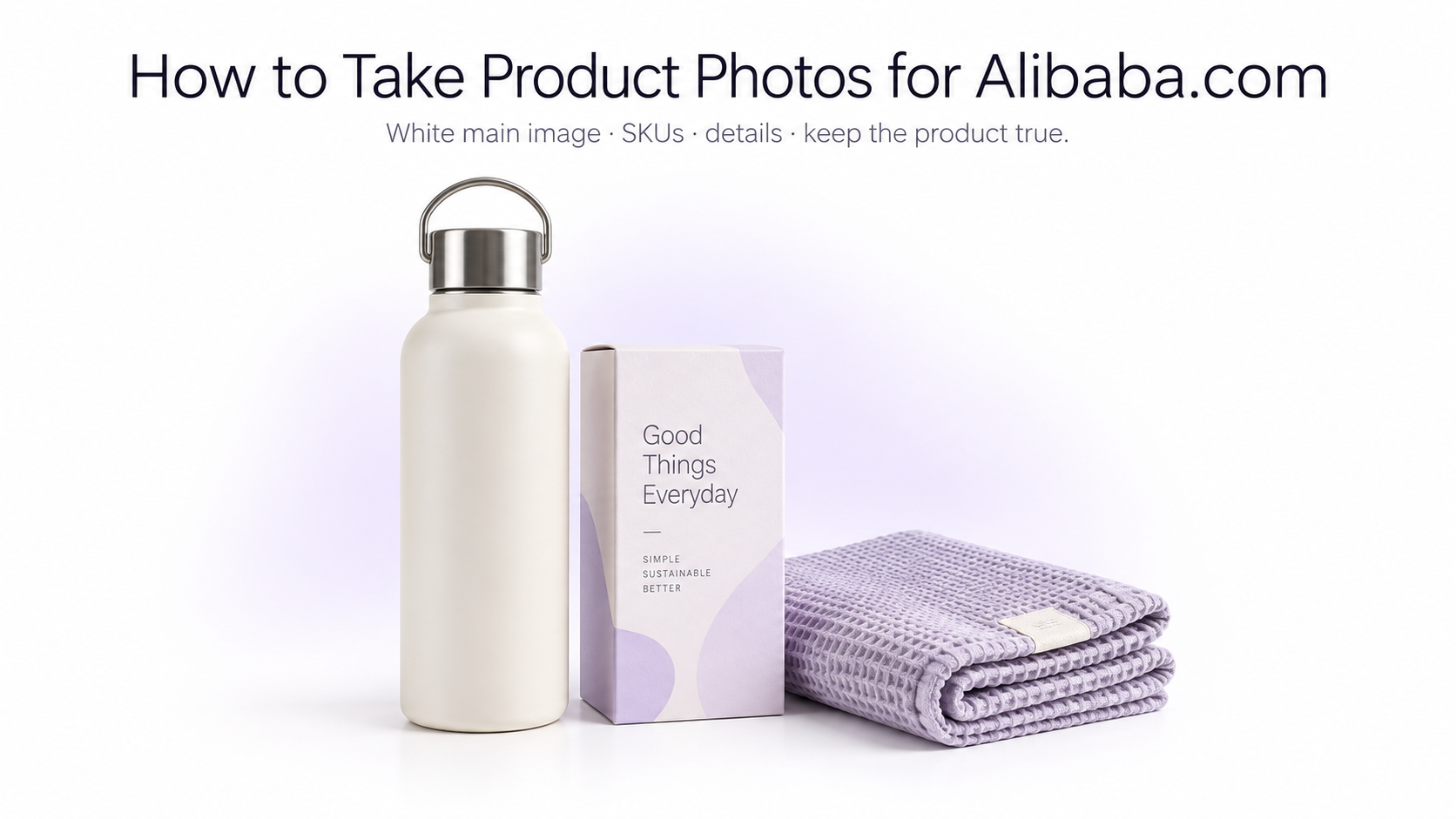
Product photography on Alibaba.com has a different job from photography on a typical consumer marketplace. Your images are often being evaluated by importers, retailers, distributors, procurement teams, and other businesses deciding whether your company is worth contacting. A strong Alibaba.com gallery therefore needs to show not only what the product looks like, but also its variants, construction, materials, packaging, customization options, scale, and professional manufacturing quality.
Alibaba.com product photos at a glance
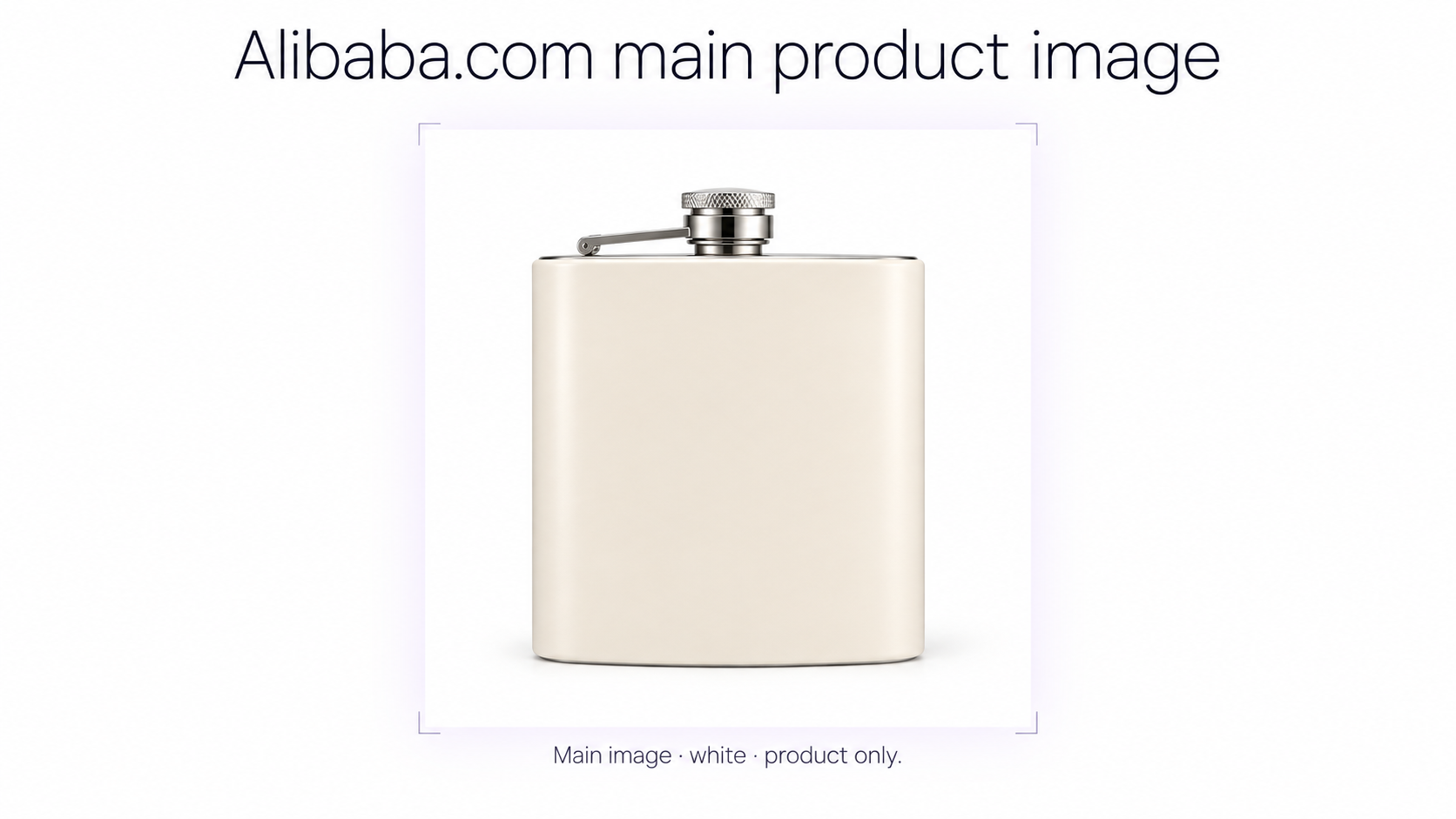
Alibaba.com's current 2026 seller guidance recommends a **clean white background and high-resolution main product image**. Gallery imagery should then expand on the listing with additional angles, product details, and lifestyle or scenario-based images.
In Alibaba.com's current bulk-upload workflow, sellers provide a primary product photo and can supply additional product photos in subsequent image fields. Alibaba.com also notes that its system can analyze uploaded images and select the highest-quality image as the main product photo during some bulk-import workflows. Other channels use different sizes and ratios, so check a master file with a marketplace image checker before you reuse it on Shopify, Mercado Livre, or Amazon.
Start with a clean white-background main image
For the primary Alibaba.com product image, use a simple white-background presentation whenever possible. The buyer should understand the product immediately without having to separate it visually from props, graphics, machinery, people, or a complicated environment. GenImagePro can clean a real source photo onto true white #FFFFFF when you want a consistent catalog main image.
Make the product the only obvious subject
Alibaba.com's current SKU optimization guidance recommends that an SKU image clearly show the specific product option as the unique subject. Keep strong visual separation between the product and its background and remove distracting objects.
White is the safest default for a catalog image, although Alibaba.com's current SKU guidance also supports clean solid-color backgrounds or minimal lifestyle backgrounds when they help communicate the specific product option clearly. The same master can later be prepared for product photos for Mercado Livre or other consumer marketplaces.
Use sharp, high-resolution source photography
Do not build a large wholesale catalog from small, compressed source images. Buyers may need to inspect surface finish, connections, stitching, machining, material texture, controls, packaging, labels, or other details before deciding to contact a supplier.
Photograph at a resolution higher than your final marketplace export. Keep an original master file for each SKU so that the same photography can later be reused for Alibaba.com, your own website, sales decks, product catalogs, distributor materials, and other marketplaces.
Use consistent product positioning across your catalog
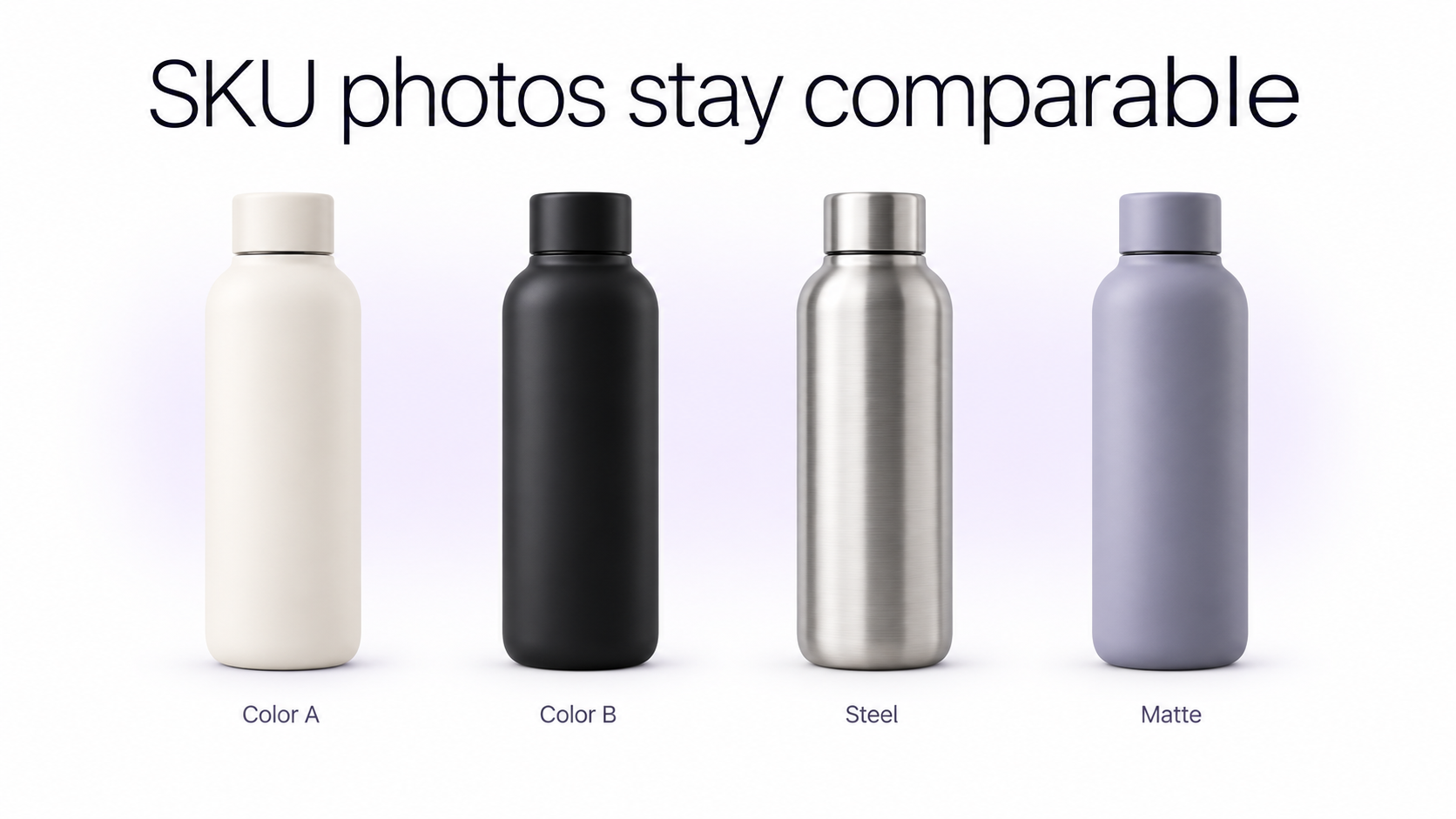
Consistency becomes especially important on Alibaba.com because suppliers often list dozens, hundreds, or thousands of SKUs. Standardize camera angle, product scale, crop, lighting direction, background, and shadow treatment so buyers can compare products rather than compare photography styles. GenImagePro helps you reuse one source photo and one visual setup across a large wholesale catalog without changing the real product.
Photograph every important product variant
If a product is offered in multiple colors, materials, sizes, capacities, finishes, configurations, or models, create clear SKU imagery for the important options. Alibaba.com's current listing optimization guidance specifically emphasizes accurate SKU text and high-quality SKU images that match the option actually being sold.
For variants, keep the photography setup fixed. A stainless-steel version and a black version should ideally use the same viewing angle, product scale, crop, lighting, and background so the buyer can make a direct visual comparison.
Use additional angles instead of repeating the main image
Once the main product image is established, use the gallery to explain the product. Alibaba.com's current guidance recommends additional images showing different angles, details, and lifestyle or scenario views.
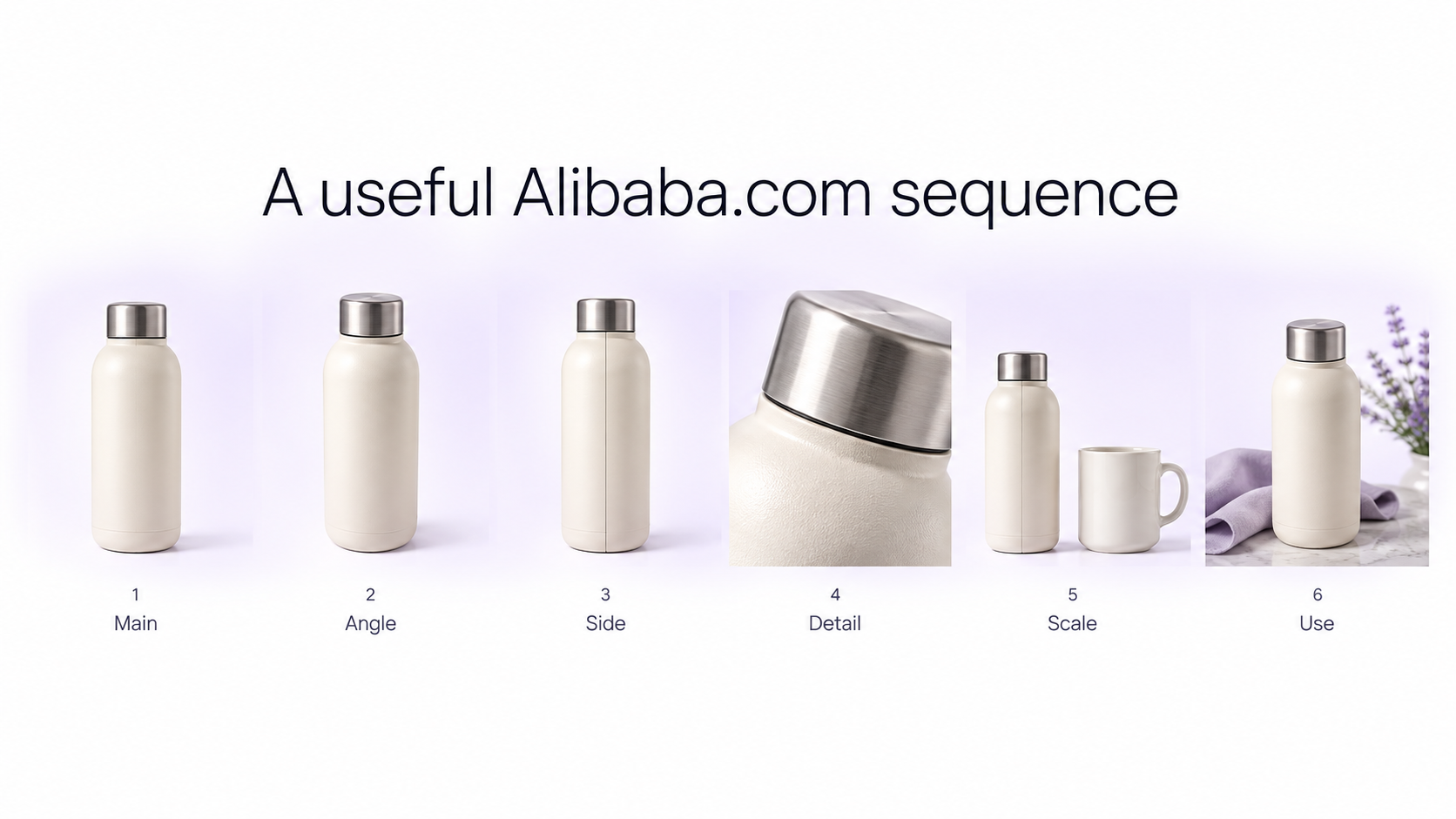
A useful general sequence is: **1. Main product image:** clean overall view **2. Alternate angle:** show depth and construction **3. Back or side view:** expose connections or structural details **4. Detail image:** material, texture, controls, stitching, hardware, or finish **5. Scale or dimension image:** help the buyer understand physical size **6. Lifestyle or usage image:** show the product in a realistic context Shopify sellers use a similar gallery logic when they prepare Shopify product photos for a product page.
Show the product details a wholesale buyer will inspect
B2B buyers often evaluate products differently from ordinary consumers. A retailer sourcing 1,000 units may care about construction details that an individual shopper would never inspect.
Depending on the category, useful close-ups can include: - Material texture and finish - Stitching and seams - Ports, connectors, controls, and interfaces - Buttons, zippers, buckles, hinges, and hardware - Product labels and specifications - Interior construction - Edge finishing - Packaging quality - Included components - Replaceable parts - Safety features - Manufacturing details
Show size and scale clearly
Dimensions are especially important for wholesale products because buyers may need to evaluate shipping, shelving, packaging, compatibility, installation, or resale presentation. Use a clean dimension image or a realistic scale reference when that information would be difficult to understand from the main photograph alone.
Photograph packaging and wholesale presentation
Alibaba.com buyers are often sourcing products for resale, so packaging can be part of the product decision. Use secondary images to show retail packaging, protective packaging, master cartons, inserts, labels, accessories, or other included materials where relevant.
If you provide custom packaging, private labeling, OEM, or ODM services, show representative examples without implying that an optional customization is included in the standard product price.
Show customization capabilities visually
Customization is one of the strongest visual opportunities on a B2B marketplace. If you support custom colors, logos, materials, packaging, dimensions, printing, embroidery, engraving, or configurations, show examples in secondary imagery.
Keep customized examples clearly organized so the buyer can distinguish between the standard product and possible manufacturing options.
Use lifestyle images to explain the product's application
Alibaba.com's current seller guidance recommends including lifestyle or scenario imagery in the gallery. These images are particularly useful for products whose size, function, installation, or use is difficult to understand from a white-background packshot. For garment-specific setups, see clothing photography for ecommerce.
For example, show commercial furniture inside a realistic hospitality environment, industrial equipment in an appropriate workspace, cookware in a kitchen, lighting in an interior, packaging in a retail setting, or clothing on a model.
Do not let the lifestyle scene hide the product
The environment should explain the product rather than become the main attraction. Keep sufficient contrast between the product and background, preserve realistic scale, and avoid excessive props or visual clutter.
Consider factory and manufacturing images separately
For a B2B supplier, buyers may also want evidence of production capability. Factory floors, machinery, quality-control processes, warehouses, packaging lines, or production teams can increase confidence when they accurately represent your business.
These are better treated as supplier or company credibility imagery rather than replacements for clean product photographs. The product gallery should still begin by explaining the product itself.
Avoid misleading certificates or specification graphics
If you add certification, technical, performance, or specification information to supporting visuals, make sure every claim applies to the exact product being listed. Do not visually imply certifications, materials, performance characteristics, or included accessories that the product does not actually have.
Why image quality matters for Alibaba.com search visibility
Alibaba.com's current seller documentation connects listing quality with marketplace exposure. Its Product Information Score evaluates how complete and useful a listing is, including the product information and visual content provided. Alibaba.com also states that high-quality SKU images can receive better exposure in search results and improve click-through rate.
That means product photography is not merely decorative. It is part of the overall listing-quality system used to help buyers discover and understand products.
Remember that Alibaba.com supports visual product search
Alibaba.com also offers image-based product search, allowing buyers to upload a picture and find visually similar products. Alibaba.com's own guidance for image search recommends clear, high-quality images where the product is easy to identify and the scene is not cluttered.
This provides another reason to keep the product clearly separated from the background and easy for both buyers and visual systems to recognize.
How to use AI for Alibaba.com product photography
AI is especially useful for Alibaba.com suppliers because large B2B catalogs create a production-scale image problem. A manufacturer with hundreds of products may need clean main images, SKU variants, scenario images, distributor assets, and catalog visuals for every product.
Start with the real product
Use a real source photograph as the visual reference whenever the image will represent an actual SKU. AI should improve or extend the presentation rather than invent a different product.
GenImagePro's AI Product Photo Generator can turn a source product image into clean studio or contextual variations while preserving the original item as the reference. The same source file can also become Amazon listing images if you sell the product on more than one marketplace.
Use AI to scale clean catalog imagery
For large catalogs, AI-assisted background cleanup can help standardize products photographed under different conditions. A consistent white or minimal studio treatment can make the supplier storefront feel much more professional without rebuilding a physical photography set for every SKU.
Create secondary scenarios from the same product photo
Once you have an accurate source product image, you can create additional contextual imagery for relevant use cases: an office product in a workspace, furniture inside an interior, cookware in a kitchen, a cosmetic container in a bathroom setting, or outdoor equipment in an appropriate environment.
Be strict about product preservation
Before using an AI-generated marketplace image, compare it with the original SKU. Check dimensions, proportions, colors, logos, labels, buttons, ports, stitching, packaging, materials, number of components, accessories, and construction details.
For B2B listings, even a small AI error can matter. A buyer placing a large order may rely on the image when evaluating a material, connector, control panel, fitting, pattern, or included component.
Common Alibaba.com product photography mistakes
Avoid these common problems: - Using a cluttered main product image - Uploading blurry or heavily compressed source images - Making the product too small in the frame - Using inconsistent photography across similar SKUs - Showing the wrong color or material for a variant - Repeating the same angle throughout the gallery - Failing to show important product details - Showing optional accessories as if they are included - Using inaccurate dimension graphics - Showing certifications that do not apply to the product - Overloading the main image with sales copy - Using unrealistic AI-generated backgrounds - Allowing AI to modify product construction or specifications - Mixing different product models in one SKU image - Ignoring packaging and customization information relevant to wholesale buyers
A practical Alibaba.com product photography workflow
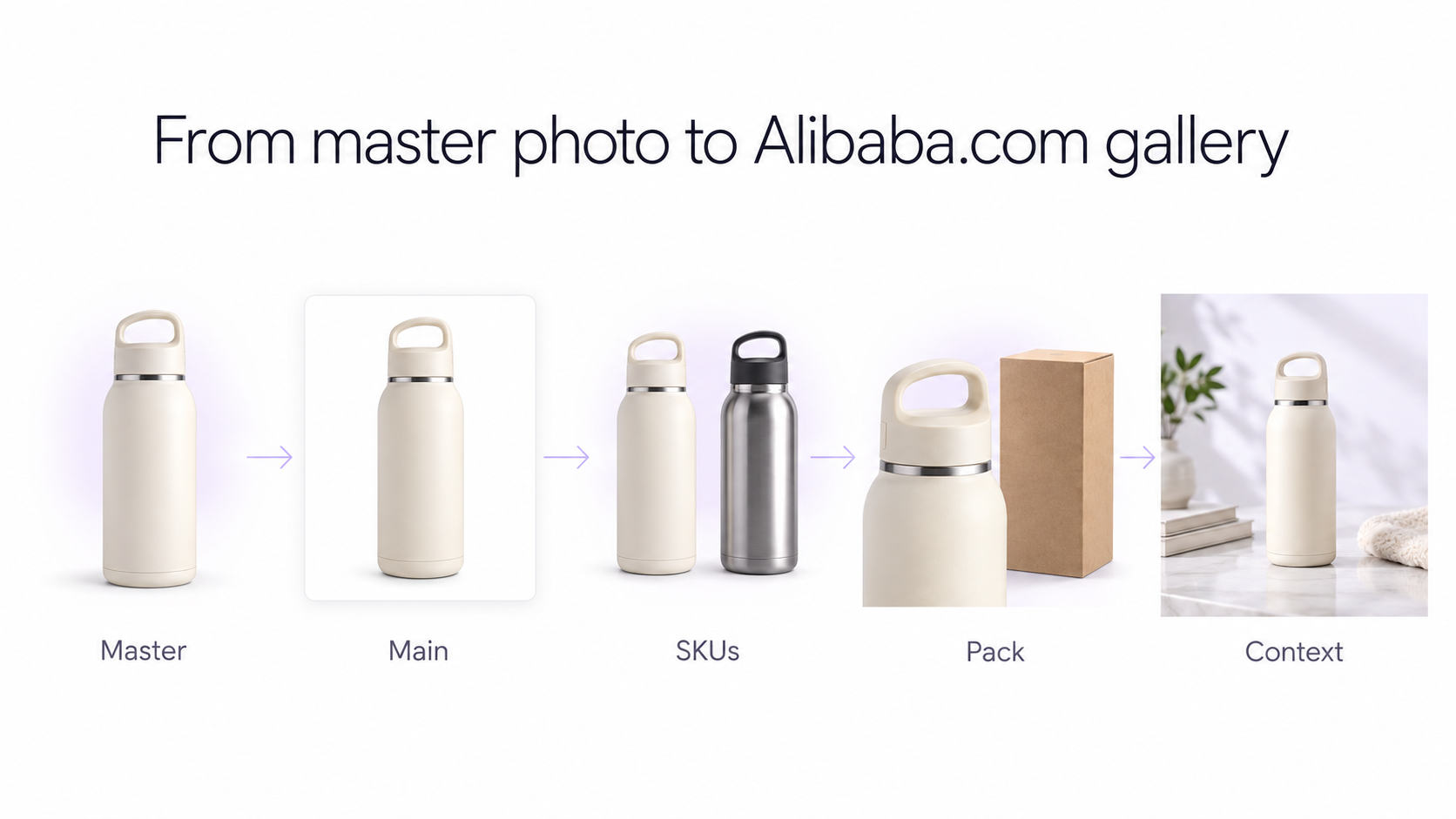
**1. Photograph an accurate high-resolution master.** Capture the real product with clean lighting and enough resolution for details and future reuse. **2. Prepare a clean main image.** Use a simple white background and make the product immediately recognizable. GenImagePro is useful for white-background cleanup and extra scenario images, not for adding sales copy to the main image or inventing certificates and specifications. **3. Photograph each important SKU.** Keep colors, sizes, materials, and configurations visually accurate. **4. Capture alternate angles.** Show front, side, back, top, interior, or other useful perspectives. **5. Photograph important details.** Show materials, construction, controls, connections, stitching, hardware, and other buyer-relevant information. **6. Show packaging and customization.** Help wholesale buyers understand presentation and available manufacturing options. **7. Add realistic usage scenarios.** Use photography or controlled AI-assisted imagery to demonstrate application and scale. **8. Standardize the complete catalog.** Keep similar products visually consistent so the Alibaba.com storefront looks like one professional catalog rather than hundreds of unrelated listings. **9. Review every image against the actual SKU.** Make sure photography and AI-assisted edits accurately represent what the buyer can order.
Final Alibaba.com product photography checklist
Before publishing, confirm that the main product image is sharp, uncluttered, and professionally presented. Check that SKU images match their exact options, secondary photos explain different aspects of the product, important materials and details are visible, packaging and customization are represented accurately, and every AI-assisted image still matches the physical product.
Frequently Asked Questions
What background should I use for Alibaba.com product photos?
Alibaba.com's current 2026 seller guidance recommends a clean white background for the representative or main product image. Current SKU guidance also supports white, solid-color, or clean minimal lifestyle backgrounds when the product remains the clear subject.
How many product photos can I use on Alibaba.com?
Alibaba.com's current 2026 bulk-upload template includes a primary product photo plus optional additional product-photo fields 2 through 6. Other listing and description surfaces can provide additional visual content, so check the current upload interface for your listing type.
Should Alibaba.com product photos be square?
A clean square composition has historically been widely used on Alibaba.com, but the current 2026 seller documentation reviewed for this guide emphasizes image quality, background, SKU clarity, and gallery coverage rather than publishing one universal pixel dimension for every seller workflow. Check the current uploader for category-specific requirements.
Should I show packaging on Alibaba.com?
Yes, packaging can be very valuable for wholesale buyers. Use secondary images to show retail packaging, protective packaging, cartons, labels, or included accessories where they are relevant to the purchase.
Should I show my factory in Alibaba.com product photos?
Factory and manufacturing imagery can help establish supplier credibility, but it should complement rather than replace clear product photography. Keep product gallery images focused primarily on understanding the product.
Can I use lifestyle product photos on Alibaba.com?
Yes. Alibaba.com's current 2026 seller guidance specifically recommends adding lifestyle or scenario images to the gallery alongside alternate angles and detail images.
Can I use AI-generated backgrounds for Alibaba.com?
AI-assisted backgrounds can help create consistent studio and scenario images, especially for large catalogs. Start from an accurate real product image and verify that AI editing has not changed the SKU's dimensions, colors, materials, components, labels, logos, or other specifications.
Do product images affect Alibaba.com visibility?
Alibaba.com's current seller guidance connects strong content quality with marketplace visibility. It specifically states that high-quality SKU images can receive better search exposure and improve click-through rate, while overall listing completeness contributes to the Product Information Score.