Product
Free tool
Remove image backgrounds in seconds. Free, no signup, no watermark.
Drop an image to remove the background
JPG, PNG, or WebP · up to 15MB · no signup
Uploads are auto-deleted on a short lifecycle.
Examples
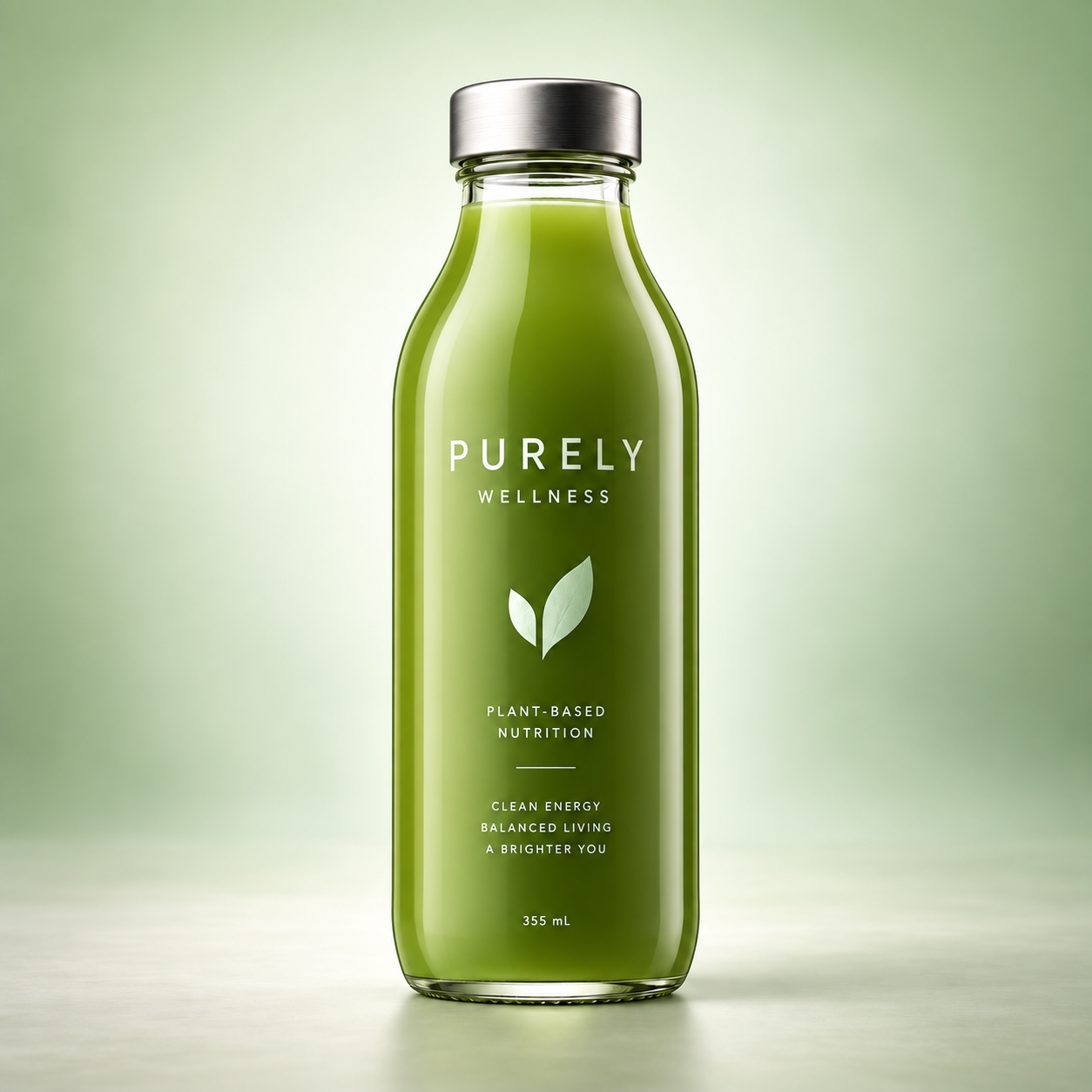
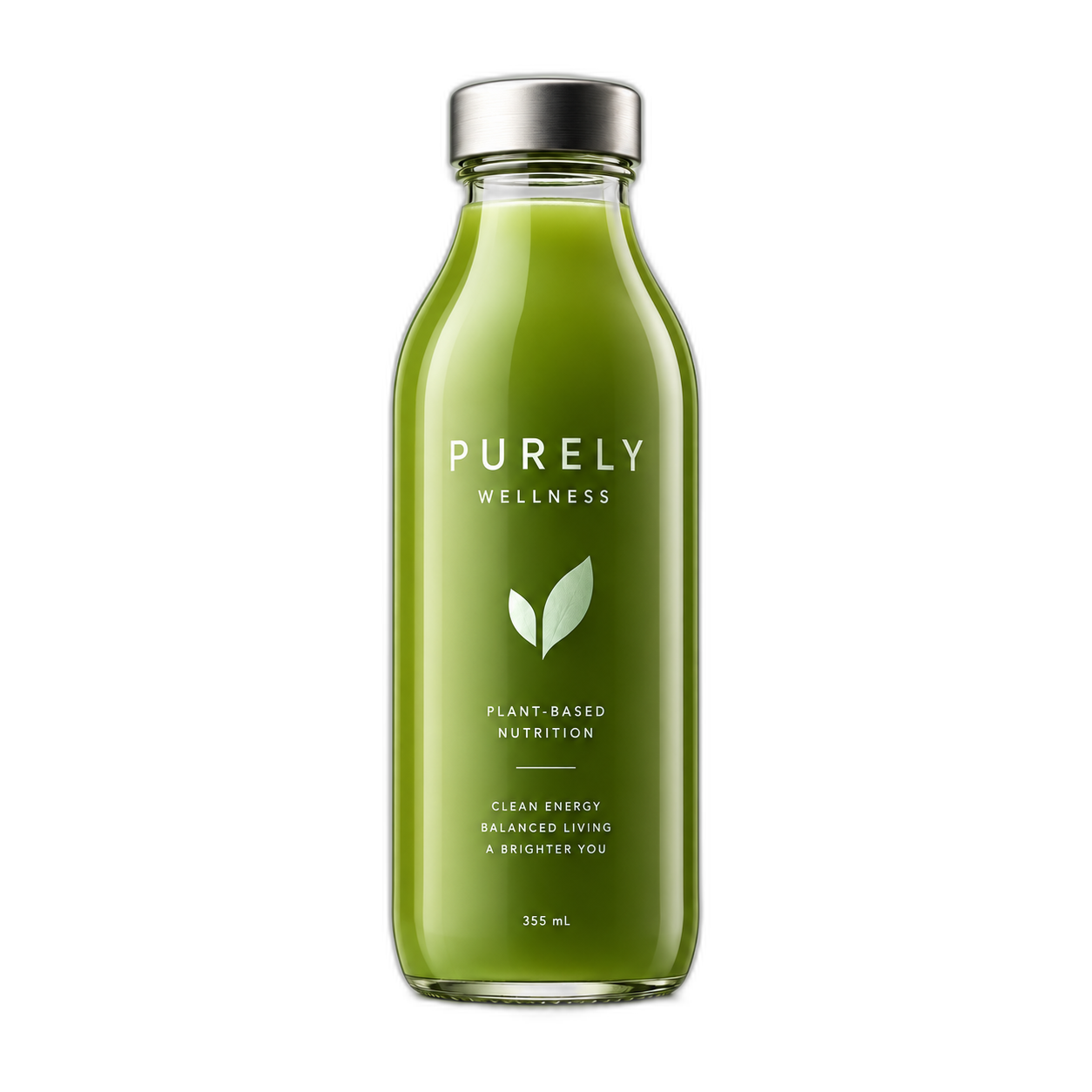
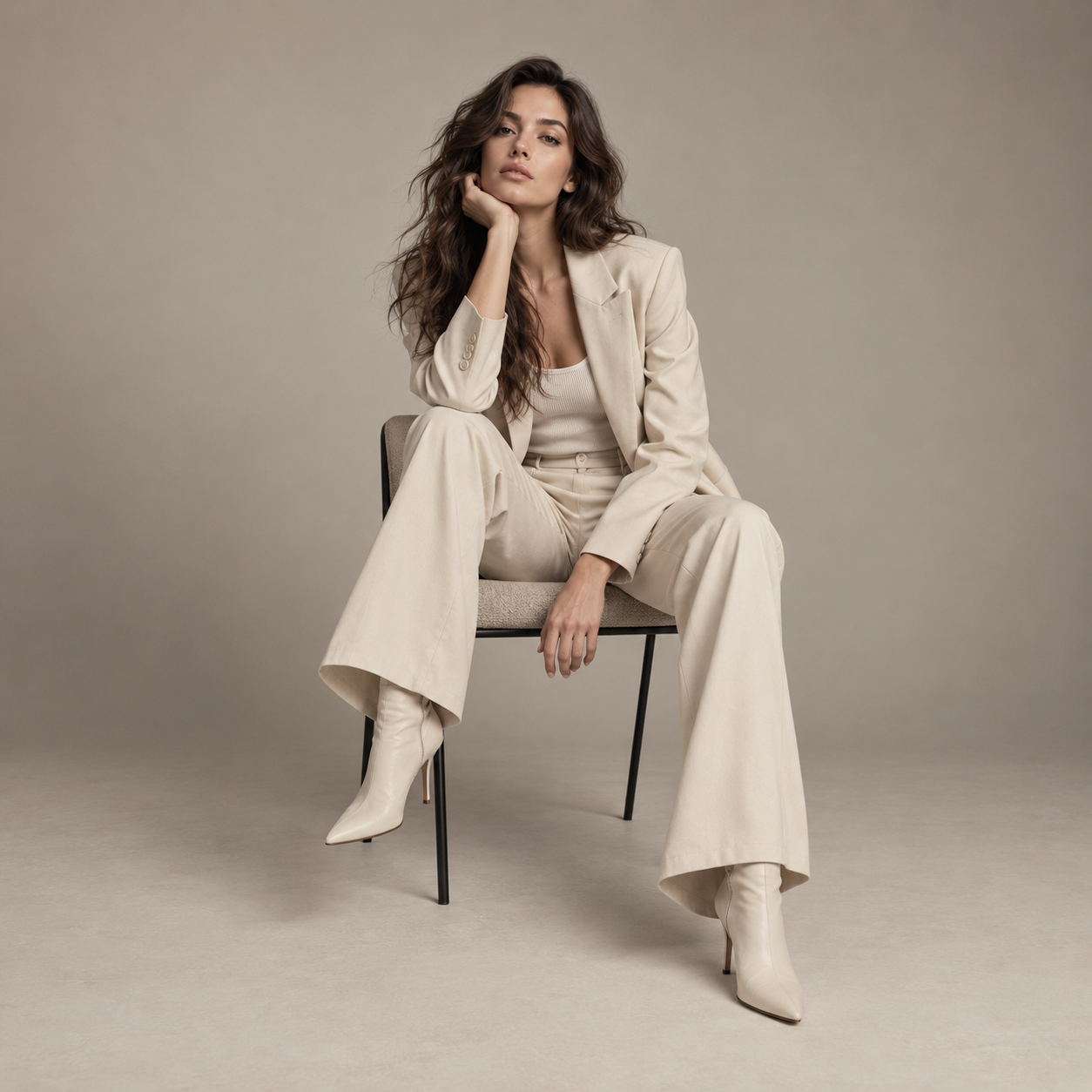
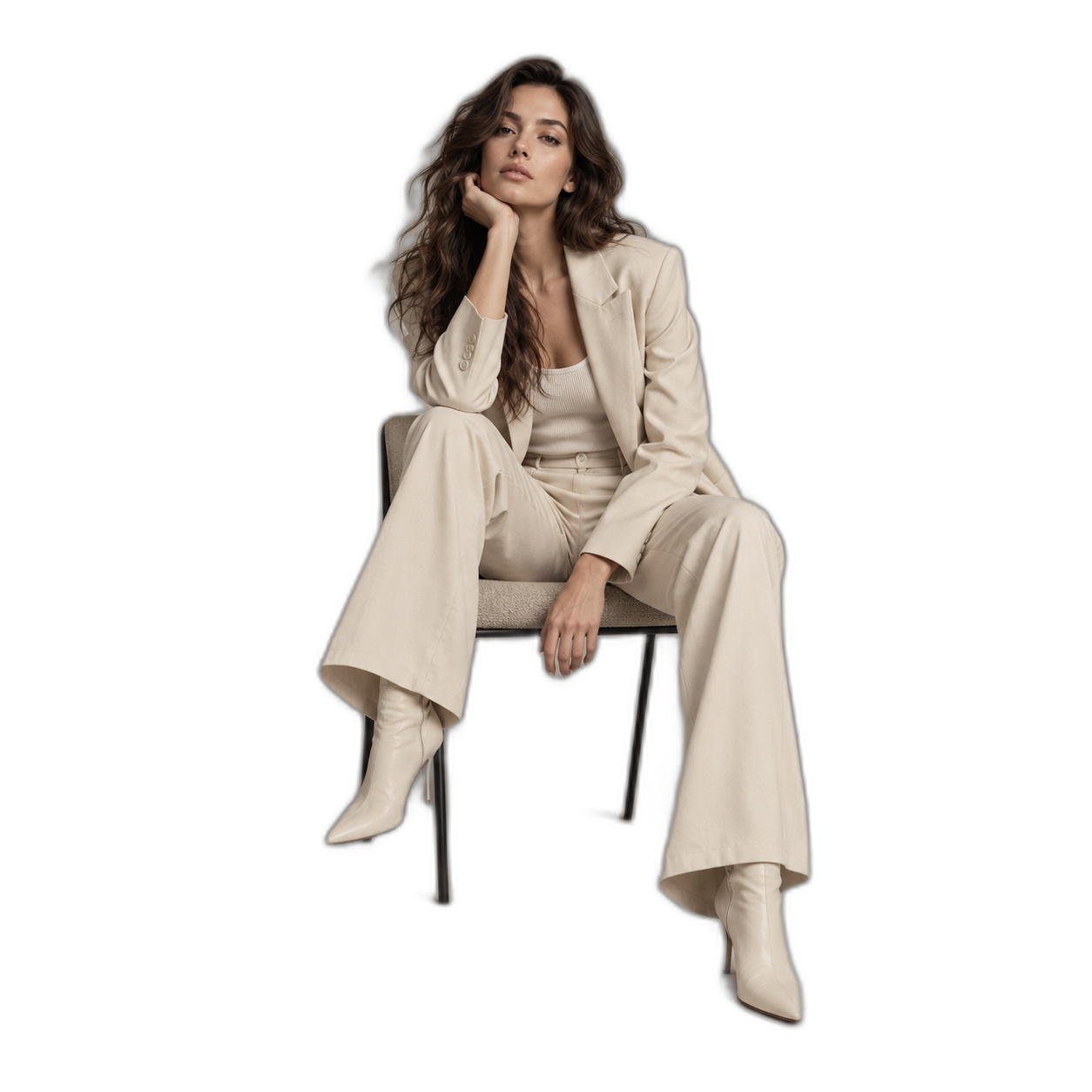
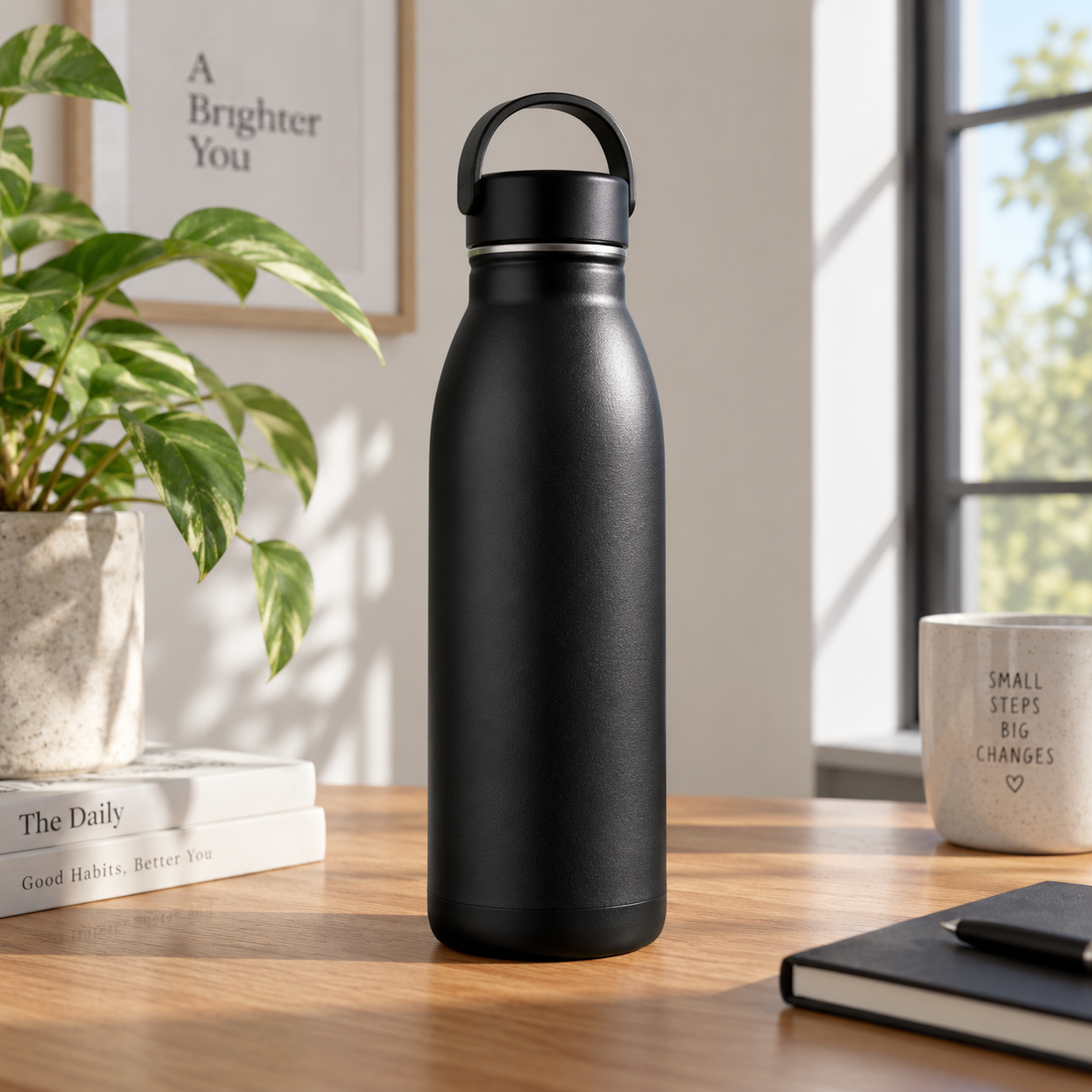
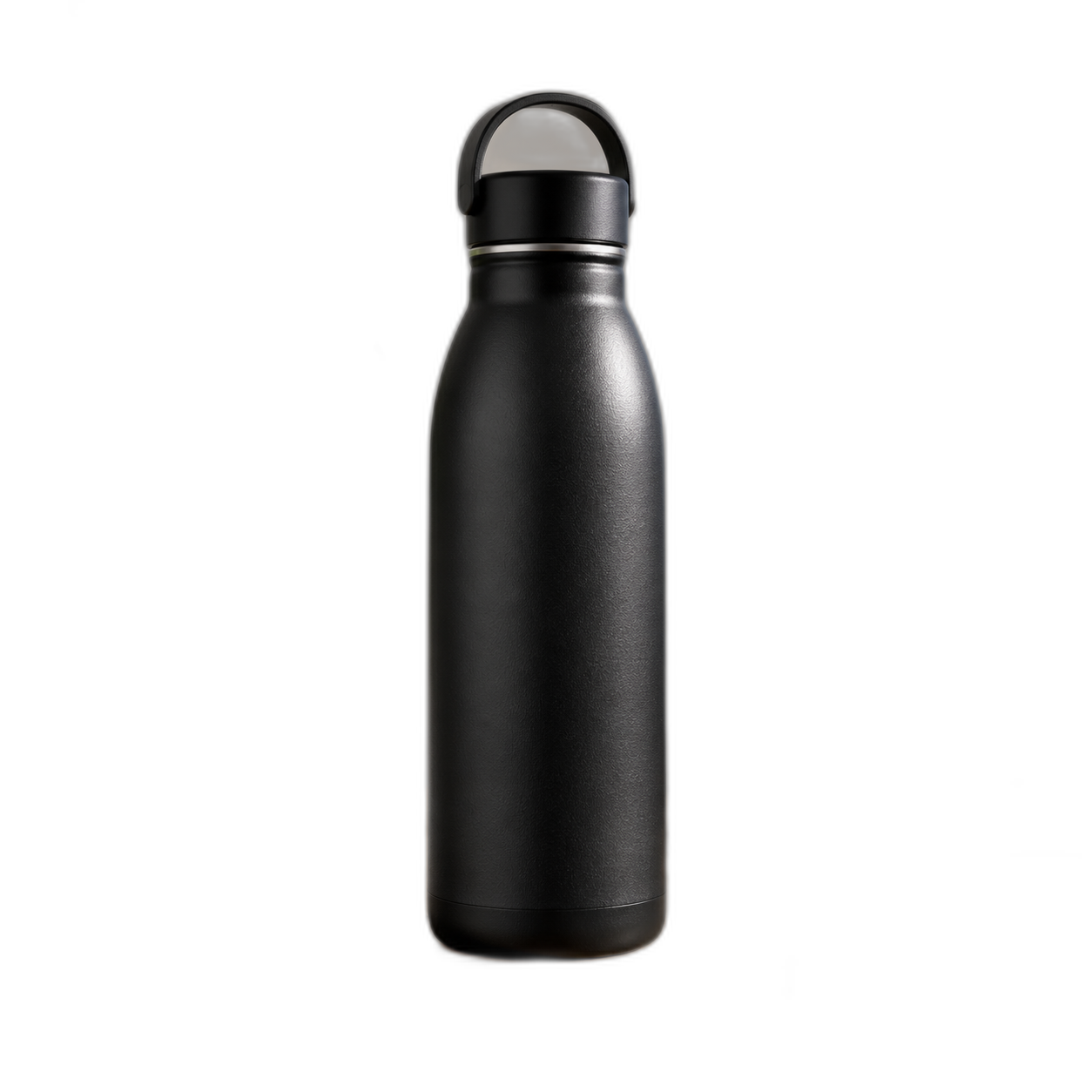
See the original photo beside a clean transparent PNG — sharp edges, no leftover background, ready to drop into listings, ads, or designs.
Product
Portrait
Object
Built for
RELATED TOOLS
Backgrounds, product shots, rooms, portraits, and video — pick what to try next.
Turn a clean cutout into listing-ready product photos and angles.
On-model photoshoots, ghost mannequin, and catalog looks.
Place your transparent subject into studio, lifestyle, or branded scenes.
Edit, restyle, and transform with AI tools.
Profile photos and business headshots from any upload.
Makeup looks and natural portrait retouching.
Redesign rooms and stage empty listings.
Turn stills into product, fashion, and walking videos.
Compare
Get a transparent PNG on this page. Keep creating in GenImagePro with scenes, product photos, and more.
Transparent cutout
Free · Free: unlimited attempts (rate limits)
GenImagePro · Pro: included
AI-generated environments
Free · Free: not included
GenImagePro · Pro: scene templates & photoshoots
Batch catalog ops
Free · Free: not included
GenImagePro · Pro: workflow tools (roadmap)
Priority throughput
Free · Free: shared queue
GenImagePro · Pro: credits-based priority
Need full scenes or photoshoot workflows? Try GenImagePro free — no credit card required.
FAQ
Quick answers about formats, privacy, commercial use, and what happens to your images.
FAQ
Drop a JPG, PNG, or WebP into the upload area above. Our AI background remover detects the subject, removes everything else, and returns a transparent PNG download. Most images finish in seconds with no signup.
Yes. There is no paywall and no watermark. We apply fair-use rate limits to keep the free background remover healthy for everyone.
No. We process your image only to remove the background and return your transparent PNG. We keep operational metadata like file size and processing time, not your image pixels for model training.
You can upload files up to 15MB. Very large files may be downscaled before processing to keep performance fast in the free tool.
JPG, JPEG, PNG, and WebP are supported. The output is always a transparent PNG so you can use it in any design tool.
For fast automated cutouts, this tool is comparable for many product, portrait, and pet images. Photoshop still gives the most manual control. With GenImagePro, you can also continue into background replacement and photoshoot workflows after download.
To keep the free tool fast, larger files may be resized before processing. If you need higher-resolution workflows, use the full editor on genimagepro.com.
Not in this free version yet — it processes one image at a time. For catalogs and SKU sets, continue in GenImagePro where batch workflows are built for ecommerce teams.
Hair and fur usually work well. Transparent objects like glass or smoke are harder for any automatic background remover and may need manual cleanup.
Yes. You keep rights to your uploaded image and your resulting transparent PNG output.
Continue in GenImagePro — swap in studio, lifestyle, or branded backgrounds, or run product and fashion photoshoots from the same upload.
Updated


