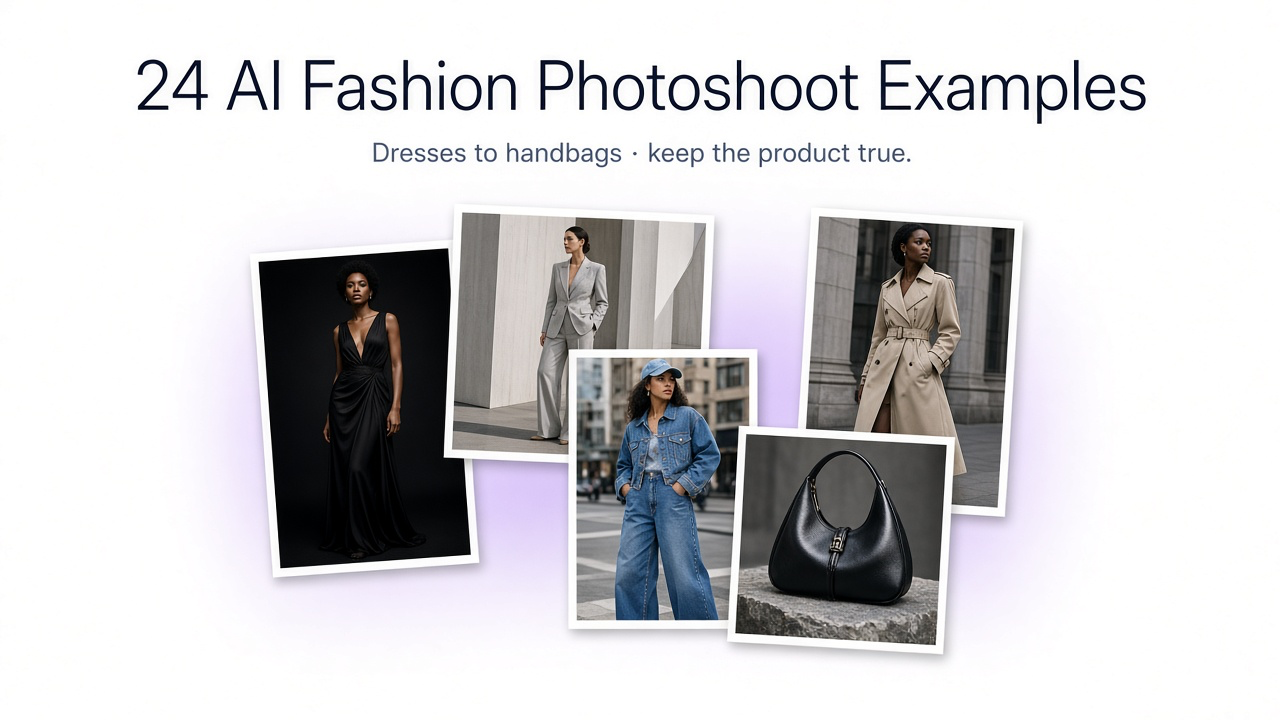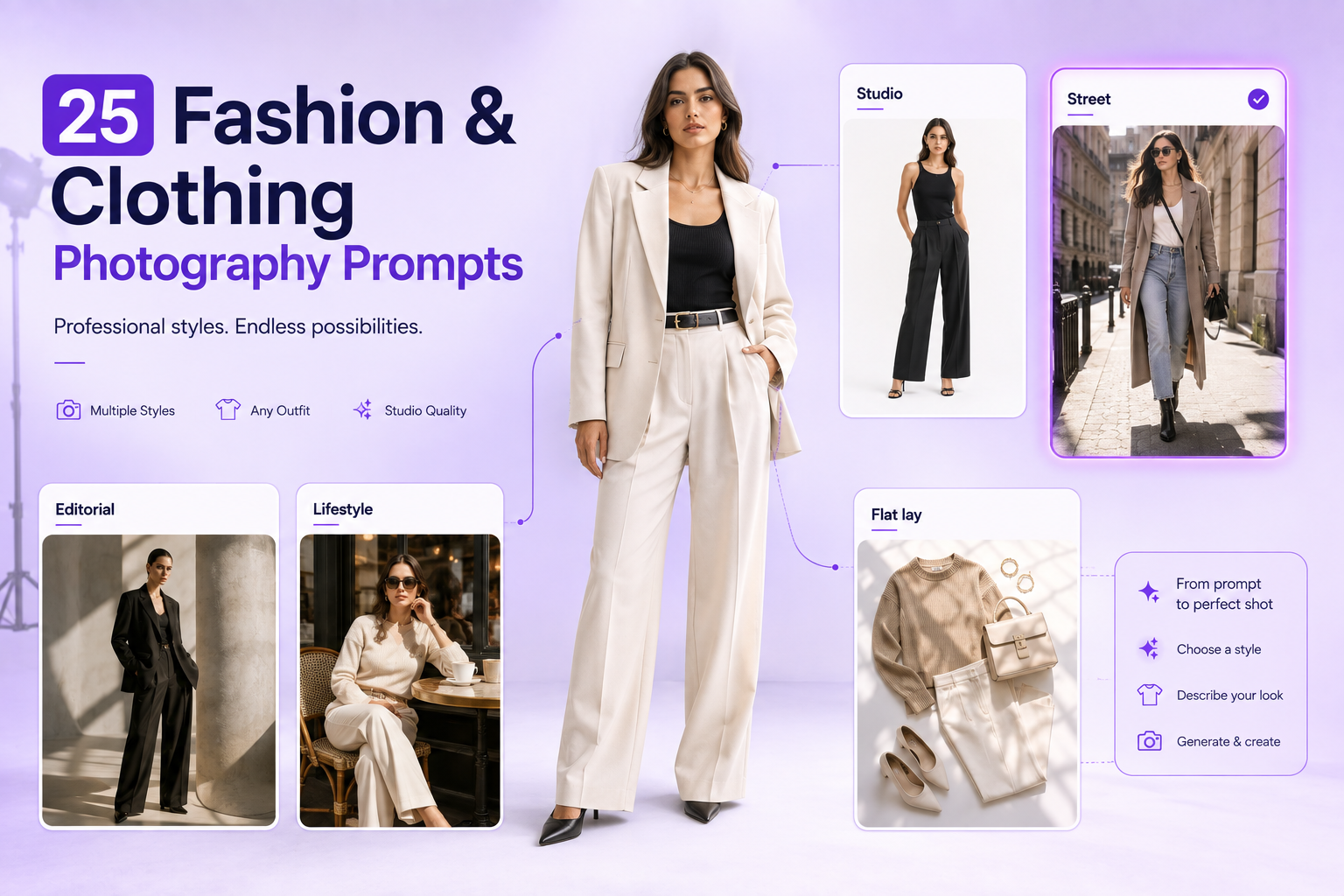
A fashion brand rarely needs just one good image of a product. The same jacket might need a clear on-model view for its product page, a natural lifestyle photo for social media, an editorial image for a collection launch, and a different composition for an ad. Creating and maintaining these assets is a continuing production challenge for small labels and large retailers alike.
AI image generation gives fashion teams a way to explore these directions using photos of garments they already have. With GenImagePro, the goal is not simply to make an attractive fashion image: it is to build useful, recognizable visual content around the item the business actually sells. This guide explains six practical applications, one repeatable workflow, and the checks that make the outputs safer to use commercially.
What Is AI Image Generation for Fashion Brands?
AI image generation for fashion is the use of generative visual tools to create or transform imagery for clothing, footwear, bags, and accessories. A brand may generate a concept from a written description, but a product-led workflow starts from a real item: for example, a photograph of a dress on a hanger, a flat-lay shirt, or an existing studio image of a handbag. The reference gives the system a concrete product to work around.
That distinction matters for ecommerce. An atmospheric image is useful only if the garment remains recognizable. A creative campaign can vary the environment, lighting, styling, and pose while aiming to preserve the source item’s shape, color, construction, and visible details. Some changes are subtle, such as replacing a plain backdrop with a bright studio; others are extensive, such as placing the garment on a model in a convincing city scene.
GenImagePro brings product-based photography, visual editing, creative image generation, and fashion-focused transformations into one workflow. A marketing team can use it to explore different visual treatments without beginning each concept with a new location or set design. The result still needs human review, particularly when a visual will represent a product for sale.
Why Fashion Brands Use AI Image Generation
Produce more creative directions from existing assets
A single approved product photograph can anchor several marketing treatments. Rather than choosing one setting for an entire season, teams can test whether a minimal studio look, documentary-inspired street scene, or refined editorial concept better communicates a collection. Creative experimentation becomes part of the normal content workflow, not a separate large production project.
Give small teams more room to create
Independent labels may have strong products but limited access to stylists, locations, photographers, and campaign sets. AI-assisted composition gives them a practical starting point for visual concepts. The best use is targeted: decide which marketing asset is missing, build a brief for it, and then assess the generated work against the brand’s standard.
Support consistent visual identity across collections
Consistency does not mean every photo must have the same background. A brand can keep a shared palette, realistic lighting style, model direction, and image framing across studio, lifestyle, and editorial work. Clear references and repeated creative instructions help establish that continuity, although generated results can still drift and require selection or revision.
Test campaign concepts before committing to a direction
Visual teams often need to compare multiple campaign ideas quickly. A brand could explore a clean product-first treatment, a more expressive fashion story, and an urban streetwear approach for the same item. These variations can inform creative choices and ad testing; they are not proof that a particular concept will perform better. Performance must be measured after publication.
6 Ways Fashion Brands Use AI Image Generation
The following applications are relevant across womenswear, menswear, sportswear, designer clothing, shoes, and accessories. Each starts with a specific production need and shows where garment-led generation can add value.
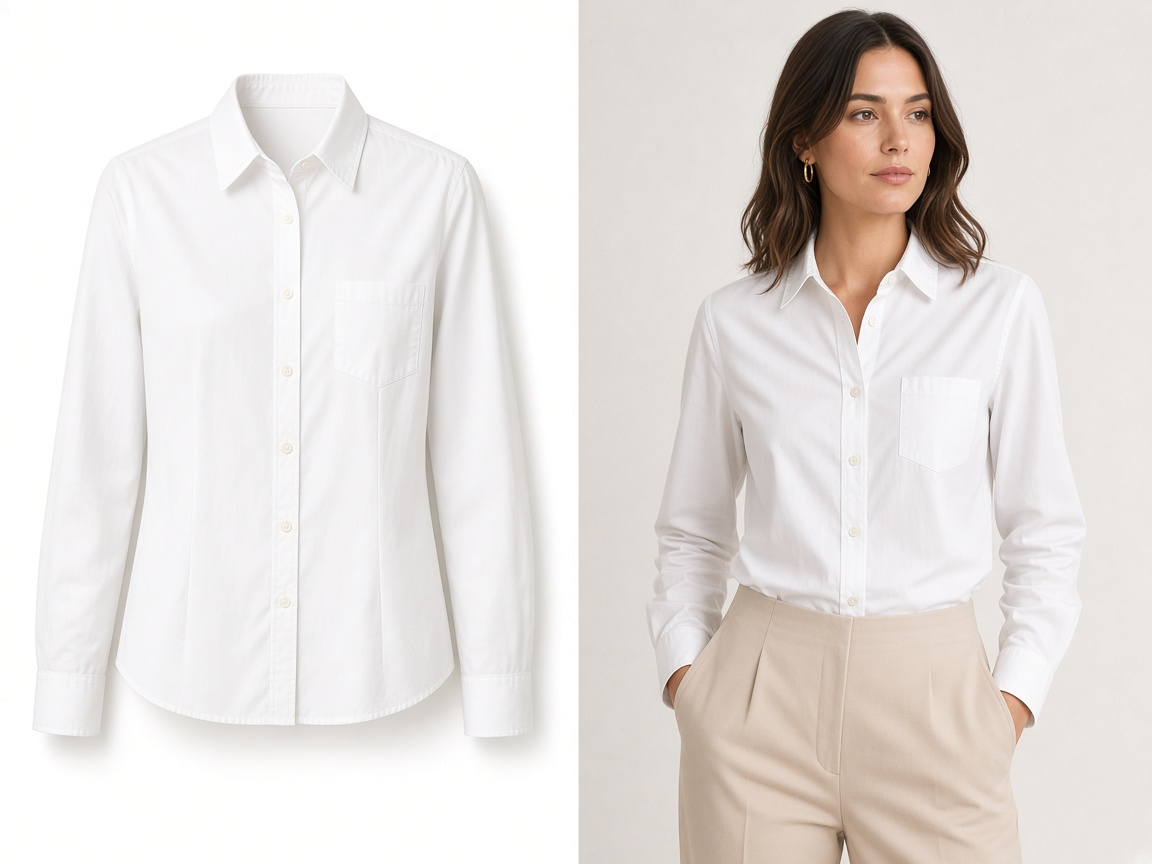
1. Product-on-Model Fashion Photography
A clear product shot does not always explain how an item hangs or how its proportions appear on a person. Product-on-model imagery adds that context. A clothing seller can begin with a photograph of a blouse or jacket, set the desired model presentation, and explore a straightforward studio composition that emphasizes the actual product. The strongest ecommerce result uses a natural pose, clear garment visibility, and restrained styling rather than a complicated scene.
For a product-detail page, inspect collar shape, sleeve length, waist placement, closures, prints, and seams before using the final image. A model image can supplement a verified product photograph, but it should not quietly change the merchandise customers expect to receive. GenImagePro can support these model-focused visual variations while the merchant remains responsible for product accuracy.
2. Flat-Lay to On-Model Transformations
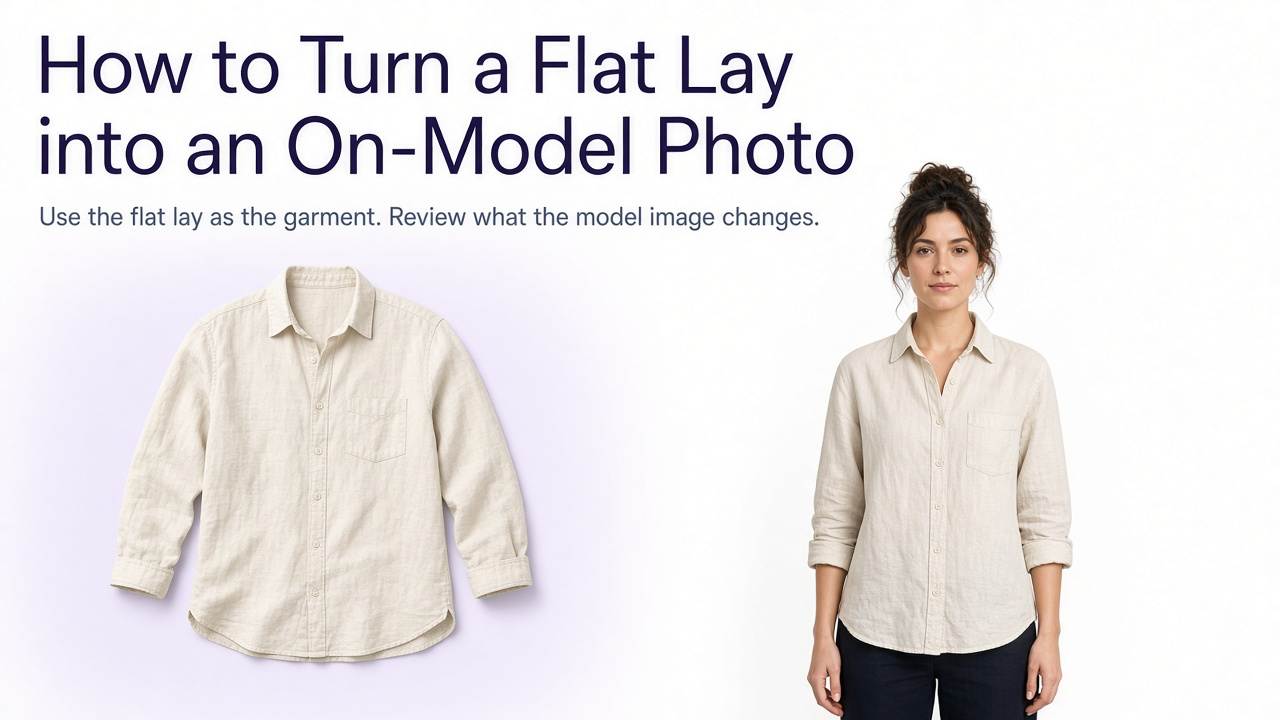
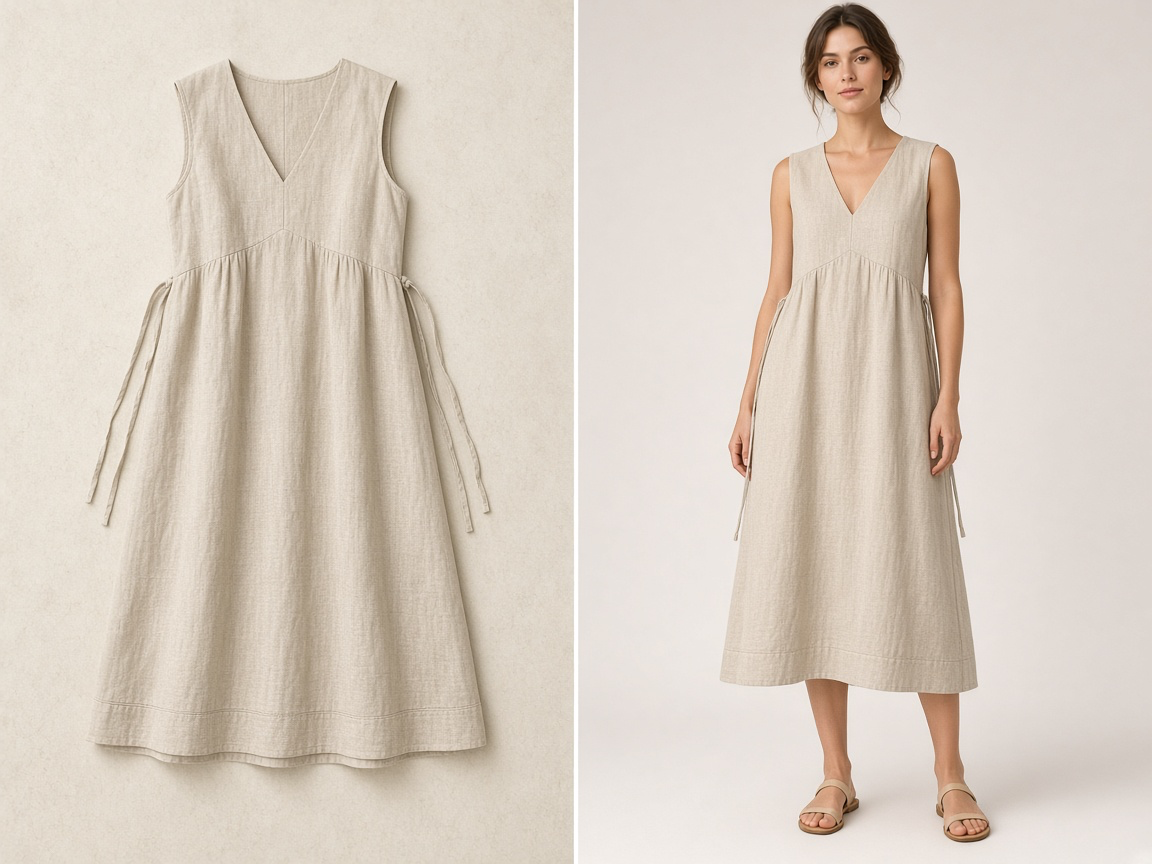
Flat-lay images are easy to capture and often show the color and shape of a garment clearly, but they can feel impersonal in a fashion campaign. Transforming a flat lay into an on-model concept helps a brand explore styling, pose, and context without abandoning the original item as the reference. This is particularly useful for dresses, T-shirts, lightweight knitwear, and other garments photographed for inventory or merchandising.
For example, a linen midi dress photographed from above can become a clean standing model shot intended for a collection page. The generated drape should be evaluated carefully: how a real piece falls depends on material, cut, sizing, and the wearer. For a deeper tutorial, link readers to the dedicated flat-lay-to-model guide rather than repeating all its instructions here.
3. Fashion Editorial Campaigns
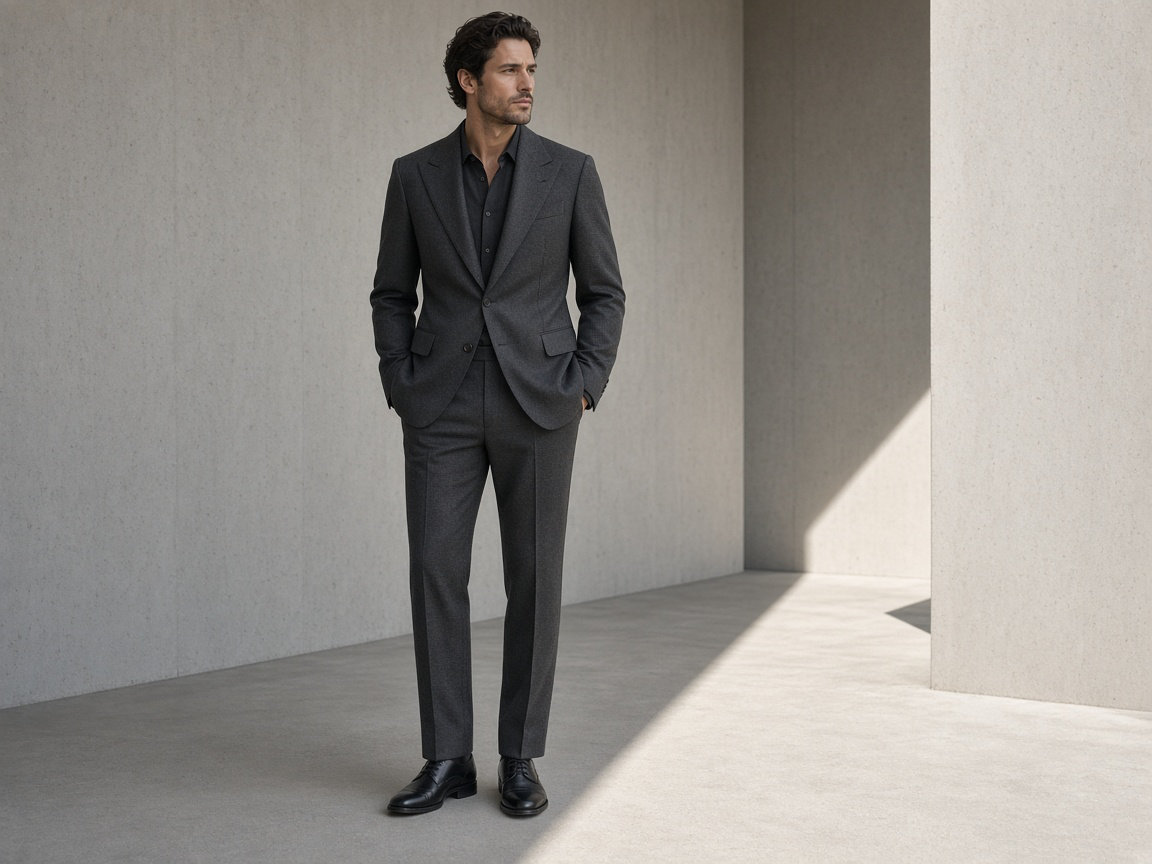
Editorial imagery communicates the perspective of a fashion brand beyond a product listing. A tailored blazer can appear in a minimalist architectural space, while a dramatic dress might be photographed with striking side light in a restrained interior. The garment remains the subject, but pose, framing, location, and mood tell a broader story about the collection.
GenImagePro can help a creative team compare art directions before choosing which one suits a launch. Keep a short visual brief that names the product, audience, setting, lighting, and desired tone. Editorial freedom should not extend to fabric or garment redesign when the image is intended to market a real item.
4. Lifestyle Fashion Photography
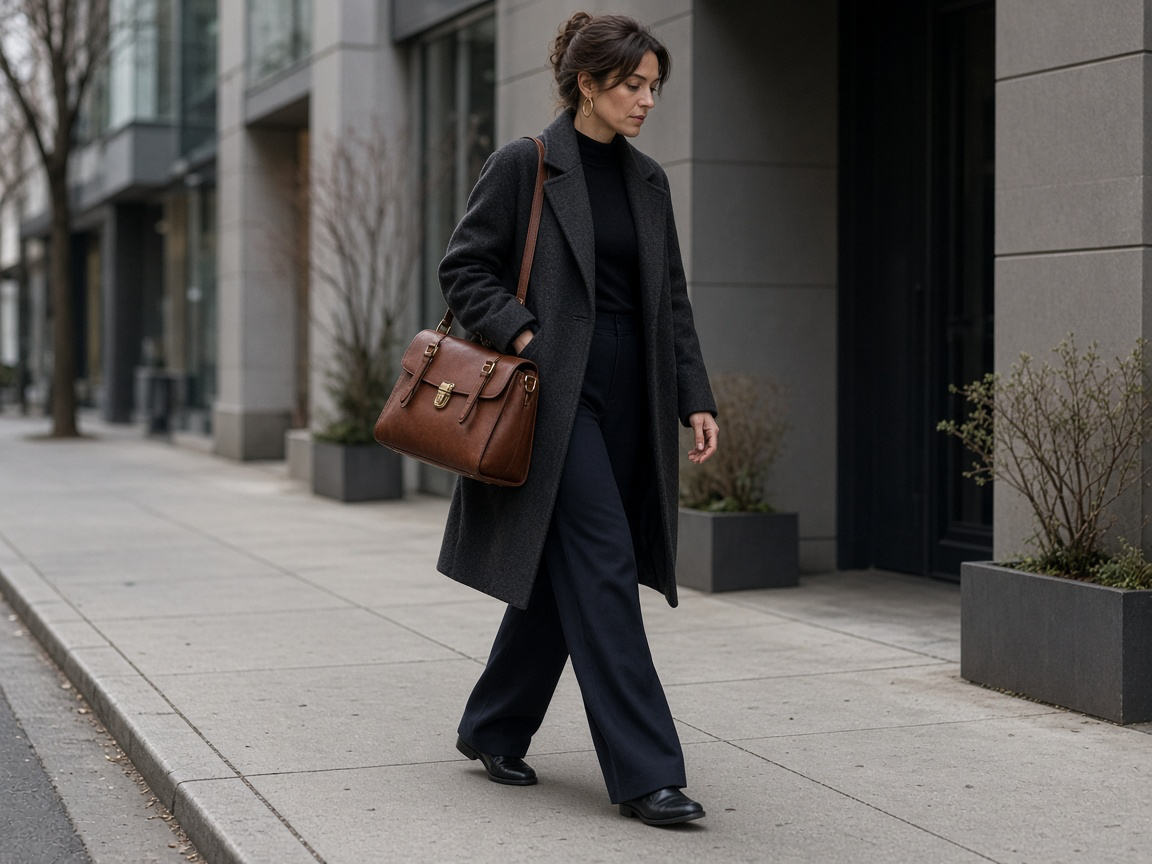
Lifestyle imagery places the product in a believable setting, making it easier to imagine where an item fits into daily life. A shoulder bag might be carried on an ordinary city walk, a relaxed shirt could appear in a bright home, and a light jacket might be photographed near a café. The point is not to decorate the photo with props but to create a plausible environment for the item.
Commercial lifestyle images work best when the garment or accessory remains easy to identify. Control the crop, keep accessories secondary, and avoid turning the scene into a generic portrait. GenImagePro can help generate environment variations from product references, which makes this approach useful for lookbooks, category pages, and organic social content.
5. AI Fashion Advertising Creatives
Paid social and display campaigns require several creative concepts, not merely resized copies of the same photo. AI image generation can help explore multiple settings for one product: a clean studio hero, a streetwear action moment, and a sculptural editorial presentation. These are different creative hypotheses a team can test with consistent product identity.
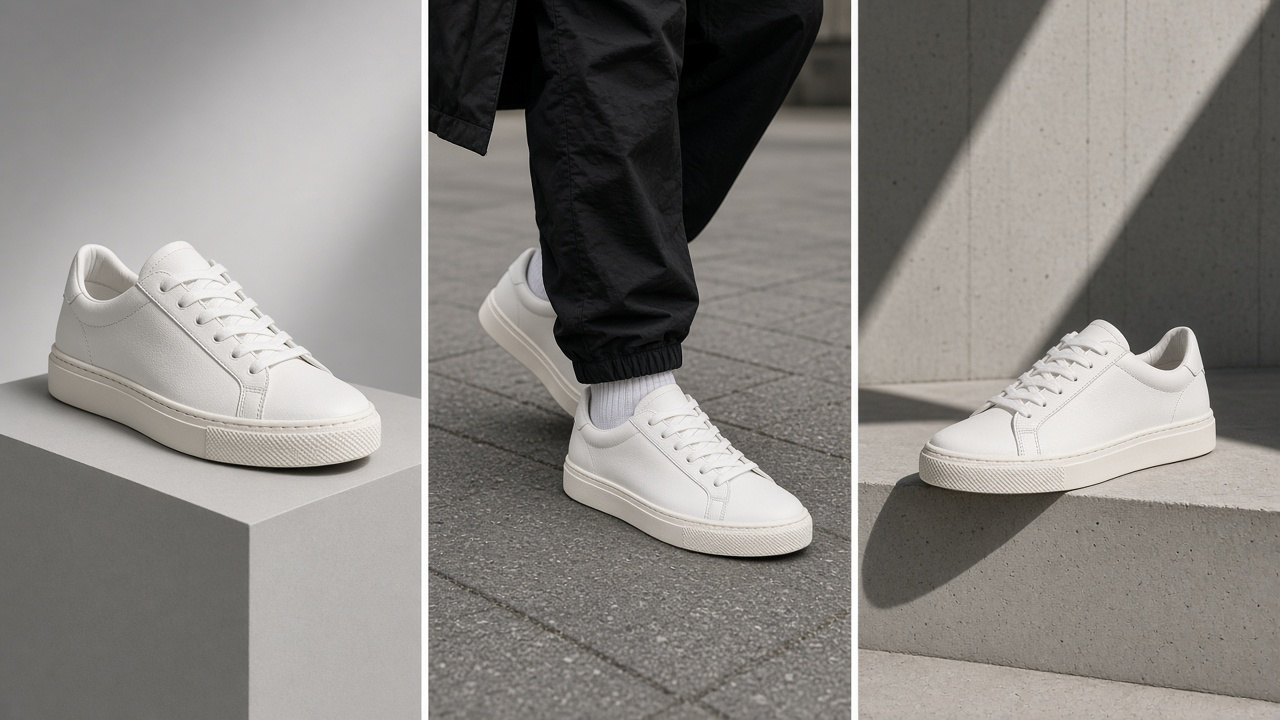
A sneaker brand, for example, may want one composition with room for advertising copy, one lifestyle image showing how the sneaker is worn, and one bold product-first treatment. Generate the imagery without baked-in marketing text so headlines, pricing, and legal copy can be placed accurately in the final ad design. Evaluate the results for product fidelity and actual performance rather than assuming visual novelty improves conversions.
6. Virtual Fashion Models and Model Diversity
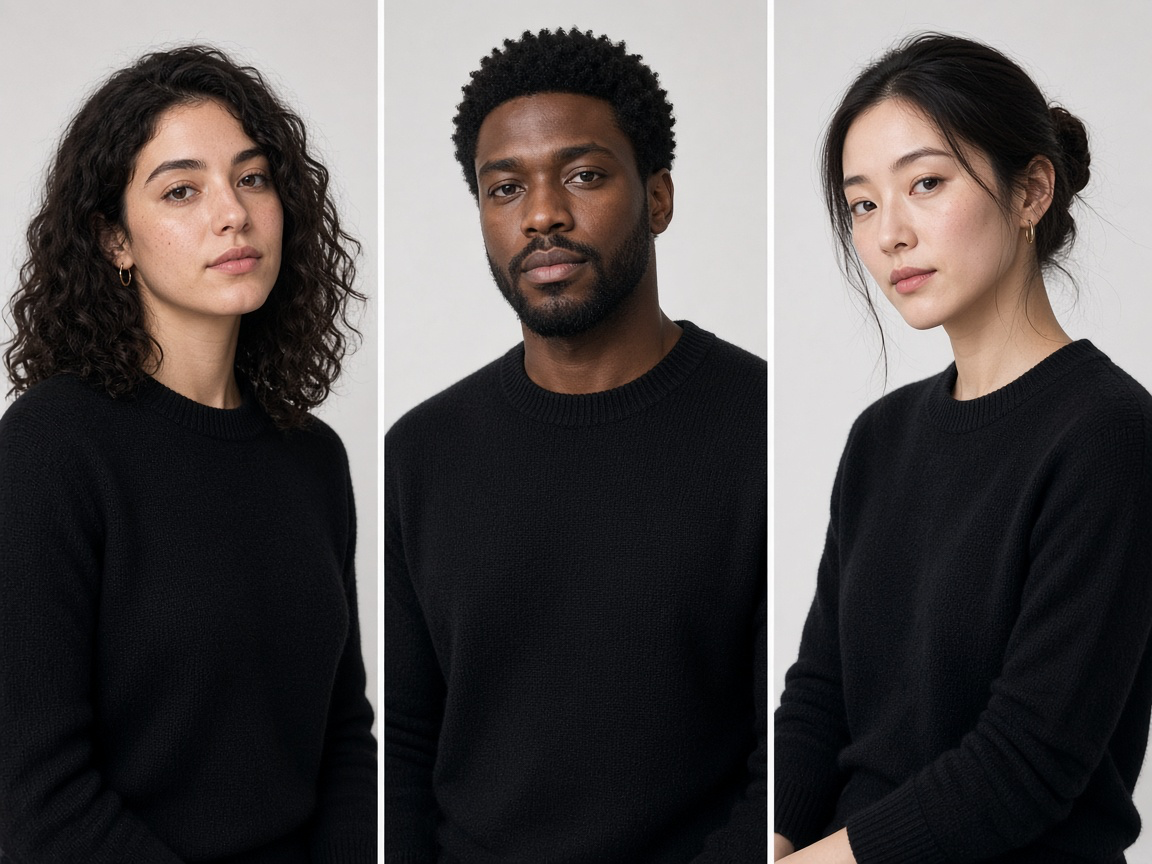
Virtual fashion models allow teams to explore different presentations of a collection without tying every creative concept to one individual model image. A business could evaluate how an item appears in varied styling directions or on adult models with different looks. This is primarily a creative exploration tool, not a substitute for accurate sizing, fit information, or inclusive real-world product testing.
If showcasing an item on multiple generated models, compare the garment itself in every output. Avoid suggesting that an AI-generated body accurately predicts real sizing. Keep model diversity authentic and respectful, and disclose synthetic imagery where required by platform rules or applicable law.
How to Create AI Fashion Images with GenImagePro
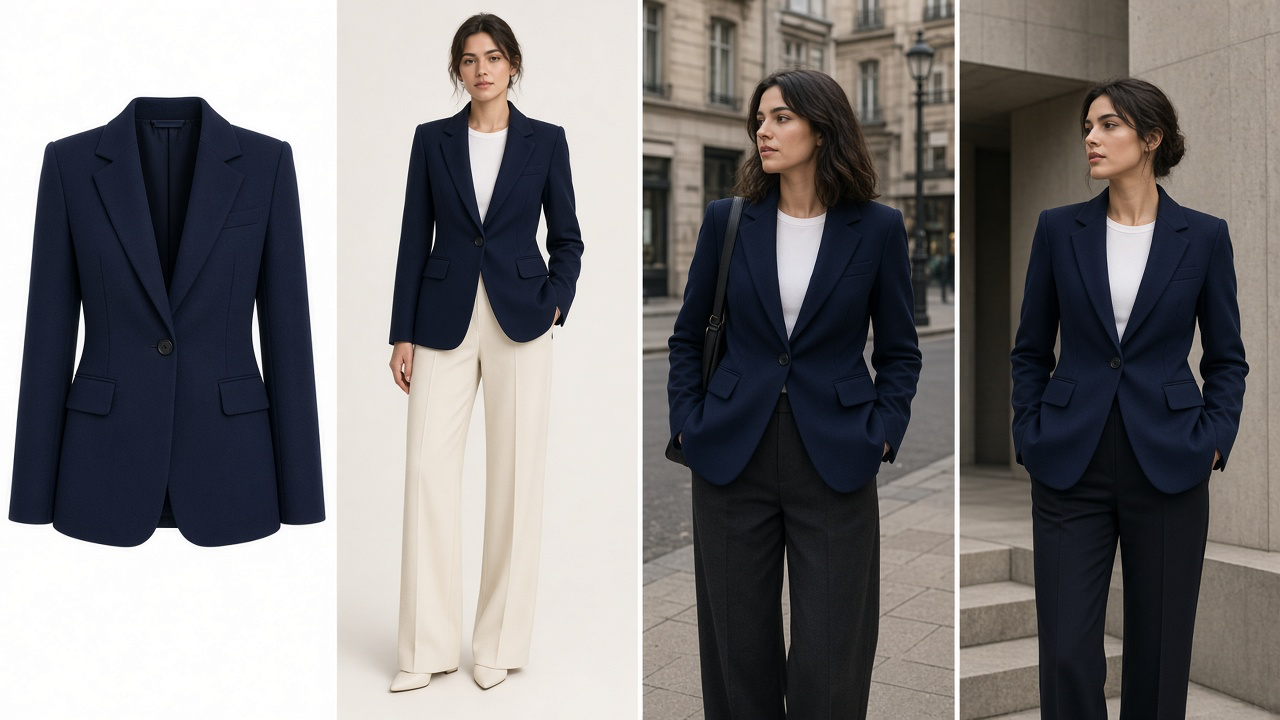
You do not need a complicated production pipeline to begin. The following six-step process works as a repeatable starting point for a fashion team that wants to turn an approved garment photo into campaign concepts. For this walkthrough, imagine a structured navy jacket that needs visuals for a product page, a lookbook, and a social campaign.
Six-step GenImagePro fashion workflow
Upload a clear source garment image
Choose a sharp image with accurate color and enough detail to identify the real product. A front view is a useful starting point; side or close-up photos can help when the item has unusual construction, trim, or hardware. In GenImagePro, begin with the product image rather than relying on a generic description of a jacket.
Decide what each output needs to achieve
Create a mini brief for each channel. The product-page concept should be simple and readable. The lookbook image may use a more expressive setting while maintaining garment visibility. The social campaign can capture movement or context. Separating these goals prevents every visual from becoming a vague compromise.
Describe the creative direction
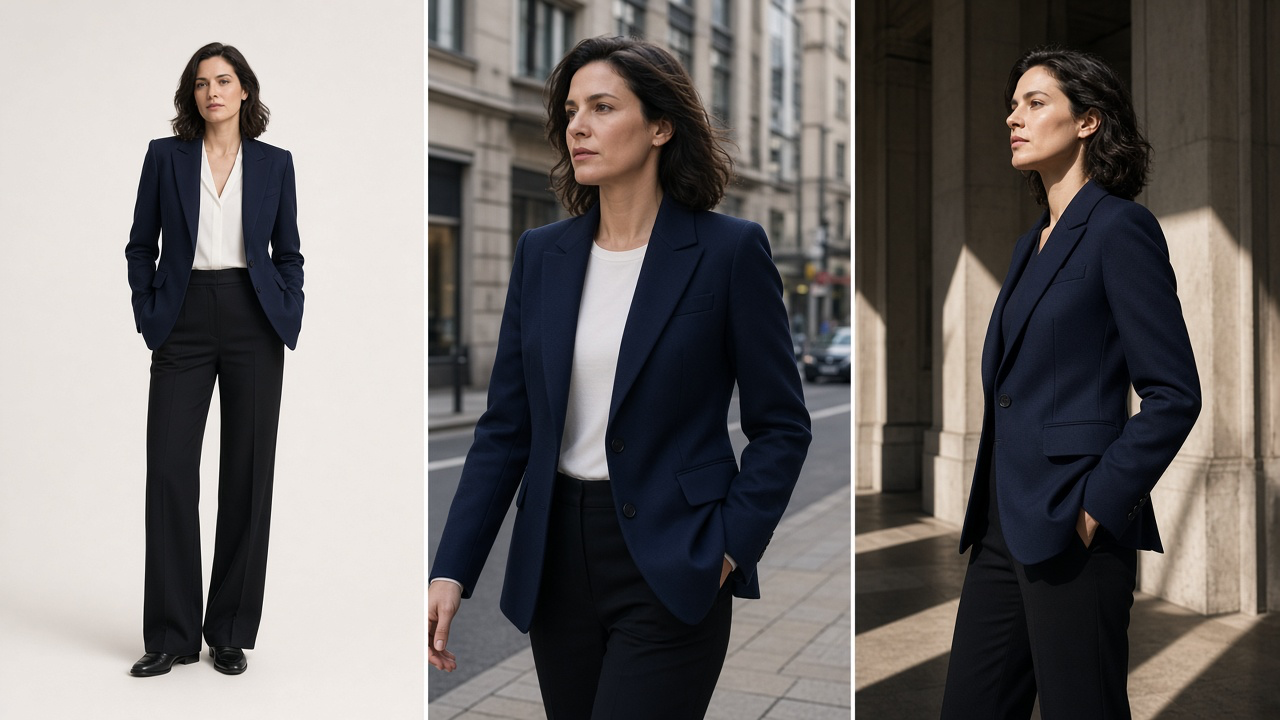
Specify the scene, intended model presentation, composition, lighting, and visual mood. Keep the actual jacket as the source of truth. For example, ask for a full-body neutral studio image, then a candid overcast street scene, then a striking editorial composition in modern architecture. These are creative directions, not instructions to change the product.
Generate and compare campaign variations
Review each result against its intended use. Ask whether the product remains the focal point and whether the image looks physically plausible. The most elaborate image is not necessarily the most commercially useful: a clean portrait may outperform an elaborate scene for a product detail page, while a more dramatic image may be better suited to a launch campaign.
Check the result against the original
Compare color, neckline, closures, pockets, seams, fabric texture, size relationships, and branding. Also inspect hands, body proportions, shadows, and the way fabric falls. Reject or revise results that materially alter the product. Use real photography as the authoritative reference whenever visual details affect a purchasing decision.
Prepare assets for each channel
Choose the final aspect ratio, crop, and negative space based on where the asset will appear. Keep advertising copy and badges outside the generated photograph so they remain editable. Archive the approved source and selected results together for future campaign extensions.
From One Clothing Image to a Complete Campaign
A useful fashion campaign is a system of related visuals, not just one dramatic hero image. Once a garment and a visual identity have been established, plan a small set of deliverables around it. For a navy jacket, a clean full-body studio image can support the product page. A candid street photo can become part of a lookbook. An architectural editorial can introduce the collection. A more spacious version can be adapted for advertising after the final headline is added in a design tool.
These images should look related without becoming repetitive. Keep product details, brand palette, styling standards, and photographic quality consistent, while letting each channel have an appropriate composition. This is especially valuable for fashion marketing teams that must publish new assets throughout a collection’s lifecycle.
The same logic applies to dresses, denim, knitwear, activewear, shoes, bags, and accessories. The production brief changes with the object: a handbag needs accurate handles and hardware; a sneaker needs a faithful outsole and profile; a dress needs believable drape and hemline. Start from the item, not an aesthetic trend that obscures it.
How to Keep AI Fashion Images Consistent and Commercially Useful
A polished image is not automatically a usable image. Before publication, verify the color, cut, fabric appearance, stitching, print, logos, closures, and any details central to the product description. Check that styling and lighting do not hide the parts buyers need to see. For model images, evaluate anatomy, scale, garment fit, and shadows, remembering that an AI rendering does not verify physical fit or sizing.
Also maintain a simple brand brief: preferred lighting, color treatment, shot types, background approach, and acceptable levels of editorial styling. Keep approved product references and final imagery together. For comprehensive guidance, see GenImagePro’s article on creating consistent clothing catalog images.
Frequently Asked Questions
How can fashion brands use AI image generation?
Fashion brands can develop product-on-model visuals, flat-lay transformations, lifestyle photographs, editorials, campaign concepts, and advertising variations. Product-led workflows start with photographs of actual garments so creative work remains connected to the merchandise.
Can AI create fashion photos from an existing clothing image?
Yes. A product reference image can guide a new studio, lifestyle, or editorial composition. Output quality depends on the source image, the creative instructions, and the model’s ability to preserve details. Review results against the original product before publishing.
Can brands use AI visuals for dresses, shoes, bags, and other categories?
Yes, but each category has different fidelity requirements. Dresses require believable drape and cut; shoes demand accurate soles, shapes, and laces; handbags require recognizable materials, straps, and hardware. Tailor the brief and review to the product.
How can a brand keep generated fashion images consistent?
Use approved garment references, a stable brand photography brief, coherent color treatment and framing, and a review process for product features. Even with the same instructions, outputs can vary, so final selection and correction remain important.
Can AI-generated fashion images be used in ecommerce and advertising?
They can be used in appropriate commercial contexts, subject to the image service’s terms, rights in source materials, platform requirements, and applicable advertising rules. Ensure the imagery does not misrepresent the product, especially where appearance, fit, or construction could influence a purchase.
Create Your Next Fashion Campaign with GenImagePro
AI image generation gives fashion businesses a more flexible way to explore creative directions from the products they already have. Start with a reliable garment photo, choose a specific use for the new image, and evaluate every result against commercial requirements. GenImagePro helps connect that process across model imagery, lifestyle photography, and fashion campaign concepts in a single visual workflow.