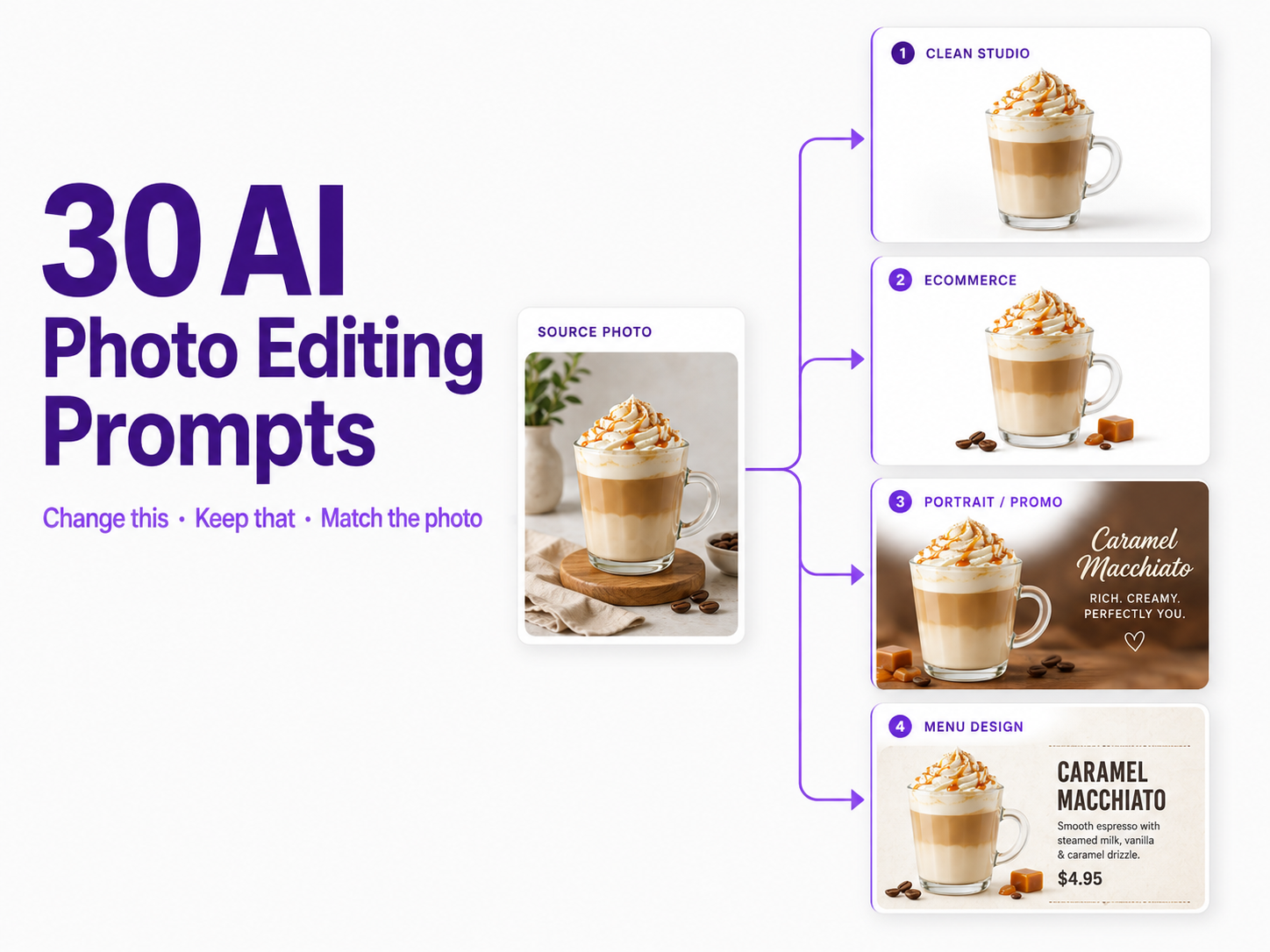
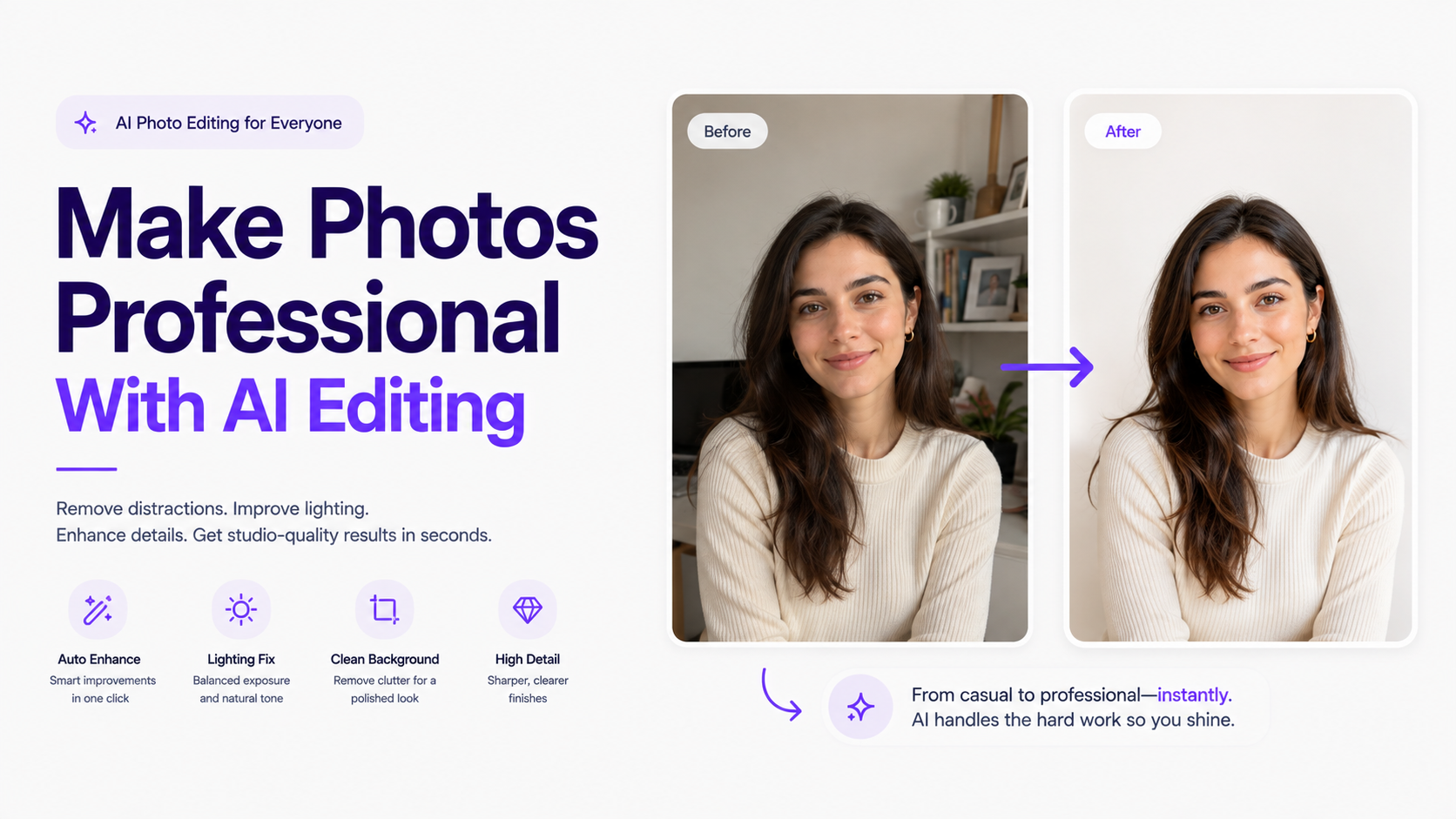
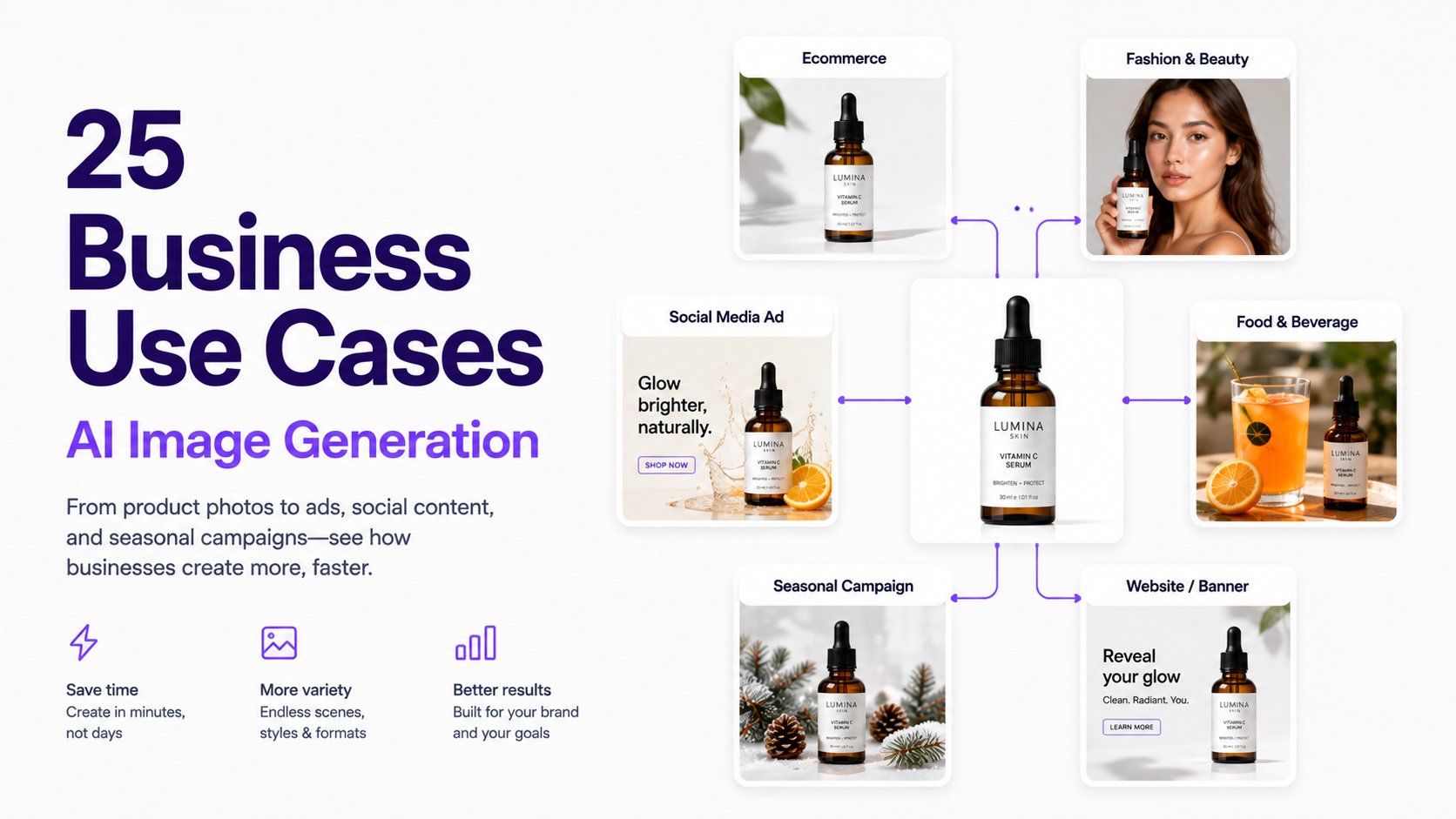
30 AI Photo Editing Prompts for Better Results in 2026
Copy and customize 30 AI photo editing prompts for portraits, backgrounds, product photos, fashion, food, lighting, cleanup, and realistic image edits.
Good AI photo editing prompts explain what should change, what should stay the same, and how the final image should look.
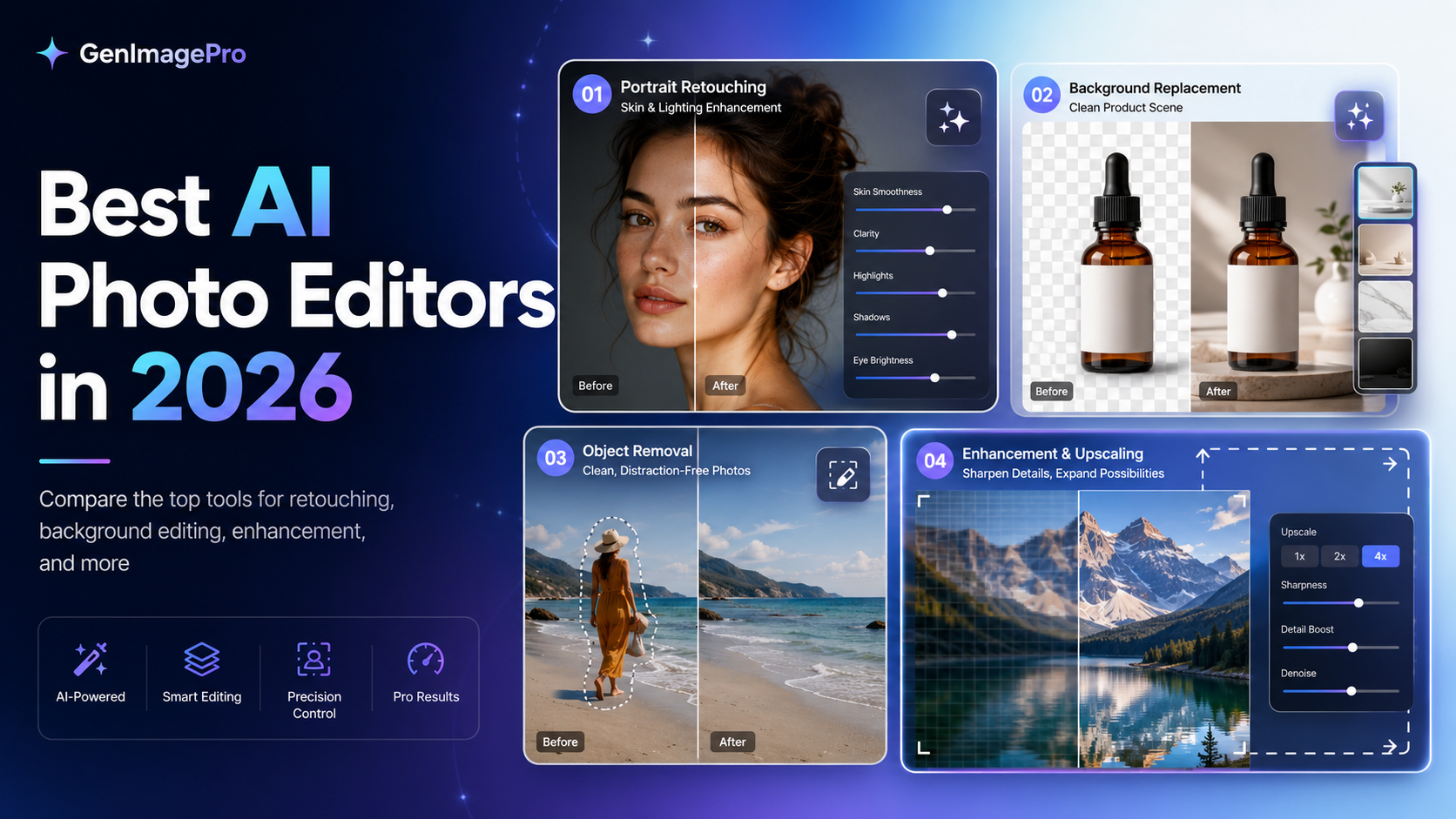
AI photo editing works differently from traditional photo editing. Instead of manually masking a background, adjusting dozens of sliders, or rebuilding an image layer by layer, you can describe the change you want in natural language.
The quality of the result still depends heavily on the instruction. A vague prompt such as "make this better" gives the AI freedom to reinterpret almost everything. A stronger prompt explains exactly what should change, what should remain untouched, and what the finished photograph should look like.
This guide contains 30 reusable AI photo editing prompts for portraits, product photography, backgrounds, fashion, food, lighting, cleanup, and composition. Replace the details inside each prompt to match your own image.
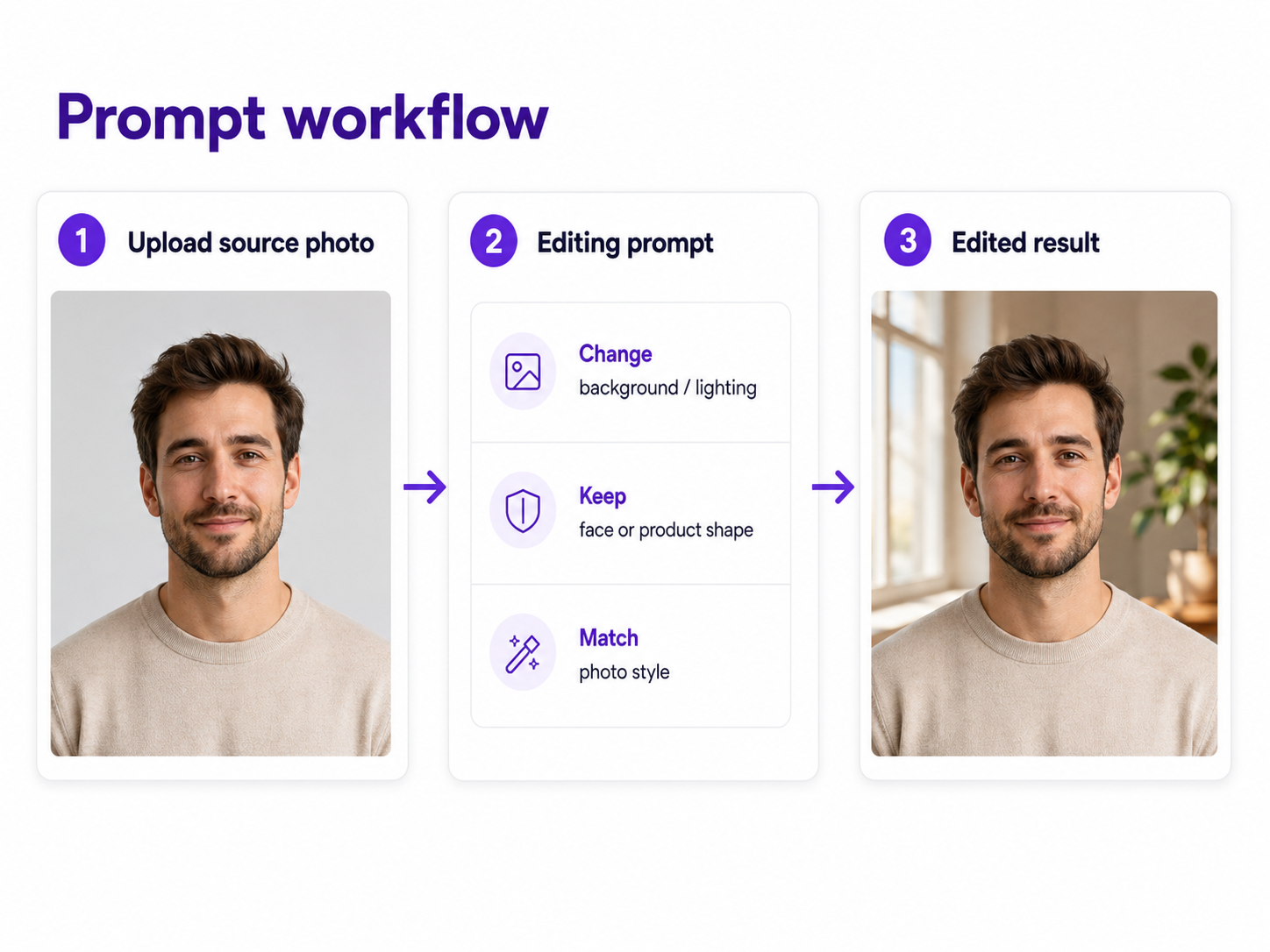
A reliable editing prompt separates the source image, requested change, protected details, and desired photographic result.
The Best AI Photo Editing Prompt Formula
For most image-to-image edits, a simple four-part structure works well: identify what should change, describe the replacement or adjustment, state what must remain unchanged, and describe the visual quality of the final result.
You do not need every part of this formula in every edit. Simple changes can use simple prompts. Preservation instructions become more important when the original image contains a real person, branded product, exact garment, or other detail that should not be redesigned.
What Makes a Good AI Photo Editing Prompt?
Be specific about what should change. Say what must stay the same—identity, clothing, packaging, product shape, logos, pose, or composition. Describe the final photograph with lighting, camera, and texture details. When accuracy matters, make one major edit at a time.
AI Portrait Editing Prompts
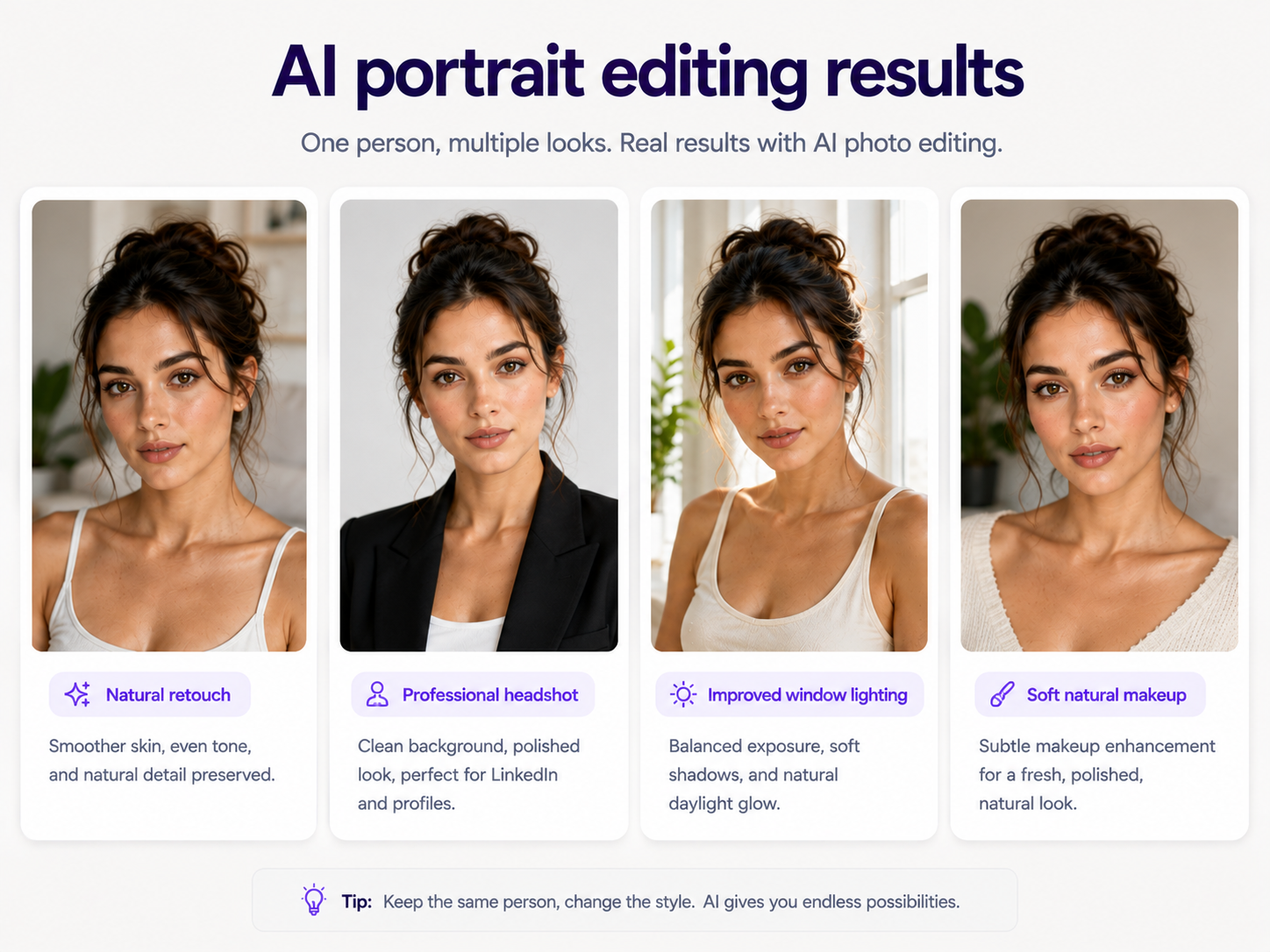
Portrait edits require extra care because small changes to the eyes, nose, lips, jaw, skin tone, or face shape can make a real person look like someone else. Preserve identity explicitly.
1. Natural Portrait Retouch
2. Professional Headshot
3. Improve Portrait Lighting
4. Add Natural Makeup
5. Turn a Selfie Into an Editorial Portrait
For portrait editing, describe the desired improvement while explicitly protecting the person's identity.
AI Background Editing Prompts
Background replacement works best when the new environment agrees with the original camera perspective, subject lighting, and contact shadows.
6. Replace the Background With a White Studio
7. Modern Office Background
8. Outdoor City Background
9. Blur a Distracting Background
AI Product Photo Editing Prompts
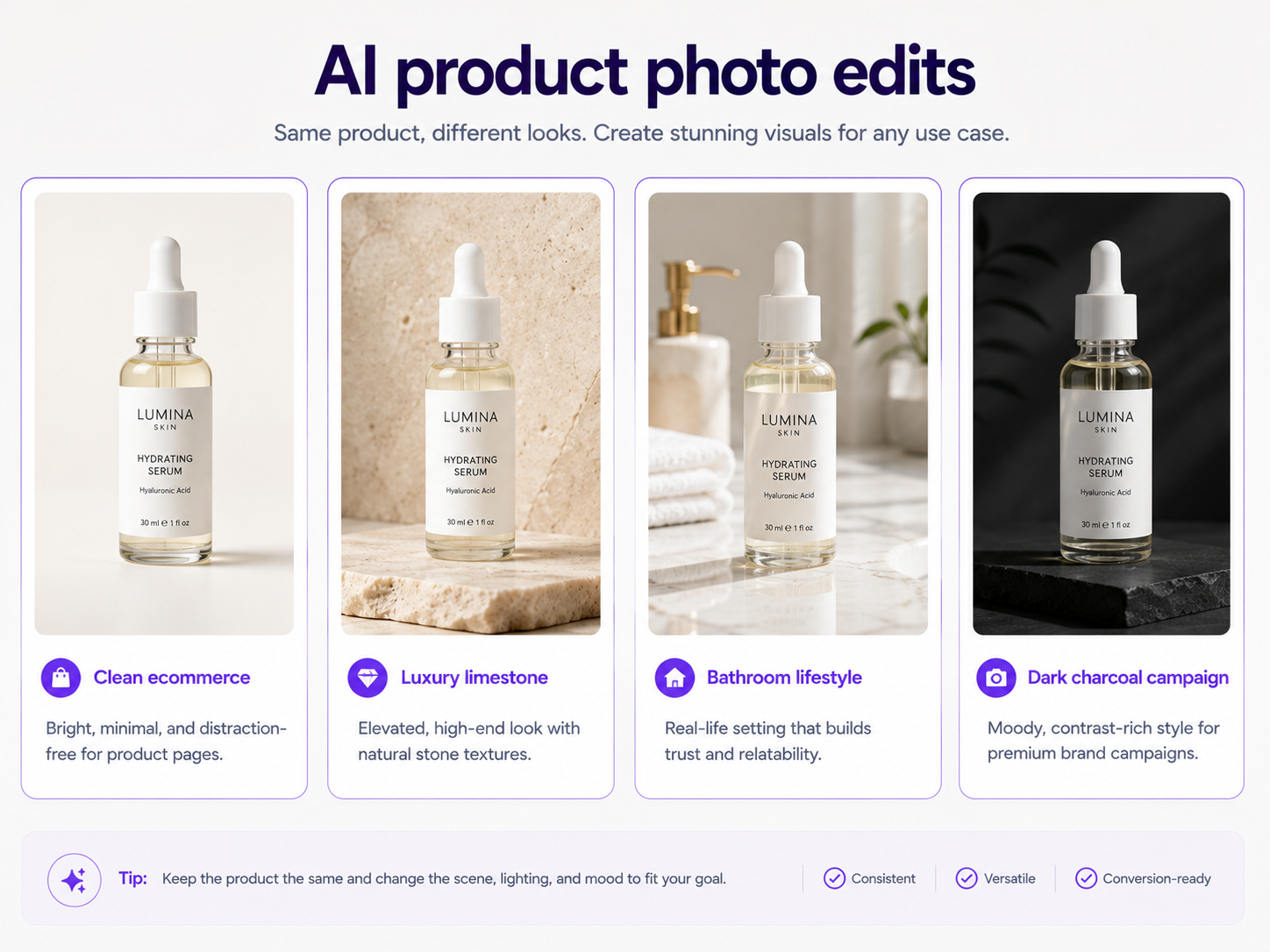
For product editing, the most important instruction is usually preservation. A beautiful campaign image is not useful if the AI changes the bottle shape, packaging color, logo, label, or product proportions.
10. Clean Ecommerce Product Photo
11. Luxury Skincare Campaign
12. Bathroom Lifestyle Product Photo
13. Dark Luxury Product Campaign
14. Create Negative Space for Ad Copy
Product prompts should protect geometry and branding while allowing the environment, lighting, and art direction to change.
AI Fashion Photo Editing Prompts
Fashion editing requires both identity consistency and garment consistency. Tell the AI whether the person, clothing, or both must remain unchanged.
15. Studio Fashion Editorial
16. Change the Outfit Only
17. Ecommerce Fashion Catalog
AI Food Photo Editing Prompts
18. Restaurant Menu Photo
19. Beverage Advertisement
AI Lighting and Color Editing Prompts
20. Golden Hour Lighting
21. Natural Window Light
22. Natural Commercial Color Grade
AI Cleanup and Restoration Prompts
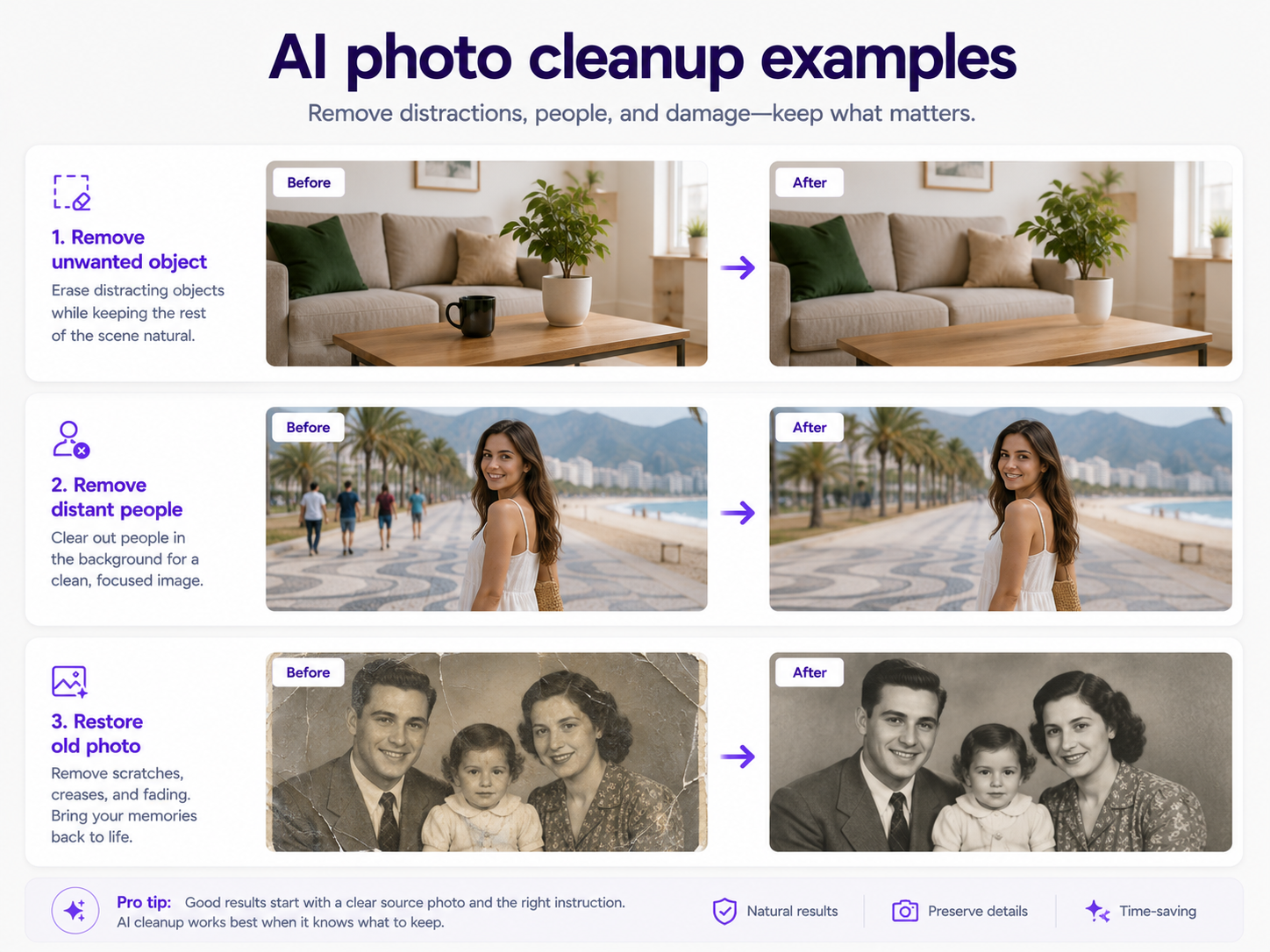
23. Remove an Unwanted Object
24. Remove People From the Background
25. Restore an Old Photograph
26. Fix a Dark Photo
Cleanup prompts work best when they define the damaged or unwanted area while protecting everything else.
Composition and Creative Prompts
27. Expand an Image Horizontally
28. Create Space for Website Text
29. Turn a Home Product Photo Into a Studio Shoot
30. Create a Campaign Variation From One Photo
How to Write Better AI Photo Editing Prompts
Lead with the edit: remove, replace, relight, retouch, recolor, expand, clean, or restore. Name the exact target. Explain the replacement clearly. Preserve important identity or product details. Ask the new element to match the existing perspective, light direction, shadows, and depth of field.
Avoid contradictory instructions such as keeping everything the same while completely changing the camera angle. Use a reference image when words are not enough. If the first result is close, refine the remaining problem instead of rewriting the entire prompt.
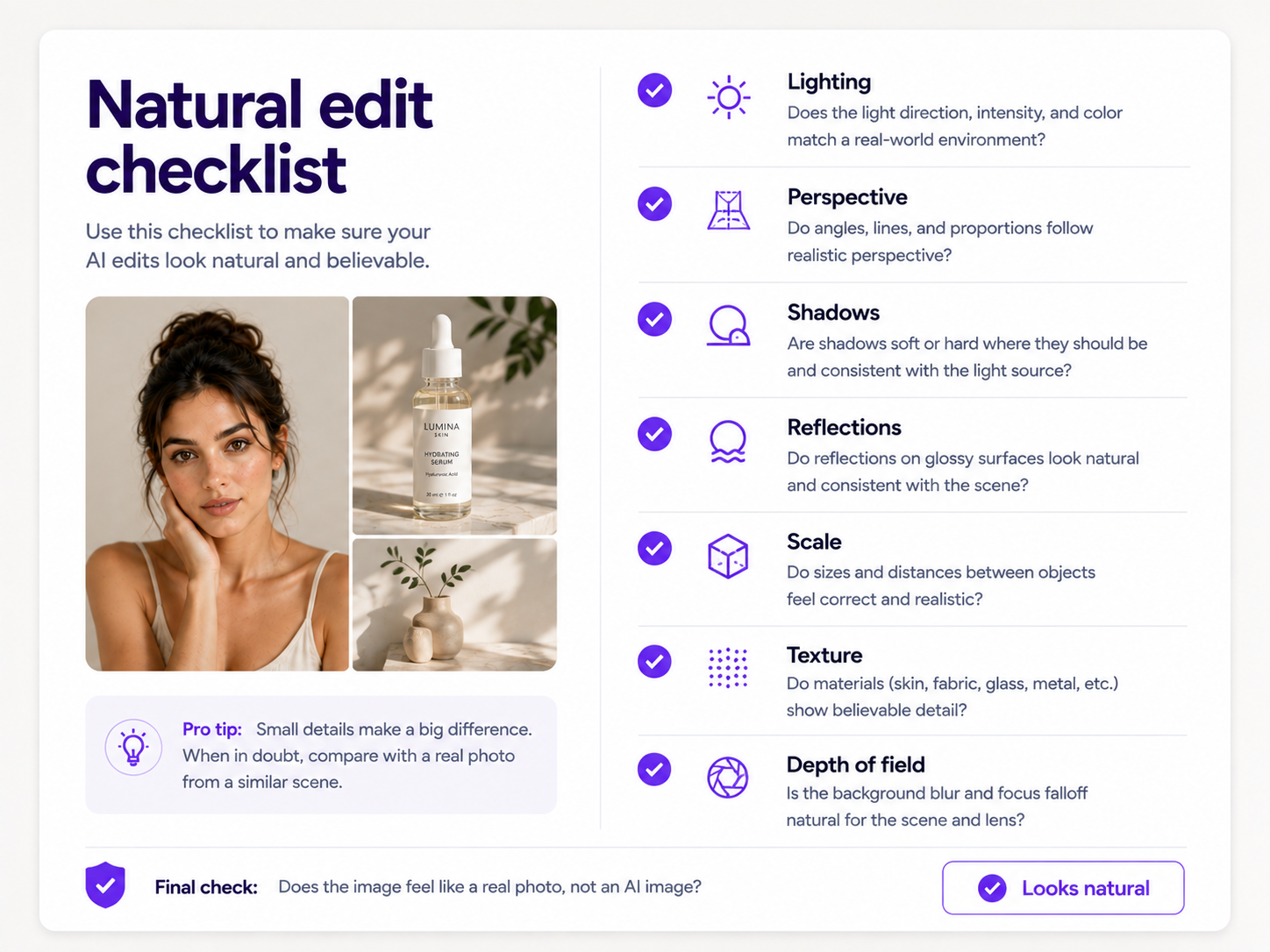
How to Make AI Photo Edits Look Natural
A successful edit should look as if the new element was present when the original photograph was taken. Check light direction, shadows, reflections, perspective, scale, focus falloff, and whether the edited area blends into surrounding textures.
The most convincing edits match lighting, perspective, shadows, reflections, scale, texture, and depth of field.
Common Mistakes
Avoid vague prompts such as "make professional" or "improve this image." Do not change too much at once when preservation matters. Explicitly protect facial identity and product details. Prefer concrete lighting and material instructions over buzzwords such as 8K, masterpiece, or ultra-realistic. Make sure a new background agrees with the subject's existing light direction.
A Reusable AI Photo Editing Prompt Template
For simple edits, shorten the template. For complex commercial images, fill in each section to reduce ambiguity.
The Most Useful Skill: Learn What to Preserve
AI photo editing becomes more predictable when you stop treating every prompt as a request for a completely new image. Tell the generator what to change, protect what already works, and describe how the new element should physically fit the original photograph.
FAQ
What is a good prompt for AI photo editing?+
A good editing prompt clearly states what should change, what should stay unchanged, and how the final result should look. For example: 'Replace the background with a clean studio, keep the person and clothing unchanged, and match the original lighting, perspective, and shadows.'
How do I tell AI to edit a photo without changing the face?+
Explicitly state that the person's identity must remain unchanged. Mention important features such as the face shape, eyes, nose, lips, jawline, skin tone, age, hairstyle, and expression when likeness is critical.
How do I write an AI prompt to change a background?+
Describe the new environment and ask the AI to preserve the main subject. Include instructions to match the original camera perspective, light direction, scale, shadows, and depth of field so the replacement looks natural.
What is the best AI prompt for product photography?+
Identify the product as the fixed reference and describe the desired photography around it. Preserve the exact geometry, packaging, branding, label, colors, and materials while specifying the new background, lighting, surface, reflections, and composition.
Can I edit an existing photo with a text prompt?+
Yes. Modern AI image editors can use uploaded images as the starting point and apply changes described in natural language, including background replacement, object removal, relighting, retouching, restyling, and generative expansion.
Should AI photo editing prompts be long?+
Not necessarily. A simple object-removal edit may need only one sentence. Longer prompts are useful when you need precise control over identity, products, lighting, perspective, composition, or materials.
How do I make AI photo edits look realistic?+
Ask the new content to match the original photograph's perspective, lighting, scale, shadows, reflections, color temperature, texture, and depth of field so the edited area appears physically connected to the scene.
How do I stop AI from changing the entire image?+
Use explicit preservation language such as 'change only the background' or 'keep all unrelated parts of the image unchanged.' When supported, select or mask the specific area you want to edit.
Can AI remove objects from photos using prompts?+
Yes. Identify the unwanted object and ask the AI to reconstruct the area behind it using surrounding textures, perspective, lighting, and environmental details while leaving the rest of the image unchanged.
Can AI improve product photos without changing the product?+
Yes. Clearly instruct the model to preserve the product's geometry, packaging, branding, label, colors, and materials while changing only the background, lighting, surfaces, or art direction.