Ecommerce teams need more images than ever. One product may require a clean product page image, lifestyle photography, advertising creative, social content, marketplace-specific assets, seasonal campaigns, localized images, and multiple aspect ratios. Producing every variation with a traditional photoshoot can become slow and expensive.
GenImagePro is built for this kind of workflow. Upload an existing product photo and use AI to create new visual directions while keeping the product itself as the reference. Instead of choosing between separate background removers, image generators, editing tools, photoshoot apps, and prompt workflows, you can describe what you want and let GenImagePro handle the appropriate image-generation or editing process behind the request.
What Is AI Image Generation for Ecommerce?
AI image generation for ecommerce means using generative image technology to create, edit, extend, or transform commercial visuals used to sell products online. This can include creating an entirely new scene around an existing product, changing the background, generating lifestyle photography, adapting an image for a campaign, or producing additional variations from the same source asset.
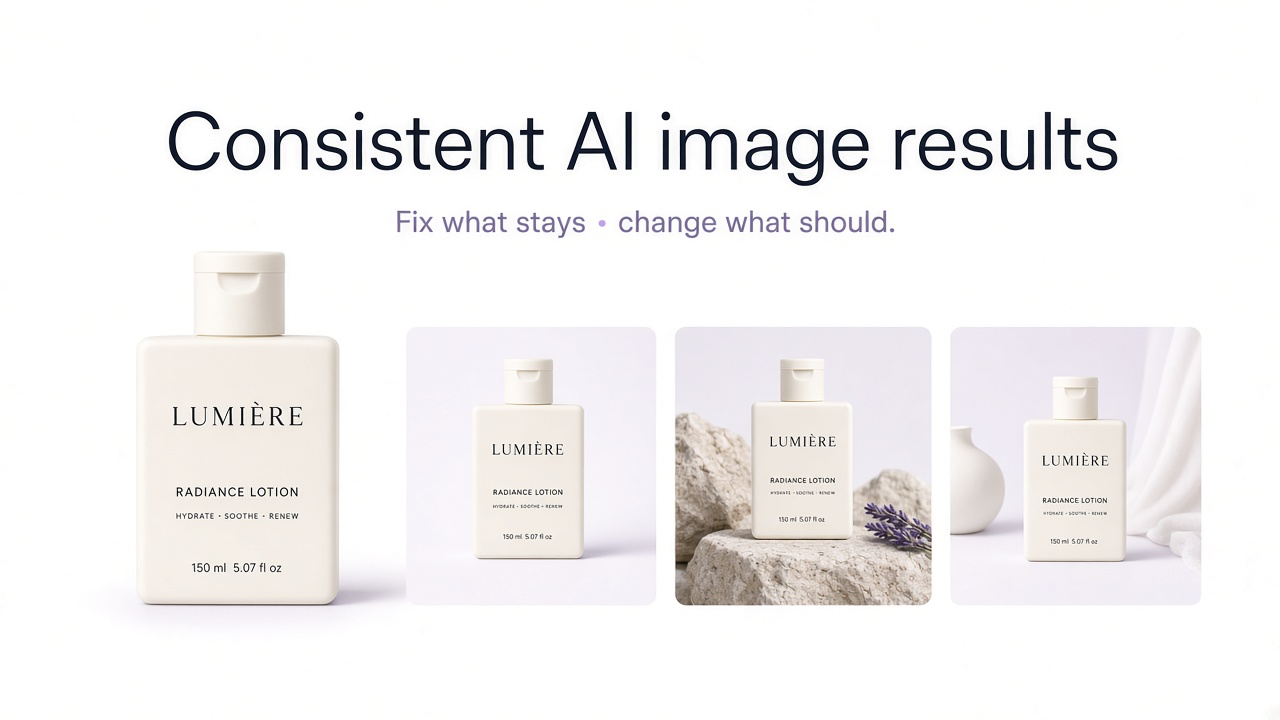
The most useful ecommerce workflow is often image-to-image rather than starting from text alone. A real product image gives the AI a visual reference for the product's shape, packaging, materials, colors, proportions, label placement, and other details.
1. Create Product Photography Without Rebuilding the Studio
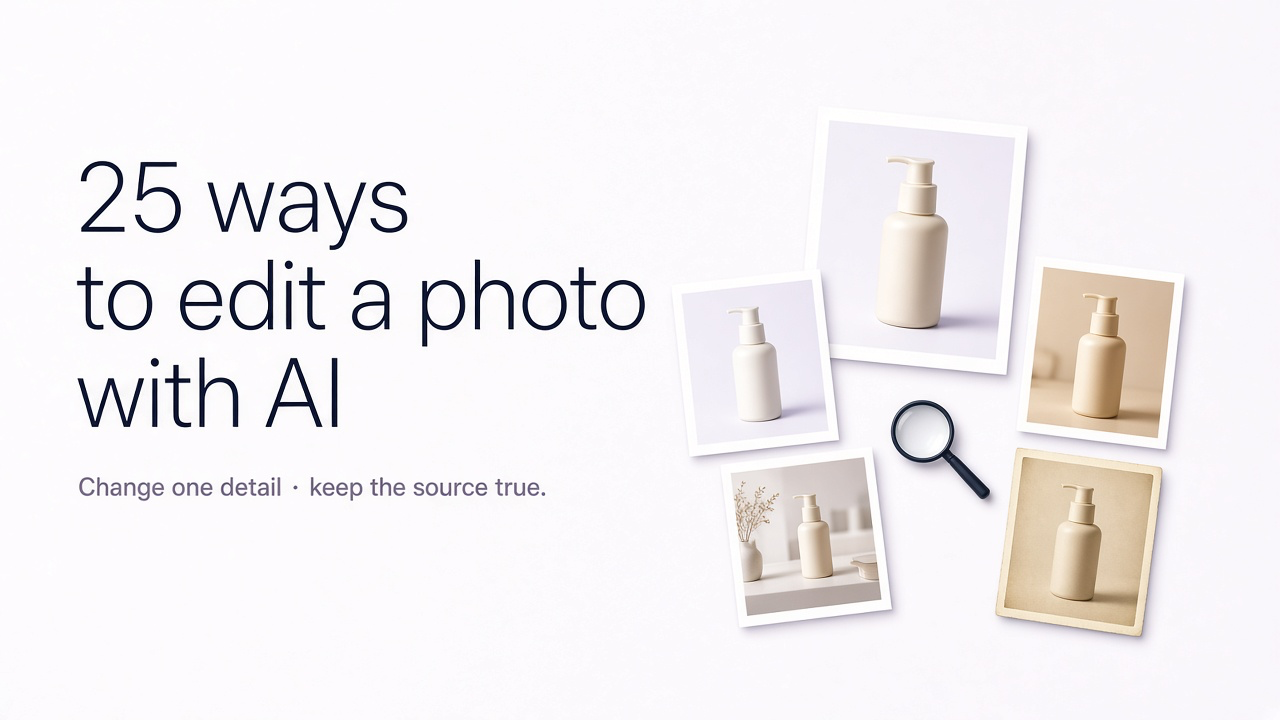
One of the most direct ecommerce applications is generating additional product photography from an existing source image. Instead of photographing the same product repeatedly on stone, fabric, colored paper, bathroom counters, kitchen surfaces, or campaign sets, you can explore those directions from one uploaded image.
In GenImagePro, you can upload a clear product shot and ask for a clean studio image, editorial composition, commercial lifestyle scene, flat lay, premium campaign photograph, or another photographic direction. The product remains the reference while the surrounding scene changes.
2. Generate Lifestyle Product Images
A plain product image explains what an item looks like, but lifestyle imagery helps customers imagine where or how it fits into their life. The challenge is that lifestyle shoots normally require locations, props, set design, talent, and additional production time.
With GenImagePro, the same product can be placed into multiple realistic environments: a skincare bottle in a modern bathroom, a lamp in a designed living room, a notebook on a clean workspace, or tableware in a contemporary dining setting.
3. Create Multiple Product Backgrounds
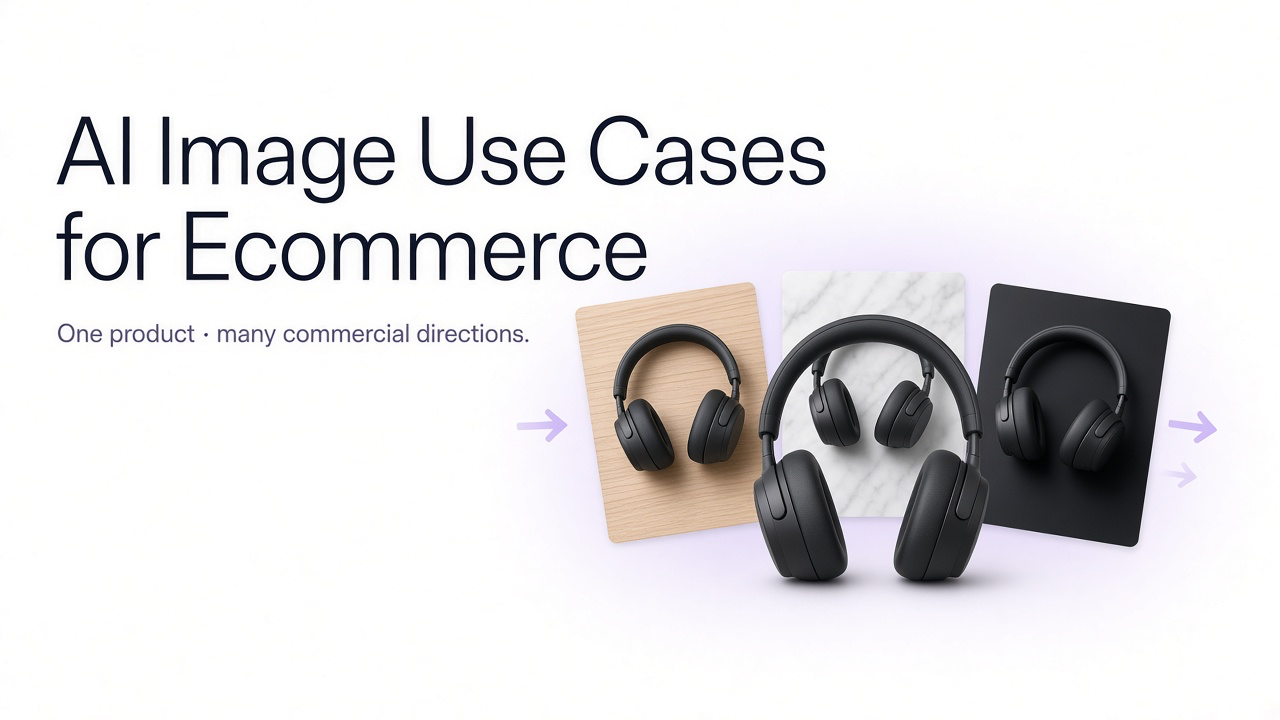
Background variation is one of the simplest ways to reuse a strong product asset. The same item may need a white ecommerce image, a pale editorial backdrop, a contextual lifestyle environment, and a darker premium campaign scene.
Instead of manually masking and compositing the product into every scene, GenImagePro can use the uploaded item as the visual source and generate new photographic environments around it.
4. Create Ecommerce Ad Creatives
Advertising requires far more variation than a product detail page. A brand may need different visual hooks, campaign concepts, compositions, and formats for paid social, display ads, retargeting, and promotional campaigns.
GenImagePro lets you turn one product into multiple ad-ready creative directions. For example, the same product can appear in a clean studio campaign, an editorial lifestyle scene, an ingredient-led concept, a seasonal environment, or a high-contrast launch visual.
5. Produce Creative Variations for A/B Testing
One creative image is rarely enough to understand what customers respond to. Ecommerce marketers often need multiple directions to test background color, composition, visual density, lifestyle context, product scale, and overall campaign style.
AI makes this easier because the underlying product can stay consistent while the surrounding creative direction changes. In GenImagePro, you can create several deliberate variants from the same uploaded asset instead of scheduling a new shoot for every hypothesis.
Variables you can test
- Studio vs lifestyle setting
- Minimal vs prop-led composition
- Light vs dark background
- Centered vs asymmetrical layout
- Close product focus vs wider environment
- Clean ecommerce vs editorial campaign style
- More vs less negative space for ad copy
6. Create Seasonal Campaign Images
Seasonal campaigns traditionally require a new visual production cycle even when the product itself has not changed. AI can help brands reuse the same source assets across different campaign moments.
With GenImagePro, you can place the same product into a restrained holiday campaign, summer launch, Valentine's concept, Halloween environment, back-to-school composition, or other seasonal direction while keeping the product consistent.
7. Create Marketplace-Specific Product Images
Brands often sell the same product across their own store and several marketplaces, but each channel may benefit from a different image sequence or composition. One platform may emphasize clean product views while another benefits from lifestyle, feature, or scale-focused imagery.
GenImagePro can help create visual variations from the same product source so teams can prepare cleaner channel-specific assets without rebuilding the full photography workflow every time.
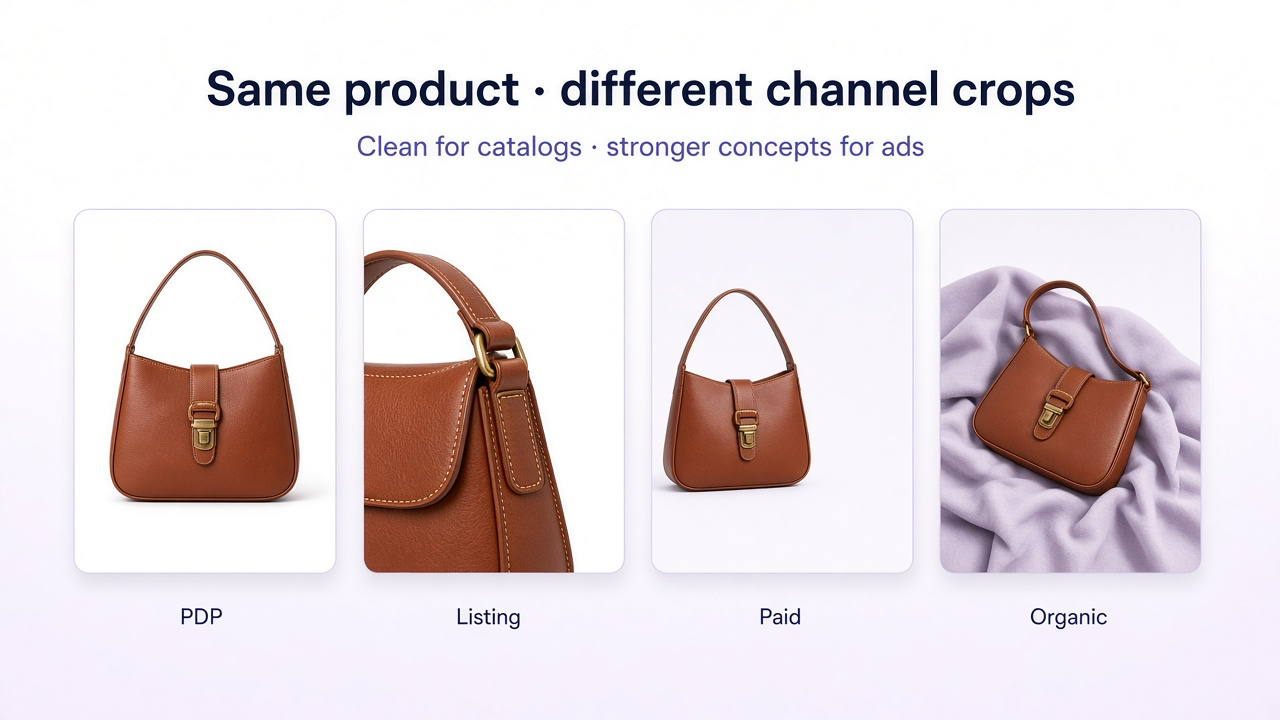
| Use | Typical visual | AI opportunity |
|---|---|---|
| Product page | Clean product-first imagery | Create consistent backgrounds and additional visual angles or scenes |
| Marketplace listing | Clear product presentation | Create additional listing-ready variations from existing source assets |
| Paid social | Stronger campaign concept | Generate multiple creative directions for testing |
| Organic social | Editorial or lifestyle content | Create more visually diverse content without constant reshoots |
Match the visual to the channel — clean product-first for PDP, stronger concepts for paid social.
A product page may only need a handful of strong images, while social channels require a continuous flow of visual content. AI can help bridge that gap.
Upload the product once to GenImagePro and create a wider editorial scene, a clean flat lay, a close campaign crop, a lifestyle image, or another direction for social content. The same product asset can support a much larger content calendar.
9. Generate Product Flat Lays
Flat lays are useful for beauty products, jewelry, accessories, stationery, fashion, food, and product bundles, but building each composition physically takes time. AI can make it much easier to explore layouts before or instead of producing every scene manually.
With GenImagePro, you can upload the real product and request centered, grid, diagonal, asymmetrical, or negative-space flat-lay compositions. You can also specify the surface, props, lighting, and campaign style.
10. Create Product Bundles and Collection Images
Collection photography can be difficult when several products need to appear together in a balanced composition. AI can help ecommerce teams build cleaner visual arrangements for bundles, sets, routines, and coordinated collections.
This is useful for skincare routines, gift sets, stationery bundles, accessories, homeware collections, and other product groups where the relationship between items matters.
11. Visualize Products in Different Environments
For furniture, home decor, lighting, kitchenware, and other environment-dependent products, context can significantly change how a customer understands the item.
GenImagePro can help place the same item into different visual environments, such as a minimal apartment, contemporary office, warm living room, clean kitchen, or editorial interior. This can make one source product image much more useful across campaigns and product pages.
12. Generate Fashion and Apparel Campaign Images
Fashion brands can use AI to explore campaign environments, styling directions, editorial compositions, and alternative creative concepts around existing garment assets.
GenImagePro can support image-to-image fashion workflows where the garment remains the important reference while the surrounding campaign direction changes. As with any commercial AI imagery, details such as garment shape, construction, pattern, color, logos, and fabric should be reviewed carefully.
13. Improve Existing Product Photos
AI generation does not always mean creating a completely different image. Sometimes the most valuable ecommerce use case is improving the photograph you already have.
GenImagePro can be used to clean backgrounds, improve photographic quality, refine lighting, make a scene more premium, increase clarity, or correct a weak visual direction while keeping the uploaded product as the source.
14. Create New Aspect Ratios from Existing Creative
Ecommerce assets often need to work across square product grids, portrait social placements, vertical ads, landscape banners, and other formats. Simply cropping a finished image can cut off the product or destroy useful negative space.
AI can help extend or rebuild the surrounding scene for a different aspect ratio while keeping the product itself in a useful position. This is especially valuable when one campaign concept needs to work across multiple channels.
15. Localize Ecommerce Images for Different Markets
Localization is more than translating a product description. Promotional images, banners, packaging callouts, and visual content may also need to change for different languages or markets.
GenImagePro can support multilingual image workflows, including translating text within images while keeping the visual asset usable across different language versions. This can reduce the need to manually rebuild each creative for every market.
16. Prototype Campaign Concepts Before a Photoshoot
AI is also useful before production begins. Instead of describing a creative direction only with words, ecommerce teams can visualize several possible campaign concepts first.
Upload the product to GenImagePro and test potential environments, lighting styles, compositions, props, and art direction. The strongest concept can then be used as the final AI creative or as a clearer reference for a physical photoshoot.
17. Create More Visual Content for Smaller Product Catalogs
A small catalog can quickly start looking repetitive if every campaign uses the same three photographs. AI allows a brand to create more visual variety around a limited number of products.
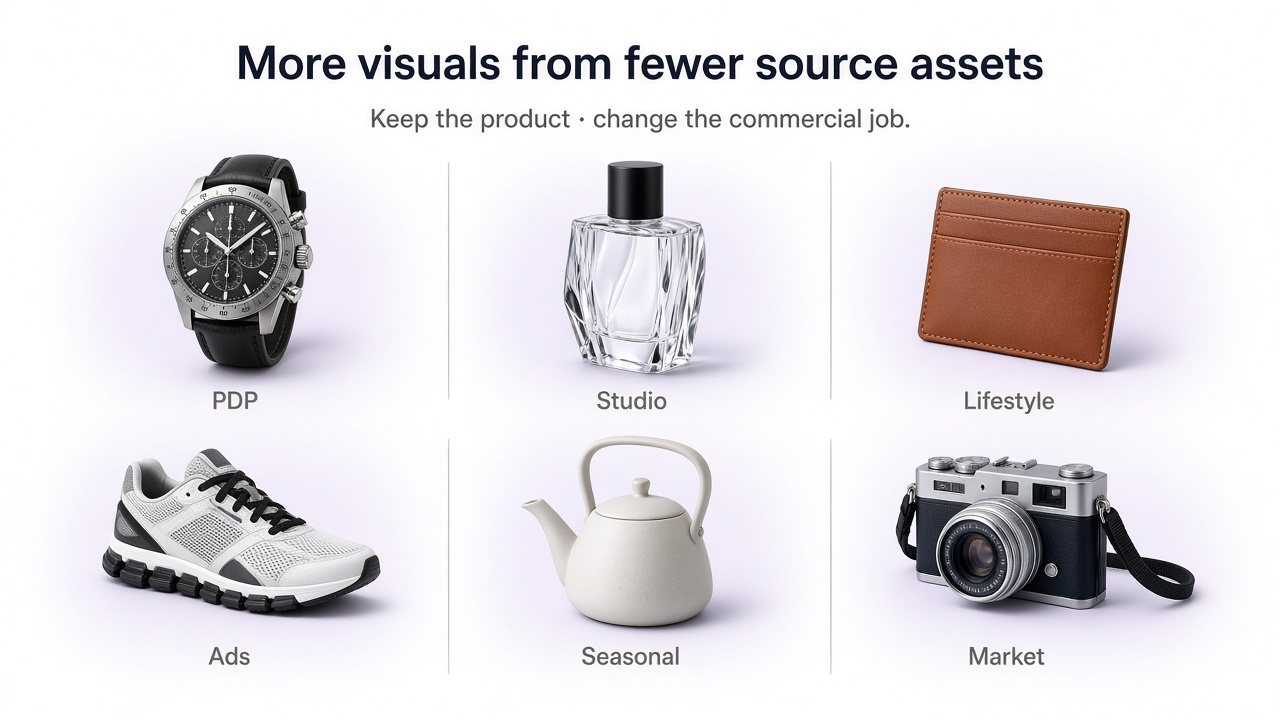
A single product can be shown as a studio packshot, lifestyle scene, flat lay, editorial image, seasonal campaign, advertising creative, and social post while remaining visually connected to the same underlying product.
18. Create Images for Products Before Full Campaign Production
When a product is ready but campaign production is still underway, AI can help teams develop early creative directions, launch concepts, visual references, or supplementary content from the available product imagery.
This can be especially useful when marketing needs begin before there is enough time or budget for a large dedicated production.
Where GenImagePro Fits into an Ecommerce Workflow
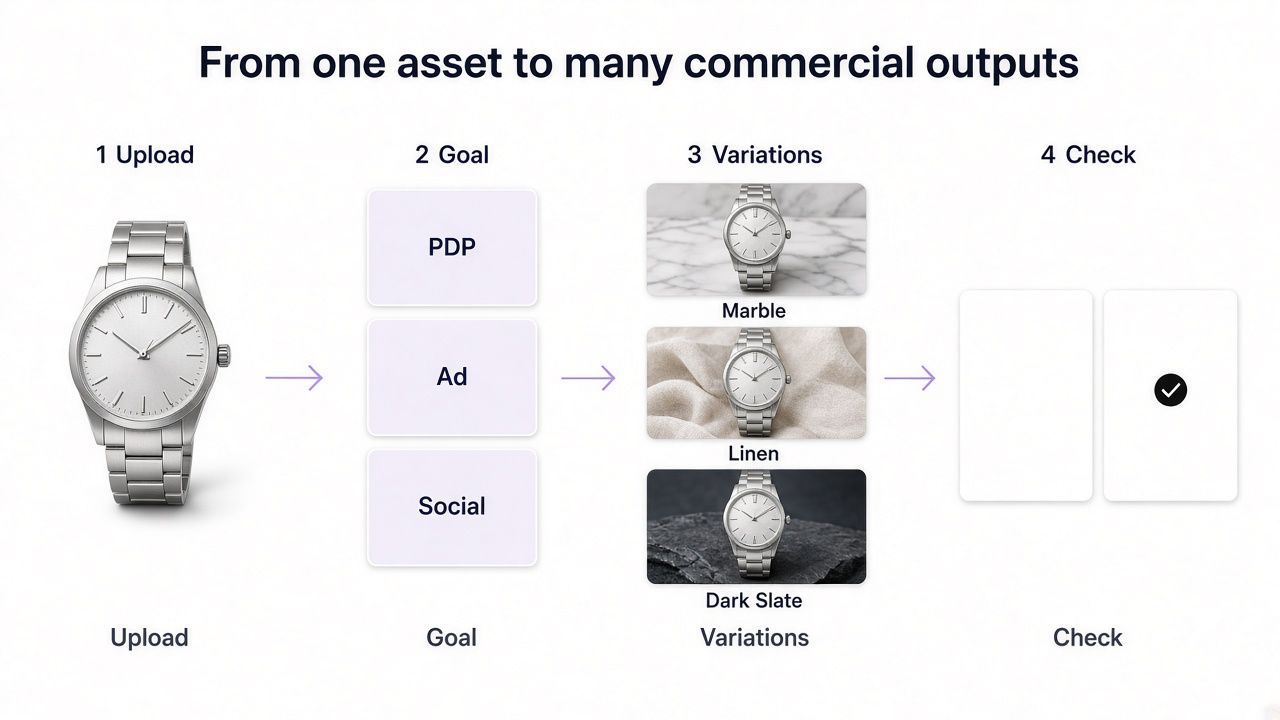
The biggest advantage is not simply that AI can generate an image. It is that one source asset can become the starting point for many different commercial outputs.
A practical GenImagePro ecommerce workflow
Upload the product
Start with a clear image that accurately represents the item.
Choose the commercial goal
Decide whether you need a PDP image, lifestyle visual, marketplace asset, advertisement, campaign image, or social creative.
Use a template or describe the direction
Start quickly from a GenImagePro template or give the platform a custom instruction.
Let GenImagePro handle the AI workflow
You do not need to manually choose between separate generation, editing, background, or enhancement processes.
Generate several useful directions
Compare compositions, environments, lighting, backgrounds, and campaign ideas.
Check product fidelity
Verify labels, packaging, materials, colors, dimensions, patterns, and other commercially important details.
Reuse the strongest visual
Adapt it into additional campaign formats, ratios, markets, or creative variations.
AI Image Generation vs Traditional Ecommerce Photography
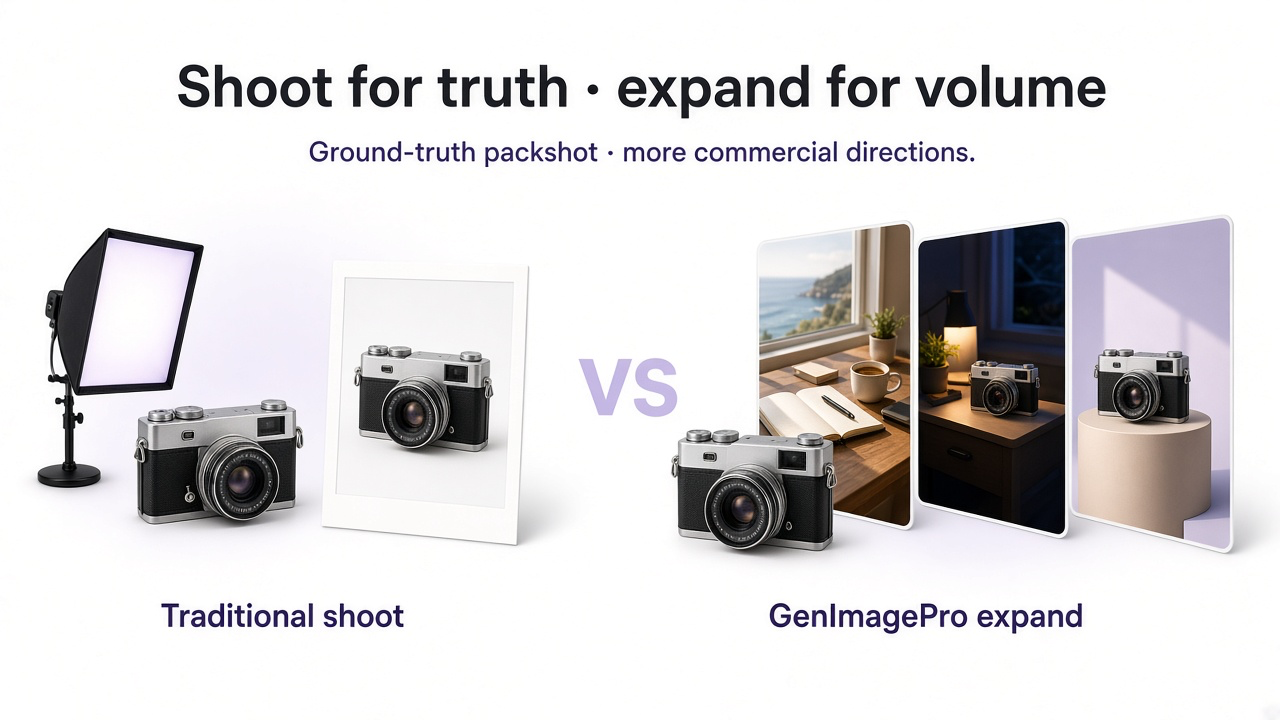
| Need | Traditional photography | AI with GenImagePro |
|---|---|---|
| Accurate core product packshot | Excellent source of ground-truth product detail | Can improve or expand an existing source asset |
| Many background variations | Requires new setups or compositing | Create multiple environments from one product image |
| Lifestyle scenes | Requires location, props, and production | Explore different contexts from an uploaded product |
| Ad testing | Additional concepts may require new production | Generate more creative directions faster |
| Seasonal campaigns | Often requires a new shoot | Reuse product assets across seasonal concepts |
| Creative experimentation | Higher setup cost for every idea | Test ideas before committing to production |
Use real photography when exact fidelity is critical; use GenImagePro to expand those assets further.
The strongest workflow is often hybrid. Use real product photography when exact physical fidelity matters, then use GenImagePro to expand that source material into more environments, campaigns, compositions, and content variations.
What Ecommerce Teams Should Check Before Publishing AI Images
AI ecommerce image checklist
Product shape is accurate.
Check dimensions, proportions, edges, caps, handles, closures, and physical construction.
Packaging remains correct.
Verify labels, typography, logos, colors, and placement.
Materials still look realistic.
Glass, metal, fabric, leather, plastic, stone, and other surfaces should match the real item.
Colors match the actual product.
This is particularly important for fashion, cosmetics, furniture, and color-specific variants.
Scale is believable.
Products placed in generated environments should not appear unrealistically large or small.
The image does not imply a feature the product does not have.
AI creative should not visually misrepresent functionality, accessories, ingredients, or included items.
The composition works for the intended channel.
Leave appropriate negative space and check crops for ads, ecommerce pages, and social placements.
Frequently Asked Questions
What are the best AI image generation use cases for ecommerce?
Common use cases include product photography, lifestyle scenes, background variations, advertising creative, A/B testing, seasonal campaigns, marketplace images, social content, flat lays, product collections, localization, aspect-ratio adaptation, and campaign concept development.
Can I use GenImagePro for ecommerce product photography?
Yes. Upload a real product photo to GenImagePro and use it as the visual reference for new studio, lifestyle, editorial, flat-lay, campaign, or advertising images.
Do I need to generate the product itself from text?
No. For ecommerce, using the real product image as the source is usually better when product fidelity matters. GenImagePro can work from the uploaded image while changing the surrounding scene or creative direction.
Can GenImagePro create multiple images from one product photo?
Yes. A single product image can be used as the basis for multiple visual directions, backgrounds, compositions, campaign ideas, and other ecommerce assets.
Can GenImagePro create ecommerce ads?
Yes. You can upload the product and request ad-oriented images with stronger visual hierarchy, campaign styling, and intentional negative space for copy.
Can I create seasonal product images with AI?
Yes. GenImagePro can help place the same product into different seasonal creative directions while using the uploaded item as the visual reference.
Can AI replace ecommerce photography completely?
Not always. Real photography remains valuable when exact physical representation is critical. AI is especially useful for expanding those source assets into additional scenes, campaigns, and creative variations.
Does GenImagePro choose the AI workflow for me?
GenImagePro is designed around the result you request, so you do not need to manually decide whether the job requires image generation, image editing, background replacement, enhancement, or a combination of workflows.
How do I keep an AI-generated ecommerce image accurate?
Start from a clear real product image, explicitly ask GenImagePro to preserve the product, and inspect packaging, labels, materials, dimensions, colors, patterns, and other commercially important details before publishing.