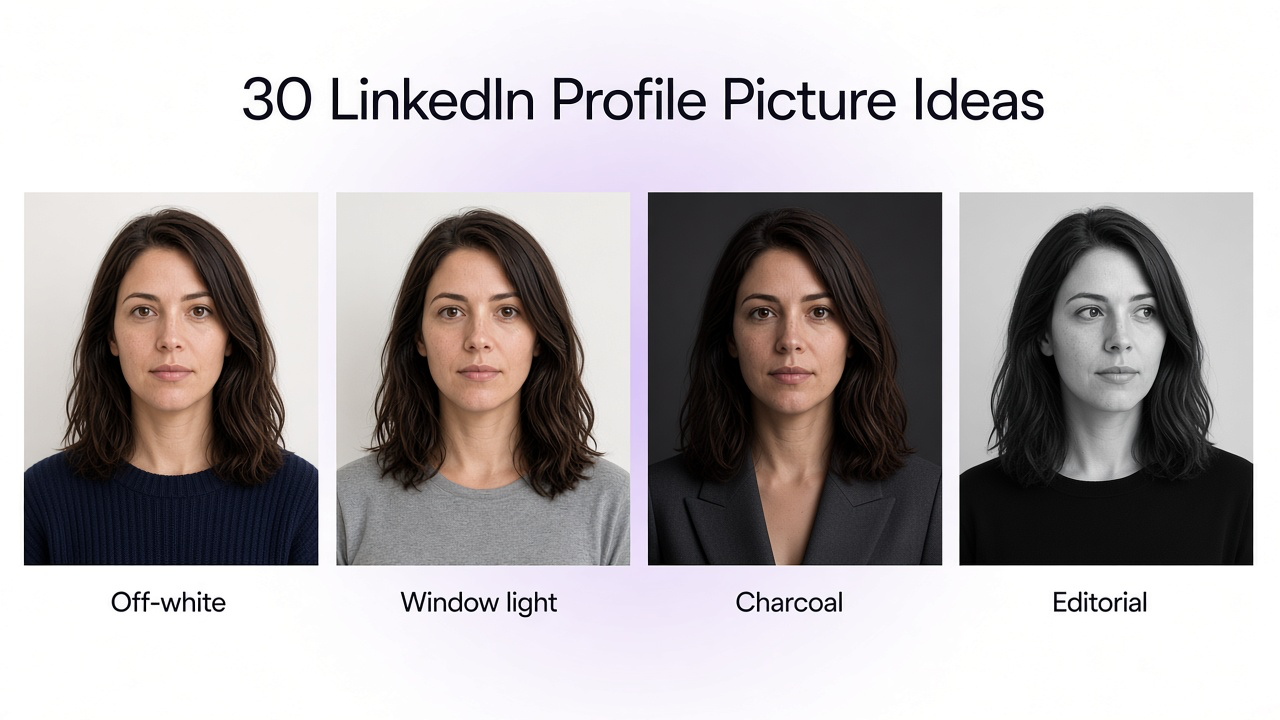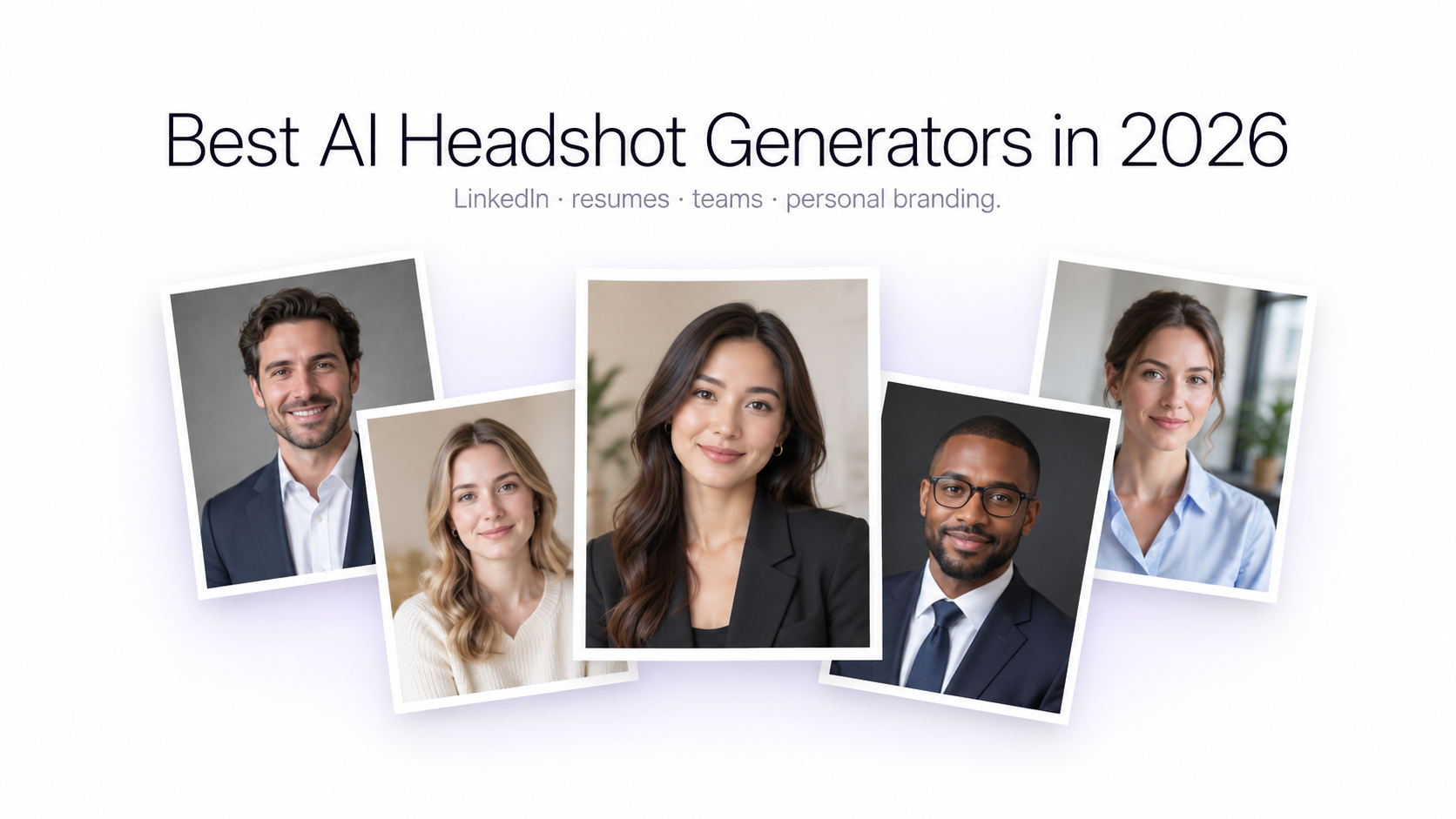
A professional headshot no longer requires booking a photographer, finding a studio, choosing a shooting date, and waiting days for retouched photos. AI headshot generators can now transform ordinary selfies and existing portraits into polished images designed for LinkedIn, resumes, company websites, speaker profiles, personal branding, and other professional uses.
The category has also become much broader. Some platforms are dedicated almost entirely to professional headshots and generate large batches after learning your appearance from several photos. Others let you start from one existing portrait and continue changing the background, clothing, lighting, composition, or overall visual style.
That difference matters. Someone who needs 50 corporate headshot variations has different requirements from someone who already has a good portrait and only wants a cleaner background, more professional wardrobe, different lighting, or several versions for different platforms.
This guide compares nine AI headshot generators available in 2026 based on their current public workflows, customization options, output approach, professional use cases, and editing flexibility. Product features and pricing change frequently, so always check the current plan details before purchasing.
Best AI Headshot Generators in 2026
The nine tools covered in this guide are GenImagePro, BetterPic, Aragon AI, HeadshotPro, Secta AI, Dreamwave, Canva, Fotor, and Remini. Rather than treating every platform as interchangeable, the comparison focuses on the workflow each tool is designed to solve.
Quick Comparison
GenImagePro — best overall for creating a professional headshot from an existing photo and continuing to edit the image afterward.
- BetterPic: best for dedicated high-resolution professional headshot packages.
- Aragon AI: best for fast dedicated headshot batches with selectable attire and backgrounds.
- HeadshotPro: best for straightforward individual and team headshot packages.
- Secta AI: best for users who want a very large collection of headshot variations and extensive style choices.
- Dreamwave: best for professional headshots with broad style variety and company-focused workflows.
- Canva: best when the finished headshot needs to become part of a resume, presentation, social profile, or other design.
- Fotor: best for an accessible all-in-one browser photo toolkit with dedicated AI headshot options.
- Remini: best for mobile-first AI portraits and enhancing existing photos.
How We Compared AI Headshot Generators
This comparison focuses on practical differences rather than marketing claims. We considered how users provide their source photos, whether the platform is dedicated specifically to headshots or part of a broader image editor, how much control users have over clothing and backgrounds, whether images can be edited after generation, output variety, professional use cases, team functionality, and the overall complexity of the workflow.
We also considered one of the most important factors in AI portrait generation: how to keep the same face in AI images. A professional headshot should still look recognizably like the person who uploaded the source photo. An attractive image is not useful if facial structure, age, hair, skin texture, accessories, or other important identifying characteristics have changed too much.
This article is based on current public product information reviewed in September 2026. It should not be interpreted as a claim that every tool was independently tested under identical conditions.
1. GenImagePro — Best for Flexible AI Headshots You Can Keep Editing
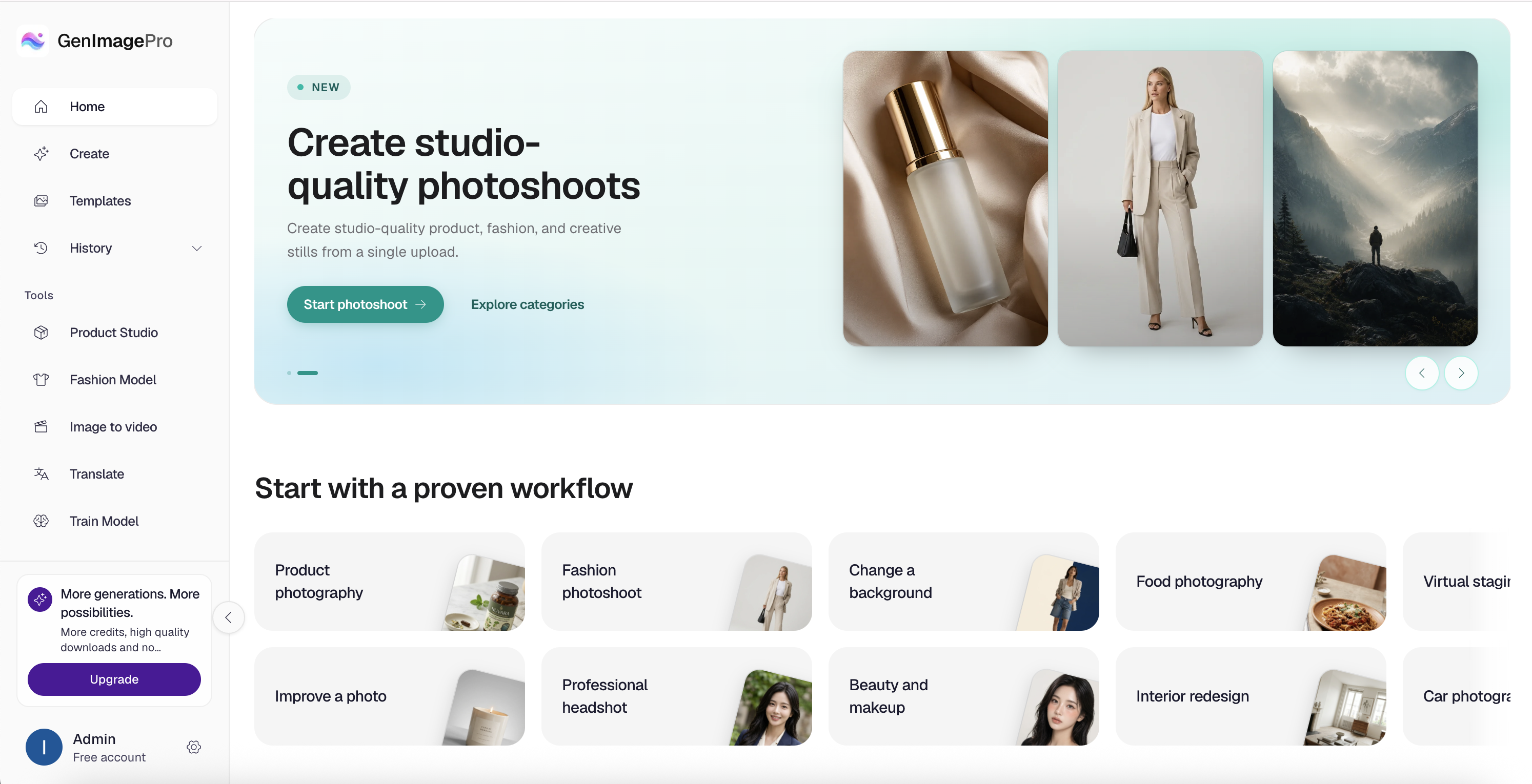
GenImagePro takes a different approach from dedicated headshot services. Instead of requiring users to purchase a large predefined headshot package, it is built around transforming uploaded images through guided AI workflows.
For professional portraits, GenImagePro lets you begin with an existing photo and create a more polished version while changing elements such as the setting, visual style, clothing direction, lighting, or overall presentation. The same image can then continue through GenImagePro's broader editing and transformation workflow.
This flexibility is particularly useful when you do not need dozens of randomly generated portraits. For example, creating a professional headshot from a selfie works well when you already like your expression and face in an existing photograph but want to turn it into a clean LinkedIn headshot, a more formal corporate portrait, and a slightly more relaxed personal-branding image.
GenImagePro also extends beyond headshots. The same platform supports visual workflows across people, products, fashion, beauty, spaces, food, cars, and creative projects, making it more relevant for users who need an AI image platform rather than a single-purpose headshot service.
When to Choose GenImagePro
Choose GenImagePro when you already have a usable photo and want more control over how it is transformed instead of purchasing a fixed batch of headshots.
It is also a good fit when you want to keep working with the resulting portrait afterward, such as creating different backgrounds, outfits, styles, profile images, creative portraits, or other visual variations from the same source.
Best for: LinkedIn updates, resume portraits, personal branding, and anyone who wants a flexible AI headshot workflow with continued editing rather than a one-time package.
2. BetterPic
Best for Dedicated High-Resolution Professional Headshots
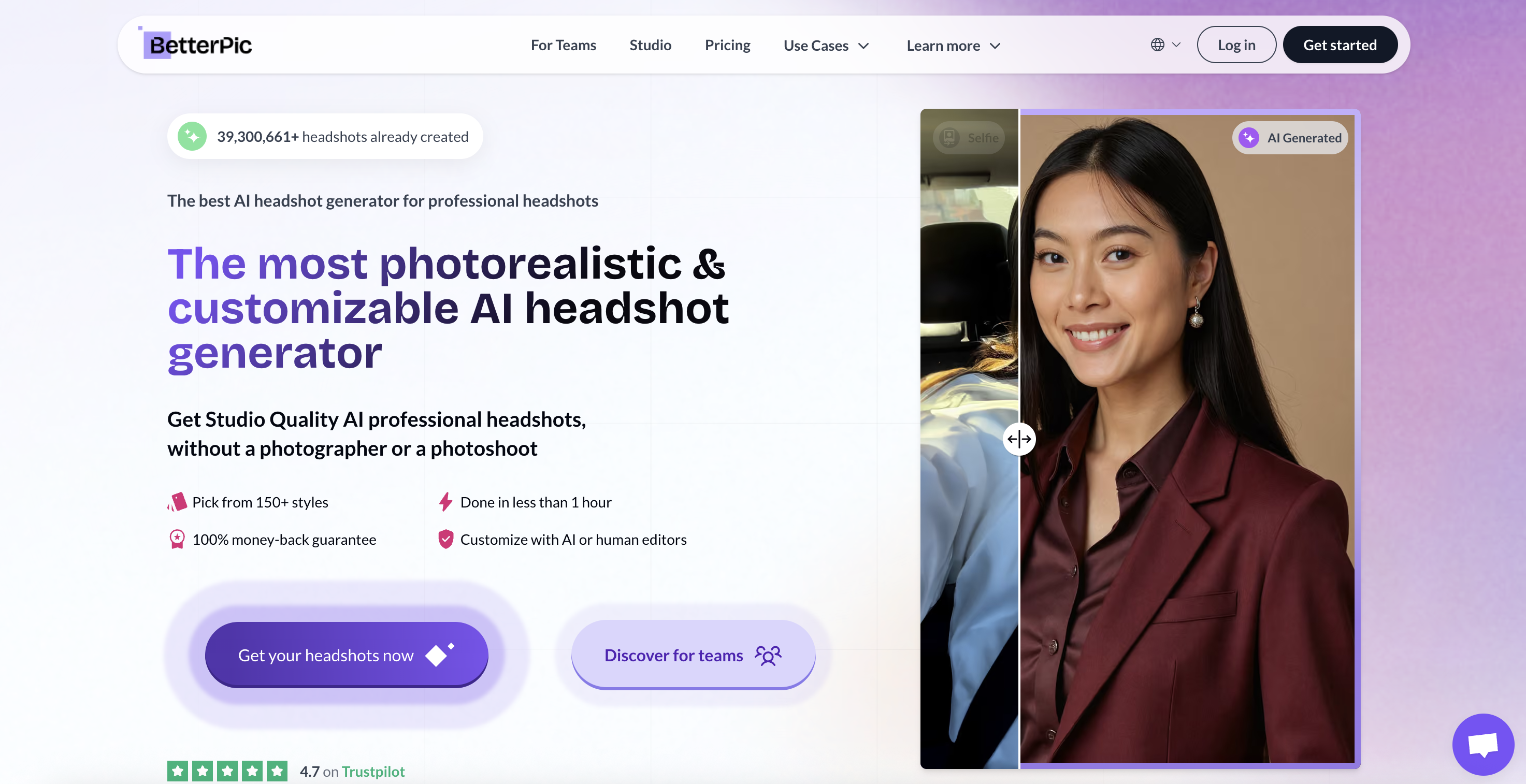
BetterPic is a dedicated AI headshot platform built around generating professional portraits from uploaded photos. Unlike a general AI image editor, the workflow is specifically designed for business headshots, LinkedIn photos, resumes, company profiles, and similar professional uses.
Its current individual packages begin at $35 and include 4K headshots. Higher tiers increase the number of generated images, styles, AI edits, and support options. BetterPic also provides separate team options for organizations that need consistent employee headshots.
One advantage of this approach is predictability. Users select a headshot-oriented service rather than navigating a broad image-generation platform. BetterPic is therefore particularly relevant for someone who knows they want a conventional professional headshot package and would prefer several finished options to choose from.
When to Choose BetterPic
Choose BetterPic when your main objective is a dedicated professional headshot package and you want multiple high-resolution portraits instead of a broader creative image-editing platform.
3. Aragon AI
Best for Fast Professional Headshot Batches
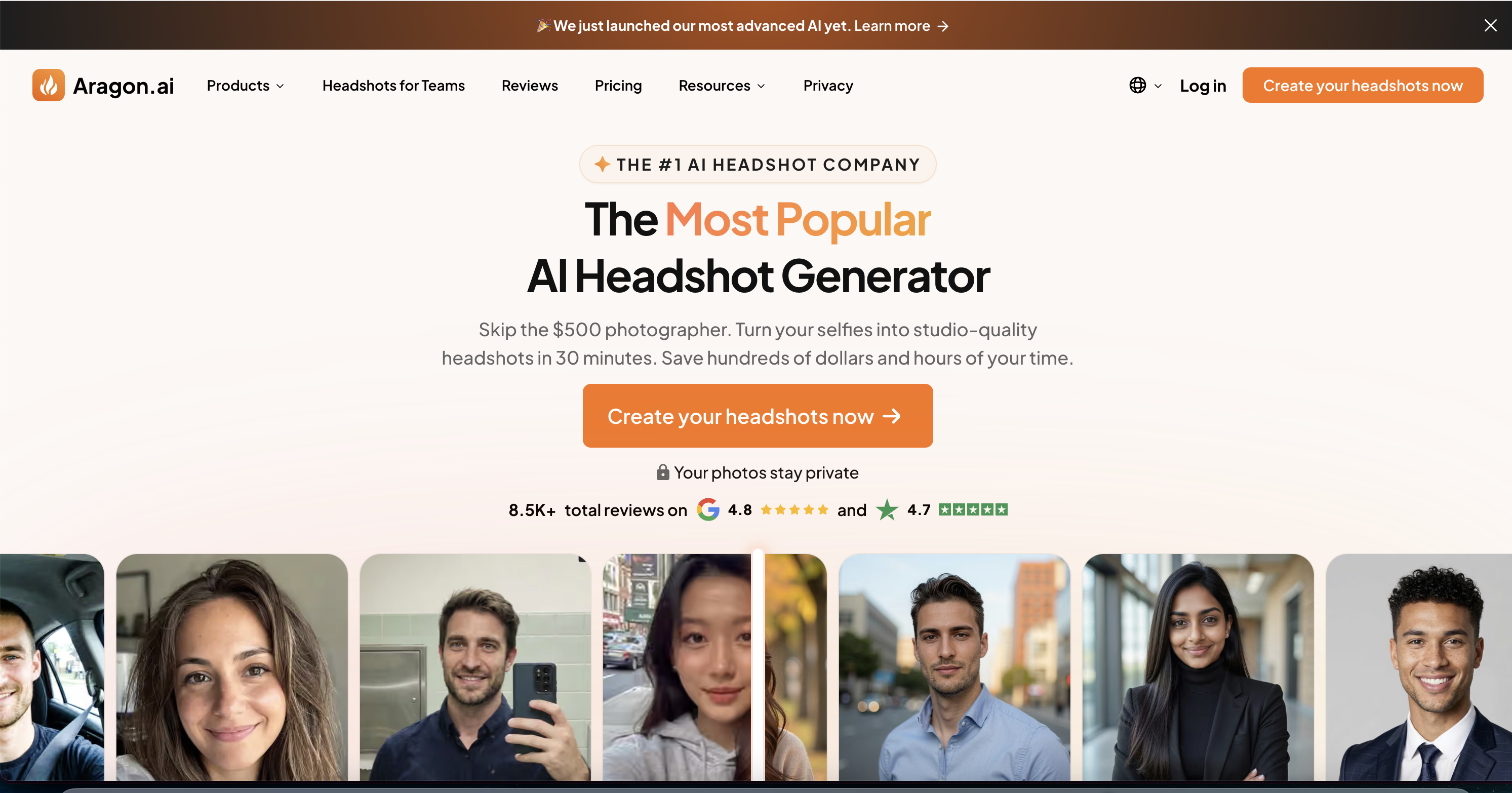
Aragon AI is another established platform focused on professional AI photography. Its headshot workflow produces batches of portraits with different attire and background options, with packages differentiated by image count, generation time, clothing choices, backgrounds, and output resolution.
As of September 2026, Aragon's published headshot packages include a Basic option with 40 headshots, a Standard option with 60, and an Executive option with 100. Published generation times decrease on higher packages, while the Executive tier adds broader attire and background access along with enhanced resolution.
Aragon has also expanded beyond one-time headshot generation with broader AI photo-editing subscriptions, making the platform more flexible than a traditional headshot-only service.
When to Choose Aragon AI
Choose Aragon when you want a dedicated headshot experience, several professional variations, selectable attire and background options, and relatively fast batch generation.
4. HeadshotPro
Best for Straightforward Individual and Team Headshots
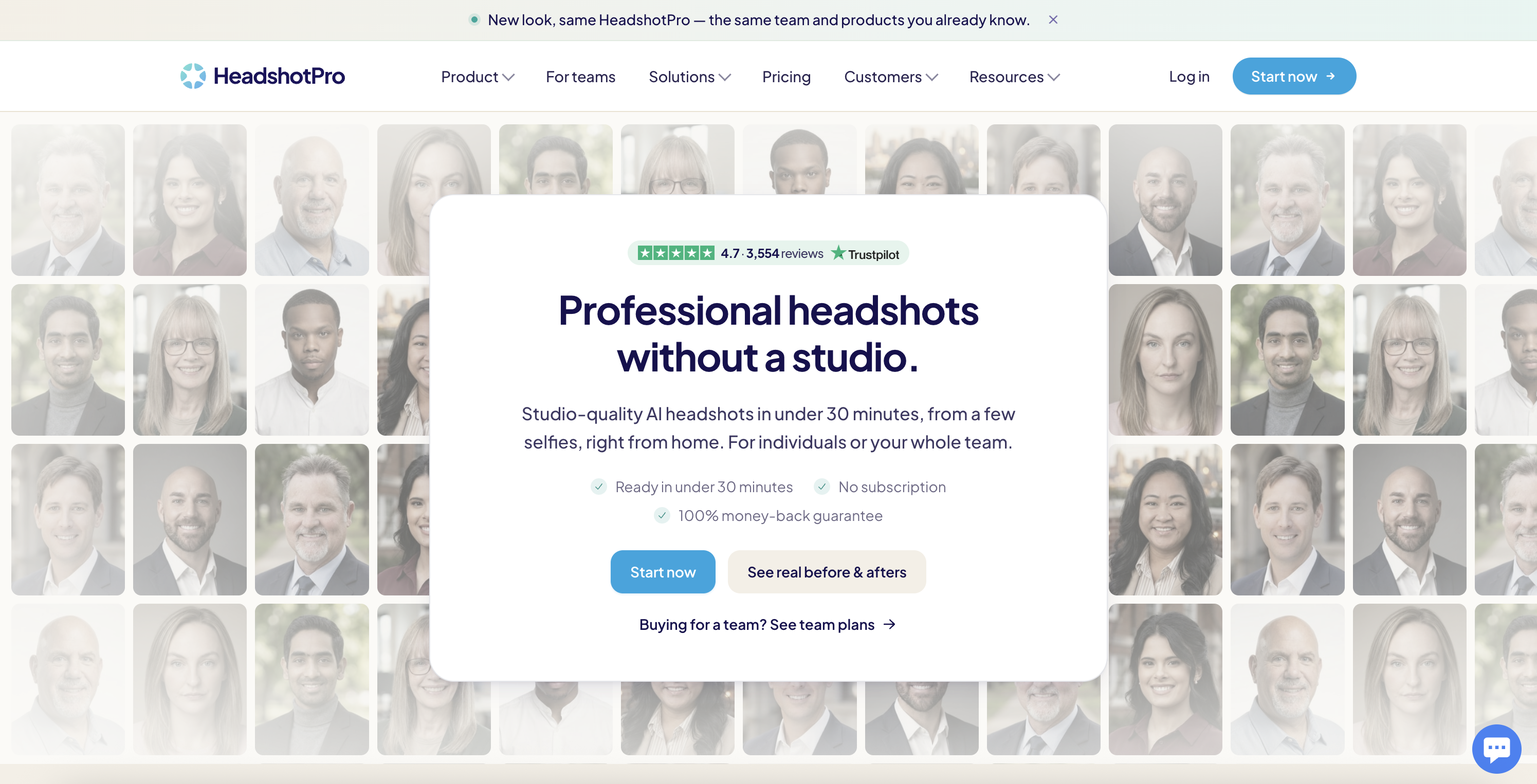
HeadshotPro is purpose-built around replacing the traditional professional headshot session with an online workflow. Users upload selfies, the system generates portraits across different professional styles, and the user selects the images they want to keep or edit.
Current individual packages start at $29 for 30 headshots, with larger packages offering more images and additional output options. HeadshotPro also supports teams through a credit-based system, which makes it relevant to businesses that need headshots for multiple employees.
HeadshotPro states that input photos are not used to train its models and that uploaded source photos are automatically deleted after a defined retention period. Those policies can be important when professional portraits are being created for employees or organizations.
When to Choose HeadshotPro
Choose HeadshotPro when you want a specialized headshot generator with simple one-time individual packages or need a repeatable process for producing headshots across a team.
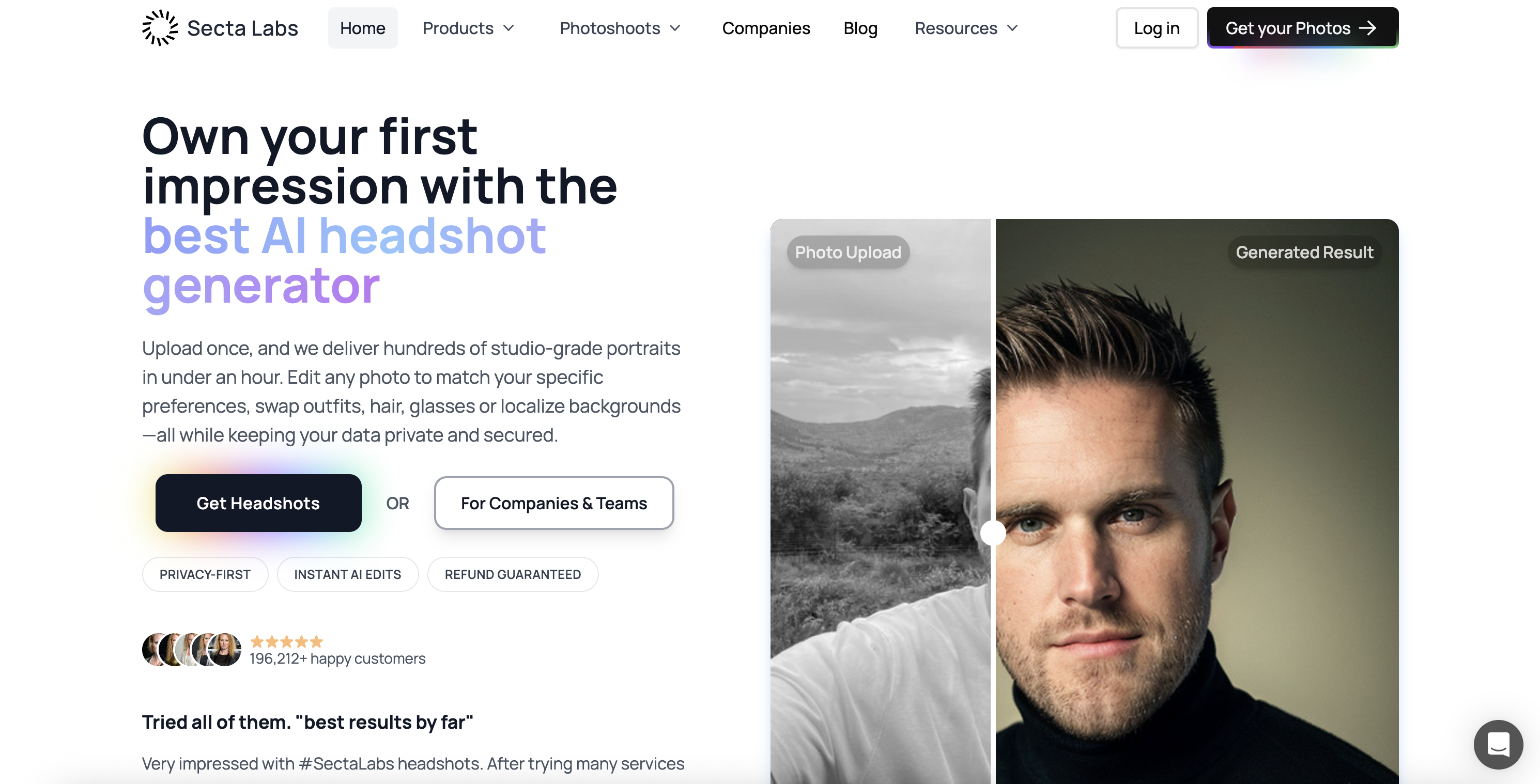
5. Secta AI
Best for Hundreds of Headshot Variations
Secta AI focuses heavily on output variety. Its professional headshot offering is designed to create hundreds of portrait options rather than a small collection of finished images.
The current Professional plan advertises hundreds of high-resolution headshots, more than 200 style choices, and AI editing tools for modifying generated portraits. This makes Secta particularly relevant for users who want to explore many combinations of backgrounds, clothing, poses, and professional looks before choosing a favorite.
The tradeoff is that a high-volume workflow can require more selection time. Someone who simply wants one clean LinkedIn image may not need hundreds of alternatives, while a consultant, founder, real-estate professional, speaker, or creator who regularly changes profile imagery may value that variety.
When to Choose Secta AI
Choose Secta when output variety is a priority and you would rather receive a large gallery of possible professional portraits than a smaller curated batch.
6. Dreamwave
Best for Style Variety and Company Headshots
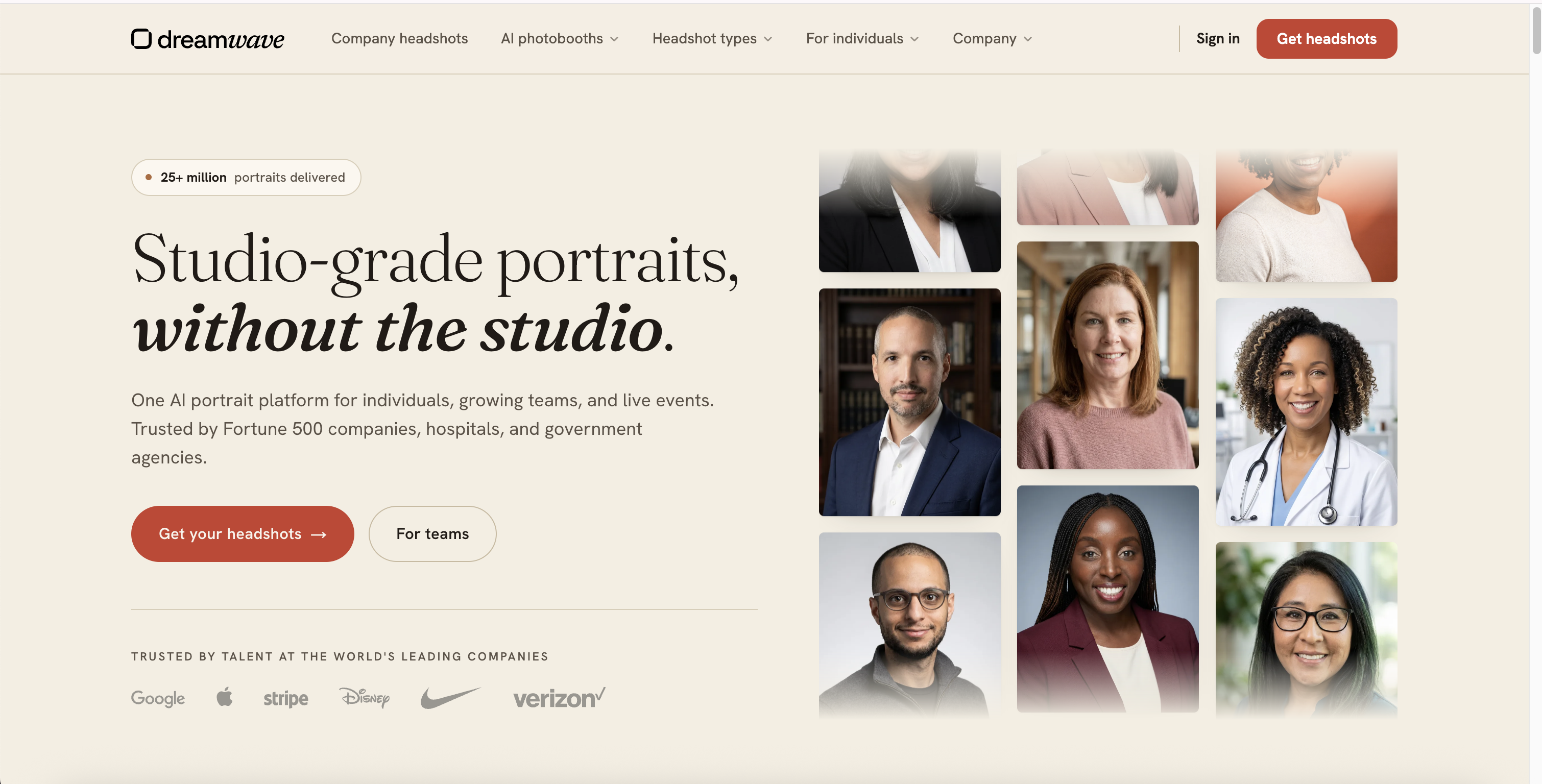
Dreamwave provides AI-generated professional photography for both individuals and organizations. Its individual packages use a relatively simple workflow: provide a source selfie, select a package, and receive multiple professional photo variations.
Current individual pricing begins at $35, with packages increasing the number of generated photos and access to options such as redos and human touch-ups. Dreamwave also offers a dedicated company product designed around consistent employee imagery.
Its business-oriented functionality is one of the more distinctive parts of the platform. Dreamwave promotes workflows for maintaining employee photos across company systems and creating standardized visual presentation across distributed teams.
When to Choose Dreamwave
Choose Dreamwave when you want professional AI portraits with many visual styles or when standardized headshots are part of a larger company or employee-profile workflow.
7. Canva
Best for Headshots That Need to Become Designs
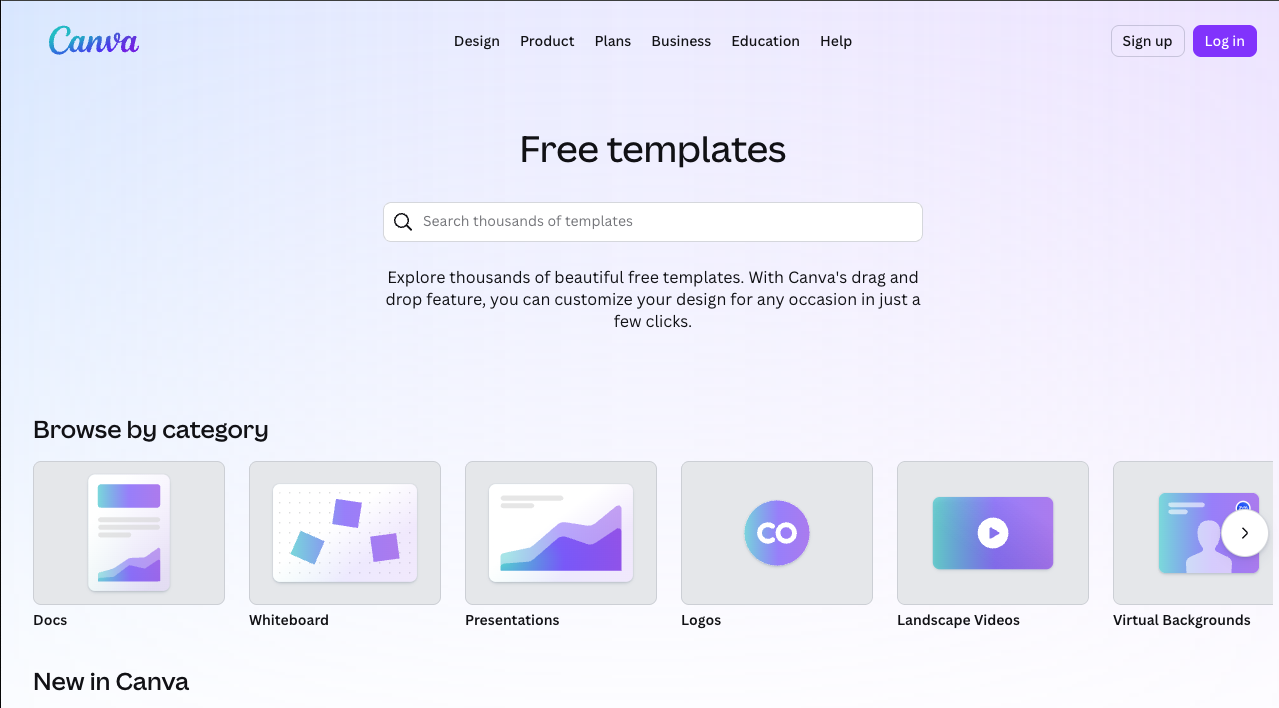
Canva approaches AI headshots from the opposite direction of dedicated services such as BetterPic or HeadshotPro. Headshot generation is part of a much larger design ecosystem rather than the primary product, and it sits alongside other best AI photo editors when the portrait needs to move straight into finished layouts.
Users can transform selfies into polished profile images and then immediately continue working with the result inside Canva. That makes the workflow useful when the headshot is only one component of a larger project such as a resume, business card, presentation, social post, portfolio, speaker graphic, or company profile.
Canva also provides photo-editing features for adjusting generated or uploaded portraits. The major advantage is therefore workflow integration rather than specialization in producing large professional headshot batches.
When to Choose Canva
Choose Canva when you want to create a headshot and immediately place it into designs. Choose a dedicated headshot service when producing many realistic professional portrait variations is the primary objective.
8. Fotor
Best for a Broad Browser-Based AI Photo Toolkit
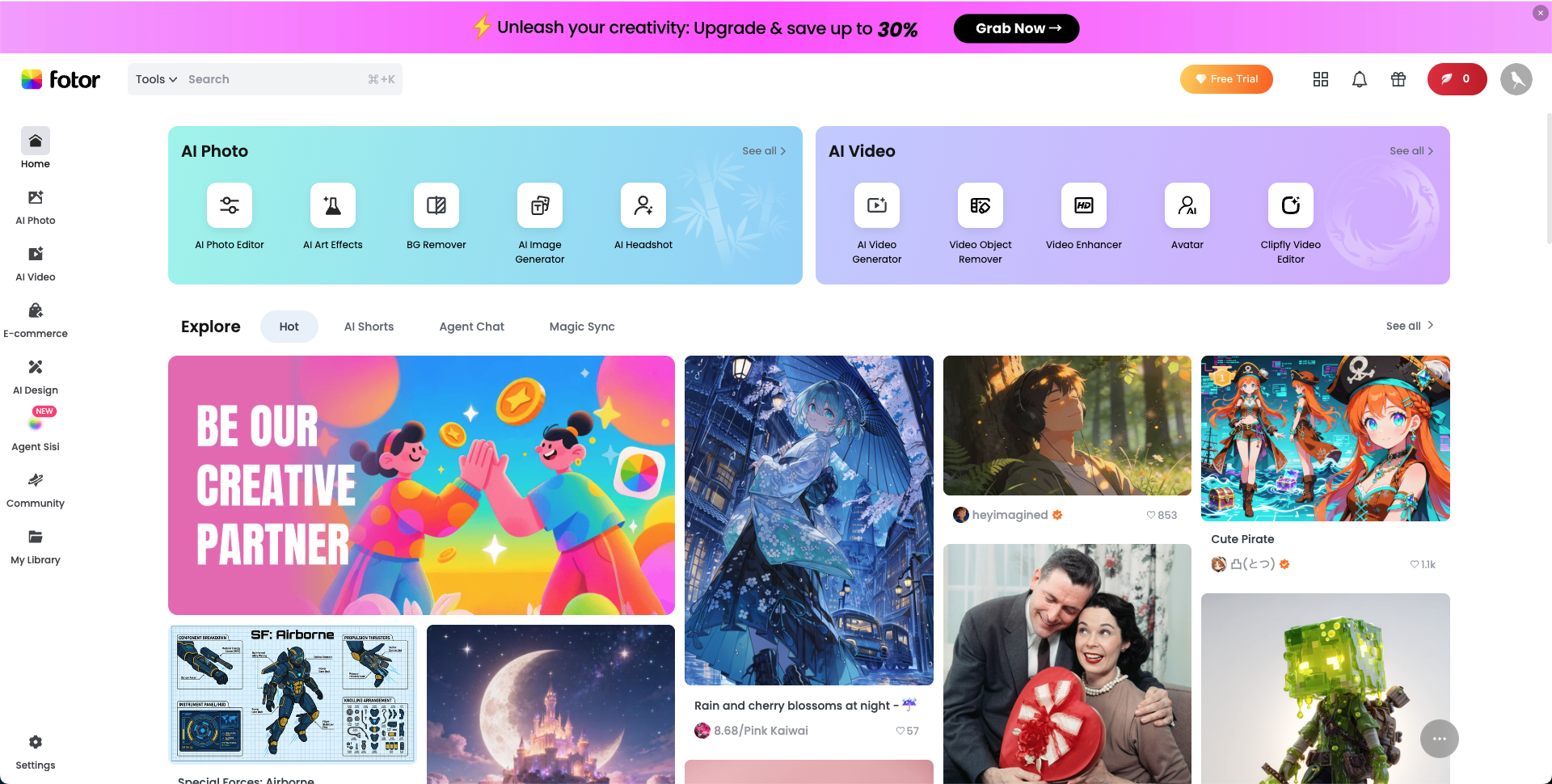
Fotor combines a dedicated AI headshot generator with a much broader collection of browser-based photo tools. Its headshot workflow can transform an ordinary selfie into professional-looking portraits using predefined styles.
The platform currently offers multiple headshot styles and additional controls for elements such as backgrounds, outfits, and poses. Outside the headshot generator, Fotor includes enhancement, portrait editing, background tools, generative features, and other general photo-editing capabilities.
That combination makes Fotor useful for people who prefer an accessible online photo platform rather than a service dedicated exclusively to business headshots.
When to Choose Fotor
Choose Fotor when you want an easy browser-based AI headshot workflow alongside additional editing, enhancement, portrait, and creative image tools.
9. Remini
Best for Mobile AI Portraits and Photo Enhancement
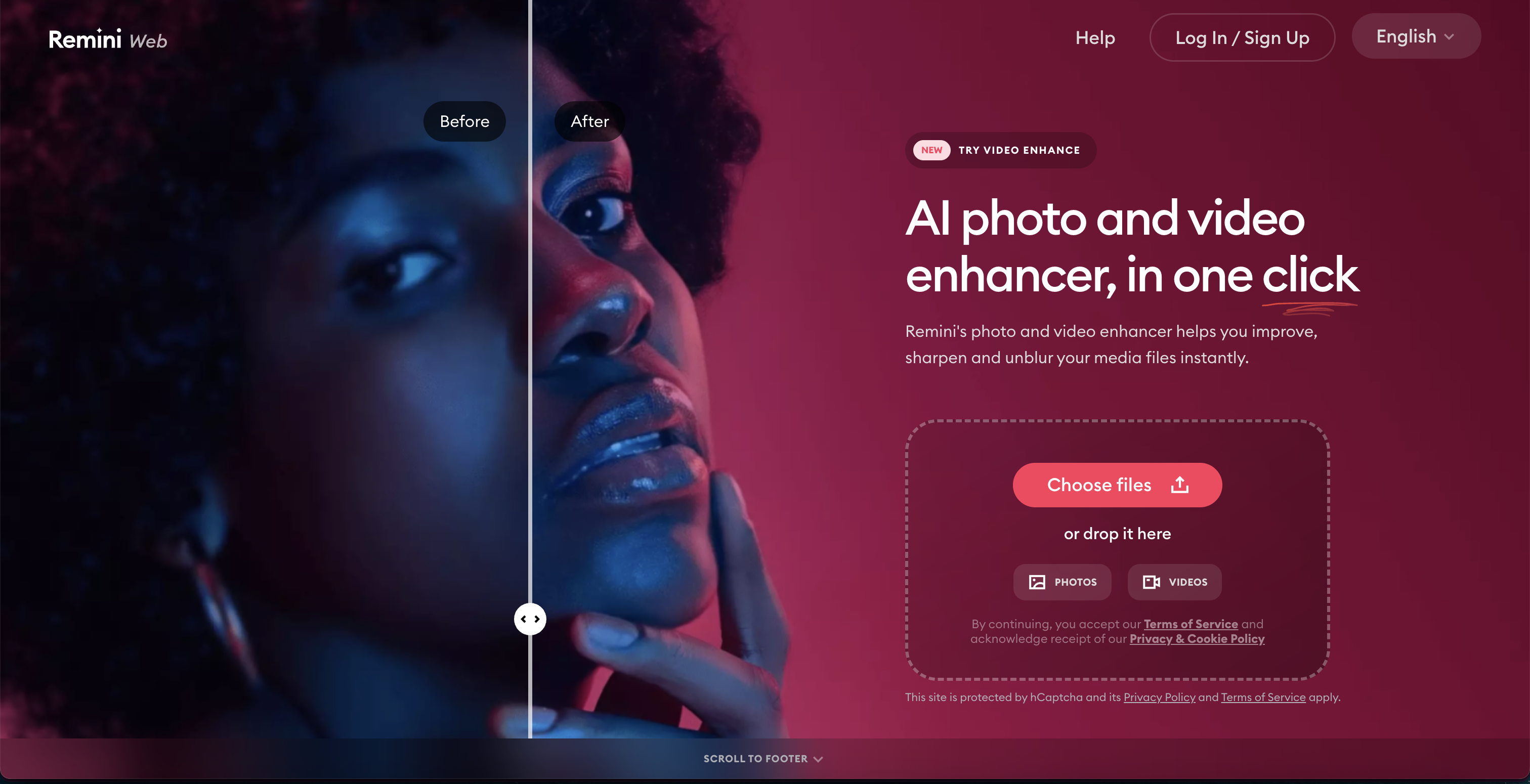
Remini became widely known for AI photo enhancement, but its AI Photos feature also generates new portraits based on a user's appearance. The workflow asks users to provide several photos so the system can learn their appearance before generating new images using different reference styles and poses.
Remini currently recommends training its AI Photos feature with approximately 8 to 12 images. Users can then generate portraits for profile pictures, CVs, professional photos, social media, different outfits, and other scenarios.
The platform remains especially relevant for mobile users because its generative AI photo functionality is centered on the Remini app. Its established enhancement tools are also useful when the goal is to improve the clarity of an existing portrait rather than generate an entirely new headshot.
When to Choose Remini
Choose Remini when you prefer a mobile-first experience, want to generate multiple portraits of yourself, or primarily need to enhance and improve an existing headshot.
Dedicated AI Headshot Generators vs. AI Photo Editors
One of the easiest ways to narrow the list is to decide whether you need a dedicated headshot service or a flexible AI photo editor.
Dedicated Headshot Generators
BetterPic, Aragon AI, HeadshotPro, Secta AI, and Dreamwave are primarily structured around the idea of a virtual professional photoshoot. You provide photos of yourself, the service learns your appearance, and you receive a collection of generated professional portraits.
This approach is useful when you have few usable professional images and want many alternatives at once. It can also work well for teams because several of these services provide company-specific workflows.
Flexible AI Photo Platforms
GenImagePro, Canva, Fotor, and Remini operate in a broader image-editing or AI photography environment. Headshots are one possible workflow rather than the only reason to use the product.
This approach can be more useful when you already have a photograph that looks like you and primarily need to improve how it is presented. Instead of training a new portrait model and reviewing dozens of generated alternatives, you can work directly from an existing image and change the photo background with AI when the setting needs an update.
What Makes an AI Headshot Look Real?
Making AI images look realistic is not simply a matter of resolution. A technically sharp image can still look artificial if the person's facial structure has changed, the skin is excessively smooth, hair edges are inconsistent, teeth look unusual, glasses are distorted, or clothing does not interact naturally with the body.
Good headshots also need believable photography. Look at the direction of light, depth of field, catchlights in the eyes, shadows around the jaw and neck, background perspective, fabric texture, and the transition between hair and the background. Professional headshot background ideas matter just as much as facial detail when the setting looks synthetic or distracts from the subject.
The best source photos usually make the process easier. Use clear, recent images where your face is visible, avoid heavy beauty filters, include natural expressions, and make sure accessories such as glasses are shown consistently if you normally wear them.
How to Choose an AI Headshot Generator
1. Decide How Many Headshots You Actually Need
Do not assume that receiving 100 images is automatically better than receiving 10. If your only goal is to update one LinkedIn profile photo, editing a strong existing portrait may be more efficient than reviewing a large generated gallery.
2. Look at the Input Requirements
Some services require numerous photos so they can learn your appearance. Others can transform one existing image. Check the required number of uploads before paying, especially if you do not have a large collection of recent selfies.
3. Check Whether You Can Edit the Result
You may generate an excellent portrait with the wrong background, jacket color, crop, or lighting. Platforms that support continued editing can be more useful than services where the only solution is generating another complete batch.
4. Review Privacy and Photo Retention Policies
Creating a personalized AI portrait requires uploading images of your face. Before using any service, review how uploads are stored, whether they are used for model training, how long they are retained, how deletion works, and whether the policy differs between individual and business accounts.
5. Compare the Cost Per Usable Headshot
The package with the highest image count is not necessarily the best value. What matters is how many generated portraits are realistic enough that you would actually publish them. A smaller set with several usable images can be more valuable than a gallery containing hundreds of results that require extensive filtering.
Best AI Headshot Generator for LinkedIn
For LinkedIn, prioritize likeness, natural lighting, a clean composition, and an appropriate professional style rather than dramatic AI effects.
GenImagePro is particularly useful if you already have a portrait where you like your expression and facial appearance but want to improve the background, presentation, clothing direction, or overall professional look.
BetterPic, Aragon AI, HeadshotPro, Secta AI, and Dreamwave are more appropriate when you want a complete virtual photoshoot and several new LinkedIn-ready portraits to choose from.
Best AI Headshot Generator for Resumes and CVs
Resume headshots should generally be restrained. Neutral or softly blurred backgrounds, natural skin texture, appropriate clothing, accurate facial features, and straightforward lighting usually work better than highly stylized portraits.
Also consider whether including a photo on a resume is customary in your country or industry. Resume conventions differ significantly by region, and employers in some markets prefer resumes without photographs.
Best AI Headshot Generator for Teams
Team headshots create a different problem from individual portraits. Consistency becomes almost as important as the quality of each individual image.
HeadshotPro, BetterPic, Dreamwave, Aragon AI, and Secta all provide workflows relevant to organizations or groups. Businesses should compare invitation management, visual consistency, administrative controls, privacy requirements, volume pricing, editing options, and how easily future employees can be added.
AI Headshots vs. Professional Photography
AI headshots and traditional photography are not exact substitutes. AI is particularly useful when convenience, speed, style variety, remote participation, or cost are the primary concerns.
A professional photographer still offers something AI cannot fully reproduce: real-time posing guidance, deliberate lighting, physical wardrobe adjustments, interaction between photographer and subject, and documentation of how someone actually looked during a specific session.
Traditional photography can therefore remain preferable for executive portraits, major press features, editorial photography, acting portfolios, important speaking engagements, large printed campaigns, or any context where photographic authenticity itself matters.
AI is especially practical for LinkedIn updates, remote teams, company directories, freelancer profiles, startup websites, online biographies, resume portraits where appropriate, and people who need several professional visual styles without organizing multiple photoshoots.
Common AI Headshot Mistakes
Using Heavily Filtered Source Photos
Beauty filters, extreme smoothing, altered face shapes, and unusual color treatments can make it harder for the system to understand what you actually look like. Use recent, clear source photos whenever possible.
Choosing a Headshot That Barely Looks Like You
An AI portrait can be attractive while still being a poor professional headshot. Compare the generated image with your real face and check the shape of the eyes, nose, mouth, jaw, hairline, skin details, and overall age.
Over-Retouching the Image
Professional does not mean perfectly smooth. Completely removing skin texture, whitening teeth excessively, changing eye color, sharpening every facial feature, or applying unrealistic lighting can make a headshot look less credible.
Ignoring Small AI Artifacts
Zoom in before publishing. Check glasses, earrings, shirt collars, ties, jacket lapels, hair strands, teeth, ears, necklaces, background objects, and the edges around the shoulders. Small inconsistencies are often more visible on a company website than they are in a generator's thumbnail gallery.
Using the Same Headshot Everywhere
Different professional contexts may benefit from different portraits. A formal company directory photo, a friendly LinkedIn image, a conference speaker portrait, and a creator profile image do not necessarily need identical clothing, framing, or backgrounds.
Which AI Headshot Generator Should You Choose?
Choose GenImagePro when you want to transform an existing portrait and keep editing the image afterward. GenImagePro is especially useful when you already have a source photo you like and want control over the professional presentation rather than a large automatically generated headshot package.
Choose BetterPic, Aragon AI, HeadshotPro, Secta AI, or Dreamwave when you specifically want the virtual-photoshoot workflow: upload several personal photos and receive a batch of newly generated professional portraits.
Choose Canva when the headshot will immediately become part of a resume, presentation, social graphic, or other design. Choose Fotor when you want a broad browser-based photo toolkit, and consider Remini when you prefer mobile AI photography and enhancement.
Whichever option you choose, evaluate the final image based on likeness rather than novelty. The most useful professional headshot is the one that still looks recognizably like you while improving lighting, composition, wardrobe, background, and overall presentation.
Frequently Asked Questions
What is the best AI headshot generator in 2026?
The best option depends on your workflow. GenImagePro is useful when you want to transform an existing photo and continue editing it. BetterPic, Aragon AI, HeadshotPro, Secta AI, and Dreamwave specialize more directly in generating complete professional headshot packages from uploaded photos.
What is the best AI headshot generator for LinkedIn?
For LinkedIn, prioritize accurate likeness, realistic skin, clean lighting, professional clothing, and an uncluttered background. GenImagePro is useful for improving an existing portrait, while dedicated services such as BetterPic, Aragon AI, HeadshotPro, Secta AI, and Dreamwave generate multiple new professional portraits to choose from.
Can AI create a professional headshot from a selfie?
Yes. AI headshot generators can transform casual selfies and existing photos into more professional portraits by changing backgrounds, clothing, lighting, framing, and overall photographic style. Results depend heavily on the quality and clarity of the source image.
Do AI headshots actually look real?
Modern AI headshots can look highly realistic, but quality varies by tool and source image. Inspect facial likeness, skin texture, hair, glasses, teeth, clothing edges, shadows, and background details before using a generated portrait professionally.
How many photos do I need for an AI headshot?
It depends on the platform. Some dedicated headshot services require several photos so the system can learn your appearance, while image-to-image tools can transform a single existing portrait. Check each platform's current upload requirements before starting.
Can I use an AI headshot on LinkedIn?
AI-generated professional portraits are commonly created for LinkedIn profiles. The most important consideration is that the image represents you accurately and does not substantially change your identity or create a misleading appearance.
Can I use an AI headshot on my resume?
Technically, an AI-generated portrait can be used anywhere a normal profile image is accepted, but resume conventions vary by country and industry. First check whether including a photograph on a resume is customary for the jobs and region where you are applying.
Are AI headshot generators safe?
They require uploading personal facial images, so review the provider's privacy policy before use. Pay attention to data retention, deletion procedures, model-training policies, third-party sharing, and whether different terms apply to business accounts.
Are AI headshots cheaper than professional photography?
AI headshot packages are generally less expensive than organizing a traditional professional studio session, particularly when you need many portrait variations or headshots for a distributed team. A photographer may still be worth the additional cost when authenticity, custom direction, editorial quality, or physical location matters.
Can I change the background or clothes in an AI headshot?
Many AI headshot tools provide multiple clothing and background styles. Flexible image-editing platforms such as GenImagePro are particularly useful when you want to continue changing the appearance or setting of an existing portrait after the initial transformation.