Product photography used to require a studio, lighting setup, photographer, retoucher, and multiple rounds of editing. For small ecommerce brands, Etsy sellers, Shopify stores, and creators, that process is expensive and slow.
AI product photography tools make the workflow much faster. You can upload a basic product photo and generate clean catalog images, lifestyle scenes, ad creatives, social posts, and marketplace-ready visuals without starting from a full photoshoot.
The best tool depends on your goal. Some tools are better for background removal. Some are better for product preservation. Some focus on batch workflows, while others are built for fast creative variations. This guide compares the strongest options and explains when each one makes sense.
Quick Verdict
AI product photography tools are ideal if you want ready-made product photo templates without writing long prompts. Photoroom is strong for background removal and ecommerce editing. Pebblely is useful for quick lifestyle backgrounds. Claid fits larger ecommerce teams that need automation and image enhancement. Pixelcut is good for simple seller-friendly edits. Flair works well for drag-and-drop scene building. Canva is useful if your product images will become ads, banners, and social posts inside Canva. Adobe Photoshop with Firefly is best when you need advanced manual control.
How to Choose an AI Product Photography Tool
A good AI product photography tool should not only create a beautiful background. It should keep the real product recognizable, preserve important details, and help you create images that fit your sales channels.
Before choosing a tool, test it with your own product photos. Pay attention to whether the product shape, label, logo, material, color, and proportions remain accurate. A tool that looks impressive on demo images may not perform as well with reflective jewelry, transparent packaging, fabric texture, small accessories, or detailed labels.
You should also consider the workflow. If you need fast listing images, background removal may matter most. If you need ads and social content, creative variety matters more. If you manage a large catalog, consistency and automation become more important than one-off image quality.
Best AI Product Photography Tools
1. GenImagePro
Best for Template-Based Product Photos
GenImagePro is built for users who want polished product images without writing complex prompts. Instead of starting from a blank text box, you choose a product-focused template, upload your image, and generate variations for ecommerce listings, ads, social posts, and brand visuals.
This makes GenImagePro especially useful for small ecommerce brands, Etsy sellers, Shopify stores, creators, and marketers. You can test clean catalog looks, lifestyle backgrounds, jewelry scenes, beauty visuals, food images, and real estate-style edits from one template-driven workflow.

Why Choose GenImagePro
Choose GenImagePro if you want a faster way to create product visuals across multiple categories. It is strongest when you need ready-made image directions for product photography, jewelry, food, beauty, real estate, and creative marketing images.
It is also a practical choice if you do not want to learn prompt engineering. The template-first approach helps users get started quickly and create usable variations for listings, Pinterest pins, social ads, landing pages, and product campaigns.
2. Photoroom
Best for Ecommerce Editing
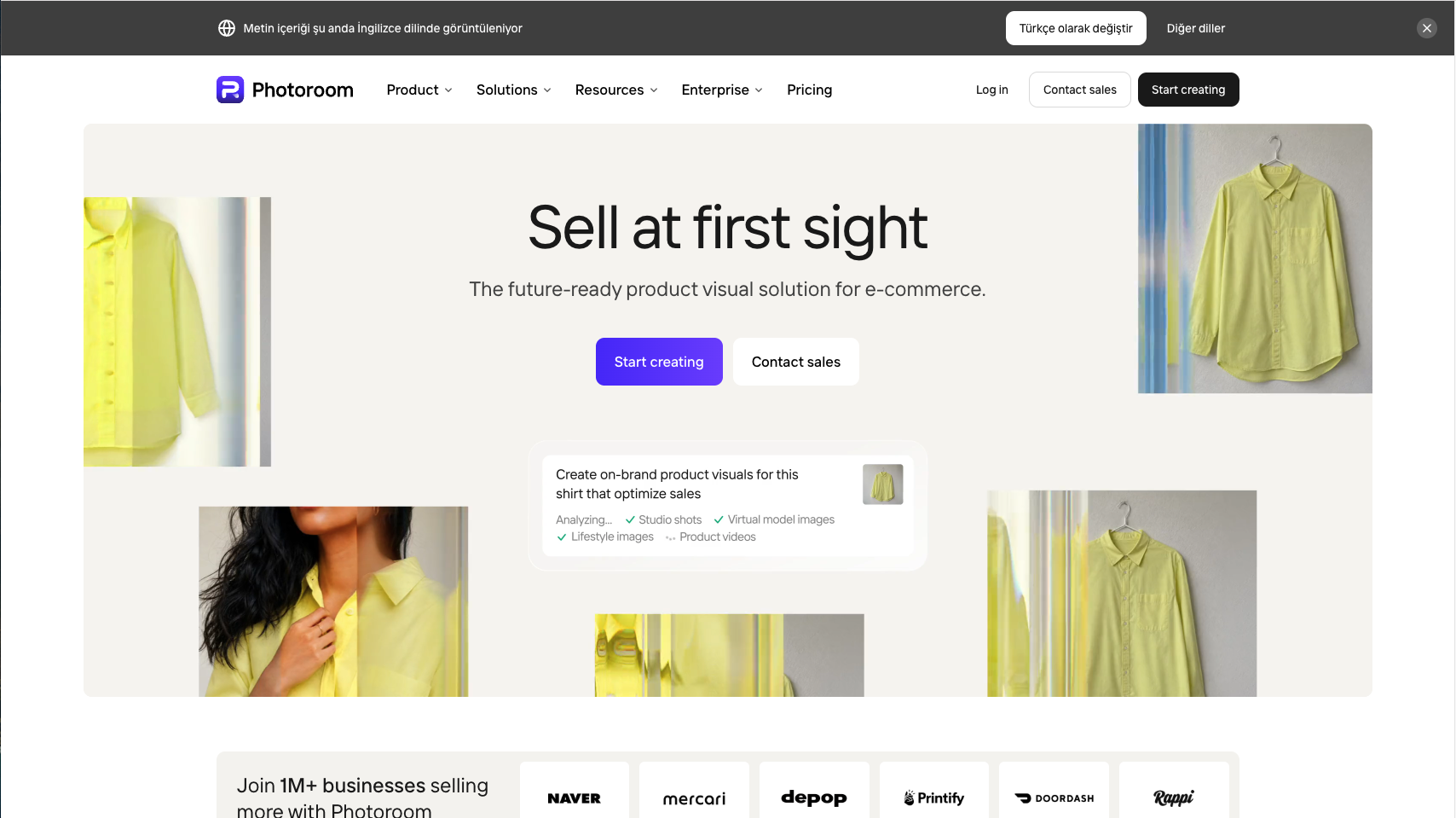
Photoroom is one of the strongest tools for ecommerce editing and background removal. It is especially useful for sellers who already have product photos and need to clean them up, remove backgrounds, create consistent listing images, and prepare visuals quickly.
Photoroom works well when your main problem is operational speed. If you need to process many product images for a store, marketplace, or mobile selling workflow, it is a mature and practical option.
When to Choose Photoroom
Choose Photoroom if background removal, quick product cleanup, and listing consistency matter more than broad creative exploration. Choose GenImagePro instead if you want more template-based generation across different commercial image categories.
3. Pebblely
Best for Lifestyle Product Backgrounds
Pebblely focuses on turning one product image into multiple marketing assets. It is useful when you have a simple product shot and want lifestyle backgrounds, themed scenes, or quick visuals for a store, ad, email, or social post.
It is a good fit for small brands selling candles, skincare, packaged goods, accessories, gifts, and lifestyle products. The workflow is simple and works well when you need more visual variety without arranging a new photoshoot.

When to Choose Pebblely
Choose Pebblely if your main goal is quick product scenes and lifestyle backgrounds. Choose GenImagePro if you want a broader template system that also supports product, beauty, food, jewelry, real estate, and creative image use cases.
4. Claid
Best for Ecommerce Automation
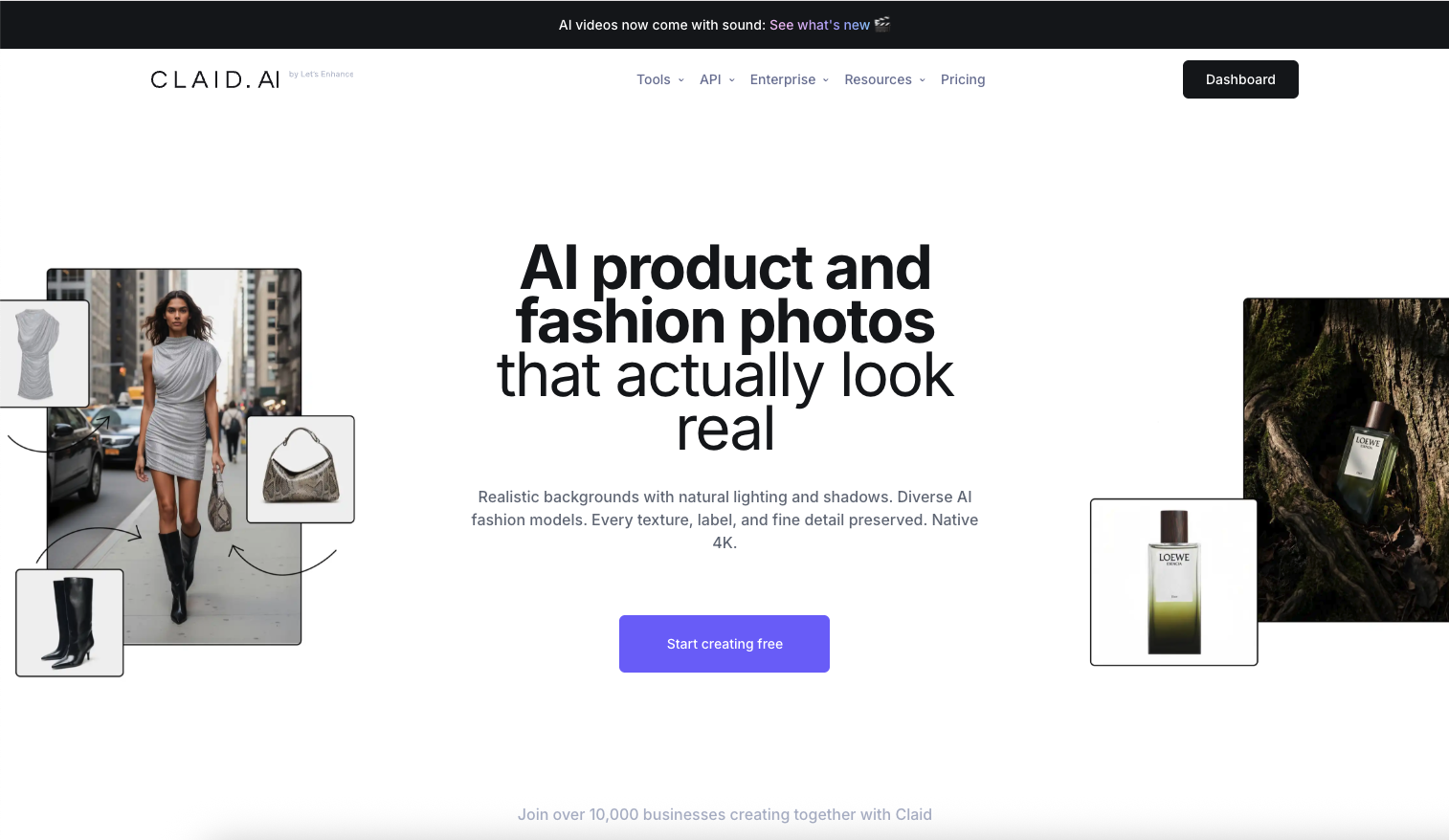
Claid is better suited for ecommerce teams that need a structured image workflow. It focuses on product photo generation, enhancement, upscaling, background workflows, shadows, fashion imagery, and automation.
The main reason to consider Claid is scale. If your team manages a large catalog and needs API workflows or automated enhancement, Claid may fit better than a simple creative generator.
When to Choose Claid
Choose Claid if you need automation, enhancement, and ecommerce infrastructure. Choose GenImagePro if you want a simpler template-based tool for fast commercial image generation.
5. Pixelcut
Best for Simple Seller Edits
Pixelcut is a practical AI photo editor for sellers who want quick product cutouts, background changes, shadows, and simple image cleanup. It is easy to understand and useful for solo sellers or small shops that need fast results.
Pixelcut is not as broad as a full creative production system, but it works well for everyday product image tasks. If your product photos need basic improvement before publishing, it is worth testing.

When to Choose Pixelcut
Choose Pixelcut if you need simple product edits and quick ecommerce cleanup. Choose GenImagePro if you want more template-led visual directions for ads, listings, social content, and branded image variations.
6. Flair
Best for Scene Building
Flair is built more like a creative studio for product imagery. It gives users more control over scenes, compositions, and creative direction. This makes it useful for campaign visuals, product ads, and more controlled brand concepts.
It is a strong option when you want to build a scene instead of simply choosing a preset. The tradeoff is that it may take more creative input than a template-first workflow.

When to Choose Flair
Choose Flair if you want more hands-on control over product scenes. Choose GenImagePro if you prefer selecting a ready-made commercial style and generating variations faster.
7. Canva AI Product Photos
Best for Canva Workflows
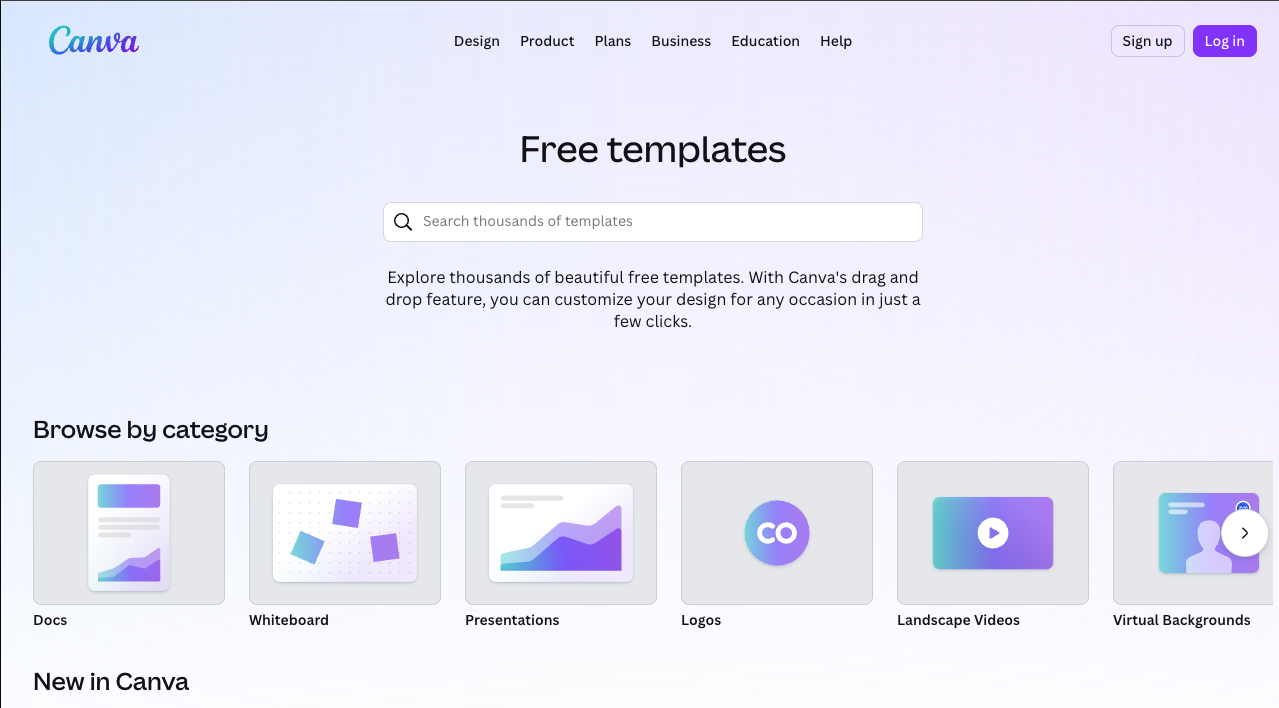
Canva is useful when product photography is part of a broader design workflow. If your team already creates ads, banners, social posts, presentations, and store graphics inside Canva, generating product visuals in the same environment can be convenient.
The limitation is focus. Canva is a general design platform, not only a product photography tool. It can be useful for marketing teams, but dedicated AI product photography tools may feel more direct for ecommerce image generation.
When to Choose Canva
Choose Canva if your product photo will immediately become part of a design. Choose GenImagePro if your main task is generating product image variations from ready-made commercial templates.
8. Adobe Photoshop + Firefly
Best for Advanced Manual Control
Adobe Photoshop with Firefly is the best option when you need detailed manual control. Designers can remove backgrounds, extend images, retouch product surfaces, adjust lighting, and correct AI mistakes with professional editing tools.
The tradeoff is complexity. Photoshop is powerful, but it is not the fastest option for a non-designer who simply wants several usable product photo variations.

When to Choose Photoshop + Firefly
Choose Photoshop with Firefly if professional retouching and manual correction matter most. Choose GenImagePro if you want a simpler preset-driven workflow.
Best Tool by Use Case
For Etsy Sellers
Etsy sellers need images that feel polished but still believable. Handmade products, jewelry, candles, art prints, accessories, and personalized gifts should not look over-generated. GenImagePro is a strong choice because templates help sellers create clean listing images, lifestyle scenes, seasonal visuals, and Pinterest-friendly creatives from one workflow.
For Shopify Stores
Shopify stores usually need both consistency and variety. Product pages should look clean and trustworthy, while ads and landing pages need more creative testing. Photoroom, Claid, and Pixelcut are useful for operational ecommerce workflows. GenImagePro is useful when the same store also needs product visuals for campaigns, social content, and seasonal promotions.
Ads and social posts require more variation than catalog pages. A brand may need a clean product image, a lifestyle scene, a colorful promotional creative, and a premium studio-style image for different campaigns. GenImagePro, Pebblely, Flair, and Canva are the most relevant options for this type of creative testing.
Common Mistakes to Avoid
The first mistake is starting with a poor source photo. AI can improve a clear product image, but blurry uploads, extreme angles, harsh shadows, and cluttered backgrounds still create problems. Start with a sharp image where the product is fully visible.
The second mistake is using the same image style everywhere. A marketplace listing, Instagram post, Pinterest pin, homepage hero, and paid ad do not need the same composition. The advantage of AI is that you can create channel-specific optimized product images while keeping the product recognizable.
Final Recommendation
If you want fast product image generation with ready-made templates, start with GenImagePro. It is especially useful for sellers and marketers who need commercial visuals without writing long prompts.
If your main need is background removal and ecommerce cleanup, Photoroom is a strong choice. If you want quick lifestyle product scenes, Pebblely is useful. If you need automation and large-catalog workflows, Claid is better suited. If you want simple seller-friendly edits, Pixelcut is practical. If you want more control over scene composition, Flair is worth testing. If your product images are part of a broader design workflow, Canva makes sense. If you need professional retouching control, Photoshop with Firefly remains the advanced option.
The best approach is to test two or three tools with the same product photo. Compare product accuracy, speed, style quality, and how easily each tool creates images for your real sales channels.
FAQ
What is the best AI product photography tool?
GenImagePro is a strong choice for template-based product photo generation. Photoroom is strong for ecommerce editing and background removal. Pebblely is useful for lifestyle backgrounds. Claid is better for large ecommerce workflows. The best choice depends on whether you need templates, cleanup, automation, or manual control.
Can AI product photography replace a photoshoot?
AI can replace many routine product photo needs, especially catalog images, lifestyle scenes, social creatives, and ad variations. For luxury campaigns, complex reflective products, or brand-critical hero images, a professional shoot or manual retouching may still be useful.
Can I use AI product photos for Etsy or Shopify?
Yes, as long as the final image accurately represents the real product and follows the platform’s rules. Always review labels, logos, shape, color, and important details before publishing.
Do I need prompts to create AI product photos?
Not always. Some tools rely on prompts, but GenImagePro uses a template-first workflow so users can start from a visual direction instead of writing a long product photography prompt.