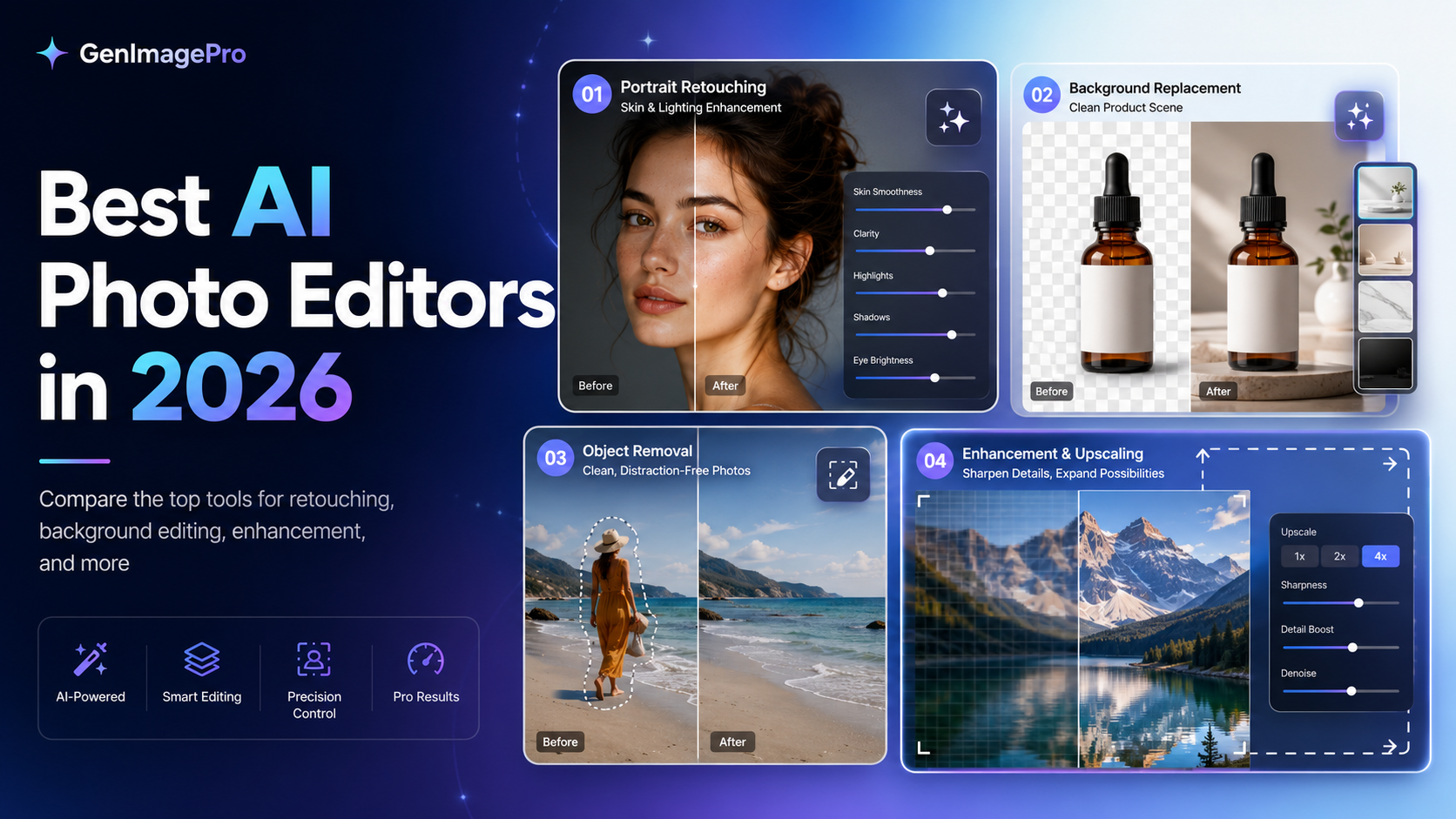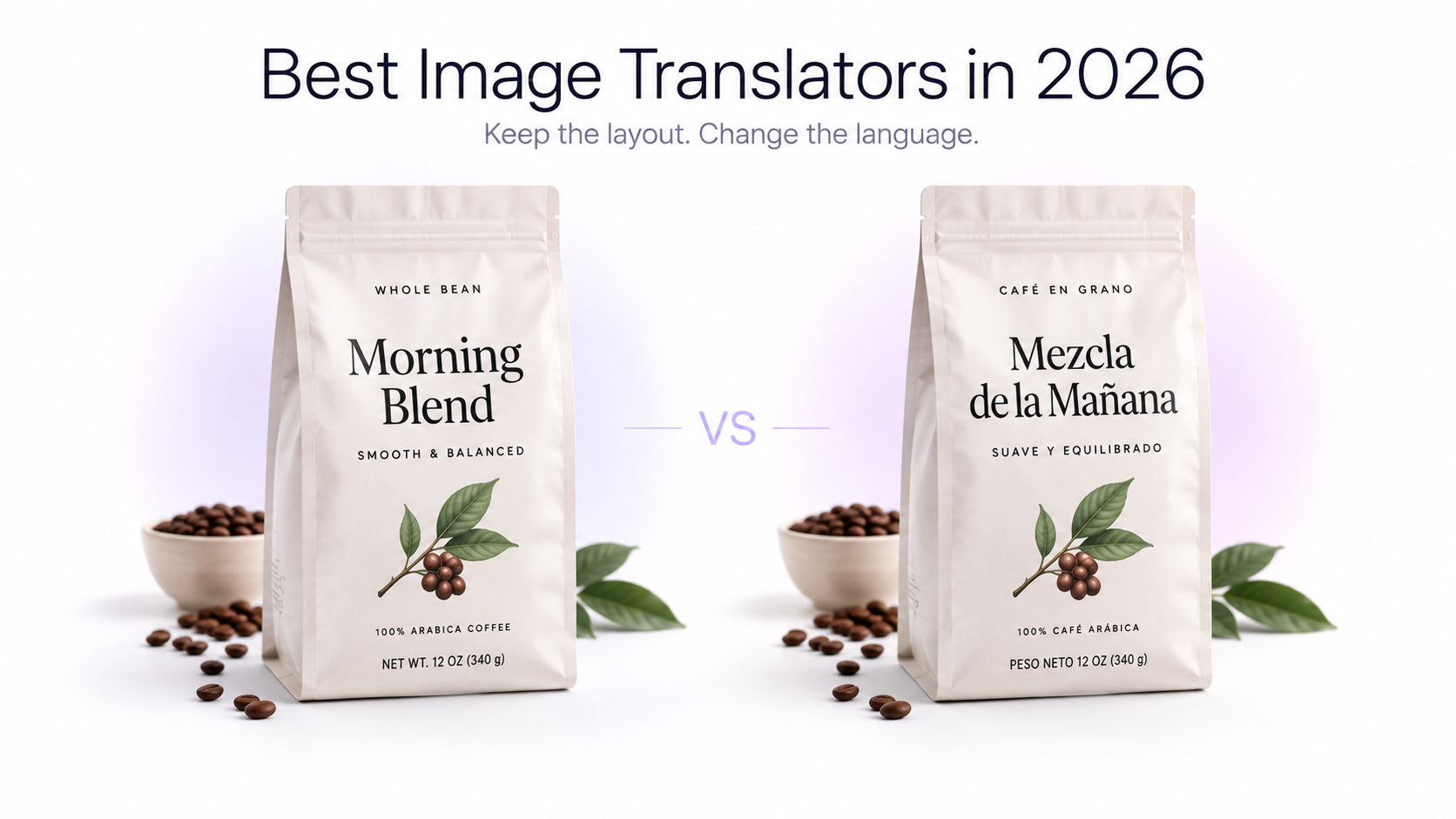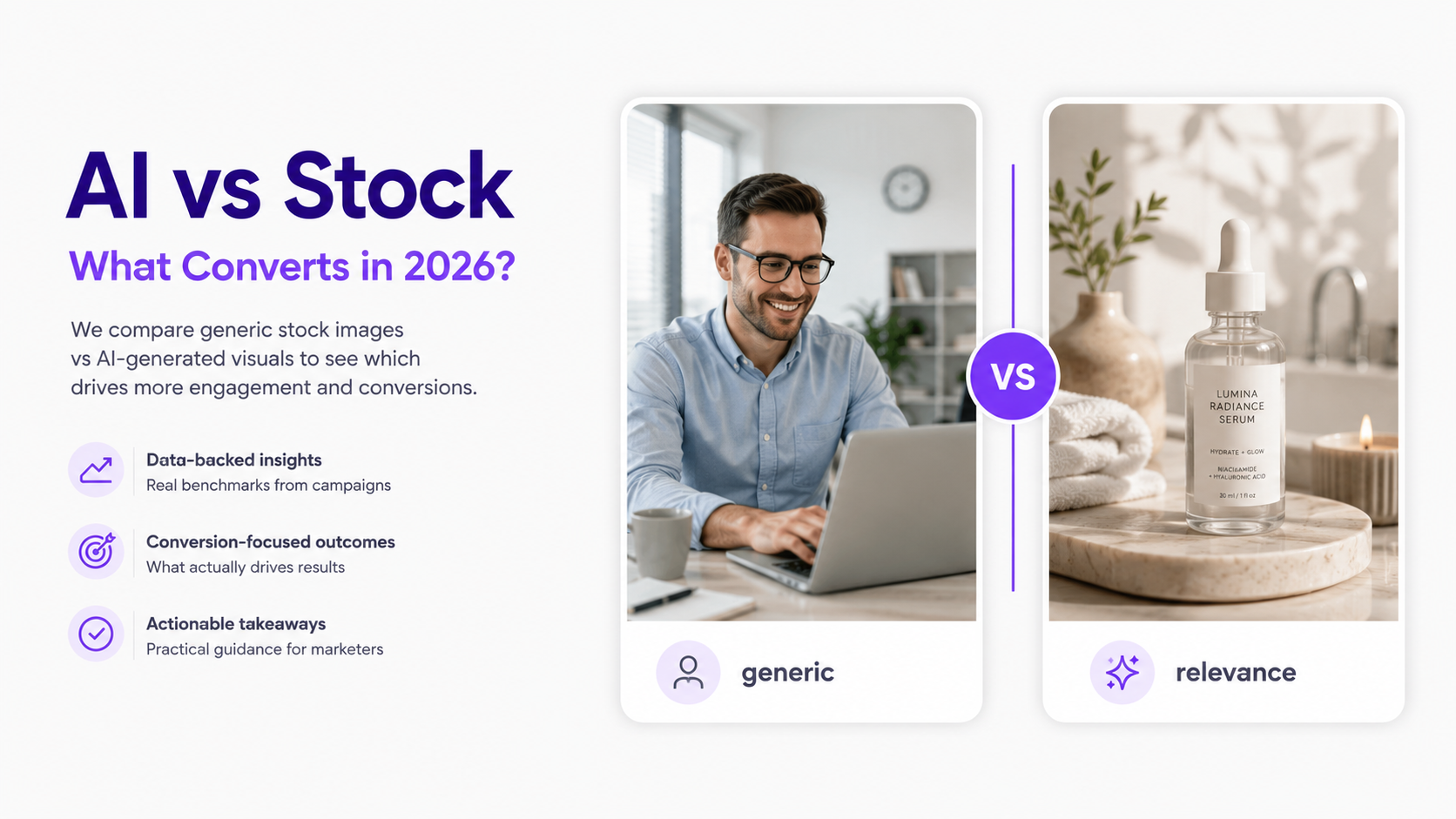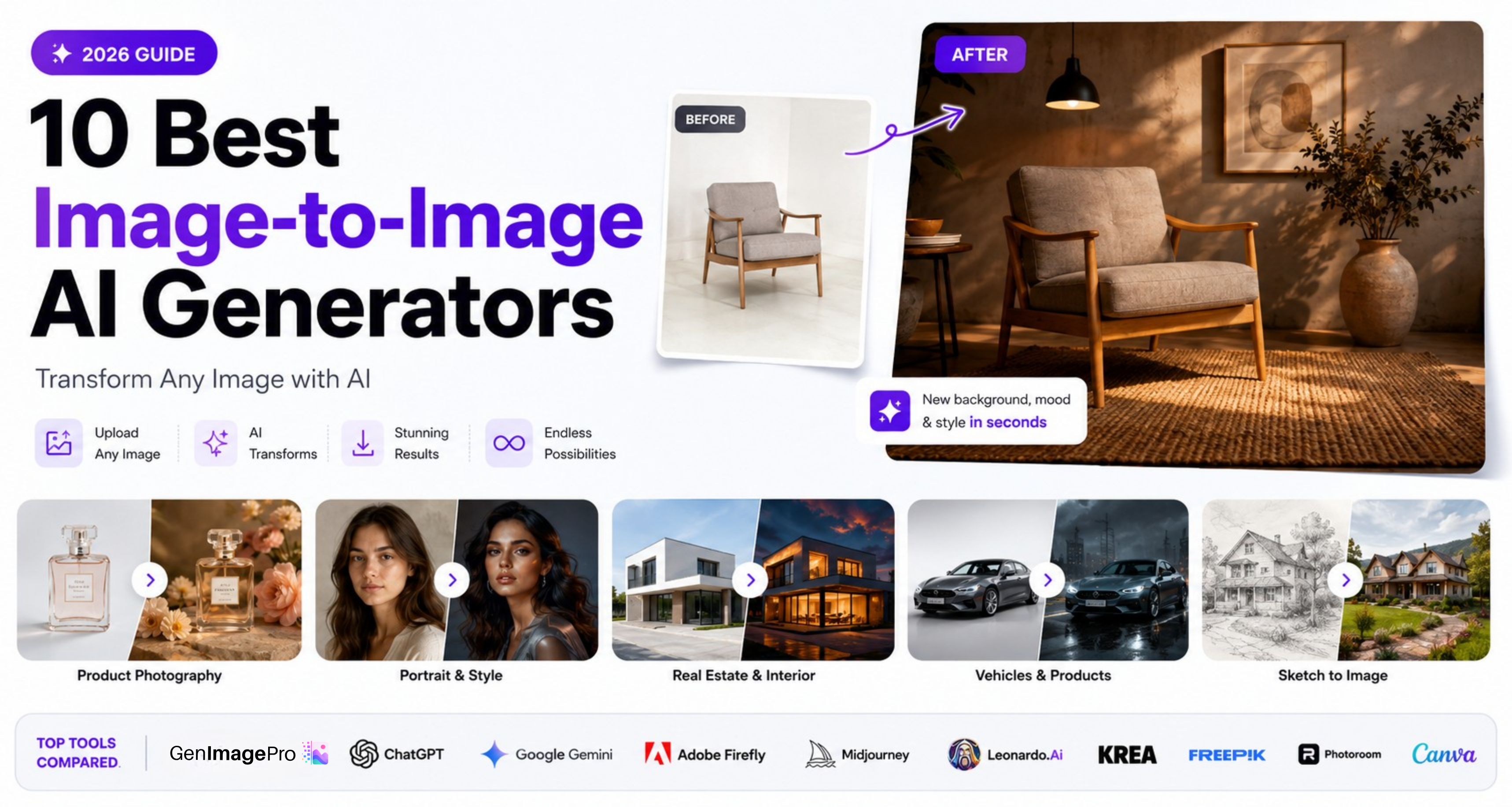
The best image-to-image AI generators do not begin with an empty canvas. They begin with a photo, product shot, portrait, sketch, room image, or other visual reference that already contains part of the result you want.
You upload an existing image and tell the AI what should change. Depending on the tool, you can replace a background, restyle a portrait, redesign a room, create a professional product scene, turn a sketch into a realistic render, change lighting, add objects, or generate several new versions while keeping the original subject and composition recognizable.
This workflow is described online using several overlapping terms: image-to-image AI generator, AI image generator from image, reference image AI generator, photo-to-photo AI, img2img, AI style transfer, and image transformation AI. Although the wording differs, the core idea is the same: an existing image guides the new output.
This guide compares the strongest image-to-image AI tools in 2027, explains where each one performs best, and shows what to evaluate before choosing a platform. Features, models, limits, and pricing can change quickly, so test the same source images across your shortlist before committing to a paid workflow.
The best image-to-image AI generator depends on what you start with. GenImagePro is best for turning one product or clothing photo into a full photoshoot. ChatGPT is best for editing a photo step by step in chat, Google Gemini for combining several images into one, and Adobe Firefly for following the style or layout of a reference. Several of these tools offer a free plan or trial with limits.
Quick Verdict
GenImagePro is the best choice for sellers and creators who want a guided image-to-image workflow: upload one photo, and the AI photoshoot reads the product, suggests shots for its type, and turns the brief into finished images, sizes, and video without long prompts. ChatGPT is strongest for conversational editing and iterative changes. Google Gemini is particularly useful when several uploaded images need to be combined or edited through natural-language instructions.
Adobe Firefly is one of the strongest options for guiding composition and visual style with reference images. Midjourney remains useful for artistic image variations and style-driven exploration. Leonardo AI offers deeper image-guidance controls for advanced creators, while Krea is well suited to rapid experimentation and reference-led creative direction.
Magnific (formerly Freepik AI) is convenient when image-to-image generation is part of a broader design workflow. Photoroom is a strong choice for ecommerce and product-photo transformations. CapCut is practical for fast, accessible photo-to-photo AI effects and social content.
| Tool | Best for | Choose it when |
|---|---|---|
| GenImagePro | Product and fashion photoshoots from one photo | One photo needs to become listing shots, sizes and video |
| ChatGPT | Conversational image editing | You want to refine the same image over several turns |
| Google Gemini | Edits with several images | Several source images should shape one result |
| Adobe Firefly | Style and composition references | You need reference strength and Adobe apps |
| Midjourney | Artistic image variations | Style matters more than exact details |
| Leonardo AI | Advanced image guidance controls | You want to test models and reference types |
| Krea | Rapid creative exploration | You are building moodboards and visual directions |
| Magnific (formerly Freepik AI) | All-in-one creative workflow | Generation is one step in a larger design job |
| Photoroom | Ecommerce product-photo changes | The task is listings, backgrounds and catalog consistency |
| CapCut | Quick creator and social transformations | You already edit short videos in CapCut |
What Is an Image-to-Image AI Generator?
An image-to-image AI generator creates a new visual from an existing image. The uploaded image provides information about the subject, structure, pose, composition, colors, lighting, or style, while a text instruction or template describes what the result should become.
For example, you could upload a basic perfume-bottle photo and request a premium studio scene, upload a selfie and create a professional portrait, upload an empty room and generate a furnished interior, or upload a rough sketch and turn it into a polished concept render.
The amount of the original image that remains depends on the model and its controls. Some tools let you adjust reference strength, style strength, structure, composition, character identity, or the influence of multiple uploaded images. Other tools simplify this process with ready-made templates.
Image-to-Image AI vs. Traditional Photo Editing
Traditional photo editing changes pixels through selections, masks, layers, brushes, filters, and manual adjustments. Image-to-image AI can redraw larger parts of the scene while interpreting the meaning of the original image and the intent of your instruction.
That makes it useful for transformations that would be slow to build manually. However, AI can also alter details you wanted to preserve. Logos, labels, facial features, hands, jewelry, clothing, architecture, and product proportions should always be inspected before the final image is published.
How We Chose the Best Image-to-Image AI Generators
We evaluated these tools according to source-image preservation, prompt accuracy, reference-image controls, output quality, ease of use, creative range, iteration speed, and usefulness in practical workflows.
We also considered whether each platform is suited to specific tasks such as product photography, portrait editing, style transfer, concept art, social content, ecommerce images, multiple-reference generation, or professional creative control.
There is no single winner for every user. A tool that creates dramatic artistic variations may not be the best option for preserving a real product. A tool that offers advanced reference controls may be unnecessarily complicated for someone who wants a fast, guided result.
Best Image-to-Image AI Generators
1. GenImagePro
Best for Product and Fashion Photoshoots from One Photo
GenImagePro is built around a guided image-to-image workflow. In the product photoshoot, you upload one photo and GenImagePro reads it first: it detects the product, recognizes its type and kind, and reads its shape and material. It then suggests shot ideas for that product, such as on the shoulder for a bag, being applied for skincare, or flat lay for food, and you set the brief: style, camera angle, aspect ratio, color, scene, and light.
Every result can continue on the same board: upscale it, resize it for each channel, change the background, or turn it into a video. Clothing uses the same board with an AI fashion model that keeps the cut, color, print, and logos of the garment. Once a shot works, you save the flow and run it on the next product in one click. Beyond photoshoots, GenImagePro covers headshots, portraits, food, cars, and virtual staging, plus plain-word photo edits in Create.
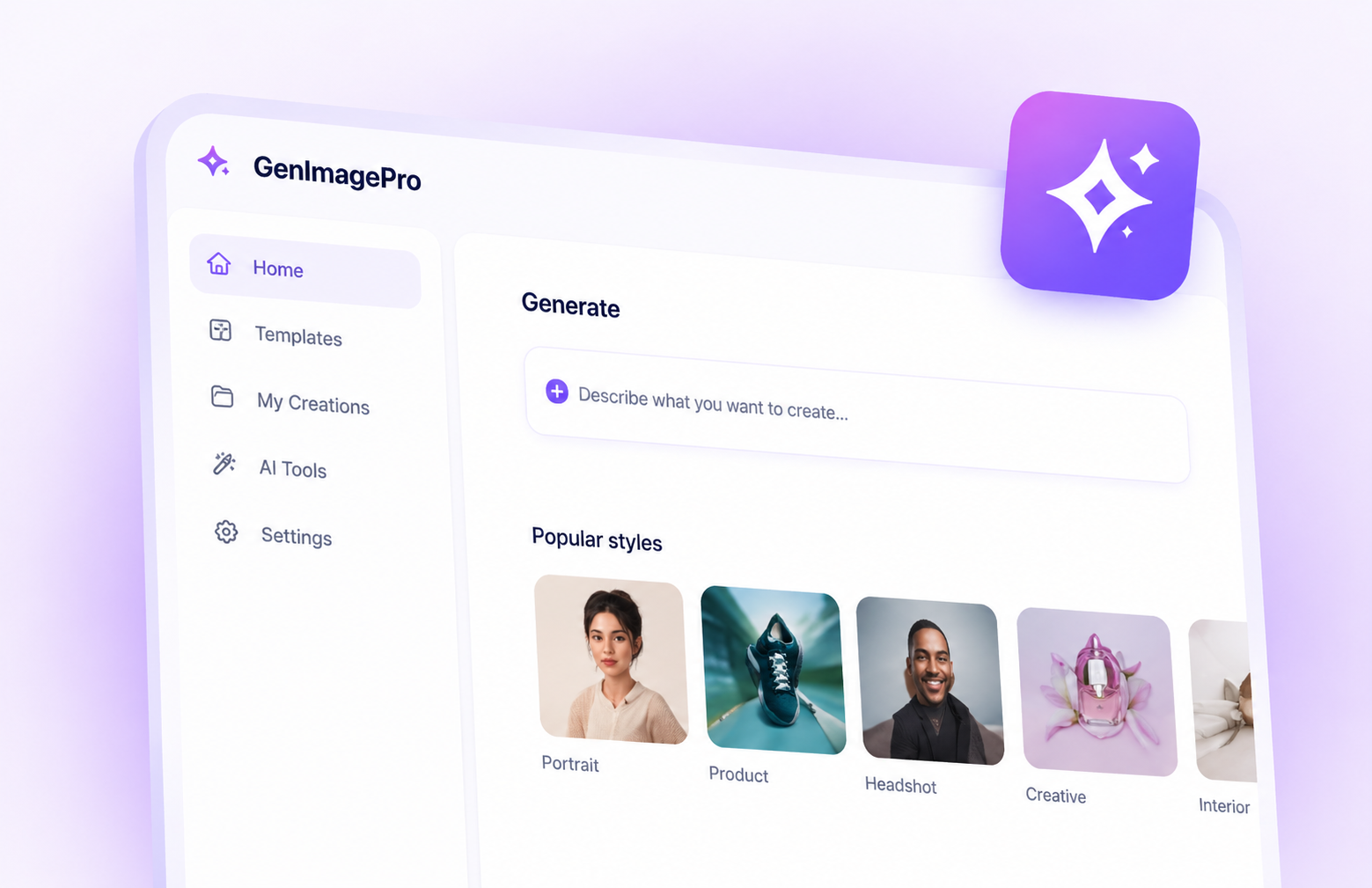
When to Choose GenImagePro
Choose GenImagePro when one product photo needs to become a full set of images: listing shots, social sizes, lifestyle scenes, and video. It is particularly useful when you sell many products and want to rerun the same saved flow on each new one.
2. ChatGPT
Best for Conversational Image Editing
ChatGPT supports image generation and editing through natural conversation. You can upload an existing photo, describe the change you want, review the result, and continue refining it with follow-up instructions.
This conversational workflow is valuable when the desired transformation is difficult to express in one prompt. Users can ask for a background change, correct a detail, preserve specific elements, combine several references, and iterate without restarting the entire process.
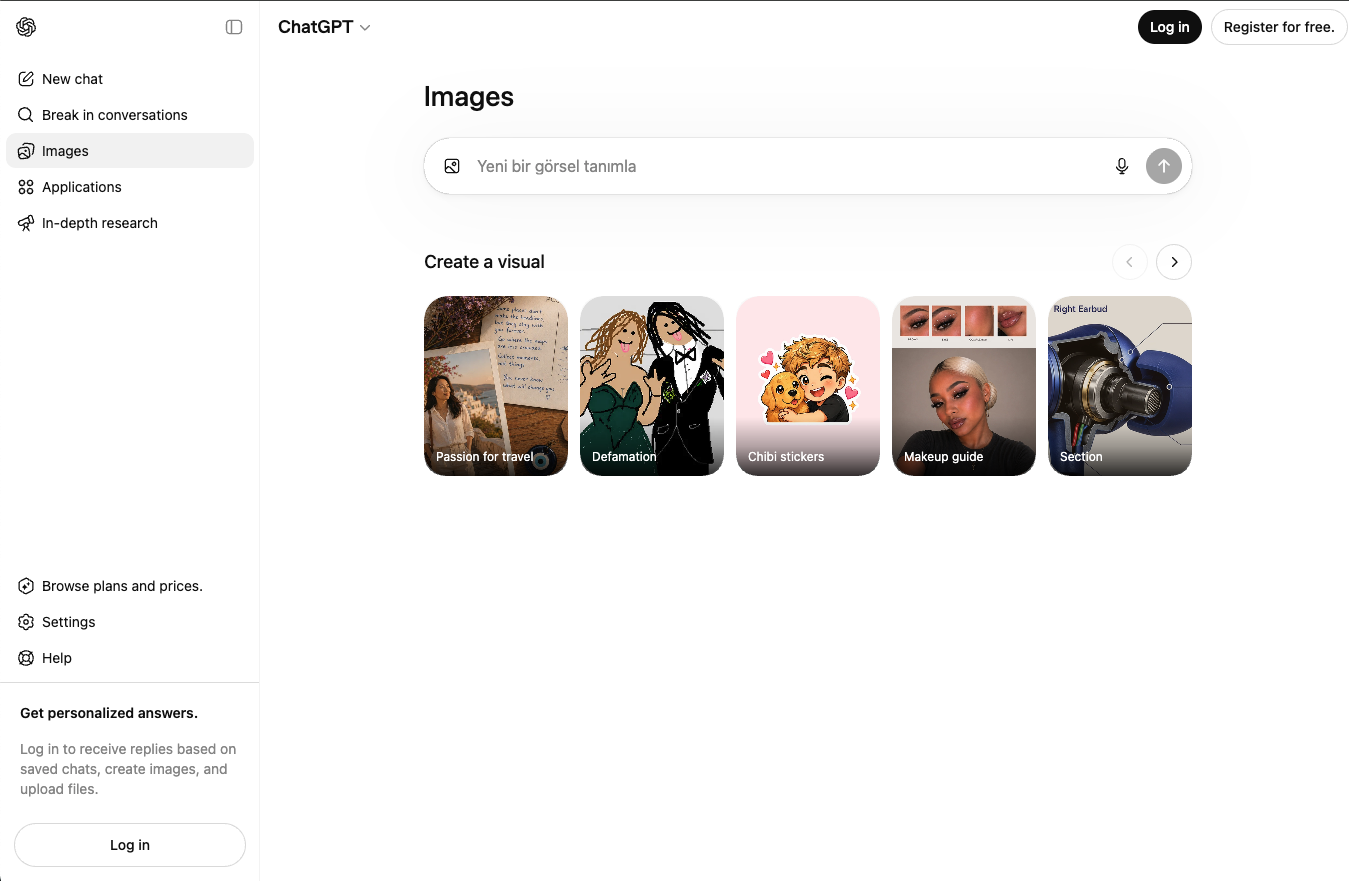
When to Choose ChatGPT
Choose ChatGPT when you prefer explaining changes conversationally and refining the same idea over several turns. It is a strong general-purpose option for portraits, product concepts, illustrations, compositions, and detailed edits.
3. Google Gemini
Best for Natural-Language Edits with Multiple Images
Google Gemini allows users to upload an image and request edits, or upload multiple images and ask the system to create a new visual from them. This makes it useful for combining subjects, products, environments, styles, and visual references.
Gemini's image workflow is approachable because users describe the result in ordinary language. It can support practical photo transformations as well as more creative multi-reference compositions.
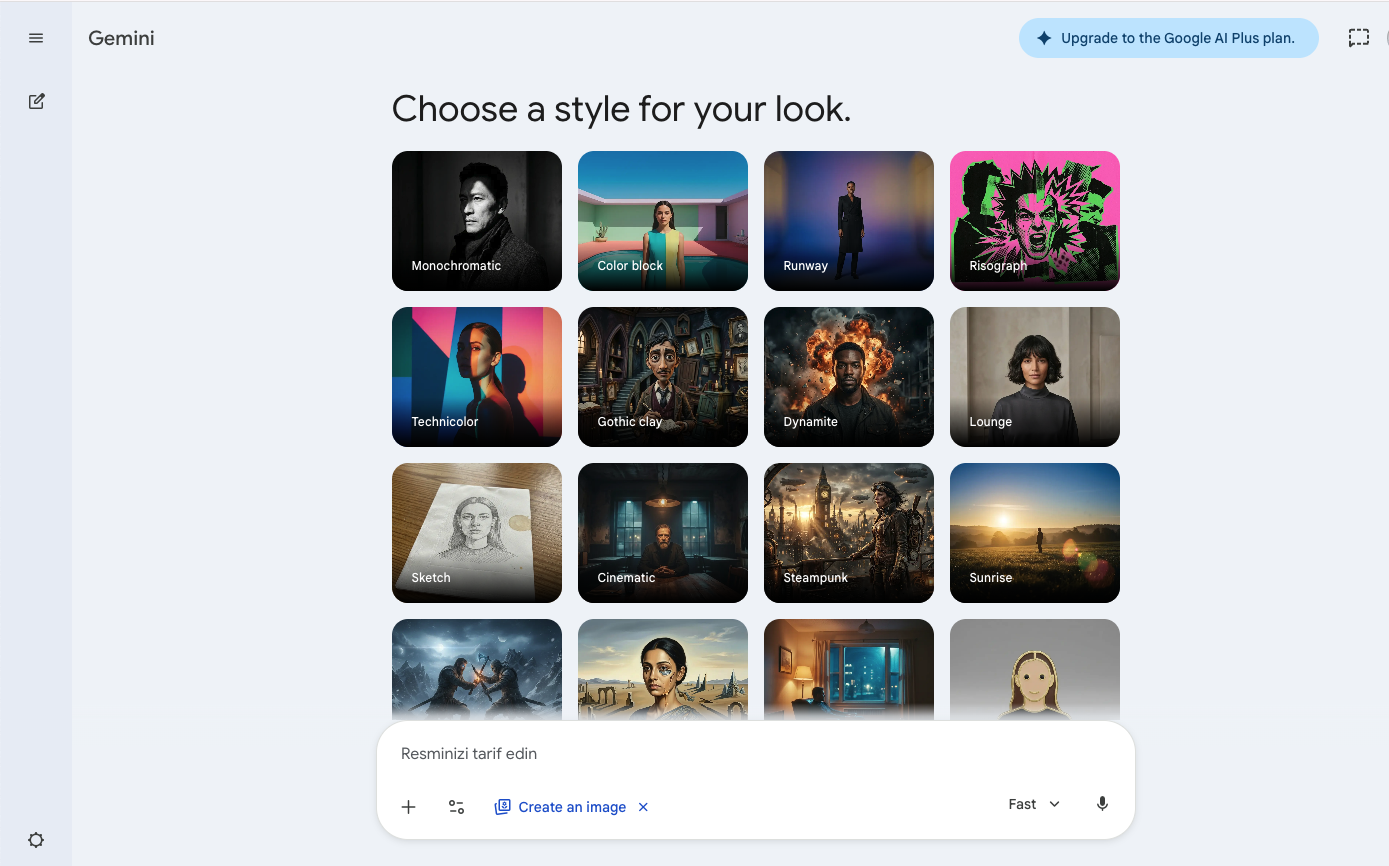
When to Choose Google Gemini
Choose Gemini when you want a conversational AI image generator from image inputs, especially when several source images need to influence one output.
4. Adobe Firefly
Best for Style and Composition References
Adobe Firefly offers dedicated reference-image controls that can guide the style or composition of a new image. Users can upload a reference, describe the desired result, and adjust how strongly the generation follows the source.
Composition reference is useful when the arrangement, outline, depth, or overall structure should remain similar. Style reference is useful when the new output should inherit a visual aesthetic, color treatment, texture, lighting approach, or artistic language.
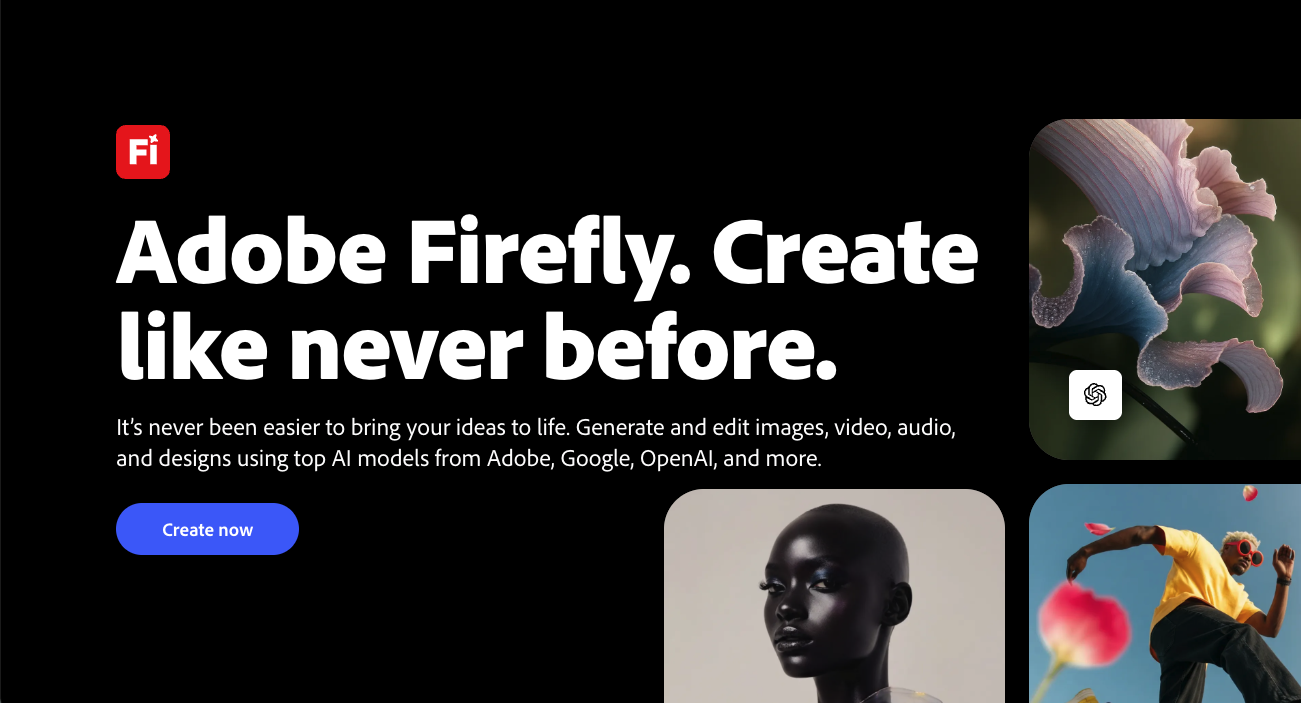
When to Choose Adobe Firefly
Choose Firefly when reference strength, structural guidance, Adobe integration, and a more controlled creative workflow are important. It is especially relevant to designers already working with Adobe applications.
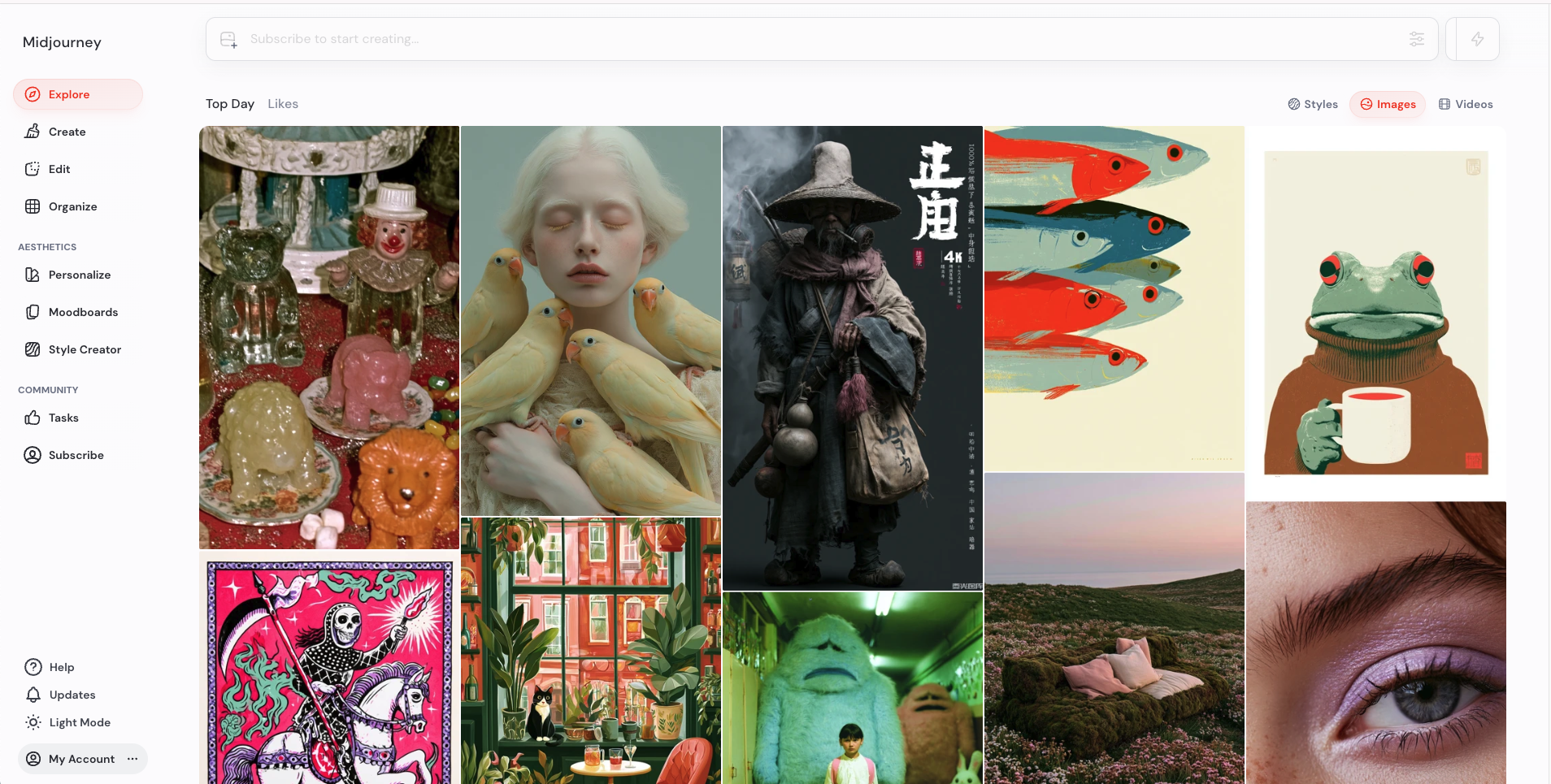
5. Midjourney
Best for Artistic Image Variations
Midjourney allows users to include images in prompts to guide new generations. Image prompts can influence content, composition, color, and other visual characteristics, while style references and remix workflows support further exploration.
Its strength is visual direction. Midjourney is often a better fit for artistic reinterpretation, cinematic concepts, fashion imagery, mood-driven scenes, and stylized variations than for exact product preservation or precision editing.
When to Choose Midjourney
Choose Midjourney when aesthetic exploration matters more than preserving every exact detail of the source image. It is particularly useful for concept art, editorial visuals, fashion direction, and artistic style transfer.
6. Leonardo AI
Best for Advanced Image Guidance Controls
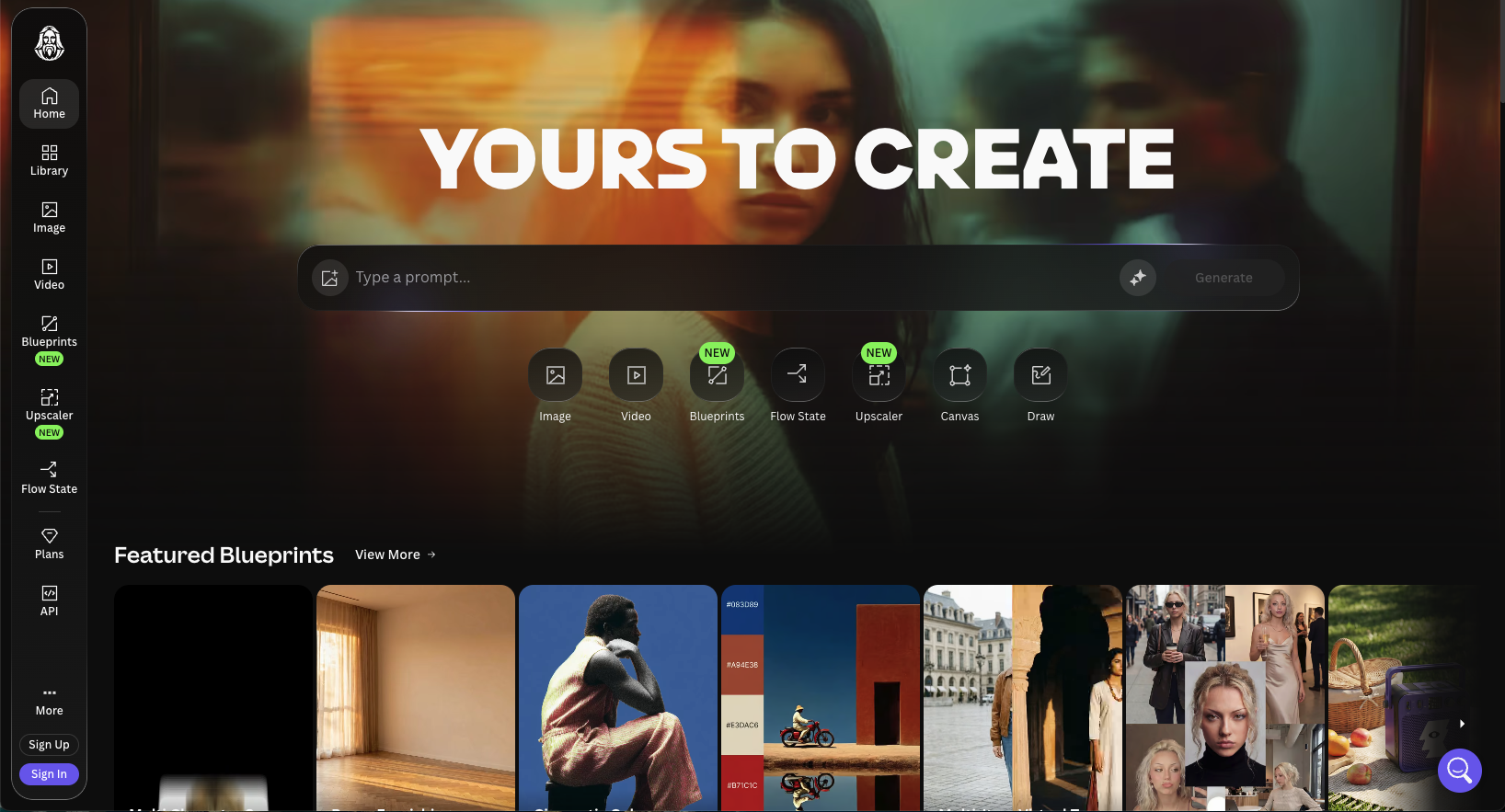
Leonardo AI supports several forms of image guidance, including image-to-image generation and references for content, style, and characters. Depending on the selected model, creators can control how strongly an uploaded image influences the final output.
These options make Leonardo useful for advanced creators who want to experiment with different models and guidance methods. It can support concept design, character work, game assets, product ideas, illustrations, and stylized image transformations.
When to Choose Leonardo AI
Choose Leonardo when you want deeper guidance settings and are comfortable testing models, reference types, and influence strengths to achieve a particular result.
7. Krea
Best for Rapid Creative Exploration
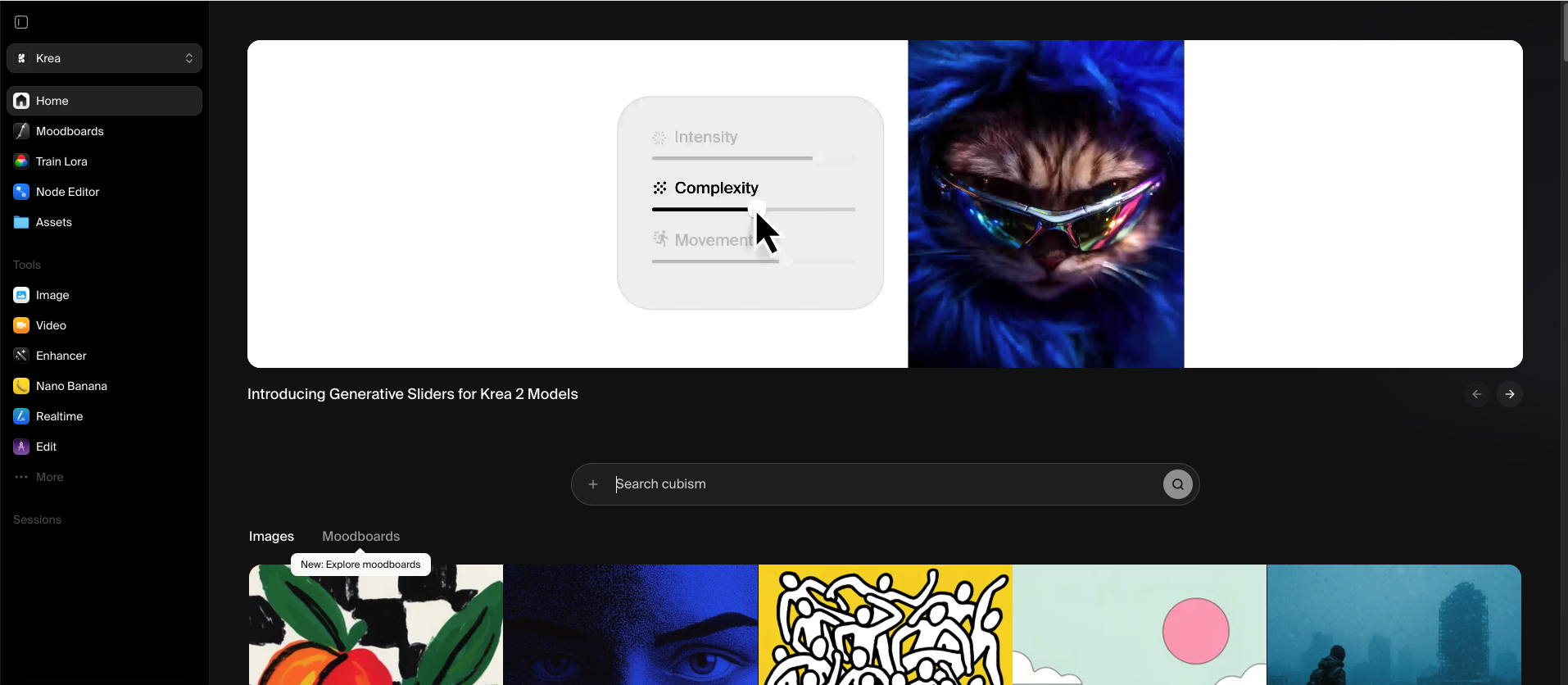
Krea provides reference-guided generation for composition, subject, and style. Its newer image models can blend reference images with text guidance, and some workflows allow several style references to influence the output.
Krea is well suited to designers and visual creators who want to explore ideas quickly, test different aesthetics, and develop a visual direction from photos, sketches, moodboards, or style examples.
When to Choose Krea
Choose Krea when speed, experimentation, and visual style development are central to your workflow. It is a strong option for moodboards, concept exploration, architecture ideas, campaign direction, and rapid image variations.
8. Magnific (formerly Freepik AI)
Best for an All-in-One Creative Workflow
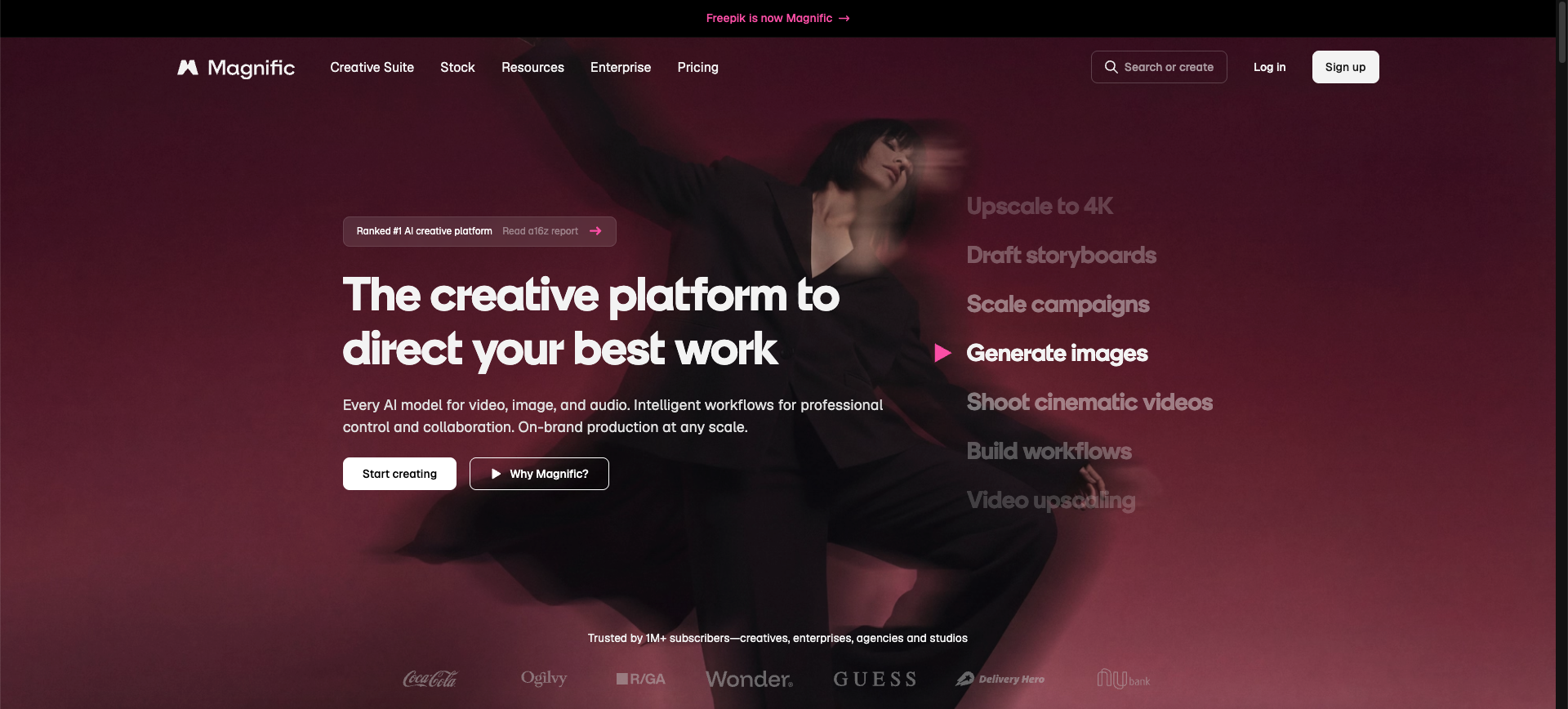
On April 28, 2026, Freepik moved all of its AI tools under the Magnific name, and the Freepik AI Image Generator is now the Magnific Image Generator at magnific.com. It can generate from text, a reference image, or both, and the same Freepik account and plan carry over.
The wider platform is useful when generated images will become part of a design, marketing asset, mockup, presentation, social post, or other creative project. Image, video, audio, upscaling, and editing tools sit in one place, which reduces the need to move between unrelated platforms.
When to Choose Magnific
Choose Magnific when image-to-image generation is one stage in a larger design process and access to additional creative tools and stock assets is valuable.
9. Photoroom
Best for Ecommerce and Product-Photo Transformations
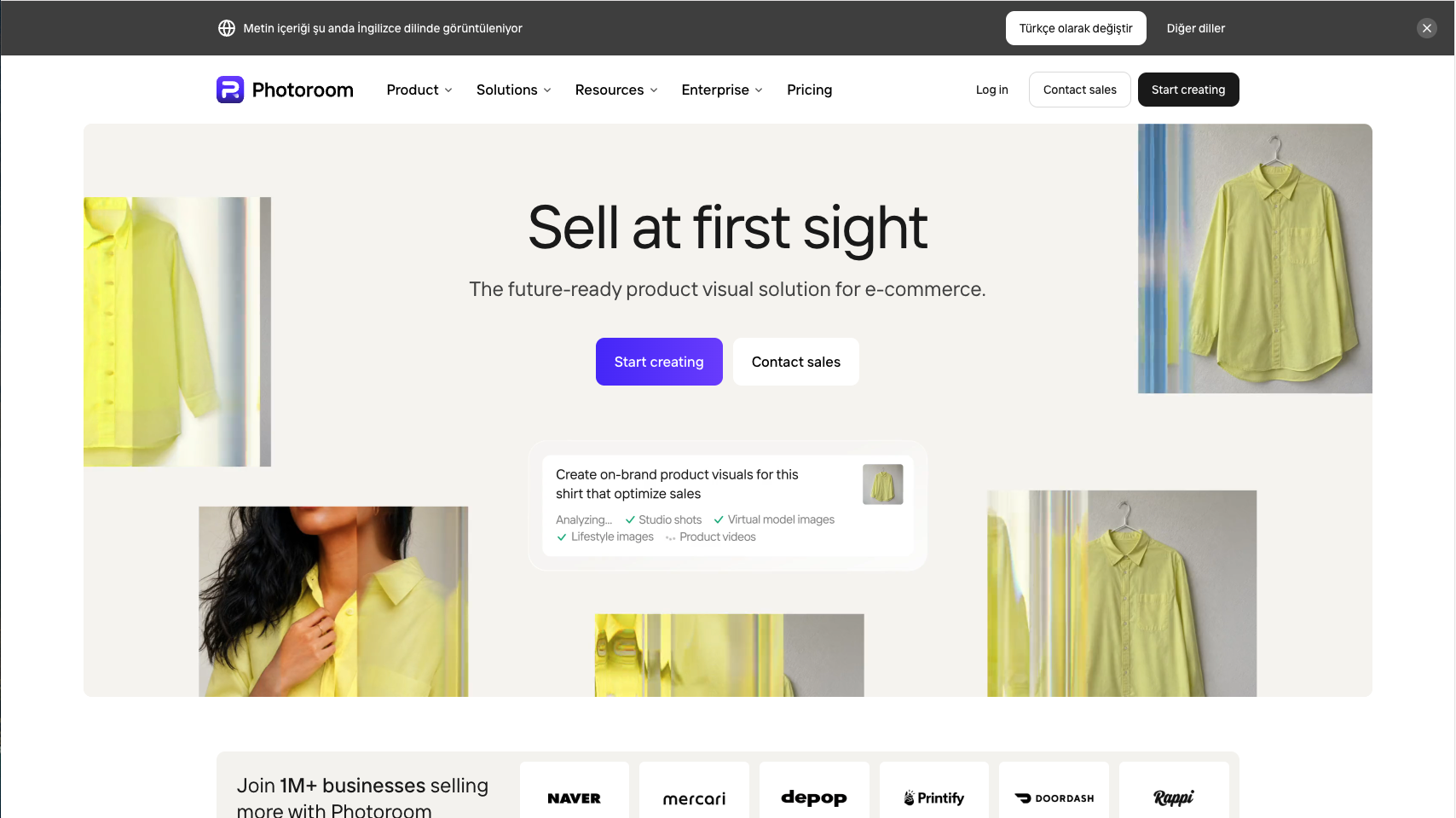
Photoroom's Edit with AI workflow creates a new image from an uploaded main image, optional additional reference images, and a text prompt. It is particularly relevant to product images, ecommerce listings, background changes, and branded visuals.
Users can upload a product shot, request changes, select an output size and quality, and continue editing the result. Its product-focused workflow makes it practical for sellers and teams that need usable commercial images rather than purely artistic experiments.
When to Choose Photoroom
Choose Photoroom when the main task involves products, listings, backgrounds, ecommerce consistency, or seller-oriented image production.
10. CapCut
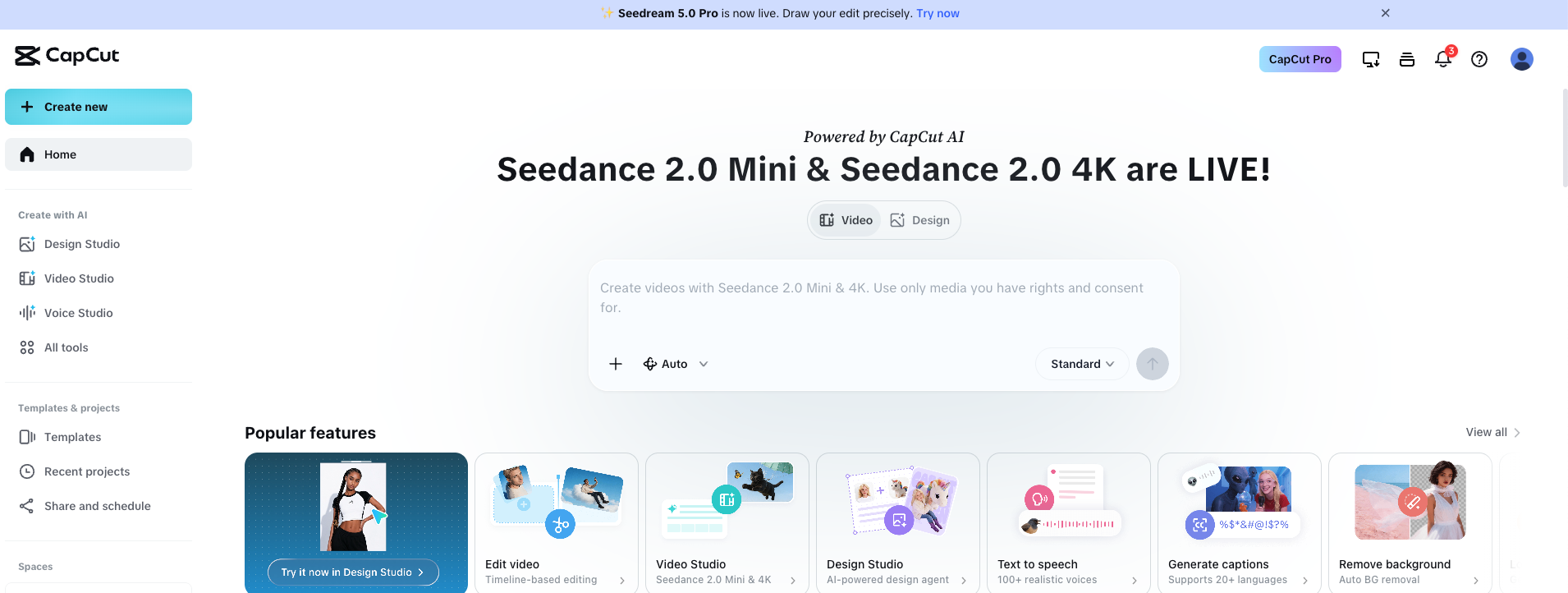
CapCut provides an AI image-to-image generator that can transform photos and sketches through text instructions. Its workflows are positioned around accessible transformations such as artistic styles, portrait changes, image improvements, and social-ready visual creation.
CapCut is especially convenient for creators already producing short-form video, social graphics, and mobile-first content inside its ecosystem.
When to Choose CapCut
Choose CapCut when you want a straightforward image transformation tool connected to a broader creator and video-editing workflow.
Best Image-to-Image AI Generator by Use Case
For Beginners
GenImagePro is the most approachable choice for product and clothing photos, because it suggests shots for the uploaded product instead of starting from an empty prompt. ChatGPT and Gemini are also accessible because users can describe changes conversationally. CapCut is practical for quick, creator-friendly transformations.
For Product Photography
GenImagePro and Photoroom are the most directly relevant tools for product-photo workflows. GenImagePro reads the product, suggests shots for its type, and links sizes, video, and saved flows on one board, while Photoroom is strong for ecommerce editing, backgrounds, and batch product-image production.
For Reference Image Control
Adobe Firefly, Leonardo AI, Krea, and Midjourney offer distinct reference-image controls. Firefly separates composition and style references, Leonardo provides several guidance types, Krea supports reference-led visual direction, and Midjourney offers image prompts and style references for creative interpretation.
For Portrait Transformations
GenImagePro, ChatGPT, Gemini, and CapCut are practical choices for portrait transformations. Always inspect facial identity, skin texture, hair, eyes, hands, clothing, and accessories before using AI-generated portraits professionally.
For Multiple Reference Images
Gemini, ChatGPT, Krea, Leonardo AI, and Photoroom can support workflows where more than one image influences the result. The exact number of references, supported guidance types, and model behavior varies by platform.
For Artistic Style Transfer
Midjourney and Krea are particularly strong for style-driven exploration. Adobe Firefly also provides explicit style-reference controls, while Magnific and Leonardo support reference-guided creative generation within broader toolsets.
AI Image Generator from Image: What Can You Create?
An AI image generator from image can be used for much more than applying a visual filter. The most useful workflows combine the source image with a clear transformation goal.
Common examples include turning basic product photos into studio scenes, creating lifestyle product images, redesigning rooms, changing clothing or makeup, generating professional portraits, converting drawings into realistic images, changing weather or time of day, creating advertising variations, and adapting one image to several visual styles.
How to Use a Reference Image AI Generator
Start with a source image that clearly shows the subject and important details. A sharp, well-lit image usually provides better guidance than a blurry, heavily compressed, cropped, or obstructed upload.
Describe both what should change and what should remain unchanged. For example: replace the background with a premium stone studio, keep the bottle shape, white label, black cap, camera angle, and product colors unchanged.
When the tool provides a reference-strength control, begin with a middle setting. Increase the strength if the output drifts too far from the original. Reduce it if the new image is too similar and the requested transformation is not visible.
Image-to-Image vs. Text-to-Image
Text-to-image generation starts from a written description and creates the visual from scratch. Image-to-image generation begins with an existing visual reference, giving the model more information about the desired subject, structure, pose, or composition.
Use text-to-image when you want open-ended exploration and do not have a suitable source image. Image-to-image AI works when you already have a product, person, room, sketch, composition, or visual direction that should influence the output.
For commercial workflows, image-to-image is often more practical because it starts from an asset the user already owns. However, it does not guarantee perfect preservation, and important details still need to be checked.
How to Write Better Image-to-Image Prompts
A useful image-to-image prompt should identify the subject, requested transformation, desired environment or style, lighting, camera treatment, output purpose, and details that must remain unchanged.
For example: Transform this basic skincare product photo into a premium ecommerce hero image on warm beige stone, with soft morning light, realistic contact shadows, a minimal cream background, and subtle botanical details. Keep the bottle, label, cap, proportions, logo placement, and product color unchanged.
Avoid vague instructions such as make this better or make it professional. Explain what professional means for the specific image: clean studio lighting, commercial composition, realistic shadows, accurate materials, uncluttered background, and space for marketing copy.
Is There a Free Image-to-Image AI Generator?
Several platforms offer a free plan, a free trial, or a limited number of free generations, but free usage can change frequently. Limits may apply to resolution, queues, watermarks, commercial rights, model selection, private generation, or the number of images.
Evaluate the output before focusing only on the free allowance. A tool that is cheaper per image but changes the subject, product, or composition incorrectly may cost more time than a paid tool that produces usable results faster.
How to Choose the Best AI Image Generator with a Reference Image
Test each platform with the same three images: a portrait, a product photo, and a complex scene. This reveals whether the tool performs consistently across people, objects, materials, backgrounds, and detailed compositions.
Compare subject preservation, prompt accuracy, reference controls, output resolution, generation speed, iteration workflow, privacy, commercial-use terms, and the effort required to correct mistakes.
For business use, also consider whether the platform supports repeatable templates, brand consistency, batch workflows, team access, API integration, or reliable generation across a large catalog.
Common Image-to-Image AI Mistakes
The first mistake is using a poor source image. AI can transform a good photo more reliably than it can rescue an image where the subject is blurry, partly hidden, extremely small, or distorted.
The second mistake is asking for too many unrelated changes at once. Make the major transformation first, review it, and then refine individual details through additional generations or editing.
The third mistake is assuming that visual similarity means factual accuracy. A product may look correct at first glance while the logo, label text, cap shape, gemstone setting, clothing pattern, or facial detail has changed.
The fourth mistake is selecting a tool based only on its model name. The interface, reference controls, templates, editing workflow, and post-generation tools can matter as much as the underlying model.
Final Recommendation
Choose GenImagePro if you want an image-to-image AI image generator that turns one product or clothing photo into a full photoshoot, with shot ideas, sizes, video, and saved flows on one board, plus headshots, portraits, and plain-word edits. It is especially useful for users who want clear visual directions without learning advanced controls.
Choose ChatGPT for conversational editing, Gemini for natural-language transformations with multiple images, Adobe Firefly for composition and style references, Midjourney for artistic variations, Leonardo AI for advanced guidance controls, Krea for rapid visual exploration, Magnific (formerly Freepik AI) for a broader design ecosystem, Photoroom for ecommerce and products, and CapCut for quick creator-focused transformations.
The most reliable way to choose is to generate the same requested transformation in two or three tools. Compare how accurately each platform preserves the subject, follows the instruction, handles fine details, and produces an image that is ready for your real use case. For prompt wording that works across these tools, see these image-to-image prompts.
FAQ
What is the best image-to-image AI generator?
GenImagePro is the best image-to-image AI generator for product and fashion photoshoots from one photo. ChatGPT is best for conversational edits, Gemini for combining several images, Adobe Firefly for composition and style references, Midjourney for artistic variations, and Photoroom for ecommerce edits. The best option depends on the result you need.
What is an AI image generator from image?
An AI image generator from image uses an uploaded photo, sketch, product shot, or other visual as the starting point for a new image. The source guides the subject, structure, composition, style, or other details while a prompt or template describes the transformation.
Can I generate an AI image from a reference photo?
Yes. Image-to-image AI tools let you upload a reference photo and create a new version from it. Depending on the platform, the image can guide composition, subject identity, style, colors, pose, product details, or the overall visual direction.
Is there a free image-to-image AI generator?
Yes. Several image-to-image AI generators offer a free plan, a free trial or a limited number of free generations. Limits can apply to resolution, queues, watermarks, commercial rights, model choice or the number of images, and they change often. Judge the output first, because a free tool that changes your subject can cost more time.
What can I create with an AI image generator from a photo?
You can turn a basic product photo into a studio or lifestyle scene, make a selfie into a professional portrait, furnish an empty room, turn a sketch into a realistic render, change clothing or makeup, change the weather or time of day, and adapt one image to several visual styles or advertising variations.
Which AI image generator is best for product photos?
GenImagePro and Photoroom are the most directly relevant for product photos. GenImagePro reads the uploaded product, suggests shots for its type, from jewelry and beauty to food, bags and home goods, and adds sizes, video and saved flows. Photoroom is strong for ecommerce editing, backgrounds and batch product images.
Can AI generate a similar image from my photo?
Yes. Image-to-image tools can create several new versions of a photo while keeping the subject and composition recognizable. If the tool has a reference-strength control, start in the middle: raise it if the result drifts too far from the original, and lower it if the new image looks too similar to show the change.
What is the difference between image-to-image and text-to-image?
Text-to-image starts from a written prompt and creates a new visual from scratch. Image-to-image begins with an existing image, so the output can follow its subject, layout, pose, structure, or style more closely.
Which AI generator works with multiple reference images?
ChatGPT, Gemini, Leonardo AI, Krea, and Photoroom support workflows where multiple uploaded images can influence a result. Exact reference limits and supported controls vary by platform and model.
How do I keep the same person or product in an AI image?
Use a clear source image, choose a tool with strong reference or identity controls, and explicitly state what must remain unchanged. Review faces, logos, labels, shape, color, proportions, clothing, accessories, and materials after every generation.