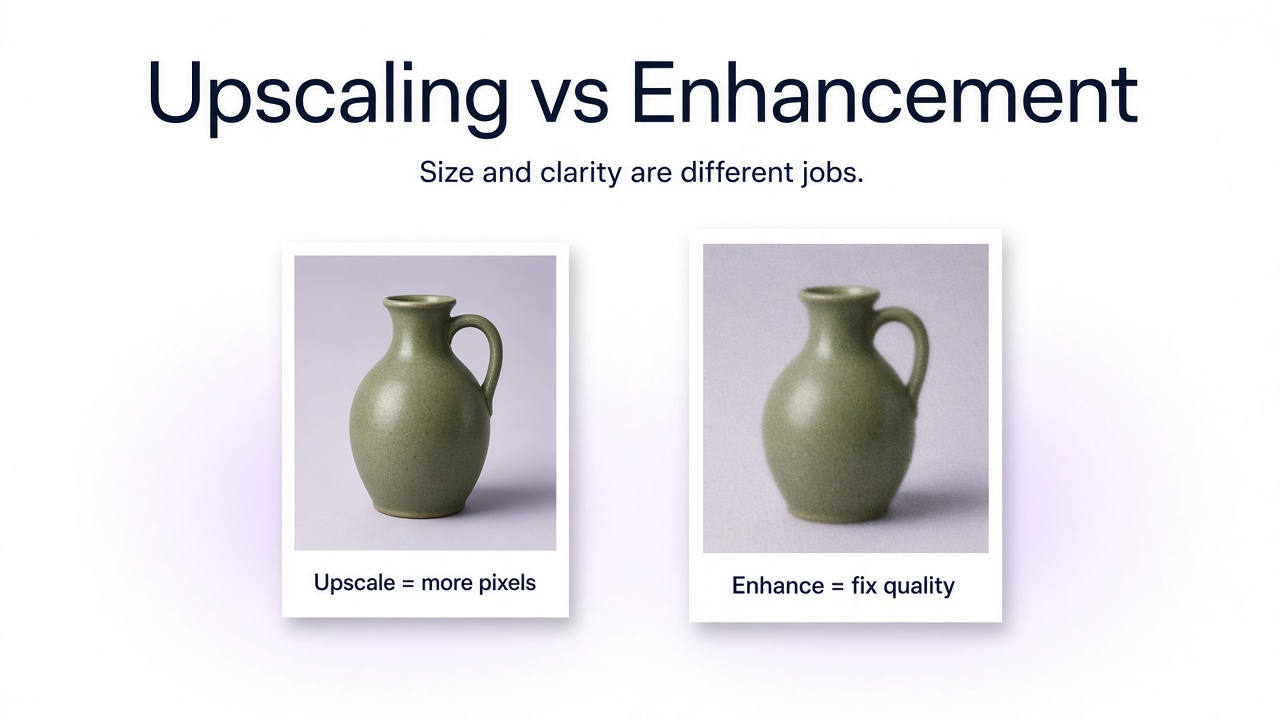
If a photo looks bad, start with the defect—not the product name. Too small but sharp, large enough but blurry, or full of JPEG blocks are different problems. Upscaling and enhancement are related; they are not synonyms.
For resolution-focused workflows, see how to increase image resolution. For soft focus and motion blur, see how to make a blurry picture clear.
The short answer
| Question | Upscaling | Enhancement |
|---|---|---|
| Main goal | Increase pixel dimensions | Improve one or more quality problems |
| Useful when | The file is too small for the use case | Blur, noise, compression, lighting, or weak detail |
| Does size change? | Usually yes | Not necessarily |
| Typical ops | Resampling, AI / generative upscaling | Denoise, deblur, sharpen, restore, artifact cleanup, tone |
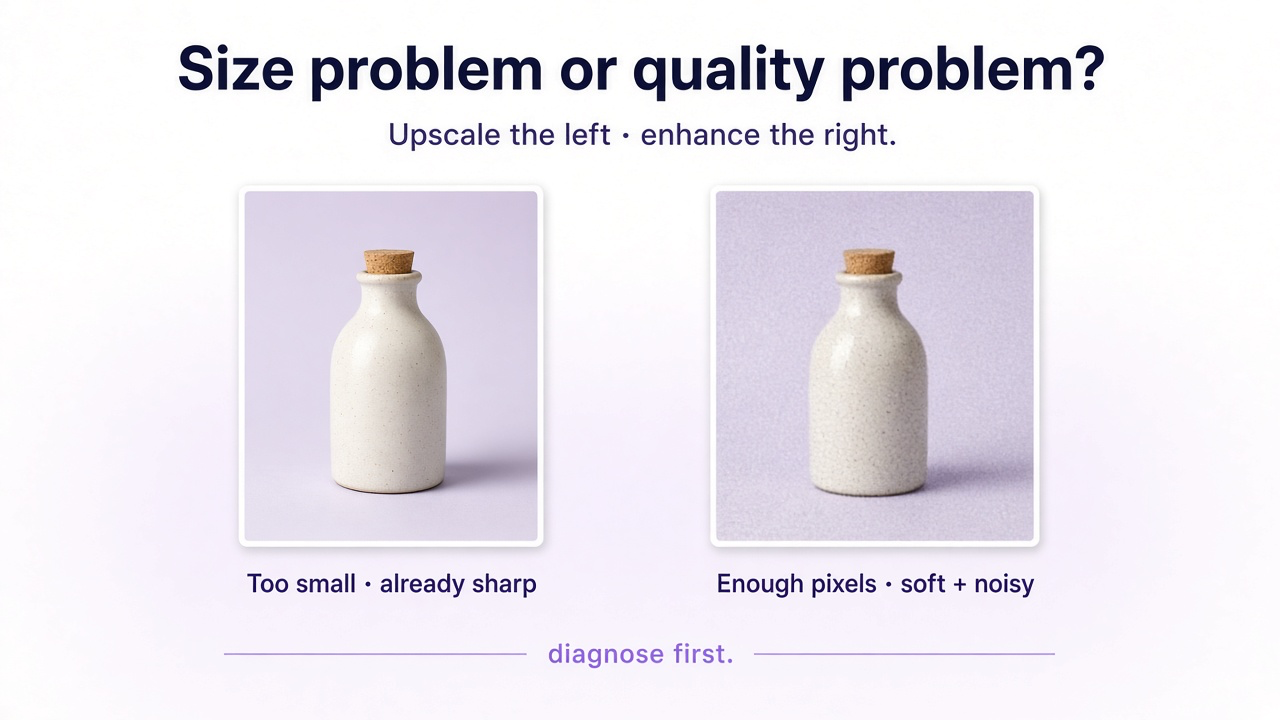
Which one does your photo need?
| Problem | Start with |
|---|---|
| Looks good but too small | Upscaling |
| Large enough but soft | Deblur / focus recovery |
| Visible grain or low-light noise | Denoising |
| Tiny and soft | Upscaling + enhancement |
| Blocky JPEG | Artifact reduction (± upscale) |
| Old scratched / faded scan | Restoration (± resolution) |
| Clear product, too small for zoom | Conservative upscale with fidelity locked |
What upscaling actually does
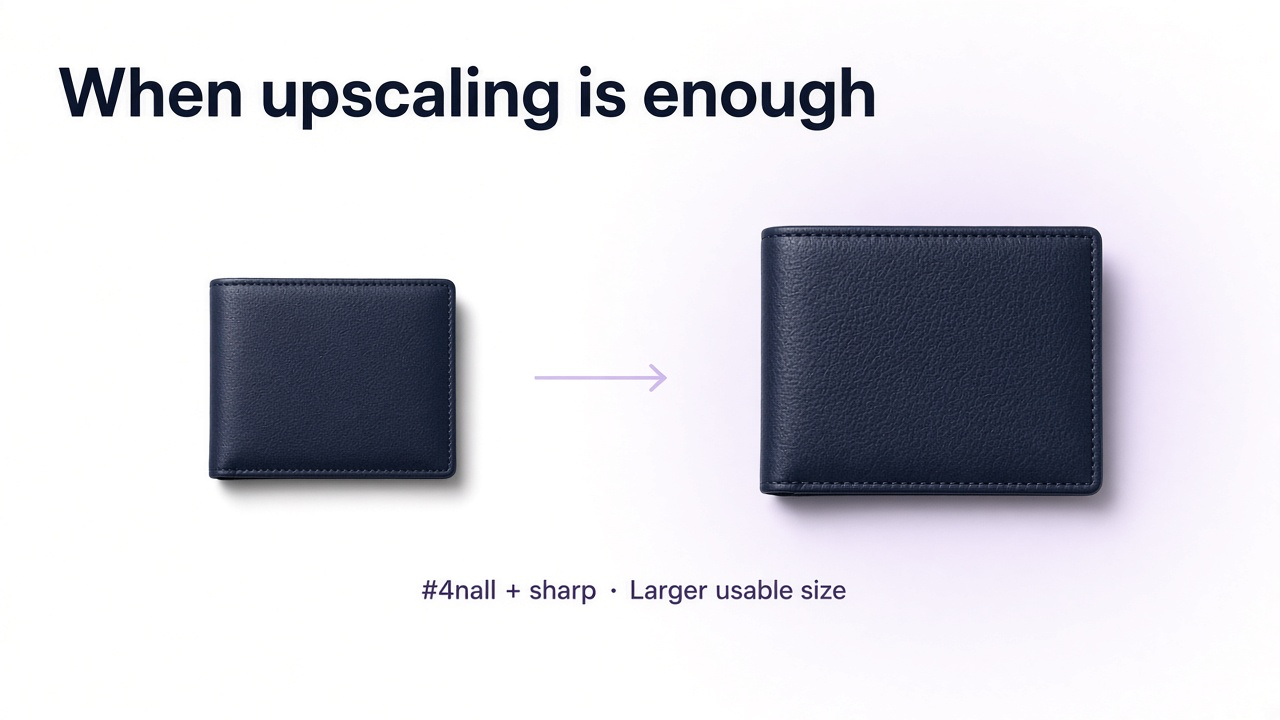
Upscaling adds pixels. Traditional resize interpolates from neighbors. AI upscaling can also infer edges, hair, fabric, and texture while enlarging—often looking far better than a stretch—but reconstructed detail is still inferred. Labels, faces, and historical features need a check against the source.
What enhancement actually covers
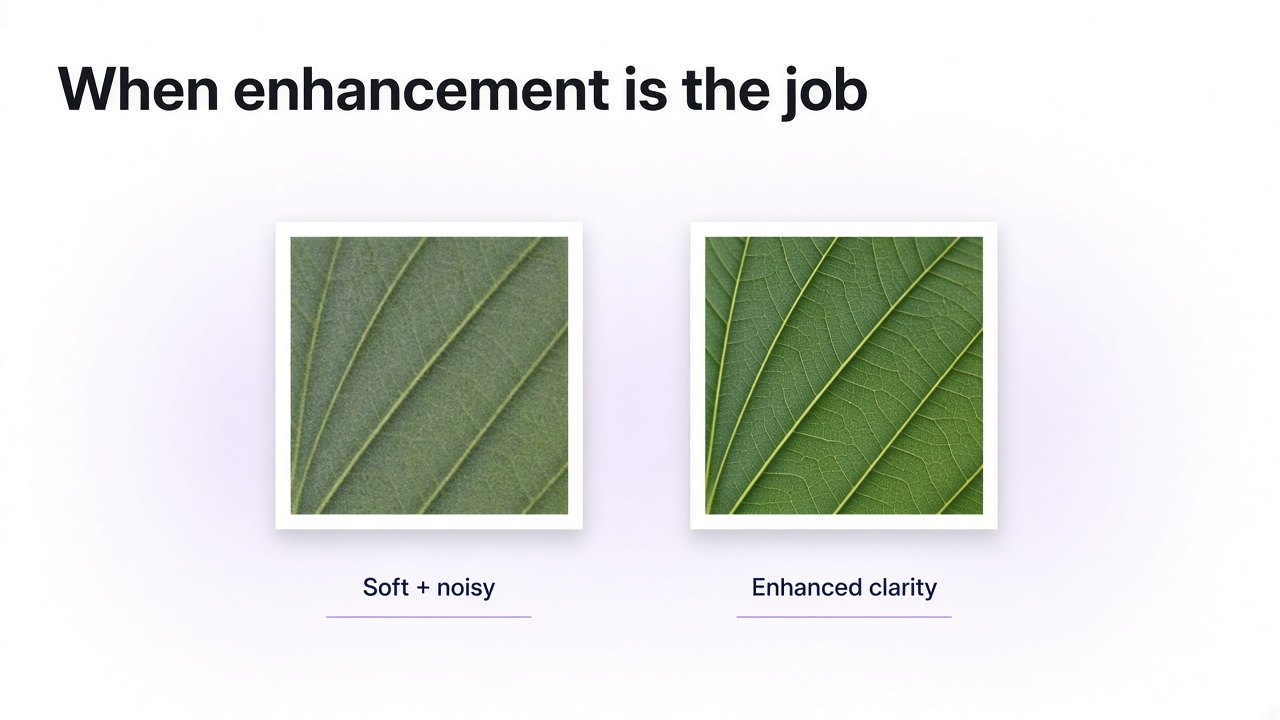
Enhancement is an umbrella—not a single button. It can mean denoising, deblurring, sharpening, compression repair, lighting/tone correction, restoration of scratches or fading, and sometimes resolution increase. Modern “AI upscalers” often fold some of those in, which is why the words blur together. Still: upscaling names the size goal; enhancement names the quality family.
| Process | Primary job |
|---|---|
| Upscaling | Increase pixel dimensions |
| Sharpening | Make existing edges look more distinct |
| Deblurring | Reduce focus or motion softness |
| Denoising | Reduce unwanted grain / color noise |
| Restoration | Repair damage or age-related degradation |
| Enhancement | Umbrella for one or more of the above |
Quick examples
- Small but sharp product (e.g. 800×800)Upscale; skip heavy restoration. Watch labels and edges.
- Large soft photo (plenty of pixels, missed focus)Deblur first. Extra megapixels won’t fix the blur.
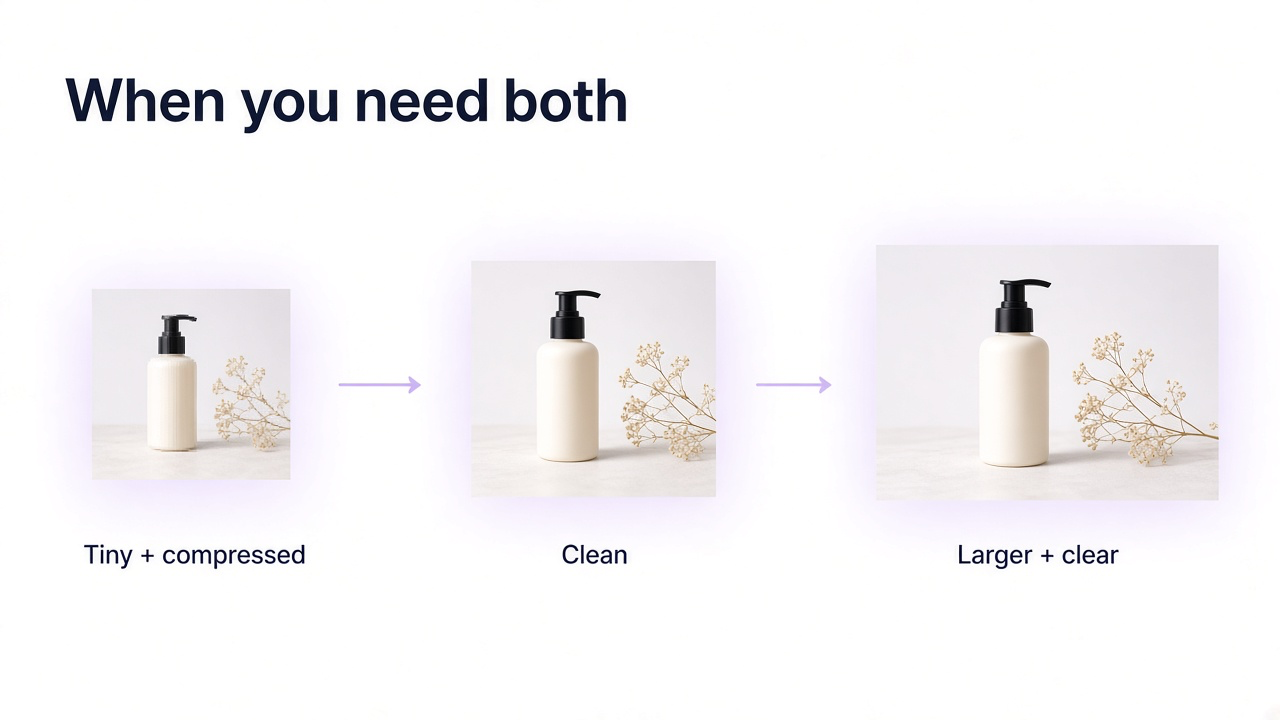
- Tiny compressed web JPEGArtifact cleanup and enlarge together, conservatively.
- Noisy low-light shot with enough sizeDenoise. Upscaling noise can make it louder.
- Old damaged scanRestoration first; resolution if you still need a larger output. See [restore old photos with AI](/blog/restore-old-photos-ai).
When you need both
Crops, old phone photos, compressed web assets, screenshots, and weak ecommerce files often need size and quality together: too small and soft, artifacts that explode when enlarged, or a face that needs more pixels and careful detail recovery.
How to do it in GenImagePro
Practical workflow
Upload the best source
Prefer the original over screenshots or social downloads.
Name the problem
Too small, soft, noisy, compressed, damaged—or several at once.
Lock what must not change
Identity for people; design and labels for products; historical detail for old photos.
Inspect at 100%
Faces, text, packaging, hair, fabric—before you publish.
| Type | Risk | Verify |
|---|---|---|
| Portrait | Identity drift | Eyes, nose, lips, hairline, proportions |
| Product | Attractive but inaccurate design | Shape, labels, materials, packaging |
| Text / document | Wrong characters | Every important letter/number |
| Historical photo | Plausible detail treated as fact | Faces, clothing, objects, architecture |
So—upscale or enhance?
Clear but small → upscale. Enough pixels but a quality defect → enhance that defect. Small and degraded → both. Even when one AI pass does several things, naming the result—“more resolution,” “less noise,” “better focus,” “keep this label”—beats a vague “improve quality.”
Frequently Asked Questions
What is the difference between photo upscaling and photo enhancement?
Upscaling primarily increases pixel dimensions. Enhancement is broader and can include denoising, sharpening, deblurring, compression repair, lighting correction, restoration, or resolution increase.
Does upscaling improve image quality?
It can. Basic resize mainly interpolates; AI upscaling can also reconstruct plausible detail. Results still depend on the source.
Does enhancement always increase resolution?
No. Many enhancements stay at the original dimensions and target noise, blur, tone, or damage.
Should I upscale a blurry image?
Not as the only step. Fix blur first (or together). Extra pixels alone don’t restore focus.
Is sharpening the same as enhancement?
Sharpening is one kind of enhancement. It does not automatically raise resolution or fix noise and compression.
Can GenImagePro do both?
Yes. Upload the photo and describe higher resolution, less blur, less noise, less compression, or a combination—plus what must stay unchanged.
Can AI recover missing detail exactly?
It can invent plausible detail. That is not a guarantee of historical or product accuracy. Check faces, text, and packaging carefully.