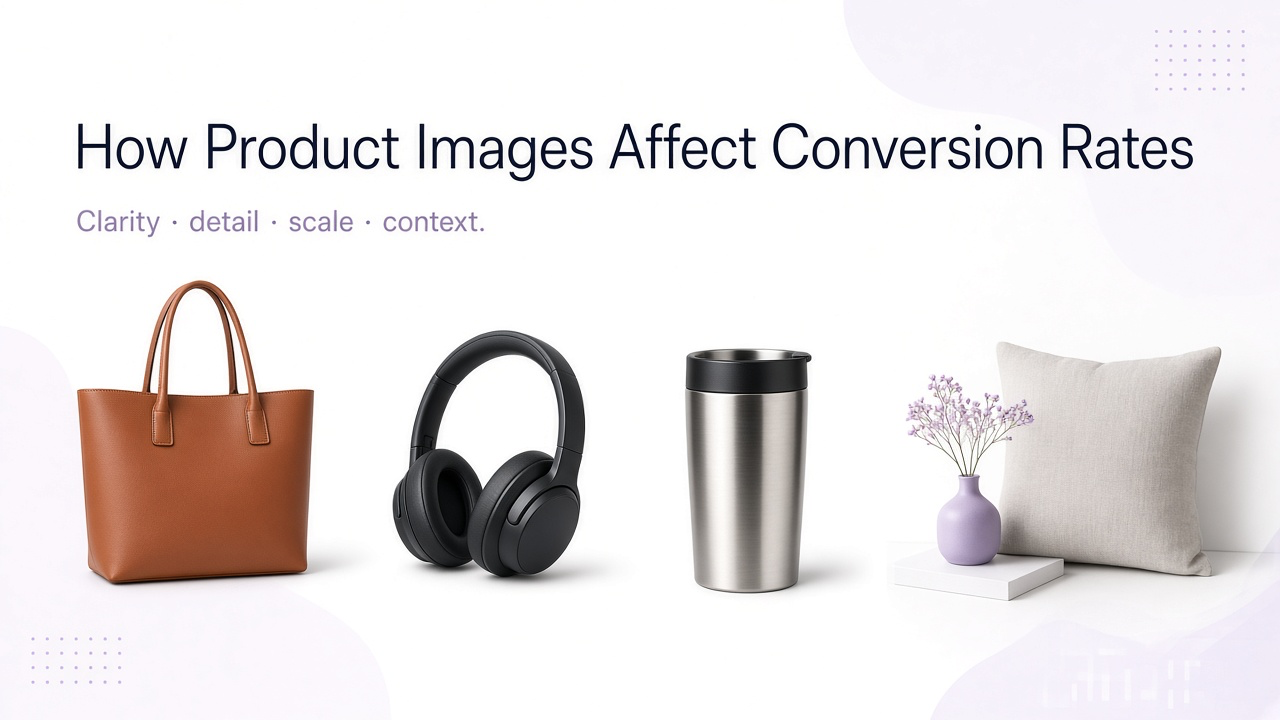
Online shoppers cannot pick the product up. Images stand in for size, texture, and context. That is why a clearer gallery can change conversion even when price and copy stay the same—and why “prettier” photos that still leave the same questions open often do nothing.
Baymard’s UX research consistently finds shoppers lean on product imagery early on the PDP. Treat missing visual answers as friction before Add to Cart. For a full shot list by type, see product photography types for ecommerce.
Ignore blanket conversion stats
You will see round percentages online about “better photos.” They rarely transfer. Impact depends on category, traffic quality, and which questions your current gallery already answers. Decide what to add from UX gaps on your PDP, then measure on your store.
Build the gallery by job
One hero almost never answers every question. Extra frames help only when each one does a different job.
| Image | Answers | When it matters most |
|---|---|---|
| Hero packshot | What am I buying? | Every product |
| Second angle | Shape / back / construction? | Most physical goods |
| Detail | Material / quality / features? | Craft, fabric, finish, hardware |
| Scale | How big is it? | Furniture, bags, tech, decor |
| Lifestyle | How will I use it? | Home, fashion, beauty, kitchen |
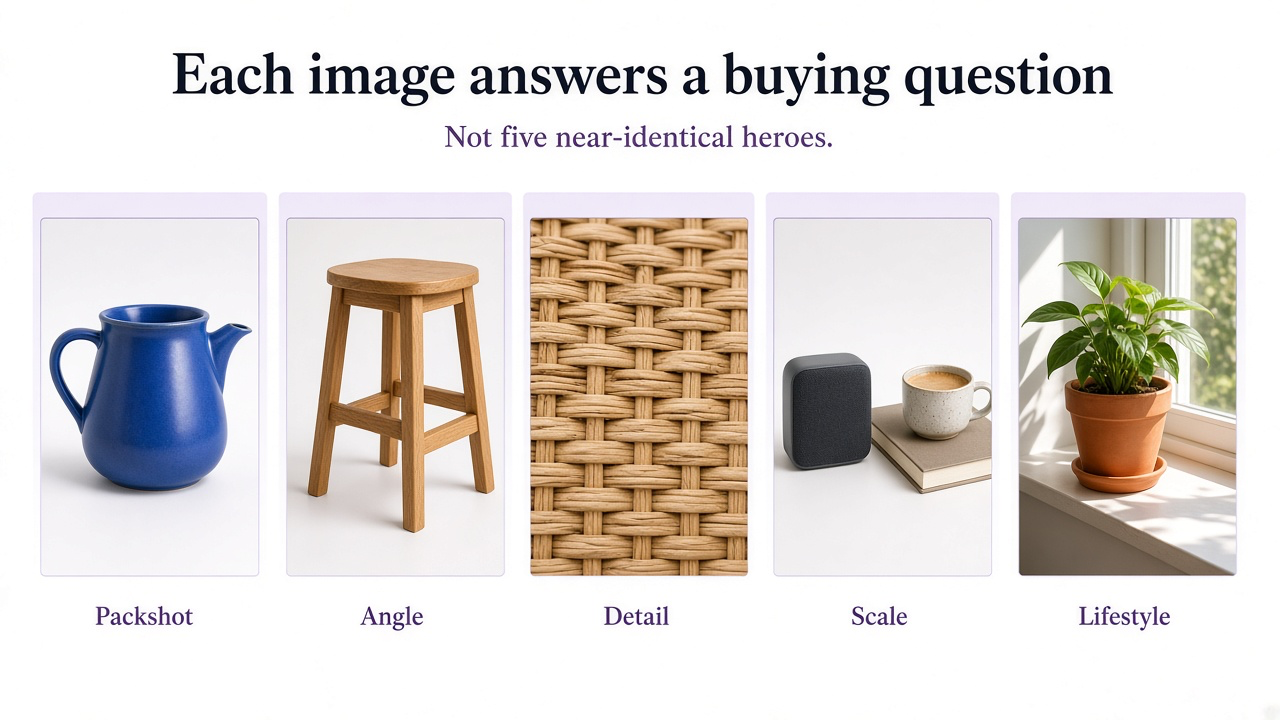
Written dimensions are slow. A familiar reference—book, chair, room, hand—makes size obvious. Lifestyle should support the product, not bury it. Detail earns the price when weave, stitching, grain, or hardware drives the decision. Room-scale furniture has its own constraints: furniture product photography guide.
Order, thumbnails, and mobile
Pixelation, color mismatch, and inconsistent lighting make a real product feel risky. The main image also decides whether someone reaches the PDP from search, category, or ads—so the thumbnail must stay honest and readable at small size.
A sensible default order
Hero
Full product, easy to recognize.
Second angle
Form or construction they cannot see from the front.
Scale or lifestyle
Size and use in one useful frame.
Detail
The material or feature that justifies price.
Extras
Packaging, variants, or secondary features only if they add information.
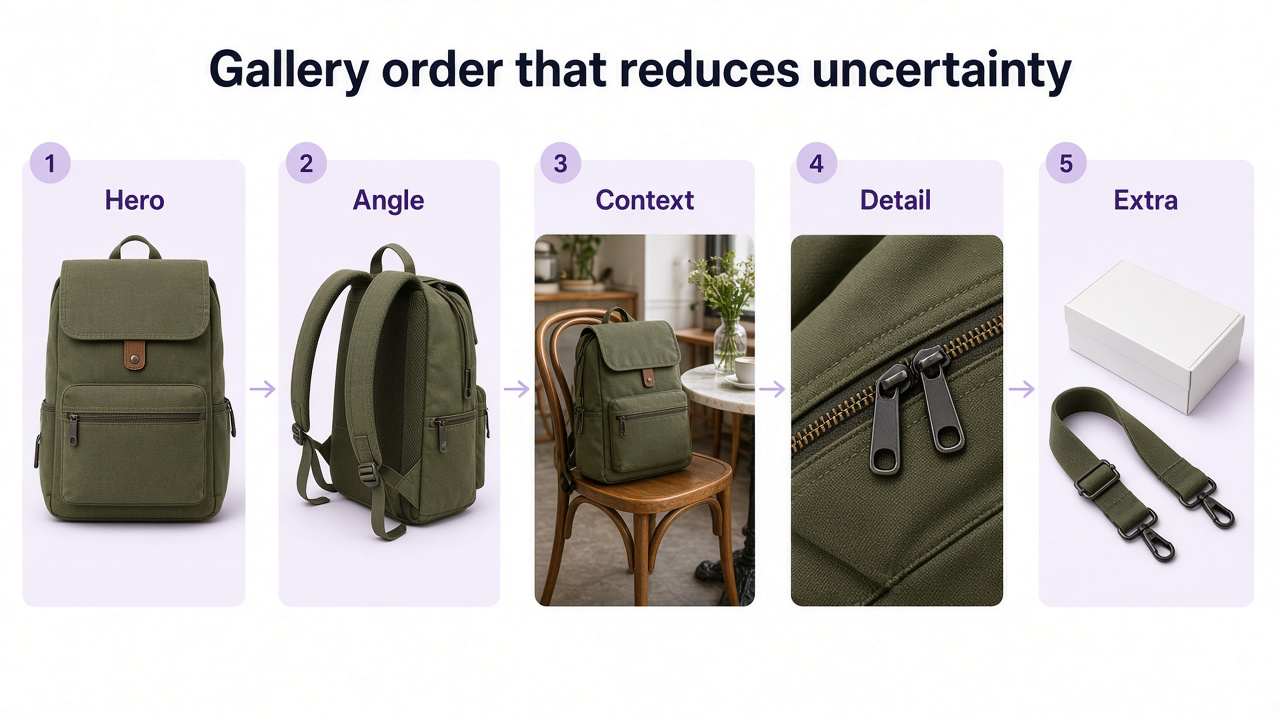
On a phone the hero is tiny—zoom and resolution must survive inspection. Deliver a rich gallery without forcing every full-res frame before first paint. More images should not mean a slower first view: product image optimization guide.
Same product, different surfaces
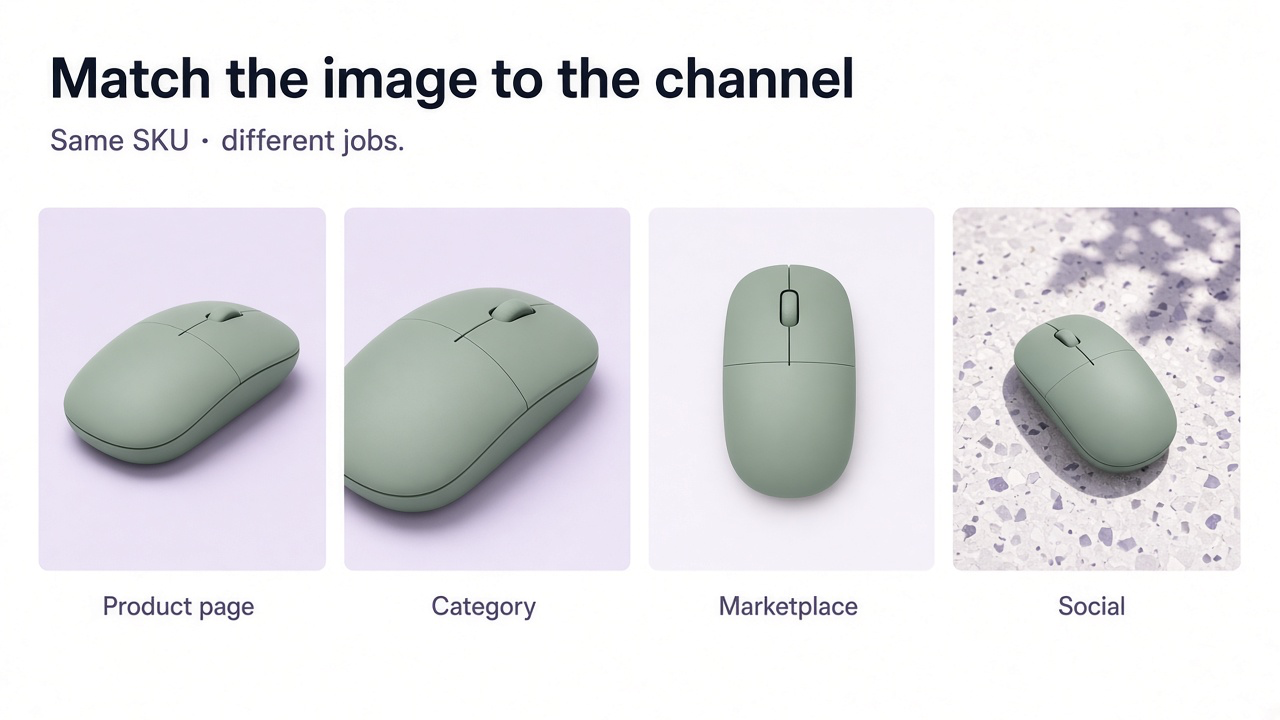
A PDP gallery, a category thumbnail, a marketplace main, and a social crop have different jobs. Do not force one finished square everywhere. For Amazon / Etsy / eBay / Shopify exports specifically, see how to prepare product images for multiple marketplaces.
Fill gaps, then test
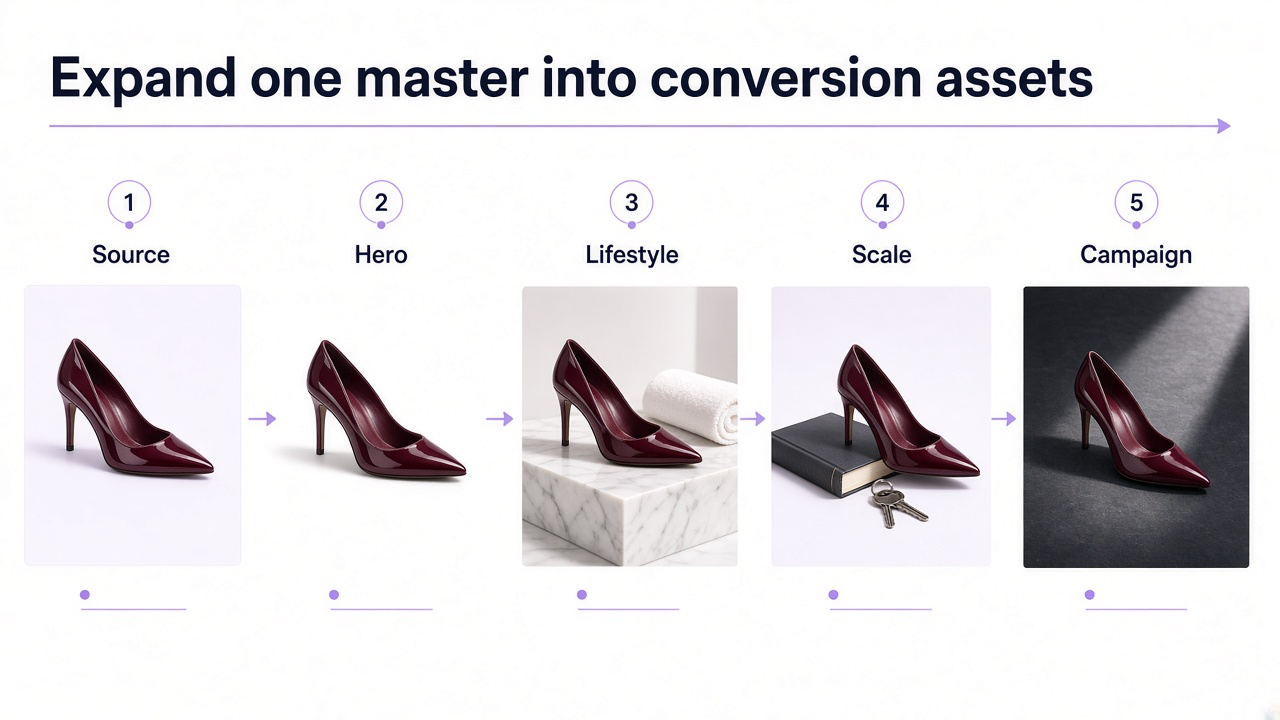
Once you know which jobs are missing, production volume is the bottleneck. If you already have a true product photo, GenImagePro can help generate a cleaner hero, a scale or lifestyle frame, or a campaign crop while keeping the uploaded product as the reference—then export without overwriting the master.
Change one visual variable at a time. Primary metric: conversion or add-to-cart. Use gallery engagement as supporting evidence, and segment mobile vs desktop when the UI differs.
High-signal experiments
- Add a scale or lifestyle frame where size or use is unclear
- Move the most useful secondary image earlier in the gallery
- Swap a weak thumbnail for a clearer product-first crop
- Replace three near-duplicate angles with one detail + one context shot
Before you publish
Hero identifies the product in one glance
Gallery covers angle, detail, and scale or lifestyle—not duplicate heroes
Colors and materials match the real product (including any AI frames)
Zoom and mobile crop still look sharp
Files are optimized so the first view stays fast
Frequently Asked Questions
Do product images affect conversion?
Yes—by reducing uncertainty about appearance, size, materials, and use. How much depends on your category and current gaps. Measure on your store rather than trusting someone else’s percentage.
How many images do I need?
Enough to answer the important visual questions. Simple products need fewer frames; complex or lifestyle products usually need more.
Do lifestyle images always help?
They help when context or scale is unclear. Keep them beside accurate product-first shots and test—don’t assume a prettier scene wins.
Should I publish AI product images?
They are useful for expanding coverage after you verify shape, materials, color, labels, and scale against the real item.
How do I know a new image helped?
Run a controlled test: one hypothesis, one change, track conversion or add-to-cart, and keep the winner only if it moves the metric.