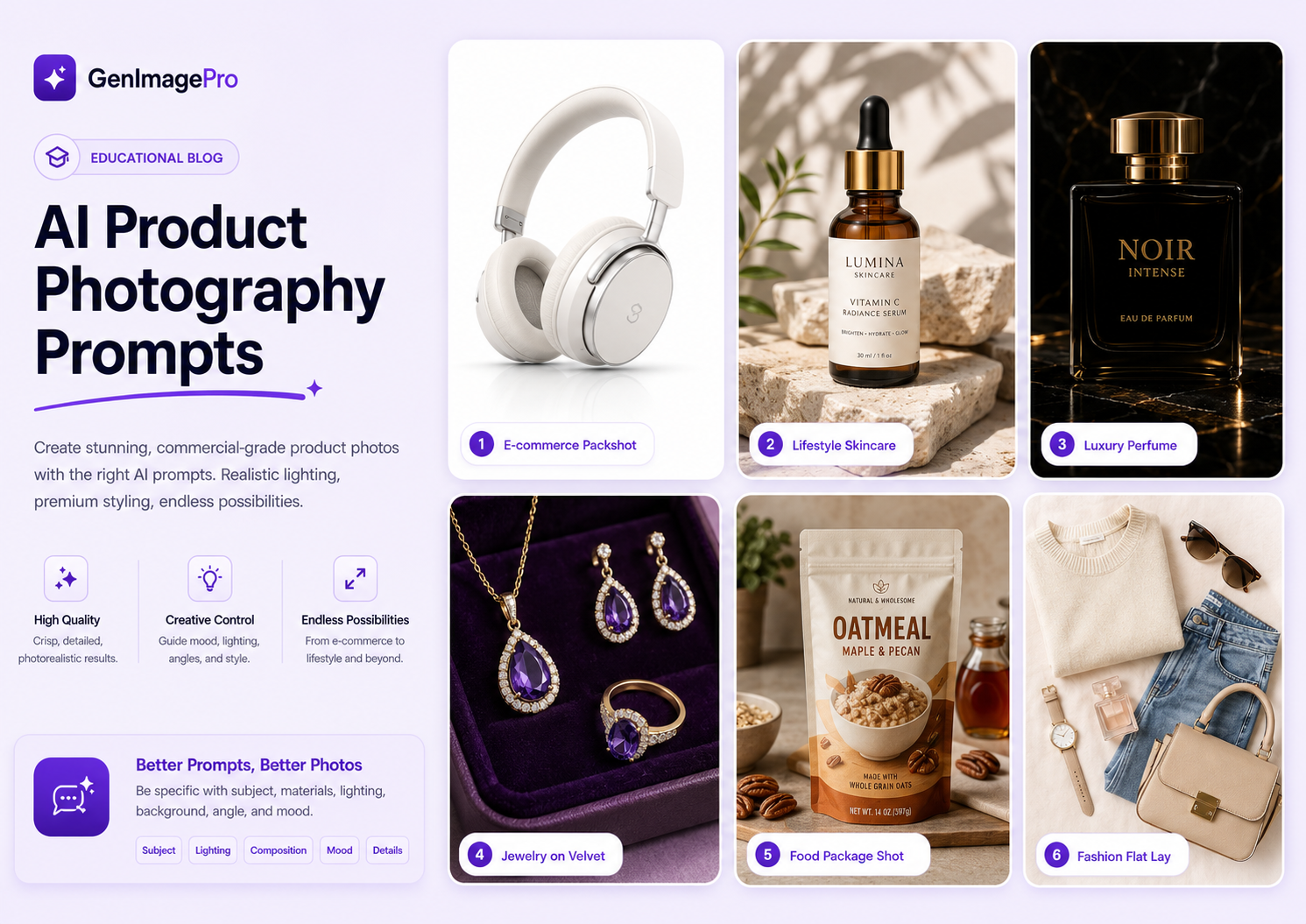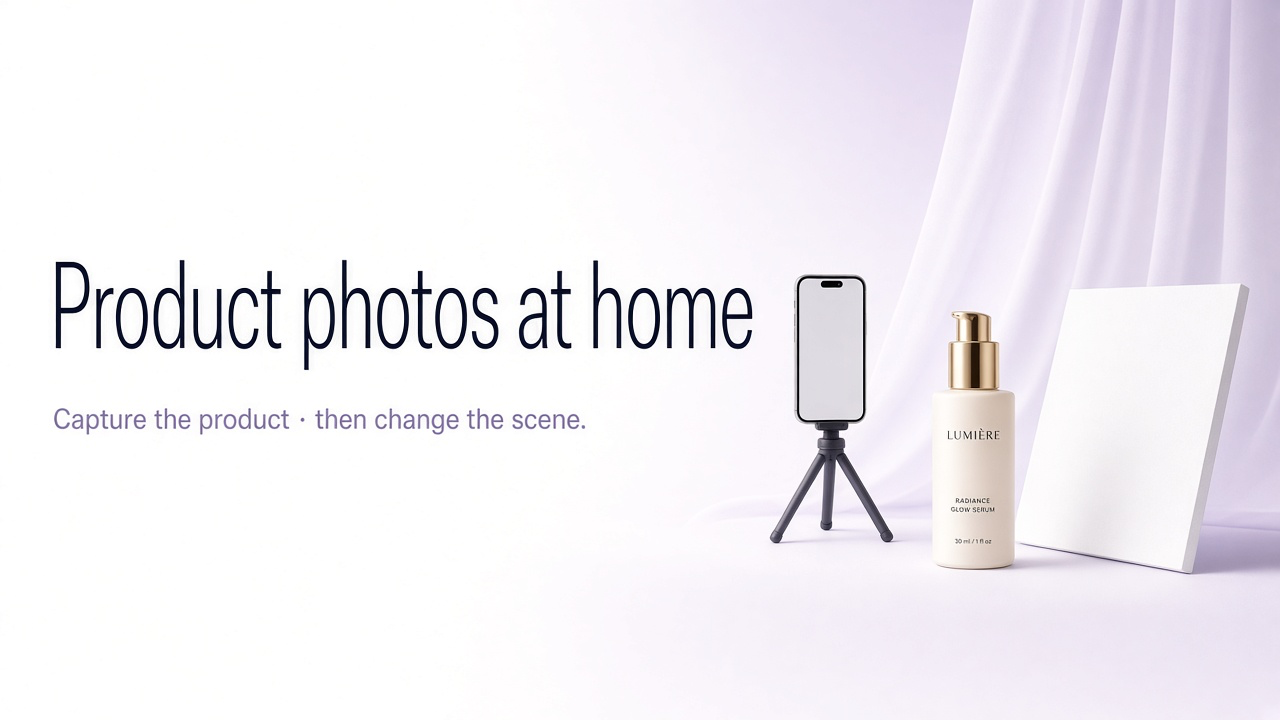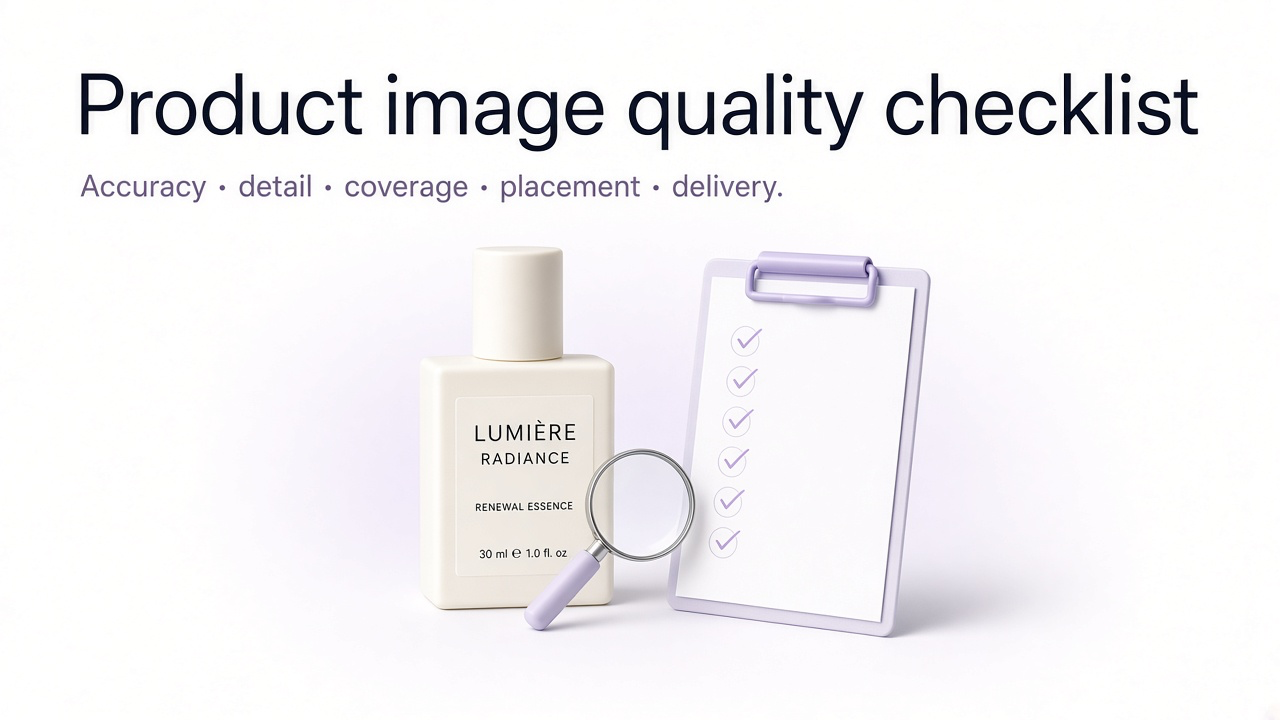
Product photography types are not aesthetic preferences. They are the frames that answer the questions shoppers ask before they buy: what is it, what does the back look like, how does the material feel, how big is it, and how will it look in use.
Treat this as a shot list tied to channels and categories—not a menu of vibes. For how missing types create purchase friction, see how product images affect conversion.
The baseline shot list
For a typical physical product, six to eight purposeful frames cover most marketplace and PDP needs. More is fine only when each frame adds information.
| Shot | Buyer question | Typical count |
|---|---|---|
| Packshot | What exactly am I buying? | 1 main |
| Angles | What does the rest look like? | 2–4 |
| Detail / macro | Is the quality real? | 1–2 |
| Scale | How big is it? | 1 |
| Lifestyle or in-use | How does it fit my life? | 1–2 |
| Packaging / what’s included | What arrives? | 0–1 |
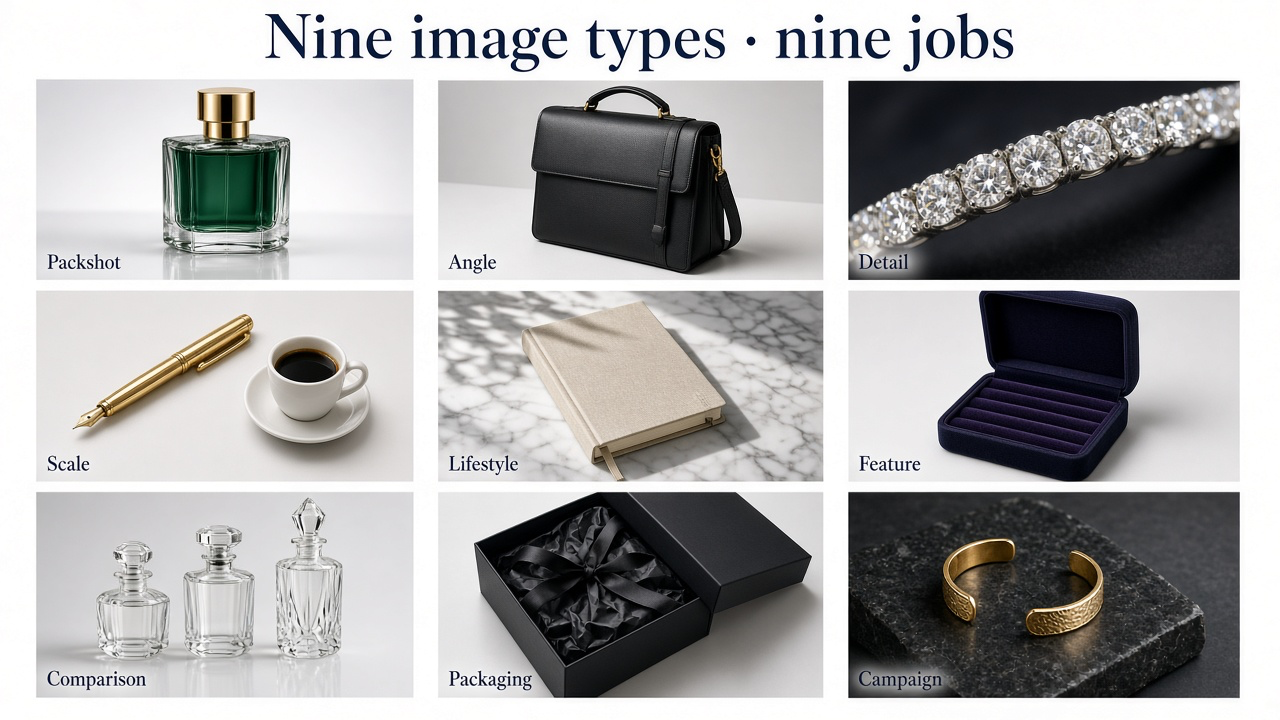
Packshot
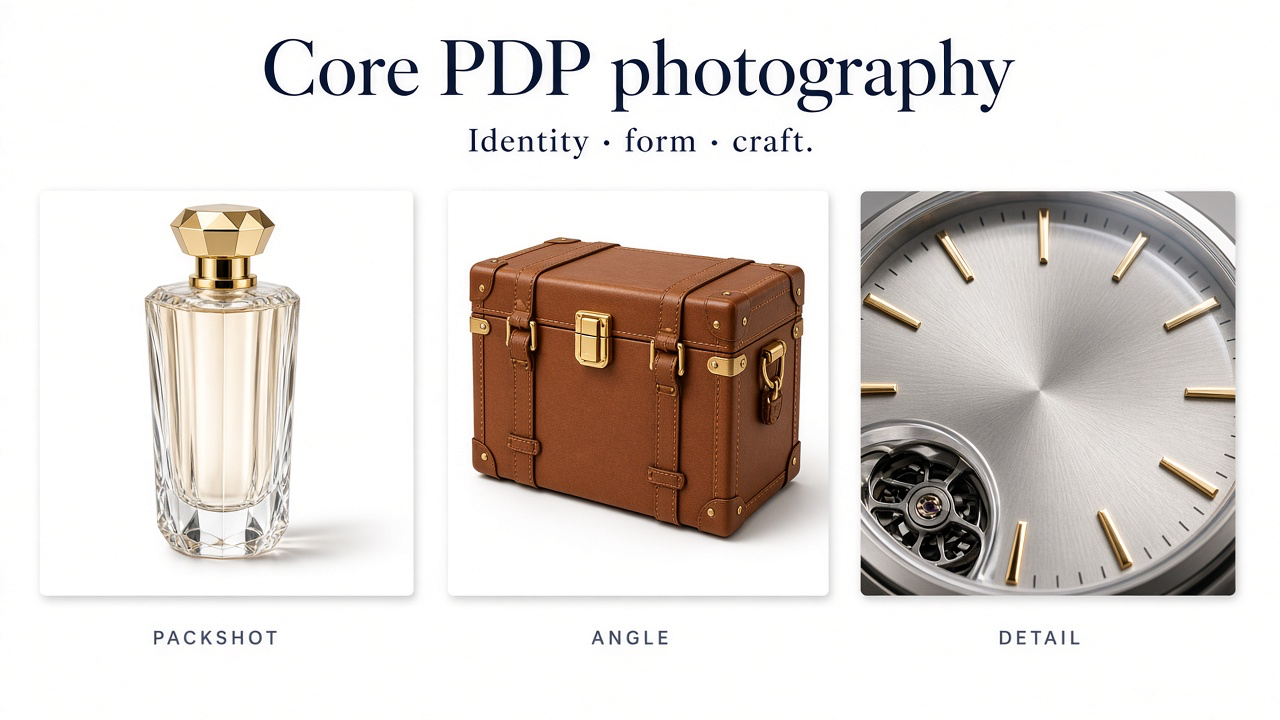
The product alone, evenly lit, on pure white or a quiet neutral, full item visible and readable as a thumbnail. This is almost always the marketplace main image and the category-grid crop. For most Amazon categories, expect a white background, product filling most of the frame, no unrelated props, and no text overlays. Google Merchant Center similarly rejects promo overlays, borders, and watermarks on feed images.
Treat the packshot as the compliance frame and the best master for later AI or editorial variants. Background systems: product photography backgrounds.
Angles, detail, and scale
Three-quarter, side, back, top, or interior—whatever a single front view hides. Bags need backs and interiors. Furniture needs depth. Apparel may need front, back, and side. Decide a tiered angle list per category so you are not shooting four angles for every low-consideration accessory.
Detail crops exist when price depends on craftsmanship you cannot feel through a screen—weave, grain, stitching, finish, ports, hardware. Scale shows the product next to a familiar object, in a hand, or in a correctly proportioned room. Spec tables are slow; shoppers often infer size from photos. Skip scale only when size is already obvious.
Lifestyle, flat lay, and commerce extras
Lifestyle shows where the product lives. In-use shows how it works. Both should keep the product dominant. Production cost is why lifestyle is often skipped—AI scene generation helps when you already have a true packshot. Deeper scene direction: lifestyle product photography guide.

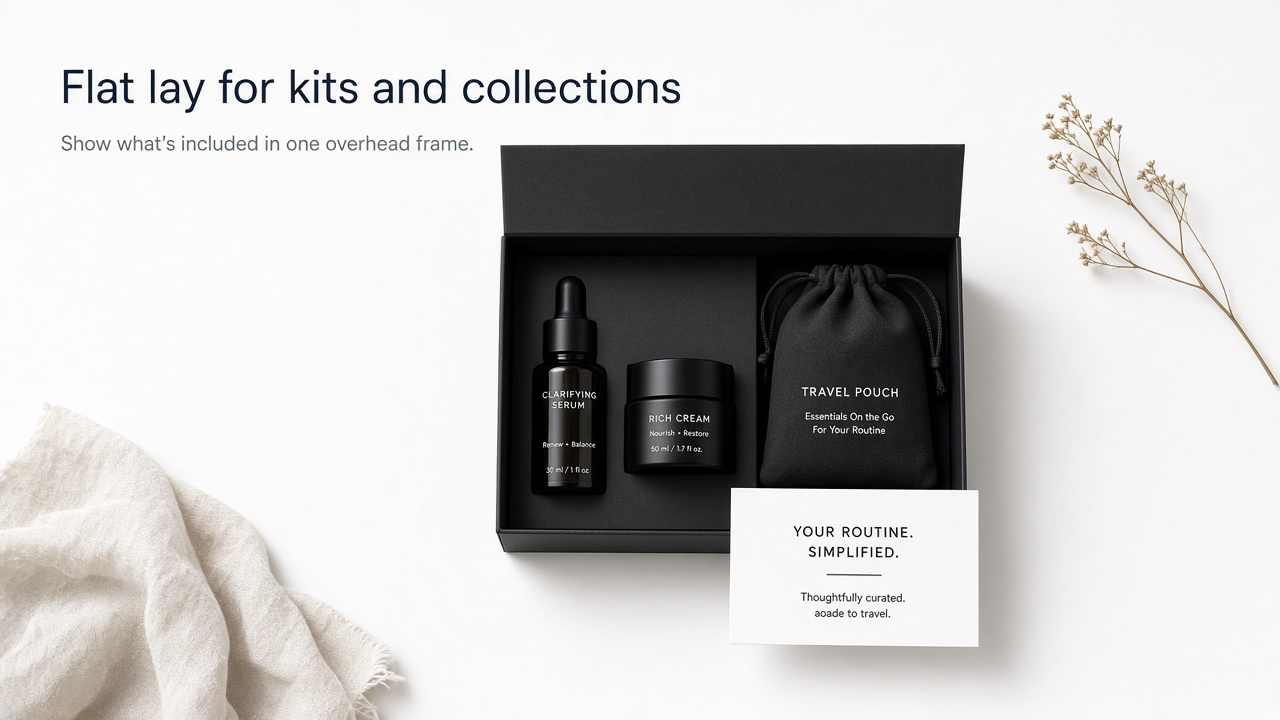
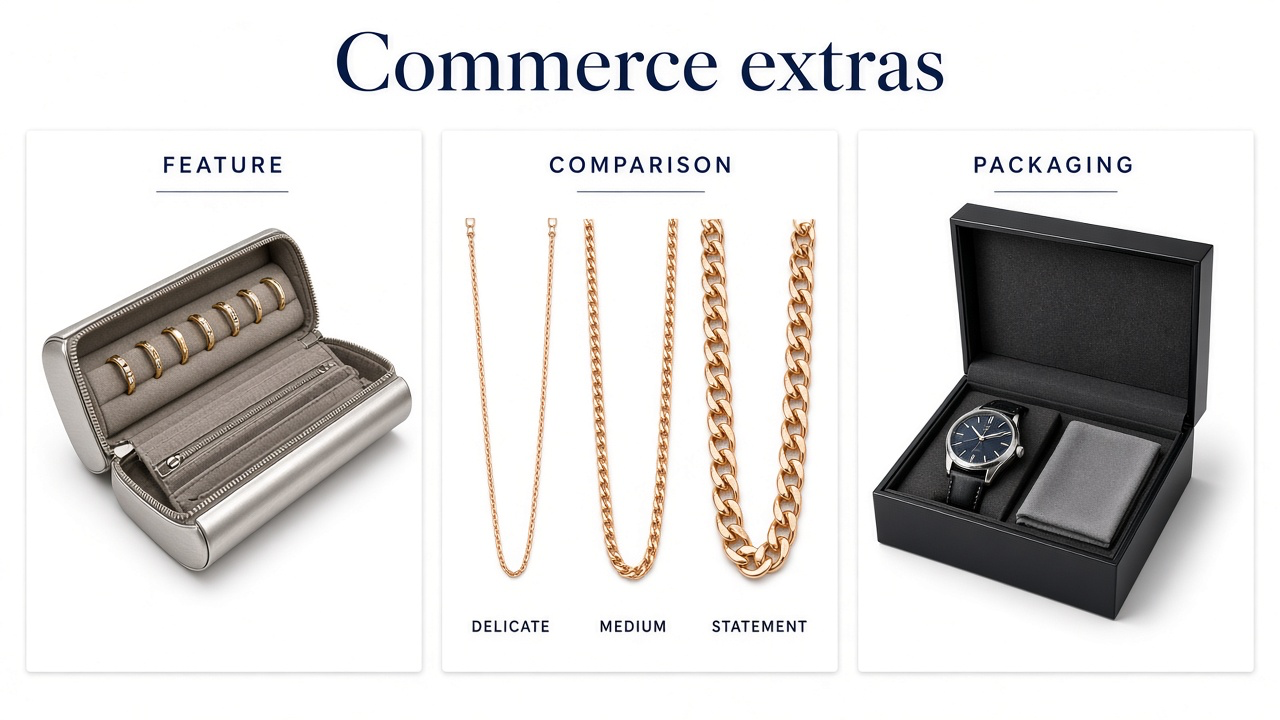
Flat lays are the clearest way to show kits, routines, or color families from above—especially on Etsy and social. Keep one hero object and controlled spacing. Packaging and what’s-included cut support tickets for kits and electronics. Feature and comparison frames replace dense tables when visual difference matters.
Campaign crops and channel rules
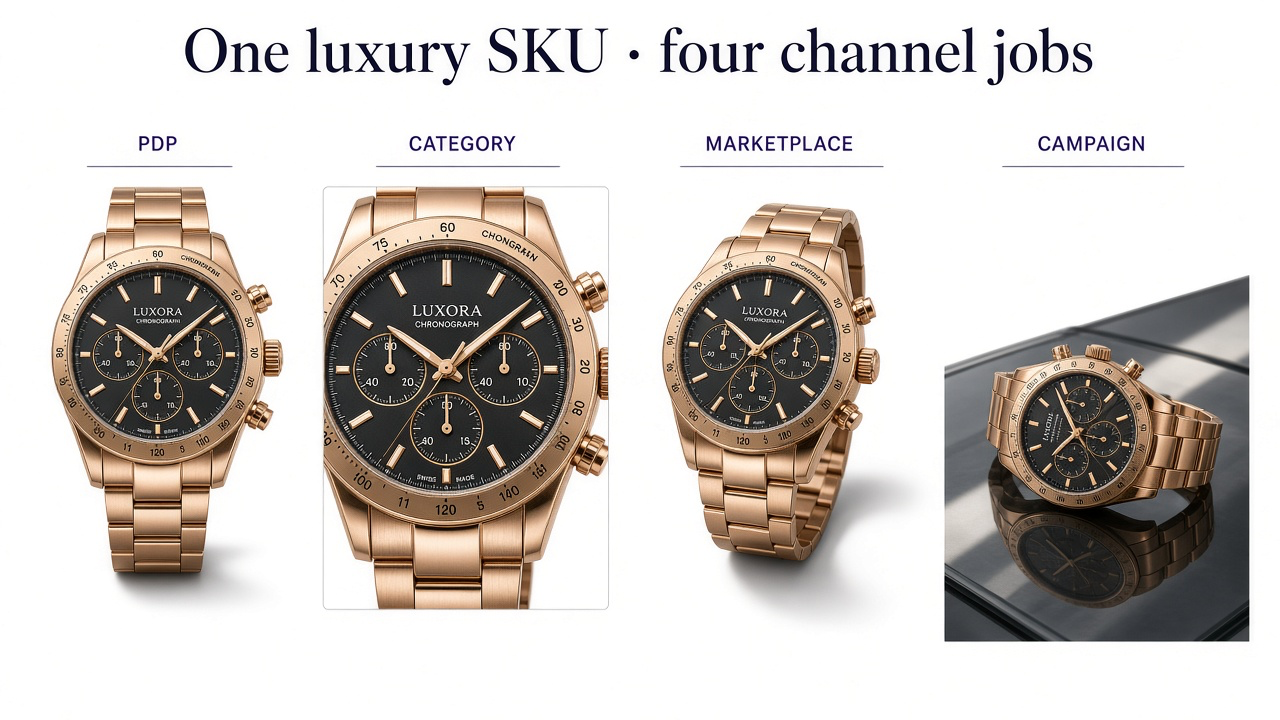
A campaign frame is not a packshot with louder lighting. It is composed for ads, email, or landing pages—often with negative space. Do not force one centered catalog crop to serve Meta ads, an Amazon main image, and Instagram equally.
| Channel | Constraint |
|---|---|
| Amazon (most categories) | White-background main; supporting slots for lifestyle, scale, detail, packaging |
| Google Merchant Center | Clean product image; no promo overlays, borders, or watermarks on the feed image |
| Shopify / DTC | Consistent gallery; more creative freedom on secondary and lifestyle |
| Etsy | Many slots—use for scale, detail, process, packaging, not duplicates |
| Paid social | Thumb-stopping crop and aspect ratio; product still recognizable |
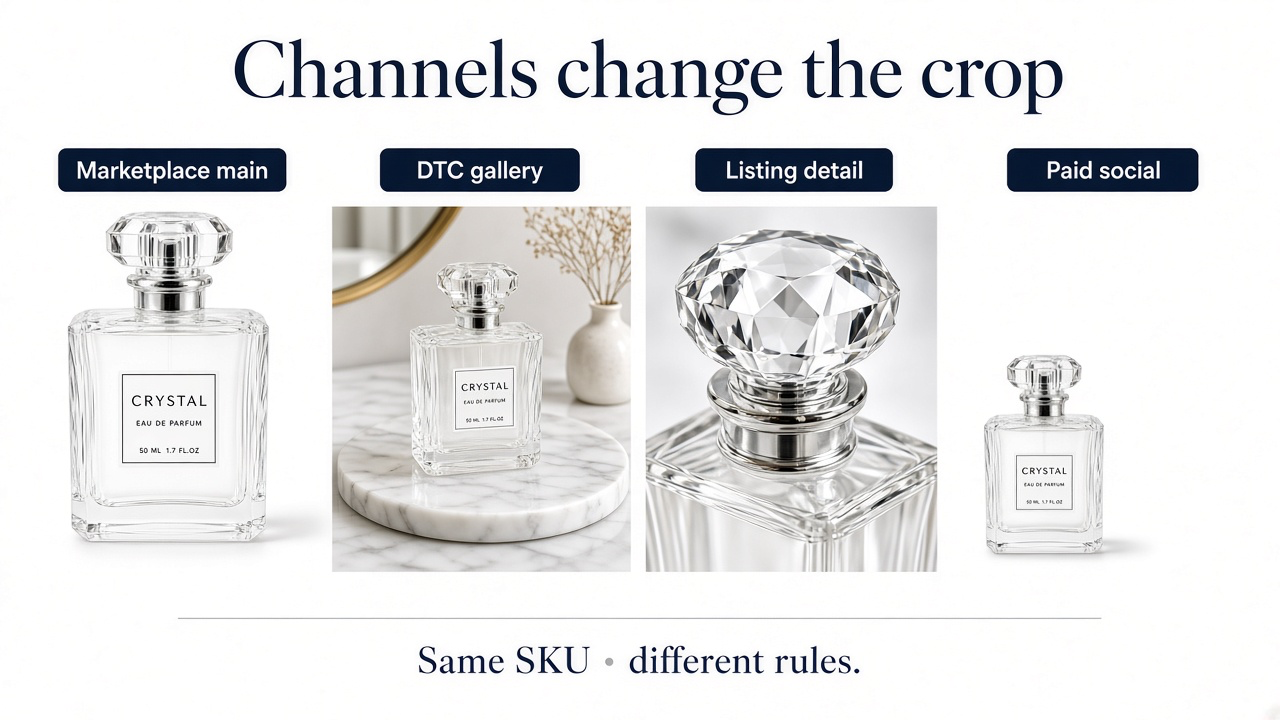
For Amazon / Etsy / eBay / Shopify exports from one master, see prepare product images for multiple marketplaces.
Where to invest after the packshot
| Category | Prioritize next |
|---|---|
| Fashion / apparel | On-body or mannequin, fabric detail, color variants |
| Beauty | Texture/applicator, shade accuracy, routine lifestyle |
| Jewelry | Macro, worn scale, metal/stone fidelity |
| Furniture / home | Three-quarter angle, room scale, material detail |
| Electronics | Ports/back, in-hand scale, what’s included |
| Food / beverage | Label clarity, serving context, pack size |
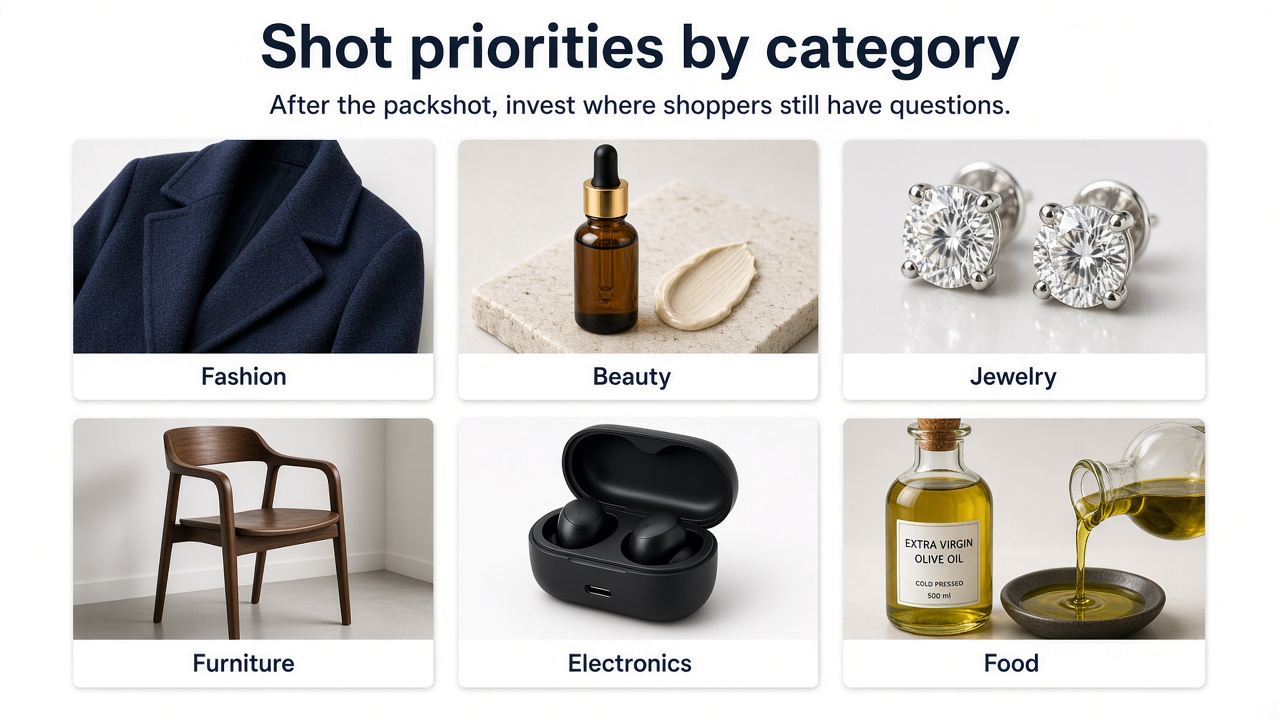
Furniture and room scale need extra care with perspective: furniture product photography guide.
Fill the list without a reshoot for every type
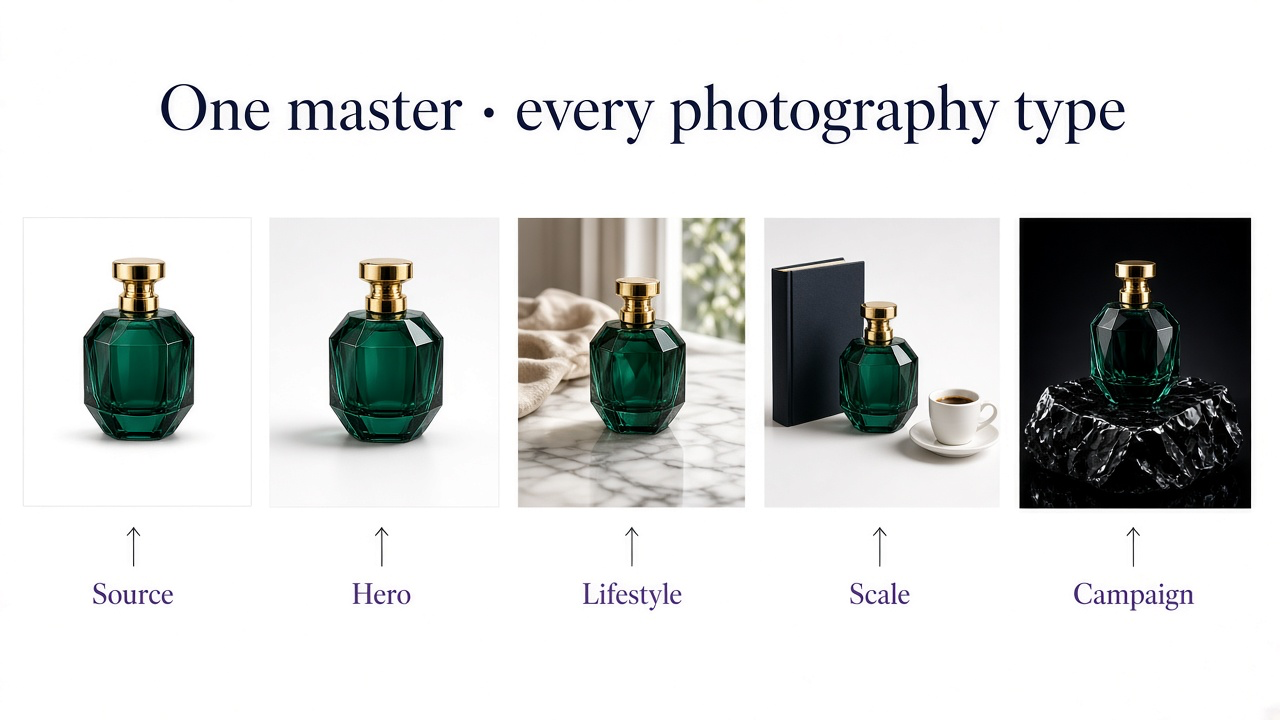
Studio days get expensive when every SKU needs angles, lifestyle, and campaign crops. A practical hybrid: lock one accurate packshot master, then generate the supporting types you still lack. In GenImagePro, upload the product and ask for the missing job—lifestyle room, scale reference, flat lay, or campaign crop—while locking shape, materials, labels, and color.
Practical workflow
Lock a true packshot
Correct color, sharp edges, full product, no clutter.
Cover gallery gaps
Useful angles, detail, scale, then lifestyle or flat lay.
Adapt for paid and social
Campaign compositions and aspect ratios last.
Review fidelity
Shape, materials, labels, and scale must still match the real item.
Before you publish
Main image meets the channel’s packshot rules
Gallery answers size, material, and use—not just more front angles
Category-critical extras exist (on-body, ports, room scale, etc.)
Variants show the selected color or finish
AI frames were checked against the real product
Frequently Asked Questions
What types of product photos does an ecommerce store need?
At minimum: a clean packshot, useful alternate angles, a detail when quality matters, a scale reference when size is unclear, and a lifestyle or in-use frame. Add packaging, flat lays, comparisons, and campaign crops based on category and channel.
How many product images should each SKU have?
Most products work well with about six to eight purposeful images. More is fine only when each frame adds information.
Is a white-background photo required?
For many Amazon categories, yes for the main image. DTC sites have more flexibility, but a clean product-first frame is still the foundation for grids and feeds.
What is the difference between lifestyle and scale?
Scale proves physical size with a known reference. Lifestyle shows the product in a believable setting or routine. One frame can sometimes do both if proportions are correct.
Which shots should a new store create first?
Packshot, two useful angles, detail if materials sell the product, then scale or lifestyle. Build campaign crops after PDP information gaps are closed.