Online shoppers cannot touch the product. Imagery replaces part of that inspection—so trust is not a “premium look.” A beautiful frame still creates doubt if size, material, variant, or contents are unclear.
Baymard’s product-page research has repeatedly found that many users start exploring a PDP through the images. Ask: what does the customer need to verify before buying? For galleries that fail that test, see product image mistakes that hurt sales. For the full shot list, see product photography types for ecommerce.
Trust is evidence, not a lighting style
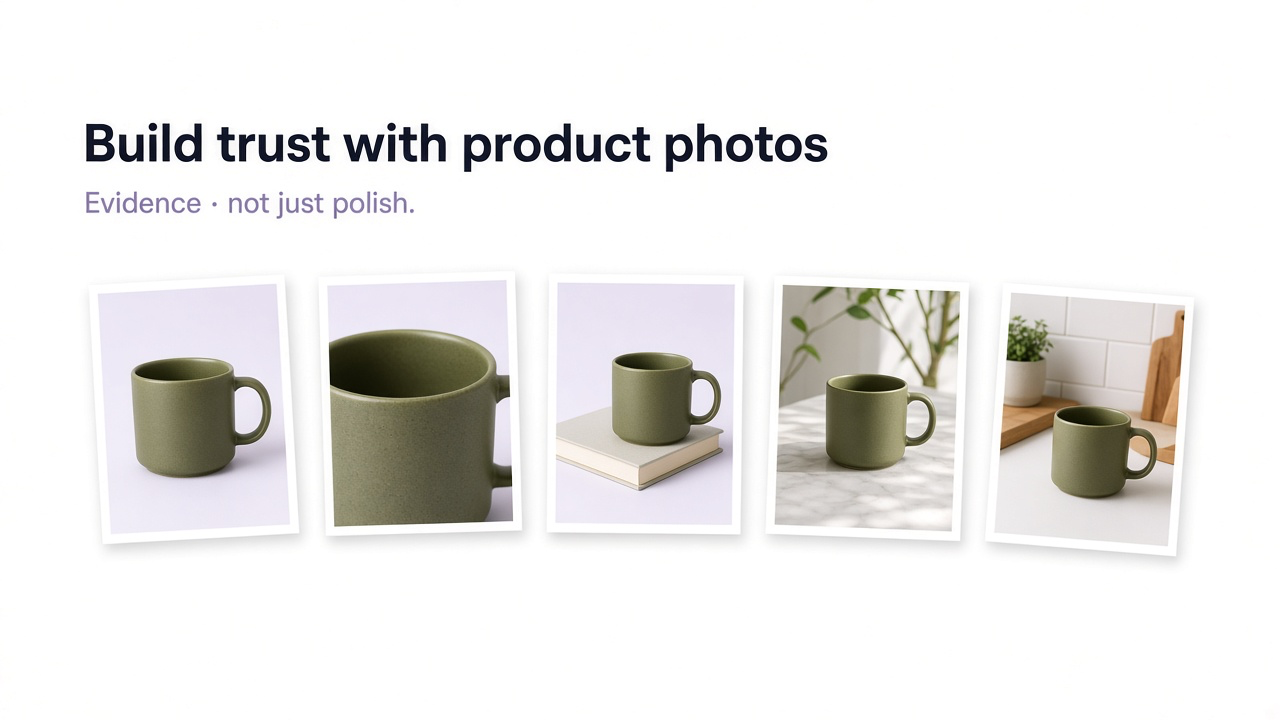
Clean backgrounds and consistent color help presentation. They are not proof. Useful imagery shows what the item looks like, how material behaves up close, how large it is, how it is used, what ships, and whether the selected version matches the gallery.
| Shopper asks | Evidence |
|---|---|
| Is this the actual product? | Accurate product-first hero |
| What does it look like up close? | High-resolution detail |
| How large is it? | In-scale imagery |
| How does it look in use? | Lifestyle / human context |
| Is this my selected version? | Variant-specific gallery |
| What arrives? | Included-items / packaging |
| Does it look like this outside a studio? | Customer or social imagery |
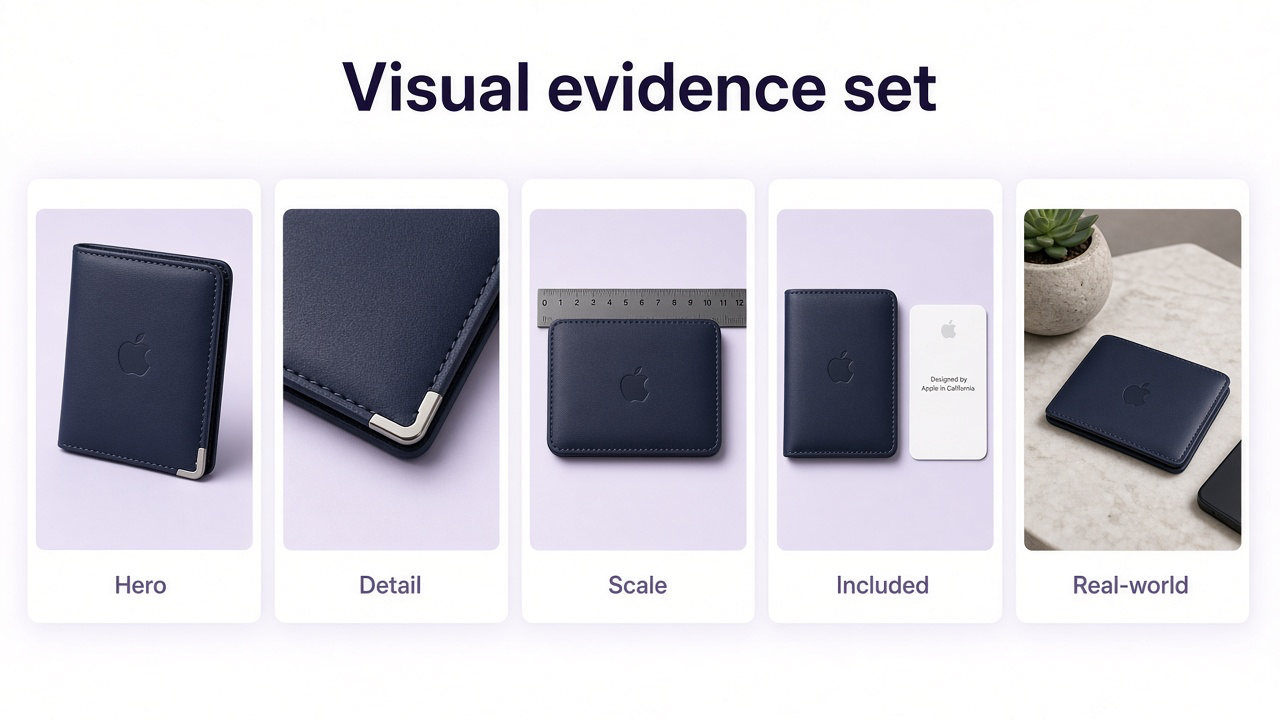
Accuracy first, then polish
Preserve shape, proportions, color, materials, packaging, patterns, labels, and hardware. Improve light and presentation; do not invent a prettier SKU. Google Merchant Center expects imagery that accurately displays the product—and dedicated images when variants differ in color, pattern, finish, or material.
Detail, scale, variants, and what’s included
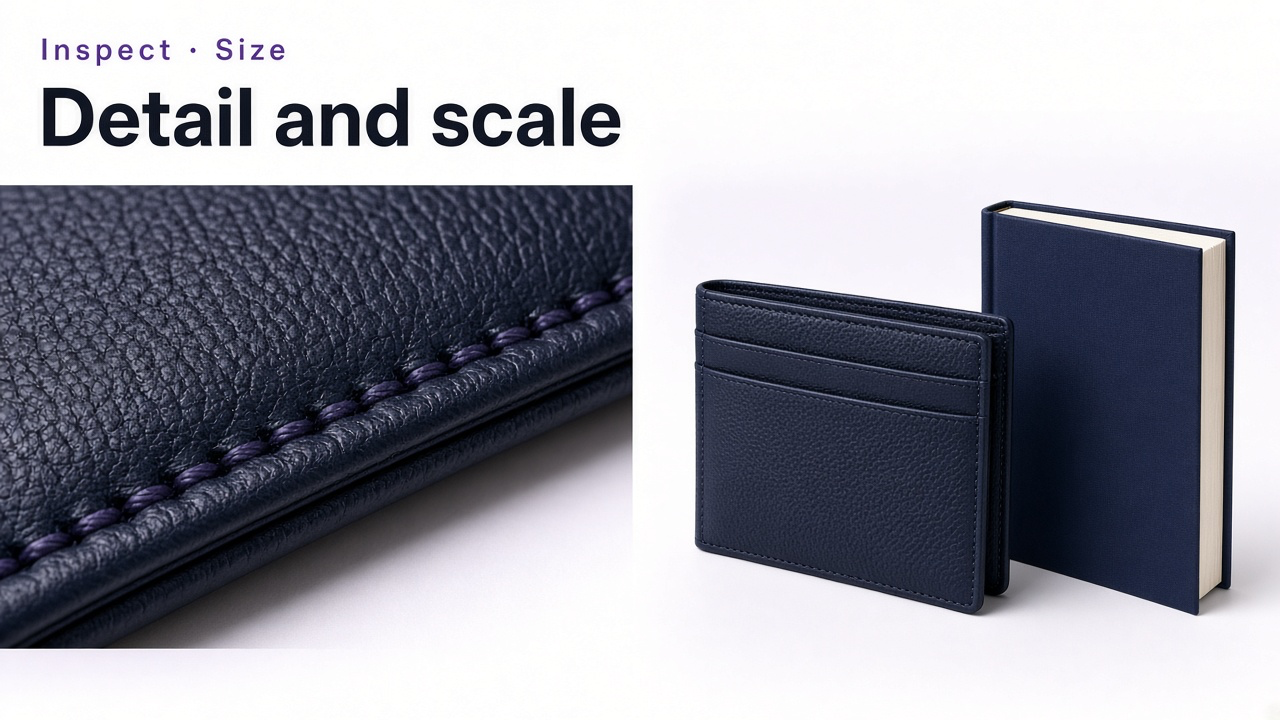
Zoom is usually evidence-seeking: weave, seams, settings, grain, type, ports. Baymard has reported many sites with insufficient resolution or zoom for evaluation. High res should support inspection—not exist only as a file-size brag. If the source is tiny, see how to increase image resolution.
Specs are precise; they are not always intuitive. A large share of shoppers try to judge size from images—use a hand, worn bag, furniture neighbor, or familiar desk object. Lifestyle only builds trust when scale is honest.
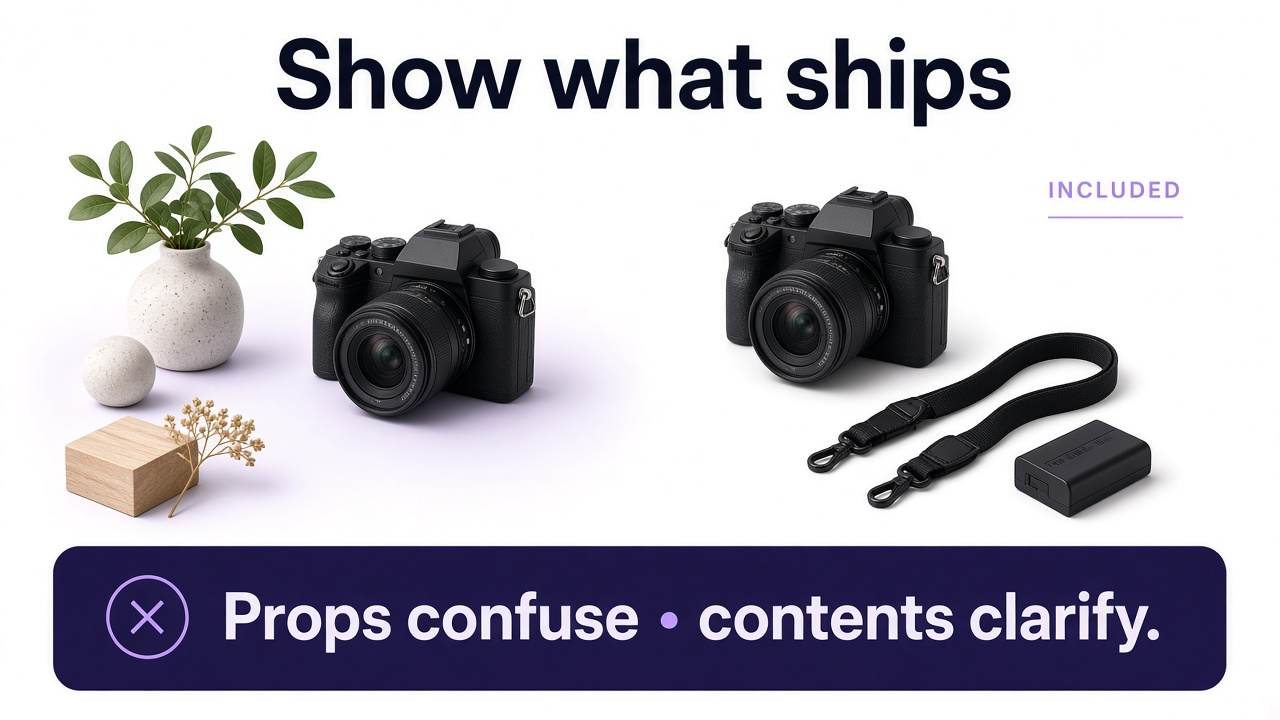
When a shopper picks Forest Green and still sees beige, trust dips for a second—and sometimes permanently. Update the gallery with the selection. For bundles and props: show everything included in one clear frame; don’t let decorative objects look like free gifts. Baymard’s testing has shown shoppers missing included accessories when the gallery never groups them.
Human context and customer imagery
For apparel, jewelry, watches, bags, shoes, and many cosmetics, cut-outs leave fit, length, and placement unanswered. Model imagery is evidence when it clarifies scale and drape—not when styling hides sleeves, earrings, or bag size.
Brand photos show the product clearly; customer and social photos show ordinary rooms, bodies, and light. Baymard’s research has found shoppers use that layer to validate brand imagery—and that many product pages still lack it. Don’t replace your main gallery with UGC; add it as a second layer. Label platform source or incentivized content so “customer photo” means what it claims.
Consistency, honest editing, and AI fidelity
Consistency is not identical beige pedestals—it is a catalog shoppers can compare: similar aspect ratios, relative product scale in thumbnails, coherent color handling, and a predictable gallery order by category. The same SKU should still look like itself across Google, Amazon, social, and your store.
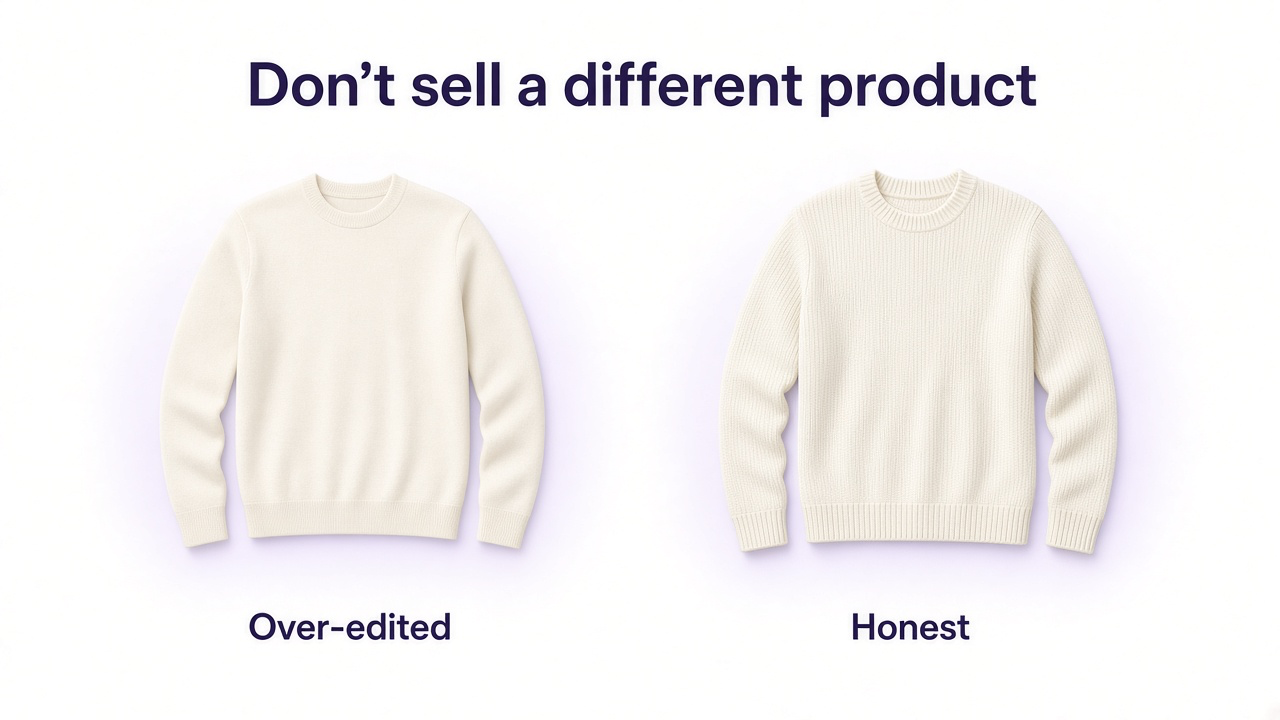
Cropping, exposure, dust removal, and background cleanup are normal. Trust breaks when edits change color, erase texture, hide condition, upgrade materials, rewrite labels, or stretch proportions. Lifestyle should clarify, not bury the product.
AI is held to the same bar: does it still show what ships? Start from the uploaded product; change environment and light, not the SKU. Full QC list: common AI product photography mistakes.
A trust-building gallery order
Verification → deeper evaluation
Clear product hero
Identify exactly what is sold.
Useful alternate angle
Another side or configuration—not a near-duplicate.
Detail
Material or construction that justifies confidence.
In-scale
Real-world size with a familiar reference.
Usage / human context
Worn, held, or used where that answers a question.
Included items
What arrives when the package has multiple pieces.
Lifestyle / campaign, then customer imagery
Context and real-world validation after core questions are covered.
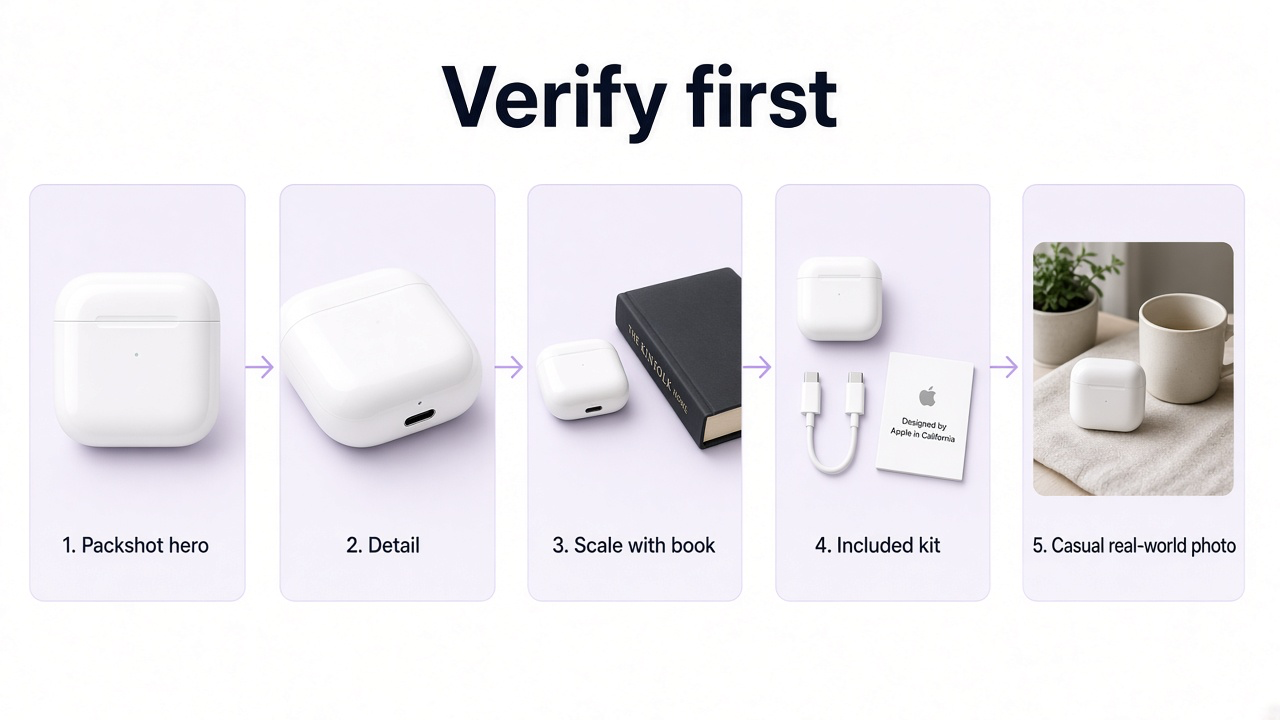
Fill gaps with GenImagePro—then verify
Trust rarely comes from one hero. If scale, context, or a cleaner product-first crop is missing, upload the real master and generate that job—not random “more pretty” variants. Compare shape, color, labels, materials, and hardware to the source before anything goes live.
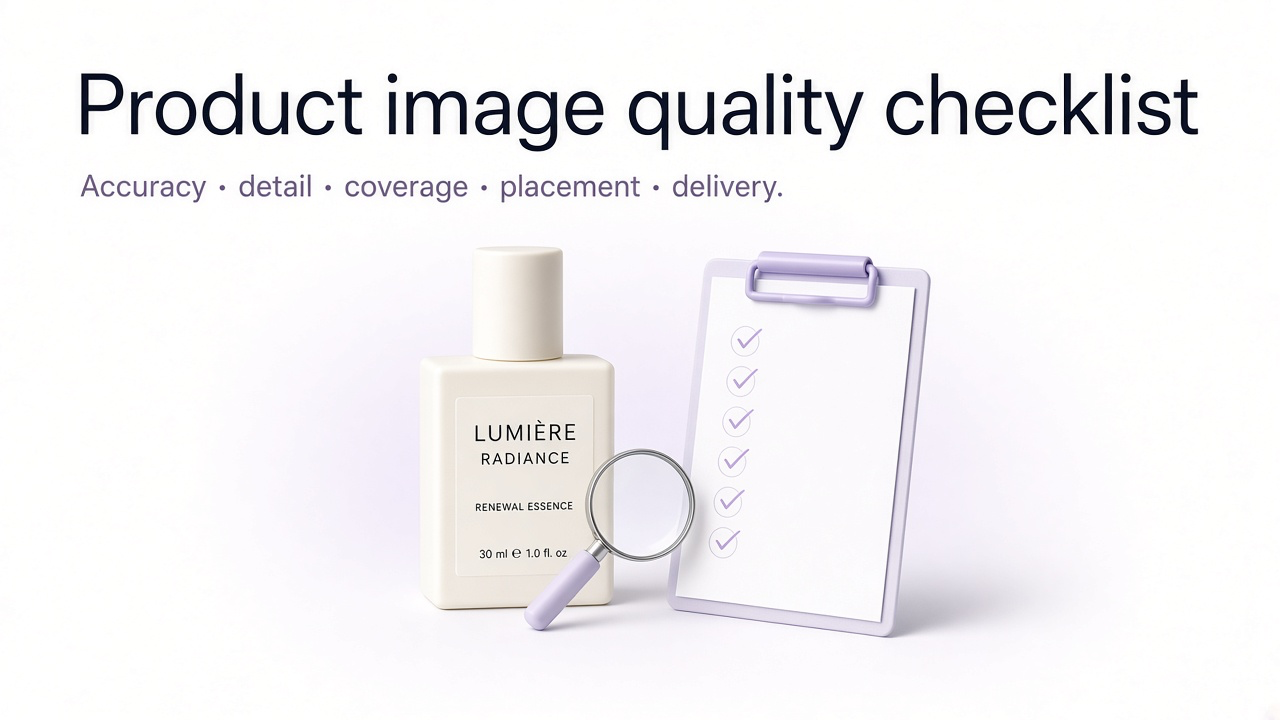
Before you publish
Hero represents the actual product
Important details survive zoom
Color and materials match the SKU
Gallery matches the selected variant
Scale is understandable
Wearables have useful human context when needed
Included items are clear; props aren’t misleading
Customer/social imagery is available and labeled honestly
Editing and AI did not change the product
Catalog presentation is consistent enough to compare
Frequently Asked Questions
How do product photos build trust?
By helping shoppers verify appearance, materials, size, variant, included items, and real-world use—information they cannot get by handling the product online.
Do professional photos increase trust?
Polish helps presentation, but trust comes from accuracy and useful visual evidence—not lighting alone.
Are customer photos important?
Often yes. Shoppers use review and social imagery to validate brand photos and see ordinary lighting and rooms. Keep them as a layer alongside clear brand-controlled shots.
Lifestyle or white background?
Both. Product-first for inspection; lifestyle for scale, use, and context.
Should every variant have its own photo?
When it looks meaningfully different—color, pattern, material, finish, hardware—yes.
Can AI product photos be trustworthy?
When they still show the real SKU. Upload the product, lock fidelity, and check labels, materials, and scale before publishing.
What should I create first if the gallery feels untrustworthy?
Fix the biggest unanswered question—detail, scale, included items, or the correct variant—not more near-duplicates.